Customer Ratings & Reviews




- Model:
- GA01586-US
- SKU:
- 12089656
Rating by feature
- Value
Rating 4.6 out of 5 stars
- Quality
Rating 4.7 out of 5 stars
- Ease of Use
Rating 4.7 out of 5 stars
- Pros mentioned:Sound quality
Good sound, sleek design
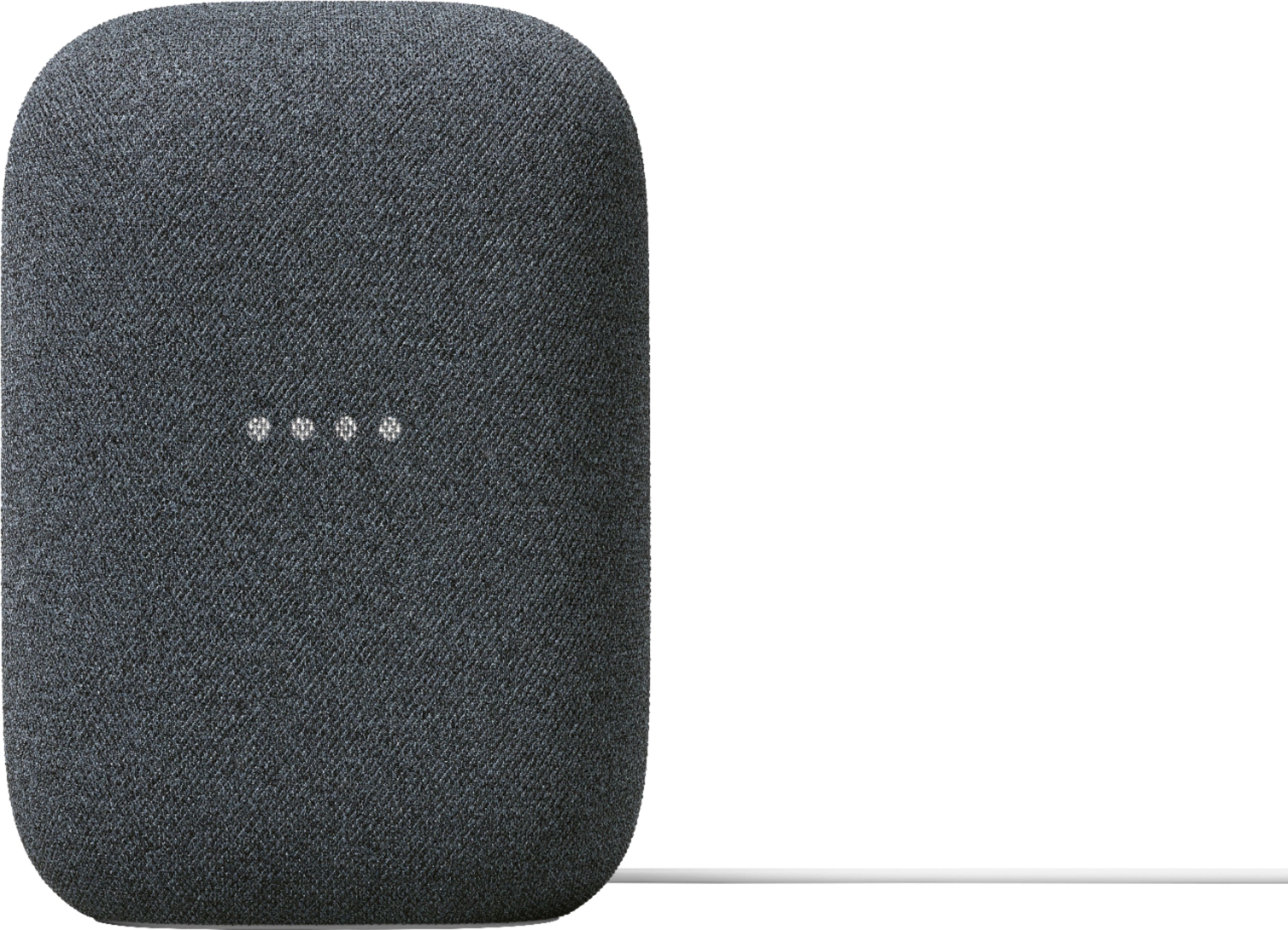
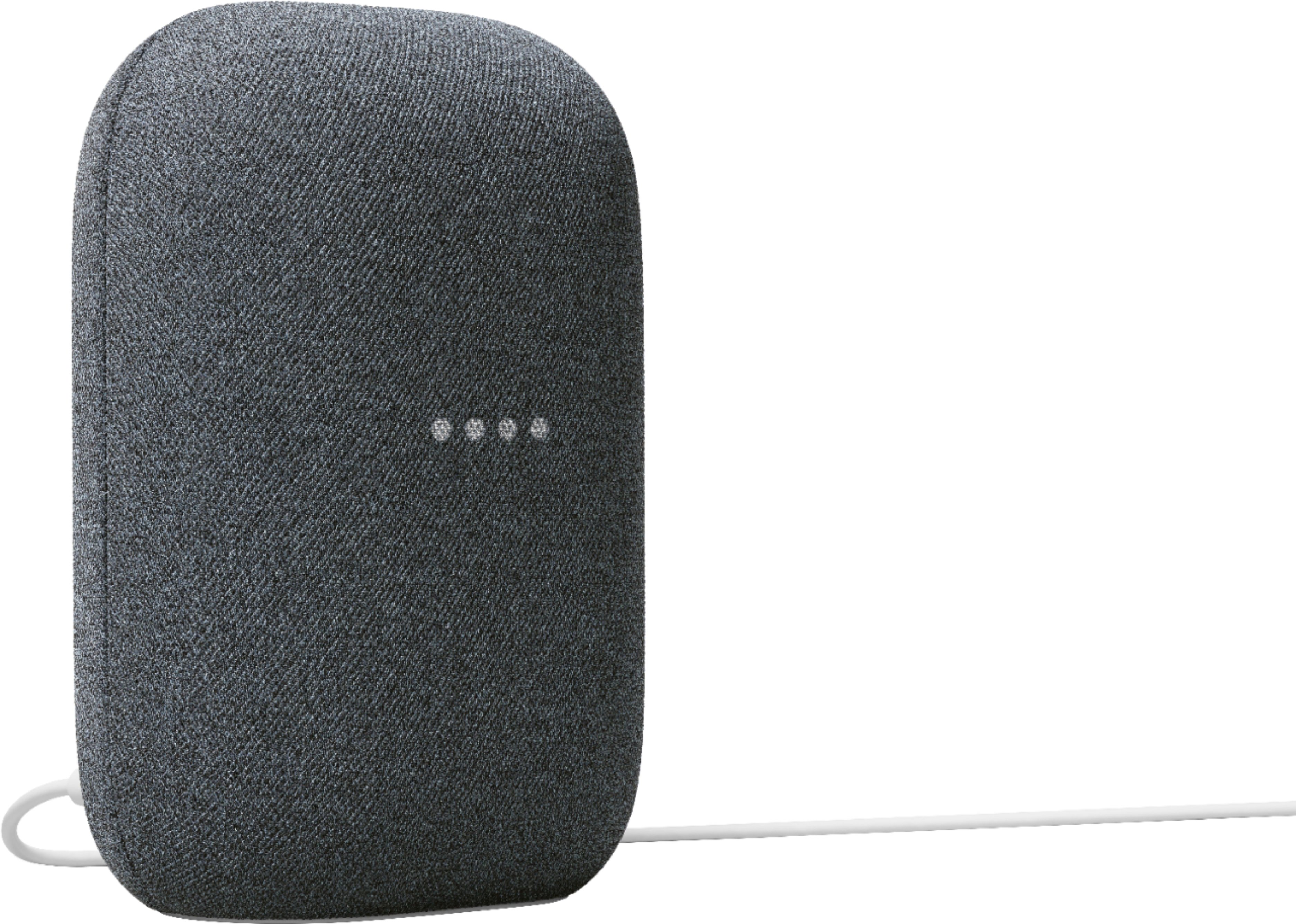
||Posted . Owned for 1 week when reviewed.This reviewer received promo considerations or sweepstakes entry for writing a review.For the price this is unbeatable. If you want higher quality sound, try a Sonos speaker, but this integrates very well with the rest of our Google Home products.
I would recommend this to a friend - Pros mentioned:Sound quality
Google nest speaker issues
||Posted . Owned for 2 months when reviewed.This reviewer received promo considerations or sweepstakes entry for writing a review.The sound quality is pretty good in a single bedroom Apt. There are couple of issues after using it for a month. Randomly turns off and constantly disconnects from Google TV Chromecast
No, I would not recommend this to a friend Excellent Purchase
||Posted .This reviewer received promo considerations or sweepstakes entry for writing a review.Picked this up on a drop and I love it. Needed to replace my old one and this works great.
I would recommend this to a friend- Pros mentioned:Sound quality
Google Nest Audio
||Posted . Owned for 3 weeks when reviewed.This reviewer received promo considerations or sweepstakes entry for writing a review.Excellent sound and quality. The bass sounds great. Definitely one of the best speakers out there. I definitely recommend this speaker.
I would recommend this to a friend - Pros mentioned:Sound quality
Good speaker
||Posted . Owned for 3 weeks when reviewed.This reviewer received promo considerations or sweepstakes entry for writing a review.I bought this for my mom for Christmas and she told me it is better than her Alexa and sounds clear
I would recommend this to a friend - Pros mentioned:Sound quality
Just what we wanted!
||Posted . Owned for 3 weeks when reviewed.This reviewer received promo considerations or sweepstakes entry for writing a review.Nice sound, perfect for our smaller living room! Wish you didn’t’t have Ve to upgrade to premium YouTube to get specific songs.
I would recommend this to a friend - Pros mentioned:Sound quality
Works great!
||Posted . Owned for 3 months when reviewed.This reviewer received promo considerations or sweepstakes entry for writing a review.The sound from this little guy is wonderful. I bought it at $70 and it was worth every penny.
I would recommend this to a friend - Pros mentioned:Sound quality
$50 is worth it.
||Posted . Owned for 1 month when reviewed.This reviewer received promo considerations or sweepstakes entry for writing a review.For the $50 sale price it gets the job done. I paired this will a Belkin Sound Elite and it bumps!
I would recommend this to a friend - Pros mentioned:Sound quality
Quality sound
||Posted . Owned for 1 month when reviewed.This reviewer received promo considerations or sweepstakes entry for writing a review.Fantastic listening experience for a single-speaker setup. Works well with the rest of my Nest products. Definitely recommended over nest minis.
I would recommend this to a friend It's a Google device.
||Posted .This reviewer received promo considerations or sweepstakes entry for writing a review.So far so good works like it should, no problems yet.
I would recommend this to a friend- Pros mentioned:Sound quality
Google. Speaker
||Posted . Owned for 2 weeks when reviewed.This reviewer received promo considerations or sweepstakes entry for writing a review.Very good speaker, have a good sound very dependable
I would recommend this to a friend - Pros mentioned:Sound quality
Love it!! Great sound
||Posted . Owned for 1 month when reviewed.This reviewer received promo considerations or sweepstakes entry for writing a review.I love my Google nest, the bass is awesome. Sound is amazing clean and crisp. I only wish it were wifi and not have to be plugged in for more portability.
I would recommend this to a friend - Pros mentioned:Sound quality
Excellent smart speaker.
||Posted . Owned for 3 weeks when reviewed.This reviewer received promo considerations or sweepstakes entry for writing a review.Great upgrade over the original Google home. Much better audio and the time it takes to recognize your voice and respond is faster.
I would recommend this to a friend Great speaker
||Posted . Owned for 2 weeks when reviewed.This reviewer received promo considerations or sweepstakes entry for writing a review.I really like the speaker. My only gripe is sometimes i have to repeat a request a few times before it responds otherwise its great
I would recommend this to a friend- Pros mentioned:Connectivity
Best Christmas gift I gave
||Posted . Owned for 3 weeks when reviewed.This reviewer received promo considerations or sweepstakes entry for writing a review.I got this for my son-in-law for Christmas and he absolutely loved it he hooked it up on Christmas Day and couldn't thank me enough
I would recommend this to a friend - Pros mentioned:Sound quality
Great
||Posted . Owned for 2 months when reviewed.This reviewer received promo considerations or sweepstakes entry for writing a review.The sound quality is great. Way louder than I imagined. The only issue I have is that it has issues completing tasks often almost like it freezes. I have to unplug and restart.
I would recommend this to a friendBrand response from Nest Support
Posted .Hi Omar, thanks for letting us know of your experience with using the Nest Audio, and we’re sorry to hear that you’re having issues with its performance. We can see how inconvenient it must’ve been for you to unplug and restart your speaker when it freezes.
Your Nest speaker could be having trouble connecting to Google. We suggest trying these simple steps below that may improve your experience:
- Check your Wi-Fi network for possible congestion. Relieving some of your connected devices may help free up some bandwidth space.
- Check the distance between the Nest Audio and your router. Ensure that it is within a line of sight from your router.
- Check for wireless interference with other Wi-Fi hotspots or appliances and devices nearby.
- Restart Nest speaker and router to refresh the connection.
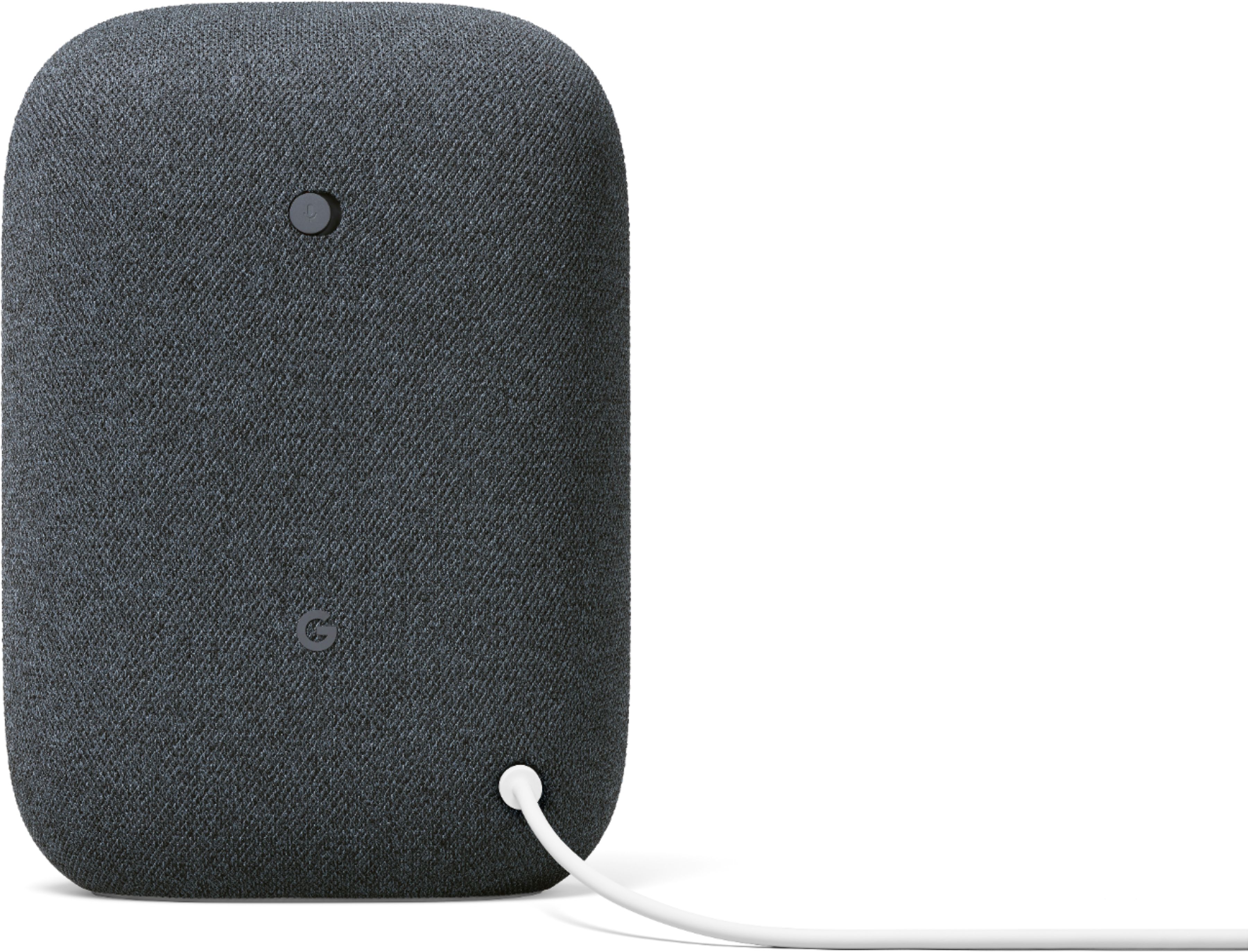
- Reset your Nest speaker. On the back of your device, switch the mic off. The lights will turn orange. Press and hold the center of the Nest Audio, near the top. After 5 seconds, your device will begin the factory reset process. Continue to hold for about 10 seconds more, until a sound confirms that the device is resetting.
If the speaker still has issues with completing tasks after trying the simple steps above, please get in touch with our specialists anytime here for further troubleshooting and investigation: https://support.google.com/googlenest/gethelp
- Pros mentioned:Sound quality
Great speaker
||Posted . Owned for 1 month when reviewed.This reviewer received promo considerations or sweepstakes entry for writing a review.Does what it is supposed to do. Very good sound quality as well. I'm very pleased very good sound quality as well. I'm very pleased
I would recommend this to a friend - Pros mentioned:Sound quality
Excellent
||Posted . Owned for 2 months when reviewed.This reviewer received promo considerations or sweepstakes entry for writing a review.Excellent speaker, like seriously for the price I got it really made it worth it. The sound quality is perfect, can't complain!!
I would recommend this to a friend - Pros mentioned:Sound quality
Great sound for a smaller speaker
||Posted .This reviewer received promo considerations or sweepstakes entry for writing a review.For a small speaker, it really has a great sound. Your not going to get rid of your high end stereo equipment for this but it is a great stand-alone.
I would recommend this to a friend - Pros mentioned:Sound quality
Good sound
||Posted . Owned for 1 month when reviewed.This reviewer received promo considerations or sweepstakes entry for writing a review.Sounds good and very helpful i would recommend it to anyone
I would recommend this to a friend