Customer Ratings & Reviews
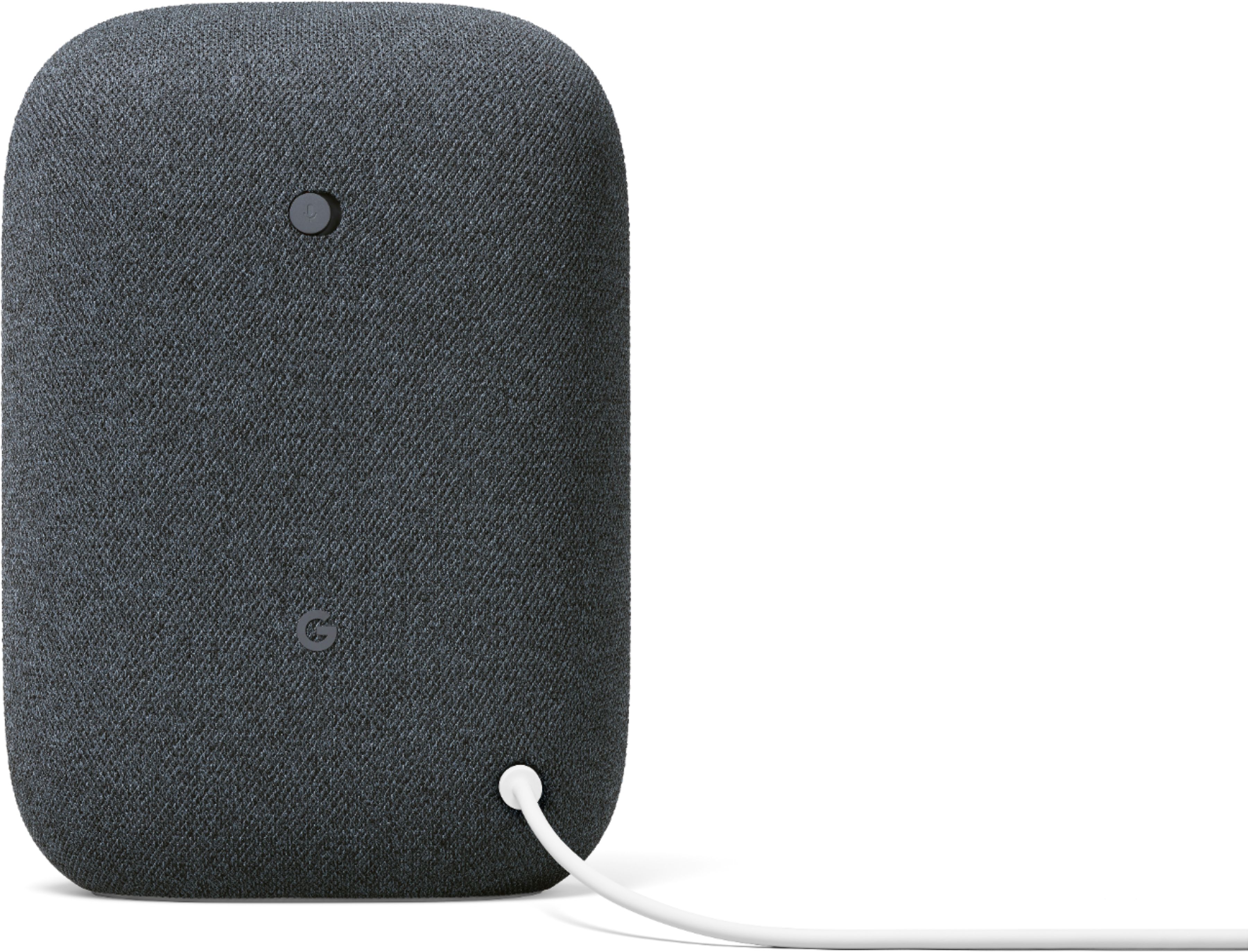
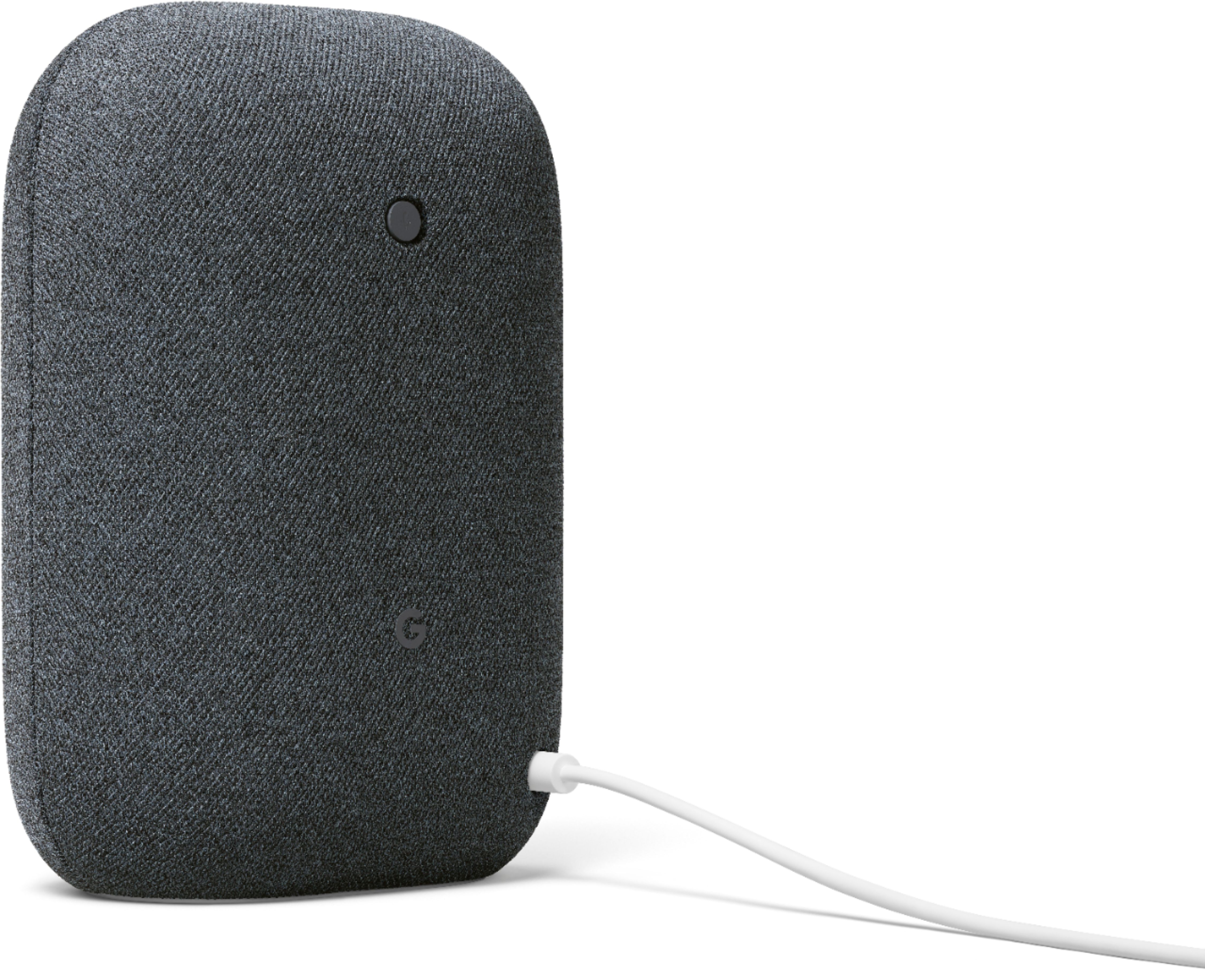
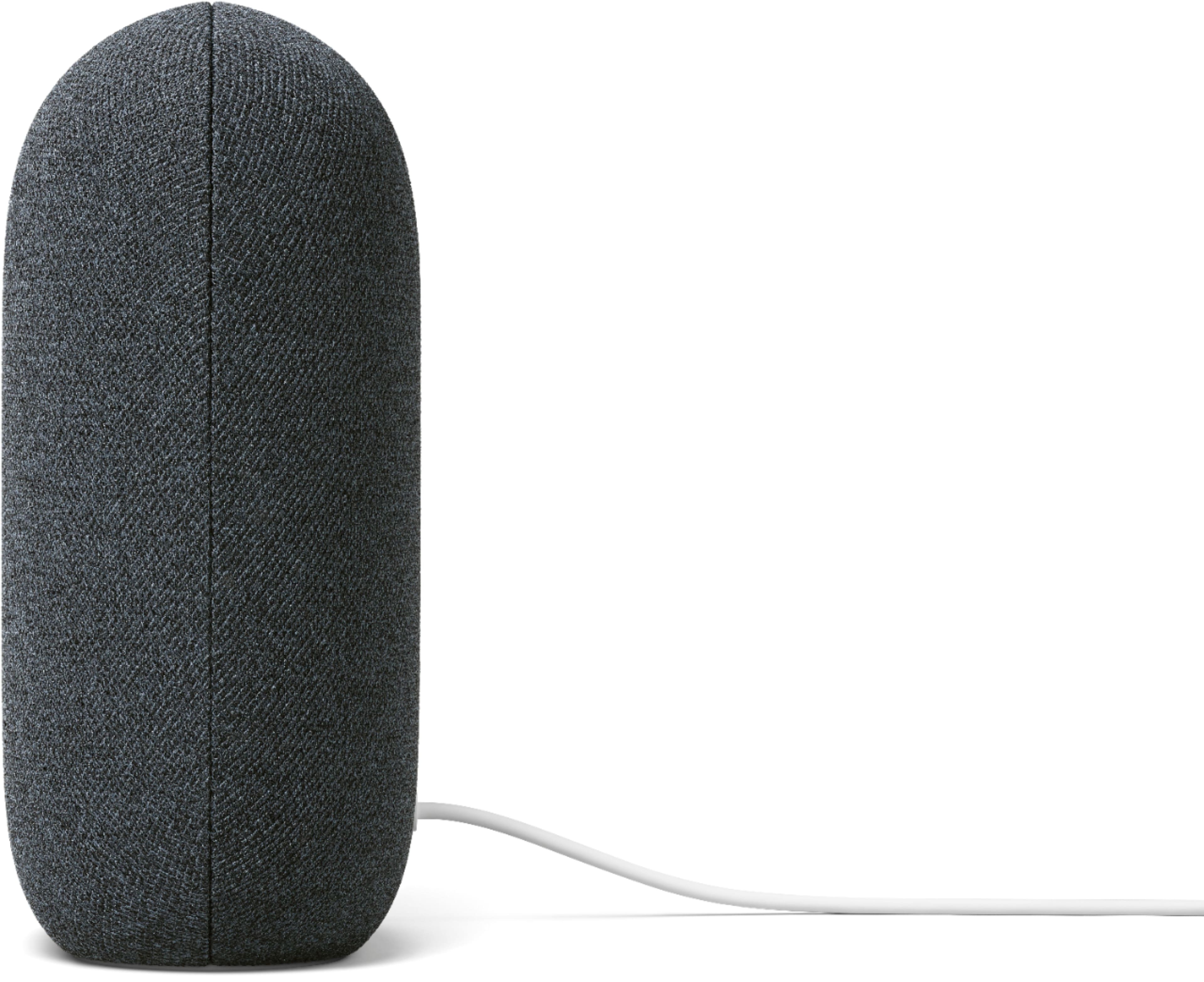
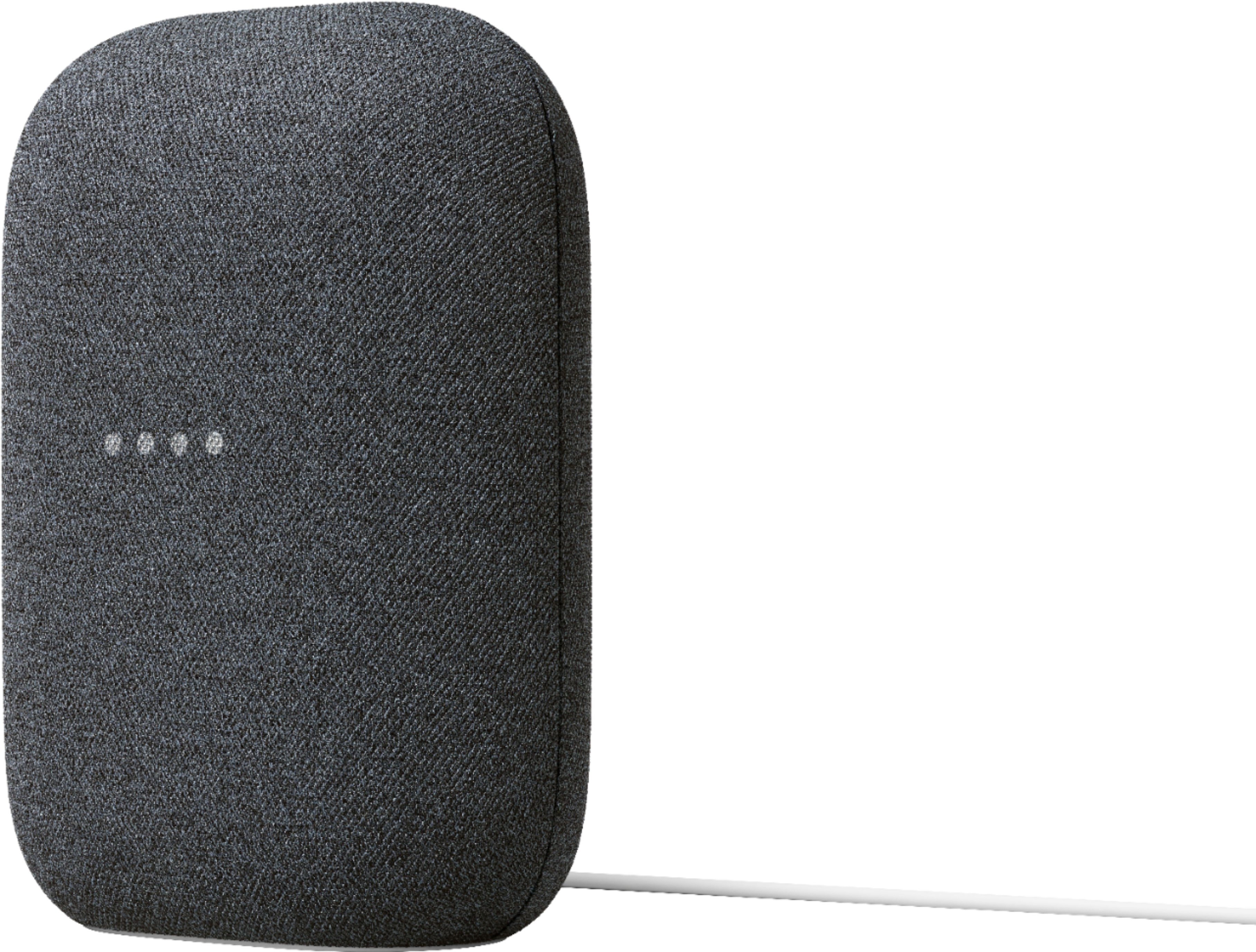
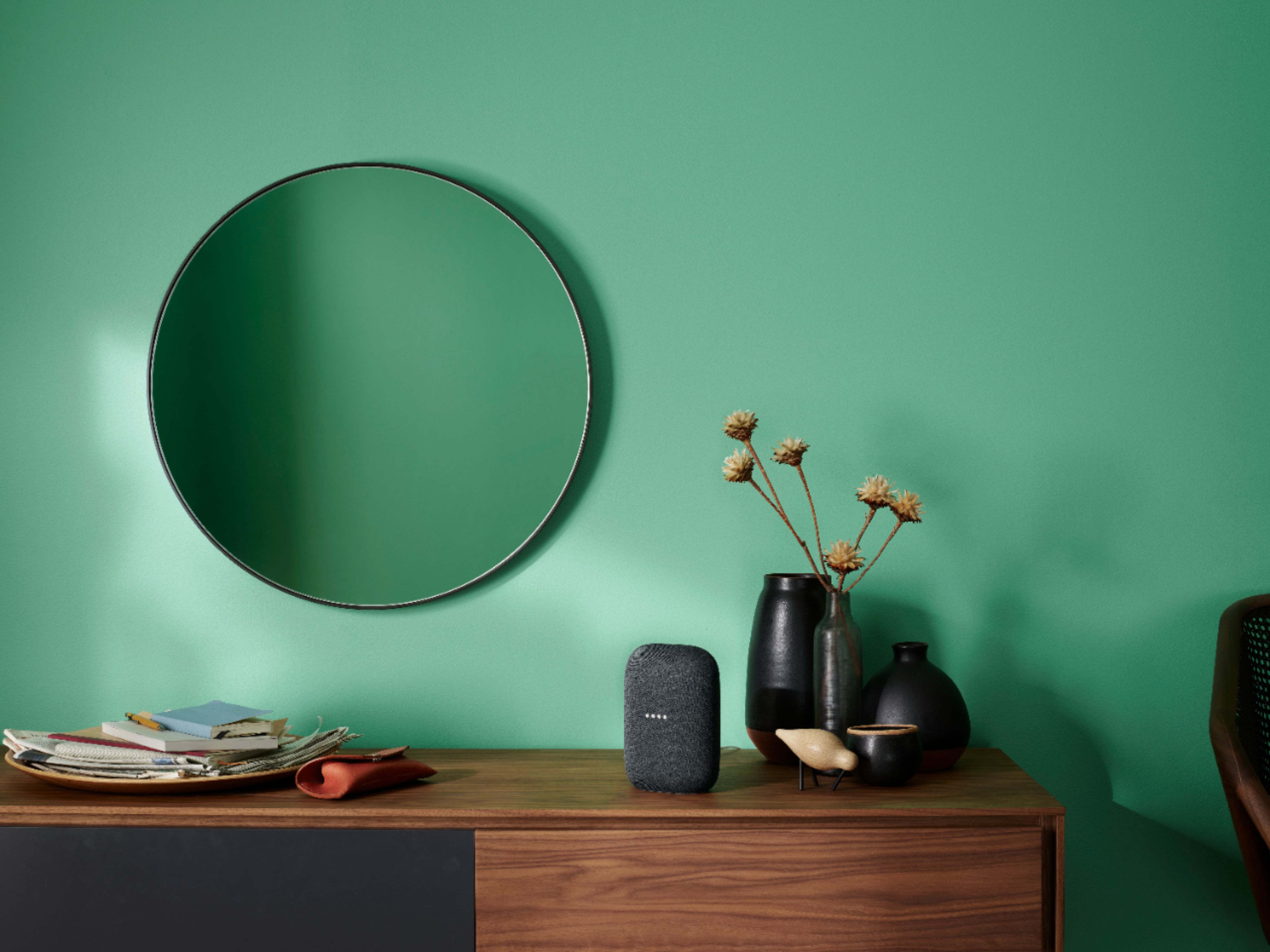
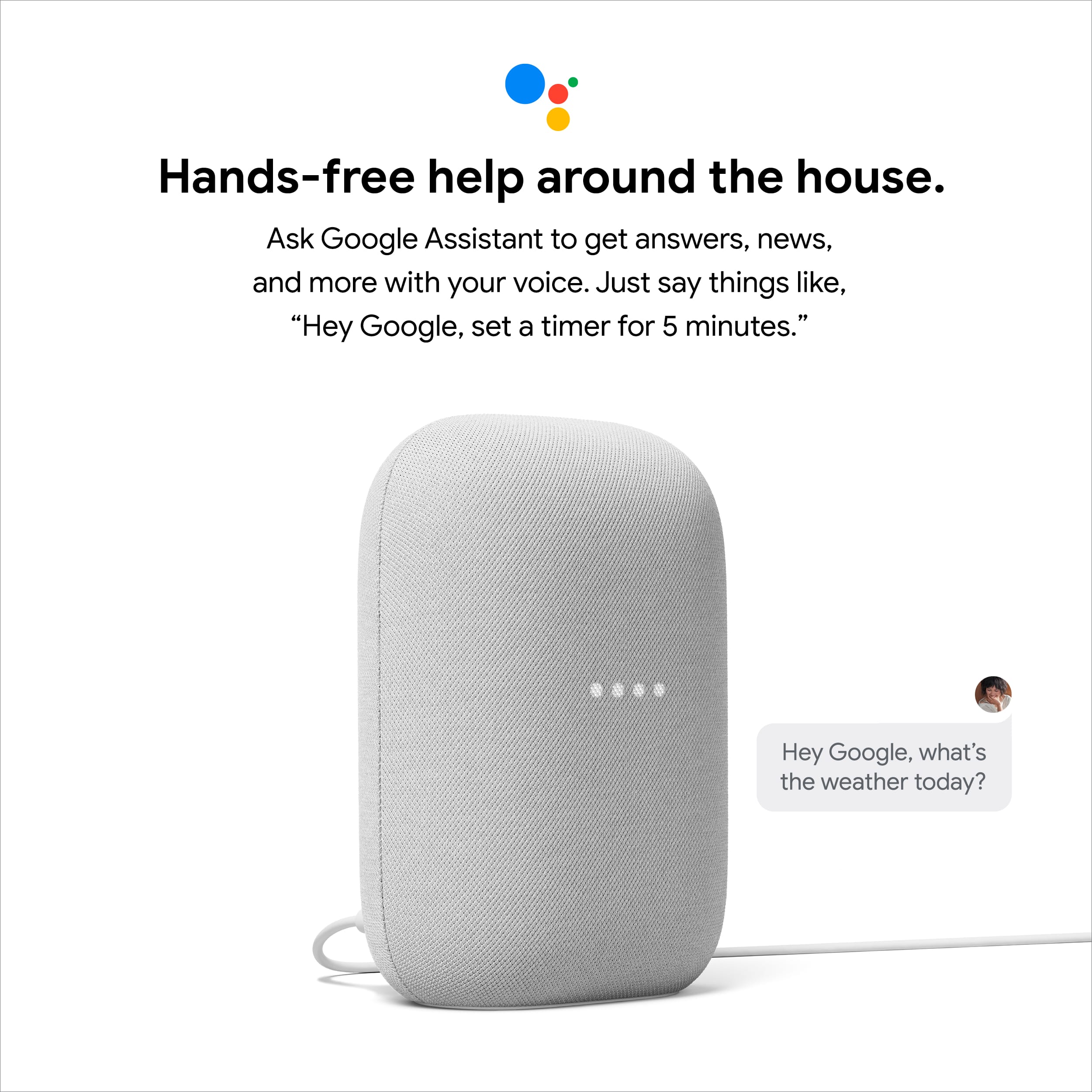
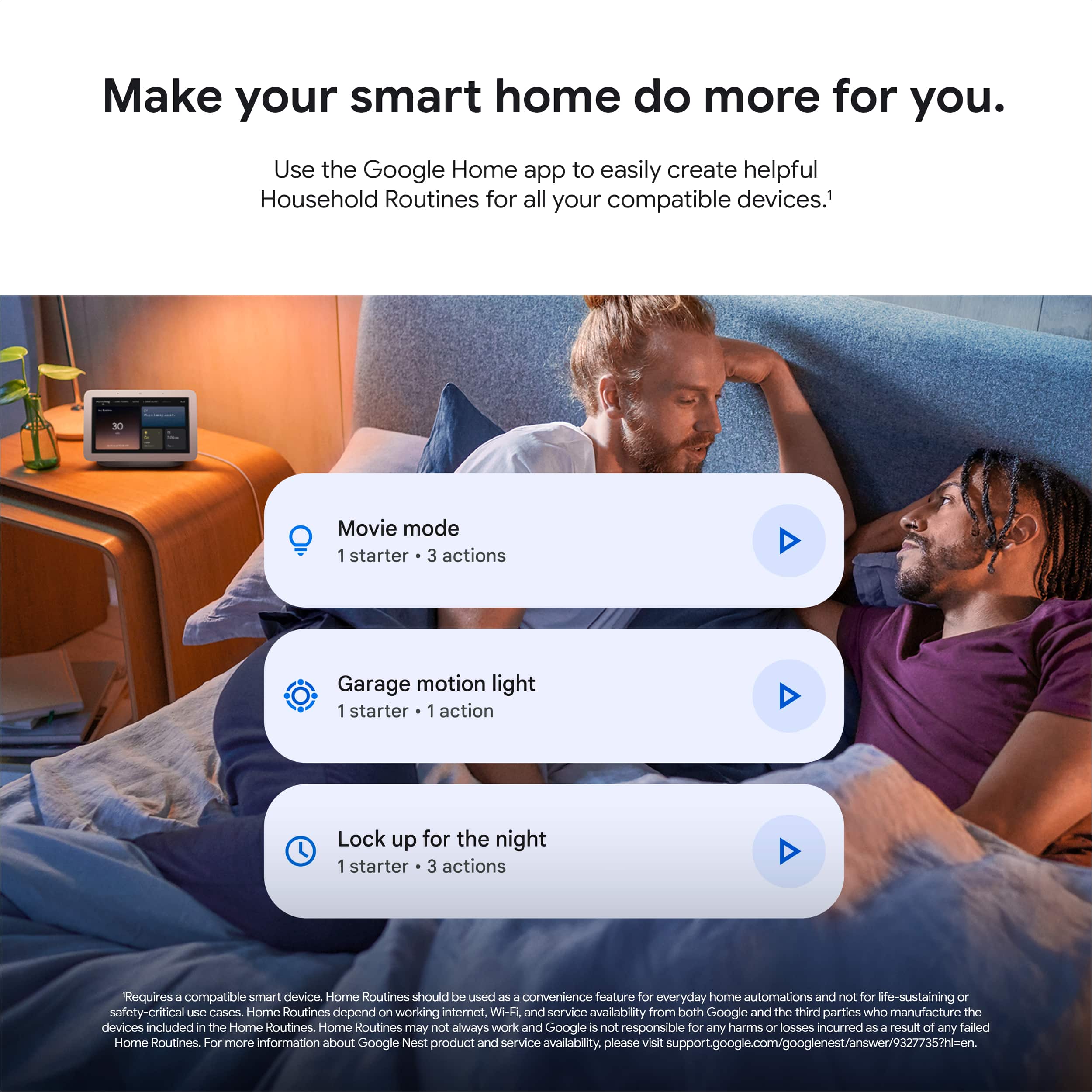



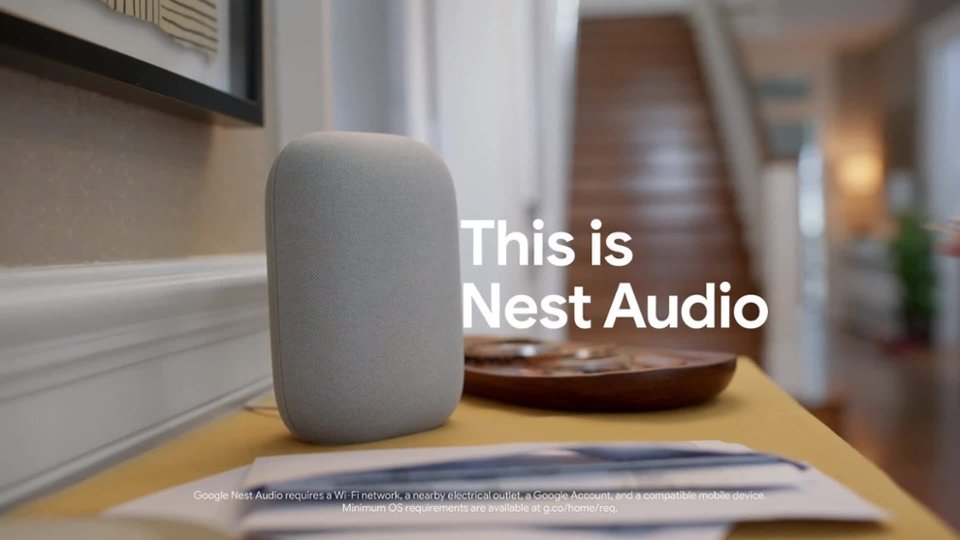

- Model:
- GA01586-US
- |
- SKU:
- 6428302
Customer reviews
Rating 4.6 out of 5 stars with 2070 reviews
(2,070 customer reviews)Rating by feature
- Value4.6
Rating 4.6 out of 5 stars
- Quality4.7
Rating 4.7 out of 5 stars
- Ease of Use4.7
Rating 4.7 out of 5 stars
Customers are saying
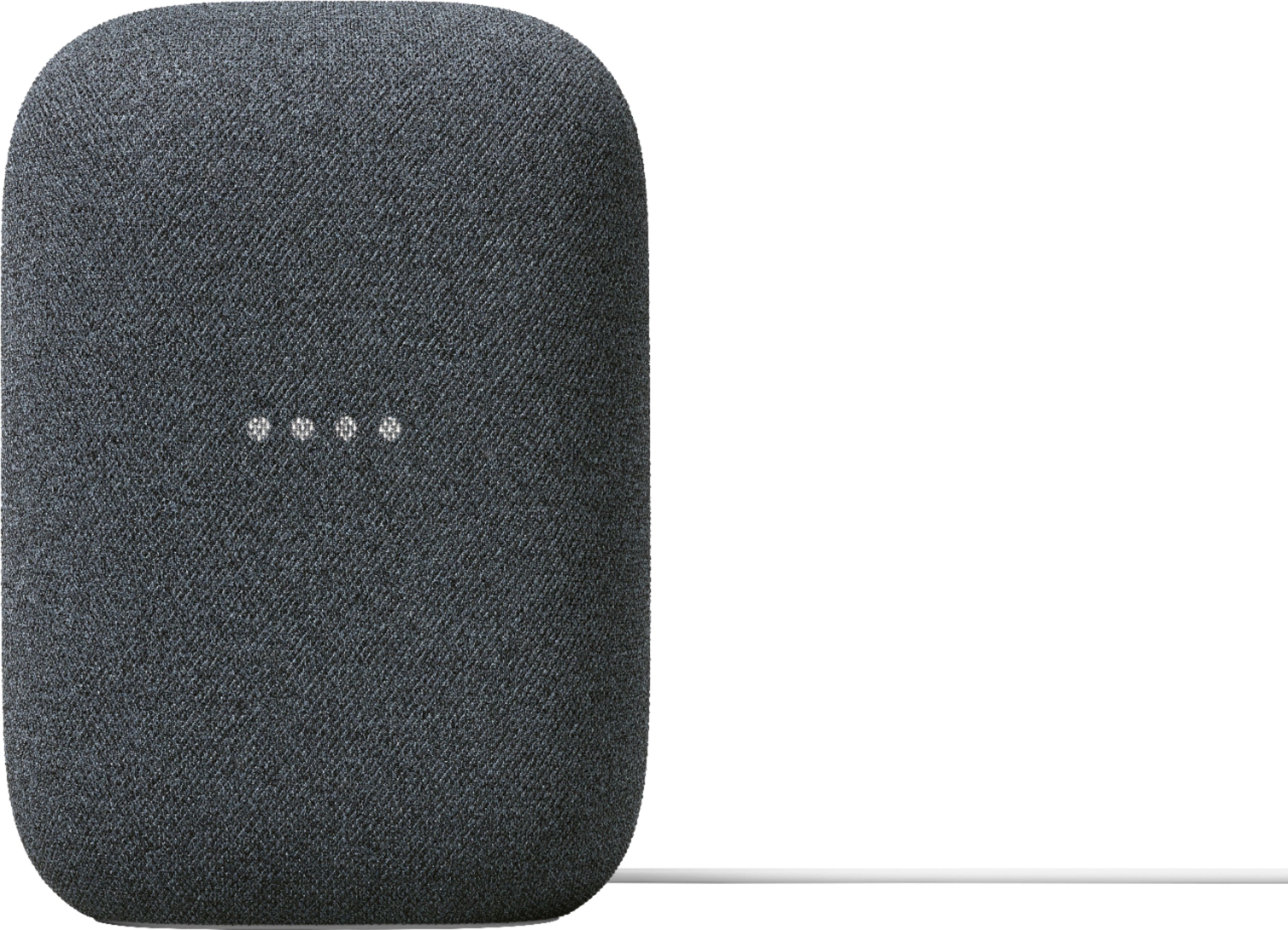
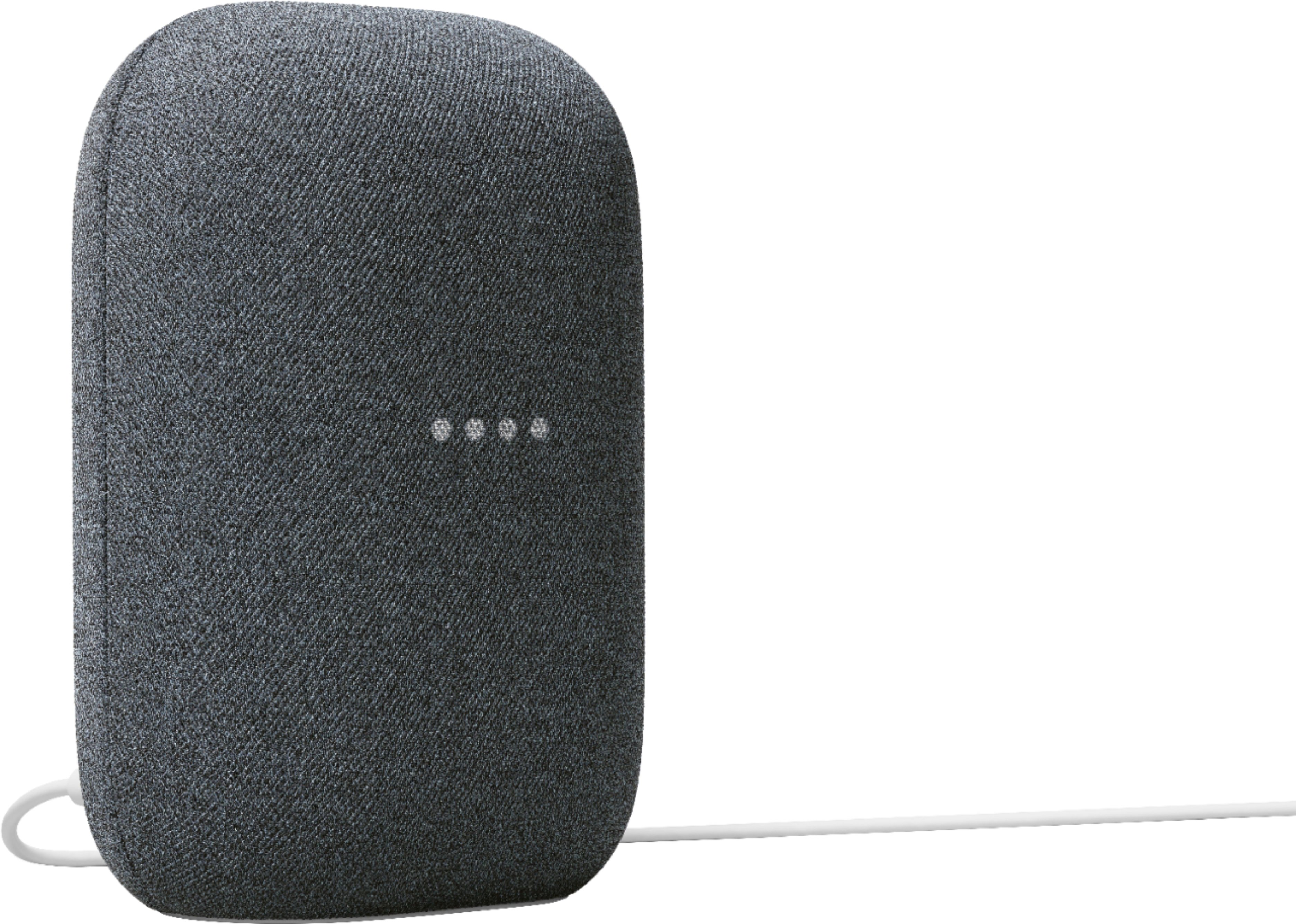
Customers commend the Nest Audio Smart Speaker for its excellent sound quality and ease of use. Many appreciate its quick and easy connectivity with Google Assistant, along with its appealing design and suitable size. Some have noted that the bass could be improved, while others have mentioned its light weight.
This summary was generated by AI based on customer reviews.
- Pros mentioned:Sound quality
Rated 5 out of 5 stars
Nest Audio Smart Speaker
||Posted . Owned for 4 months when reviewed.This reviewer received promo considerations or sweepstakes entry for writing a review.My husband loves this in the garage. Uses it for music, reminders and to control other smart home devices.
I would recommend this to a friend - Pros mentioned:Sound quality
Rated 5 out of 5 stars
Smart Speaker
||Posted . Owned for 1 year when reviewed.This reviewer received promo considerations or sweepstakes entry for writing a review.The sound is amazing from this speaker, I use it in my office everyday for background music.
I would recommend this to a friend - Pros mentioned:Sound quality
Rated 5 out of 5 stars
Love it
||Posted . Owned for 1 month when reviewed.This reviewer received promo considerations or sweepstakes entry for writing a review.Love the sound and convenience of these speakers. Highly recommend
This review is from Nest Audio - Smart Speaker with Google Assistant - Chalk
I would recommend this to a friend - Pros mentioned:Sound quality
Rated 4 out of 5 stars
Google home nest is a great upgrade from original!
||Posted . Owned for 3 weeks when reviewed.This reviewer received promo considerations or sweepstakes entry for writing a review.Love this! Have the original google home. This is not 50% louder like google said but it is noticable louder and MUCH clearer! Definately recommend
This review is from Nest Audio - Smart Speaker with Google Assistant - Chalk
I would recommend this to a friend - Pros mentioned:Sound quality
Rated 5 out of 5 stars
Nice sound
||Posted . Owned for 1 month when reviewed.This reviewer received promo considerations or sweepstakes entry for writing a review.I would give this product an A for sound .I just think google could have done a better job when it comes to the design.
This review is from Nest Audio - Smart Speaker with Google Assistant - Chalk
No, I would not recommend this to a friend Rated 5 out of 5 stars
Better than alexa
||Posted . Owned for 1 month when reviewed.This reviewer received promo considerations or sweepstakes entry for writing a review.Easy to use very helpful for schedules, easy to connect to wifi
This review is from Nest Audio - Smart Speaker with Google Assistant - Chalk
I would recommend this to a friend- Pros mentioned:Sound quality
Rated 5 out of 5 stars
Musical Telaxation
||Posted . Owned for 3 weeks when reviewed.This reviewer received promo considerations or sweepstakes entry for writing a review.Excellent musical sound! Use it mainly to hear music.
This review is from Nest Audio - Smart Speaker with Google Assistant - Chalk
I would recommend this to a friend - Pros mentioned:Sound quality
Rated 5 out of 5 stars
Nest sound throughout from my Hub Max
||Posted . Owned for 1 week when reviewed.This reviewer received promo considerations or sweepstakes entry for writing a review.Wanted more sound throughout the house and to be able to tie the whole house together with the same music and same timing
This review is from Nest Audio - Smart Speaker with Google Assistant - Chalk
I would recommend this to a friend - Pros mentioned:Sound quality
Rated 5 out of 5 stars
Google Next Speaker
||Posted . Owned for 1 week when reviewed.This reviewer received promo considerations or sweepstakes entry for writing a review.Does what you want from a google assistant. Looks nice. Sound quality is excellent for a casual listener. Works for my needs.
This review is from Nest Audio - Smart Speaker with Google Assistant - Chalk
I would recommend this to a friend Rated 5 out of 5 stars
Great sound
||Posted .This reviewer received promo considerations or sweepstakes entry for writing a review.Works great. would buy again. typing this review to get free best buy points. Requires 50 characters so I hope I'm close.
I would recommend this to a friend- Pros mentioned:Sound quality
Rated 5 out of 5 stars
Solid google speaker
||Posted . Owned for 1 year when reviewed.This reviewer received promo considerations or sweepstakes entry for writing a review.Solid google speaker. This thing is powerful, it has good bass too.
I would recommend this to a friend - Pros mentioned:Sound quality
Rated 5 out of 5 stars
Lullaby baby
||Posted . Owned for 2 months when reviewed.This reviewer received promo considerations or sweepstakes entry for writing a review.Amazing, dependable, a great help, good companion, price just right and most of all it’s an awesome partner.
I would recommend this to a friend - Pros mentioned:Sound quality
Rated 5 out of 5 stars
Buy on sale
||Posted . Owned for 5 months when reviewed.This reviewer received promo considerations or sweepstakes entry for writing a review.No issues Good sound Connected easily enough to my google home set Very reasonable if bought on sale
I would recommend this to a friend - Pros mentioned:Sound quality
Rated 5 out of 5 stars
Love it!
||Posted . Owned for 7 months when reviewed.This reviewer received promo considerations or sweepstakes entry for writing a review.Have this in my home gym and the sound is incredible
I would recommend this to a friend - Pros mentioned:Sound quality
Rated 5 out of 5 stars
Google Nest Speaker
||Posted . Owned for 3 weeks when reviewed.This reviewer received promo considerations or sweepstakes entry for writing a review.Great sound quality compared to the previous model.
This review is from Nest Audio - Smart Speaker with Google Assistant - Chalk
I would recommend this to a friend - Pros mentioned:Sound quality
Rated 5 out of 5 stars
Great speaker
||Posted . Owned for 1 month when reviewed.This reviewer received promo considerations or sweepstakes entry for writing a review.Great rangebof sound. Good highs lows and mids. Surprisingly good.
This review is from Nest Audio - Smart Speaker with Google Assistant - Chalk
I would recommend this to a friend - Pros mentioned:Sound quality
Rated 5 out of 5 stars
Good sound and bass
||Posted . Owned for less than 1 week when reviewed.This reviewer received promo considerations or sweepstakes entry for writing a review.Sounds very good this is my 2nd one got it for sunroom sounds great very loud and actually has bass.
This review is from Nest Audio - Smart Speaker with Google Assistant - Chalk
I would recommend this to a friend - Pros mentioned:Sound quality
Rated 5 out of 5 stars
Googel speaker
||Posted . Owned for 1 month when reviewed.This reviewer received promo considerations or sweepstakes entry for writing a review.Speeaker is very loud and sound quality is good. Use in my garage and i am very happy with purchase
This review is from Nest Audio - Smart Speaker with Google Assistant - Chalk
I would recommend this to a friend - Pros mentioned:Sound quality
Rated 5 out of 5 stars
Google Nest Audio Speaker
||Posted . Owned for 2 months when reviewed.This reviewer received promo considerations or sweepstakes entry for writing a review.Excellent quality and an amazing sound. I have smart speaker in most of the bedrooms in my home. Can't live without.
I would recommend this to a friend - Pros mentioned:Sound quality
Rated 5 out of 5 stars
Sounds is great
||Posted . Owned for 1 week when reviewed.This reviewer received promo considerations or sweepstakes entry for writing a review.I have the Hub Max and the regular nest speakers and this blows it away.
This review is from Nest Audio - Smart Speaker with Google Assistant - Chalk
I would recommend this to a friend
People also viewed
- $29.99$29.99The price was $49.99