Customer Ratings & Reviews
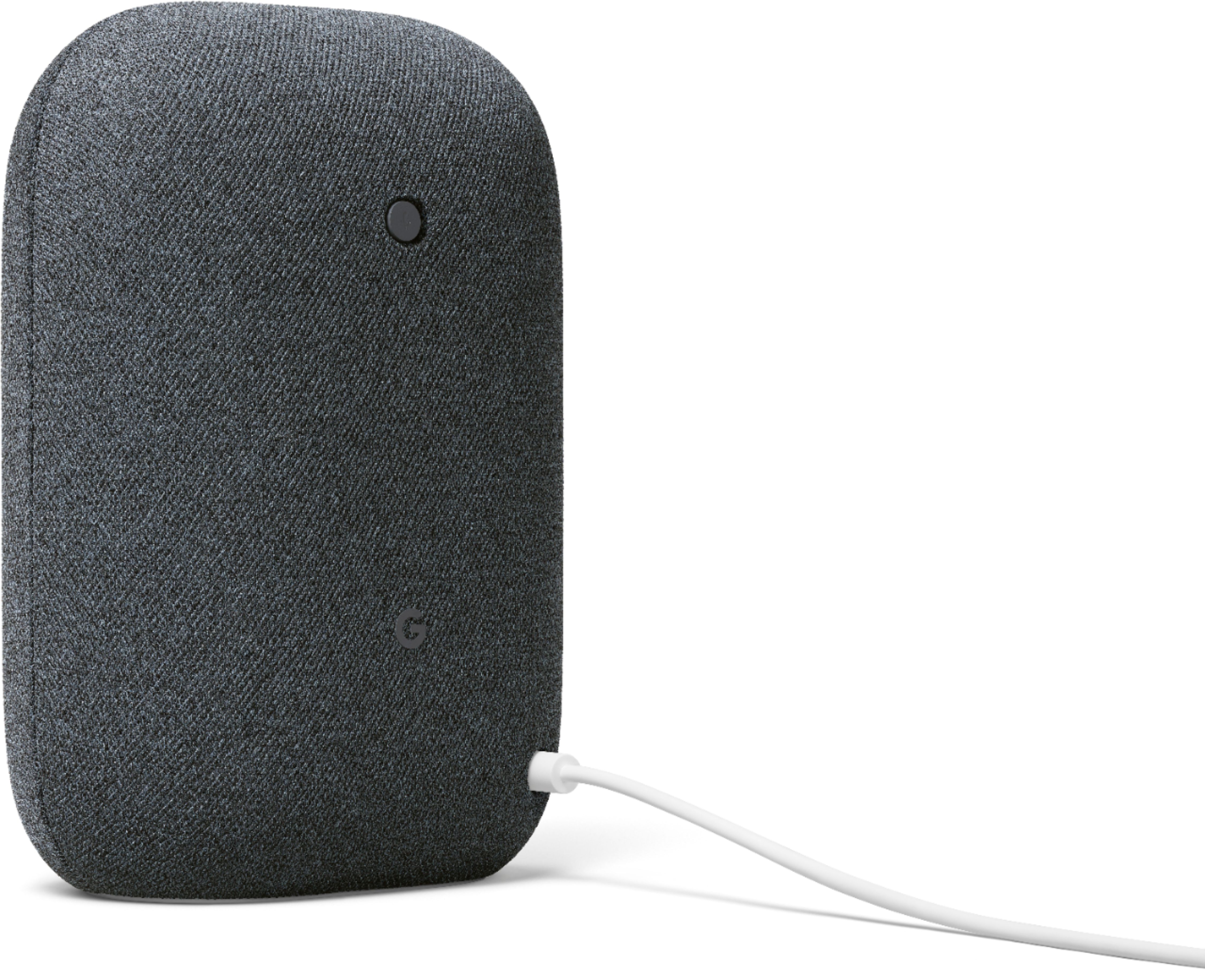
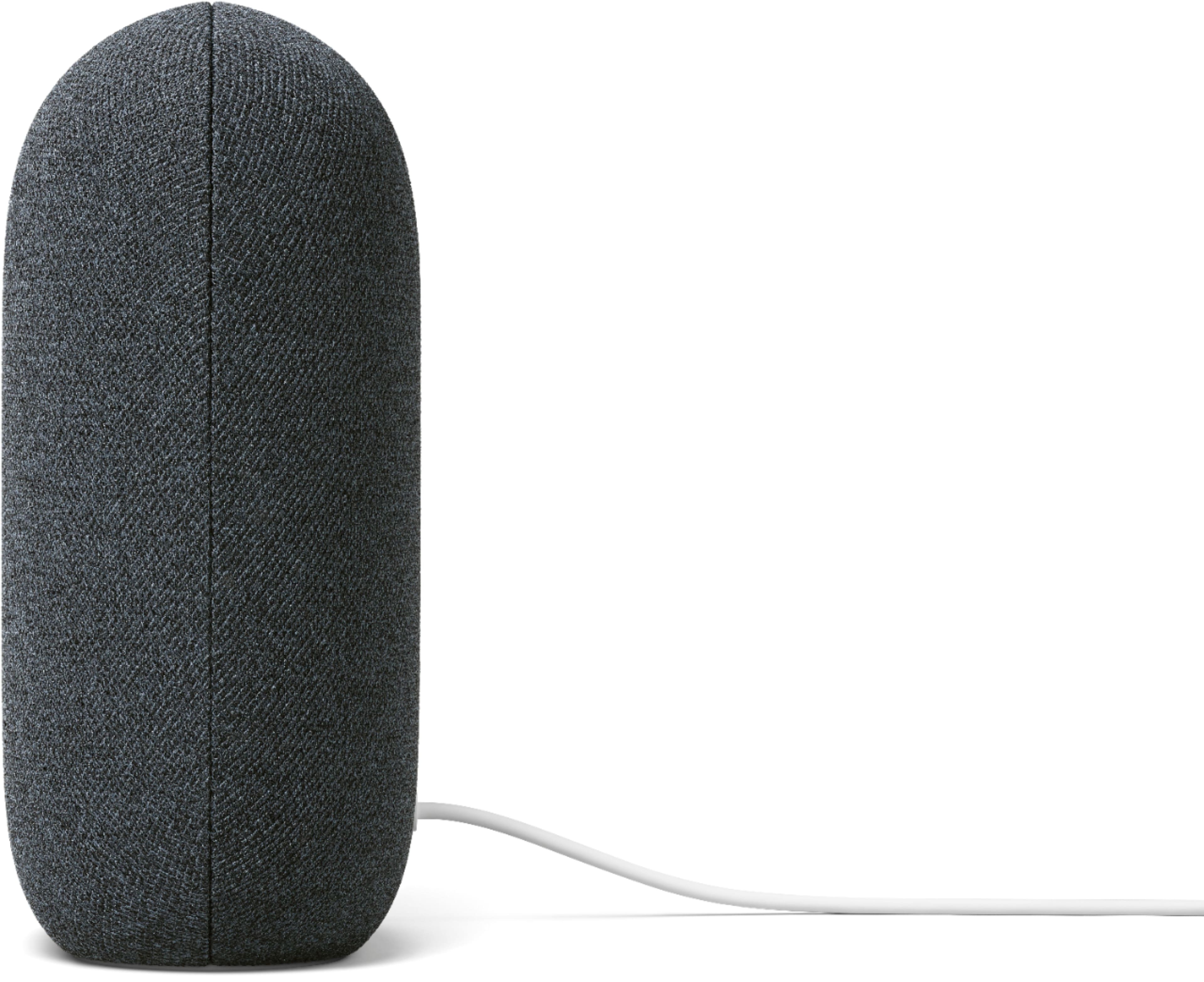
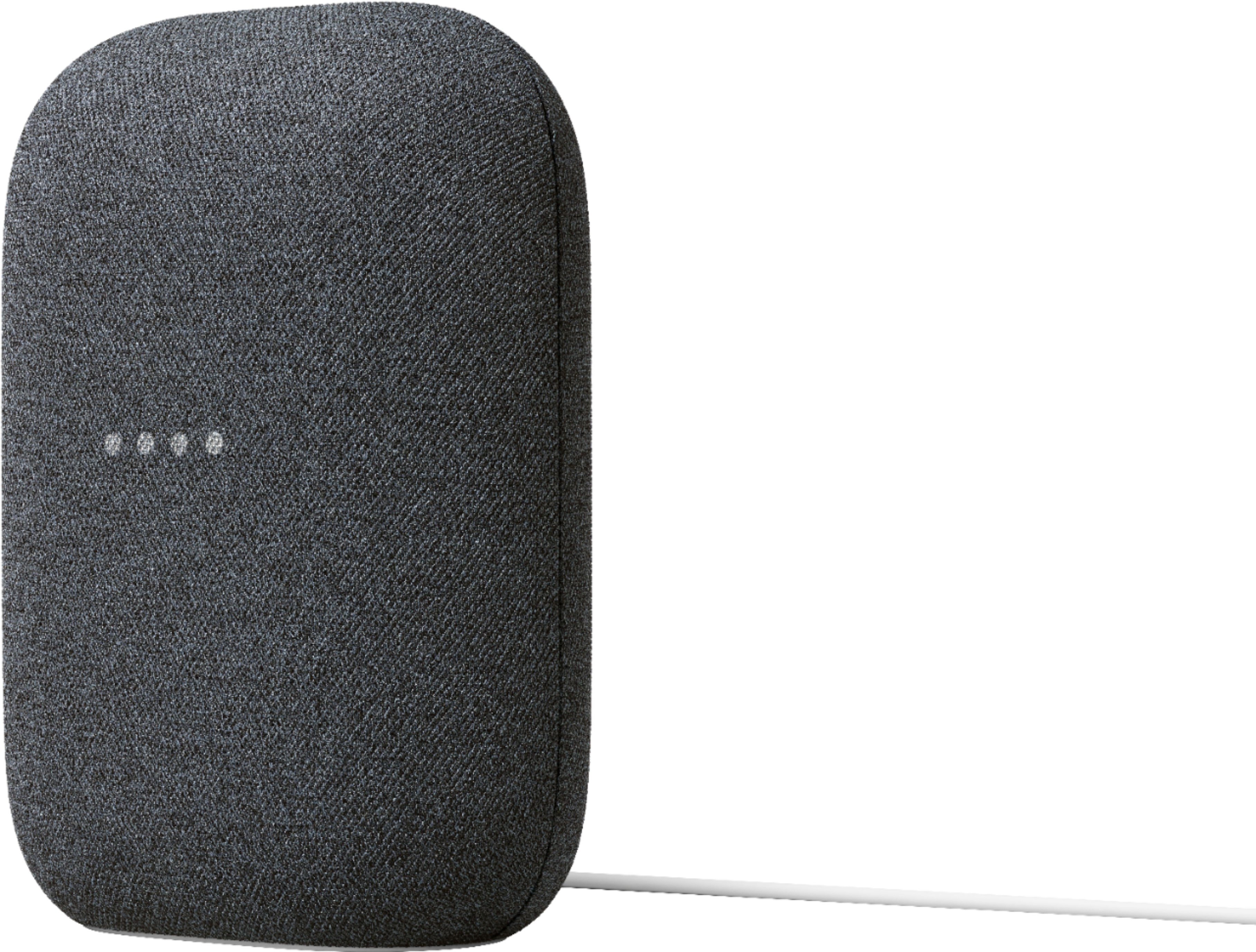
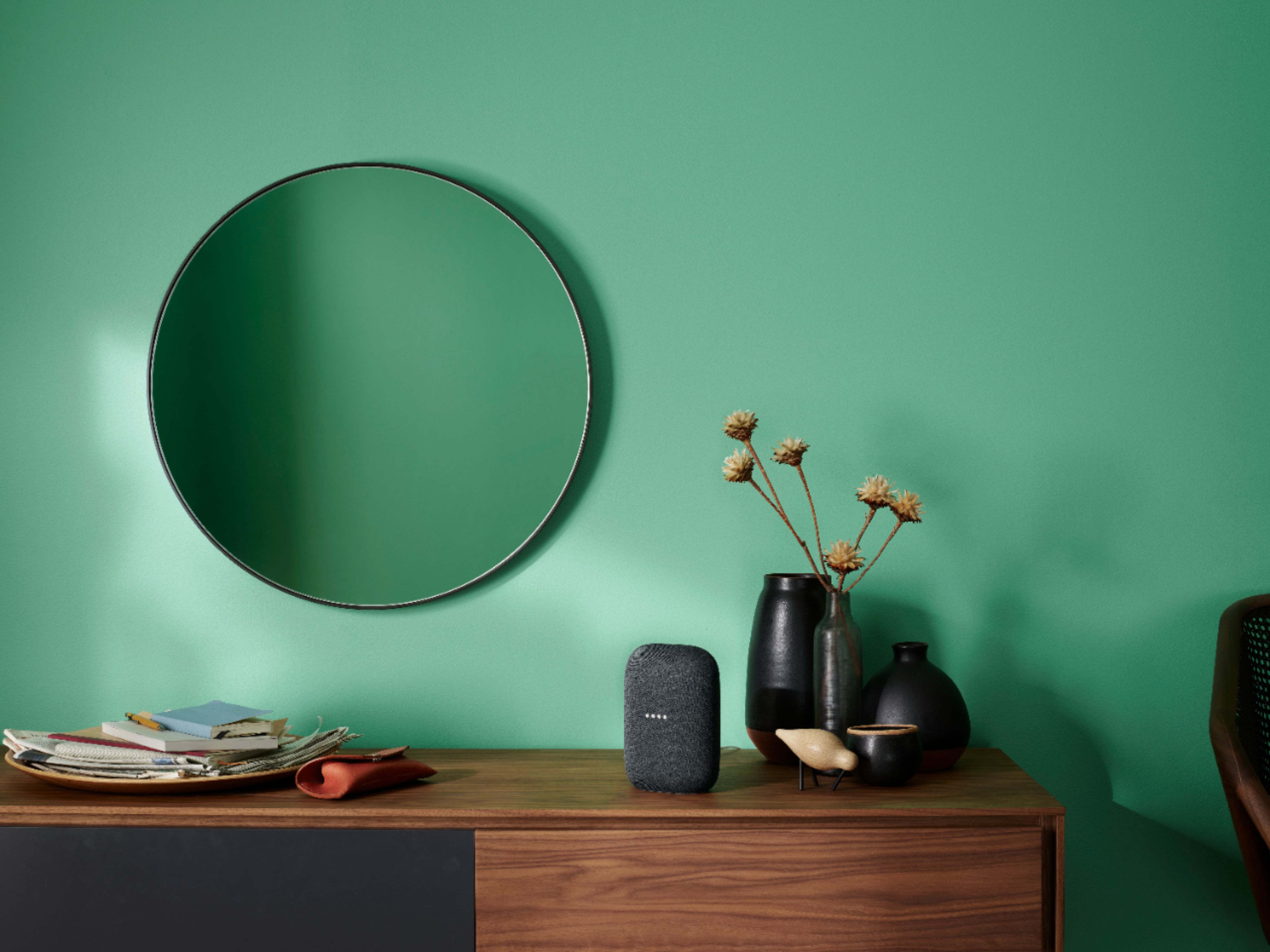




- Model:
- GA01586-US
- SKU:
- 6428302
Rating by feature
- Value
Rating 4.6 out of 5 stars
- Quality
Rating 4.7 out of 5 stars
- Ease of Use
Rating 4.7 out of 5 stars
Customers are saying
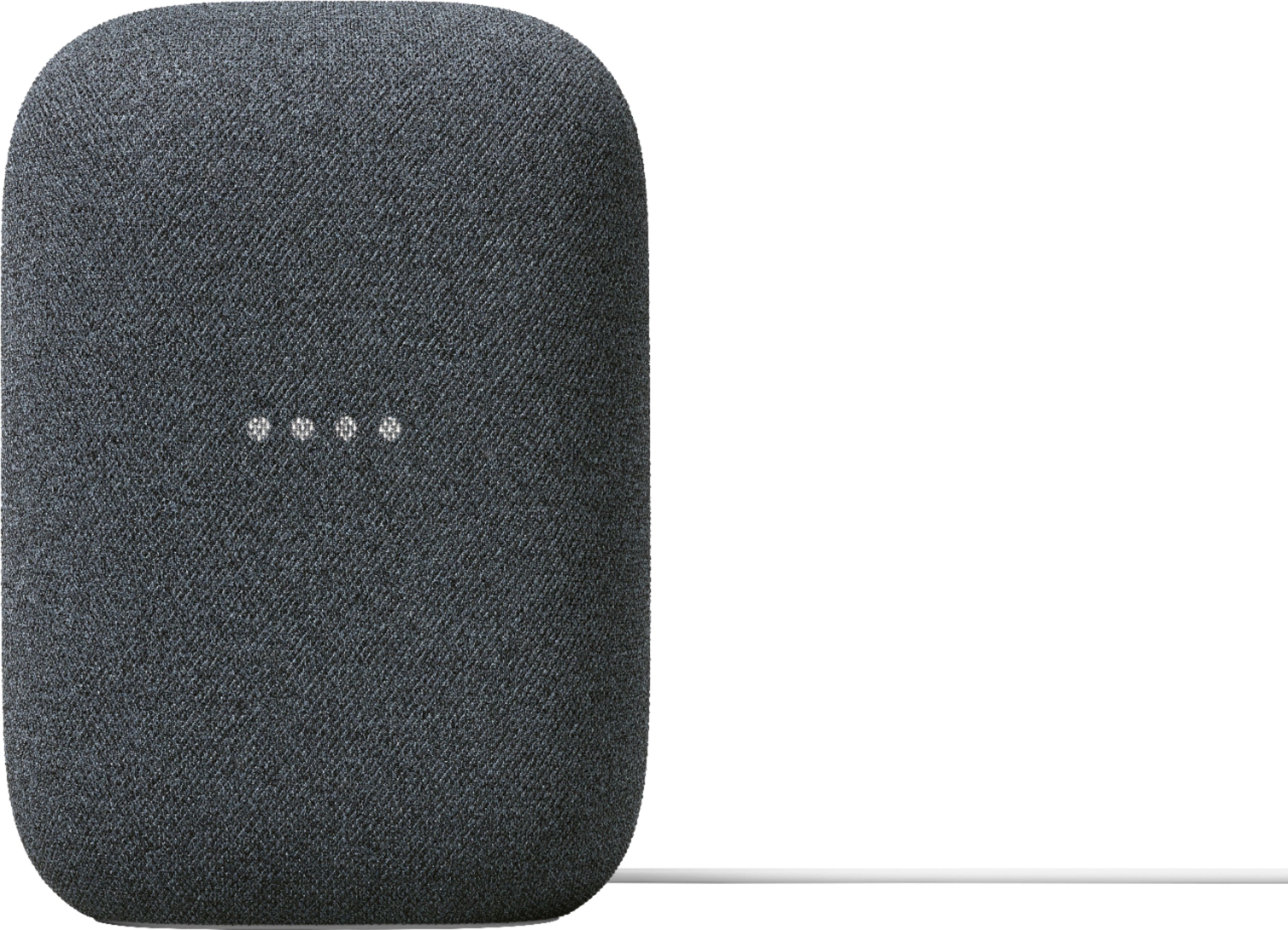
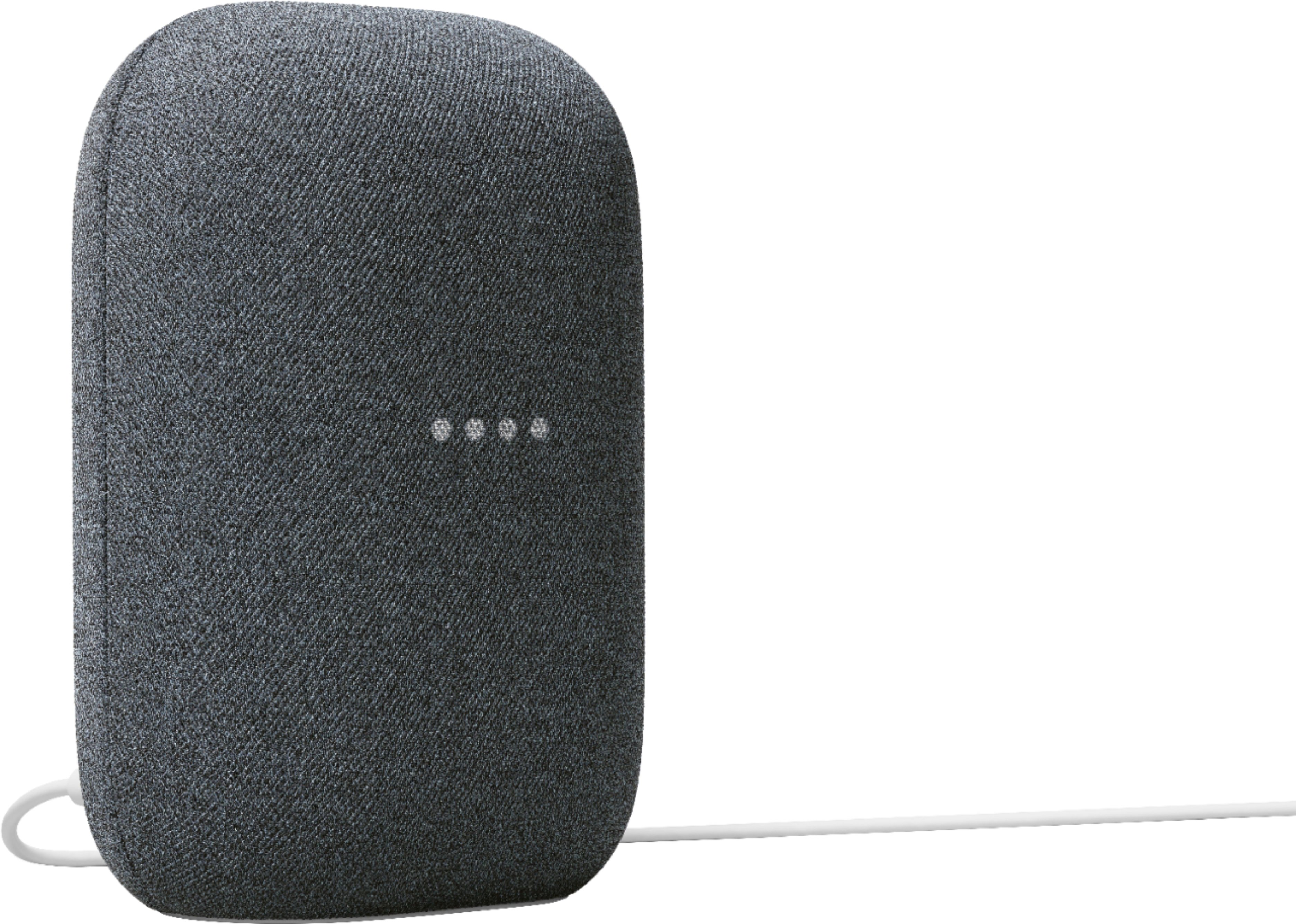
Customers commend the Nest Audio Smart Speaker for its excellent sound quality and ease of use. Many appreciate its quick and easy connectivity with Google Assistant, along with its appealing design and suitable size. Some have noted that the bass could be improved, while others have mentioned its light weight.
This summary was generated by AI based on customer reviews.
- Pros mentioned:Sound quality
Google nest speakers
||Posted . Owned for 2 weeks when reviewed.This reviewer received promo considerations or sweepstakes entry for writing a review.It came out on time. There is really easy to install and they're beautiful and really loud. And compatable with all my electronics brands in .
I would recommend this to a friend I think the future use will be good
||Posted . Owned for 2 months when reviewed.This reviewer received promo considerations or sweepstakes entry for writing a review.This will be a great addition to my wife's classroom but she is struggling to set it up. Hopefully I can help her so this review can be updated. She downloaded all the correct apps etc yet so doesn't work...
No, I would not recommend this to a friendBrand response from Nest Support
Posted .Hi Gopackgo, thanks for your feedback. We're sorry to hear your wife is having difficulty setting up the Nest Audio, but we're here to help.
You can check this link as a guide to help you set up your Nest Audio: https://support.google.com/googlenest/answer/7029485
You may also check this link to explore what you can do with your Nest Audio: https://support.google.com/googlenest/answer/7130274
If in any case you need assistance, feel free to contact our support team and we'll be more than happy to help. Reach out to us here anytime: https://support.google.com/googlenest/gethelp
- Pros mentioned:Sound quality
pretty amazing
||Posted . Owned for 3 weeks when reviewed.This reviewer received promo considerations or sweepstakes entry for writing a review.very sensitive to pick up voice prompts. Bass is very good. crisp sound.
I would recommend this to a friend - Pros mentioned:Sound quality
My Granddaughter loves it
||Posted . Owned for 1 month when reviewed.This reviewer received promo considerations or sweepstakes entry for writing a review.The sound quality is excellent. Much better than Alexa speaker for the same price.
I would recommend this to a friend - Pros mentioned:Sound quality
Works great as a pair
||Posted . Owned for 6 months when reviewed.This reviewer received promo considerations or sweepstakes entry for writing a review.We use two of these for my wifes business and it fills up the store with music, nice sound for the size and set up was easy.
I would recommend this to a friend Control house
||Posted . Owned for 3 weeks when reviewed.This reviewer received promo considerations or sweepstakes entry for writing a review.Excellent product, at the best price, good volume for a room and great control of the house
I would recommend this to a friend- Pros mentioned:Design
Nest speaker with pastel color works smoothly
||Posted . Owned for 1 month when reviewed.This reviewer received promo considerations or sweepstakes entry for writing a review.This smart speaker works well and smoothly integrate with google home service. The non-boring pastel color enhances my girl's room.
I would recommend this to a friend Nice speaker
||Posted . Owned for 2 weeks when reviewed.This reviewer received promo considerations or sweepstakes entry for writing a review.Has enough bass and a high enough volume to cover my basement floor. Easy to connect to using the Google Home app.
I would recommend this to a friend- Pros mentioned:Sound quality
Nest speaker works well with non-boring color
||Posted . Owned for 1 month when reviewed.This reviewer received promo considerations or sweepstakes entry for writing a review.This smart speaker works well and smoothly integrate with google home service. The non-boring pastel color enhances my boy's room.
I would recommend this to a friend - Pros mentioned:Sound quality
Worth the extra money
||Posted . Owned for 1 month when reviewed.This reviewer received promo considerations or sweepstakes entry for writing a review.dont buy the mini speaker buy this one well worth the extra cost sound is so much better and it hears your voice much better as well.
I would recommend this to a friend - Pros mentioned:Sound quality
Great speaker!
||Posted . Owned for 1 month when reviewed.This reviewer received promo considerations or sweepstakes entry for writing a review.Excellent sound and quality. This is incredibly better than Alexa speakers.
I would recommend this to a friend - Pros mentioned:Sound quality
Nest Audio
||Posted . Owned for 1 month when reviewed.This reviewer received promo considerations or sweepstakes entry for writing a review.Much better audio and picks up voice commands much more easily. Color choices are also a needed improvement
I would recommend this to a friend - Pros mentioned:Sound quality
Works great!
||Posted . Owned for 1 month when reviewed.This reviewer received promo considerations or sweepstakes entry for writing a review.Great product. The speakers are very clear. Very happy with this purchase.
I would recommend this to a friend - Pros mentioned:Sound quality
Amazing sound
||Posted . Owned for 1 month when reviewed.This reviewer received promo considerations or sweepstakes entry for writing a review.best google sound device! wonderful when connected with the same google
I would recommend this to a friend - Pros mentioned:Sound quality
Awesome sounding, high priced, google assistant
||Posted . Owned for 1 month when reviewed.This reviewer received promo considerations or sweepstakes entry for writing a review.Really good speaker. I use one for the living room which is really good for practically the whole house. Im impressed! Tough debate between 4 and 5 stars price is a bit high.
I would recommend this to a friend - Pros mentioned:Sound quality
Google nest audio
||Posted . Owned for 3 weeks when reviewed.This reviewer received promo considerations or sweepstakes entry for writing a review.I bought the set, sounds great now I can watch TV with the sound bar and listen to music with the Google nest audio. I love it.
I would recommend this to a friend - Pros mentioned:Ease of use
Hey Google!
||Posted . Owned for 1 month when reviewed.This reviewer received promo considerations or sweepstakes entry for writing a review.Awesome product, easy to set up and use. Works greasy indoors or outdoors.
I would recommend this to a friend - Pros mentioned:Sound quality
There when you need to know something
||Posted . Owned for 1 month when reviewed.This reviewer received promo considerations or sweepstakes entry for writing a review.The is so much better than the old Google home the sounds are amazing
I would recommend this to a friend Google Nest Audio smart speaker
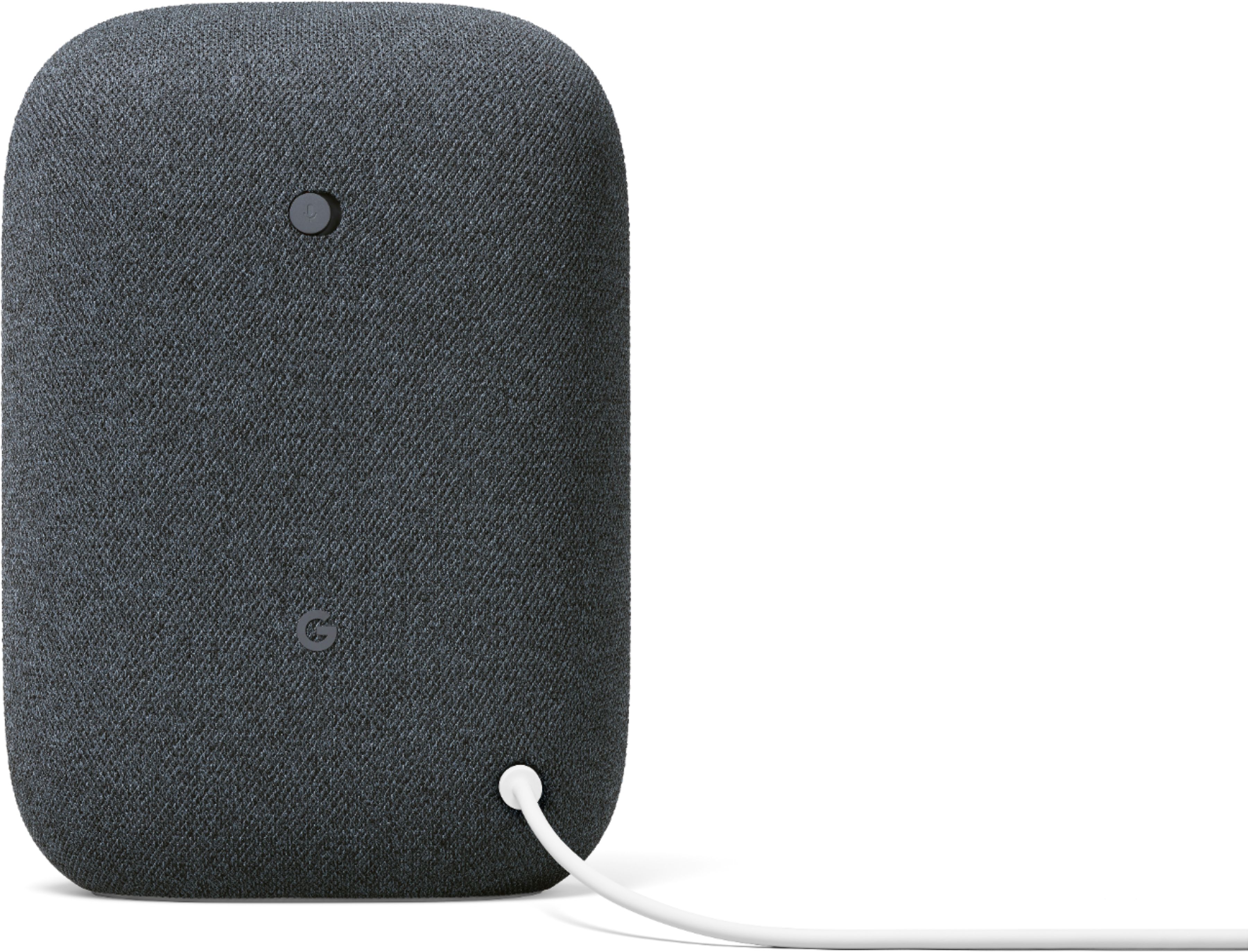
||Posted . Owned for less than 1 week when reviewed.This reviewer received promo considerations or sweepstakes entry for writing a review.I thought it would be easier. To install and the cable included with the speaker is not long enough
No, I would not recommend this to a friend- Pros mentioned:Sound quality
Google smart speaker
||Posted . Owned for 3 weeks when reviewed.This reviewer received promo considerations or sweepstakes entry for writing a review.Great value and great sound.Fits perfectly on my bar in my man cave
I would recommend this to a friend