Customer Ratings & Reviews



- Model:
- GA00781-US
- SKU:
- 6348880
Rating by feature
- Value
Rating 4.7 out of 5 stars
- Quality
Rating 4.7 out of 5 stars
- Ease of Use
Rating 4.7 out of 5 stars
Customers are saying
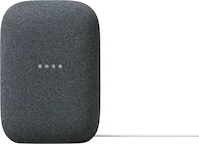
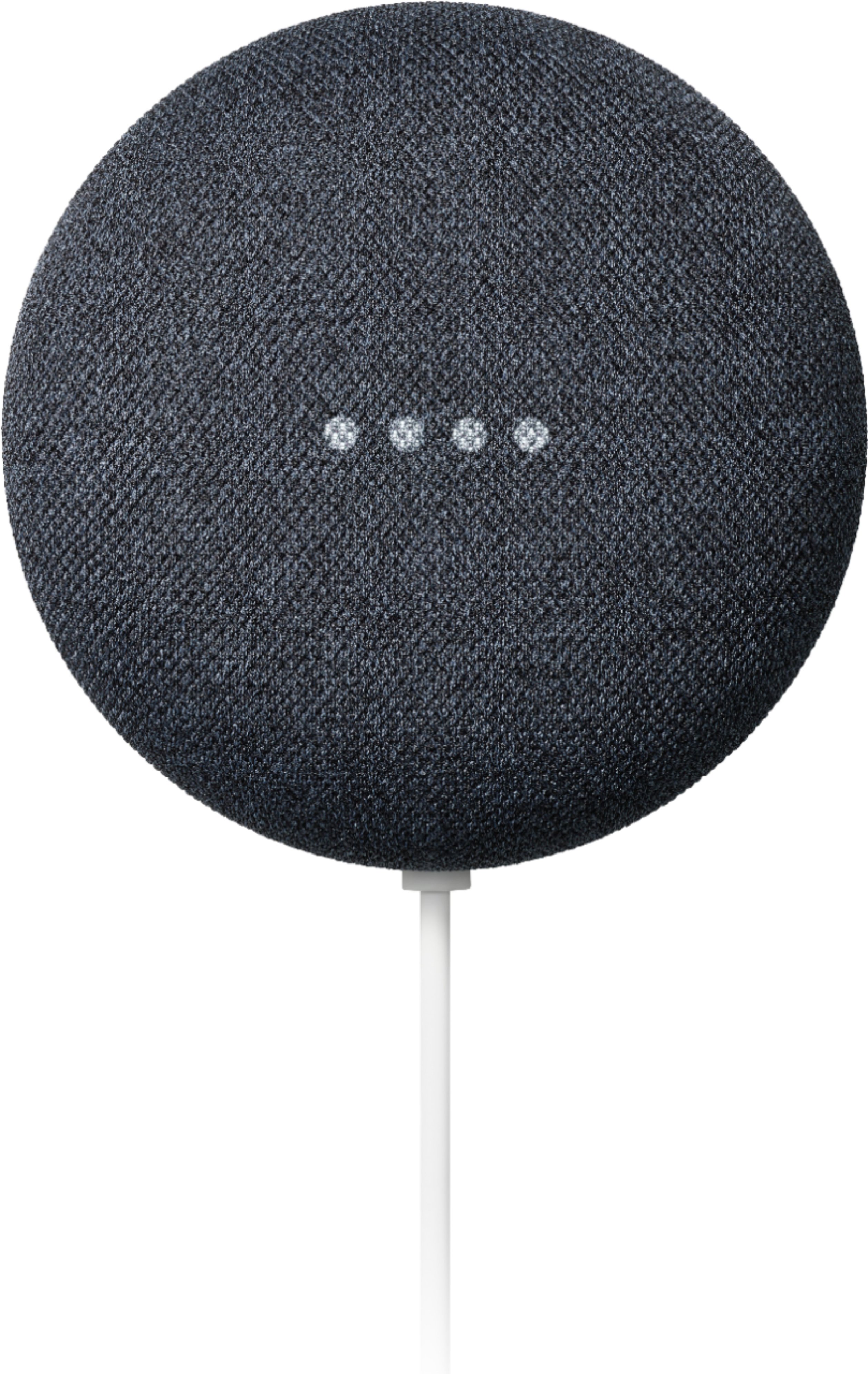
Customers are positive about the Nest Mini (2nd Generation) with Google Assistant, frequently praising its sound quality, ease of use, and compact size. Many also appreciate its affordability and the seamless integration with Google Assistant and other smart home devices. However, some customers reported issues with connectivity. A few mentioned that the bass could be improved.
This summary was generated by AI based on customer reviews.
Pretty cool
||Posted . Owned for 1 month when reviewed.This reviewer received promo considerations or sweepstakes entry for writing a review.It’s a pretty cool piece of technology that I believe everyone should have one.
I would recommend this to a friendWorks as expected
||Posted . Owned for 3 weeks when reviewed.This reviewer received promo considerations or sweepstakes entry for writing a review.Does what you expect. The only downside is the speaker quality could be better.
I would recommend this to a friendRamaSurya
||Posted . Owned for 11 months when reviewed.This reviewer received promo considerations or sweepstakes entry for writing a review.Loved it my son is using extensively and enjoying this product.
I would recommend this to a friendGreat deal
||Posted . Owned for 3 weeks when reviewed.This reviewer received promo considerations or sweepstakes entry for writing a review.Easy order, quick delivery, easy set up ... Works great for house speakers.
I would recommend this to a friendLike it
||Posted . Owned for 3 weeks when reviewed.This reviewer received promo considerations or sweepstakes entry for writing a review.Already owned one so already knew what I was getting when I bought a second one
I would recommend this to a friendWorks well when google isn’t down
||Posted . Owned for 3 weeks when reviewed.This reviewer received promo considerations or sweepstakes entry for writing a review.Works very well. But every so often Google goes down and the device is completely useless. Couldn’t even tell me what time it was
I would recommend this to a friendGreat product
||Posted .This reviewer received promo considerations or sweepstakes entry for writing a review.Love the google home. I Have them all over the house.
I would recommend this to a friendGoogle mini
||Posted . Owned for 3 weeks when reviewed.This reviewer received promo considerations or sweepstakes entry for writing a review.Great product, staff was excellent. Pick up was quick and easy.
I would recommend this to a friendGoogle doing google
||Posted .This reviewer received promo considerations or sweepstakes entry for writing a review.Sometimes it just doesnt hear me, or do what i sat but its improve my life a bit.
I would recommend this to a friendBrand response from Nest Support
Posted .Hi Anemonene, we appreciate your feedback. We’re sorry to hear that your Nest Mini doesn’t hear or recognize your voice command.
We suggest retraining your Nest Mini with the Voice Match feature to have the Google Assistant better recognize your voice, especially if you have other family members sharing your Nest Mini. You can try these outlined steps:
- Open the Google Home app on your mobile phone or tablet.
- At the top right, tap your account.
- Verify that the Google Account shown is the one linked to your Nest Mini. To switch accounts, tap another account or Add another account.
- Tap Assistant settings > Voice match > Add devices.
- Make sure any devices you want to link your voice to are checked.
- Tap Next, I agree.
- Follow the in-app steps.
- To get your personal information, you must turn on Personal results.
- Tap I agree and proceed with the Voice match setup.
- To invite others to set up a Voice Match for tailored results, tap Invite, choose your communication method, and send the invite. To skip this step, tap No, thanks.
If the issue persists, please consider reaching out to us and we’d be more than happy to help. Here’s the link: https://support.google.com/googlenest/gethelp
Christmas gift
||Posted . Owned for 5 months when reviewed.This reviewer received promo considerations or sweepstakes entry for writing a review.My mother loves she use in the kitchen mostly when cooking
I would recommend this to a friendGreat to have
||Posted . Owned for 4 months when reviewed.This reviewer received promo considerations or sweepstakes entry for writing a review.This Google works very well controlling my nest thermostat.
I would recommend this to a friendGreat and wonderful product
||Posted .This reviewer received promo considerations or sweepstakes entry for writing a review.Great and wonderful product. Filling space for review
I would recommend this to a friendPerfect
||Posted . Owned for 1.5 years when reviewed.This reviewer received promo considerations or sweepstakes entry for writing a review.Loud and portable and worth the buy and the google home
I would recommend this to a friendUse this product everyday
||Posted . Owned for 1 month when reviewed.This reviewer received promo considerations or sweepstakes entry for writing a review.Google nest is a good addition to the home. Everything is interconnected well.
I would recommend this to a friendGoogle home
||Posted . Owned for 1 month when reviewed.This reviewer received promo considerations or sweepstakes entry for writing a review.Works just like described. Easy to set up. Makes life easy
I would recommend this to a friendGreat product
||Posted . Owned for 1 month when reviewed.This reviewer received promo considerations or sweepstakes entry for writing a review.This is a great product if you need a personal assistant speaker
I would recommend this to a friendAwesome product
||Posted . Owned for 1 year when reviewed.This reviewer received promo considerations or sweepstakes entry for writing a review.Great value. Great easy way to make your home relatively "smart"
I would recommend this to a friendGoogle nest
||Posted . Owned for 3 weeks when reviewed.This reviewer received promo considerations or sweepstakes entry for writing a review.Super cool device for the price! Works great although it is sometimes set off without “hey google” being spoken. Speaker has no base so dont get your hopes up
I would recommend this to a friendBrand response from Nest Support
Posted .Hi there Sgour, it's awesome to hear that Nest Mini is working great for you and that you find it as a really cool device. We do apologize if it activates even without saying the hotword, and that the sound quality doesn't have enough bass for you.
Adjusting your Nest Mini's mic sensitivity and retraining it to better recognize your voice can be helpful with the issue. Check out the steps below:
Retrain Voice Match:
- On your phone or tablet, open the Google Home app.
- At the top right, tap your Profile picture or initial and then Assistant settings and then Voice Match.
- Tap Teach your Assistant your voice again and then Retrain.
We also recommend changing your Nest Mini's hotword sensitivity:
- Open your Google Home app.
- Select your Nest Mini.
- At the top right, tap the Settings (Gear) icon.
- Then tap Audio.
- Then tap "Hey Google" sensitivity and adjust the slider to make your Nest Mini more responsive to the hotword.
We understand that each person will have their own preference when it comes to sound quality. To improve your audio experience, we recommend adjusting the treble and bass settings by following the steps on this page: https://support.google.com/googlenest/answer/7575098
If you need further assistance, we recommend contacting our support team and we'd be happy to help you. You can reach out to us using this link: https://support.google.com/googlenest/gethelp
Returning due to upgrade
||Posted . Owned for 1 month when reviewed.This reviewer received promo considerations or sweepstakes entry for writing a review.Love this device, but decide to upgrade to Google home for the bigger speakers
I would recommend this to a friendConvenient search functionality, mediocre audio
||Posted . Owned for 8 months when reviewed.This reviewer received promo considerations or sweepstakes entry for writing a review.Mediocre audio quality, so not great for audiophiles, but it's excellent for smarthome commands and information searches.
I would recommend this to a friend