Customer Ratings & Reviews
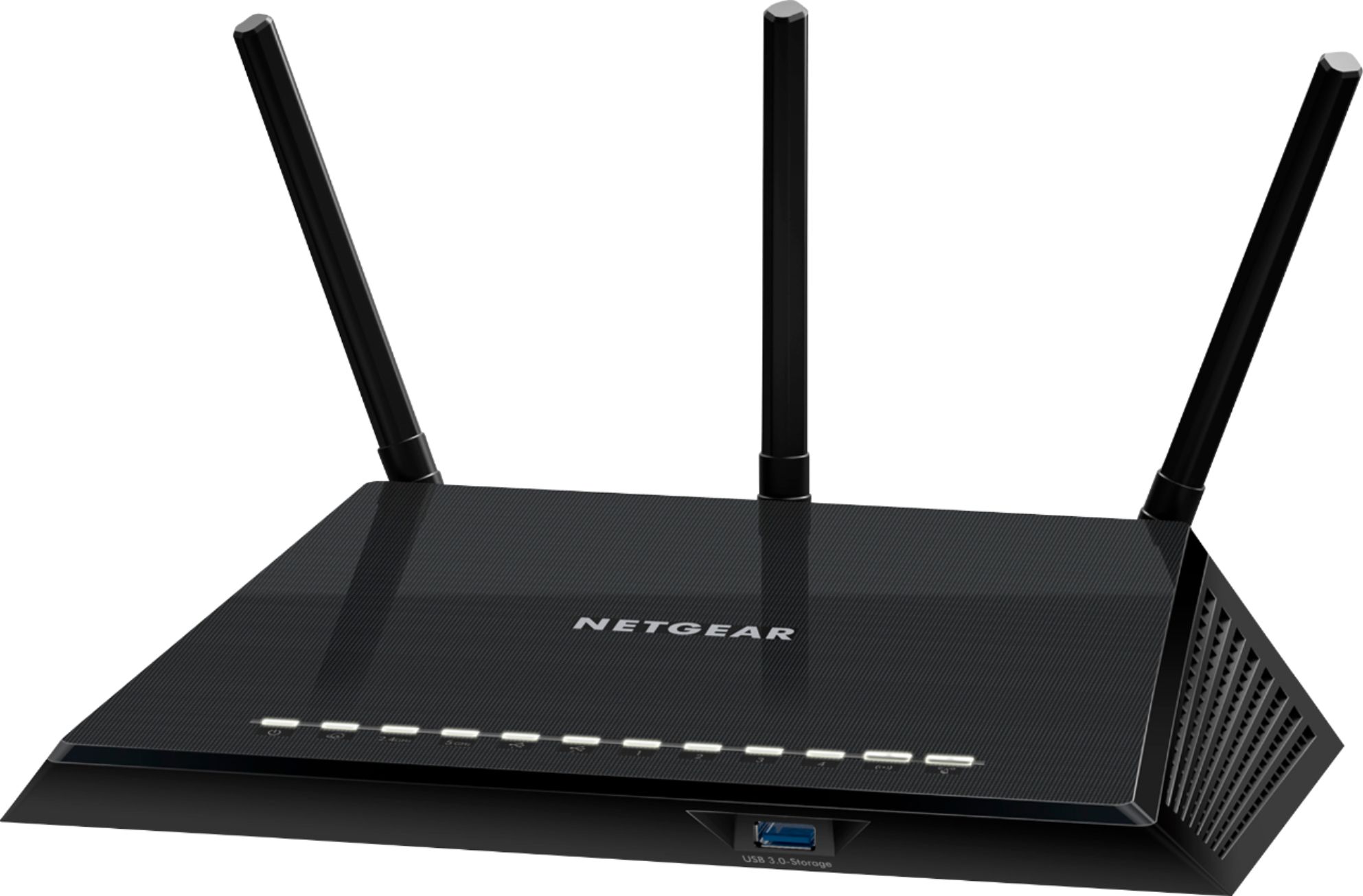







- Model:
- R6400-100NAS
- |
- SKU:
- 9054017
Customer reviews
Rating 4.6 out of 5 stars with 13629 reviews
(13,629 customer reviews)Rating by feature
- Setup4.4
Rating 4.4 out of 5 stars
- Range4.4
Rating 4.4 out of 5 stars
- Signal Strength4.4
Rating 4.4 out of 5 stars
Customers are saying
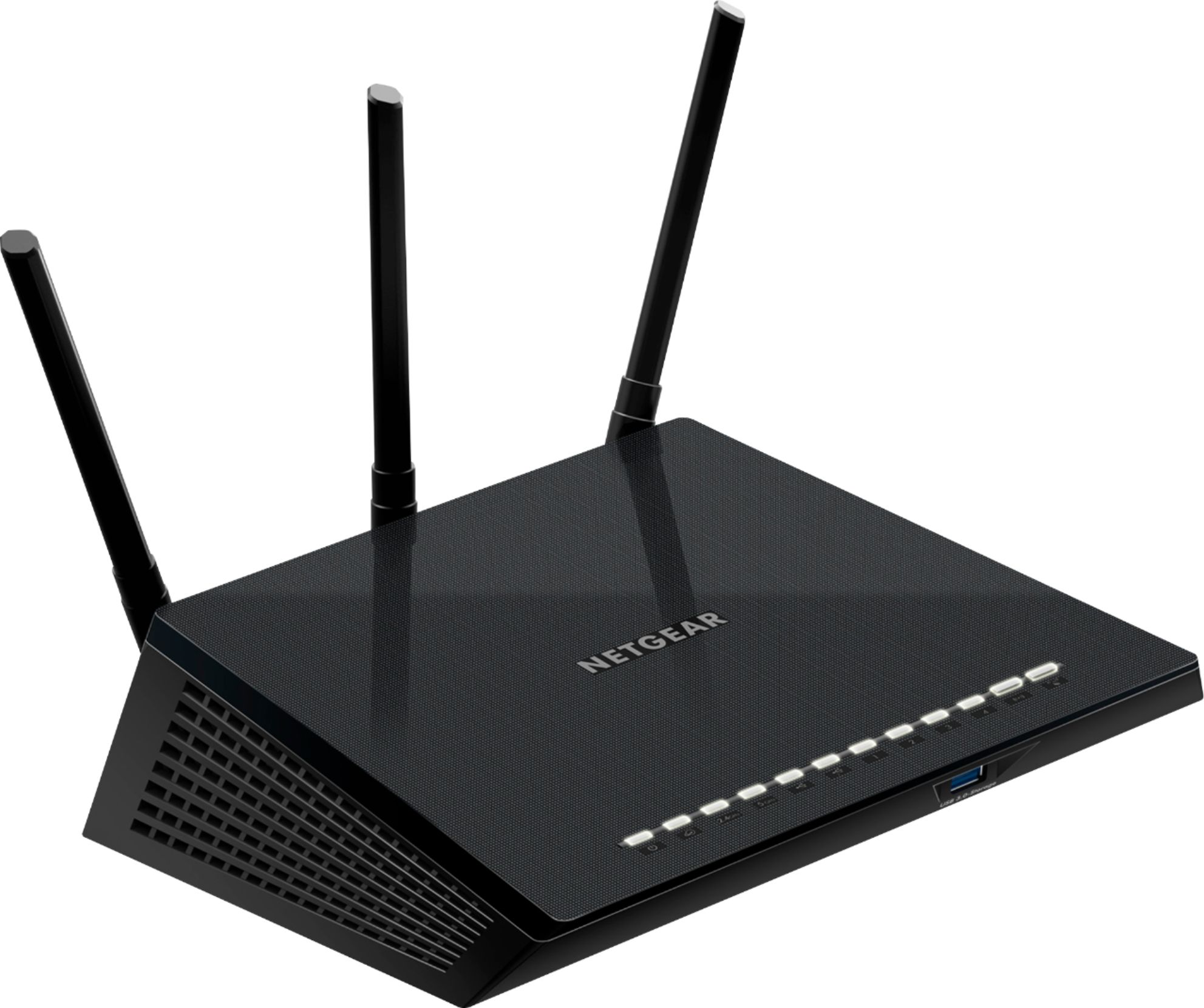
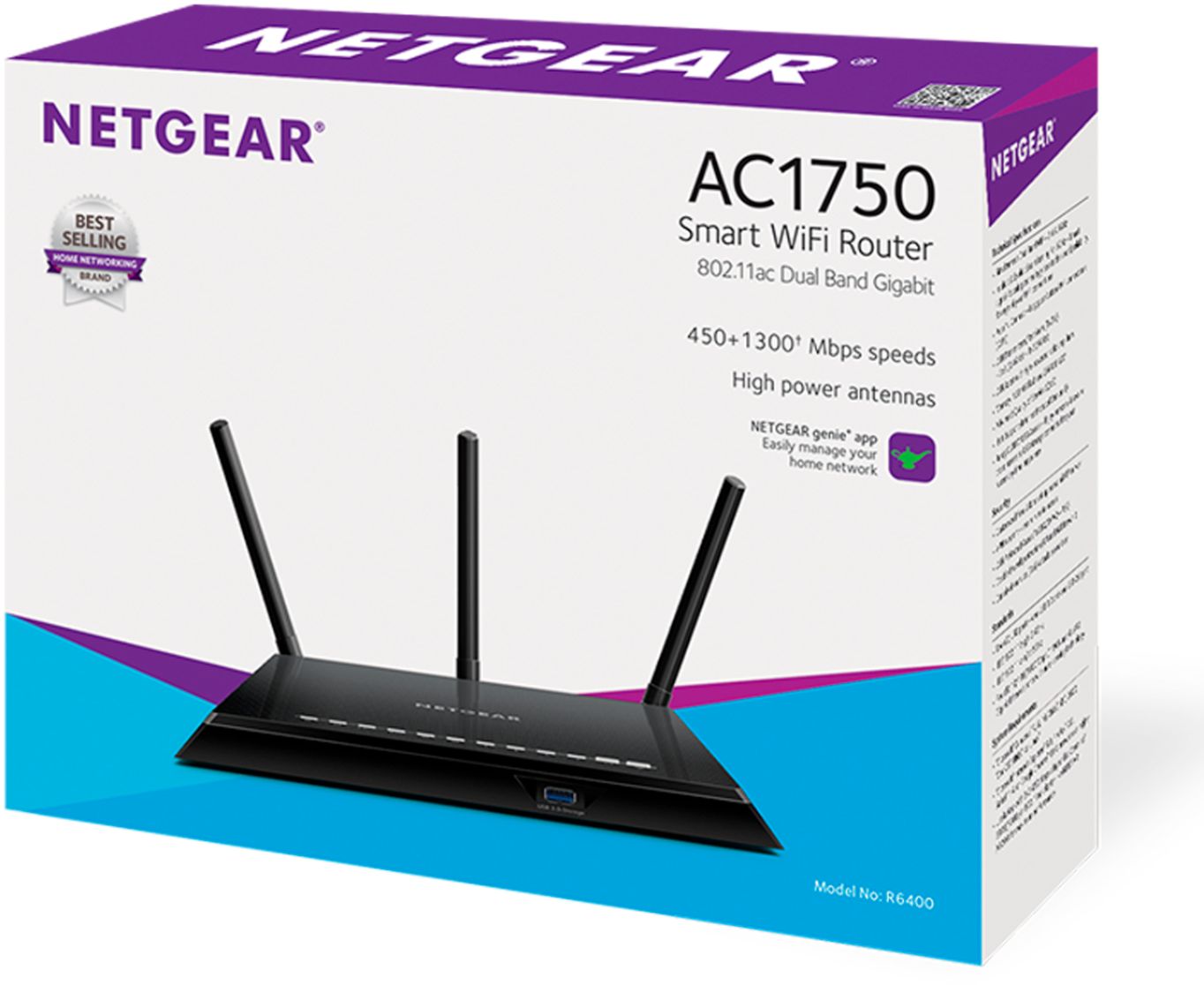
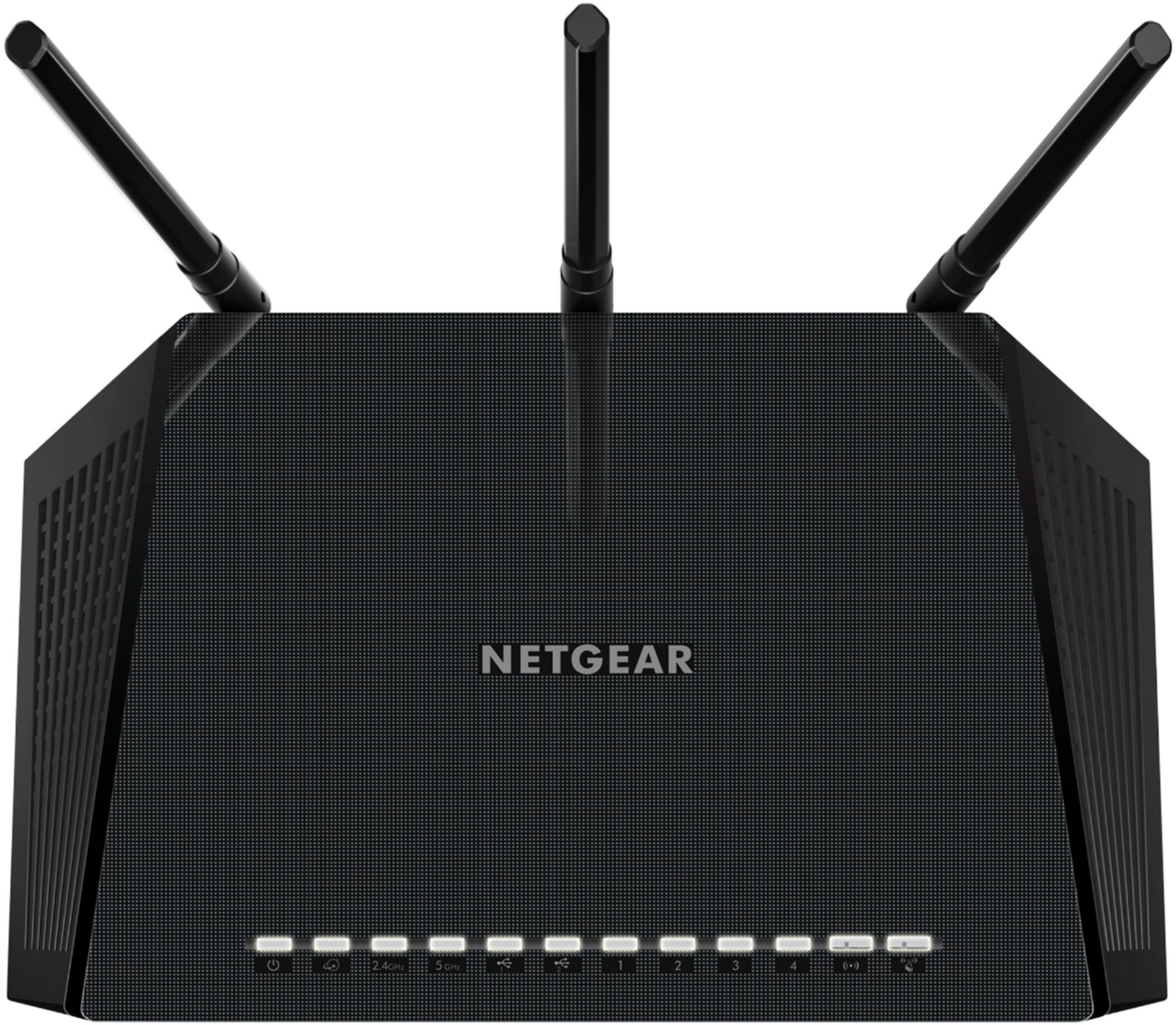
Customers are pleased with the AC1750 Dual-Band Wi-Fi 5 Router's ease of use, range, and performance, frequently citing its straightforward setup and strong signal. Many appreciate the router's reliable coverage and its suitability for streaming. While some find the router's size a bit large, the majority of negative feedback focuses on minor issues such as occasional lag and bright lights.
This summary was generated by AI based on customer reviews.
Rated 1 out of 5 stars
would not connect to internet, returned for refund
||Posted .This reviewer received promo considerations or sweepstakes entry for writing a review.would not connect to internet, returned for full refund
No, I would not recommend this to a friendRated 1 out of 5 stars
Returned. Could not get it to work!
||Posted .This reviewer received promo considerations or sweepstakes entry for writing a review.Returned! Could not get it to work!!! Techno challenged!
No, I would not recommend this to a friendRated 5 out of 5 stars
Works Great
Posted .This reviewer received promo considerations or sweepstakes entry for writing a review.My wife and kids have been complaining about wireless coverage in our house. I had tried using repeaters with no luck. When my cable company swapped out my router for a modem recently I decided I would buy a new router and this one has exceptional coverage. I have a $700 aerohive access point that didn't cover as much area as this router is covering. I live in a 1900 sq foot ranch style home that reaches from one side to the other and get almost full signal no matter where I am at in the house. I am now not using any repeaters and coverage is awesome.
I would recommend this to a friendRated 1 out of 5 stars
Not happy at all
||Posted .This reviewer received promo considerations or sweepstakes entry for writing a review.Router continues to boot offline. Not happy at all.
No, I would not recommend this to a friendRated 1 out of 5 stars
Not sure yet I just started using.
||Posted .This reviewer received promo considerations or sweepstakes entry for writing a review.Cable did not reach for location needed, was rtnd.
No, I would not recommend this to a friend- Pros mentioned:Range, Speed
Rated 5 out of 5 stars
F.A.S.T.
Posted .This reviewer received promo considerations or sweepstakes entry for writing a review.After slugging around with a woefully undercapable wifi router for years, I read the reviews, and decided to give this one a try. It is smokin' fast. Easy to set up. Took my maybe 7 minutes counting the firmware update. Great range all through the house now. We have 3 levels, about 3500sqft, and this baby cooks in every room. Well worth the money.
I would recommend this to a friend - Pros mentioned:Speed
Rated 5 out of 5 stars
Solved our networking issues
Posted .This reviewer received promo considerations or sweepstakes entry for writing a review.I bought this router as a Christmas gift for my husband based on great reviews and a fabulous Black Friday price. Our router was so old and was always giving him headaches. After the initial setup (and a little cursing from the hubs), it works great. We ran a speedtest and it improved our speeds by more than 50% without upgrading our cable service. The cursing has stopped, so this router is a winner. Sorry I can't comment on the features, because the network is "his domain". I know I can always connect to the Internet now!
I would recommend this to a friend - Pros mentioned:Speed
Rated 5 out of 5 stars
Works great
Posted .This reviewer received promo considerations or sweepstakes entry for writing a review.I bought this to replace an older Netgear modem when my ISP upgraded my internet service as well as increased my speed, This router works great for me, Set up was easy, my speed is awesome, and my wifi range is pretty good as well.
I would recommend this to a friend - Pros mentioned:Signal strength
Rated 5 out of 5 stars
Great router
Posted .This reviewer received promo considerations or sweepstakes entry for writing a review.Had picked up an N600 and It kept losing connection. I returned it and picked up this router instead...it is great! Easy setup, and plenty of signal strength. I’m using this for streaming tv and I have had no buffering or loss of connection. Also was reduced to $99 from $129
I would recommend this to a friend - Pros mentioned:Speed
Rated 5 out of 5 stars
Great router
Posted .This reviewer received promo considerations or sweepstakes entry for writing a review.Works perfectly. I’m not a huge fan of the app and setup process but once it’s set up, it runs well and keeps consistently high speeds.
I would recommend this to a friend - Pros mentioned:RangeCons mentioned:Lights
Rated 4 out of 5 stars
Good Features for price. easy setup
Posted .This reviewer received promo considerations or sweepstakes entry for writing a review.I like the vpn but it should have mobile access. Range is not as good as the reviews I read and claim of 'large home'. Range is good though. I like that it's wall mountable, but would like if it didn't look quite so much like a space ship and had dimmer lights. I use all my LAN ports so it puts out a lot of light which I could do without when watching tv at night. I read a lot of tech and customer reviews. For me, it was a good combo of features, price, and newness. Also, the brand has been reliable for me in the past. I was never very happy with my last router which was a two year old AC dual band belkin, so I decided to pay more than 100 this time with a $150 max. Happy with my purchase overall.
I would recommend this to a friend Rated 5 out of 5 stars
Excellent replacement for dying CenturyLink router
Posted .This reviewer received promo considerations or sweepstakes entry for writing a review.I switched from DSL to fibre last spring, which means that I'm not using the modem part of my CenturyLink modem/router. When you have fibre, the modem is hanging on the outside of the house with a direct connection to the power pole. My wireless signal in the house started to get flaky, so since I didn't need to have a router from CenturyLink, I went shopping for a new router. My first choice is usually Cisco, but their equipment is not easy to find in retail stores. My second choice is Netgear, and this model had everything I needed. To replace a CenturyLink router with a Netgear when you have CenturyLink fibre service, you have to do these things: 1. Setup your new router to logon to CenturyLink's with a PPPoE connection. Check the router's user guide for how to do this. You will need the PPPoE login and password that you should have gotten when you established CenturyLink service. Otherwise call them,verify your identity, and they will tell you what they are. 2. Change your VLAN ID to 201. Again, check the user's guide. If necessary, create a VLAN tag with this ID that applies to all wired ports and all wireless connections. 3. Change the MTU size to 1492. This is required when connecting to any ISP via PPPoE. Check the user's guide. You *will* be happy with this router. Works much better than the original CenturyLink router, wired and wireless.
I would recommend this to a friendRated 4 out of 5 stars
Nice Unit
Posted .This reviewer received promo considerations or sweepstakes entry for writing a review.I did spend quite some time research a router since it has been so long since I purchased my last one. I wanted to see if there were any advancements in the technology as far as setting up the router. There were plenty to choose from and some did not even require a pc. You initiate the entire setup though a tiny screen located on the router. I ultimately decided on the Netgear router for multiple reasons. They are more widely known and have put out many good routers, the setup is more streamlined with a nice setup tool you install on your computer, and the midrange one I purchased was a great price. It turns out that the setup was easier than I remember and the setup application had a lot to do with that. I was able to get my wireless wifi printer connected using a special function of the setup software which made it much easier than my last endeavor on a different router. Overall, I do recommend this router for the price to value ratio and I have had only minor issues of which I could not blame the router on.
I would recommend this to a friend- Pros mentioned:Signal strengthCons mentioned:Size
Rated 4 out of 5 stars
This thing works really well.
Posted .This reviewer received promo considerations or sweepstakes entry for writing a review.This thing is huge compared to an average router. Signal is great. overall good router for the price
I would recommend this to a friend - Pros mentioned:Speed
Rated 5 out of 5 stars
Amazing
Posted .This reviewer received promo considerations or sweepstakes entry for writing a review.This router is exactly what I've needed. My cable modem had the wifi router built in and the wifi would run about 30% of the speed I am paying for 150 mbps. My devices that can run on 5ghz run very close to 150 mbps at all time now. Do not hesitate to buy this router. I absolutely love the fact you can run 2.4ghz and 5ghz simultaneously. Definitely get what you pay for here.
I would recommend this to a friend Rated 4 out of 5 stars
Good router but a bit disappointing
Posted .This reviewer received promo considerations or sweepstakes entry for writing a review.I bought this as a Black Friday deal. I looked at all the specs and possibilities. I have a Netgear at home now and liked how it works. I unpacked it, plugged it in and began to set things up. The network software worked great and set up and installation were very easy. The hitch came when I tried to use the USB port on the back to connect it to my printer. No matter how many configurations I tried and combinations, the printer would not show up on the network display. I have been in contact with HP which was semi disappointing and Netgear help lines and that is sinking below the disappointing level after about a week of emails back and forth. I partially bought the unit for the capability of the USB on the back for the printer in place of the network cable and that My primary thought goes to, "Why does the installation manual and instructions show using the USB port on the back for the printer when it cant be used?" Hopefully there will be some resolution in the near distant future. I gave a 4 rating hoping for a positive resolution. Failing that, I would reduce it to a 3.
I would recommend this to a friend- Pros mentioned:Ease of use
Rated 4 out of 5 stars
Like the speed
Posted .This reviewer received promo considerations or sweepstakes entry for writing a review.I receive this free to test the product. Set up was easy. Except that I want to bi-pass wireless for my TV and go with the hardwire still. I have not been able to get the configuration to work. Sometimes when my son is on AppleTV at the same time we're watching netflix (over this wireless) it freeze and I have to restart. Annoying, but I'm coping with for the speed of other devices.
I would recommend this to a friend - Pros mentioned:Range, Speed
Rated 3 out of 5 stars
got disconnected a number of times
Posted .This reviewer received promo considerations or sweepstakes entry for writing a review.Upon setup, it was fast but when I tried working on my laptop but it hanged accessing best buy (what do you know) website. Then I got disconnected. Tried it a number of times and still got disconnected after using for about a few minutes. MIght just got a lemon since I owned a few Netgear hardware before.
I would recommend this to a friend - Pros mentioned:Performance
Rated 5 out of 5 stars
Good AP, meh as Gateway
Posted .This reviewer received promo considerations or sweepstakes entry for writing a review.Great router for the price! Had it as primary GW WAN for a while but i'd have to power cycle it every few weeks or so. Turned into an AP after a while.
I would recommend this to a friend - Pros mentioned:Ease of use, Performance, Signal strength
Rated 5 out of 5 stars
Excellent Router
Posted .This reviewer received promo considerations or sweepstakes entry for writing a review.Ive used Netgear routers for 10 years and this is the best I have owned. Super fast. Easy set up. Good range and nice admin panel. Priced right and has USB ports to boot.. Glad I bought this router,
I would recommend this to a friend