Customer Ratings & Reviews







- Model:
- RBK50-100NAS
- SKU:
- 10433635
Rating by feature
- Setup
Rating 4.5 out of 5 stars
- Range
Rating 4.6 out of 5 stars
- Signal Strength
Rating 4.6 out of 5 stars
Doesn't work
||Posted . Owned for 3 weeks when reviewed.This reviewer received promo considerations or sweepstakes entry for writing a review.Try four times to get this to work on my wi-fi system I cannot do it I'm ready to bring it back
No, I would not recommend this to a friendWouldn’t recommend
||Posted .This reviewer received promo considerations or sweepstakes entry for writing a review.It wasn’t good for multiple setups that require hardwire. It was returning it or buy a wife hhd.
I would recommend this to a friendGet latest firmware and it makes it GREAT!
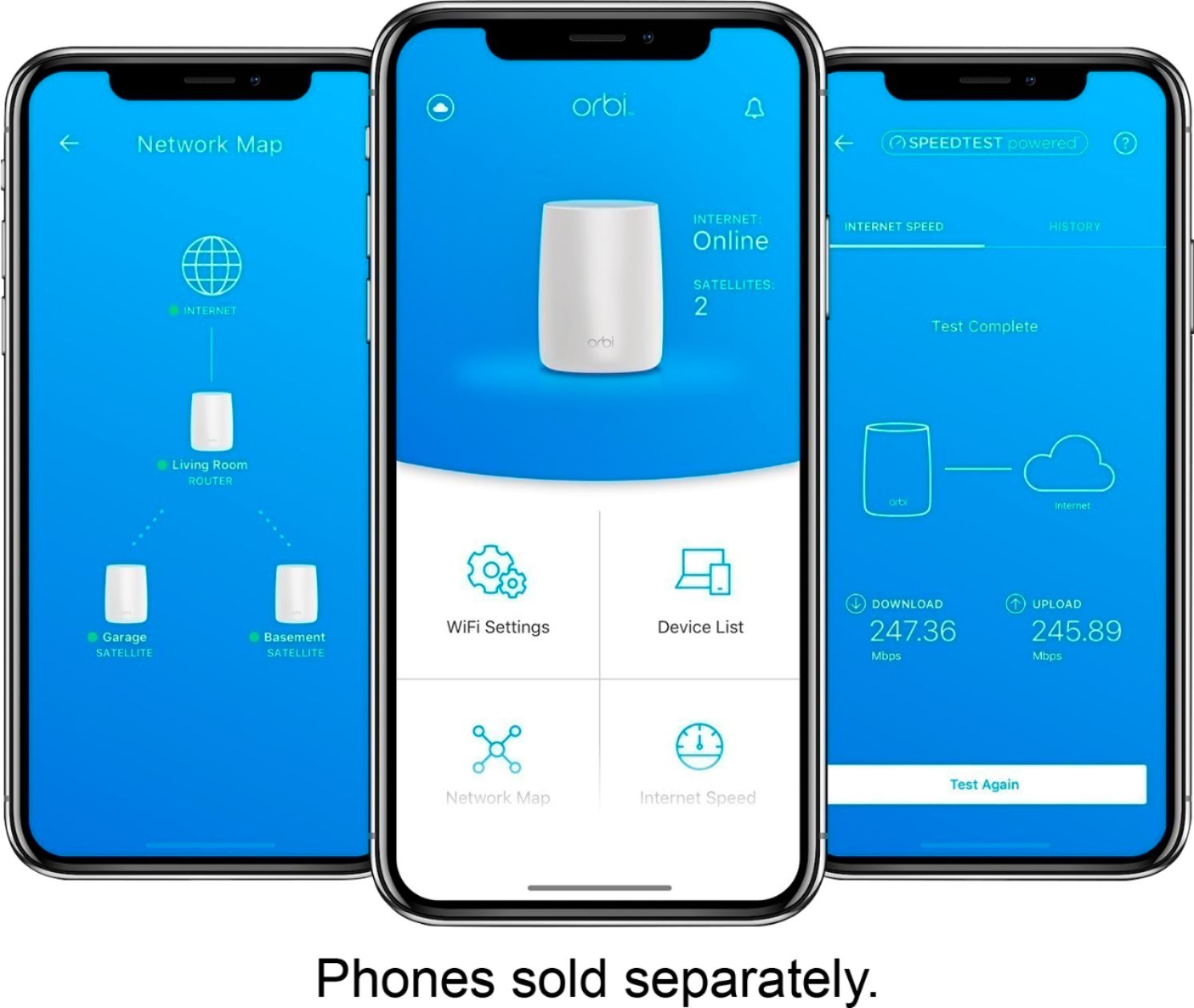
Posted .This reviewer received promo considerations or sweepstakes entry for writing a review.I initially LOATHED this mesh router... My RING and other 2.4GHZ devices couldn't properly connect to the correct band, Orbi would try and switch them between satellite and router base (for the uninitiated, there are 2 modules. One is the base station and one is a satellite, or repeater. The idea being if you are too far from the base and closer to satellite, you will connect to the satellite. In theory and in WORKING practice this is great because you don't have to switch wifi networks.) I tried everything to force certain devices to connect to a specific module and at a specific band (2.4) (another note, your devices are either 2.4 GHZ or 5.0 GHZ wifi. Most RING devices are 2.4 which means if you had a 5.0 only system your RING cannot connect (though most routers will have BOTH...these days) Just FYI. I even tried third party software and overly complicated 'hacks' to make the system work. Suddenly one day, NETGEAR released a new firmware and I have LOVED this system ever since. I have stupid fast speeds ANYWHERE and I don't get interrupted going from wifi from BASE to wifi on SATELLITE. Also the NETGEAR app on my phone notifies me ANYWHERE who/what is connecting to my wifi and I can opt to NOT ALLOW or even give it a name. I LOVE that about it... (Heh I even know when mother in law comes to visit because when she pulls in driveway her phone connects to network and my phone says "<Her name>'s phone just joined your network and is secure!" lol Anywho... I think that NOW I WOULD recommend this provided the first thing you do is get the latest firmware.
I would recommend this to a friend
Good design, bad performance
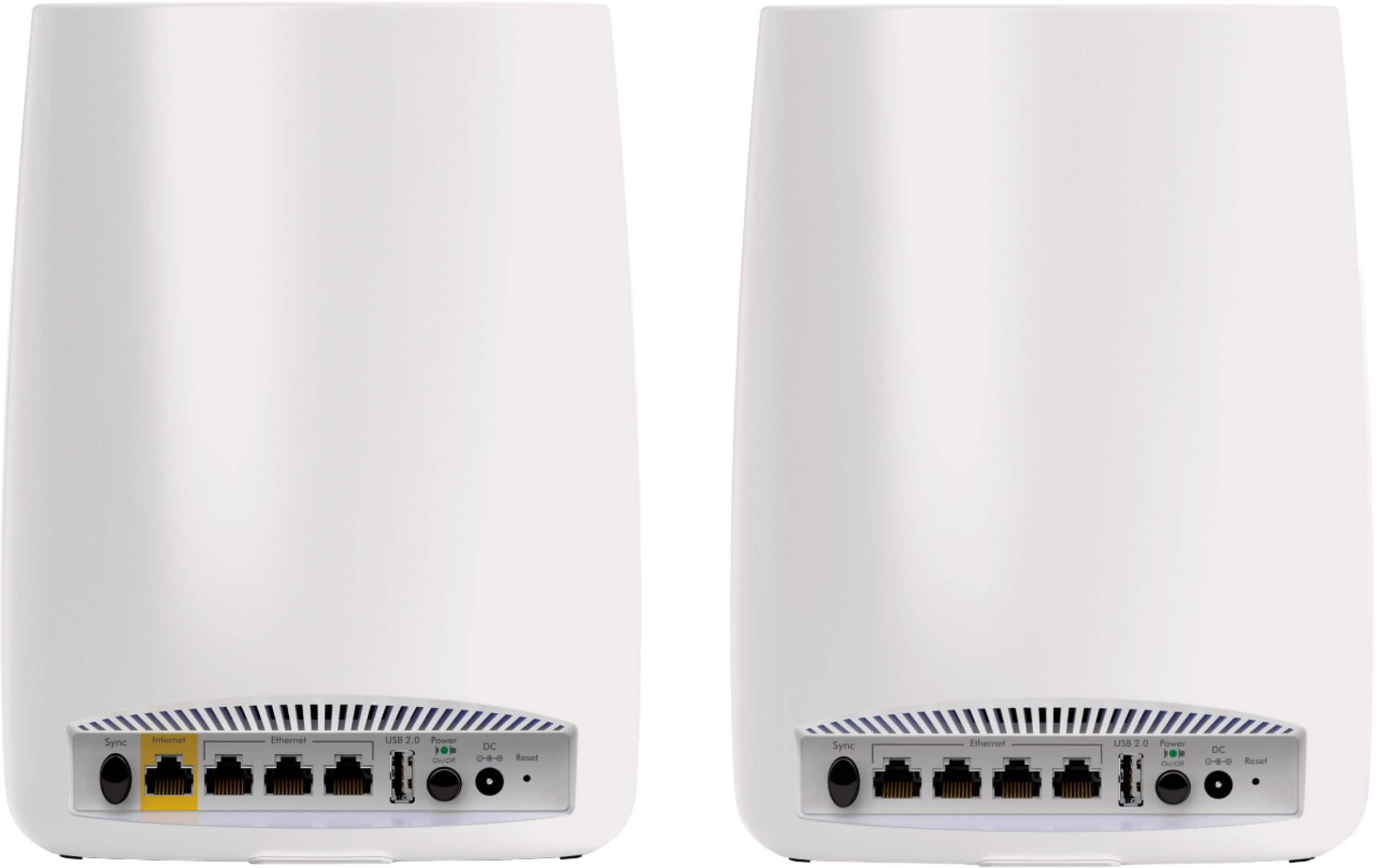
|Posted .This reviewer received promo considerations or sweepstakes entry for writing a review.After spending some time with this, I come away disappointed. There are a couple of good things about this. But one step at a time. The setup is fairly simple. Those using cable internet services can simply connect the cable modem to the router. However, those using Verizon FIOS or similar will find it difficult to utilize the device’s full potential and features. Connecting the satellite to the router requires simply pressing the “sync” button for both the satellite and the router. Once it connects to each other, you should have a big wireless network that should provide cover to your entire residence. The keyword here is “should.” The interesting feature is that both the router and the satellite provide ethernet ports for wired connecting, as well as USB ports for portable storage or printers. This effectively means the entire setup is providing up to 7 ethernet connections to the Orbi system. Setting up wireless is fairly easy. But its configuration UI could use some tweaking. It took some effort to find the setting to turn off SSID broadcasting. This is a must should you want to keep your wireless network from being hijacked. For the sake of simplicity, or perhaps part of their feature, Netgear sets up your wireless network name as the same for both 2.4GHz and 5GHz bands. If your device is able to connect to 5GHz, it’ll make use of that. This is likely good for most users. But as a power user, I find it to be a bad thing. Even its advanced settings, there is nothing to make separate wireless networks so one can differentiate between the 2.4GHz network and the 5GHz network. Wireless network performance seems to be good enough for the most part. To test this, I transferred a 571MB and a 250MB file from my desktop over to my Android phone. The router and the satellite were placed on each floor the house and synced up. Assuming the Orbi works as designed, I should be getting maximum signal strength and insane transfer speeds. Unfortunately, that wasn’t the case. The smaller 250MB file transferred in roughly 1 minute, giving me a wireless network speed of around 33Mbit/s. As for the larger file, it finished transferring data in about 3.75 minutes. That puts it around 20Mbit/s for wireless speed. Granted, there may have been a bottleneck somewhere along the line. Most people will not be able to notice the slow speed unless large files/data are being transferred around wirelessly. In the time that I have spent with the Orbi, I found maintaining a connection to either the router or the satellite to be very problematic. In fact, it was problematic almost from the very start. Many times when I tried to do something on the phone, the app I was using would time out on its network connection and I would notice my phone disconnecting from the wireless network and reconnecting. It wasn’t isolated to a single app either. I later figured out that this was due to the dismal and poor performance of the 5GHz band from the router. Forcing my phone to use the 2.4Ghz band only fixed this. And so my testing continued until the day I am writing this review up. After coming back from a dinner outing with the family, my phone would not connect to the wireless network. I was 10 feet away from the router, on the other side of the wall. That was the last straw. And because of that, I was unable to test the USB portion of the Orbi. From there, I shut the Orbi down and went back to my previous router. I apologize if this isn’t a complete review. But this is how I have experienced using it. For the asking price, this is not worth purchasing. There are better performing routers out there for this exact same price that will give you better connections, performance, and more options.
No, I would not recommend this to a friendNot so good
||Posted .This reviewer received promo considerations or sweepstakes entry for writing a review.Sorry but this wifi system was not good. I couldn't even open you tube or anything that streamed videos.
No, I would not recommend this to a friendPoor product
||Posted . Owned for 1 month when reviewed.This reviewer received promo considerations or sweepstakes entry for writing a review.Not a good product. All problems and had to return a few times.
No, I would not recommend this to a friendExcellent wifi system
Posted .This reviewer received promo considerations or sweepstakes entry for writing a review.I had a two router Netgear system running for five years when front end router started to permanently power cycle every 2 minutes. Headed to Best Buy ready to double upgrade when a nice Blueshirt introduced me to Orbi by Netgear. Awesome product, easy to setup, provides whole house coverage for large house. Sets up on own but still has flexibility to reserve addresses for printer, NAS, etc. Single SSID, plenty of speed, much less engineering, great out of box experience. Recommended.
I would recommend this to a friendSet up is horrible. Range is pathetic.
||Posted .This reviewer received promo considerations or sweepstakes entry for writing a review.Had to have main unit and satellite sitting next to each other in order to connect to each ither
No, I would not recommend this to a friendGreat setup
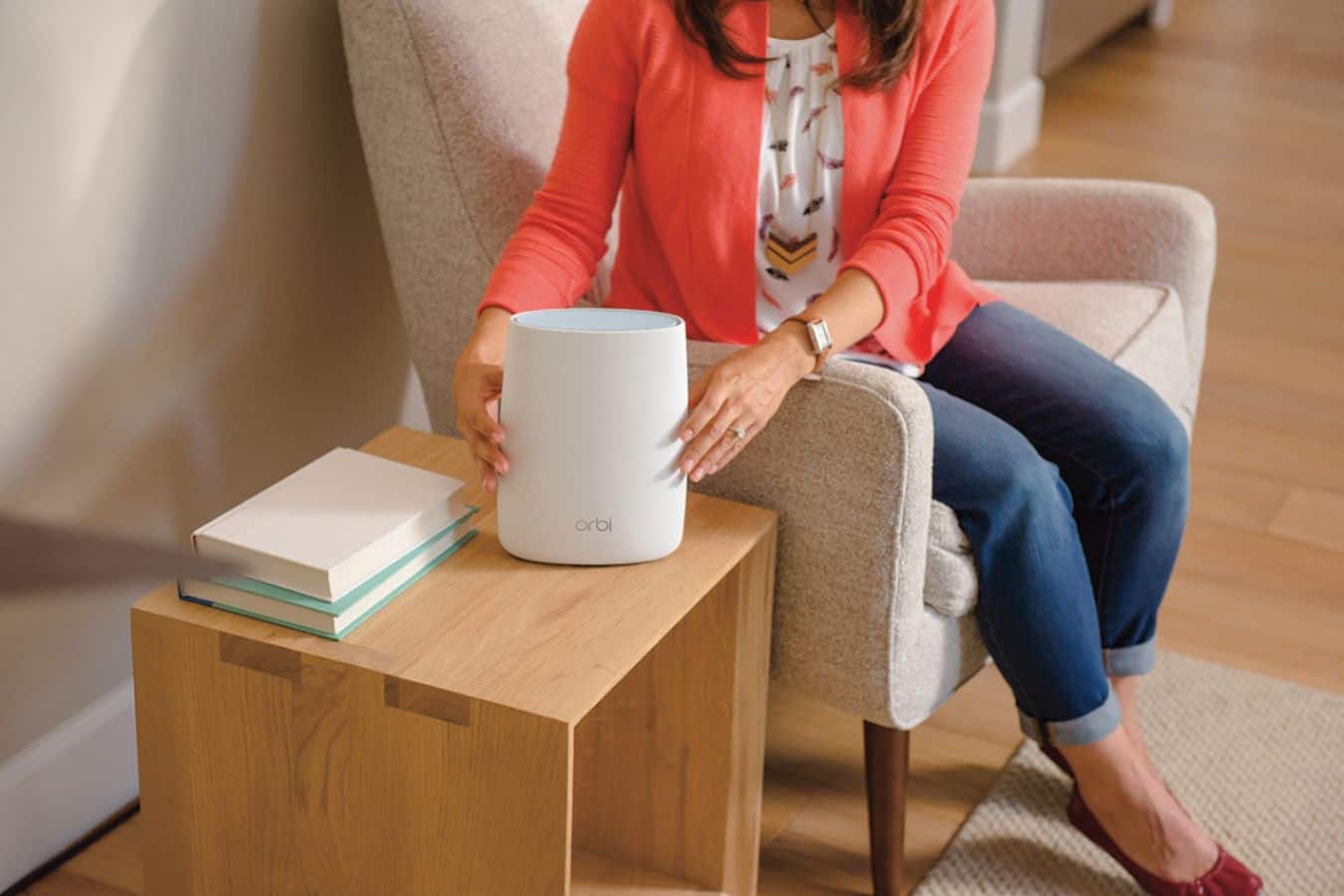
|Posted .This reviewer received promo considerations or sweepstakes entry for writing a review.I got this for my daughter's college rental where 5 room mates on 2 different floors make extensive use of the home's broadband connection. Their WiFi coverage was spotty on the main level and inconsistent throughout the home. This unit did the trick, with the base unit replacing the current WiFi router on the upper floor and the satellite component providing coverage on the main floor. Setup was simple and all is working great. Both the base and the satellite are aesthetically pleasing -- not a big deal for the base, but a plus for the satellite since you can place it on an end table, book case, shelf, or wherever there is a power source without worrying about the looks. The WiFi coverage is now much improved...
I would recommend this to a friendExcellent product, but...
|Posted .This reviewer received promo considerations or sweepstakes entry for writing a review.My situation - bi-level home, 50x20, 1,000 sq ft on each floor, service enters in the extreme southeast corner, wifi devices scattered throughout - 3 wireless dvds, 2 smart tv's, ipad, amazon echo, thermostat, etc, etc. The one that's always given me the biggest problem is the wife's pc, located in the extreme northwest corner. Over the years, I've tried many solutions - additional routers configured as access points, hi gain booster antennas on the routers, POE (power over ethernet - those devices you plug into a wall socket) - but I could never get more than 2 bars on the farthest pc. Streaming on the north side of the house is sometimes spotty, at times either buffering or dropping resolution. So, I naturally viewed the Orbi with a certain amount of skepticism. The hype on the Orbi lays it on heavy about being preconfigured, easy setup. Well, maybe for some, but - here comes the first snag for me. I have Verizon Fios, with the combination modem/router for internet, tv, & phone. The skimpy pamphlet that comes packaged in the box only covers the very best of circumstances - that being that you take it out of the box, plug it in, and you're hooked up in less than 5 minutes. My first task then became hunting online for directions to hook up to a Fios modem. If you have a situation like mine, here's what you need to do - first you need to go into the modem setup and disable wifi on the Fios network. Next, hook the Orbi with a cable to LAN port on the Fios modem. Now, from your wifi device, you are directed to a proprietary website, orbilogin.com, from which you can login to the Orbi setup page. In the setup, you change the Orbi to AP (access point) mode, and also choose to get an IP dynamically from the Fios router. The IP address of the Orbi then configures itself to 10.0.0.1, and you should be good to go. Not exactly as simple as advertised, and zero information in the box about this. As far as performance, I hooked the base unit next to the Fios router in the southeast corner, lower level. I placed the satellite at the midpoint of the house on the upper level. I first went to the habitually troubled pc in the northwest corner, and was happy to finally have full service there. I ran a couple of speed tests, I have 75 Mgh service, at the midpoint of the house with no direct line of site to the Orbi, I was pulling a 65. The pc in the far corner was doing a 60. I'm no wireless technician but I consider that pretty good for over the air, and certainly the best I've had in the house. My reason for dropping a star in the rating is first & foremost, cost. This is an expensive unit, and at this price point, I didn't appreciate the next to useless pamphlet in the box. There should at least be some rudimentary explanation for various contingencies that might arise during installation. Here in the NY metro area, Fios has a pretty significant market share - not sure if there are other service providers that use a similar modem/router configuration, but there should at least be a nod to the fact that this isn't an idiot proof setup for 100% of the population. That being said, it has so far performed without a hiccup, which is more than i can say for the hundreds of dollars i've previously spent on wifi access/extender products.
I would recommend this to a friendGreat concept but didn’t work
||Posted .This reviewer received promo considerations or sweepstakes entry for writing a review.Setup seemed easy but was nit able to get product to detect internet from my fiber provider
No, I would not recommend this to a friendReturned it the next day
||Posted . Owned for 3 weeks when reviewed.This reviewer received promo considerations or sweepstakes entry for writing a review.Found it difficult to get up and running. Once I did it was spotty speeds.
No, I would not recommend this to a friendGood Product!!
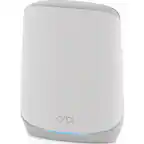
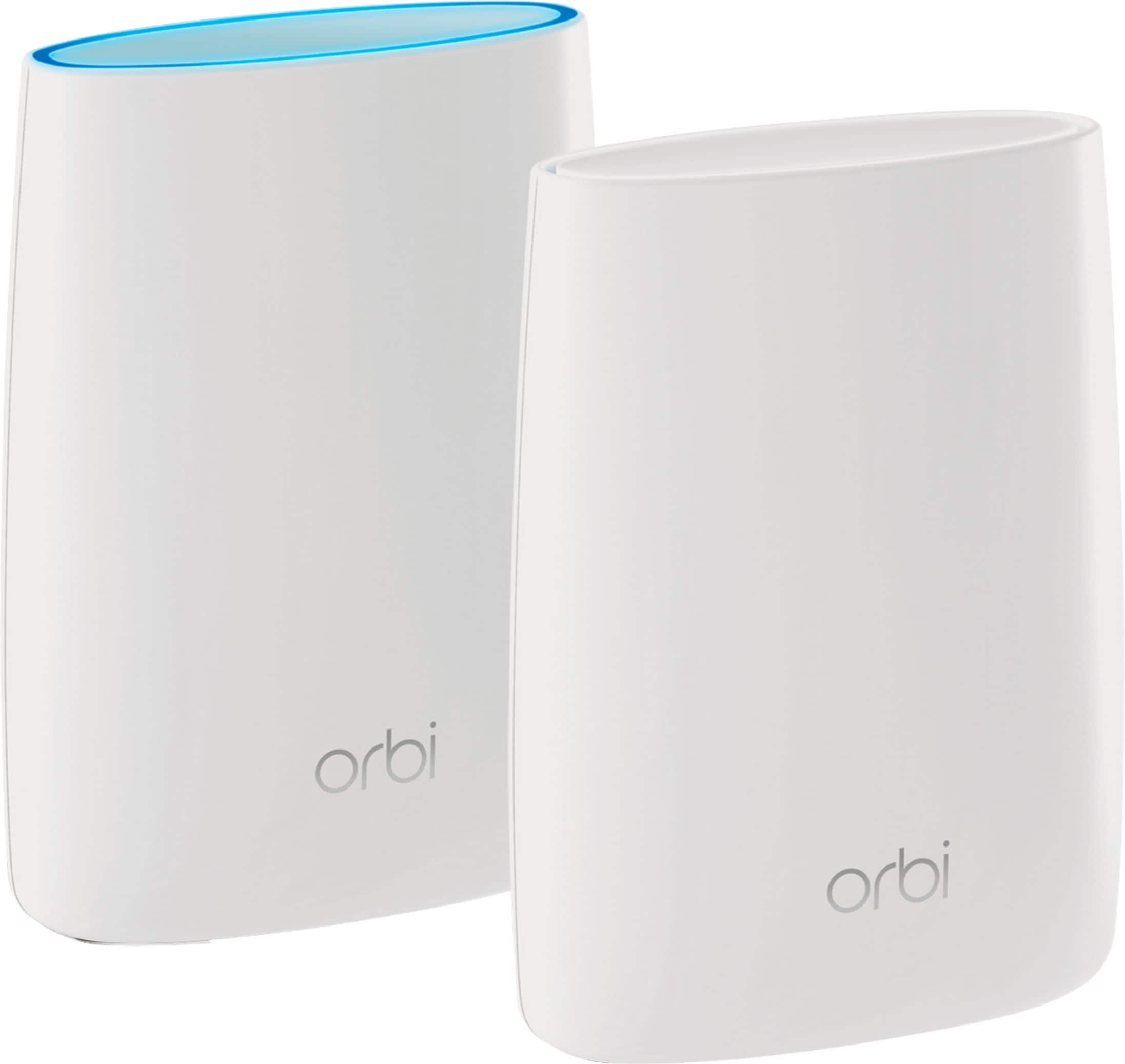
|Posted .This reviewer received promo considerations or sweepstakes entry for writing a review.Initially, I did not encounter any problems when setting up this product. The router and satellite are both identical in size; however, Net Gear placed bands with the needed information around them in order to prevent confusion. Setup is really cut and dry all one has to do is connect the router into your existing router, input passwords and plug-in the adapter. It is recommended the satellite is placed within the center of the home. *Connection speeds-I instantaneously noticed that my connection speeds increased. I purposely opened up several web pages in order to see how quick I could get a connection and surprisingly I did notice a significant increase when opening of several web pages. *I always have several devices in operation at any given time. For the most part, Orbi was successful at connecting and integrating with my devices except, I could not print on my Lenovo 2/1 laptop after connecting it to Orbi. I don’t know if the 8.1 operating system that the 2/1 runs off does not integrate with Orbi; however, I was unable to print. After reverting back to AT&T’s network who is my internet provider, I was able to resume printing and I did not have to restart my PC in order to do so. *Duration-I experienced long periods of uninterrupted Internet access (6 or more hours) after connecting to Orbi which has been a very good experience thus far. *Chromebooks- I have 2 Acer chromebooks, one that is fairly new (R11 2/1) and one that is a couple years old (C7). The newer chrombeook, (R11 2/1) seemingly integrates fine and makes fast connections with Orbi; however, I did noticed the older model; (C7) did not make fast connections when surfing and opening of pages. This could very well be to the age of the device. Also, I noticed when I disconnected from the C7, I received a solid magenta color which indicated the Orbi satellite could not connect to the router, which was a good sign that the system communicates and works well. In summary, I would recommend this product to anyone who desires new technology that offers a tri-band Wi-Fi system. Moreover, if someone has multiple devices and desire faster Internet connections, then Orbi is the product that can accommodate their needs!
I would recommend this to a friendProblems
||Posted . Owned for 1.5 years when reviewed.This reviewer received promo considerations or sweepstakes entry for writing a review.Never could get this system to work properly. Never again!
No, I would not recommend this to a friendBrand response from Netgear Support
Posted .Hi RBJ1,
We would like to look into some of the support opportunities that we have available for installing your Orbi. Your product comes with a one-year warranty and 90 days of complimentary tech support. If you need further assistance, please log in to MyNETGEAR and click support for additional resources or to contact one of our support experts. They will be happy to help.
Thank you.
Awesome
Posted .This reviewer received promo considerations or sweepstakes entry for writing a review.This has been so good so far. There have been no issues and has been a nice upgrade from my old one.
I would recommend this to a friendPoor response
||Posted .This reviewer received promo considerations or sweepstakes entry for writing a review.Unit works very poorly no improvement in WiFi performance
No, I would not recommend this to a friendGarbage
||Posted . Owned for 8 months when reviewed.This reviewer received promo considerations or sweepstakes entry for writing a review.Worked well for a couple weeks and is now litteral garbage
No, I would not recommend this to a friendNo works good.
||Posted . Owned for 3 weeks when reviewed.This reviewer received promo considerations or sweepstakes entry for writing a review.It gives me the same speed as when I did not have.
No, I would not recommend this to a friendSucks
||Posted .This reviewer received promo considerations or sweepstakes entry for writing a review.The coverage is not at all good . Paying more price for trash
No, I would not recommend this to a friendFull Coverage in a Three Story House
|Posted .This reviewer received promo considerations or sweepstakes entry for writing a review.I set up the base router in my basement and the satellite on my third floor bedroom on the opposite end of the house. I thought there would be no way the wireless link between the two would work, but it did, and it worked well. This has been the only solution to getting the whole house covered with no dead spots. Setup was dead easy. The two units saw each other on their own after powering them up. After that is a quick browser-based setup. I was up and running after 20 minutes. I wish there were more than three Ethernet ports on the base, but I'm happy to see four on the satellite that I can connect to streaming boxes and the like upstairs.
I would recommend this to a friend