Customer Ratings & Reviews
- Model:
- 725-100
- SKU:
- 6346750
Rating by feature
- Value
Rating 3.1 out of 5 stars
- Quality
Rating 3.8 out of 5 stars
- Ease of Use
Rating 3.7 out of 5 stars
Customers are saying
Customers express satisfaction with the 4G LTE Smart Dash Cam's video quality and ease of use, praising its simple installation and the helpful LTE connectivity. However, some users point out weaknesses in the night vision capabilities and battery life. Concerns were also raised regarding the cost and value of the required subscription service.
This summary was generated by AI based on customer reviews.
Great dashcam/Securit system
||Posted . Owned for 1 month when reviewed.This reviewer received promo considerations or sweepstakes entry for writing a review.Works well after the initial learning curve. I've made some great ok presto moments.
I would recommend this to a friendStopped working in business closed
||Posted . Owned for 1 year when reviewed.This reviewer received promo considerations or sweepstakes entry for writing a review.I had nothing but problems with this camera from the day I purchased it. Owl cam Promising to send a new one but never did. Then they went out of business. A new company took over their product and increase the price by more than 100% for the annual service.
No, I would not recommend this to a friendGood View
||Posted . Owned for 1 month when reviewed.This reviewer received promo considerations or sweepstakes entry for writing a review.The view on this camera is awesome. It had a tracking history that is really nice
I would recommend this to a friendCam is great to have
||Posted . Owned for 11 months when reviewed.This reviewer received promo considerations or sweepstakes entry for writing a review.Cam is great to have and play back on your cell phone
I would recommend this to a friendIts ok :)
||Posted . Owned for 1 week when reviewed.This reviewer received promo considerations or sweepstakes entry for writing a review.I like it so far :) its kind a pricey but i think its worth it :)
I would recommend this to a friendGreat vehicle camera
||Posted . Owned for 4 months when reviewed.This reviewer received promo considerations or sweepstakes entry for writing a review.Owlcam camera works excellent and clear view day and night
I would recommend this to a friendMust own!
||Posted . Owned for 5 months when reviewed.This reviewer received promo considerations or sweepstakes entry for writing a review.Great camera! The picture is very clear day or night!
I would recommend this to a friend- Pros mentioned:Installation, Video quality

Amazing Product
|Posted .This reviewer received promo considerations or sweepstakes entry for writing a review.I have been watching this item awhile. Its now in its 2nd generation and improved. Installation was easy and well designed. From the camera mount to the car port connection was simple, and well designed. Once the camera was powered on and working, I did notice some quirks, and items that required explanation and calls to customer service. Customer service was mostly excellent, and the person answered was well aware of the product and operation. He also spoke good English ! Also, there was no script or looking up- he knew his product. It has been a week, and I love this product. Works well and does as advertised. I do have some dislikes. The camera does not upload to the cloud. Images are stored within the camera or if you download them. If someone were to steal the camera, it may not alert you soon enough. The alert feature cannot be controlled. It turns on after you leave the vehicle, and turns off when you are within range of your bluetooth phone. Sometimes that doesn't work for me. The screen shows a split front and rear image or you can turn it off. There is no way to leave front and rear on, but only show the front view on the screen. You get 60 minutes or part thereof per month included. Seems ok, but I am mostly parked in garages. If I had my car outside all the time, it might be different. All in all, I like this product. I am sure as it evolves and is updated, it will only get better. I do wonder how its updated without burning through cellular data, but maybe its by bluetooth from my phone. It is a real live camera in my car that alerts me to issues with video !
I would recommend this to a friend Awesome
||Posted . Owned for less than 1 week when reviewed.This reviewer received promo considerations or sweepstakes entry for writing a review.I will not go into detail, but this dash cam is the best!
I would recommend this to a friendBest
||Posted . Owned for 2 weeks when reviewed.This reviewer received promo considerations or sweepstakes entry for writing a review.Very good recommended .........I buy again ........
I would recommend this to a friendBest vehicle security!
||Posted . Owned for 1 month when reviewed.This reviewer received promo considerations or sweepstakes entry for writing a review.The only con is the instability of the iPhone app.
I would recommend this to a friend- Pros mentioned:Video quality
Great alerting, but app requires location
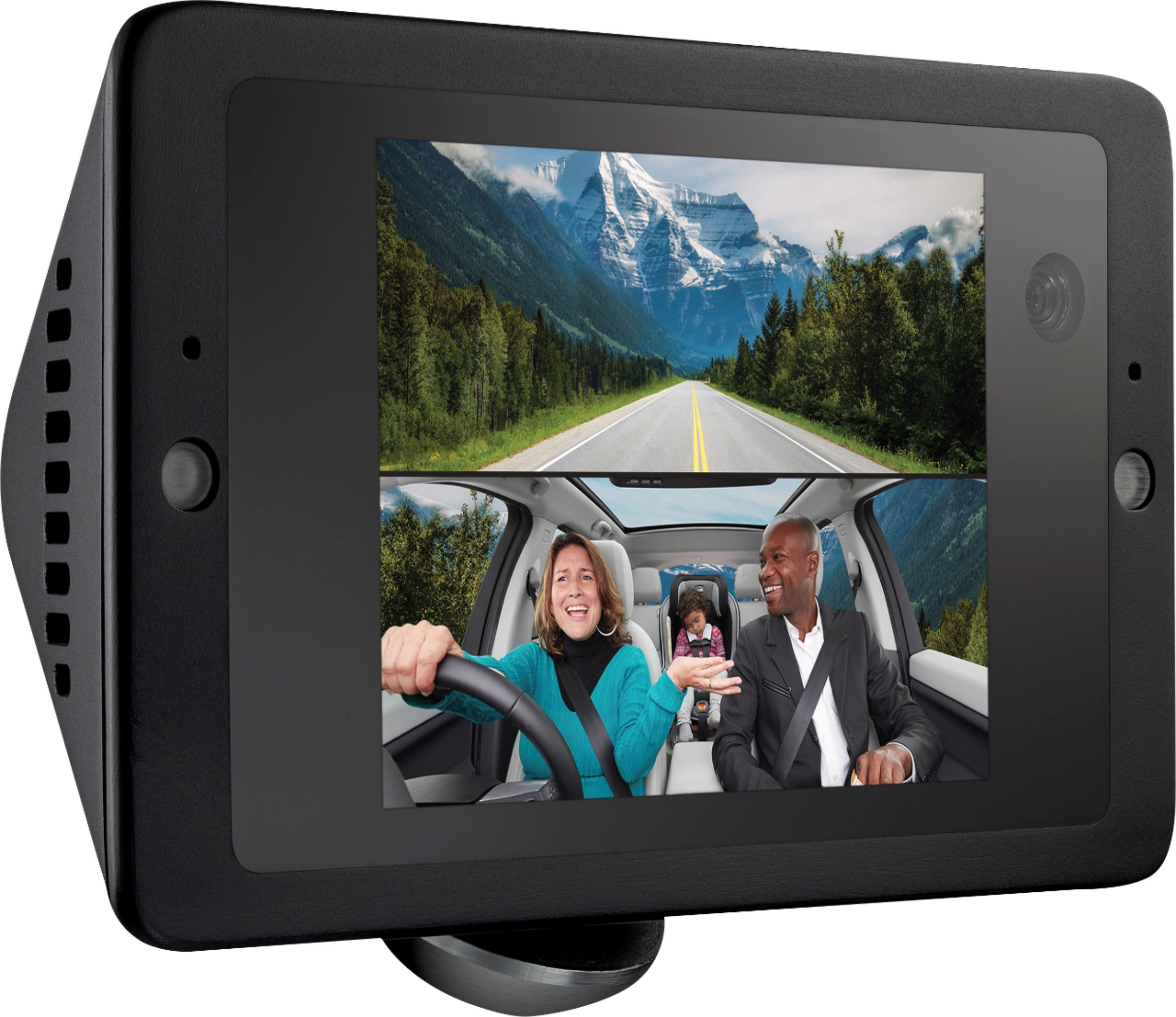
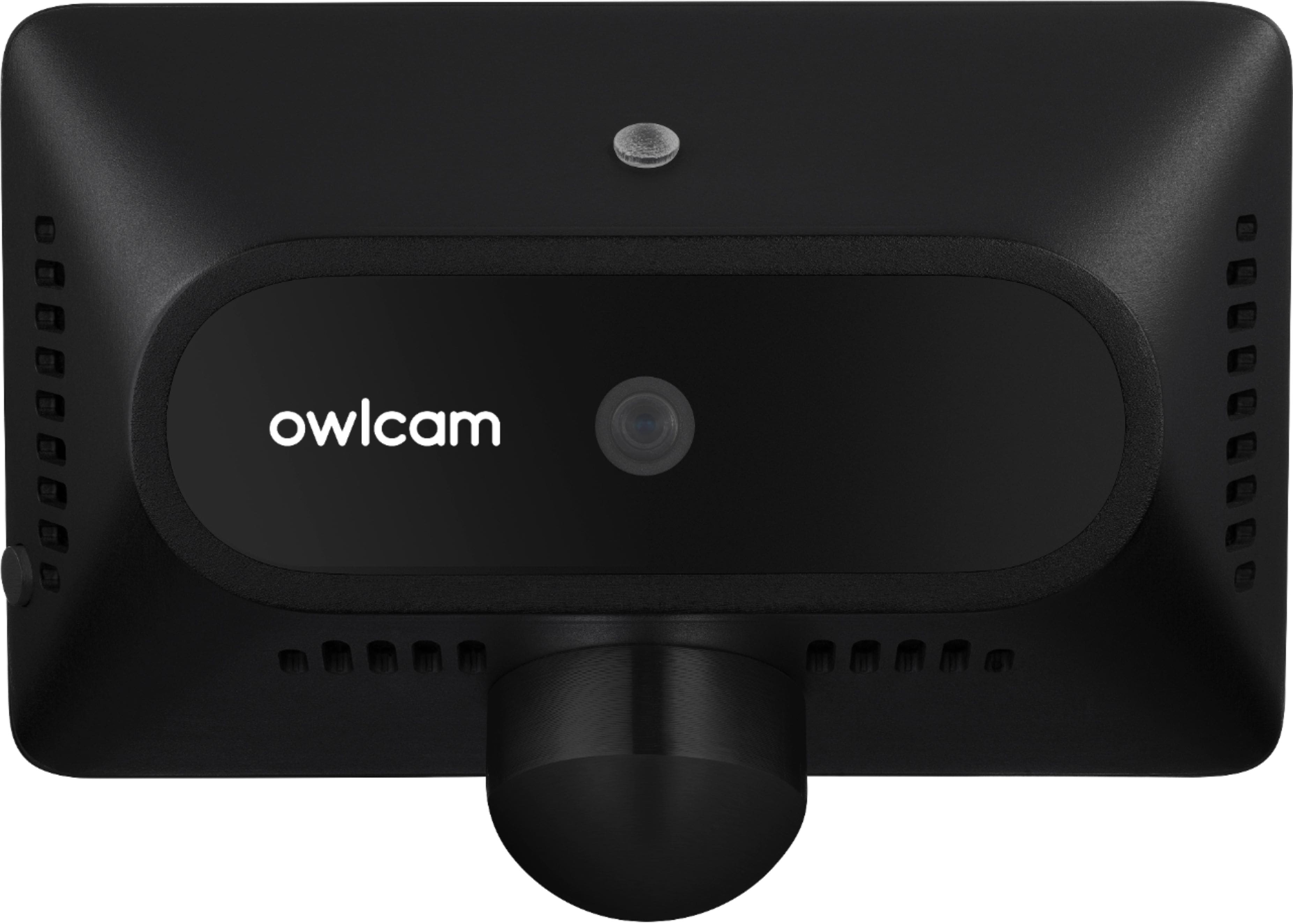
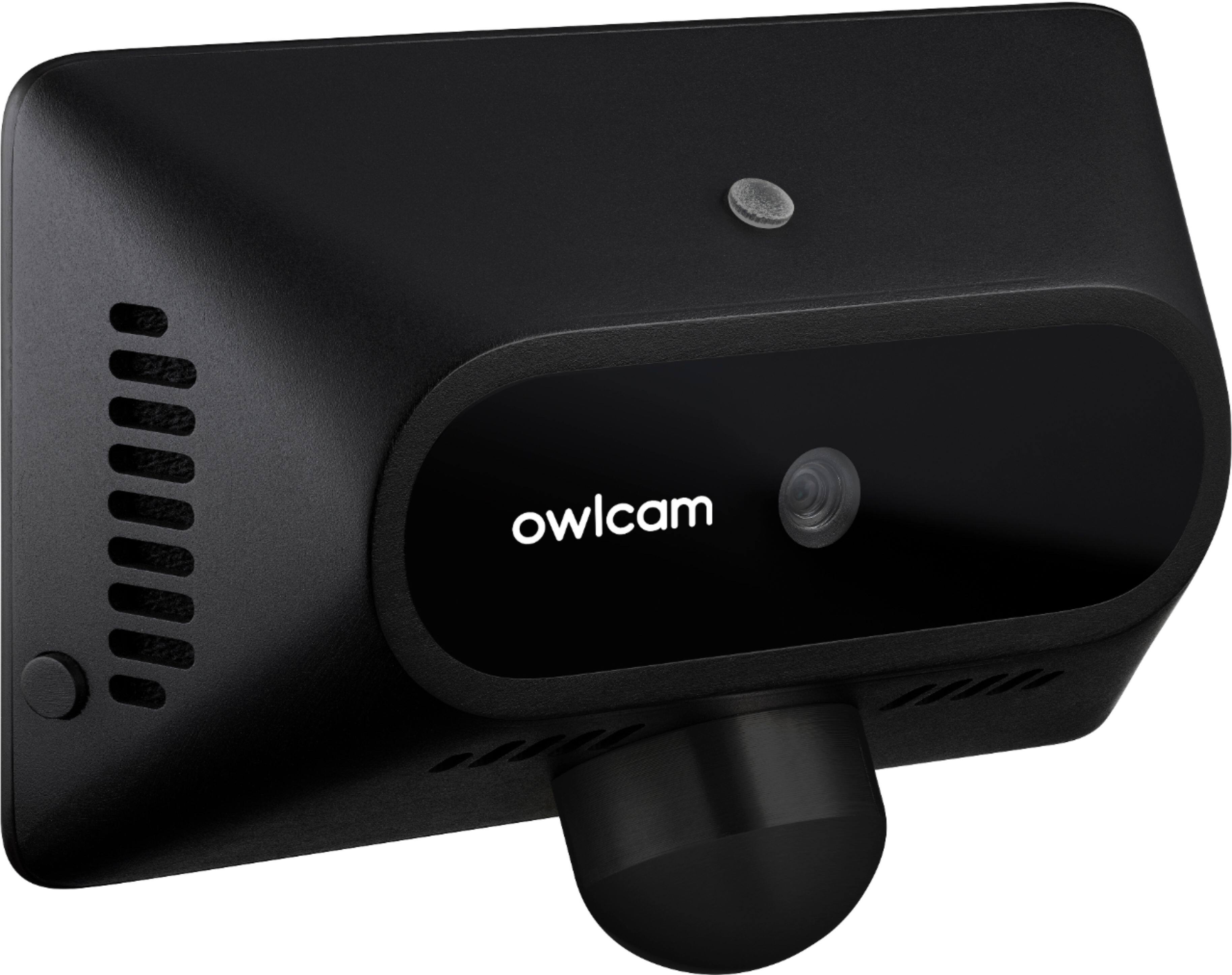
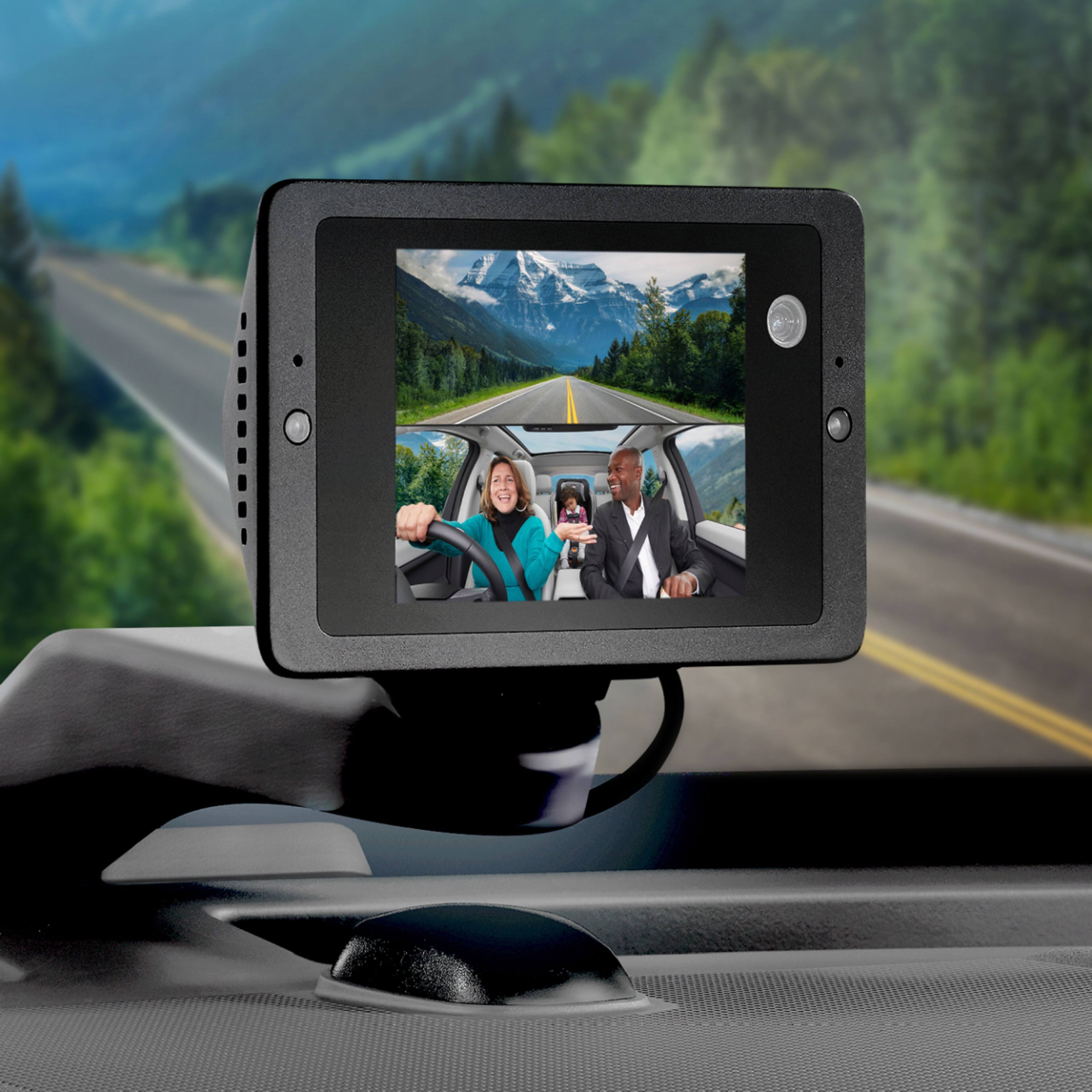
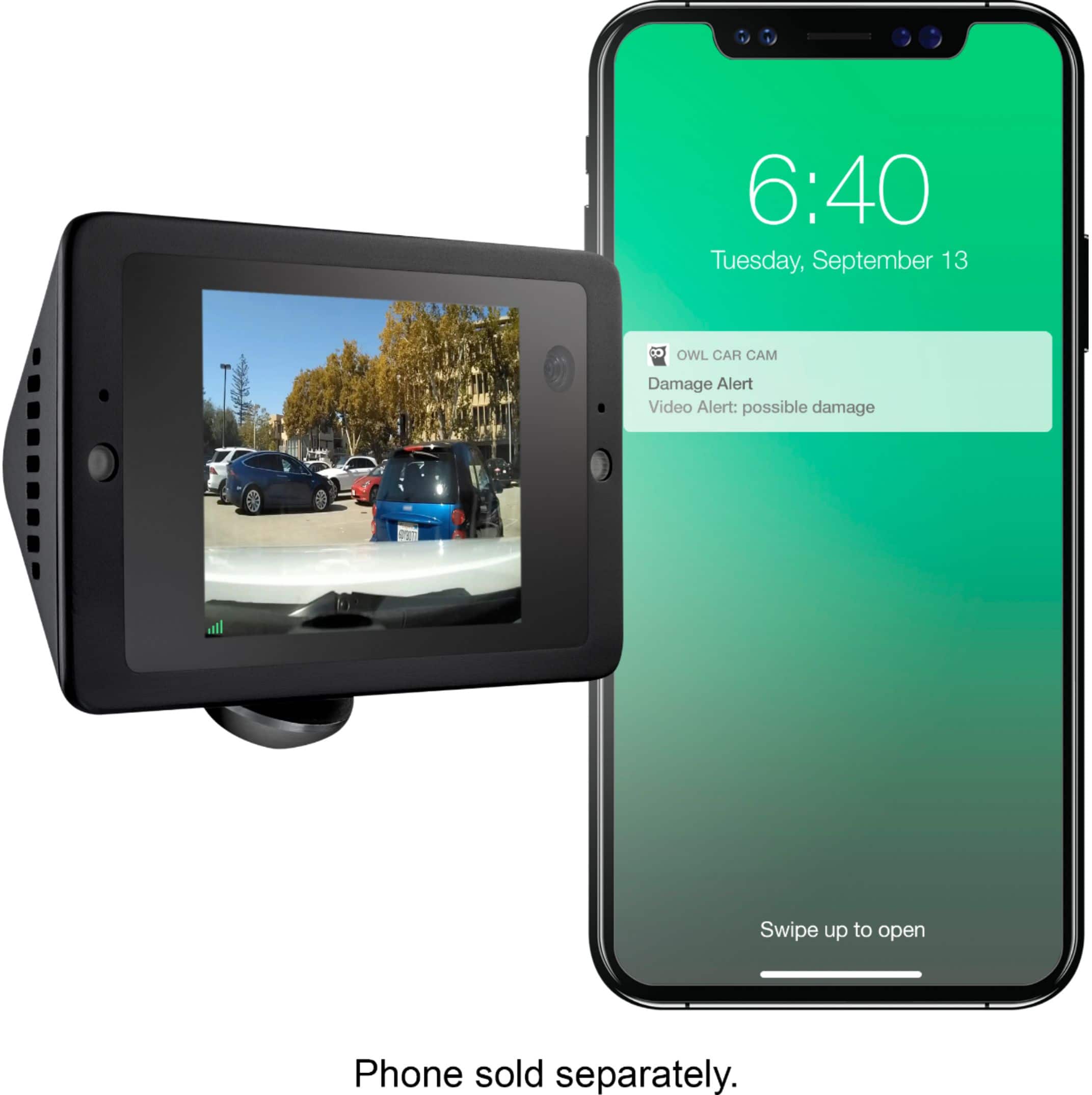
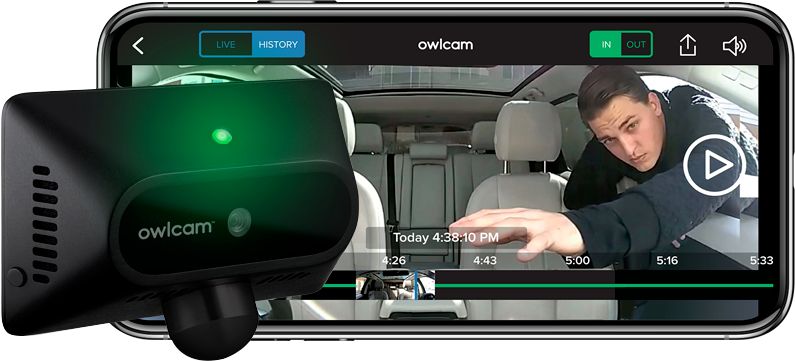
|Posted .This reviewer received promo considerations or sweepstakes entry for writing a review.-= Design =- The Owlcam mounts on the middle of your windshield, wedged between the windshield and your dashboard with an arm extending the unit towards you. The camera is not powered by your cigarette lighter; instead, it draws power from the OBDII port typically located somewhere above your gas and brake pedals under the dash. A long cable is included that needs to be run from under your dash, up the side of your interior, then across your dash. A simple tool is included to help you tuck the wire out of sight, although I couldn’t squeeze it between the left pillar and dashboard near my door on my Subaru Impreza. -= Features =- The Owlcam has two cameras: one facing the road and one facing inside the car including the back window. The inside camera can be turned off by swiping your finger on the screen vertically. However, if the interior camera is active, there is no way to disable the microphone. The Owlcam’s main selling point is it LTE cellular connectivity. This can alert you to any possible break-ins to your car virtually anywhere it has cell service. Service is free for the first year, then about $100 each year after (pricing as of June 2019; be sure to check Owlcam’s website for latest pricing). If your car is off and the Owlcam detects a vibration or glass breaking, it will turn on it’s two interior LEDs to light up the inside of the car (and hopefully catch the face of someone breaking into it). If it’s a light vibration, the LEDs come on at a medium brightness. However, if it is a significant vibration (one that is likely to cause damage to the car), the LEDs come on very bright and can be quite blinding to anyone inside the car. In either case, you’ll receive a push notification on your phone with a photo showing both the exterior and interior of your car. The camera flashes a bright green LED externally to “warn” others that your car is protected, but to me, it seems to draw more attention to my car as the green light flashes frequently and seems to scream, “Hey, try to break in this car!”. Unfortunately, I could not find an option to disable it. Typically, your phone’s proximity to the Owlcam determines if these LEDs are turned on and the alert is sent. That is, if you allow location services to be on 24/7, which is something I typically want to avoid due to the battery drain. By selecting “allow location only while using the app,” the Owlcam does not immediately detect me and the LEDs are typically shining on me when I enter the car and I receive the accompanying alert. Once the Bluetooth on my phone syncs up with the Owlcam, the LEDs turn off and it returns to normal operation. I wish the Bluetooth was a little more responsive to avoid these false alarms. If you’re driving and you see something you want a video of, you can say “OK presto” and the Owlcam will send you a clip of the last 10 seconds. This is useful if you witness a crazy driver or you just want to capture a scenic stretch of road or you and your friends singing along to the radio. You can also access a live feed of your video at any time thanks to the cellular connection with the Owlcam app. Again, this video appears somewhat blocky due to the compression over cellular, but is useful if you want to “check in” on your car at any time. My Subaru has two Eyesight cameras and the car’s manual warns about placing anything on the center of the dashboard. However, from my week of testing, I did not notice any adverse effects to the Eyesight’s performance. You are limited to the amount of “on demand” features you can use per month. You get 60 credits per month. Each “OK presto” clip uses one credit. Watching a live video or going through your recording history uses 1 credit per minute. Intrusion alerts will not count against your monthly usage. You can also connect to the camera directly via WiFi to retrieve video history without using your cellular credits. In my experience, this is a little buggy. Instead of connecting to your home WiFi, the Owlcam provides a WiFi network of its own that you must connect your phone to (the app does help automate this process). It typically takes me several tries to access the camera’s WiFi and view my video history, but it does work. Ideally, I would have preferred if the Owlcam connected to my home WiFi and I could access it with my home network, but this is not the case at present. -= Performance =- The video quality of the front facing camera is very good and records at 1440p while interior video records at 720p. Both are sufficient for seeing other vehicles, but the compression used to send the videos over cellular result in a more “blocky” resolution that makes it nearly impossible to make out license plate numbers of a quick moving car. Connecting to the camera’s built-in WiFi to retrieve the video does result in higher picture quality, but license plate numbers were still hard to make out. The camera seems to do a very good job of detecting car vibrations and goes off pretty much every time I open the car door (due to my reluctance to enable location services in the app). The app’s requirement of using location services all the time is a big turn off for me. Why give this app access to my location 24 hours a day when it is really only needed for maybe 60 seconds out of the day to detect when I’m entering my car? Hopefully, this can be improved in a future update to the camera or the app. Since I don’t give the app full control to my location, I receive between 5-10 notifications from the app per day reminding me to enable location services. -= Summary =- The Owlcam's built-in cellular connectivity sets it apart from traditional dashcams as it can notify you to potential break-ins to your car as they happen. However, the app's requirements of 24/7 access to your location and the "blocky" video quality over cellular are two areas I would like to see this camera improve in, but the current annual service fee of $100 is reasonable for the service it provides.
I would recommend this to a friend Double the monthly fee. Really??????
||Posted .This reviewer received promo considerations or sweepstakes entry for writing a review.They doubled the monthly fee. The interior camera doesn’t work well in low light conditions.
No, I would not recommend this to a friendNeeds a few tweaks to get to first class
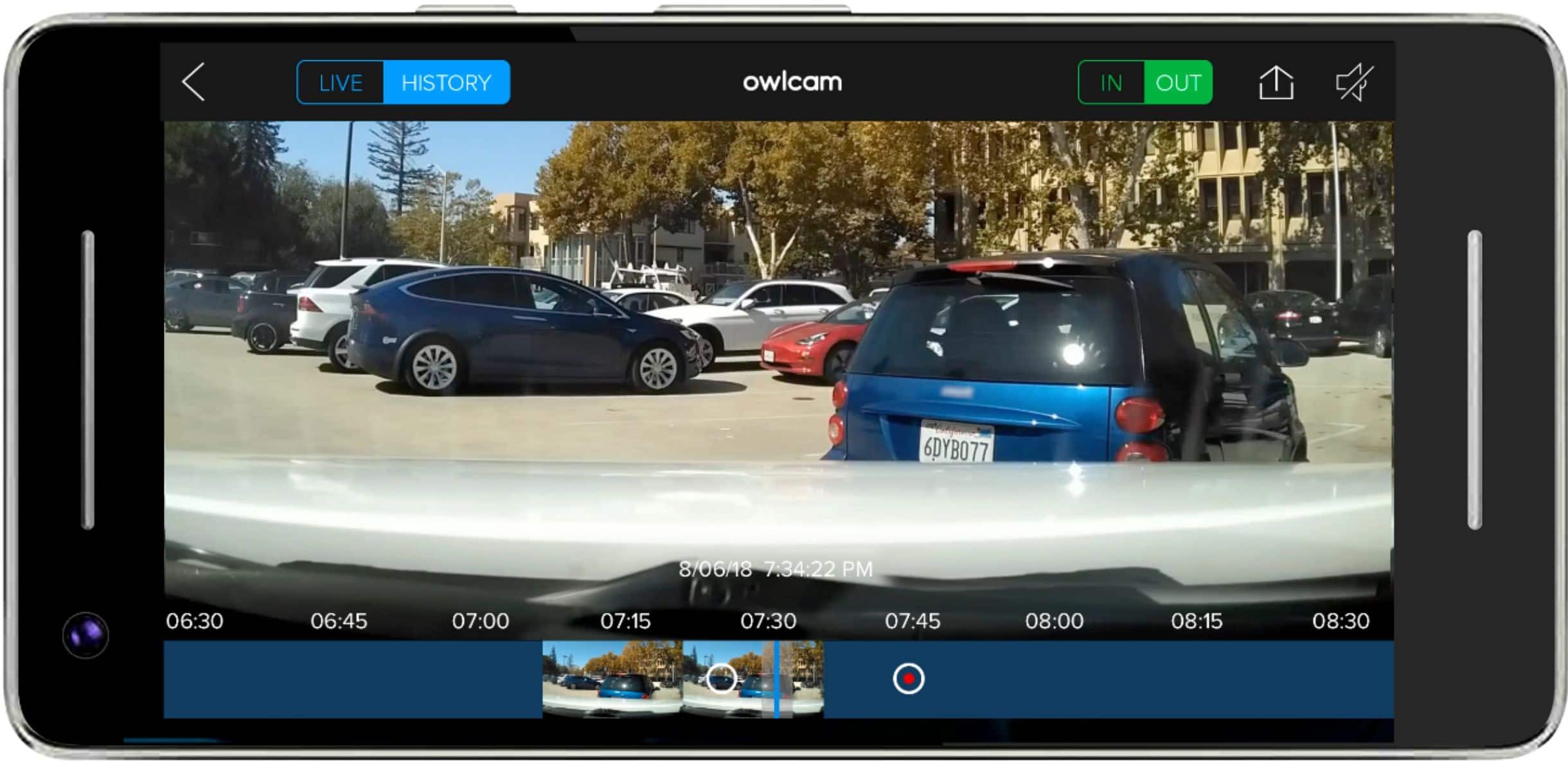
|Posted .This reviewer received promo considerations or sweepstakes entry for writing a review.As a point of reference, I'm not a dashcam novice; I've had a Thinkware X500 front & rear cams installed in my car for the last 3 years, and have been very happy with its performance. The unboxing experience with the Owlcam was excellent, hands down it's about as simple as an install can be for a piece of auto electronics. It uses the OBD port for power connection, which makes it plug & play. No need to hunt the fuse box for a key on/key off connector. For the Thinkware, I needed to buy an additional harness, fuse splitters, and drill a hole in the dash to make for a neat installation. About the worst that could happen is if your OBD port is covered; as the plug in connector would extend the port by something over an inch. Absolutely no tools required other than the crevice tool which conveniently comes in the box. My install was on my wife's 2017 GMC Acadia Limited. There's a choice of 3 extension bars to use, I chose the shortest; as the longer the extension, the higher up on the windshield the cam will sit. Bear in mind that centering the unit on the dash amounts to blocking your view; in most states it is illegal to place anything on the windshield other than in the lower left corner (your inspection sticker) or top center (EZ Pass or toll reading device) That being said, in recent years we've all seen a proliferation of devices on the dash (dashcams, GPS units, Uber signs, etc.) I haven't heard of a rash of ticketing for these items, but common sense tells you the more you can see, the better you are, so keep it low. I had no problem routing the wire across the front of the dash, in the Acadia it practically fell in. Going down the door jamb, it was a tight fit, but I was still able to hide the wire completely from view. The instructions state to start at the OBD plug, i found it better to start at the camera so as to leave the excess wire at the bottom which I looped in a small coil & stuffed under dash with the help of the included rubberized wire ties (also a nice touch.) The camera attaches to the arm via a magnetized mount. The magnet is strong enough to hold the cam securely over bumps, but not that strong so you can adjust it easily to tilt or pan. Next item is to pair your phone to the cam. For reference, my wife has a Samsung S8. When the Owlcam starts, it displays a QR code. You can either scan it, or download the Owlcam app first, which we did. Enter your personal info, and the Owlcam displays a security code to enter in the app. At this point we were a bit confused, as the area for code entry was greyed out in the app. Wanting to insure we were proceeding correctly, we called the 800 number. Time to get a response was something less than 5 minutes. After a few questions back & forth, the tech deciphered that we were connected, he stated the with some phones, the code would enter automatically. So we were good. As a bit of additional info, the installation pamphlet provided is sparse on details, but it seems that's how it is with many products I've gotten over the past few years. Now that it was installed, was time for a short test drive. We utilized the "Ok, Presto" command to download some clips. Connecting to LTE & downloading is not instantaneous, but is reasonable. At times we did get a "network not available" message, but it's difficult to tell whether it's the Owl's LTE coverage, or that of your provider. We're in a relatively good coverage area, so I do lean towards the former. With the app, we connected to both Live & History coverage. Live shows you the current camera view, when in History you can scroll back to pinpoint your selected time range. Image was good with both operations, as was night mode. Tested the alert mode by stepping on the running board; phone alerts were received; once again not simultaneously, but within a reasonable period. One took 4 minutes to arrive, the next in 3. It didn't take long to demonstrate the usefulness of having a dash cam as evidenced by the screenshot below. (Wish I could've uploaded the video clip, but only photos are accepted here.) Driving down the road, not too far ahead of my wife, there was a Tesla that had driven into the rear of a landscaper's truck. Autopilot error? Who knows - but she said "Ok presto", and we had the clip. But now comes the part I don't like. Look at the shot - the license plate, the people standing on the left observing the scene. Why is it all pixelated? Looks exactly like I grabbed the photo from Google maps with their privacy pixelation. This is my video - there shouldn't be censoring. This image is resized due to uploading limits here, but in my original you can clearly make out the 35mph speed limit sign in the distance; that's not pixelated. Why the people & the license plate? Looking around further you can see the pixelation also present in the trees & shubbery. I would imagine vehicle speed at this time was about 20-25mph, whether that had something to do with it I don't know. Another feature that's missing is the GPS location, time & vehicle speed which is imprinted on the screen with my Thinkware. So you're giving up something there. The other issue I have is the Owlcam will only pair to 1 phone. As most of us have a spouse/significant other, it would be nice not to be treated as an intruder if we swap vehicles, as is oft the case. To pick up gardening supplies or groceries, I'll use the SUV. One other thing is every time I walked in the garage, the green front led's would be blinking, and for single LED's, they're pretty bright. This is with the vehicle backed in, I'm not looking at the cam, but it's apparently looking at me. I've always been ambivalent about the use of blinking LED's, I've often wondered whether they're more of an invitation than a warning to any thief. I'd like to see a menu option to turn the lights off. Incidentally, Owl offers to replace any stolen cam. This is not an inexpensive cam. Add to that the cost of subscription. If you're going to use this as a toy and constantly download clips to use as a videolog or for your Instagram account, it can get expensive. But used properly, I see the value in being able to transfer video to your smartphone to demonstrate liability or culpability in the midst of an incident. I can't do that with my Thinkware, I need to retrieve the memory card, insert into a laptop, etc. You're paying for convenience. That said, at this point, my impression is that some changes need to be made to justify the price point. I think they'll do it - they have a very good base to start from. p.s. As I looked at this in review mode, I'm sorry that they don't allow higher quality photos that can be enlarged - or actual video clips so you can see the details I refer to.
I would recommend this to a friendThe cam dash is not good for your car
||Posted .This reviewer received promo considerations or sweepstakes entry for writing a review.I didn’t recommend this Cam Dash só don’t buy it Don’t waste your money on this
No, I would not recommend this to a friendNot working
||Posted . Owned for 7 months when reviewed.This reviewer received promo considerations or sweepstakes entry for writing a review.My owl is not working .... not working itS not working , did not work
No, I would not recommend this to a friendOwlcam
||Posted .This reviewer received promo considerations or sweepstakes entry for writing a review.It did not work well for me. Returned the product within 1 day.
No, I would not recommend this to a friendGood camera
||Posted . Owned for 10 months when reviewed.This reviewer received promo considerations or sweepstakes entry for writing a review.Dislike how you have to pay a annual free to see recording
I would recommend this to a friend- Pros mentioned:Gps
Easy mounting, extra protection
|Posted .This reviewer received promo considerations or sweepstakes entry for writing a review.The Owl cam is a high-quality dash camera. What makes it special is its cellular connectivity. Wherever you are, you always have access to glance inside your car and the area surrounding it. It comes with a permanent power source to ensure the camera can monitor its surroundings even when the car is turned off. In my usage, it sips so little power, I have never had an issue starting the car. The camera comes with a low profile mount which keeps it below eye level. Videos can be retrieved via WiFi from a nearby phone or using the cellular connection. If you connect via cellular, it uses a “credit”. The camera comes with a 1 year subscription that includes 60 credits monthly. Renewal is an additional $99 per year. The image quality is very good both in sunlight and when its dark. The camera has a GPS, but it doesn’t display the information. Unlike some other cameras, no speed or location data is available. It’s not available in the downloaded files or in real time. Location data is available only in real time. The company noted this is a highly requested feature, but has not yet introduced it. Recently, the company did create a “Family Sharing” feature which allows multiple drivers of a car to each register their phones to the camera. The registration is required for the bright interior spot lights to turn off after the car is turned on. Without registration, the camera turns the lights on to distract a would-be theif from stealing the car or your valuables. The Owl cam is an interesting take for this category and has dedicated some significant engineering effort to creating a camera which was easy to use, pulls low power, and captures useful information. A little bit more work and this would be an ideal product. Given the changes already, it’s likely it will continue to improve. For now, it's a little pricey for what it delivers.
I would recommend this to a friend - Pros mentioned:Lte, Video quality
Almost perfect - a few suggestions!
Posted .This reviewer received promo considerations or sweepstakes entry for writing a review.I was the unfortunate victim (twice) to break-ins to my vehicle. I quickly learned that most dash cams are flawed, because I had a dash cam in my vehicle at the time of the first incident but due to most dash cameras being mounted in your front windshield and only monitoring 180-degrees forward, they did not capture any part of the break-in. Furthermore, the sensitivity was not low enough to activate motion for a person -- only for vehicles. Fast forward a couple of months and I'm more savvy about the features that I wanted and low and behold I came across this dash cam. This dash cam is nothing short of amazing. You're able to see both inside and outside of your vehicle. It has two super bright lights so even if its dark you would have adequate lighting to be able to make out details of someone breaking into your vehicle. It runs on your cars diagnostic port which means it can run 24/7 (my previous dash cam was USB so I had to buy a huge 20,000 mAh battery to power it overnight), and the 4G/LTE makes it even better. You get motion alerts (usually for vehicles but sometimes for people as well). I have an Apple Watch and in addition to the motion alert, it will send you a still shot of what the motion event was to your Watch which is pretty freaking awesome! You do have an allowance for how much video you can view per month but if you're just checking in on motion events here and there it's more than a fair share of time (60 minutes basically). The improvements that I would suggest for OWL going forward: (1) GPS. I wish it would show the speed that the vehicle is traveling at. In the event of a collision this could be really beneficial in helping to determine fault. (2) The stand that the dash cam sits on wobbles quite a bit if your roads are as bad as ours are because of how it sits on the stand (hanging away from the window). (3) As a followup to #2, if it's not already built-in image stabilization for video would be an awesome addition. I have yet to review video from driving so I don't know what that looks like, but video quality from being parked is clear which brings me to point #4. (4) 4K video would be an amazing follow-up for the next generation of OWL camera. Or maybe an OWL Cam Pro model, etc. Once again I haven't had to use it a "while driving" event so I'm not sure how clear it picks up things like license plates. Side note: any way you guys could push out an update for iOS 13 beta testers because the app does not load videos at all since updating. Thanks!
I would recommend this to a friend