Customer Ratings & Reviews
- Model:
- 9152
- SKU:
- 6625944
Rating by feature
- Value
Rating 4.6 out of 5 stars
- Quality
Rating 4.8 out of 5 stars
- Ease of Use
Rating 4.9 out of 5 stars
Customers are saying
Customers admire the product's overall quality, with many noting that photos appear clearer. They also appreciate its effective autofocus, good battery life, and bright flash performance. However, some customers find the camera to be heavy and bulky.
This summary was generated by AI based on customer reviews.
- Pros mentioned:Build quality, Flash performanceCons mentioned:Weight

Flip Your Life!
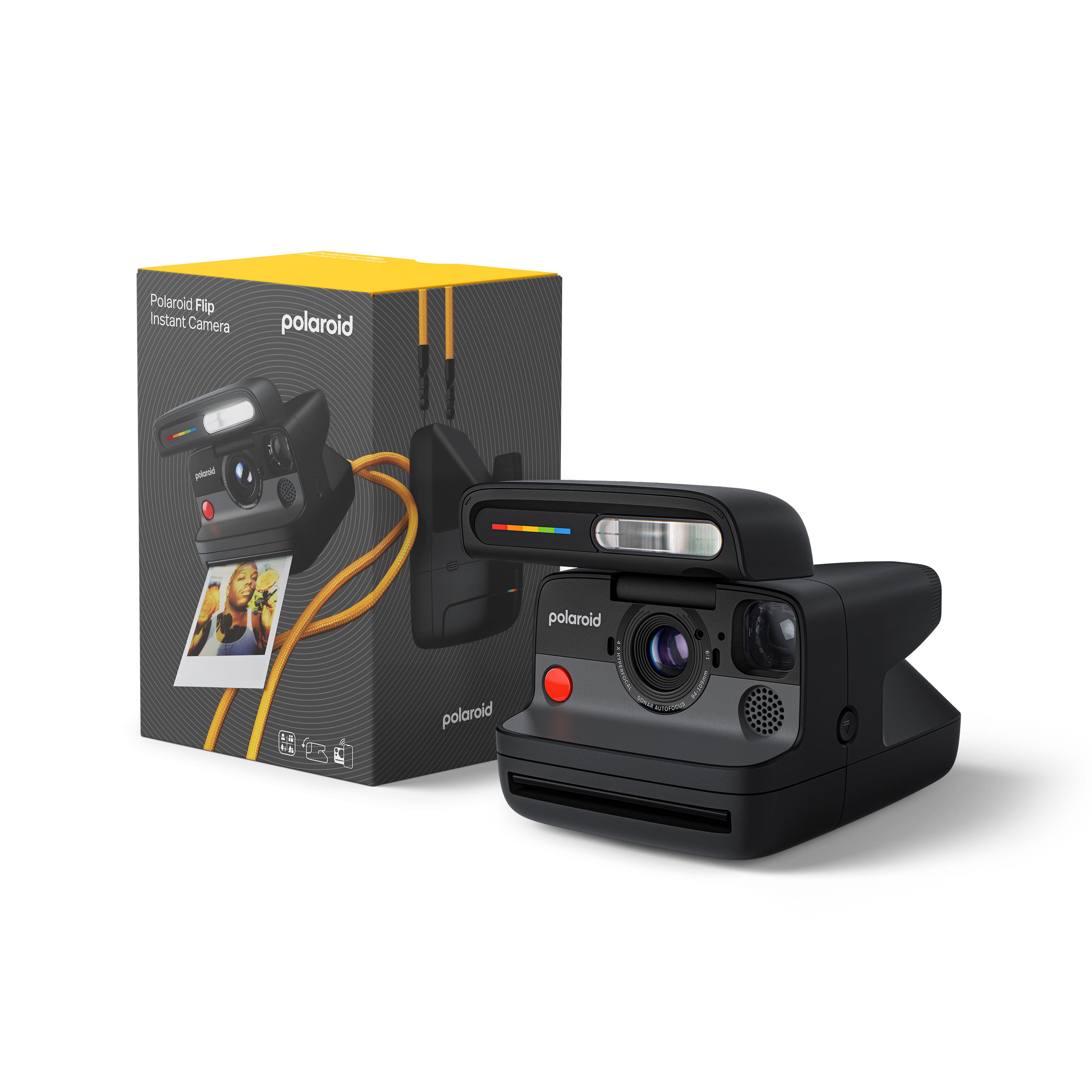
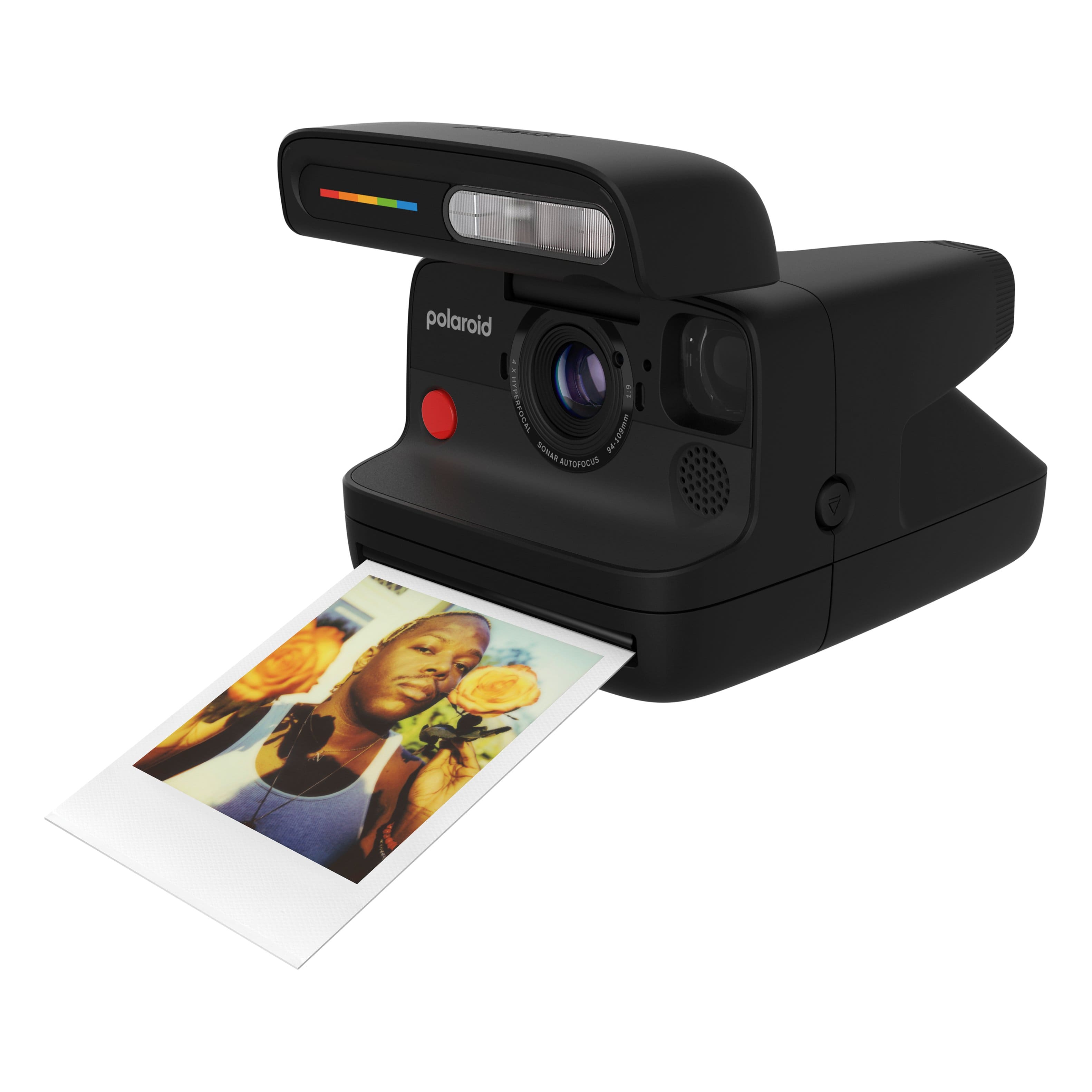
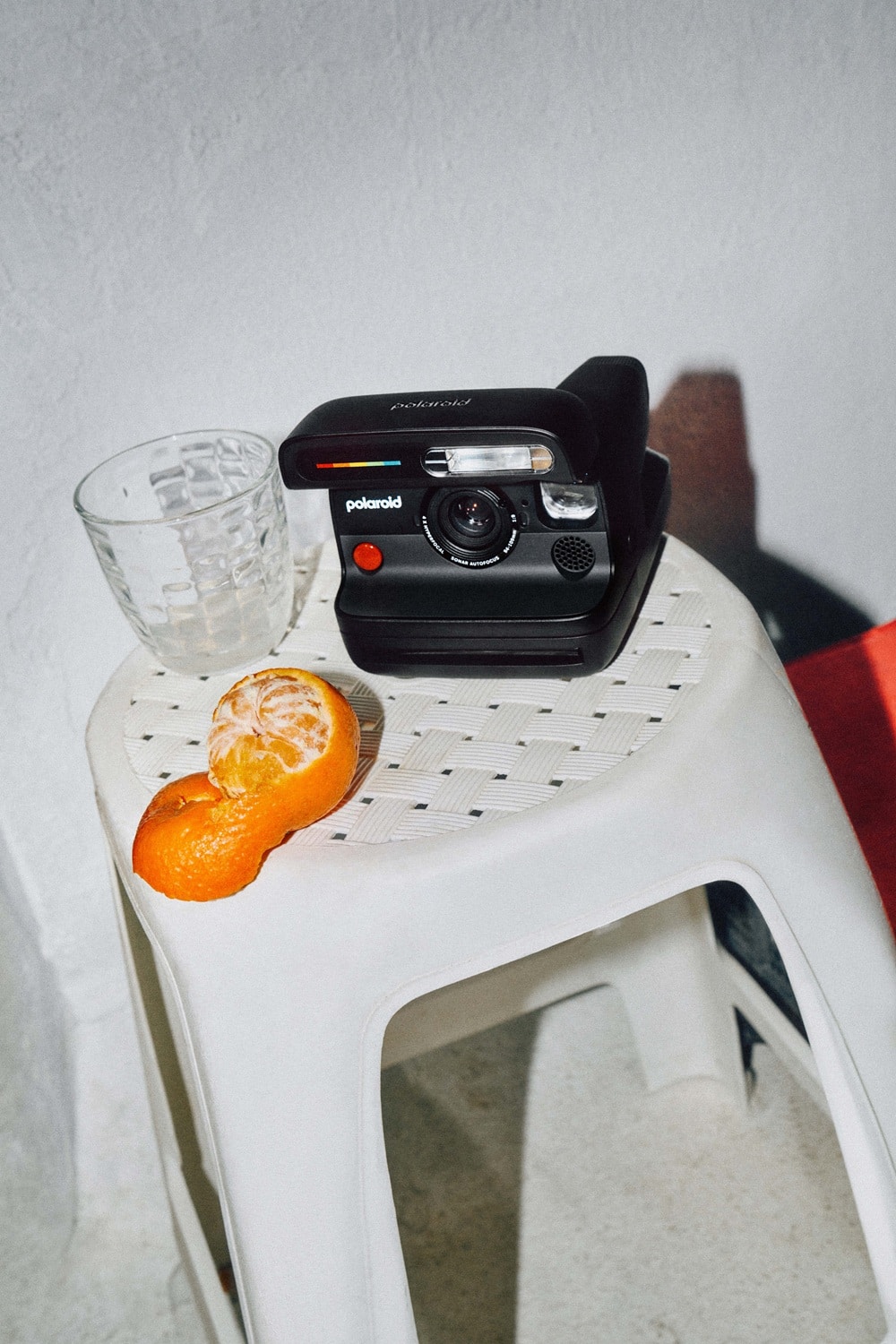
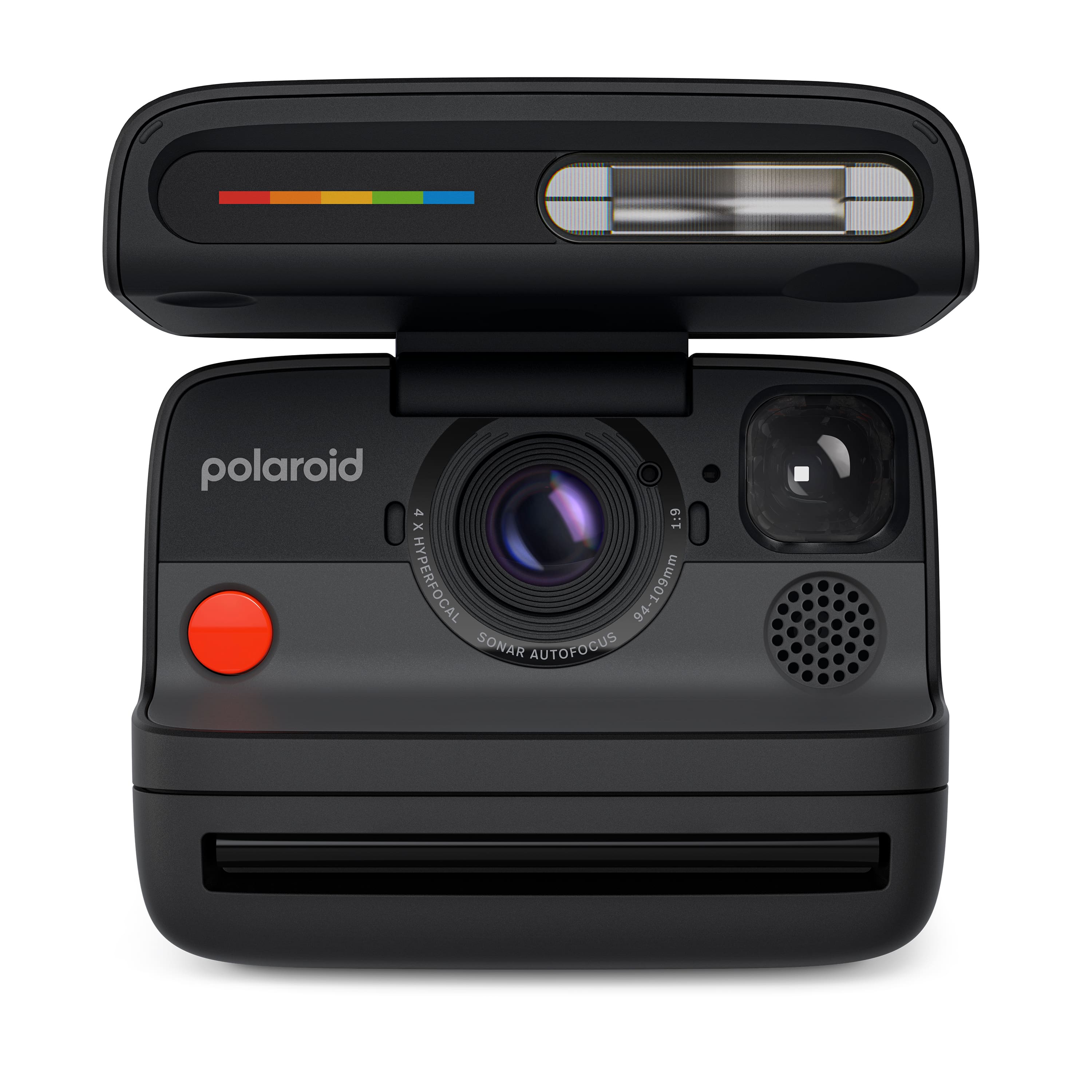
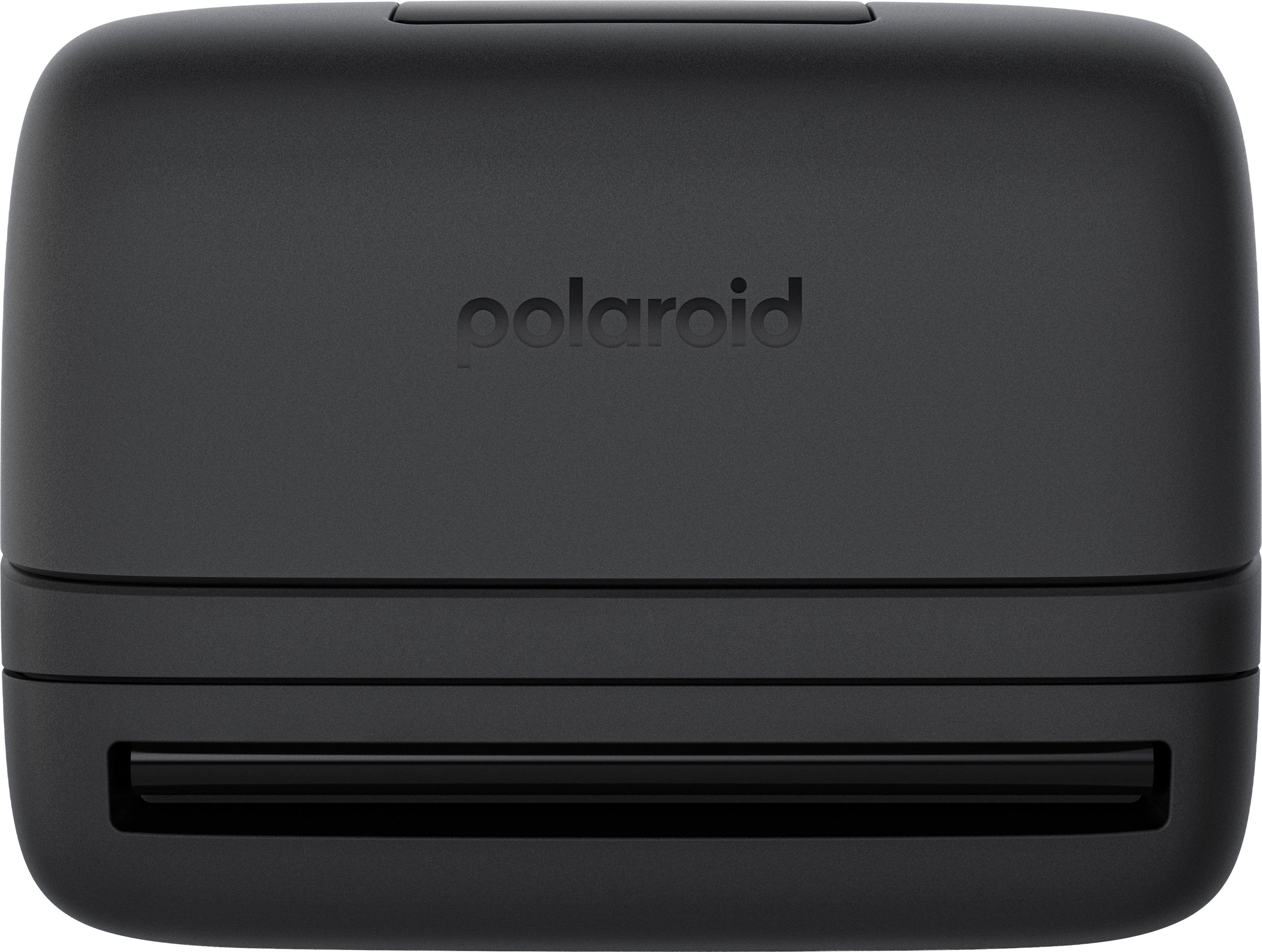
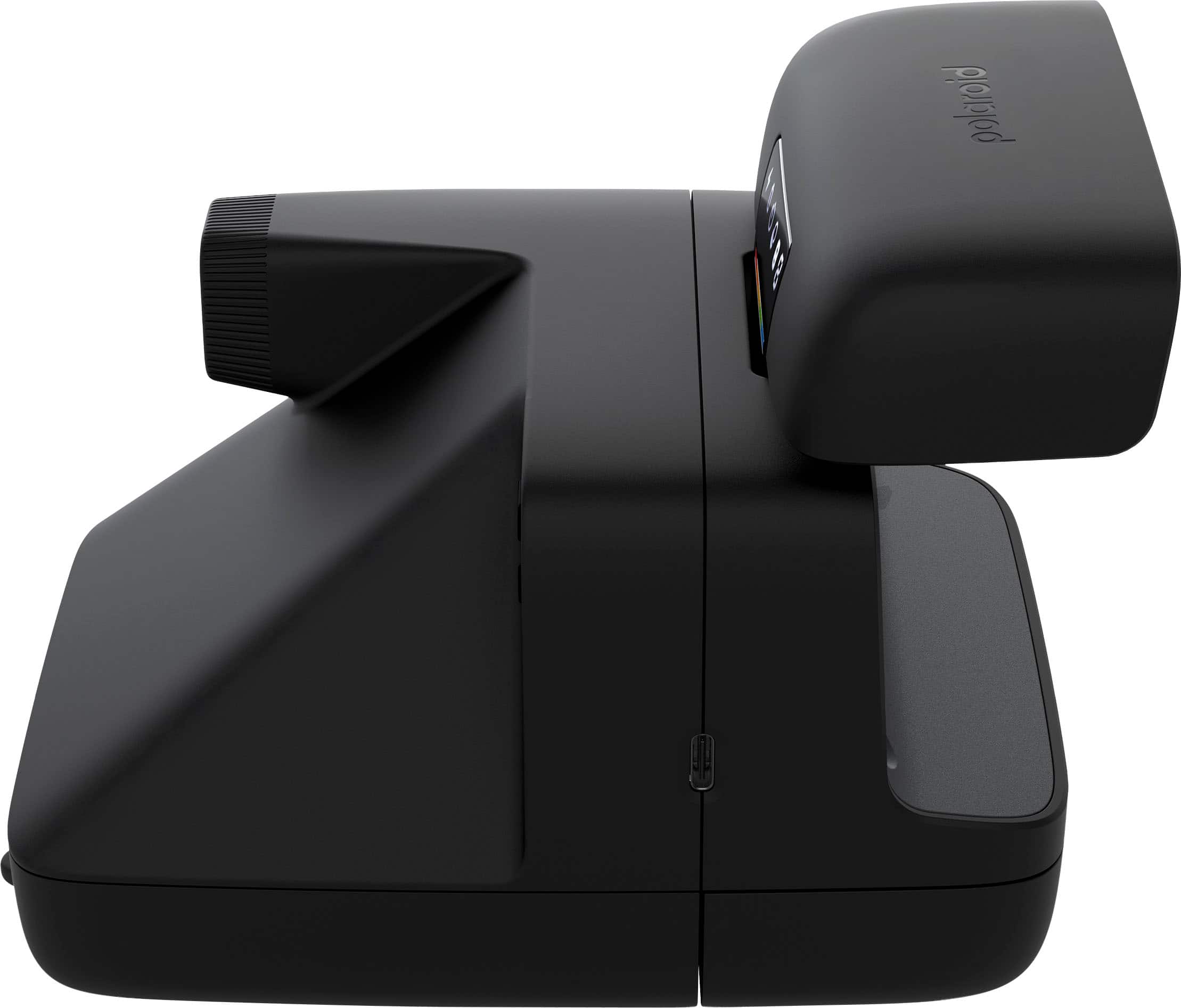
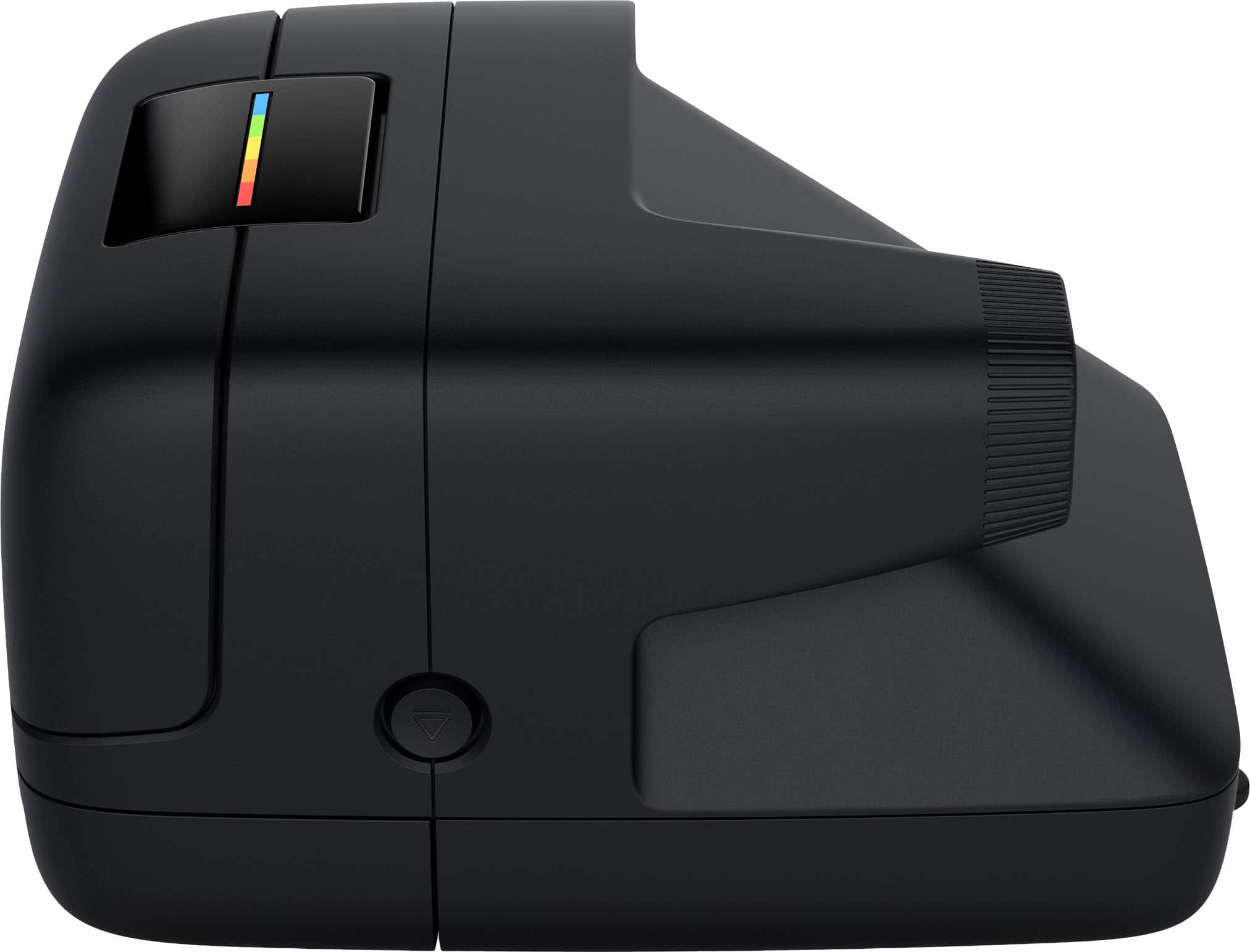
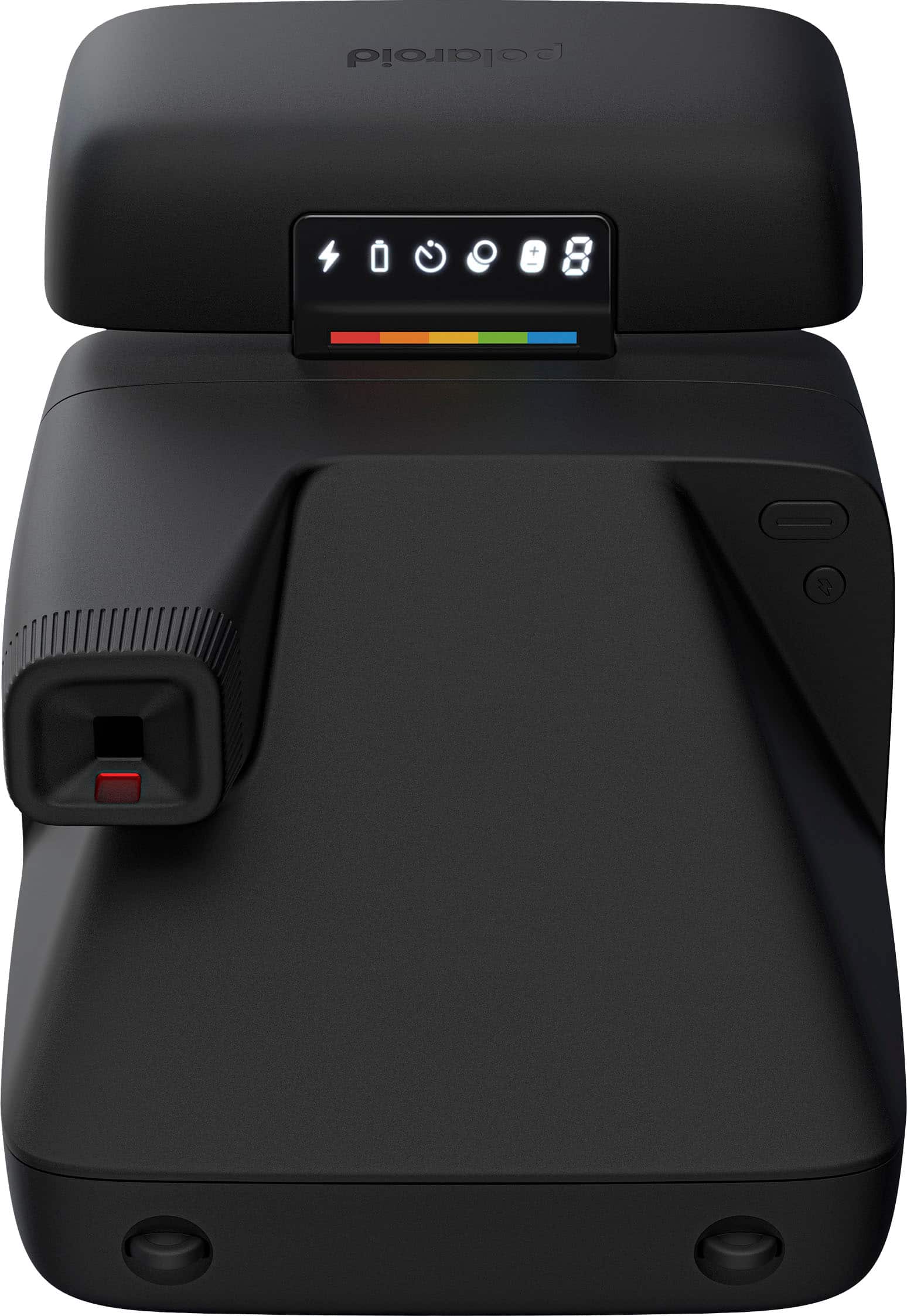
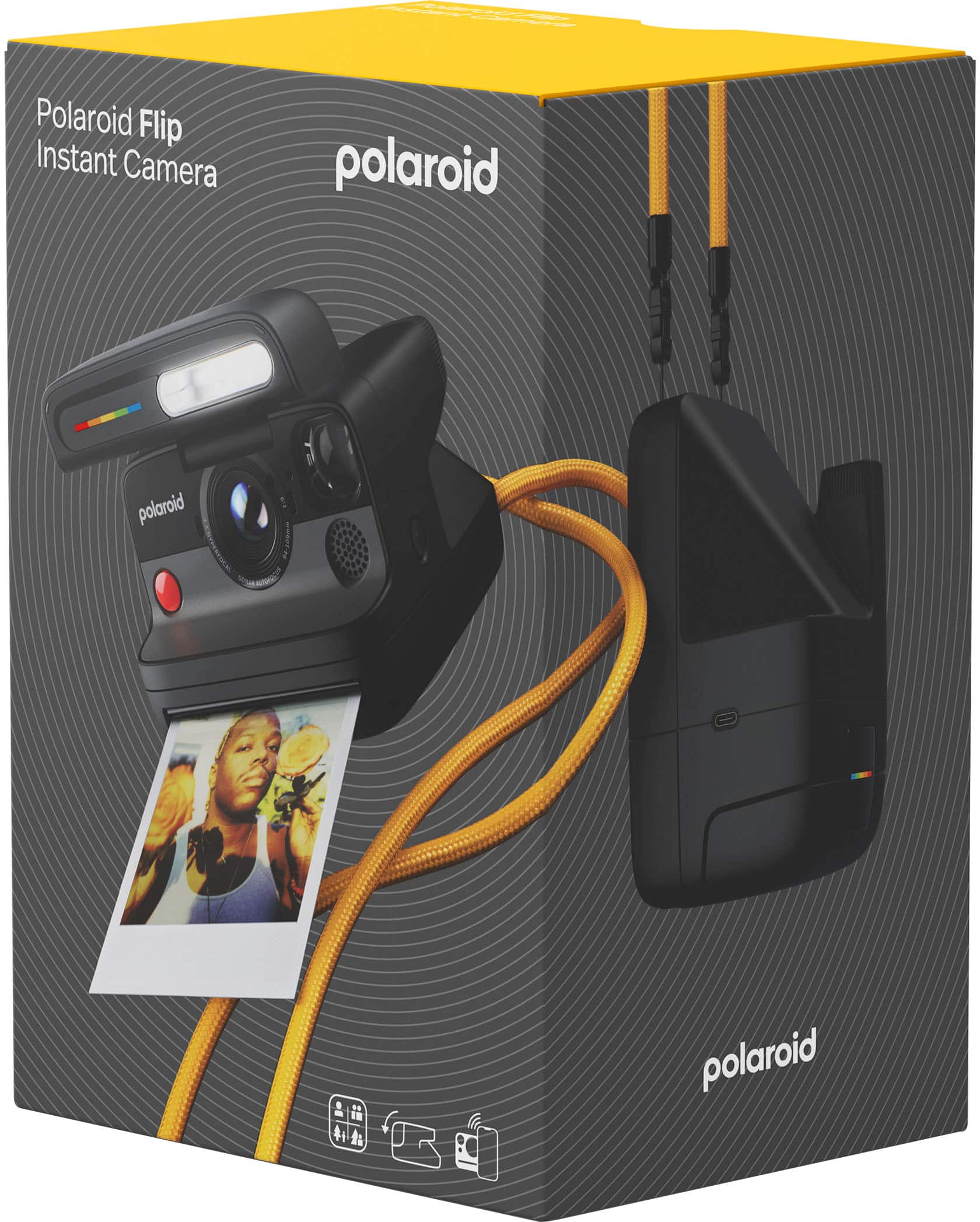
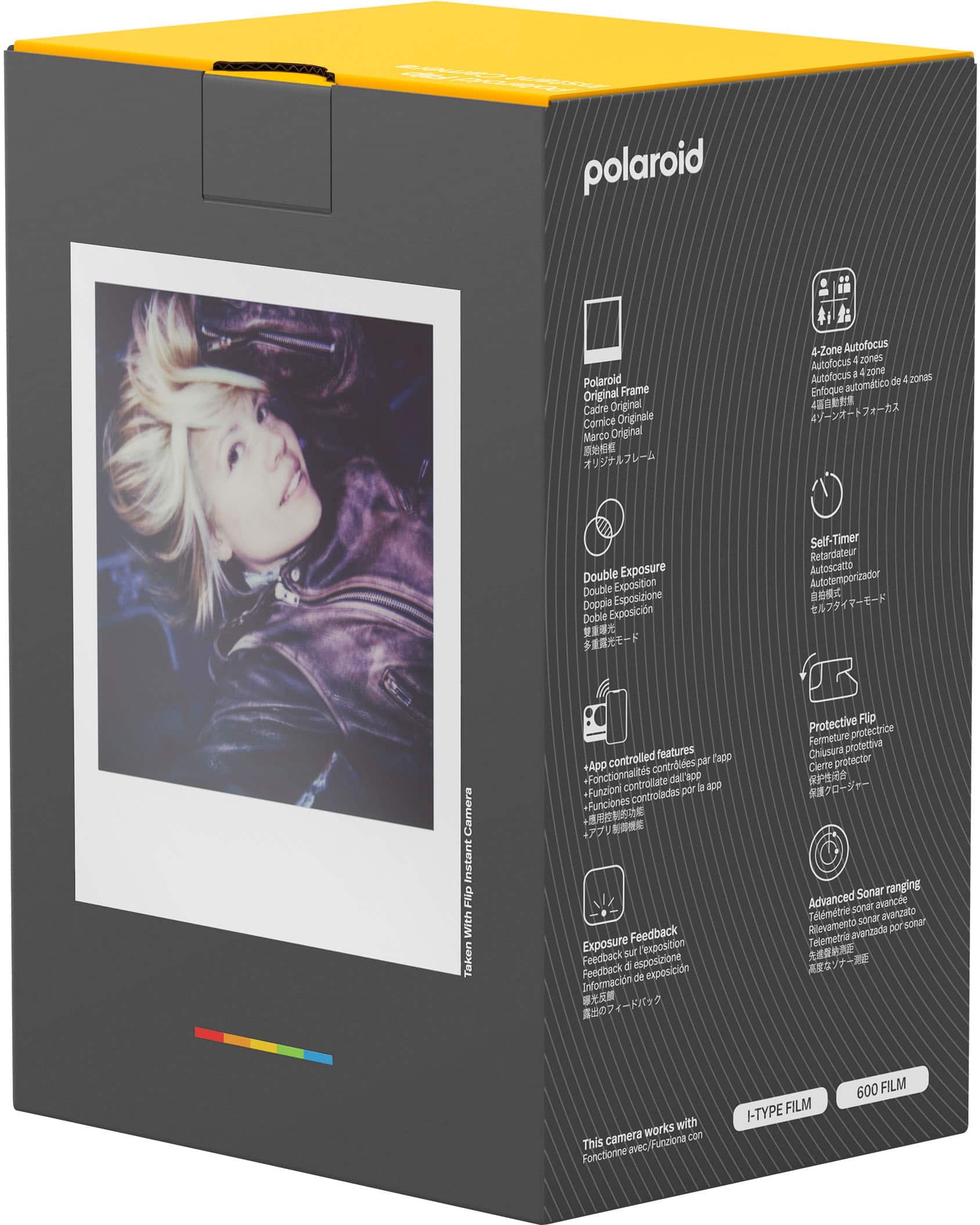
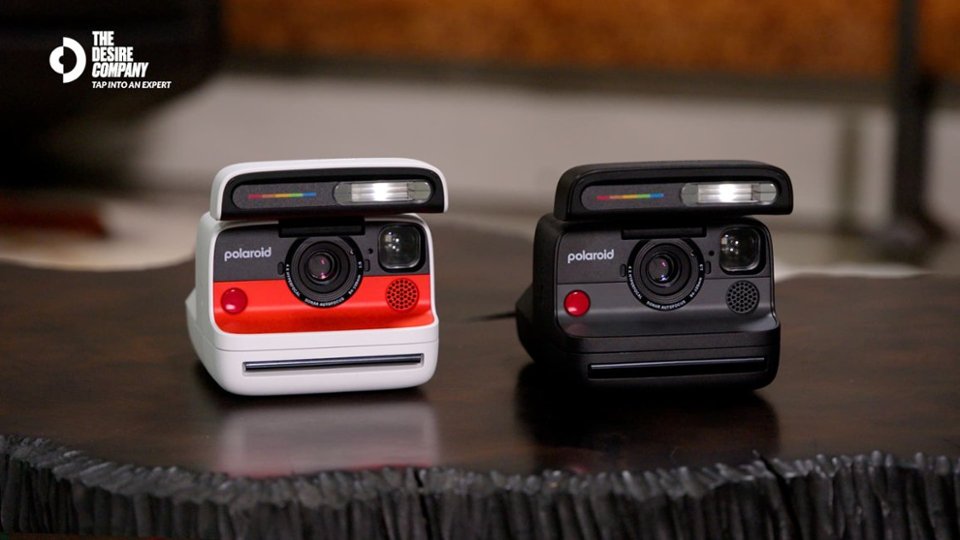
|Posted .This reviewer received promo considerations or sweepstakes entry for writing a review.Before digital cameras, Polaroid cameras were able to provide a somewhat instant result of a captured image. Other camera devices required developing the film in a lab or much larger commercial device (think grocery retail chains with photo services) way after the image had been captured. Do overs were thus not likely. The Polaroid Flip is another instant camera from the famous manufacturer with updated features and options to match the times. As packaged: • Polaroid Flip Camera • Camera Strap • Quick Start Guide • Safety Brochure The Flip is on the bigger size than your average digital camera and retains the legendary Polaroid boxy shape. I can comfortably hold it in the palm of my hand but smaller than average hands may find using both hands easier. It has approximate dimensions of 6.4 x 4.6 x 3.5 inches, with the lid closed and increases in height by about 1.25 inches with the lid open. It weighs about 648g without a film pack inserted. While the camera strap is definitely handy for carrying the Flip around, I went a step further to get a protective bag. The shutter, mode, flash and film door make up the only four buttons on the Flip. An LCD on top of the protective flip provides flash, battery, timer, exposure, film count and app connection status details. To help maximize your odds of good pictures, the Flip is equipped with sonar to help alert user when they are too close to a subject. The LCD and the app provide an icon of the battery but depressing the flash button while opening/turning on the Flip produces a number which when reviewed as a factor of 10 corresponds to the percentage (i.e. 7 means 70% capacity remaining.) the flash on the Flip is very bright and is on by default. Connecting to the Polaroid app may be one of the easiest so far. Once in the app, you navigate to the “cameras” icon at the bottom right and select your model. After granting “nearby devices” permission, you are linked. My experience is via an Android smartphone. The app provides access to the Flip for software updates and its available features. There are tutorial videos in the app to teach the basics and a scanner to help digitize your pictures. It works by using your smartphone to take a picture/scan of your Polaroid picture. The capture is automatic once the app recognizes your Polaroid picture is within the required boundary which is displayed in the process. While you could just use your camera to do this, I found the scanner rather clever and thrilling to use. Your scans are also available for viewing inside the app in the album tab. The app can also be used to remotely trigger the Flip to capture images. Few fun and important facts to note: • Film is recommended to be protected from heat for optimal performance • After a shot, wait at least 10 seconds prior to removing the picture • Pictures require about 10 to 15 minutes to fully develop away from light (and no shaking) • The viewfinder needs to be offset a little to the left on your subject to acquire a centered image • The Flip can use both the I-Type and 600 films which both offer color and black & white options Operating the Flip is simple. In my experience, it was initially a little awkward comfortably holding the camera while keeping fingers out of the path of the film shield and film once capture has been completed. A partial depression of the shutter button focusses the subject while the Flip analyzes if subject is too close or under/over-exposed, notifying the user via the viewfinder LED. No notification via viewfinder LED is confirmation the capture can be completed and the shutter button fully depressed. As previously mentioned, to center an image requires offsetting the subject. I have gotten better at this than when I first started. To load a new film pack (8 exposures), press the film shutter door button to release the lock to the film pack compartment. As chemical residue can deposit on the rollers, I make it a habit of always cleaning them with a cotton swab whenever I load a new film pack. The film pack orientation to load should have the Polaroid icon sticker tab under the film pack and accessible to the user. Upon shutting the film shutter door, the camera automatically ejects the protective cover from the film pack. To remove this and subsequent developed pictures, simply lift the edge of the film shield. As previously stated, a 10 second pause after a shot is recommended for optimal development. In addition, it is good practice to quickly flip the picture and stow away for about 10 to 15 minutes upon removal of the film shield from the film. Double exposure allows two images to be superimposed on top of each other to create a single image. When the mode is selected, the initial capture partially exposes the film to the first image. The user then gets the prompt to capture the second image. I noticed that after using the mode, the remaining exposure count is temporarily reduced by two but this resolves shortly afterwards. The self-timer can be selected on the Flip for a default 9 seconds while the app provides additional options of 3, 6 or 12 seconds. EV correction for increasing or decreasing the amount of light for exposure can also cycle between -1/2 (to reduce light) and +1/2 (to add more light) directly on the Flip while the app expands the range from -2 to +2, maintaining the 1/2 incremental steps. In this age of digital cameras and cellphones with advanced optics, the Polaroid Flip still manages to hold its ground in my opinion. It takes those old enough to remember on a time travel and invokes curiosity in the younger generation. Yes, while there are filters to mimic the Polaroid effect, using the Flip is an experience that cannot be emulated. Polaroid also different film packs with different frame colors and image shapes (i.e. circular instead of the square) to keep the excitement going. With the robust build and being capable of receiving firmware updates, I am looking towards many fun filled adventures with my Flip! I totally recommend.
I would recommend this to a friend - Pros mentioned:Autofocus, Flash performanceCons mentioned:Weight
Tangible Memories for a Price
|Posted .This reviewer received promo considerations or sweepstakes entry for writing a review.I love this camera. I have a lot of issues with it but despite all these issues, I absolutely am in love with it. This is definitely one you bring out for special events and not day-to-day because of the price of the film and the size and weight of the camera. What you get from using it is tangible memories in a beautiful, perfectly vintage, film style. When the friend group travels to the mountains this winter, this will be on me the whole trip. They’ve designed it beautifully as well, so that it doesn’t look dumb, it looks stylish (especially in the white colorway). The Polaroid Flip offers some basic customization on the camera itself, but once you connect the app you are offered so many more options to dial in the exact shot you want. But that can be hard in the moment when you’re just trying to capture a candid picture of your friends. Luckily, between the system determining which lens is best for the shot, along with the fast sonar autofocus, the point and click nature of the device works splendidly. The flash is BRIGHT which is great and doesn’t over-expose the subjects. I do wish more of the camera adjustments were on the device, not just in the app but I understand that this is a more “budget” model so there are going to be some costs cut. It does feel crazy that it doesn’t at least come with even a 4-pack of film since the standard 8-pack is $20. Unfortunately the price did go up I assume due to tariffs so it becomes a harder sell, but even at the new/current price point, I think it’s overwhelmingly a great purchase if you want to cherish these tangible memories. I mean, how often do you look at the photos you take on your phone? Pros: Excellent vintage film look The auto-adjusting 4 lens system Fast and accurate sonar autofocus Bright flash Very customizable (with app) You can be in the photo by using the remote shutter in app! Love the thick yellow neck strap Cons: Wish more of the features were on the camera Kind of heavy for hanging around the neck Does not come with film Film is EXPENSIVE for only 8 shots
I would recommend this to a friend - Pros mentioned:Build quality, Flash performance
Lovely Addition to my Camera Collection
|Posted .This reviewer received promo considerations or sweepstakes entry for writing a review.Instant cameras are fun to use, especially when you figure out what scenarios work best to get a well-lit picture with good tones. I’ve taken the Polaroid Flip out on the town and shot some fun pics in my home studio. I tested out all the new features like the 4-lens system, sonar autofocus, scene analysis, and its powerful flash. 4-lens System & Sonar Autofocus The sonar autofocusing assesses the scene to better choose which of the 4 lenses to use with the right focal length. My favorite/best shots came from the mid and far focal lengths. I will say, the sonar picks up anything in the scene that’s closer to the camera than the subject is. For example, I took a picture in a hallway, and the focus was caught on a doorway instead of the subject a couple feet further down the hall, so always be mindful of the scene foreground, subject, and background. In the long run, I was able to get good shots at various focal lengths. The scene analysis did stop me from taking a picture that wasn’t lit well, so I can say that feature works. Street Photography My outdoor pics turned out pretty well, see photo examples. The wall art in a mid-range view was pretty sharp in my opinion and I like how the far shot of the park turned out. The flip is wonderful for mid and far-range shots, so far this is my favorite way to capture images. Studio Photography My home studio is small so it lends itself to close ups and near shots. I ended up using 1 to 3 studio lights plus the extra help of the flash to get some nice close-ups and near shots. Most of the near shots came out great, but the close-ups were much more challenging to get right. The features say the close-up sweet spot is 0.65m or an arms length away, but I ended up with a few more blurry shots than I wanted - perhaps I was too close. Home Photography The Flip’s flash definitely makes things pop the closer they are to a subject, but indoor lighting is still really important for low-light situations. Daytime indoor photos will benefit from even residual sunlight while in the evening at least one keylight near the subject can make the shot. The flash is powerful, but it can’t perform miracles. 600 vs i-Type Film I got some particularly nice shots on 600 film, and I think the i-Type would have worked out if not for a defect that rendered my i-Type images incomplete, however the camera was not at fault. Overall, I had better results shooting on 600 film. I’m looking forward to buying some unique film I saw online like circle frames and black & white film. Lighting and Heat Lighting is everything! Instant photography is an artform with a learning curve so experiment with different lighting and find what works best with your instant camera. Summer is a tricky season in which to photograph because if there are two things you want to avoid while shooting Polaroid it’s A. overheating your camera/film and B. x-raying film while traveling. I’ve traveled 3 times by plane this year and had no issues asking TSA to hand-check my film. Polaroid film is very heat-sensitive, so my best advice for outdoor photography is to keep your camera in an opaque bag and only bring the camera out to get the photo then put the camera and exposed film back inside the bag. My far-range park shot came out a bit warm with pink hues and I definitely attribute that to being in 90 degree weather for an entire morning - honestly I should have used an ice pack. Final Thoughts If you’re in the market for a Polaroid camera, I’d always go with the newest one, and the Flip is ultimately a great choice. I really like how the mid and far field views turned out. I like having the ability to use the Bluetooth app with this camera to set a timer, that was really handy. The design of the Flip is nice because it inherently protects the lens. The structural design resembles some older Polaroid cameras that have the same flip mechanism (e.g. One-Step Close-up, 600 Business Edition).
I would recommend this to a friend - Pros mentioned:Build quality
Recipe To An Art Form
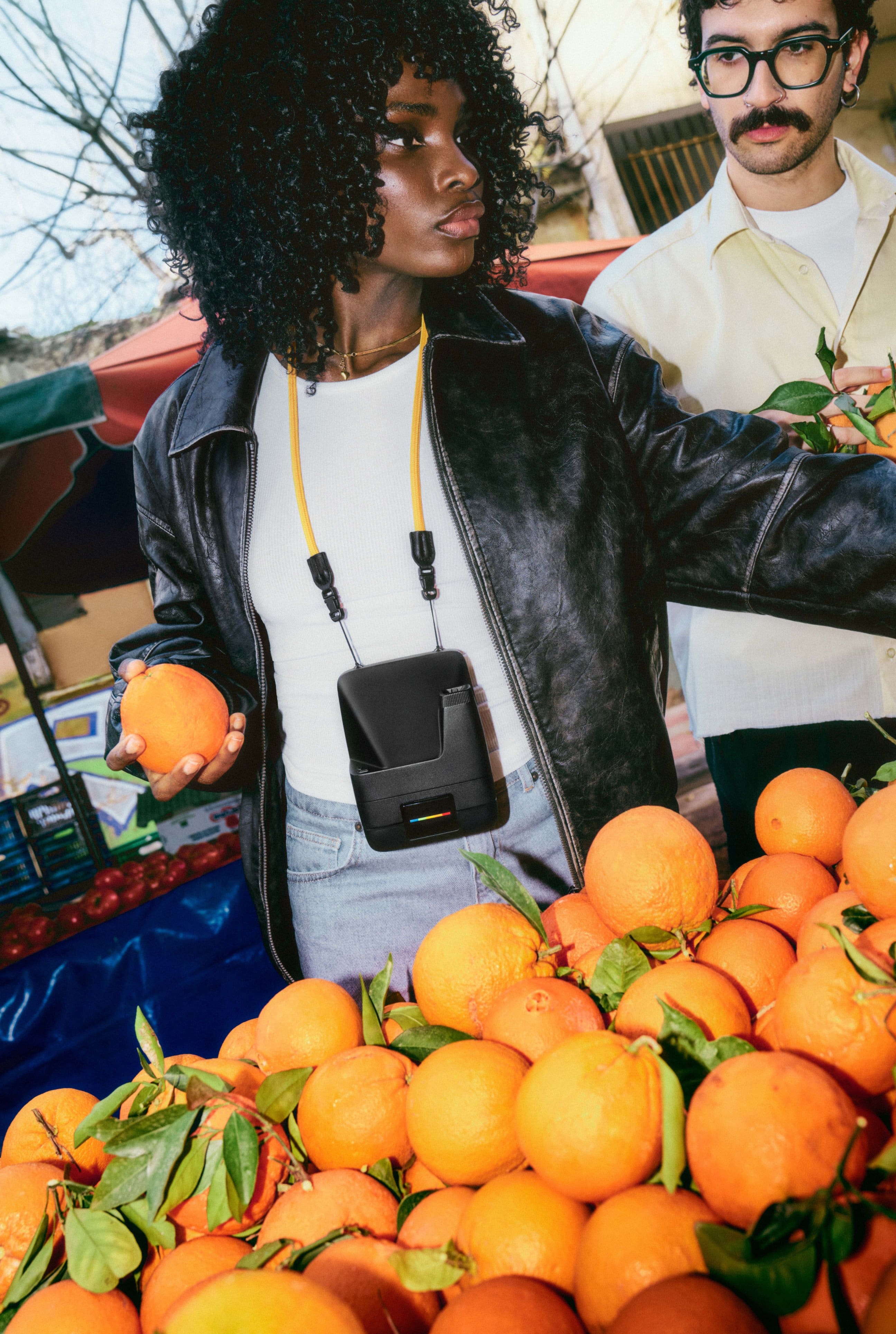
|Posted .This reviewer received promo considerations or sweepstakes entry for writing a review.Much like the celebrated original Polaroid Land camera, the unit has a solid, durable feel to the build. The spin on the early Polaroid is an AutoFocus using SONAR waves to calibrate distance to subject for optimal focus via four revolving lenses. The promise is intriguing. For security in transport, ends of the neck straps easily snap apart to thread connecting loops through slots at the bottom rear of the camera's body. The bright yellow carry strap has a soft but rugged hand that affords secure support for the unit. Scanned the QR Code to access the get-goin' video, a short, sweet, and lighthearted step by step handhold. Next, downloaded the Polaroid APP from the Google Play Store to my Samsung A15. To be careful about losing expensive film, I read the printed manual as insurance against ham-handed execution. First try: the blue tooth connection to the camera was glitch free. The second and third times were time consuming. I had to retry multiple times to connect the devices, toggling the phone's blue tooth icon on and off until lift off. While further investigating the APP, I noticed a photo competition to consider submitting an entry and a gallery of categories with pics posted by users. Right off the bat, I went for the collection with the Basquiat-driven postings. Immediately, inspirations came to mind of found objects, frames, and on hand rusty-dusties to begin my own abstract collages and mélanges. Moreover, the Polaroid I-Type, 600 format is a perfect analog to mimic the signed post cards that Basquiat would sell to restaurant patrons. Now motivated by the dream that my visions might be realized via photographic abstractions, I pressed on to unlock my talents. From the first page in the APP, I chose my FLIP camera from the list of other options in the Polaroid product line. AUTO/ PROGRAM/ MANUAL are the headings listed horizontally. Landed on AUTO and kept it there for my first try. Though this day was scheduled to do my first shot at an aquatic garden with landscapes of blooming water lilies, the overcast would've been great for black and white film, but I had color. Moreover, I missed the light. So, I didn't mourn the loss and decided on an indoor still life that was already arranged in my living room. Though most interaction has been super UI friendly, two things that I noticed but maybe others might not: Didn't see at top of instructions, PLUG ME in TO CHARGE ME UP! Thankfully, I noticed the blinking charge icon on the case, drew the "battery-hungry" conclusion and used my fast-charging USB-C cord. Thankfully, I did not rush out the door with the unit to have my photo session intentions thwarted at the location by an empty battery without a power station. Later, in a start up video, charge up instructions appear. (No charge cord included.) Had a weirdly difficult time trying to open the camera hatch. Big Dummies need every detail when pressed for time. For instance, I kept looking for a push button to flip open the hatch. Da huh! Just use a fingernail to separate the lips of the clam shell or grip both sides firmly to lift the door. Next, line up the viewfinder to your eye. Installation of the film cartridge into the body was a simple emulation of the manual's illustration. After removing the cardboard from under the plastic sheathing, the user is not told its purpose nor told the plastic will snap back into a curl at the base of the unit. Thankfully before my first shot, I found the message that the black plastic is a film shield that should be left in place for 10 sec after the pic is ejected. As instructed, I kept the camera in Auto Focus then lightly pressed the shutter release. Turns out my press was not light enough. The shot of my collage was taken before I could confirm the focus had met my expectation. Wondered: Maybe when Auto Focus is not engaged, the press-to-shoot button allows the user time to confirm proper focus has been established? Nonetheless, after the photo ejected from the bottom of the camera and as instructed, I allowed the pic to cure 10 sec under the black plastic then turned the pic down onto a flat surface to allow the image to development for the recommended 15 minutes. I set my phone's timer to remain consistent with exposures of all pics. I noticed the printed guide does not remind the user of the 10–15 minute recommended time for print development, a critical reminder for new and revisiting users. The range of minutes begs the question: To get the best picture, what governs one's decision to choose 10 or 15 minutes or a time stop in between? Outcome for the first indoor pics: I liked the composition, but the flash was clearly not sufficient light to achieve the definition, color saturation, and contrast required to satisfy my intention. As expected, I chalked this first take up as a test run in the Auto Mode to establish a base line from which to adjust all future indoor shots. In the MANUAL SETTINGS, the user is afforded the options to stay in AUTOMATIC or to adjust the FOCUS RANGE 0.8-1.1m, the APERTURE f10-f64, the SHUTTER SPEED (etc), and/or toggle the FLASH, SELF TIMER, DOUBLE EXPOSURE, AUTO EJECT. The second indoor take of my start up revealed a small progression toward the image I had hoped to capture but I decided not to use all 8 shots of the cartridge to pursue perfection. After manually changing the aperture and the exposure, the resulting 2nd photo was brighter but still did not give me the pop in color and definition that I sought. Not recognized at first review of both pics, I noticed a triangular spike at the bottom of both trial pics. The loss of image may be an indication that the film in the cartridge was damaged either by the manufacturing process or during delivery. After receipt, I did not expose the film to extreme temperatures nor did I shake the film after ejection while developing. The culprit behind the distortions remains a mystery. As is policy to replace paper with Hp printer failures, Polaroid might consider an accommodation that replaces failed pics with emailed proof of damaged goods delivered by the manufacturer. Failures in this space are real money pits. Discounted bulk purchases of cartridges might be another option so the user can have sufficient back stock on hand. To carry on with expansion of my basis for comparison, I did outdoor pics before and after the firmware update as well as with and without enabling the flash. My pics were still washed out and 3 out of 4 had a triangular projectile into the images. Bottom line, all pics taken indoors and outdoors had failed. Before using my remaining 2 shots, a call to Customer Service is warranted. The Positives: Among a host of explorations, the APP is an easy means to scan pics and albums to your phone, upload to the Google Photo File, and/or transmit via the usual list of forwarding portals: Messages, Quick Share, Outlook, et al I viewed all educational videos in the APP featuring French Fred, a muppet-man host, getting users up to speed with the following: Wait 10 sec before pulling pic from under light shield. Do not allow film cartridges to go thru X Ray machines at the airport; Require a manual check. Note the half press of the shutter button locks the light setting but instructions fail to instruct the user on how to release the lock, so next pics are not impacted; Moreover, I thought a half-press of the shutter activates the focus before a full press releases the shutter. Store film in the fridge then allow 60 min to bring film to room temperature before using. Use film within one month for best results. Keep rollers clean with Q Tips between packs of film. Trouble shooting tips to reset camera can result in loss of one pic. Shoot outdoors at golden hours, morning or evening, with light behind you. Correct distance is 2-4 ft from subjects for portraits. Try different angles. Suggested: Practice, persistence, patience are required to evolve your photography into artistic expression. See beauty in the imperfections of the Polaroid pics. Film works best in well lit environments unless going for the avant garde artscape. For image longevity, file pics in a cool, dark place for storage, especially since film remains sensitive to light and damp. APP Videos include specific instructions for models other than the FLIP. One demo instructs how to use the LAB to create a photo collage. BTW, registration was easy and unfettered. There's a points rewards program that links discounts to purchase history, especially useful since a subscription for the 8-count film cartridge is an almost unavoidable expense. To be geared up for all occasions, be prepared to pay ~$20/film cartridge @ 8 shots each with expectation that the rewards program will afford discounts with regular purchases. With Polaroid's updated version, owners might use the platform to explore unique outcomes. With an experimental mindset the manual settings afford a palette to summon one's inner child's play. This experience took me back to my teen years in the basement with the many steps required to develop film, transferring images between batches of chemicals. For this camera, best to have a mindset that adjusts your pace to somewhere between today's digital tech and the first Polaroid Land camera that required a 60 sec wait time. BTW, on your local tv programming, search for the thoughtful documentary on, Edwin Land-American Scientist the inventor of self-developing photography. The retrospective was an informative back drop to the unboxing of a(n) historic achievement in the evolution of the photographic image.
I would recommend this to a friend - Pros mentioned:Build quality
Memories to Mementos
|Posted .This reviewer received promo considerations or sweepstakes entry for writing a review.📦 UNBOXING: Inside the box, you’ll find the Polaroid Flip, a detachable neck strap, and a getting started guide. Do note that there is no film included unless you get a bundle or starter set, so you’ll need to purchase i-Type film separately. 💪 BUILD: The Polaroid Flip is a plastic build, but feels well made. The part that flips protects the lens when closed, and also exposes the flash when open. The system uses sonar autofocus, and switches between 4 different lenses to dial in a well-focused shot. On the bottom of the unit, there is threading to mount a standard tripod, which is especially useful if you want to take a group picture and use the countdown timer so that you can be included in the photo. It has USB-C charging which I appreciate, and there’s an eject button to open the film cartridge bay. Polaroid’s i-Type film cartridge holds 8 films each. 📱 CONTROLS: The controls are pretty simple, overall. After flipping open, there’s a red button on the front of the unit—half-press to focus, full-press to capture. If for some reason, there is poor lighting, you will see a red light in the viewfinder to let you know that you may need to enable the flash or use EV compensation. On the rear of the Flip, there are two buttons. One button toggles the flash on and off. The other long button controls a few other mechanisms for capturing. A single-press toggles the countdown capture, a double-press toggles the double-exposure mode, and a long-press allows you to set the exposure compensation. 🖨️ PRINTING: Once you’ve captured an image, it will push a film out, but it will protect the image from light using a flexible retracting layer some refer to as the “frog tongue”. Wait for at least 10 seconds before removing the film from this retracting layer, and make sure not to pull on the retracting layer, as it will go back into the camera by itself. Once 10 seconds are up, make sure to keep the film away from light while the chemicals process. Don’t shake it, either, since that will cause aberrations. You can keep it in a shirt pocket, pants pocket or whatever—just keep it away from light for around 10-15 minutes. 🖼️ IMAGE QUALITY: One downside to Polaroid film is that there’s a higher chance of the chemicals spreading unevenly, and this can cause splotches, lines and aberrations on the film. You’ll want to make sure your roller is clean using a damp cloth, as an uneven surface on the roller can cause these issues. I cleaned my roller multiple times, and still encountered some issues, so it’s also possible that the film itself has issues. This is likely to happen at some point, and it seems to be the drawback you accept when shooting on Polaroid. That being said, when I captured images without these aberrations, I found that photos were stylistically pleasant, with a touch of softness that adds to the style. Subjects were in focus more often than not thanks to the sonar autofocus, but would occasionally be blurrier—and that’s probably because the subject is moving or the photographer didn’t keep their hands still during capture. Exposure without the flash will take some trial and error to get right. I took a handful of pictures without flash, and some came out excellent when there was light behind me as I was capturing the image, while others were much darker when there wasn’t a light source focused on the subjects. 🧠 APP: The app pairs via bluetooth and provides some additional functionality for your Polaroid Flip, albeit with limited utility. All the controls of the Flip can be performed remotely via the app, which is especially useful if it’s mounted on a tripod and you want to control it remotely. However, you won’t have a preview of the image since this is a Polaroid camera and not a digital camera, so you’ll still have to rely on your knowledge of the camera’s quirks to get the best result out of it. There is a Program mode which lets you select the Aperture based on the current lighting conditions and EV compensation setting, and it will adjust the shutter speed for you. And there’s also a Manual mode that lets you select the exact lens you want to use (or use auto), the aperture and shutter speed, and shows a light meter to indicate if you’re under-exposed or over-exposed so that you can adjust the settings to get a well-exposed photo (or not). And while it’s great to have these options, I feel that most people would prefer to just take a bit of a gamble instead, keep things simple, and enjoy a bit of spontaneity without trying to perfect the shot. But more importantly, I appreciate that Polaroid provides a whole educational section with articles and videos on how to capture on Polaroid should you want to get the most out of your camera. It’s completely optional, but I found it helpful as a newcomer to the Polaroid world. 🔋 BATTERY: Polaroid says the Flip has enough battery for up to 15 film packs, which means 120 photos before needing to recharge. So if you were on a 2-week vacation and used 1 cartridge of 8 films each day, a full charge should make it through the entire vacation. 🧐 CONCLUSION: The Polaroid Flip is an absolutely fun way to capture a moment into a memento. It makes capturing Polaroids a more effortless experience with its sonar autofocus, 4 lenses, and scene analysis to make sure your scene is well-exposed. While the cost of film is certainly not cheap, it certainly does a great job at manifesting memories into a memento.
I would recommend this to a friend Surprisingly good! But there's a learning curve
|Posted .This reviewer received promo considerations or sweepstakes entry for writing a review.If you’re already a camera nerd you will get it right away, but for me not being a camera nerd, but just liking the classic look and feel of photos shot from these types of cameras it took a little bit of getting used to. I totally thought it would be no different than using an iPhone or Android phone camera, but I quickly learned that this isn’t the case. More thought should be taken especially considering how ‘finite’ the number of shots you have. This took a bit of adjustment from me especially with how willy nilly I am on my smartphone’s camera. First and foremost the design, it’s a nice easy to understand type of camera. It’s pretty simple for user operation. There’s a flip up flash that also acts as a lens protector and hides the shutter button. There’s also two other operation buttons, one controlling the mode and the other controlling the flash. There’s also two little loops for the strap, this way you can wear the camera if you’re walking somewhere. And lastly a button to open the film tray and by open I mean unlocks the door and gravity opens the door for you. For the most part, it seems as if the flash is always enabled by default. Which can work against you if you’re not expecting it. As for the film, I am incredibly disappointed it only comes with 8 photos per pack. I think that could be cost prohibitive for some people. Definitely not something you’d want to put at a wedding or birthday photobooth if you have a budget to keep in mind. That being said it super awesome if you can do something like that. My daughter and her friends absolutely loved it for her birthday party. Now for actually taking photos. For me, I failed miserably at this. Essentially burning through my first pack of film. Luckily for me there’s an app. If you’re not camera smart like myself, I highly recommend the app. The app has fun and I mean fun videos on how to shoot photos with this camera and a ton of helpful tips to get the most out of this deceptively simple device. I mean it is simple, but perhaps so simple I over complicated it. Anyway the app helped me understand lighting a little more, having my subject be closer to a bigger object and so on. There’s a lot of helpful stuff in there along with manual controls. Long story short, I love this camera and recommend it for anyone. The film can be cost prohibitive if you need more than 8 shots per pack, but what you get in return is a darn good photo.
I would recommend this to a friendInstant Nostalgia, Practical Results
|Posted .This reviewer received promo considerations or sweepstakes entry for writing a review.The Polaroid Flip feels like it was made for people who actually use instant cameras out in the wild. This device strikes a rare balance between nostalgic fun and practical use. Right out of the box, the Flip makes a statement. The design feels like a true evolution of Polaroid’s legacy. It keeps that iconic, chunky silhouette but adds just enough modern flair to feel fresh. It’s well-built. Not indestructible, but definitely not delicate. It has a solid weight without being too heavy to carry around all day. The neck strap also helps with the portability. The flip-out screen hinge feels satisfying every time you open it, and everything snaps into place cleanly. The battery life is solid and can be easily charged via the camera's USB-C port. The built-in screen gives a helpful heads-up on remaining shots, settings, and battery level. Film loading is easy, and the Flip feels ready to go within seconds. I also love the addition of the iconic Polaroid rainbow stripe emblems to give the device a pop of color. The flash is strong and well-balanced. It lights up dim scenes cleanly without washing out faces. During the day, the flash adds just the right amount of fill to prevent a flat, overexposed look. One thing I had to learn was to aim the camera slightly to the left of my subject when shooting up close. The viewfinder and lens don’t align perfectly, so parallax can throw off your framing. It’s not a dealbreaker, but worth knowing if you like tight compositions. The Flip isn’t trying to be a high-end professional tool, and that’s exactly why it works so well. It’s fun, it’s fast, and it delivers really nice results without needing a lot of fuss.
I would recommend this to a friendThe Polaroid...........Returns
|Posted .This reviewer received promo considerations or sweepstakes entry for writing a review.Nostalgic, throwback, back in the day or whatever word or phrase that you can think of, the Polaroid definitely takes you there. This camera is still unique and I enjoyed watching a teen Gen Z actually trying to figure it out lol. The Pros: Easy to prep Lightweight New tech features Laynard It has an app Con: not good in dark rooms There are some nice features like the self-timer, autofocus, and an app to control more features. The Polaroid still has that same sound when u snap it. It's very easy to carry around and store. It comes with 8 instant photos and the pictures are still in its original frame form when it comes out the camera. We took two pics of me and they came out in that cool blue color vs warm orange-ish color. What I learned later on, the flash is not good enough because u still need good light, but the pics did develop well, just know that it will be close to 30 min for the pics to look clear, but again, I was in a dark room and what is cool, if there isn't enough light, the camera will let you know by a flashing and blinking yellowish light right under your eye that is doing the focusing before u snap the pic, but I thought the flash itself would help with the dim lightning inside. It's fun to use and my small weekend experience was nice. It's a nice break from the phone cameras.
I would recommend this to a friend- Pros mentioned:Build quality
Worth the upgrade over the base model
||Posted . Owned for 2 weeks when reviewed.This reviewer received promo considerations or sweepstakes entry for writing a review.I have the basic and the flip. I would definitely say it was worth it moving to this model. Photos look clearer to me. It will also tell you if the subject is under or over exposed which is the bane of instant film, so a huge help to get more reliable photos.
I would recommend this to a friend - Pros mentioned:Build quality
Not much better than my Now gen 2?
||Posted . Owned for 1 month when reviewed.This reviewer received promo considerations or sweepstakes entry for writing a review.I had bought this thinking it would be noticably better than the normal Gen 2 model I got for 40$ on clearance. It didn't justify the over 200$ more dollars but the build of the cam is nice Also, don't think you can do ANYTHING more than just remote to snap photos in the app or with the Now+ models I was already scanning the photos with my camera that didn't even work with the app. Oh and you cant preview what it sees when u use the remote in the app. It's literally just a camera "take photo" and a few others. I returned it.
No, I would not recommend this to a friend - Pros mentioned:Build quality
Great for Family Moments
||Posted .This reviewer received promo considerations or sweepstakes entry for writing a review.The Polaroid Flip Instant Camera has been a great addition for capturing quick family pictures. It’s easy to use, the photos come out beautifully, and it makes taking pictures feel fun again. I really enjoy using it, especially for spontaneous moments with loved ones. The only downside is that the film can get expensive, especially if you use the camera often. Other than that, it’s a great little instant camera.
I would recommend this to a friend - Pros mentioned:Build quality
Solid camera, blurry results sometimes.
||Posted .This reviewer received promo considerations or sweepstakes entry for writing a review.New to Polaroids, tried the Now 3 but felt like it was somewhat too basic. The Flip gives you some good control. I did expect sharper photos because of the 4 lens combo but so far not many hits. Maybe it’s just me but I’ll give it some more tries (film is still expensive) but may be a return Solid feeling Easy to set up Likely a great camera, but maybe I’m expecting too much from it and the medium at this time.
I would recommend this to a friend Polaroid camera awesome
||Posted . Owned for 2 weeks when reviewed.This reviewer received promo considerations or sweepstakes entry for writing a review.I got the Polaroid Flip Instant Camera as a gift, and I honestly love it so much. It’s really easy to use, and there’s just something fun about taking a picture and watching it print out right away. The photos have that classic Polaroid look, which makes them feel special and a little nostalgic. I’ve already used it to capture so many great moments with friends and family. It’s such a fun camera and definitely one of my favorite gifts—I’m really happy with it!
I would recommend this to a friendGood buy
||Posted . Owned for 1 week when reviewed.This reviewer received promo considerations or sweepstakes entry for writing a review.Works great. Really couldn’t tell you cuz this was a family member purchase and I’m only doing this for the $5 gift offer they bribed me with
I would recommend this to a friend- Pros mentioned:Build quality
Great product
||Posted . Owned for 2 months when reviewed.This reviewer received promo considerations or sweepstakes entry for writing a review.This camera is phenomenal for capturing real time moments, just make sure you have enough lighting
I would recommend this to a friend Good modern Polaroid
||Posted . Owned for 1 month when reviewed.This reviewer received promo considerations or sweepstakes entry for writing a review.The flip is a great Polaroid camera. Shots are more frequently in focus, and much sharper focus than my vintage Polaroid Impulse 600 (not autofocus model). It’s nice that you can use both regular 600 film and i-type. I’d give it 5 stars but even for how great it is, the price is a little high (even on Polaroid’s site), and for $200 you don’t even get a USB-C charging cable which you need. Absolutely ridiculous that this isn’t part of the package.
I would recommend this to a friendGreat camera!
||Posted . Owned for 1 month when reviewed.This reviewer received promo considerations or sweepstakes entry for writing a review.Works great! Upgraded to this and it elevated the whole experience of using Polaroid! Perfect for beginners too! Worth it!
I would recommend this to a friendWorth every penny and sheet
||Posted . Owned for 5 months when reviewed.This reviewer received promo considerations or sweepstakes entry for writing a review.The very best camera I love it so much we use it all the time. The film is expensive but worth it, it’s so nostalgic to capture memories with it!
I would recommend this to a friendFlipping for flip
||Posted .This reviewer received promo considerations or sweepstakes entry for writing a review.i love this camera! i sold my Now gen 3 and enjoy this camera so much!!!
I would recommend this to a friendPolaroid Flip is great
||Posted .This reviewer received promo considerations or sweepstakes entry for writing a review.Wonderful camera. I purchased this cause my generation 1 Polaroid was on the fritz and needed a replacement Polaroid. The weight, the protection I feel from flipping it closed. I really enjoy the camera and the flash on this thing is beautiful.
I would recommend this to a friend