Customer Ratings & Reviews
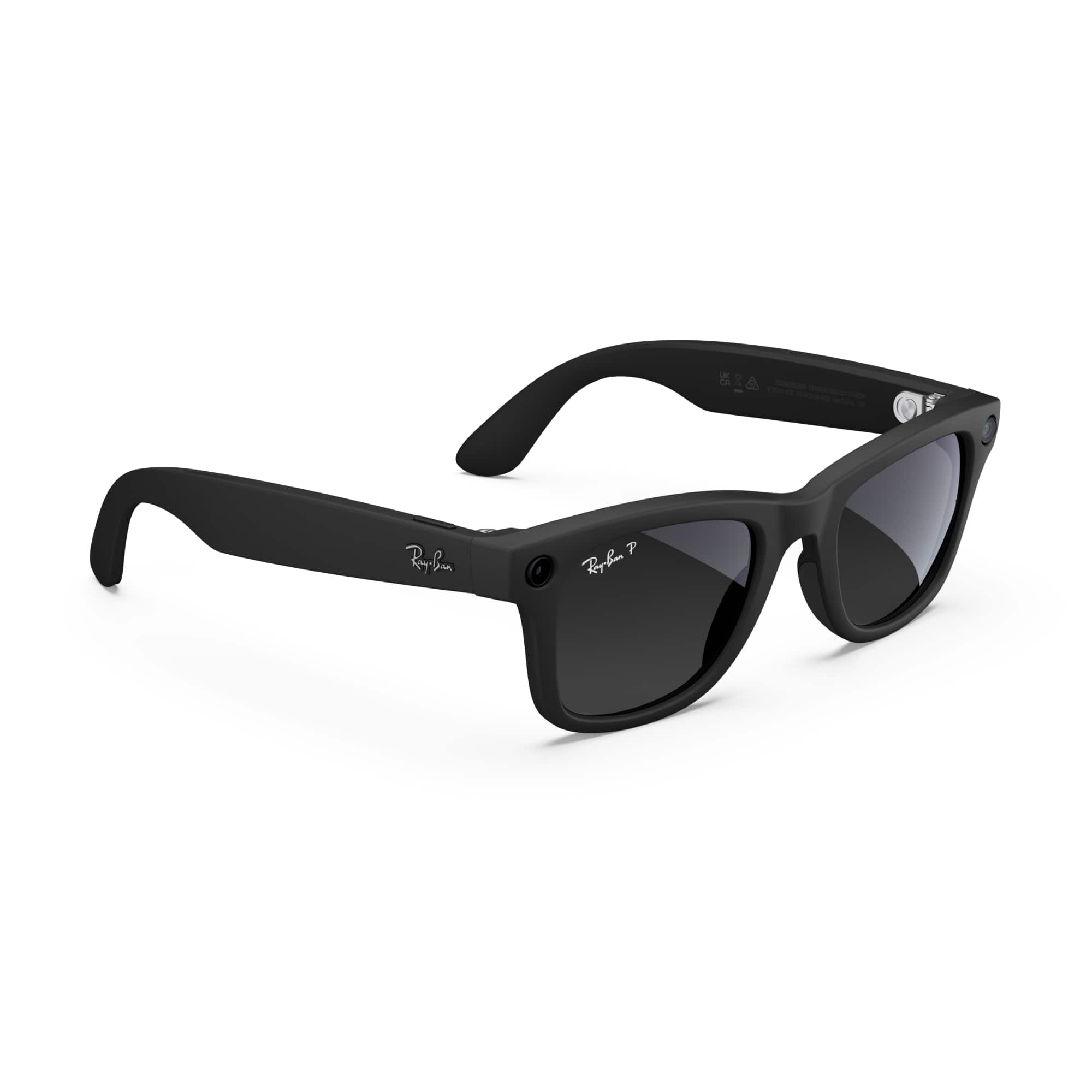
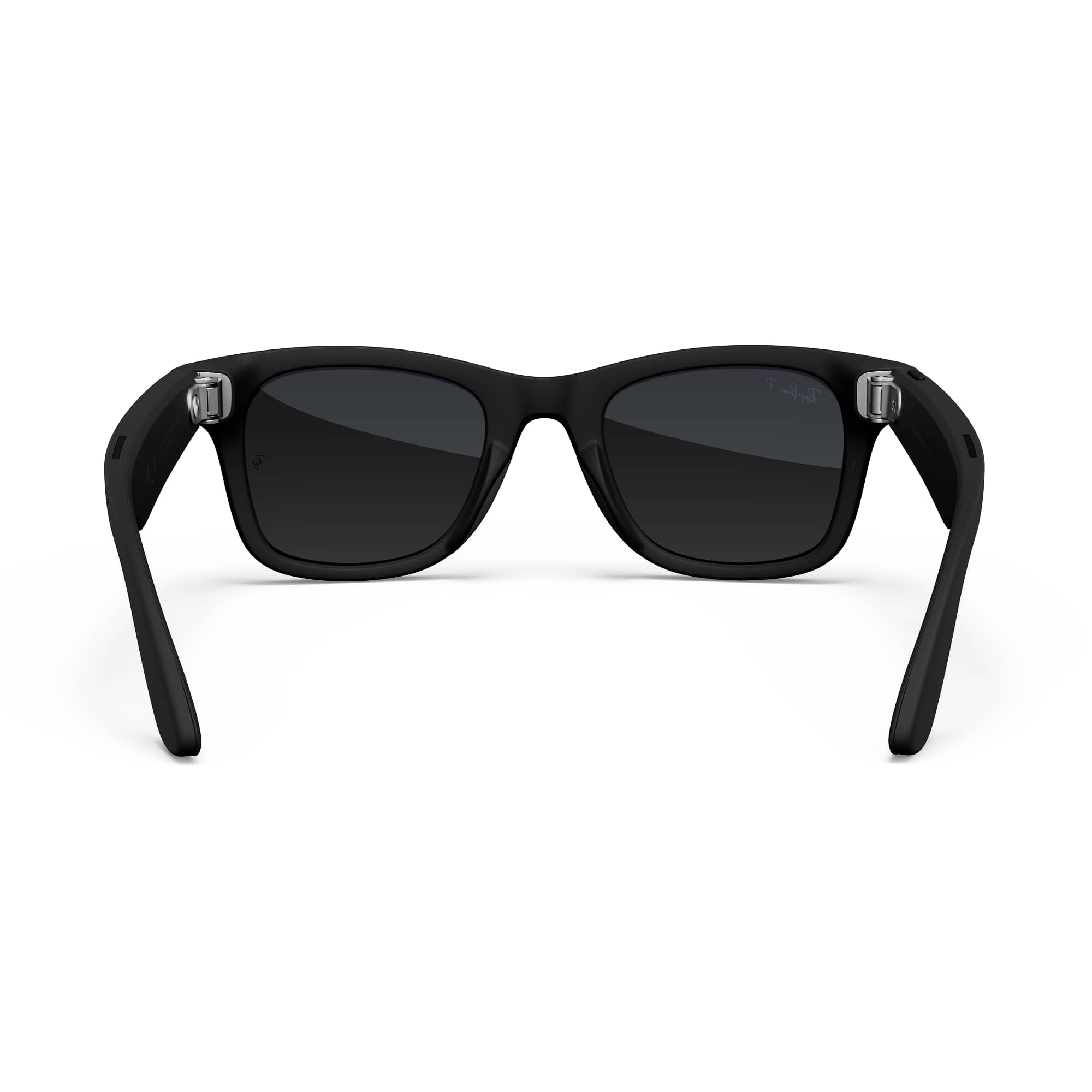
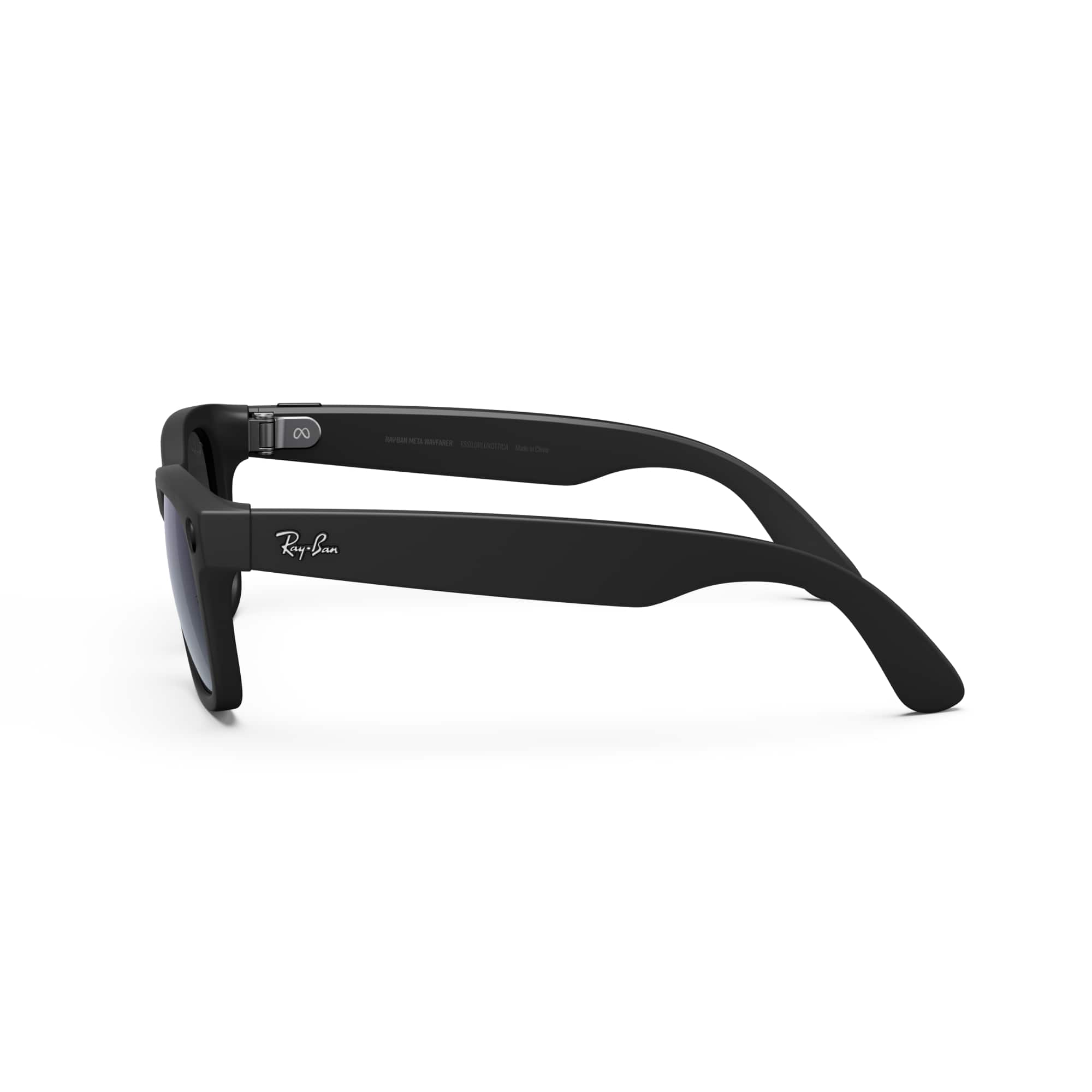
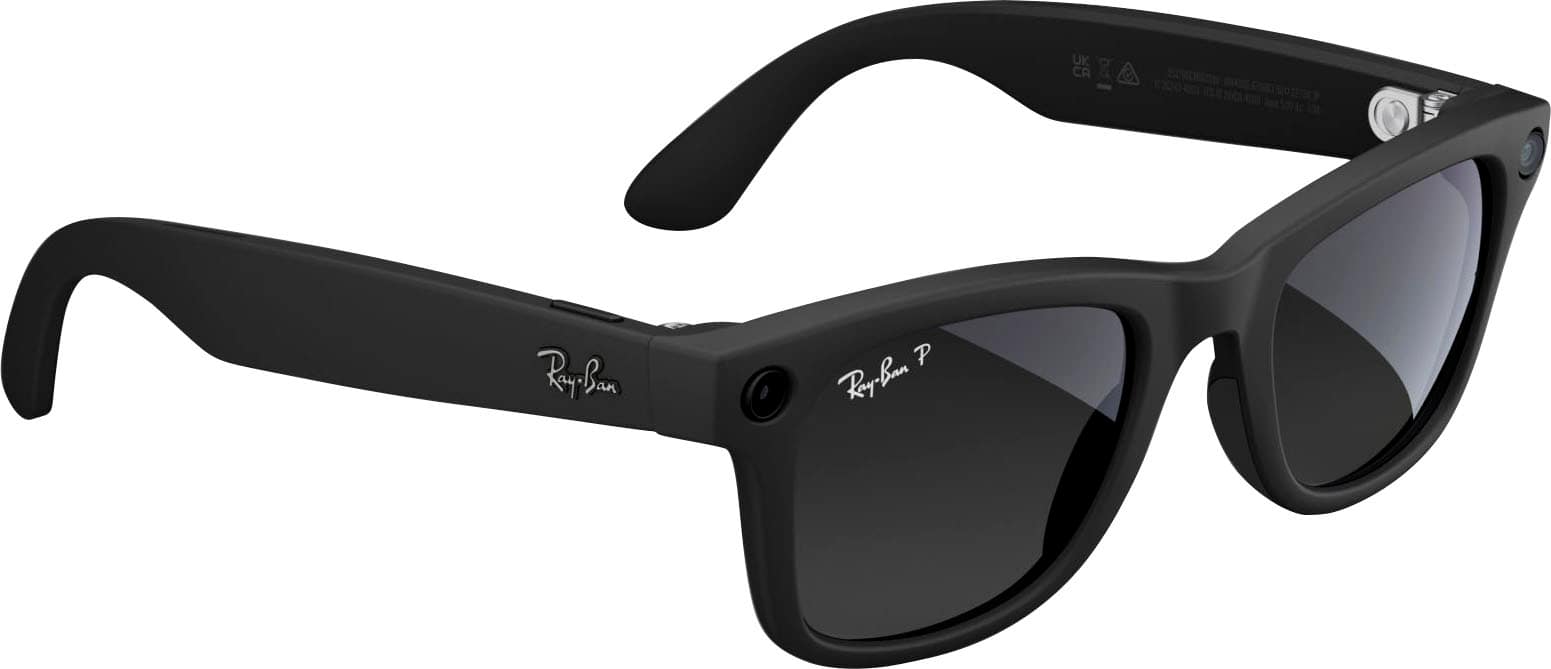










- Model:
- 601ST350
- SKU:
- 12109695
Rating by feature
- Value
Rating 4.6 out of 5 stars
- Quality
Rating 4.7 out of 5 stars
- Ease of Use
Rating 4.7 out of 5 stars
Insurance
||Posted . Owned for 3 weeks when reviewed.This reviewer received promo considerations or sweepstakes entry for writing a review.i like them if you have vision insurance go through your insurance company and get them for less than $200
I would recommend this to a friendTry them first,
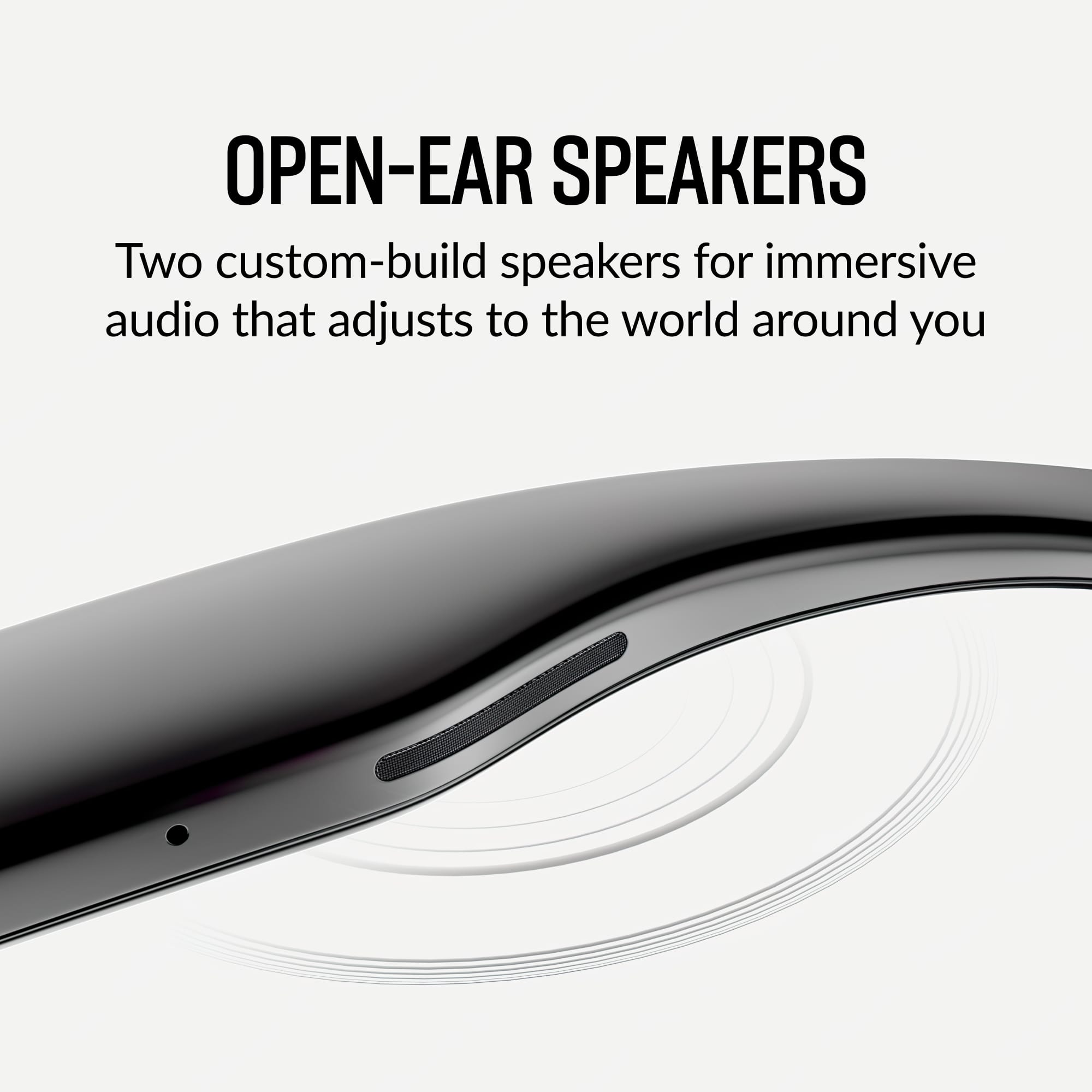
||Posted . Owned for 10 months when reviewed.This reviewer received promo considerations or sweepstakes entry for writing a review.It takes time to getting used to it, but it does have some decent sound.
I would recommend this to a friendBrand response from Meta Store Support
Posted .Hi Nightshift2032
Thank you for the five star review!
Great to see you are enjoying your Ray-Ban Meta Smart Glasses! We would love to hear more from you next time.

Great gift for a guy!
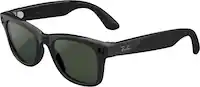
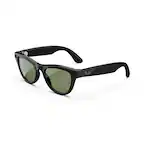
||Posted . Owned for 3 weeks when reviewed.This reviewer received promo considerations or sweepstakes entry for writing a review.The green hue on the glasses look real nice when using it. I bought it for my friend and he loved it so much, the gift even convinced his friends to buy one for themselves.
I would recommend this to a friendRayban smart glasses
||Posted . Owned for 2 weeks when reviewed.This reviewer received promo considerations or sweepstakes entry for writing a review.I purchased these glasses for my son and he loves them so far
I would recommend this to a friendBrand response from Meta Store Support
Posted .Thank you for the great review!
We hope he has a fantastic time using them.
Highly recommended
||Posted . Owned for 1 week when reviewed.This reviewer received promo considerations or sweepstakes entry for writing a review.The Ray Ban Meta glasses are fun and innovative. The technology allows you access to everything your phone can do with a simple touch of the hand. It is the latest tech fashion!
I would recommend this to a friendAwesome Ray Ban Meta Sunglasses
||Posted . Owned for 3 weeks when reviewed.This reviewer received promo considerations or sweepstakes entry for writing a review.Unreal how powerful these Ray Ban Meta Sunglasses are! I highly recommend these AI glasses to anyone!
I would recommend this to a friendRay Bans
||Posted . Owned for 1 month when reviewed.This reviewer received promo considerations or sweepstakes entry for writing a review.Great gift for birthday or special occasion to get some
I would recommend this to a friendI stopped recognizing my cell phones
||Posted . Owned for 3 weeks when reviewed.This reviewer received promo considerations or sweepstakes entry for writing a review.They are nice but a week after purchasing the product it stopped recognizing the cell phone so I have not been able to use it for the purpose of purchase, for this reason I am going to return them so you can check what it has, why it does not recognize my cell phones or exchange it for another one.
No, I would not recommend this to a friendBrand response from Meta Store Support
Posted .Hi EdwinBC,
Thank you for taking the time to share your feedback.
We want all of our users to have the best experience possible, therefore, we're sorry to hear that your Ray-Ban Meta glasses have stopped connecting to your phone.
Not to worry though, let's get this sorted for you.
In this case, we'd suggest ensuring that both the glasses and phone are sufficiently charged and close to each other. Additionally, check to make sure they're both on the most recent firmware.
Would you mind reaching out to our wonderful Customer Support team so that one of our lovely colleagues can look into this further for you? They can be contacted via our website.
Hope to hear from you soon!
Ray ban
||Posted . Owned for 8 months when reviewed.This reviewer received promo considerations or sweepstakes entry for writing a review.I really enjoy using this glass I would recommend using
I would recommend this to a friendWay better than last Gen!
||Posted . Owned for less than 1 week when reviewed.This reviewer received promo considerations or sweepstakes entry for writing a review.A big upgrade on the speakers is noticeable. They look similar to last gen but the audio quality wow big diference. They are also more responsive and the case is premium quality. I recommend!
I would recommend this to a friendBest Purchase
||Posted . Owned for 3 weeks when reviewed.This reviewer received promo considerations or sweepstakes entry for writing a review.Everything about these ate awesome! So much technology
I would recommend this to a friendHorrible Battery Life….
||Posted .This reviewer received promo considerations or sweepstakes entry for writing a review.Very disappointed! Really wanted to love these but the battery life is absolutely horrible on them! Style is nice though, did not come with charger or anything. Wasn’t able to return them so I’m stuck with them now. Not sure if I got a defective pair but I barely use them and they are dead!
No, I would not recommend this to a friendBrand response from Meta Store Support
Posted .Hey Ari,
Thanks for taking the time to share your experience regarding your Meta Ray-Ban purchase.
Fully charged glasses last up to 4 hours for moderate usage and up to 3 hours with continuous audio streaming and voice assistance. This may vary with use and other factors.
To charge your glasses, put them in the charging case and place it on the nose bridge inside the charging case. This is the only way to charge the glasses. You'll know your glasses are charging when the case LED blinks after you've docked them and closed the case. You can also see a charging icon in the Meta AI app. Please be aware that the first time you charge your glasses you need to remove the protective plastic tab from the metal charging connections on the case.
To charge your charging case, connect the case to a power adapter using a USB-C cable and plug it into the front of the charging case. This is the only way to charge the case.
If you do believe you require further assistance with your glasses, please reach out to Ray-Ban via their official website where they can provide further troubleshooting, and look into what your options may be.
Excellent Shades!
||Posted . Owned for 3 weeks when reviewed.This reviewer received promo considerations or sweepstakes entry for writing a review.Best Christmas Gift I ever gave. Excellent technology.
I would recommend this to a friendBrand response from Meta Store Support
Posted .Hey there!
Thanks for the 5 star review, we at Meta appreciate all feedback from our amazing users like you.
We love that you loved these enough to be a part of your holiday gifts!
Not that worthy
||Posted . Owned for 1 month when reviewed.This reviewer received promo considerations or sweepstakes entry for writing a review.Good product but little heavy.i dont prefer to keep it long
I would recommend this to a friendBrand response from Meta Store Support
Posted .Hi there,
Thank you for the amazing feedback!
We appreciate your honesty. We are always looking for ways to improve your experience in any way that we can.
Great!!!
||Posted . Owned for 3 weeks when reviewed.This reviewer received promo considerations or sweepstakes entry for writing a review.Great product!!as advertised.:.great technology!!!
I would recommend this to a friendRayban meta
||Posted . Owned for 1 month when reviewed.This reviewer received promo considerations or sweepstakes entry for writing a review.Short battery. Hard to figure out how to work the thing. Has no instructions It somehow can figure out how to connect to bluetooth.
No, I would not recommend this to a friendBrand response from Meta Store Support
Posted .Hey there! If you still have any questions, or just want some help getting to grips with your AI glasses, feel free to reach out to the support team through the Meta website!
Meta rayban transition lens
||Posted . Owned for 3 weeks when reviewed.This reviewer received promo considerations or sweepstakes entry for writing a review.The mic had an issue. There was a fix for it and so far ok. If you use them for phone or music keep the charging case close. The camera takes good pics wish the video was longer then 60 secs
I would recommend this to a friendRay-ban
||Posted . Owned for 1 week when reviewed.This reviewer received promo considerations or sweepstakes entry for writing a review.I like the glass, it’s excellent I recommend for everyone.
I would recommend this to a friendBrand response from Meta Store Support
Posted .Hi Mena
Thank you for the five star review!
Chrissy
Great customer service!
||Posted . Owned for 2 weeks when reviewed.This reviewer received promo considerations or sweepstakes entry for writing a review.Awesome glasses, thank you to the Best Buy employees for helping me out!
I would recommend this to a friendListen to music while you work
||Posted . Owned for 11 months when reviewed.This reviewer received promo considerations or sweepstakes entry for writing a review.Bought for my husband he loves him. He wears them while at work.
I would recommend this to a friendBrand response from Meta Store Support
Posted .Hey there,
Thanks for taking the time to leave a review.
We are over the moon to hear that your husband loves spending his time on our glasses.
Make sure though, that he has enough time for his wife!
Have a wonderful day!