Customer Ratings & Reviews

- Model:
- RZ06-05580200-R3UA
- SKU:
- 6646173
Rating by feature
- Value
Rating 4.5 out of 5 stars
- Quality
Rating 4.8 out of 5 stars
- Ease of Use
Rating 4.6 out of 5 stars
Top dawg
||Posted . Owned for 1 week when reviewed.This reviewer received promo considerations or sweepstakes entry for writing a review.I have never experienced something so perfect. It’s crazy to seem that drumsticks can change the game. It’s a must have. You don’t have to be a pro to own one.
I would recommend this to a friend
The Only Controller Fast Enough to Replace MyMouse
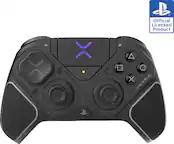
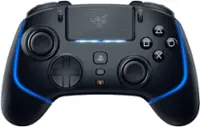
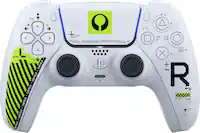
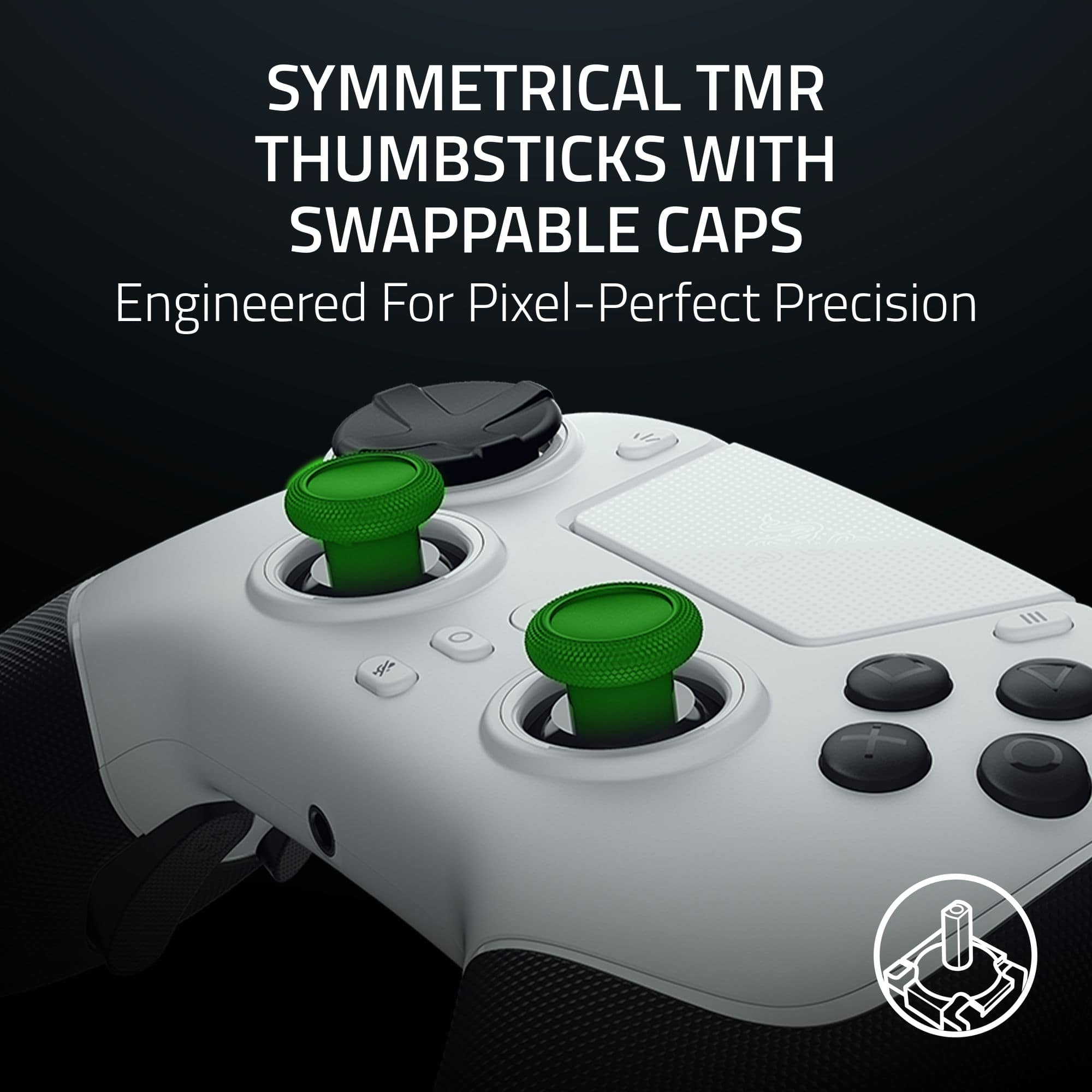
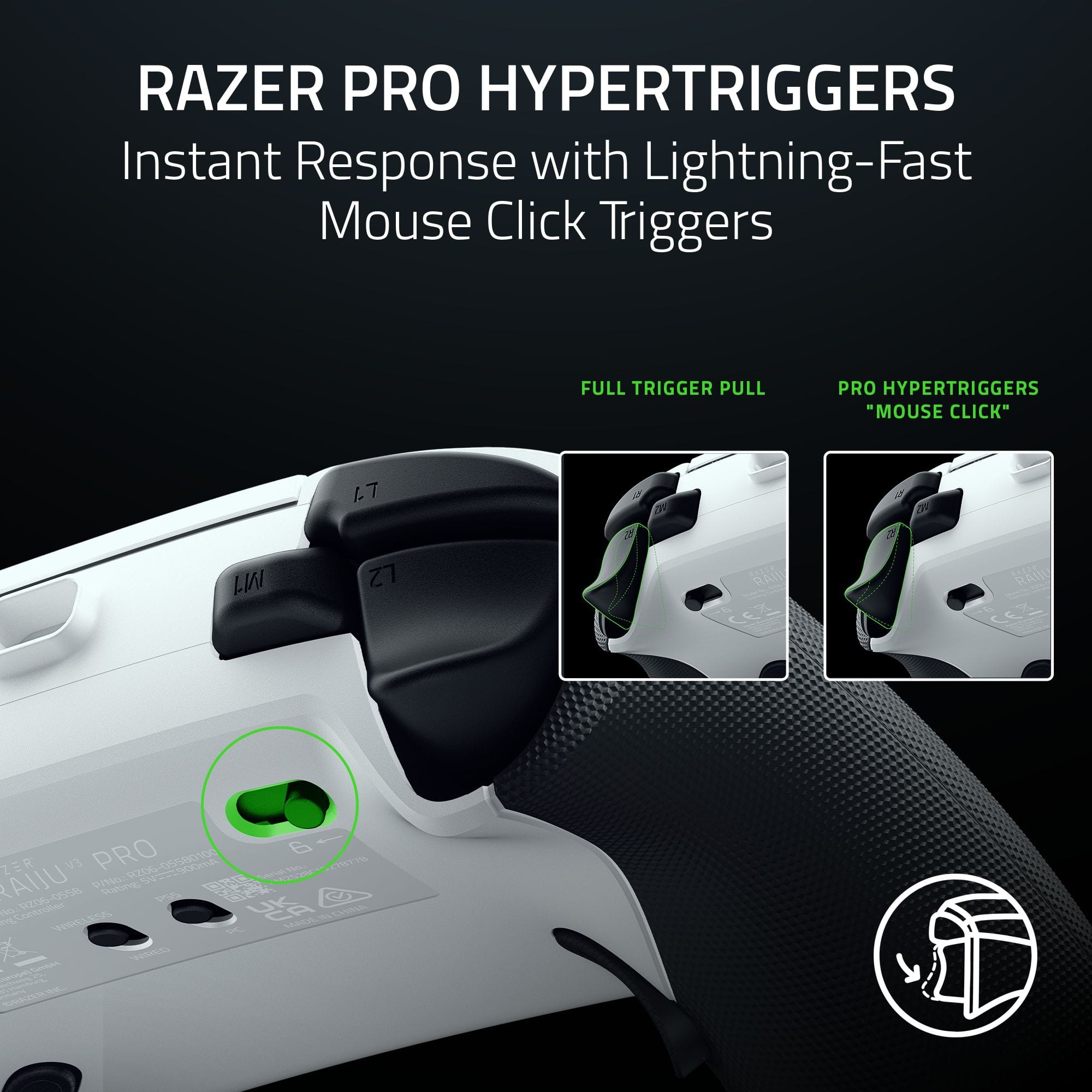
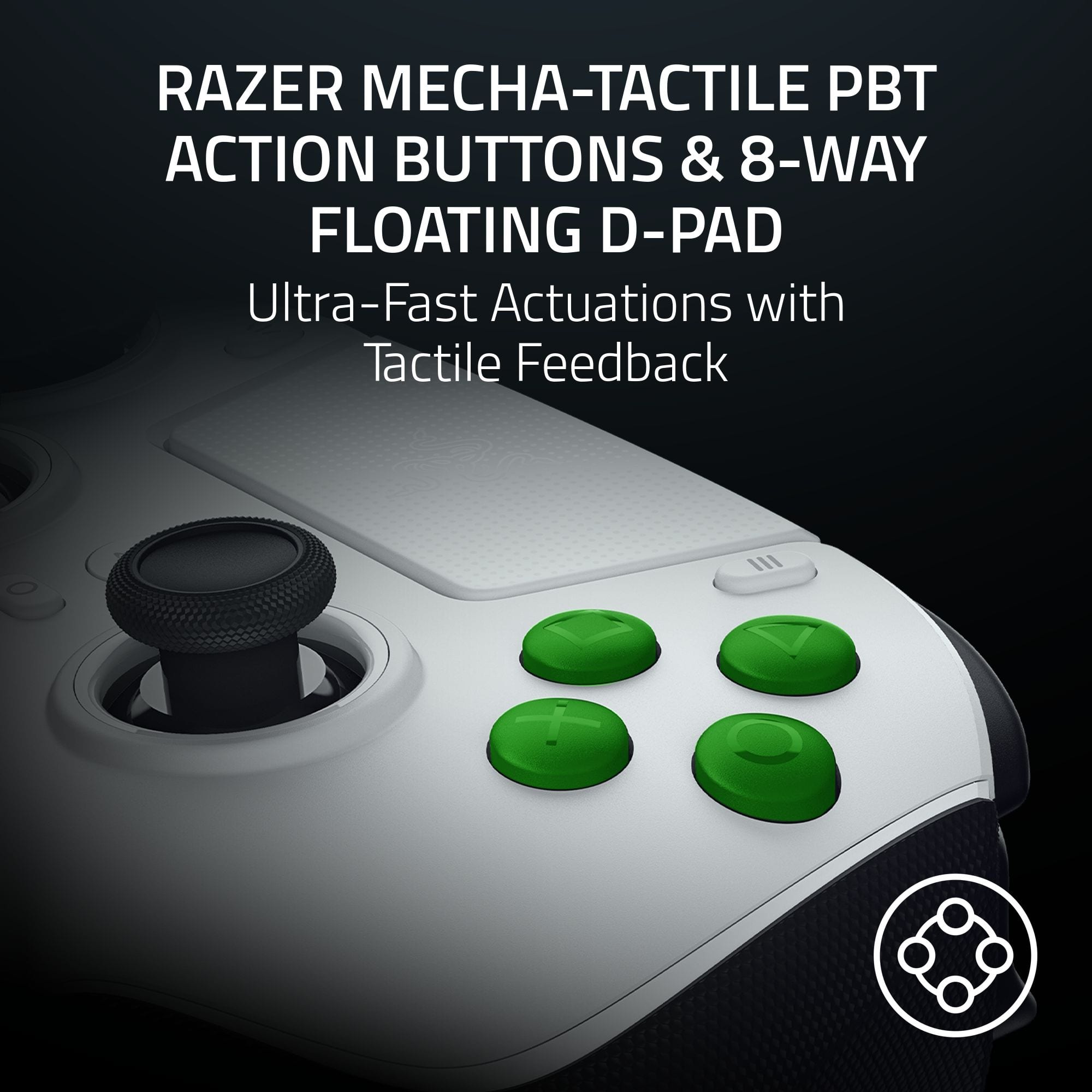
|Posted .This reviewer received promo considerations or sweepstakes entry for writing a review.PROS: - Incredible 2000 Hz Polling Rate (on PC when plugged in). Soooo responsive. - TMR Thumbsticks are the smoothest I’ve ever used. Ultra accurate. I destroy the competition. - Mouse-click buttons feel instant, like I’m plugged directly into the game. - Physical switches for on-the-fly customization. - Razer Synapse 4 is actually good now. - Razer’s proprietary algorithm for low latency and accuracy. Where they prioritize that above everything else (raw input data vs smoothing). Which does translate in game. - Max 1,000 Hz Polling for wireless (PC). Would have preferred to see 2,000 Hz. But understand controller tech is complex and we have yet to overcome some of those bandwidth limitations. CONS: - PS5 is locked to 250 Hz (Sony's fault, but still hurts). - Lightweight feel might seem "cheap" to some. - No adaptive triggers (Sony’s fault) or rumble (performance focus). - Cost. It is expensive. - Switching out the back paddles requires a screw driver (included) and is not super simple. But doable. - Wish it had more options for thumbsticks. As only comes with two short concave and one short convex and one long concave. - Doesn’t have controls for voice chat/volume if plugging directly into the controller. But does have a 3.5 mm port. THE REVIEW: I grew up playing on console and considered myself an "elite" controller player. Level 50 in Halo multiple times, beat games on the hardest difficulties for decades, was always up there with the try-hard sweaty players. But as I got older, I moved to PC gaming and swapped my controller for a mouse and keyboard. Why? Because a mouse is just faster and more accurate. When I tried to go back to a standard controller, it felt like I was moving through mud. The lag (latency) was physically painful. I felt like I had lost my edge. Then I saw the Razer Raiju V3 Pro and its 2,000 Hz polling rate. I jumped on it immediately. This isn’t a luxury controller that feels nice in your hand. This is an F1 racecar that allows you to squeak out every bit of performance you have. Which may turn a lot of people off. WHY DOES 2,000 HZ MATTER? Mathematically, 250 Hz = 4 milliseconds (ms). 2,000 Hz = 0.5 milliseconds. That’s 3.5 ms faster. In the entire chain of latency. This is a cumulative thing too. That adds up over time. Which is why you can feel the difference. Imagine a teacher looking at a classroom to see if anyone has their hand raised: - Standard Controller (250 Hz): The teacher looks up 250 times a second. Fast, but you might wait a split second for them to notice you. - Raiju V3 Pro (2,000 Hz): The teacher looks up 2,000 times a second. They see your hand the instant it moves. On PC, this algorithm works. My aim felt "sticky" and responsive again. It felt like my elite skills came back instantly. This controller is built like a Formula 1 race car. They took out the air conditioning and the heated seats to make it go faster. No Rumble/Force Feedback. They removed this out to save weight. Lightweight Body. It feels a little "hollow" or cheap in the hand compared to heavy controllers, but it’s designed to be light for comfort. If you want a cozy, immersive ride, this isn't it. If you want to win, this is it. TMR STICKS VS. THE REST: You might have heard of "Hall Effect" sticks (which use magnets so they don't get stick drift). This controller uses something brand new, TMR (Tunnel Magnetoresistance). Big word, simple concept. Think of it like drawing a picture. Other Sticks (Hall Effect): act like a thick marker. They are good, but they can't always draw the tiny details. TMR Sticks: act like a super-sharp pencil. They catch the tiniest movements. Because TMR sensors are more sensitive to magnets, they pick up micro-adjustments in your aim that other controllers miss. These are the smoothest, most accurate sticks I have ever felt. If you’ve got the skill, you’ll absolutely feel the difference. Additionally, this uses the new “gen 2” TMR sticks which are even more responsive than Gen 1. ERGONOMICS & BUTTONS: I have large hands, and this shape is fantastic. The buttons are "clicky" like a computer mouse, which I love. The D-Pad uses micro-switches that make every press feel tactile—perfect if you need to hit complex combos. You get four back buttons and two extra buttons on top (near the triggers). This is huge for me as a PC player who wants more inputs. Be warned: the back buttons are very sensitive. If you "deathgrip" your controller when you panic, you will accidentally press them. THE PS5 PROBLEM: Here is the bad news. If you play on PlayStation 5, Sony locks the controller to 250 Hz. You lose that super-fast speed advantage. Which knocks out the majority of what makes this controller special and worth buying. Yes, you still get the TMR thumbsticks, firmware, and buttons. But most of that is lost due to slow polling rate. For PS5 specifically, I still slightly prefer my Scuf Reflex Pro because if I’m going to have slow latency anyway, I’d rather have the nice force-feedback triggers. But on PC? The Raiju V3 Pro destroys the competition. I reach for it every time. Except maybe a racing game where it isn’t as important and that rumble can help with performance. CONCLUSION: I finally found a controller that feels responsive enough to leave my mouse and keyboard behind when I feel like just kicking back and relaxing. Buy this if: You want top-tier performance, play mostly on PC (or competitive PS5), and want the newest, fastest technology. Skip this if: You want a heavy, premium-feeling controller with rumble and vibration for a cinematic experience.
I would recommend this to a friendThe Ultimate Controller Experience!!!
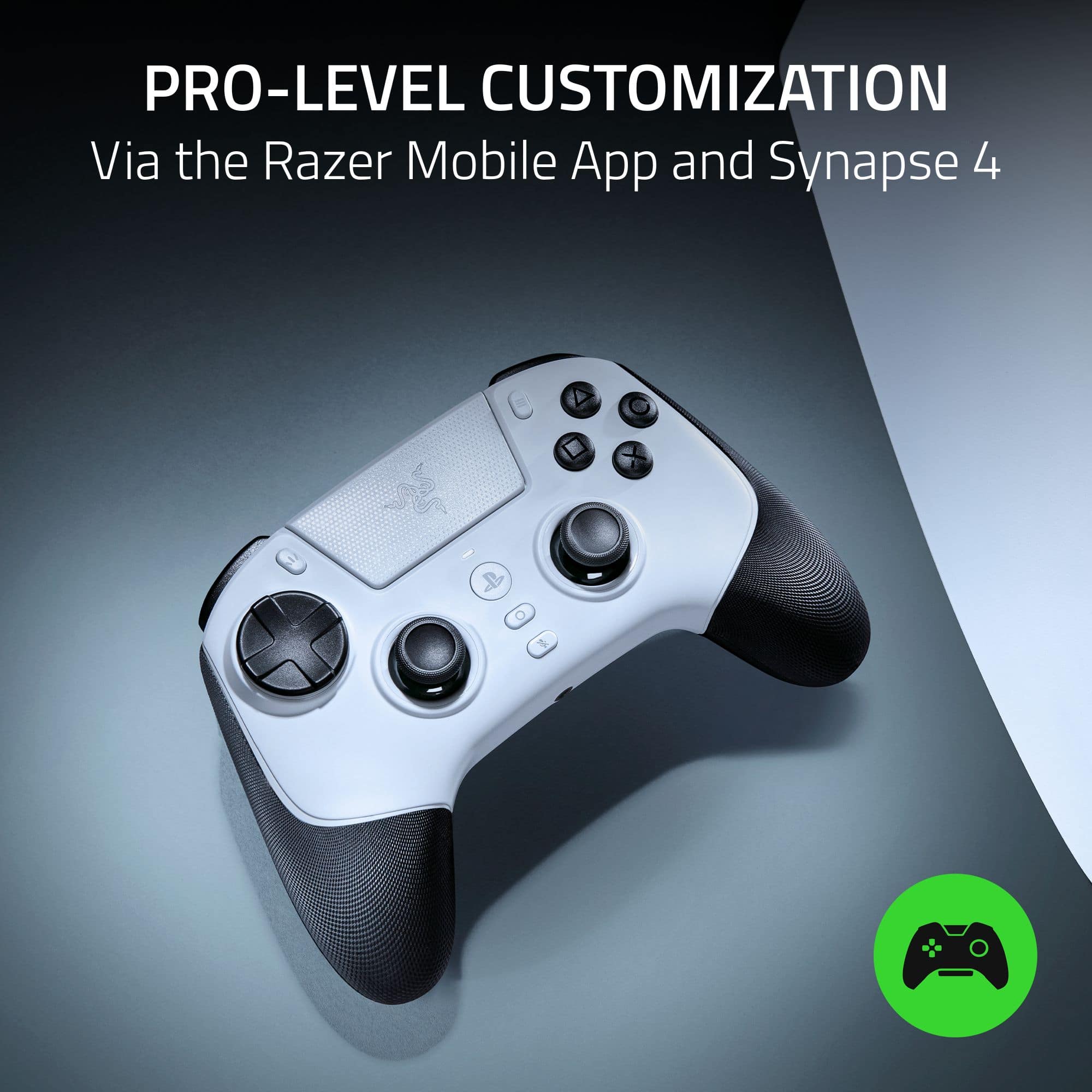
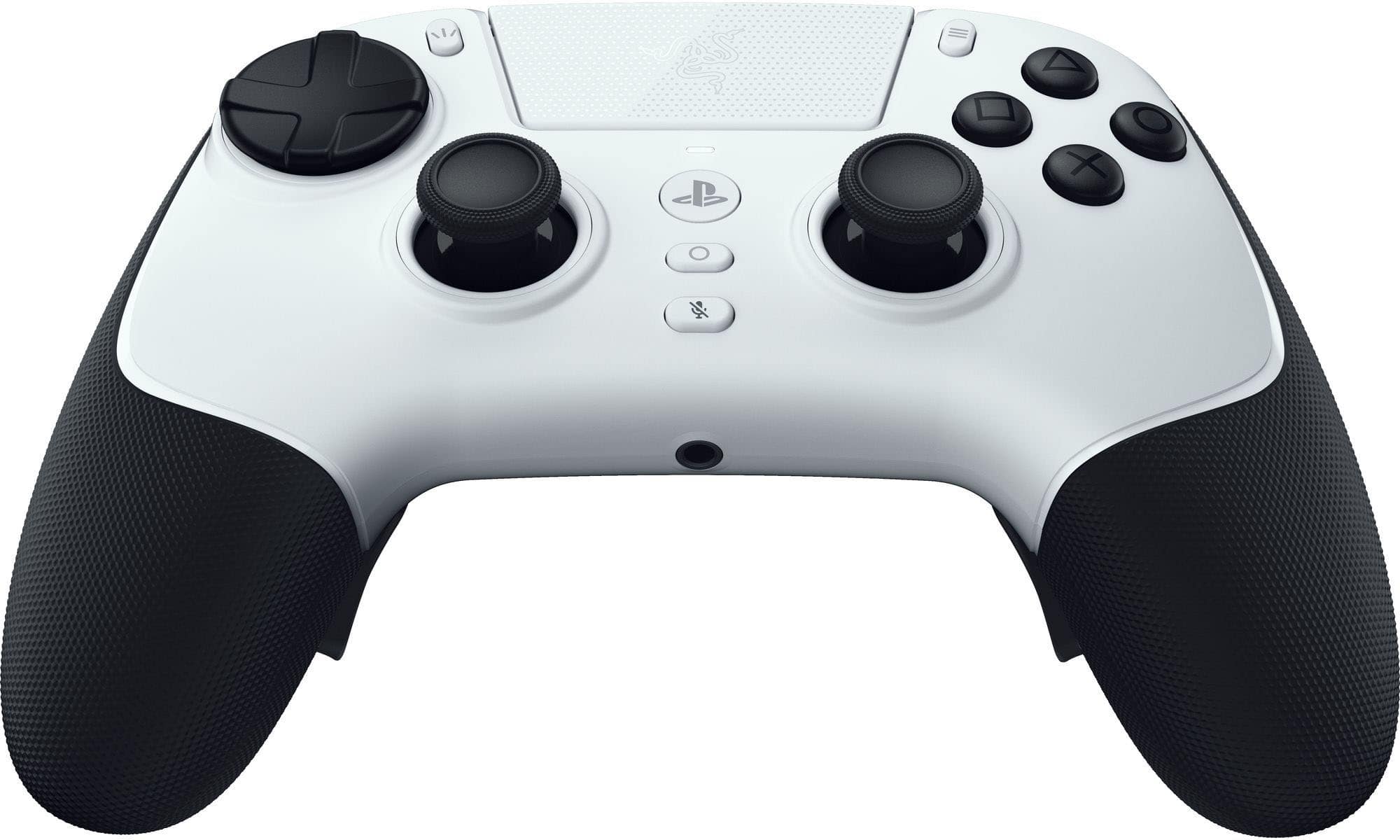
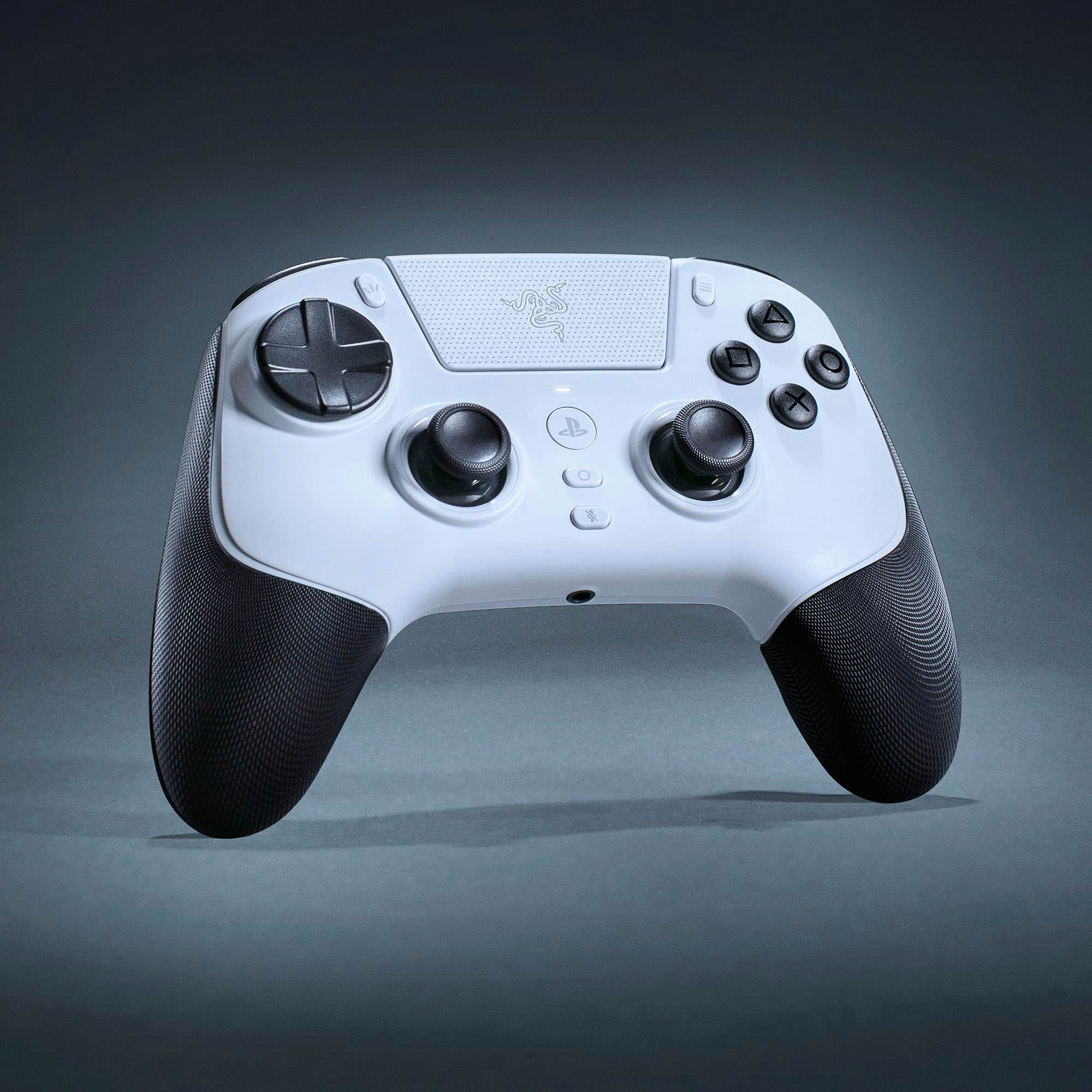
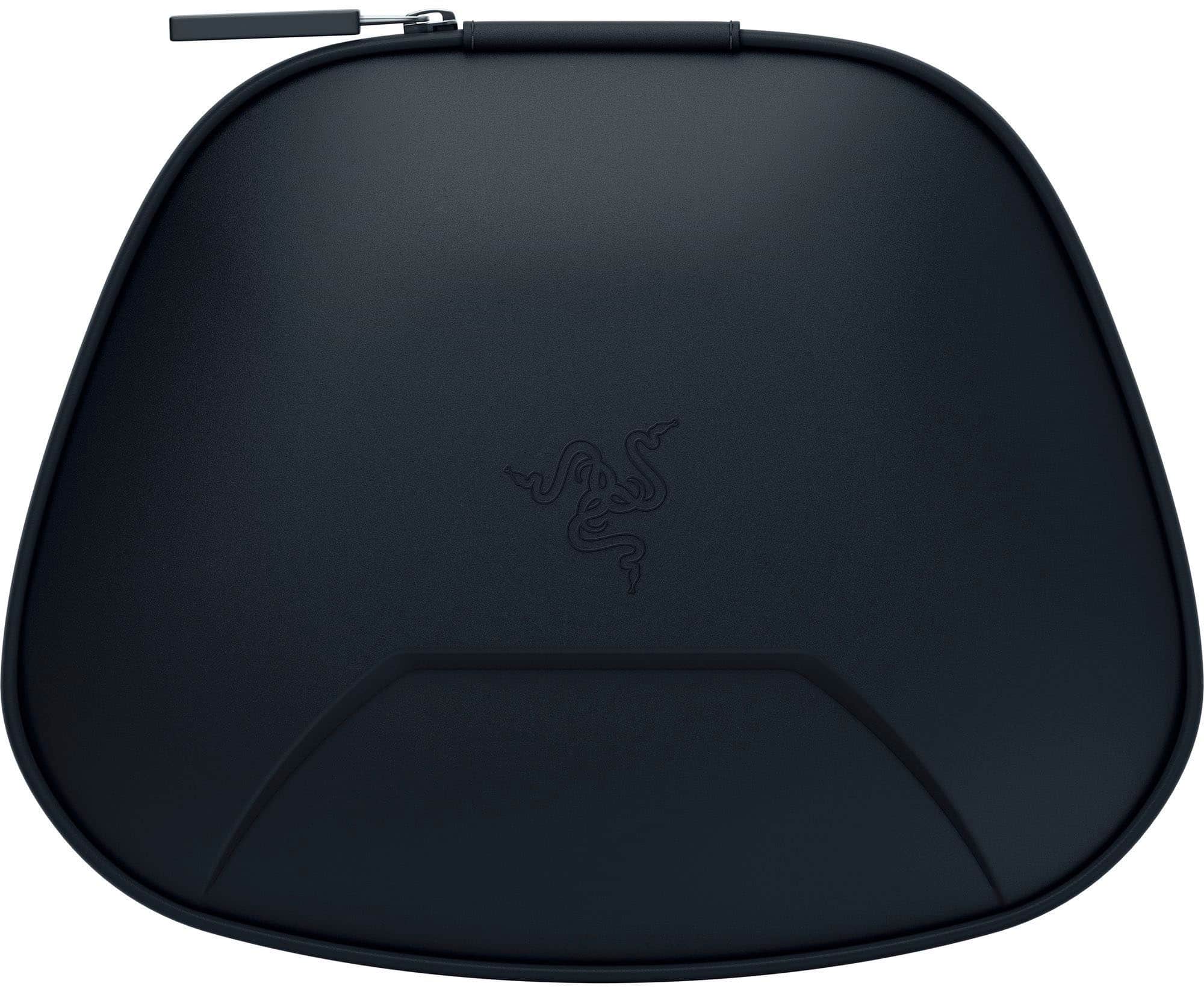
|Posted .This reviewer received promo considerations or sweepstakes entry for writing a review.Over the years I have tested out quite a few PS5 and PC controllers and recently I had the opportunity to test out the new Razor Raiju V3 Pro, and I fell in love with it. From its mechanical tactile face buttons have that satisfying “click” to the TMR (Tunnel Magnetoresistance) sticks that make your input feel more precise. So, let’s go over what the Raiju V3 has to offer. Unboxing and Setup: The Raiju V3 Pro comes with a very nice carrying case. Inside the case you will find the Raiju V3 Pro, 2 joy sticks (Convex and Concave), the USB dongle, and a screwdriver. Also, inside the packaging is a USB-A to USC-C cable, 4 swappable back buttons. The controller is pretty much ready to use right out of the box, like I did because I was really looking forward to testing it out, but you can download the Razor Mobile app or Synapse 4 for maximum customization. Build Quality and Comfort: From the moment I held the Raiju V3 Pro, it felt very different in my hands. Even though the design is very similar to PS5 Dual sense controller and other aftermarket controllers out in the market, the rubberized textured grip that covers the whole area where your hands grip the controller, and just how the controller fits in your hands is just so much more comfortable and so light weight, almost like holding nothing at all, but don't let its weight fool you, this is every bit a solid built controller on the market. Performance and Responsiveness: The Raiju V3 Pro really stands out from the other controllers I’ve used so far. The “clicky” mechanical buttons are super satisfying — it honestly feels like you’re using a mini gaming keyboard for your thumbs. Every press is quick, sharp, and super responsive, which makes gameplay feel a lot more precise. The adjustable triggers are a nice touch too; you can switch between a short, fast pull for shooters or a deeper press for games that need more control. On top of that, there are six remappable buttons (M1–M6) that you can customize through the Razer app on your phone or PC, making it easy to set everything up just how you like it. The analog sticks are another highlight. They’ve got just the right amount of tension, which makes movement smooth and controlled without feeling stiff. Razer’s TMR (Tunnel Magnetoresistance) technology takes that even further, picking up the tiniest movements with pinpoint accuracy. In fast-paced games — especially shooters — that kind of precision makes a real difference. Every little adjustment counts, and this controller captures all of it, keeping your inputs accurate and responsive at all times. One thing to keep in mind is that this controller does not offer any haptic feedback that some games may be into. Personally, I find the haptics to be a distraction, so it worked out great for me. Also, the “Mic Mute” button on the controller will not work unless the headphones are directly connected to the controller via the 3.5mm jack, again I use the mute button on my headphone, which I have been used to using to again not a big deal for me at all. Wireless Performance and Battery Life: The wireless connectivity is flawless, with no noticeable input lag. The battery life is impressive, easily lasting through several long gaming sessions before needing a recharge, the battery life has been advertised as lasting up to 36 hours but I have yet to get that far on a single gaming session, but rest assured that if you out your controller on charge after your done, and sometimes when you don’t, your controller will not die out on you in the middle of a gaming session. Conclusion Overall, the Razor Raiju V3 Pro remote controller is an amazing controller giving you that edge that you need in competitive gaming. Whether you’re avid gamer or a pro, this the controller for you.
I would recommend this to a friendAwesome for competitive games but no vibration
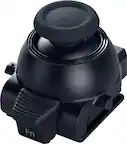
|Posted .This reviewer received promo considerations or sweepstakes entry for writing a review.I've been gaming with the Razer - Raiju V3 Pro controller with my PS5 for about a week now and I have mixed feelings. I mainly have been using it wired with the USB cable, to have the best ( zero latency) experience. Being tethered to my playstation 5 is not a big deal for me, since I typically play this way while charging my dual shock controllers. Anywho, when I tried connecting the Razer Raiju controller wireless with the included dongle to my PS5, nothing happened and the controller just turned off. Which kinda puzzled me because I had already played with it connected for almost an hour so I assumed the battery would be charged enough. But I figured out after that you have to press and hold the PS button on the controller for a couple of seconds before it powers on and you have to have the dongle connected to the PS5 before turning on the controller. Otherwise it just shuts itself off automatically. Razer claims that this controller will have over 30 hours of battery life while using it wirelessly. I can't confirm this claim yet as I mainly been using it connected it, but if its true then battery life should definitely out perform the stock PS5 dual shock controllers. I didn't notice any delay when playing wirelessly, if there is a delay it is probably in the milliseconds. Build quality of the controller is very very good. The control feels very sturdy. Buttons are all very responsive and tactile, they feel and sound like mouse clicks lol. Weird, but you'll see what I mean when you press the buttons. I love the triggers on this controller, they do not fatigue my fingers like the OEM controllers can. The D pad is excellent and has been great for playing fighting games online. The triggers on the back of the controller are nice to have but I don't really use them. I could see them being useful for RPG's or dungeon hunters like diablo , etc etc. You can customize the buttons with the Razer app on PC or mobile phone. A pretty cool feature! Personally I tend to accidentally press the triggers on the back accidentally way too often, so for that reason I don't assign anything to them. The joysticks are very comfortable to use also, and the control is the perfect size for my hand. I don't really experience much fatigue when gaming with it for long sessions. The control is lightweight, grippy and doesn't make my hands sweat. The control is cool to the touch and has a grippy texture. I appreciate that all the playstation buttons are on this controller. The share button, PS button, touch pad are all here and work as they should. The mute button didn't seem to work though. oddly. I thought I had my mic muted in one instance and my friends could still hear me talking while using my 3.5mm headset. If you have been gaming with a OEM PS5 DualShock controller ,it will be kind of jarring at first when you start gaming with this controller. It feels so different than the OEM controllers. The buttons have a noticeably different press and feel. The joysticks are smoother and more responsive, and the controller is very light. But after a while I got used to it and have been having a pleasant gaming experience with it. Now the one thing I do miss while gaming with this vs the Sony DualShocks, is that this control has no vibration feedback whatsoever. and it's the reason I docked 1 star from my review. If I could give it a 4.5 star rating I would, because this control is almost perfect. If it had at least some vibration, then I I would've given it a perfect 5 star. It may not be a big deal for most people, but for me it is. I love feeling some time of feedback in my hands while gaming. Especially while playing first person shooters. Im sure Sony has a lockdown on their "haptic feedback" trigger technology. So I don't expect third party controllers to have it. But I wish it had some rumble ( vibration). Other than that.. I really like this controller. Would I recommend it? Sure. Especially if you have a PS5 AND a PC to game on. You can use this controller for both, and I think it's the best option for gamers with both gaming setups. I think I can expect this controller to never have the dreaded stick drift, so the premium price tag makes it worth grabbing. Theoretically, this controller should be able to last a few years if you take care of it.
I would recommend this to a friendA premium controller in every sense.
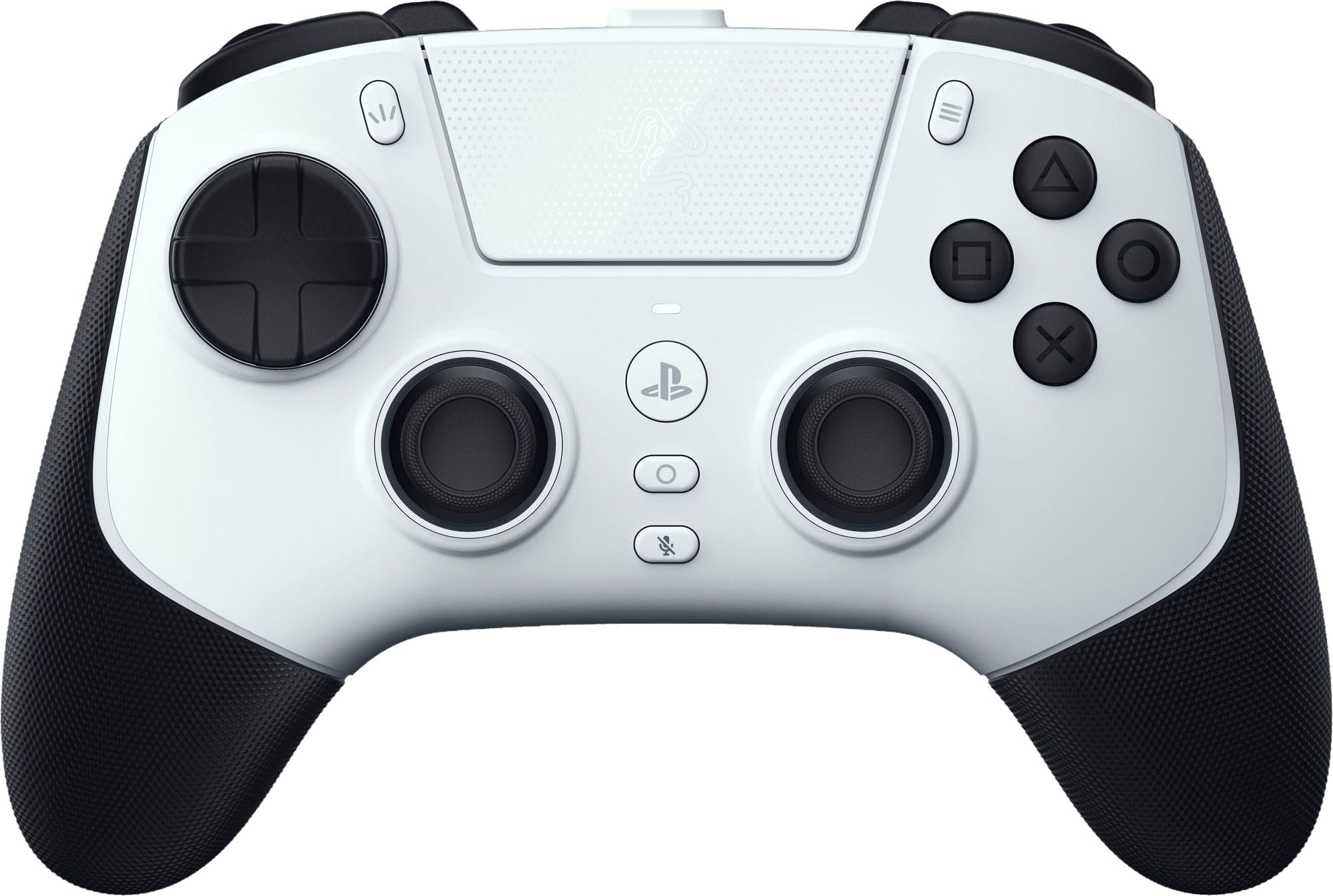
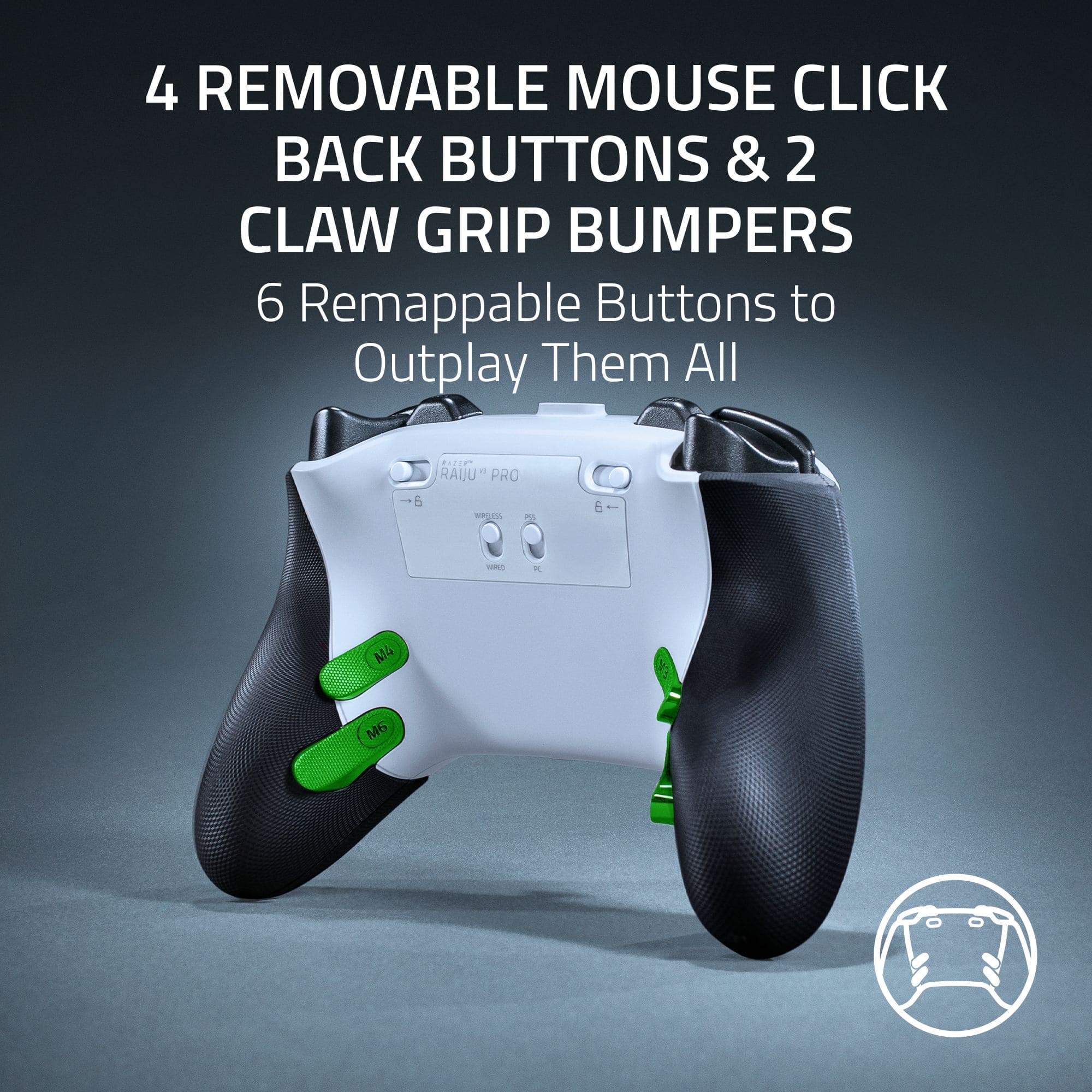
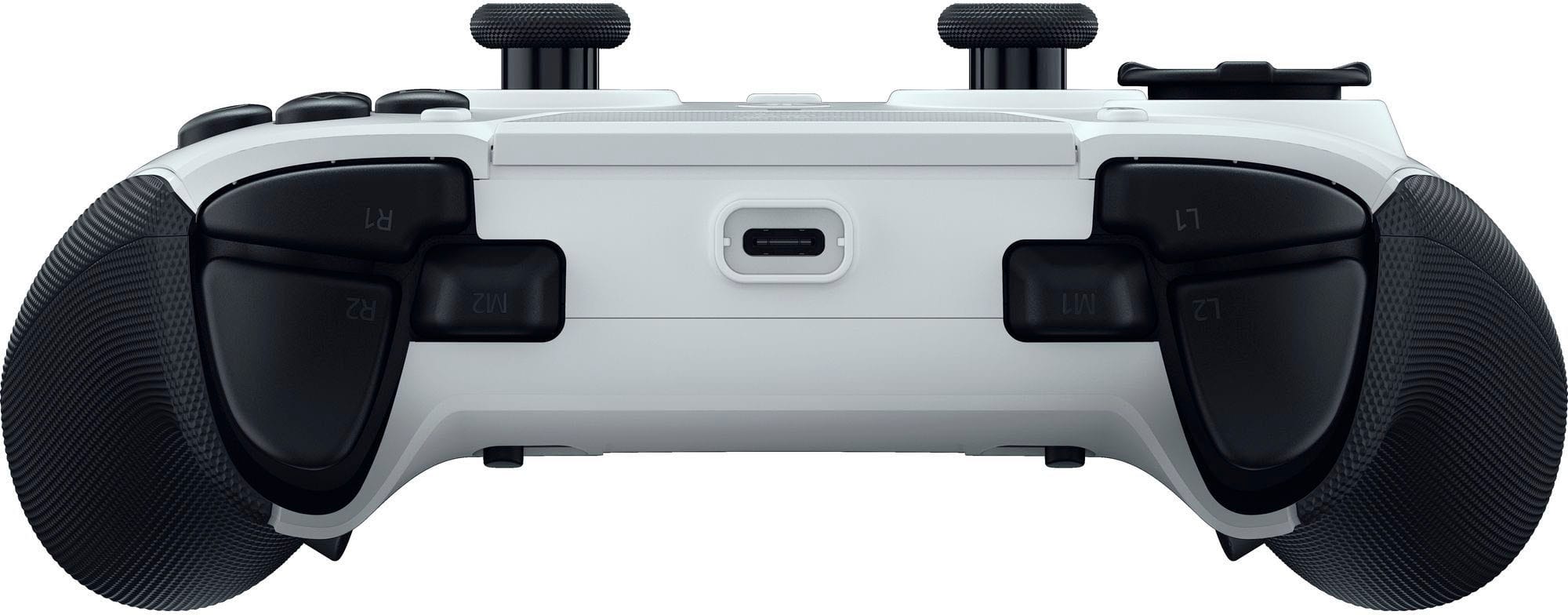
|Posted .This reviewer received promo considerations or sweepstakes entry for writing a review.The Razer Raiju V3 Pro is an exceptional controller, that offers plenty of great features. The Raiju V3 is a quality controller. Everything about this controller was made with great quality and that includes the beautiful storage case. The Raiju comes with 4 interchangeable joysticks, a long USB-C cable for either charging or wired play, USB wireless dongle, and some blank back buttons in case you want to take off the pre-installed 4 back buttons. There is also a fully functional touchpad + button, as well as 2 extra shoulder buttons that can be customized in the Razer app. The Raiju V3 Pro is one of the most comfortable controllers I have ever held, it feels like it was molded to fit perfectly in my hands. The grips are made of rubber to give you extra traction, and the 4 back buttons are curved to fit into your hands when holding it. All the buttons have a very satisfying tactical click when pushed (except for the triggers, R3 and L3). Every button, including the joysticks can be customized in the Razer app to give you a more personalized gaming experience. You can customize how fast the buttons respond, or even how sensitive the joystick movement is. The one thing the controller is missing is the adaptive triggers feature, and I’m surprised to see that feature absent seeing how this is an official licensed PlayStation product. When it comes to functionality and responsiveness, the controller performed great. The one problem I did notice though is the USB wireless dongle gets extremely hot due to the placement of the USB port on the PS5. I played Ghost of Yotai for about 30 minutes, and after I went to unplug the dongle, it was extremely hot to touch. While I didn’t notice any negative effect during my playtime, only time will tell if this will have a negative impact on the dongle’s lifespan… Luckily, I didn’t have this problem when plugging in the dongle to my PC. Overall, I think the Raiju V3 Pro is an exceptional controller. It definitely feels like a premium controller, it is extremely comfortable to hold, and there are more than enough buttons to be able to customize for any genre of gamer. I just wish they would have added the adaptive triggers…Either way, I would still highly recommend this to anyone looking for a pro controller.
I would recommend this to a friendAwesome controller
||Posted . Owned for 1 week when reviewed.This reviewer received promo considerations or sweepstakes entry for writing a review.I use it on my PC running warzone, pretty fast response timr
I would recommend this to a friendSmooth. Responsive. Next Level
|Posted .This reviewer received promo considerations or sweepstakes entry for writing a review.Razer Raiju V3 Pro Controller As an avid gamer, I have found that the tools that you have in hand can make a world of difference. In this case, that tool is the controller. Over the years, I have discarded a few near-perfect controllers because they fell victim to the inevitable stick drift. Stick drift is the bane of any gamer. I used to think that I could “push through it” and it wouldn’t affect the way I play. But we all know it eventually does. Then came the Hall Effect controllers that use sensors instead of physical contact when it comes to the sticks. Hall Effect sticks are an improvement, but they come with their maintenance issues. Then came TMR (Tunneling Magnetoresistance) controllers. Everything I read about them sounded perfect because they offer better accuracy. They offer other improved features, but I won’t get into the weeds of all that. You are here wanting to know about the Razer Raiju V3 Controller. Well, my dear gamers, I am thrilled to report that this is not only my favorite controller, but quite possibly my favorite Razer product to date! Out of the Box: Razer packaged a wonderful hardshell carrying case with the Raiju. And deservedly so. This controller deserves the respect of being protected because it will serve you for a very long time. The controller is ready to go right out of the box. You can plug it into your PS5 via the USB cord, or take a couple of moments to set up the wireless dongle and download the Razer app, which allows you to customize your gaming device. And trust me, you’re going to want to customize this controller. You can easily create profiles when exploring the customization. I have profiles for Battlefield 6 where I can drop shot using the lower right back panel. Switching between game profiles is easy and done with the press of the center circle icon and one of the face buttons. There’s no need to plug the controller into a PC and revert any changes. Razer really made this controller accessible. Perhaps you don't want all four back panel buttons accessible; you can easily remove them, as if they were never there. Beyond the Pro Games: Sure, the Raiju is designed with the pro gamer in mind. The controller accommodates your holding style, whether you’re a normie or play claw style. But the Raiju also is made for the everyday gamer who is looking for a RESPONSIVE controller. Whereas other controllers have the soft press when you interact with the face buttons or triggers, the Raiju lets you feel the confirmation of the button presses or the pulling of the triggers with its mechanical clicks. Playing Expedition 33 and you’re trying to dodge or parry? Using the Raiju lets you know that you pressed the input. Now, if you’re looking for the full PS5 DualSense immersion that games like AstroBot or God of War offer using the gyro tech, then you’ll have to stick with your original controller because the Raiju has removed the vibrations and gyro distractions, allowing you to focus on playing and winning. Unlike past Razer controllers I have had, the Raiju doesn’t have an RGB display. Sure, RGB lights make anything look cool, but less is more in the case of the Raiju controller. The battery life on the Raiju seems to last me about 30 hours, give or take, before I need to charge it. The controller is comfortable and doesn’t slip during those long gaming sessions where you tell yourself, ‘Just one more match…’ Pull the Trigger: The Raiju is easily my favorite controller and is definitely the best that Razer has made to date. Battlefield 6, Borderlands 4, Lords of the Fallen, Expedition 33, etc., all benefit from the responsive inputs. If you’re not winning, don’t blame the controller . . . Blame the user.
I would recommend this to a friendFixing one of the few PlayStation flaws
|Posted .This reviewer received promo considerations or sweepstakes entry for writing a review.I have been a PlayStation player since the original PlayStation and I love mostly everything about it, besides the controllers. The ergonomics of the PS1- PS5 controllers has been complete trash, after an hour of playing your hands will get cramps/discomfort. The Razer Raiju V3 pro not only fixes this issue but is better is so many other areas. What’s Great Comfort: The bigger footprint of the controller makes it SO much more comfortable to hold, I played on it for hours without issue. While being bigger the Raiju V3 Pro is much lighter as there is no rubble/haptic feedback, this is great if you’re using it for competitive gaming but does take away from the gaming experience for casual use. Personally, I don’t mind not having the rumble as I always felt it was a bit gimmicky. Buttons: The Raiju V3 uses microswitches for all the action buttons, D-pad , triggers and they are wonderful. There are also 6 remappable buttons to help give you edge when gaming. The back buttons can also be removed if your not a fan with the included screwdriver and the TMR thumbsticks are a breeze to change, there is even a small label showing which way they need to be inserted. One of the things that Razer did much better than other controllers is used the perfect sized D-pad, this is huge for me as I prefer to use it in a lot of games. The D-pad is also 8 way moveable and microswitch and is the best one I have used hands down. The buttons and placement of them is the biggest thing when it comes to any controller and the Raiju V3 pro has some of the best buttons that are going to last you forever without degrading. Adjustability: The adjustability of this controller is second to none, you can create profiles and adjust them on the fly with a click of 2 buttons. You can map the 6 individual buttons as you would like with the razer software and the great thing about razer synapse is that it works on windows/windows on arm and even mac. I did notice that it was slower when using on windows on arm but it worked and I was able to make all the adjustments I wanted. The bad I wouldn’t say there is anything bad on the controller but there is one thing that could be improved and that is the grip. What Razer did was add some texture which makes it less slippery than the normal controller but the grooves are not enough to give it a super grippy feel. The last thing that I wish could be improved is something out of razer control, and that is it cannot wake the PlayStation. Now this isn’t Razer fault, even though its officially licensed from PlayStation they wont allow this function. The Raiju V3 pro is an excellent controller and everyone should take inspirations from it. If you’re an avid gamer/Esports or just want a nice edge when playing this is the controller for you. Not only will it help improve your gaming, it will last forever no matter how much you use it.
I would recommend this to a friendPricey but Amazing
|Posted .This reviewer received promo considerations or sweepstakes entry for writing a review.The Razer Raiju V3 Pro is an incredible, expensive controller that works really well with PS5 or Windows PC. It is very versatile, offering a crazy amount of customization. If $219 doesn’t blow a hole in your budget, this is a great one to get. On the surface this controller looks very close to many other PS5 variants, but flip it over and you find four extra programmable triggers and two locks that can literally change the game. It feels great in my hands, comfortable for longer gaming sessions. The hand grips are rubbery and are not going to let the controller slip out of my hands very easily. The top of the controller has two buttons and a pressure sensitive trigger on each side, bringing our total controls to 12 so far. On the face you have your typical layout, two joysticks, a direction pad, the four standard PS% buttons, touchpad, the PS button, and four other controls. All total, this guy has 25 different controls! Now that is a lot of controls but there is more. You can use the Razer App Synapse 4 to change the sensitivity of the thumbsticks, layout of the buttons including the D-Pad and all the triggers and shoulder buttons. There is also a case included to keep your precious controller in pristine condition. The case has a charging cable, screwdriver, a USB-A dongle, and two replacement thumbstick caps for even more customization. I’ve only started to try all the different features this controller offers. It connects very easily to my PS5 but I have not tried it on my PC but I’m sure it will connect just easily and work just as well. It does also have a headphone jack so you can talk smack while you enjoy using turbo mode to mow down your competitors. It also seems to last a little longer than my OG PS5 controllers. I’m not sure if it is designed to last longer but it sure seems to regardless. Overall, ANY gamer should love this controller. It’s not perfect, I kinda wish it could connect to my Tab S10+ via bluetooth so I could use it on there but I have had no luck and my online searches tell me it can’t. It also seems like Razer could’ve added some lighting to it for the price. As I mentioned, it is a pricey guy at a retail price of just over $200, but it seems worth the money to me so far if you are really into gaming.
I would recommend this to a friendGreat for PC, for PS5...ehhhh
|Posted .This reviewer received promo considerations or sweepstakes entry for writing a review.Razer Pro controllers are for the most part up there with any other pro controller, including those made first party by console makers. Up there...maybe not exact match, feature for feature. With that said, The Razer Raiju V3 Pro Wireless is a great controller that I enjoy using on my PC, but not replacing my first party PS5 controllers. First of all, I love the feel of this controller. The grip on the handles just feels right. I hate to compare, but this is one specific place where Sony's 1st party controllers might come up a bit short. The texture feels extra grippy and it almost makes you feel like the controller is one with your hands. All buttons feel super clicky, each press feels quick and to the point. When used on PC, the touchpad works as a mousepad, allowing you to slide a cursor around the screen via the touchpad. Overall, the controller is great for PC with all of it's customization, either through the buttons on the controller or the Synapse 4 app. Then there's using it on Playstation 5. For competitive advantage, Razer opted to not include haptic feedback. This reduces weight and latency, and keeps button presses precise. For a PRO controller, the logic is there, however, as an all around PS5 controller, this is limiting. For PlayStation exclusives that play heavy into the haptic feedback feature, you'll be left out. I get it, for the sake of a pro controller, however, someone looking for a high quality PS5 controller, this might fall short in their eyes. As someone who's big on shooters on PC, the Razer Raiju V3 has become one of my favorite controllers to turn to. The precision is unmatched. Even if it doesn't make me any better, it feels like it does. I'd strongly recommend this controller to PC gamers. Playstation gamers however might enjoy the Raiju V3 is well, but they should probably keep a first-party controller on standby.
I would recommend this to a friendMy New Favorite PlayStation Controller!
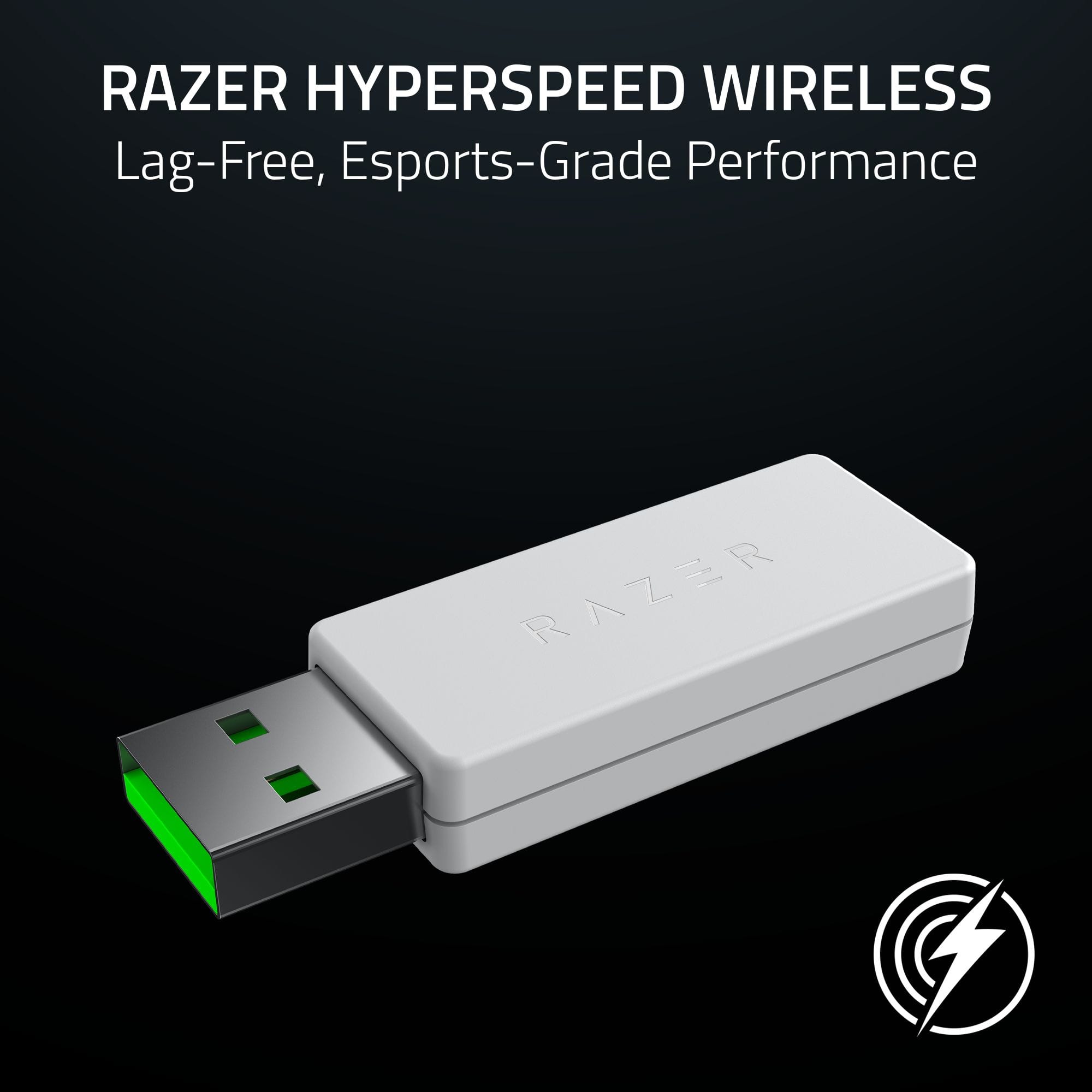
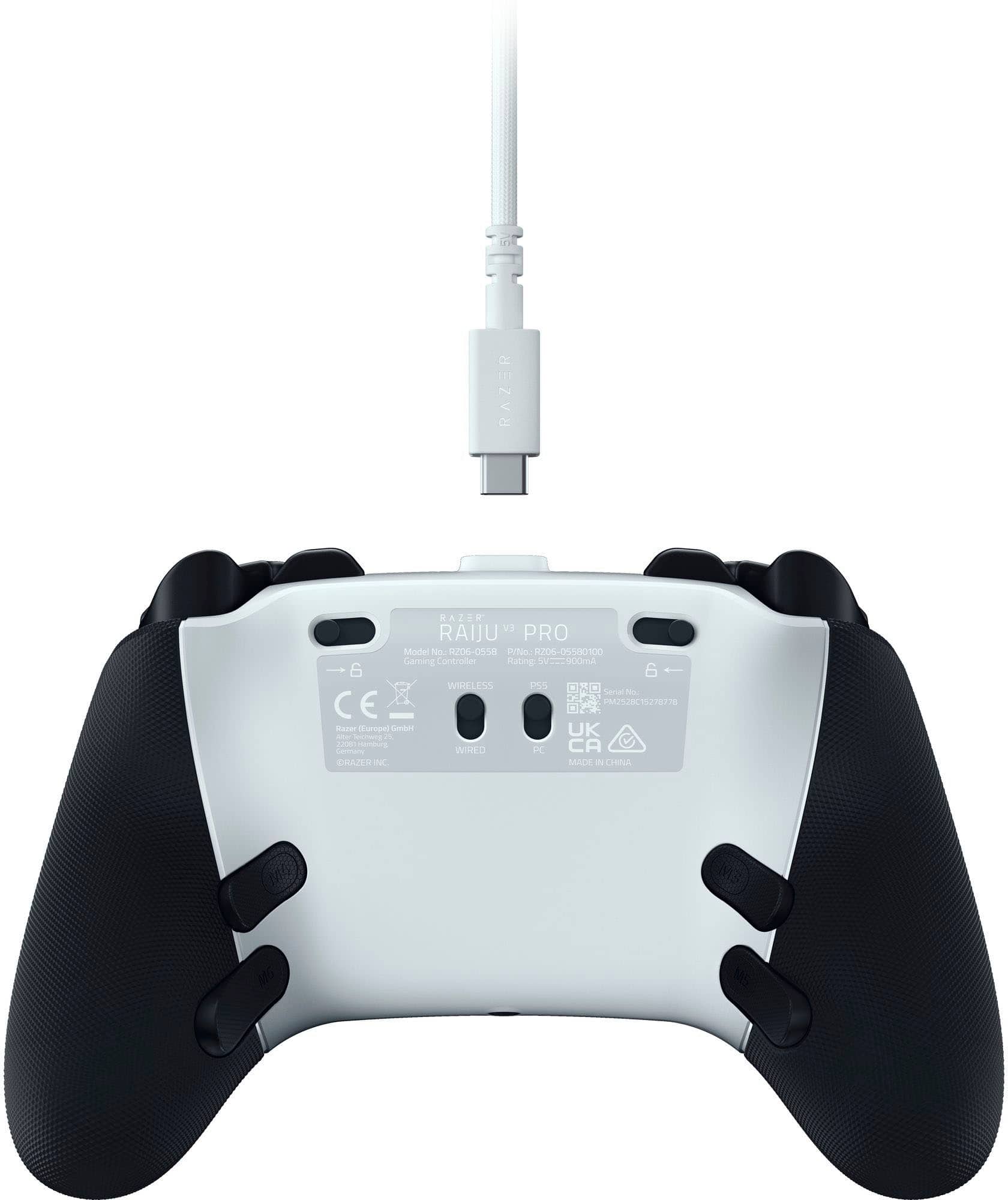
|Posted .This reviewer received promo considerations or sweepstakes entry for writing a review.Even though I’ve owned every PlayStation since the PS2, I’ve never gotten accustomed to PlayStation controllers. The DualSense is just less ergonomic for me, mostly due to the overall shape and the grips. I also have never been a fan of the individual directional buttons on a DualSense versus an 8-way directional pad. I’m much more comfortable with an Xbox controller in my hands, especially when playing fast-paced games like first-person shooters. I’ve also gotten used to the convenience of remappable back buttons, having used the Xbox Elite series controllers since they came out. The Raiju V3 Pro, however, is very different from a DualSense. Its shape is much more like an Xbox controller. My favorite Xbox controller is the Razer Wolverine V3 Pro, and the Raiju is nearly identical except for the symmetrical thumbsticks and PlayStation button symbols. Take a look at my comparison photos. It is much more comfortable to hold. The buttons are clicky, the triggers can be switched from digital to analog, and it has the 8-way directional pad. It has four remappable back buttons, instead of just the two that the DualSense Edge has. These back buttons are also removable (the Wolverine’s are not) and to top it all off, it has TMR thumbsticks with replaceable caps. There are two switches on the back of the controller, one to switch between wired and wireless modes, and the other to switch between PS5 and PC. Nothing major here, other than it being annoying if you go from one mode to the other and forget about the switch, then you are left wondering why things aren’t working. For PS5 gaming, you do need to use the wireless dongle which will give you access to Razer’s HyperSpeed 2.4GHz wireless connection which gives you a latency comparable to wired. I played Tony Hawk’s Pro Skater, a game I used to play on Xbox all the time as a kid but recently bought on PlayStation to relive those memories. With the DualSense, I struggled to do any of the tricks and insane combos that I was used to. After playing for just an hour with the Raiju I felt like I had it again and was able to rack up some decent high scores. I think it was a combination of the faster wireless tech and me being more comfortable with this controller. The downsides are that you do miss out on some DualSense proprietary features, namely, the adaptive resistance triggers and haptic feedback support. However, these are not going to be present on any third-party PS controller so this isn’t something Razer can realistically include in their product. The controller speaker is also proprietary to Sony’s controller so you will not find it on the Raiju either. In regards to PC gaming, this thing is awesome! As mentioned, it’s just like the Wolverine Pro or Wolverine Tournament Edition except in a PS layout. I had no problem playing any of my Windows games on the Raiju. For more advanced users who are using Linux, the Raiju was hit or miss for me. I could not get it to work in Arch at all, and on Fedora only when the switch was in PS5 mode and the triggers were set to analog mode, then it worked perfectly in Steam. If you’re not using a PC, you can customize the controller to remap the back buttons and such using the Razer Controller app for Android and iOS as there is no way to change settings on a PS5 console. If you have a PC, it also supports the Razer Synapse 4 application on Windows. Pros: - Premium build and lightweight design - Razer HyperSpeed Wireless - Works with PS5 or PC - Tension Magnetic Resistance (TMR) thumbsticks - Four removable and remappable back buttons - Two remappable claw bumpers - Swappable stick caps - Customize with Razer Synapse (on PC) or mobile app - Great battery life - Includes carrying case Cons: - Lacks DualSense features (haptics, adaptive triggers, and sound) Overall – The Razer Raiju V3 Pro is an excellent high-end controller for PlayStation and PC players who want more than what Sony’s own controllers can offer.
I would recommend this to a friendBest controller
||Posted .This reviewer received promo considerations or sweepstakes entry for writing a review.Had this controller for sum time now and I can say that this controller has solved my problems with stick drift, I can play any game without having to worry about drift the paddles are great to for people who use paddles everything about it is great. Highly recommend it.
I would recommend this to a friendGood and Bad
||Posted . Owned for 3 weeks when reviewed.This reviewer received promo considerations or sweepstakes entry for writing a review.I was hoping to use this controller with my PS5 since it was marketed for it. When I first tried the controller it was pretty big compared to a normal dual sense. This made it difficult to play claw and with the dongle latency it made for a really bad experience. I found myself using it wired to get rid of the latency since you can’t connect the controller wirelessly like every other dual sense controller. The TMR sticks felt nice and the buttons were click, the back buttons are a good choice for those who need them (I didn’t). Overall, this controller is good for those who are gonna be playing this on PC and need those clicky buttons.
No, I would not recommend this to a friendSo far so good
||Posted .This reviewer received promo considerations or sweepstakes entry for writing a review.Good quality , good grip and polling rate for pc I’m getting 2000 perfect for FPS games and the TMR sticks are the latest technology for precision .
I would recommend this to a friendGreat High End Controller
||Posted .This reviewer received promo considerations or sweepstakes entry for writing a review.Great high quality controller. Love the mechanical buttons and rear buttons. TMR sticks are excellent.
I would recommend this to a friendGreat for FPS, but has its tradeoffs.
||Posted . Owned for 1 week when reviewed.This reviewer received promo considerations or sweepstakes entry for writing a review.I mainly use this controller for first person shooter games. Controller is great but it has its drawbacks. Pros: -Has a headphone jack -TMR sticks, adjustable triggers, two extra customizable buttons near the trigger and four customizable back buttons -Software customization options on thumbsticks and triggers -4 on board controller profiles for your settings -Comfortable Cons: -Uses USB A ports (must use a USB dongle for wireless connection and use USB cable for charging/wired play) -Clicky face buttons (preference based) -Missing features (controller does not start Playstation 5 console from off/sleep, no vibration, no gyroscope) -Controller does not remember mute function, so you should remember to press the mute button when using a headset -Thumbsticks are replaceable, but they only give you two extra thumbsticks (one tall and one small); they should have provided two pairs (total of four thumbsticks)
I would recommend this to a friendGet controller
||Posted . Owned for 1 week when reviewed.This reviewer received promo considerations or sweepstakes entry for writing a review.The Razer Raiju V3 Pro is a feature-rich, competition-oriented controller with excellent precision, customizable controls, and strong wireless performance — but it sacrifices immersion features like rumble or adaptive triggers and comes at a premium price. If you’re after performance above all, it’s a top choice; if you want a more traditional, feedback-rich experience on PS5, something like the DualSense Edge might be better.
I would recommend this to a friendGreat premium PS5 controller. But read the specs
||Posted . Owned for 1 month when reviewed.This reviewer received promo considerations or sweepstakes entry for writing a review.It's a great controller, as long as you know what it's offering what it's NOT offering. Pros: - Clicky buttons with mouse-style switches - Premium build quality. Feels really good in hands - Customizable with PC Razer Synapse - 4 back paddles and 2 shoulder claw buttons - Comes with back paddle "covers", so if you don't want to use the back paddles, you can uninstall the paddles and cover the connectors up. Cons: - Only X-input when connected to PC - No haptic or rumble at all - Can't wake PS5
I would recommend this to a friendGreat
||Posted . Owned for 3 weeks when reviewed.This reviewer received promo considerations or sweepstakes entry for writing a review.Controller is great so far love the clickiness played with scuff controllers for a long time got this cause its a little cheaper not disappointed at all.
I would recommend this to a friendAmazing controller
||Posted . Owned for 2 weeks when reviewed.This reviewer received promo considerations or sweepstakes entry for writing a review.Super sick and easily programmable button mapping.
I would recommend this to a friend