Customer Ratings & Reviews
- Model:
- B0B6GJBKRK
- SKU:
- 11470658
Rating by feature
- Value
Rating 4.8 out of 5 stars
- Quality
Rating 4.8 out of 5 stars
- Ease of Use
Rating 4.8 out of 5 stars
good
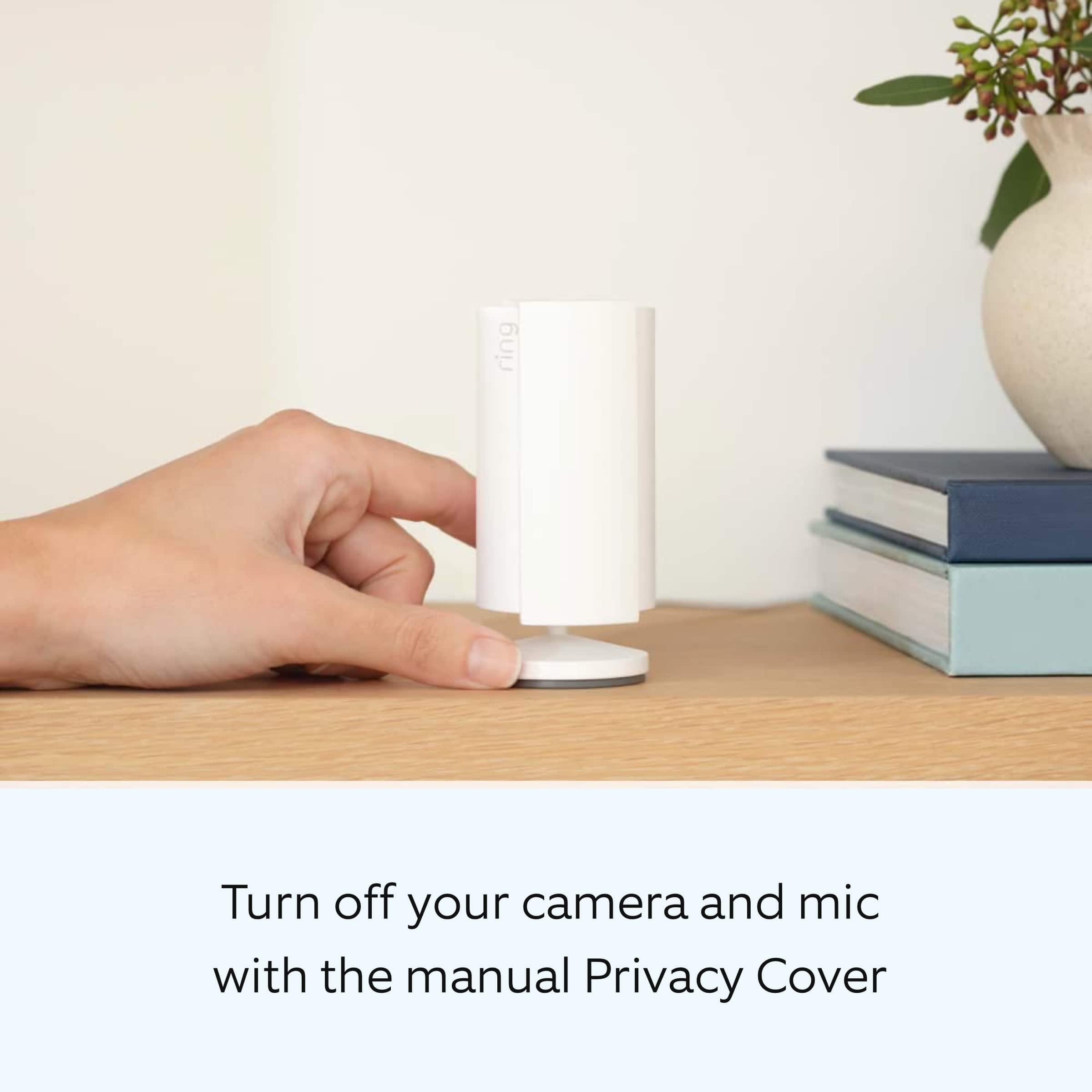
||Posted . Owned for 1 month when reviewed.This reviewer received promo considerations or sweepstakes entry for writing a review.good stick up camera with a cover to close when needed
I would recommend this to a friendCamera
||Posted . Owned for 1 month when reviewed.This reviewer received promo considerations or sweepstakes entry for writing a review.Good quality so far, my husband bought it and no issues
I would recommend this to a friendRing inside camera
||Posted . Owned for 3 weeks when reviewed.This reviewer received promo considerations or sweepstakes entry for writing a review.Camera works as advertised. Good quality for the price.
I would recommend this to a friendcamera
||Posted . Owned for 1.5 years when reviewed.This reviewer received promo considerations or sweepstakes entry for writing a review.good camera for dogs or nanny easy to set up and use has a built in siren.
I would recommend this to a friendBrand response from Ring
Posted .Hi Locks.
Thank you for taking the time to share your Ring experience with us. We are happy to read that you are enjoying your new Ring Indoor Cam (2nd Gen)! Likewise, we believe in keeping people close to what’s important. That is why we are driven to create products that help you protect what matters most at home and empower you to connect with your visitors from wherever you are. Together, we’ll make neighborhoods safer!
Ring Community was launched to help deliver the most current news and educational information to our neighbors. This online forum is divided into four categories: Product Boards, Ring Updates, Tips and Tricks, and a Moderators’ Corner. The Product Boards are where you can begin new topics with your questions or feedback; there is also a search option that helps you find topics that have already been posted by other neighbors. We invite you to visit our Ring Community today.
Thank you,
Miyuki from Ring.

Security first
|Posted . Owned for 1 week when reviewed.This reviewer received promo considerations or sweepstakes entry for writing a review.SAVED MY LIFE IM LOVIN IT SOSOSO MUCH BUY IT GUYS !
I would recommend this to a friendring camera
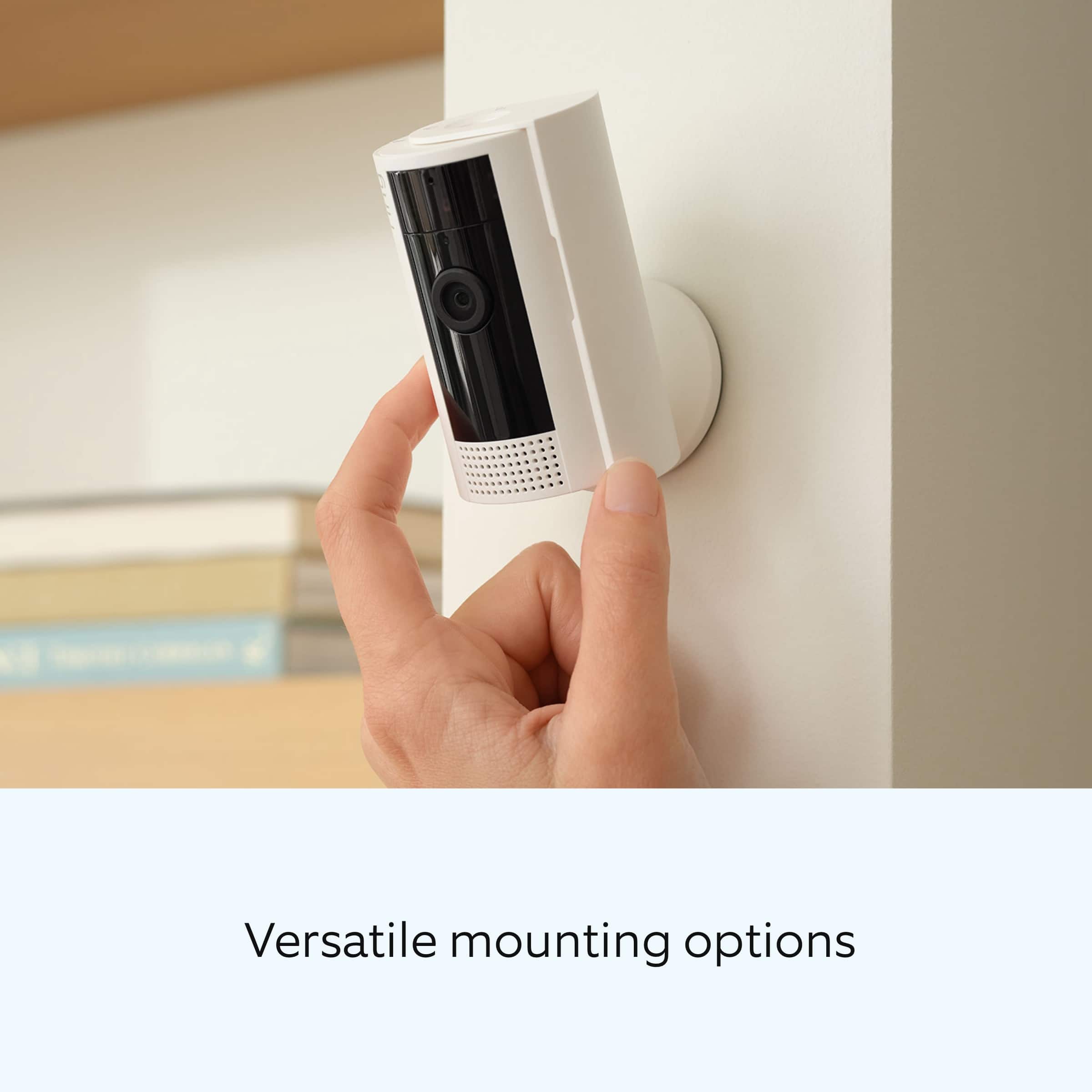
||Posted . Owned for 11 months when reviewed.This reviewer received promo considerations or sweepstakes entry for writing a review.pretty useful, however, feels like it is a little hard to place it in a convenient place without using screws.
I would recommend this to a friendtiny but powerful
||Posted . Owned for 1 week when reviewed.This reviewer received promo considerations or sweepstakes entry for writing a review.great visibility even through windows, inside light may interfere. I feel much better about the security of my home and I can see who is at the house before I go to the door!
I would recommend this to a friendEasy set up but shut can be closed only manually
||Posted . Owned for 3 weeks when reviewed.This reviewer received promo considerations or sweepstakes entry for writing a review.Overall its a nice indoor security it tracking camera Pro Integrates with ring Quick, five minute set up Shutter to close when cam not needed Cons Shutters cannot close automatically Not suitable for pet monitoring Power cord length is a issue when you want to dock it at elevation and plug point is far
I would recommend this to a friendthat's just the way it is.
||Posted . Owned for 3 weeks when reviewed.This reviewer received promo considerations or sweepstakes entry for writing a review.it works fine for up close and recording. however, their recording service is not good. you can't put a date in to see what happened that date. i have to scroll and scroll and scroll back through 10 days of videos just to get to that date. response: that's just the way it is. I will look for a different camera company.
No, I would not recommend this to a friendIndoor Ring Camera
||Posted . Owned for 3 weeks when reviewed.This reviewer received promo considerations or sweepstakes entry for writing a review.Love Ring products in general, but this device would have been rated higher if you could deactivate the "home" mode through the app instead of having to hide the eye with a movable slide cover
I would recommend this to a friendBrand response from Ring
Posted .Hi rbthepe.
Thank you for taking the time to share your Ring experience with us and other consumers. We believe in keeping people close to what’s important. That is why we are driven to create products that help you protect what matters most at home and empower you to connect with your visitors from wherever you are. Together, we’ll make neighborhoods safer!
It sounds like you are experiencing issues with the device in regards to the mode settings. In the Ring app, there are three Modes you can set: Disarmed, Home and Away. In each Mode, you can create specific actions you want your Ring Alarm, Ring Alarm sensors, doorbells, and cameras to do.
Adjusting your Mode setting for Ring doorbells and cameras:
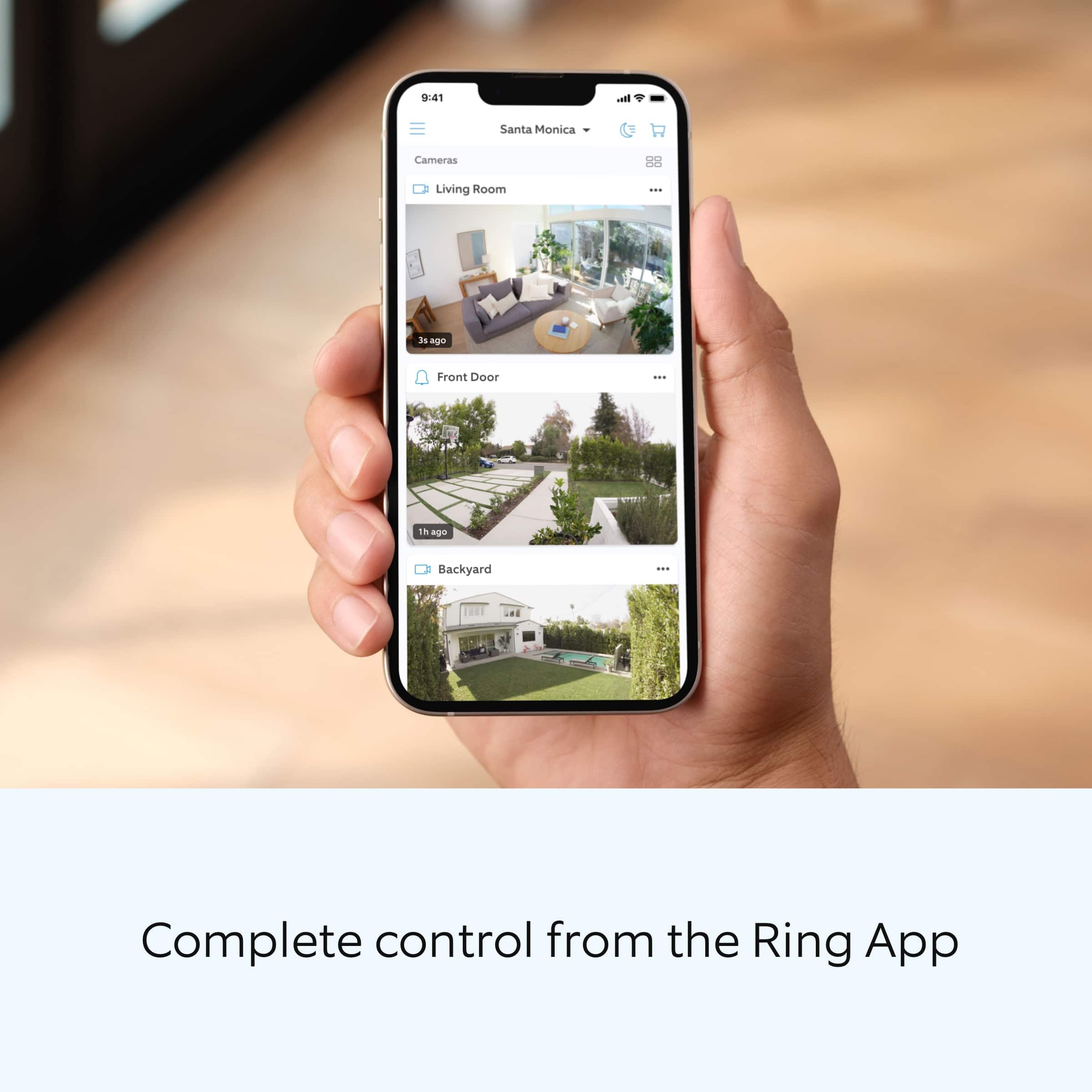
Open the Ring app to the main dashboard.
Tap more (•••) on the camera you want to access.
Tap your device's Settings.
Tap Mode Settings.
Select a Mode you want to adjust.
Set an action for each Ring device or sensor.
Tap Save when done.
Ring Community was launched to help deliver the most current news and educational information to our neighbors. This online forum is divided into four categories: Product Boards, Ring Updates, Tips + Tricks, and a Moderators’ Corner. The Product Boards are where you can begin new topics with your questions or feedback; there is also a search option that helps you find topics that were already posted by other neighbors.
Sincerely,
Matthew from Ring.
Indoor camera
||Posted . Owned for 4 months when reviewed.This reviewer received promo considerations or sweepstakes entry for writing a review.Good quality , perfect for what we needed it for!!
I would recommend this to a friendGreat Security Cam
||Posted . Owned for 3 weeks when reviewed.This reviewer received promo considerations or sweepstakes entry for writing a review.Works great! Camera has a wide view with sound. Those work as well, if not better, then the generation one. I would definitely buy more!
I would recommend this to a friendLove it
||Posted . Owned for 7 months when reviewed.This reviewer received promo considerations or sweepstakes entry for writing a review.I love my ring doorbell! It’s nice to be able to have such a wide angle view of the property
I would recommend this to a friendBest indoor/outdoor
||Posted . Owned for 4 months when reviewed.This reviewer received promo considerations or sweepstakes entry for writing a review.I love this product it is useful to easy to see indoor and outdoor. Could set by window and anywhere.
I would recommend this to a friendIndoor camera
||Posted . Owned for 1 month when reviewed.This reviewer received promo considerations or sweepstakes entry for writing a review.Haven’t had any problem with this product first time for a camera In door and it’s really good I must say. I would recommend it good quality
I would recommend this to a friendExcellent Product
||Posted . Owned for 1 month when reviewed.This reviewer received promo considerations or sweepstakes entry for writing a review.I have been using this product for years. I purchased this one to replace another one I bought several years ago. It is an amazing security camera
I would recommend this to a friendIt works!
||Posted . Owned for 3 weeks when reviewed.This reviewer received promo considerations or sweepstakes entry for writing a review.I don’t use this for indoor security. I use it for outdoors, it is kept out of the elements. It’s a good camera just not great for qualit video.
I would recommend this to a friendAmazing little camera
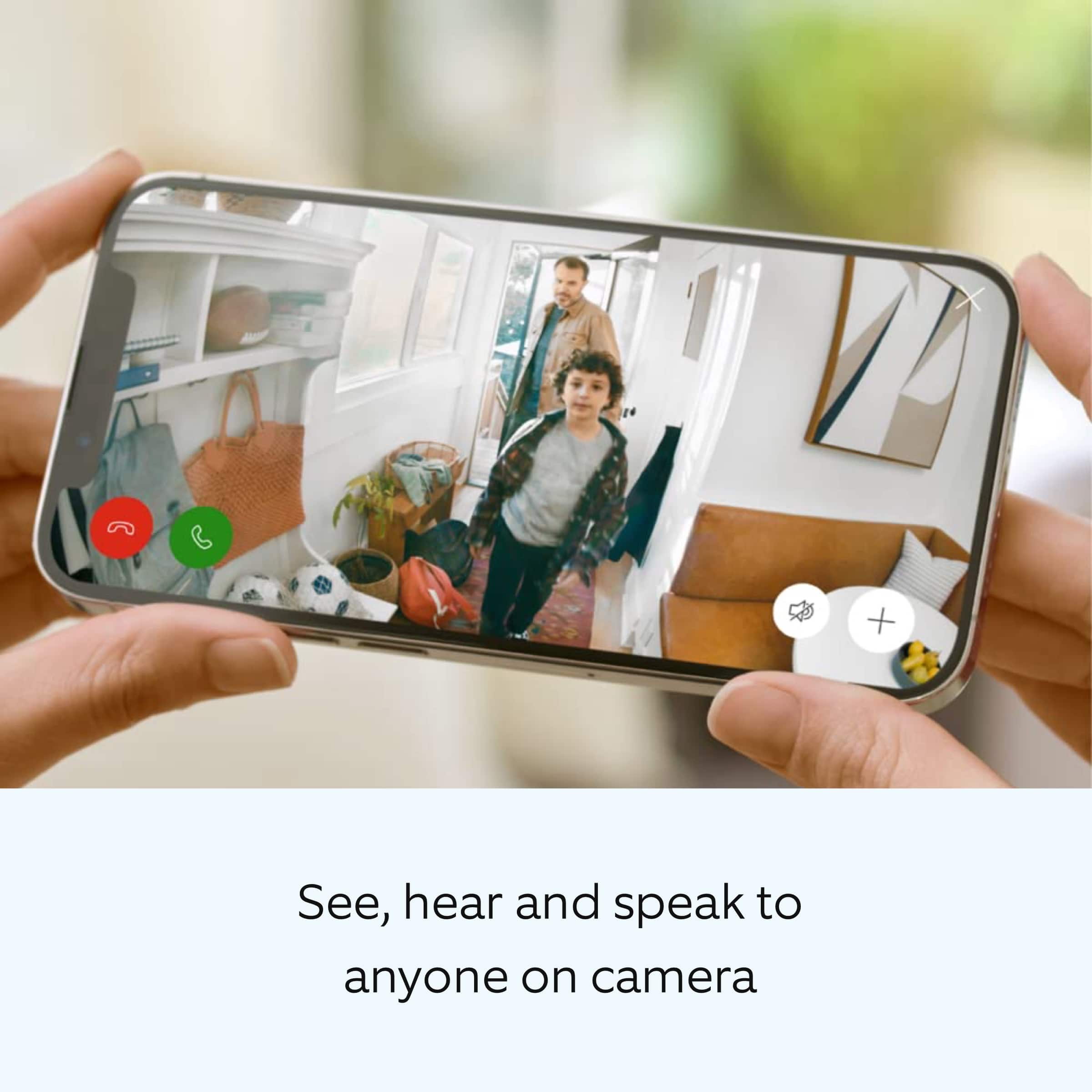
||Posted . Owned for 1 month when reviewed.This reviewer received promo considerations or sweepstakes entry for writing a review.Great tool for monitoring my spouse who has cognitive problems. Can watch on my phone or chimes with movement when you aren't using the app.
I would recommend this to a friendGreat Investment
||Posted . Owned for 5 months when reviewed.This reviewer received promo considerations or sweepstakes entry for writing a review.Another great investment to monitor activity around your home when you are away
I would recommend this to a friendPepegucci NewYork
||Posted . Owned for 3 weeks when reviewed.This reviewer received promo considerations or sweepstakes entry for writing a review.Ring Doorbell, security cameras is excellent, So easy to connect, This is my Third one, recommend This product for its excellent performance
I would recommend this to a friend