Customer Ratings & Reviews



- Model:
- 4850R
- SKU:
- 12017600
Rating by feature
- Value
Rating 4.7 out of 5 stars
- Quality
Rating 4.7 out of 5 stars
- Ease of Use
Rating 4.8 out of 5 stars
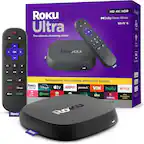
Roku Ultra review
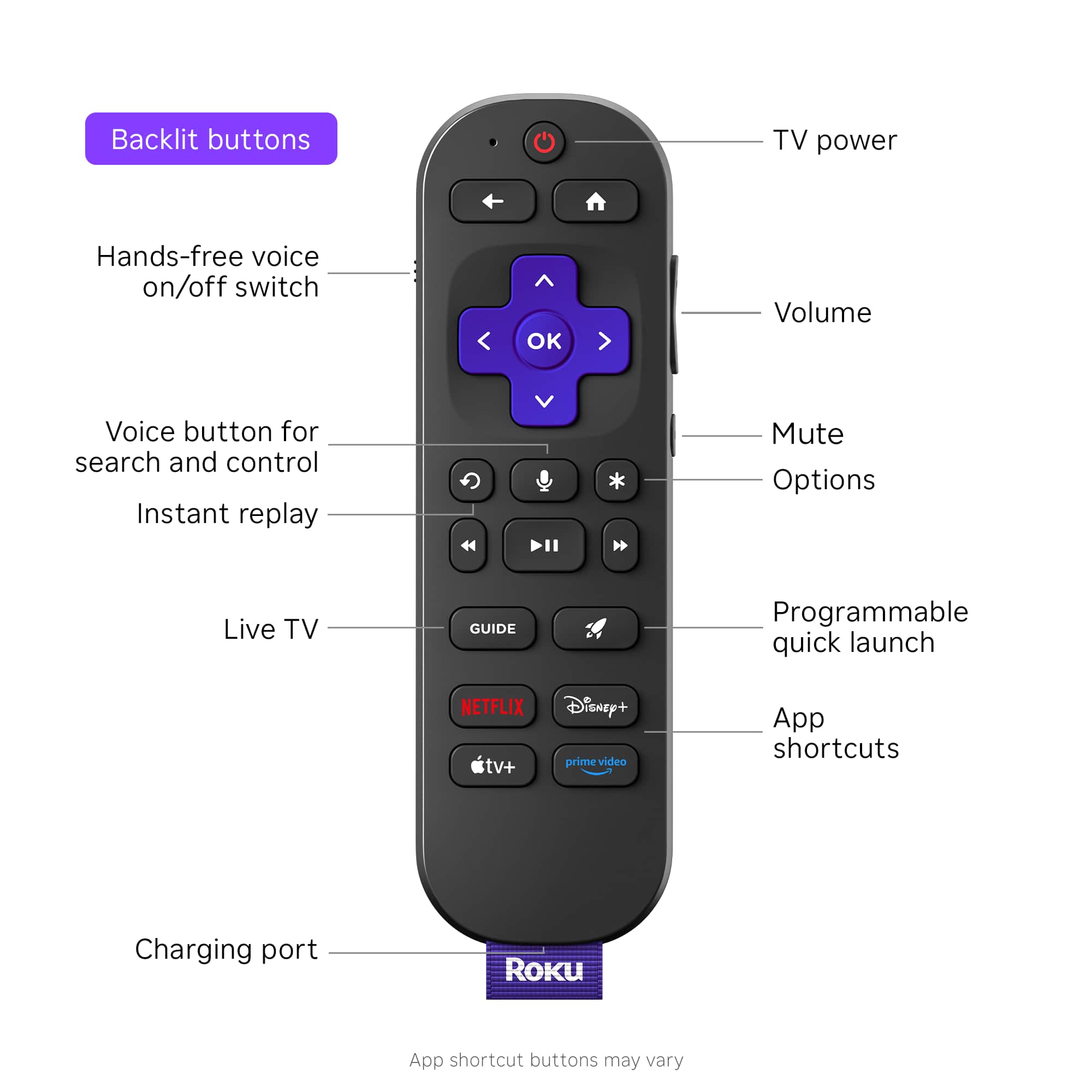
||Posted . Owned for 3 weeks when reviewed.This reviewer received promo considerations or sweepstakes entry for writing a review.Once we figured out how it works, it works quite well. The only thing we wish it had was a numeric key pad so that we could select the station we want to watch on Spectrum TV app.
I would recommend this to a friend- Pros mentioned:Overall performance
Great version of Roku
||Posted .This reviewer received promo considerations or sweepstakes entry for writing a review.I love this version of Roku. Its consistant and offers great quality
I would recommend this to a friend - Pros mentioned:Remote control
Another Roku, another hit!
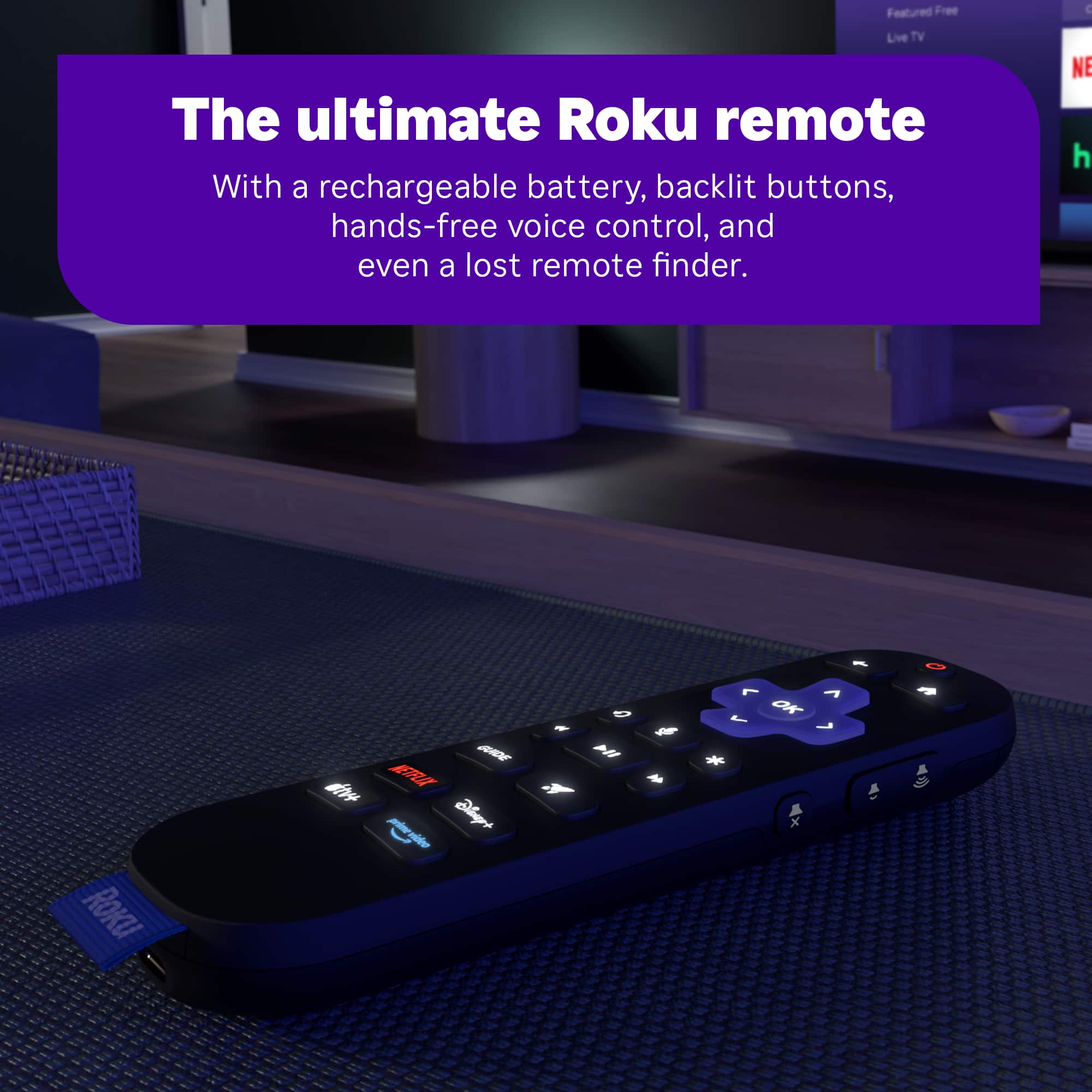
||Posted . Owned for 1 month when reviewed.This reviewer received promo considerations or sweepstakes entry for writing a review.The 4K/HDR/DV/ATMOS checked the boxes for what I wanted in a new Roku. I was pleasantly surprised by the backlit remote and USB-C charging. The backlit remote should be an industry standard! Setup was a breeze, logging into the various apps was a snap. Works fantastically with Plex.
No, I would not recommend this to a friend - Pros mentioned:Remote control
Love the Roku
||Posted . Owned for 3 weeks when reviewed.This reviewer received promo considerations or sweepstakes entry for writing a review.Added it to my smart tv to take over the streaming duties and I am so happy I did. The streaming has been flawless and the lighted remote is a big bonus.
I would recommend this to a friend Mr. James Bobyak
||Posted . Owned for 3 months when reviewed.This reviewer received promo considerations or sweepstakes entry for writing a review.It's quick, I like the backlit remote. Wish the streaming buttons could be reset as I change services often. I keep hitting the voice activation button when I mean to hit play/pause.
I would recommend this to a friendRoku great choice
||Posted . Owned for 1 month when reviewed.This reviewer received promo considerations or sweepstakes entry for writing a review.This was something new made a great choice.My husband and children love it.
I would recommend this to a friend- Pros mentioned:Ease of use
Easy to use.
||Posted . Owned for 3 weeks when reviewed.This reviewer received promo considerations or sweepstakes entry for writing a review.It works well, easy to use. Most apps I use were already loaded.
I would recommend this to a friend - Pros mentioned:Overall performance
Roku Ultra
||Posted .This reviewer received promo considerations or sweepstakes entry for writing a review.This device is still going strong ulra clear picture and smooth play. Roku always last a really long time. two thumbs up!!!!
I would recommend this to a friend - Pros mentioned:Speed
Love the Roku Ultra
||Posted .This reviewer received promo considerations or sweepstakes entry for writing a review.Changed to the Ultra from a Streaming Stick 4k. No complaints with the Stick. The Ultra is noticeably faster.
I would recommend this to a friend - Pros mentioned:Speed
Nice Uprgrade
||Posted . Owned for 3 weeks when reviewed.This reviewer received promo considerations or sweepstakes entry for writing a review.Bought this to replace an older worn out model... This one is way faster, better quality all around and the same Roku platform that I am used to.
I would recommend this to a friend - Pros mentioned:Overall performance, Speed
Best decision
||Posted . Owned for 3 weeks when reviewed.This reviewer received promo considerations or sweepstakes entry for writing a review.Love it! Best decision. Clear picture and high speed.
I would recommend this to a friend - Pros mentioned:Connectivity
roku eval
||Posted . Owned for 3 weeks when reviewed.This reviewer received promo considerations or sweepstakes entry for writing a review.it did the job that i needed. i was looking to be able to use an additional quick set up for an additional tv in another room and the connection worked fine. it would have been nice to have it work for multiple tv's in different rooms, and watching different shows.
I would recommend this to a friend - Pros mentioned:Remote control
A must
||Posted . Owned for 1 month when reviewed.This reviewer received promo considerations or sweepstakes entry for writing a review.Great product, should have gotten it sooner, works with older tv's that are end of life with no more support ad long as you have a working hdmi port, just plug it in and install the apps you want to use. Getting a second unit for another old tv that matches this in 4k. Very pleased with the back lit/voice remote.
I would recommend this to a friend - Pros mentioned:Overall performance
Recent purchase
||Posted . Owned for 1 month when reviewed.This reviewer received promo considerations or sweepstakes entry for writing a review.Excellent Item. I would recommend this to anyone. Very use to use.
I would recommend this to a friend - Cons mentioned:Overheating
Nice 4K Streamer by Roku
||Posted . Owned for 1 month when reviewed.This reviewer received promo considerations or sweepstakes entry for writing a review.I bought this Roku Ultra (2024) unit because my Roku Streaming Stick was failing due to overheating issues. It was easy to set up and allowed for easier placement. The new remote is rechargeable, so no more looking for spare batteries. Definitely more responsive than the Roku 4K Streaming Stick.
I would recommend this to a friend Replace cable boxes
||Posted . Owned for less than 1 week when reviewed.This reviewer received promo considerations or sweepstakes entry for writing a review.Spectrum just raised the rates on cable boxes. I was paying $10/month for 5 cable boxes & a DVR. Now I have replaced 1 targeting 1/month until I have no more.
I would recommend this to a friend- Pros mentioned:Connectivity
I hate wireless so I got the Ultra
||Posted . Owned for 1 month when reviewed.This reviewer received promo considerations or sweepstakes entry for writing a review.I hate wireless so I got the Ultra and plugged in ethernet cable. I use this on old OLED where apps are functioning properly anymore. It's in my garage so haven't used it a ton, but it does seem to work very well and I am pleased and would recommend it.
I would recommend this to a friend - Pros mentioned:Overall performance
Great streaming device
||Posted . Owned for 1 month when reviewed.This reviewer received promo considerations or sweepstakes entry for writing a review.Roku's streaming device is the absoukte best in terms of quality and value for your money. Its quick and smooth. Also can connect easily to any android or apple device.
I would recommend this to a friend - Pros mentioned:Overall performance
Roku UltraAaa
||Posted .This reviewer received promo considerations or sweepstakes entry for writing a review.I like the Roku ultra a lot. Changed over to it from the fire TV. Roku seems to run smoother and has more user friendly interface. Backdrops feature is pretty cool also.
I would recommend this to a friend - Pros mentioned:Overall performance
Roku Works Good
||Posted . Owned for 3 weeks when reviewed.This reviewer received promo considerations or sweepstakes entry for writing a review.This works pretty well however the only thing is is that sometimes it will just automatically start turning things on if you just have it on the home screen you don't do anything. Other than that quality and everything is great
I would recommend this to a friendBrand response from Roku Team
Posted .Hi there, thanks for sending your input! We have tips for you to try with your device, recommend you try a Software update and a System restart. To update your software, go to Settings > System > Software update. To restart the system, go to Settings > System > System restart. If you need help, you can contact the Roku support team online at http://support.roku.com/contactus. We hope this helps. Happy Streaming! Bernie, Roku Customer Advocate