Customer Ratings & Reviews



- Model:
- 4850R
- SKU:
- 12166820
Rating by feature
- Value
Rating 4.7 out of 5 stars
- Quality
Rating 4.7 out of 5 stars
- Ease of Use
Rating 4.8 out of 5 stars
Best decision
||Posted . Owned for 3 weeks when reviewed.This reviewer received promo considerations or sweepstakes entry for writing a review.Love it! Best decision. Clear picture and high speed.
I would recommend this to a friendA must
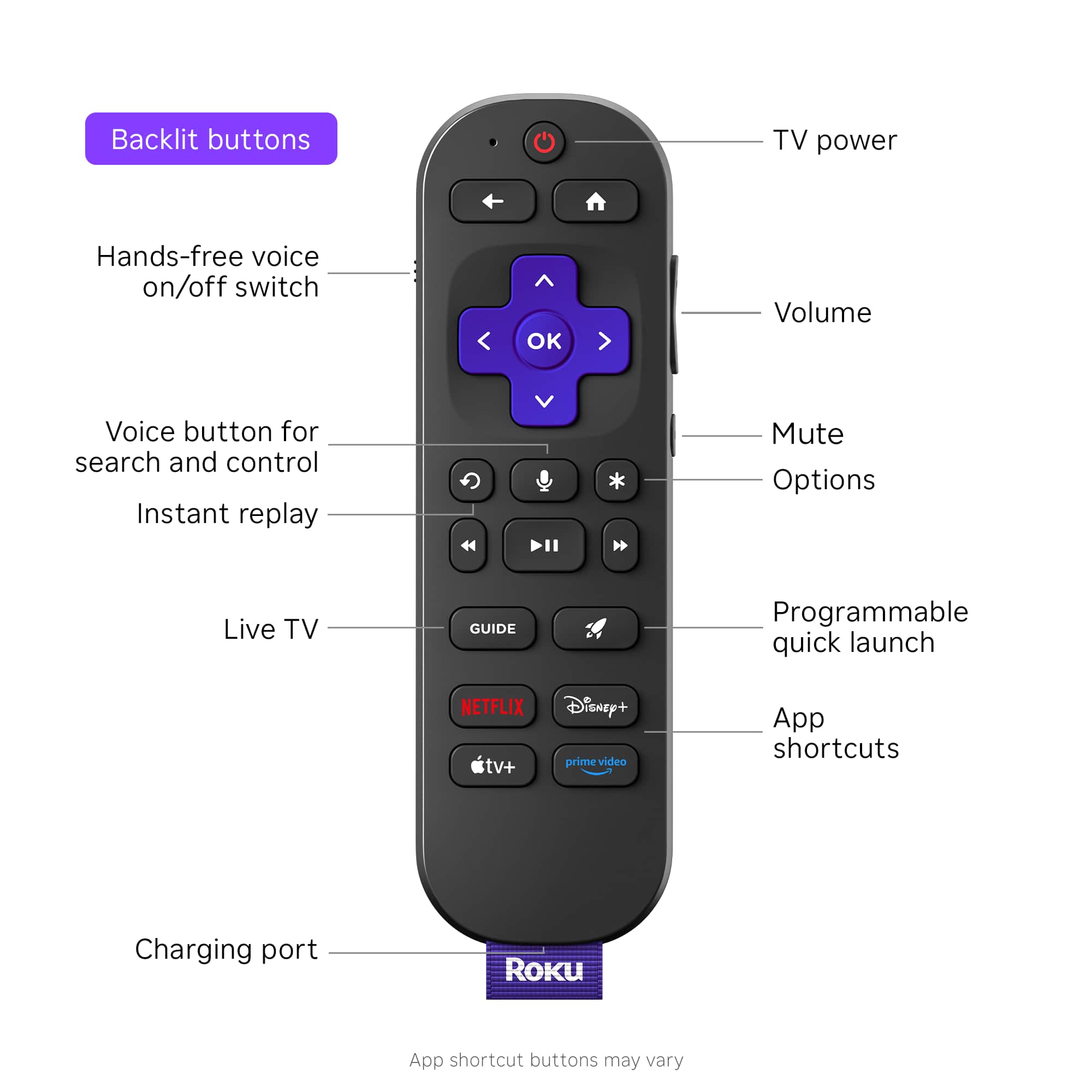
||Posted . Owned for 1 month when reviewed.This reviewer received promo considerations or sweepstakes entry for writing a review.Great product, should have gotten it sooner, works with older tv's that are end of life with no more support ad long as you have a working hdmi port, just plug it in and install the apps you want to use. Getting a second unit for another old tv that matches this in 4k. Very pleased with the back lit/voice remote.
I would recommend this to a friendRoku Works Good
||Posted . Owned for 3 weeks when reviewed.This reviewer received promo considerations or sweepstakes entry for writing a review.This works pretty well however the only thing is is that sometimes it will just automatically start turning things on if you just have it on the home screen you don't do anything. Other than that quality and everything is great
I would recommend this to a friendBrand response from Roku Team
Posted .Hi there, thanks for sending your input! We have tips for you to try with your device, recommend you try a Software update and a System restart. To update your software, go to Settings > System > Software update. To restart the system, go to Settings > System > System restart. If you need help, you can contact the Roku support team online at http://support.roku.com/contactus. We hope this helps. Happy Streaming! Bernie, Roku Customer Advocate

Great streaming device
||Posted . Owned for 1 month when reviewed.This reviewer received promo considerations or sweepstakes entry for writing a review.Roku's streaming device is the absoukte best in terms of quality and value for your money. Its quick and smooth. Also can connect easily to any android or apple device.
I would recommend this to a friendI hate wireless so I got the Ultra
||Posted . Owned for 1 month when reviewed.This reviewer received promo considerations or sweepstakes entry for writing a review.I hate wireless so I got the Ultra and plugged in ethernet cable. I use this on old OLED where apps are functioning properly anymore. It's in my garage so haven't used it a ton, but it does seem to work very well and I am pleased and would recommend it.
I would recommend this to a friendGreat buy!!
||Posted .This reviewer received promo considerations or sweepstakes entry for writing a review.I love it, you can get so many channels and so easy to use.
I would recommend this to a friendROKU ULTRA EASY
||Posted .This reviewer received promo considerations or sweepstakes entry for writing a review.Easy to set up easy to use. I bought this based on several tech reviews and they weren’t wrong.
I would recommend this to a friendRoku Ultra
||Posted . Owned for 3 weeks when reviewed.This reviewer received promo considerations or sweepstakes entry for writing a review.A friend recommended that I purchase a ROKU device. It is great!
I would recommend this to a friendSaved me $136/mo over Xfinity Triple-bundle
||Posted . Owned for 1 month when reviewed.This reviewer received promo considerations or sweepstakes entry for writing a review.Dropped Xfinity cable TV, keeping 1-gig internet and land line phone. Saved $136/month. Works for us because almost everything we watch is on Roku YouTube app. Also get our local channels, and other apps for free. Only cost us $99 for the Roku Ultra.
I would recommend this to a friendGreat Roku device
||Posted . Owned for 1 week when reviewed.This reviewer received promo considerations or sweepstakes entry for writing a review.Roku box leads to high quality resolution and great amount of channels and apps available
I would recommend this to a friendEasy to setup and use!
||Posted . Owned for 1 week when reviewed.This reviewer received promo considerations or sweepstakes entry for writing a review.Bought this as my smart tv built in system was slow, bugging and kept disconnecting from wifi. This works great and hasa clean interface.
I would recommend this to a friendShould have gotten it sooner!
||Posted . Owned for 1 month when reviewed.This reviewer received promo considerations or sweepstakes entry for writing a review.Everything is super! Easy to install, and understand. We get everything we want and more! Just as the sales lady assured us and offered added support if we needed it!
I would recommend this to a friendRoku excellence!
||Posted . Owned for 1 week when reviewed.This reviewer received promo considerations or sweepstakes entry for writing a review.I purchased the Roku 4850 model, as it's the most advanced Roku yet, and it delivered on that promise.
I would recommend this to a friendROKU ULTRA
||Posted . Owned for 4 months when reviewed.This reviewer received promo considerations or sweepstakes entry for writing a review.Overall it’s easy to install picture is clear and runs smooth money well spent.
I would recommend this to a friendThe Roku ultra
||Posted .This reviewer received promo considerations or sweepstakes entry for writing a review.Great product, it does what it needs to do. Would recommend.
I would recommend this to a friendMixed Bag
||Posted . Owned for 1 week when reviewed.This reviewer received promo considerations or sweepstakes entry for writing a review.I do love my Roku but I have to say there are issues. Several times a week there is no picture and I have to reset the Roku which becomes annoying. There is also a question of longevity or maybe planned obsolescence as this is my third Roku in three years. It is easy to set up, easy to use, and provides a great picture. It gets 5 stars for being user-friendly and picture quality but loses some stars for resetting and longevitity.
I would recommend this to a friendBrand response from Roku Team
Posted .Hello, Doyan. Thanks for being a Roku fan and taking the time to share this with us. We understand that you have a problem with your Roku device. We have a few suggestions that may help! Please try to check the HDMI cables. If they are firmly plugged into the TV, it's best to plug them into the HDMI ARC for the best audio and quality picture, ensure that the device is running with the latest software version by going to Settings> System > Software update. It's also best to test the device on a different TV to see if it has the same issue.
Also, please check out this FAQ article for more troubleshooting steps: https://support.roku.com/article/208755458. If the issue persists, remember that Roku support is always here to help. Contact us at support.roku.com/contactus to connect with an agent who can assist you in troubleshooting this. Your feedback is very important to us, and we're eager to help. Happy Streaming! Roku Customer Advocate
Upgrade Ultra
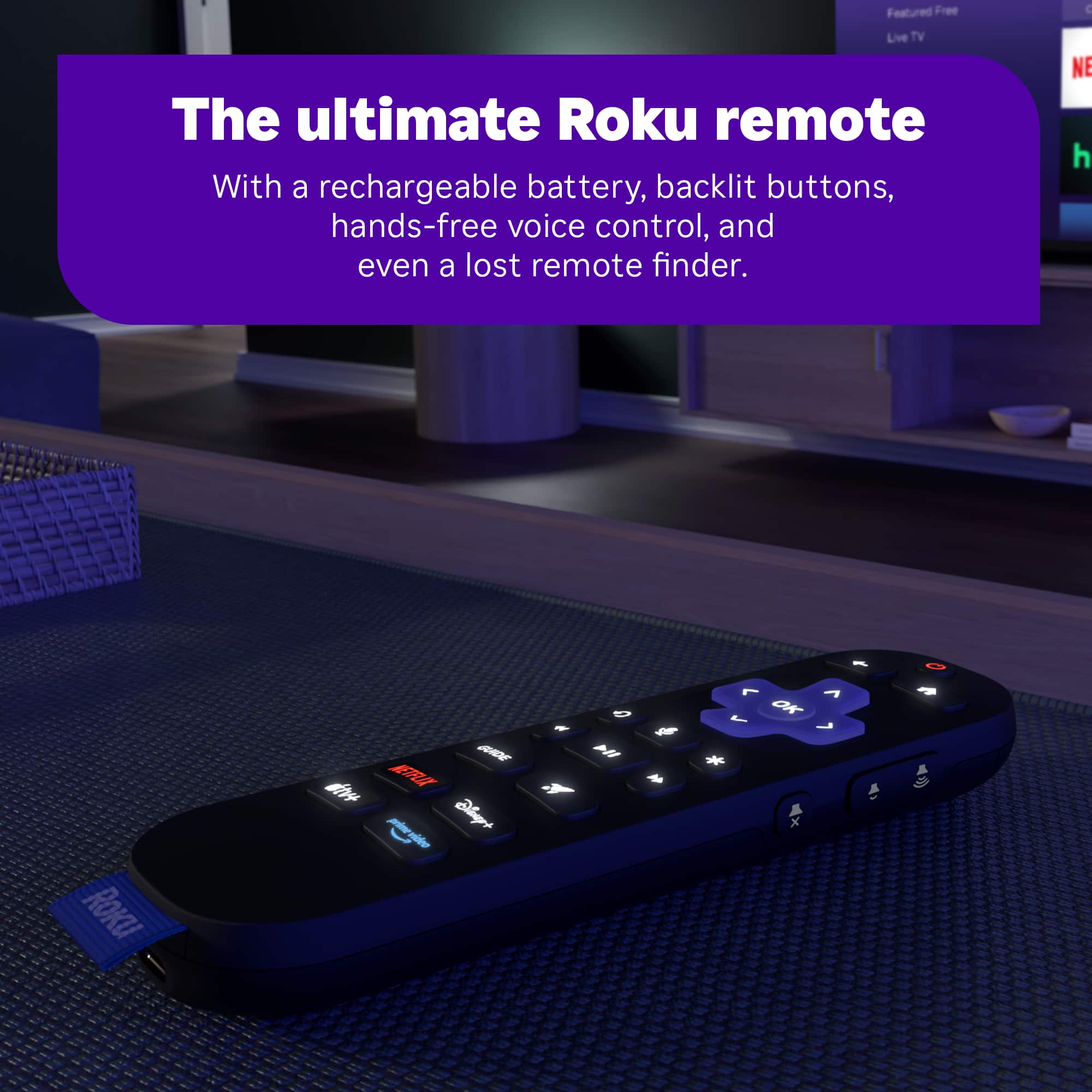
||Posted . Owned for less than 1 week when reviewed.This reviewer received promo considerations or sweepstakes entry for writing a review.This unit is an upgrade from an 8 year old Roku 4K Ultra. Back lighting is nice during evening use. I miss the ear phone plug in feature but overall it has eliminated freeze up after fast forward.
I would recommend this to a friendGreat product
||Posted . Owned for 3 weeks when reviewed.This reviewer received promo considerations or sweepstakes entry for writing a review.Excellent device. Very satisfied with it. Really easy to use.
I would recommend this to a friendGreat product
||Posted .This reviewer received promo considerations or sweepstakes entry for writing a review.Bought 6 Roku products, great price for great products
I would recommend this to a friendBacklit Remote!
||Posted .This reviewer received promo considerations or sweepstakes entry for writing a review.Upgraded my 5 yr old roku 4k streaming stick. I'm liking the backlit and rechargeable remote. AAA+
I would recommend this to a friend