Customer Ratings & Reviews


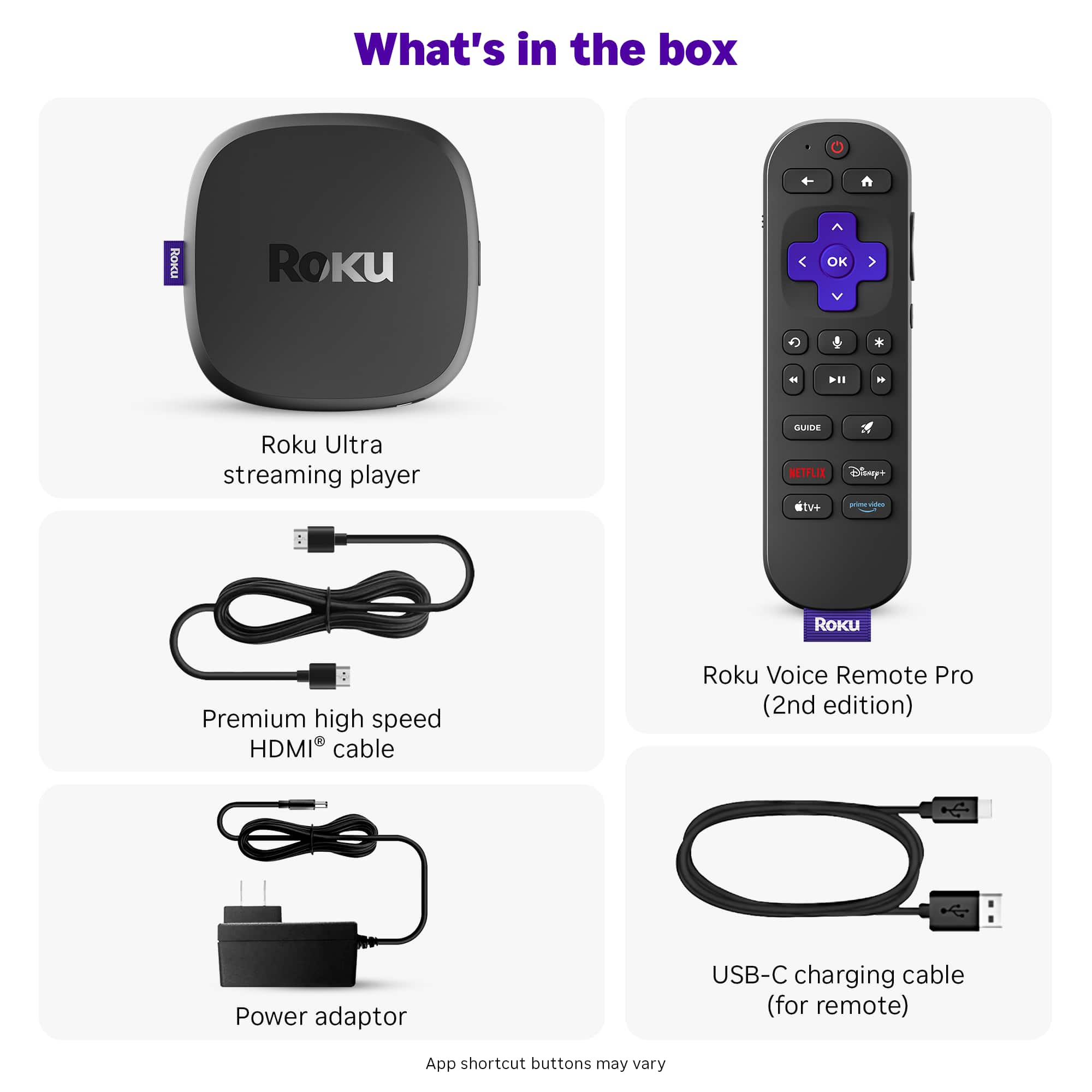

- Model:
- 4850R
- SKU:
- 12498499
Rating by feature
- Value
Rating 4.7 out of 5 stars
- Quality
Rating 4.7 out of 5 stars
- Ease of Use
Rating 4.8 out of 5 stars
Great purchase!
||Posted . Owned for 3 weeks when reviewed.This reviewer received promo considerations or sweepstakes entry for writing a review.Very easy install and easy use. Looking at canceling Xfinity and buying one for each TV
No, I would not recommend this to a friendMy preferred streaming device
||Posted .This reviewer received promo considerations or sweepstakes entry for writing a review.I don’t use my TVs streaming services at all. I use the Roku minimum ads easy to use. You can hook headphones up to the mobile app and listen.
I would recommend this to a friendGreat buy
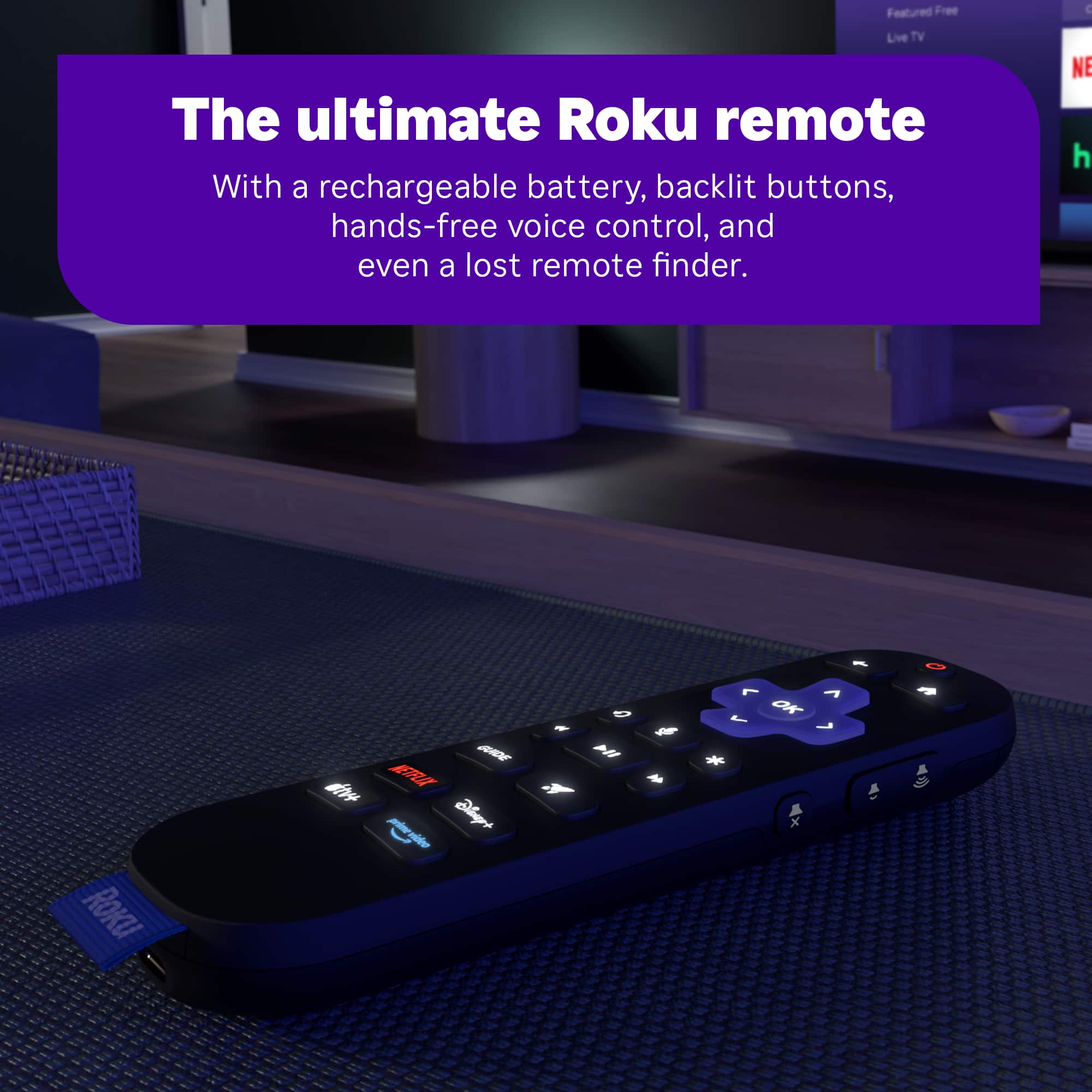
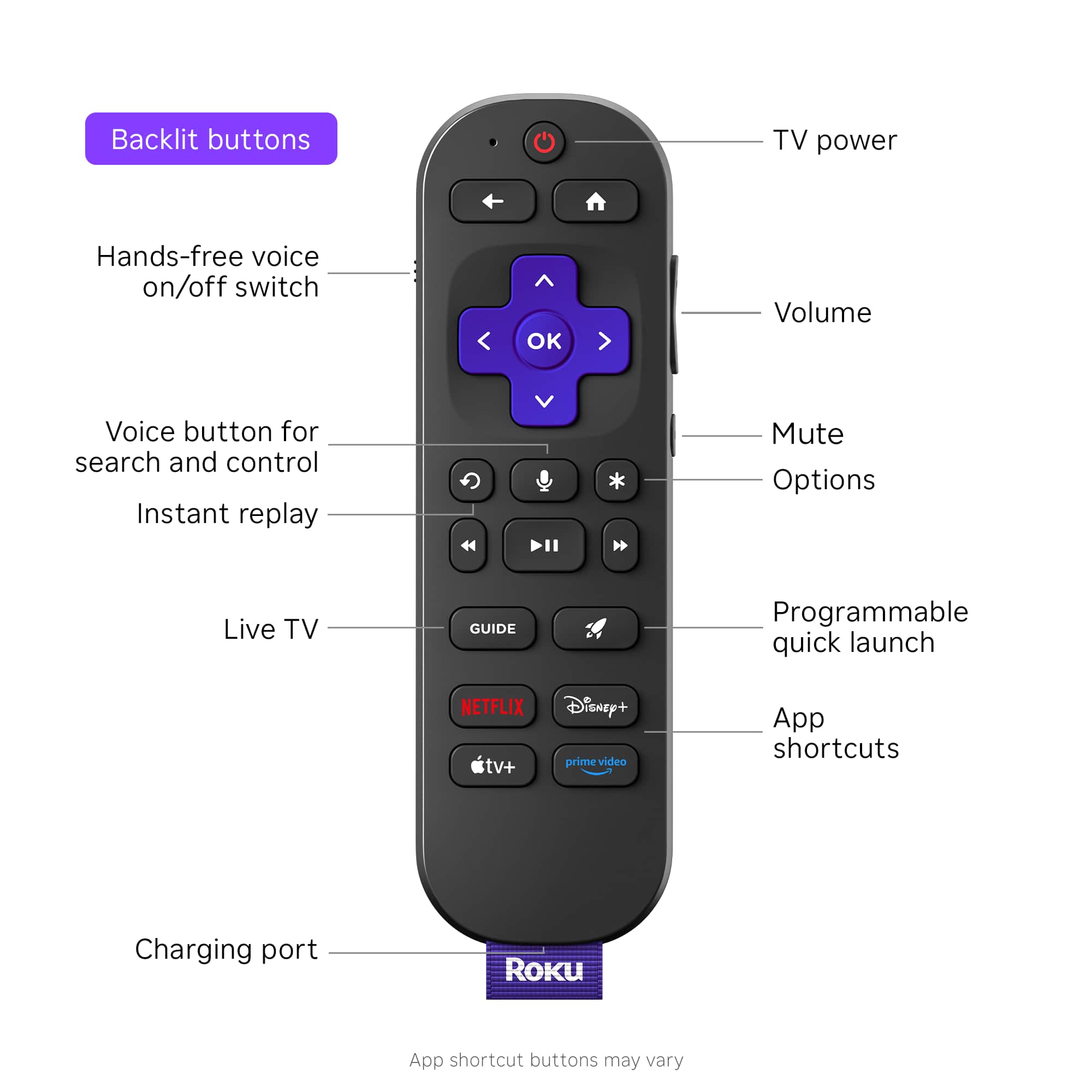
||Posted . Owned for 3 weeks when reviewed.This reviewer received promo considerations or sweepstakes entry for writing a review.I love the rechargeable remote in addition to the blue tooth capability for my headphones.
I would recommend this to a friendRoku Stick 4k
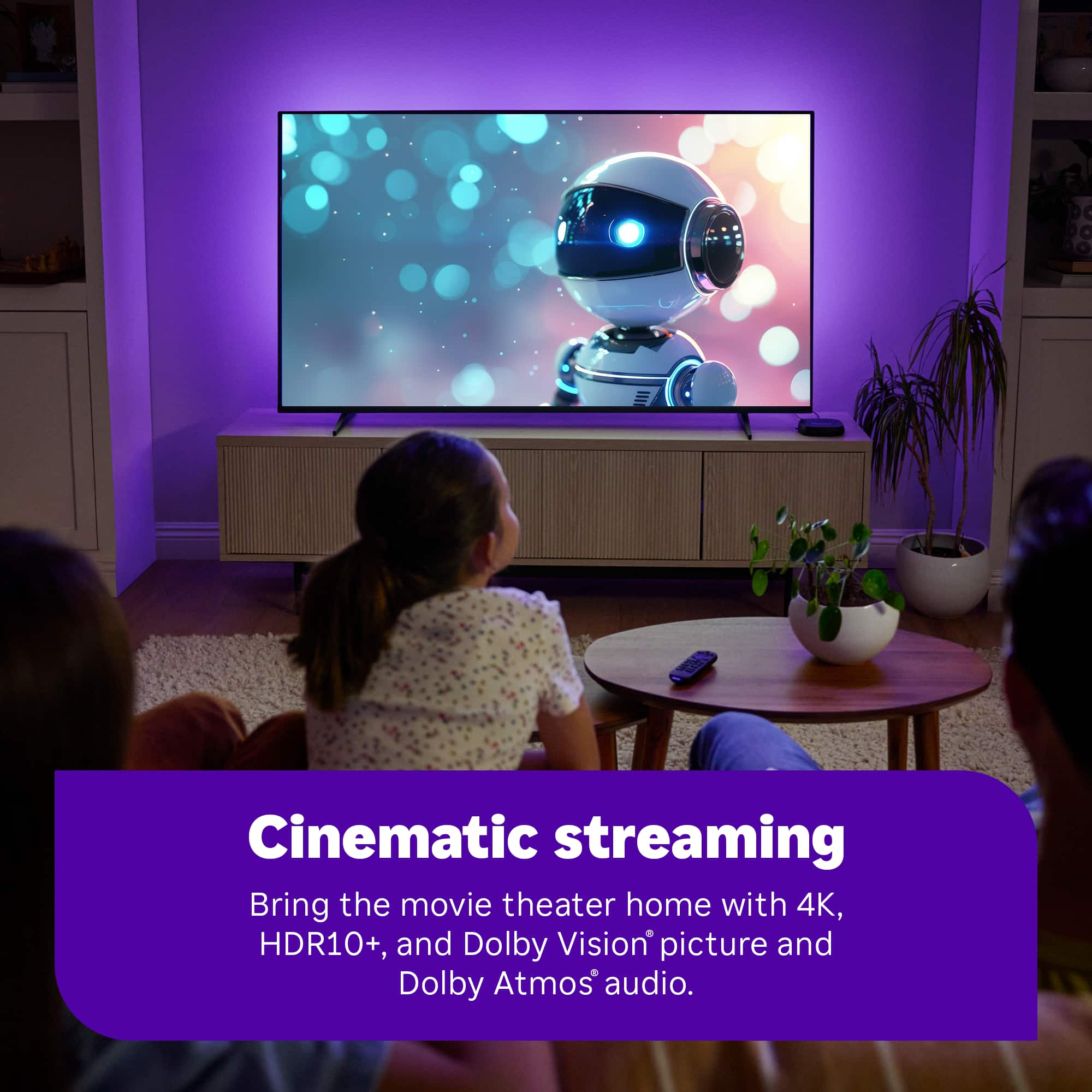
||Posted . Owned for 1 month when reviewed.This reviewer received promo considerations or sweepstakes entry for writing a review.Excellent item. Great picture, super fast and awesome sound.
I would recommend this to a friendRoku is better
||Posted .This reviewer received promo considerations or sweepstakes entry for writing a review.Big improvement over the 2018 model. Interface is snappy. ARC features seem to work better than older models. It is nice to not be reliant on tv manufacturers app support and updates.
I would recommend this to a friendRoku never fails
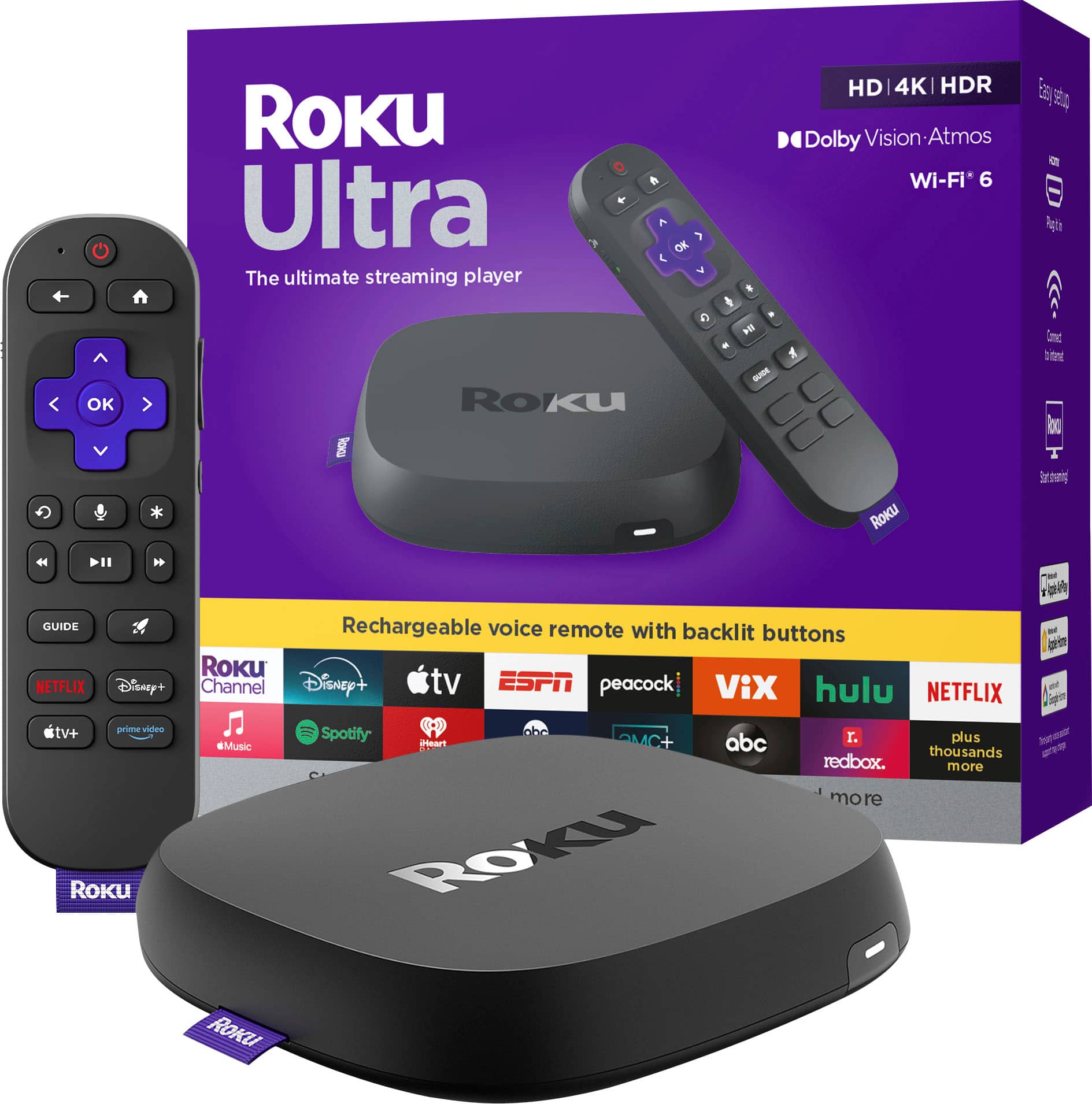
||Posted . Owned for 3 weeks when reviewed.This reviewer received promo considerations or sweepstakes entry for writing a review.I purchased the new Roku Ultra to go with my new TV. It provides great picture and sound to my steaming. I prefer Roku over the Fire Stick and enjoy the Roku Channel. This was a great purchase for me.
I would recommend this to a friendVoice is a Great Feature
||Posted . Owned for 2 weeks when reviewed.This reviewer received promo considerations or sweepstakes entry for writing a review.Works as advertised. Voice prompts make it so much easier to use.
I would recommend this to a friendSlight improvement compared to older version
||Posted . Owned for 3 weeks when reviewed.This reviewer received promo considerations or sweepstakes entry for writing a review.I have the older version (5 years old) and I can notice performance improvement but not significant. I like the new remote because it's rechargeable, backlit and lighter weight. Sometimes I have to click more than once for the Roku to respond and I'm not sure if it's a remote issue or Roku box itself. Overall it's a nice streaming box, it's worth it if it's on sale for $70 or $80.
I would recommend this to a friendBrand response from Roku Team
Posted .Hi David, thanks for sharing. This sounds a bit unusual, and we're here to help. If you're having trouble navigating your Roku remote, try these steps: First, reset your Roku remote. Press and hold the Back and Home buttons for 20 seconds. Then, restart your Roku device. To learn more, refer to this link at https://support.roku.com/article/21303049528855#section-1. In addition, make sure that our device is running the latest software version. This will significantly enhance its functionality and provide access to the most recent features. Navigate to Home > Settings > System > Software Update > Check Now to verify. In the meantime, please consider using our Roku mobile app for temporary and backup remotes. For detailed instructions, please look at our dedicated support article: https://support.roku.com/article/217288467. If the issue persists, let us know at http://support.roku.com/contactus.
Thanks!
Roku Customer Advocate
Only Roku for Me
||Posted .This reviewer received promo considerations or sweepstakes entry for writing a review.I have always used roku for streaming. Better and faster than a smart tv.
I would recommend this to a friendNice job Roku!!!
||Posted . Owned for 1 month when reviewed.This reviewer received promo considerations or sweepstakes entry for writing a review.Nice job Roku! Love the rechargeable backlit remote. Quick loading, mostly plug and play. Includes cables. Easy setup. It works! Buy it, you won't be disappointed.
I would recommend this to a friendUltra Roku
||Posted . Owned for 1 week when reviewed.This reviewer received promo considerations or sweepstakes entry for writing a review.Love the Roku brand and this new Ultra doesn’t disappoint. The new remote does take batteries and allows me to charge it, which saves a little bit.
I would recommend this to a friendExcellent!
||Posted . Owned for 2 months when reviewed.This reviewer received promo considerations or sweepstakes entry for writing a review.I bought this streaming device for my parents living room tv since the google tv in the sony tv is lagging and it's excellent and fast. Use wifi instead of ethernet port for the fastest internet connection
I would recommend this to a friendExactly as promised
||Posted . Owned for 3 weeks when reviewed.This reviewer received promo considerations or sweepstakes entry for writing a review.Very happy with this purchase. Exactly as promised.
I would recommend this to a friendFirst time streamer!
||Posted . Owned for 2 weeks when reviewed.This reviewer received promo considerations or sweepstakes entry for writing a review.First time streamer - bought this for our RV and it was super easy and quick. Will probably add another to our house and ditch cable completely.
I would recommend this to a friend2024 Roku device
||Posted . Owned for 1 month when reviewed.This reviewer received promo considerations or sweepstakes entry for writing a review.I really like my new Roku device. I got this for an upgrade from an older Roku. The new rechargeable backlit remote control is great. Very easy setup process too. It was priced great as well.
I would recommend this to a friendLove it
||Posted . Owned for 2 weeks when reviewed.This reviewer received promo considerations or sweepstakes entry for writing a review.I love it use it all the time able to watch all my movies and tv shows
I would recommend this to a friendUltra good Roku Ultra
||Posted . Owned for 2 weeks when reviewed.This reviewer received promo considerations or sweepstakes entry for writing a review.Everything you could ask for in a streaming device. And an intuitive, easy-to-use remote control.
I would recommend this to a friendTechnology works
||Posted .This reviewer received promo considerations or sweepstakes entry for writing a review.Very nice unit. No batteries required is a plus. Easy to operate.
I would recommend this to a friendsamsung
||Posted . Owned for 1 week when reviewed.This reviewer received promo considerations or sweepstakes entry for writing a review.the install guys were nice and they know what they are doing I bought at best buy because of the Geek guys I knew they would install it right
I would recommend this to a friendGreat price and customer servicce
||Posted . Owned for 2 weeks when reviewed.This reviewer received promo considerations or sweepstakes entry for writing a review.Great price and customer service, I prefer to go directly to the store to check different prices, features, employers recommendations
I would recommend this to a friend