Customer Ratings & Reviews



- Model:
- 4850R
- SKU:
- 12498499
Rating by feature
- Value
Rating 4.7 out of 5 stars
- Quality
Rating 4.7 out of 5 stars
- Ease of Use
Rating 4.8 out of 5 stars
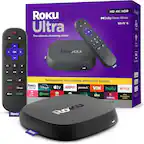
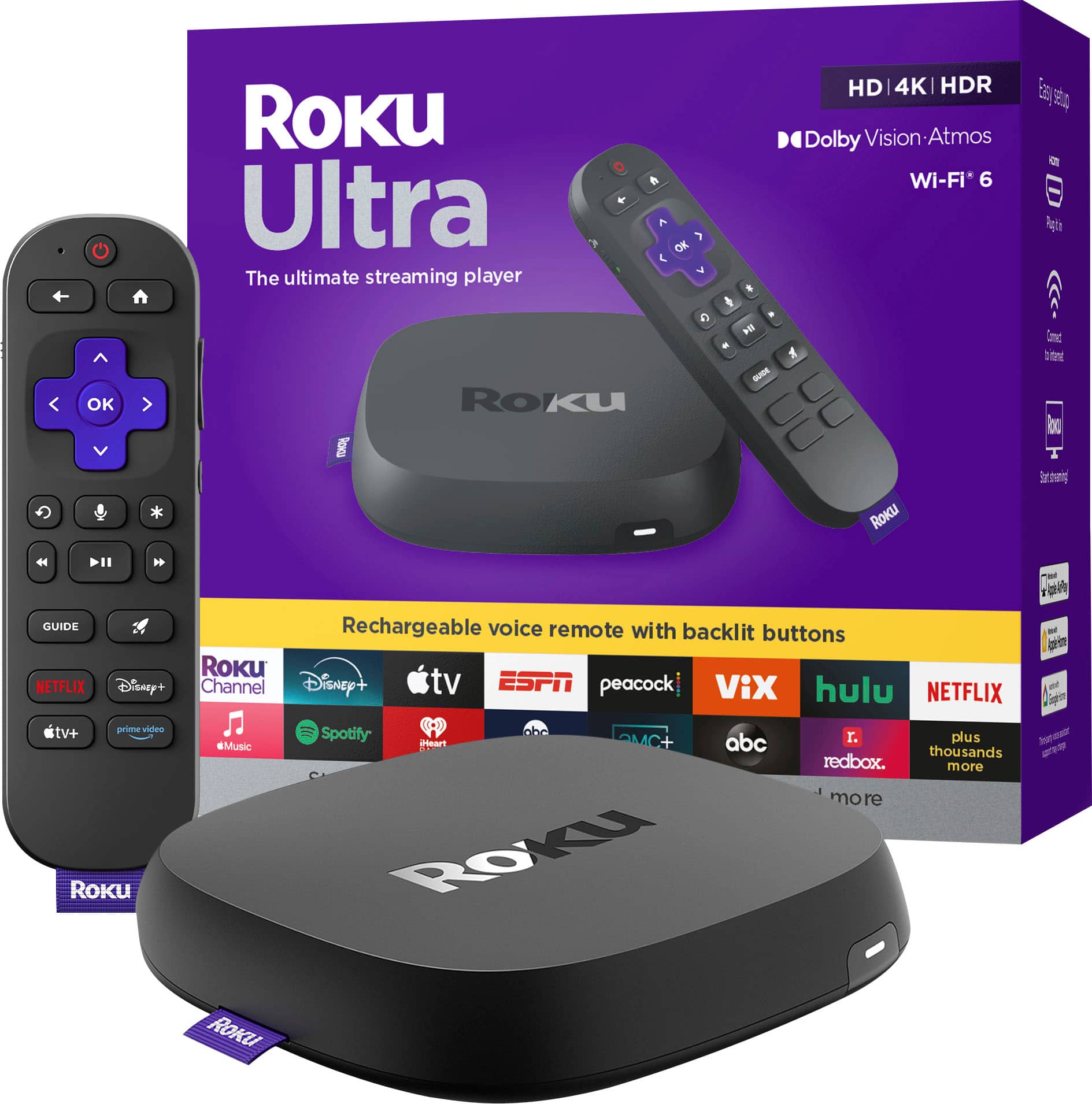
Roku Ultra
||Posted . Owned for 1 month when reviewed.This reviewer received promo considerations or sweepstakes entry for writing a review.Big improvement from the original model I had. Streams in great quality and is much more responsive.
I would recommend this to a friendBluetooth compatible
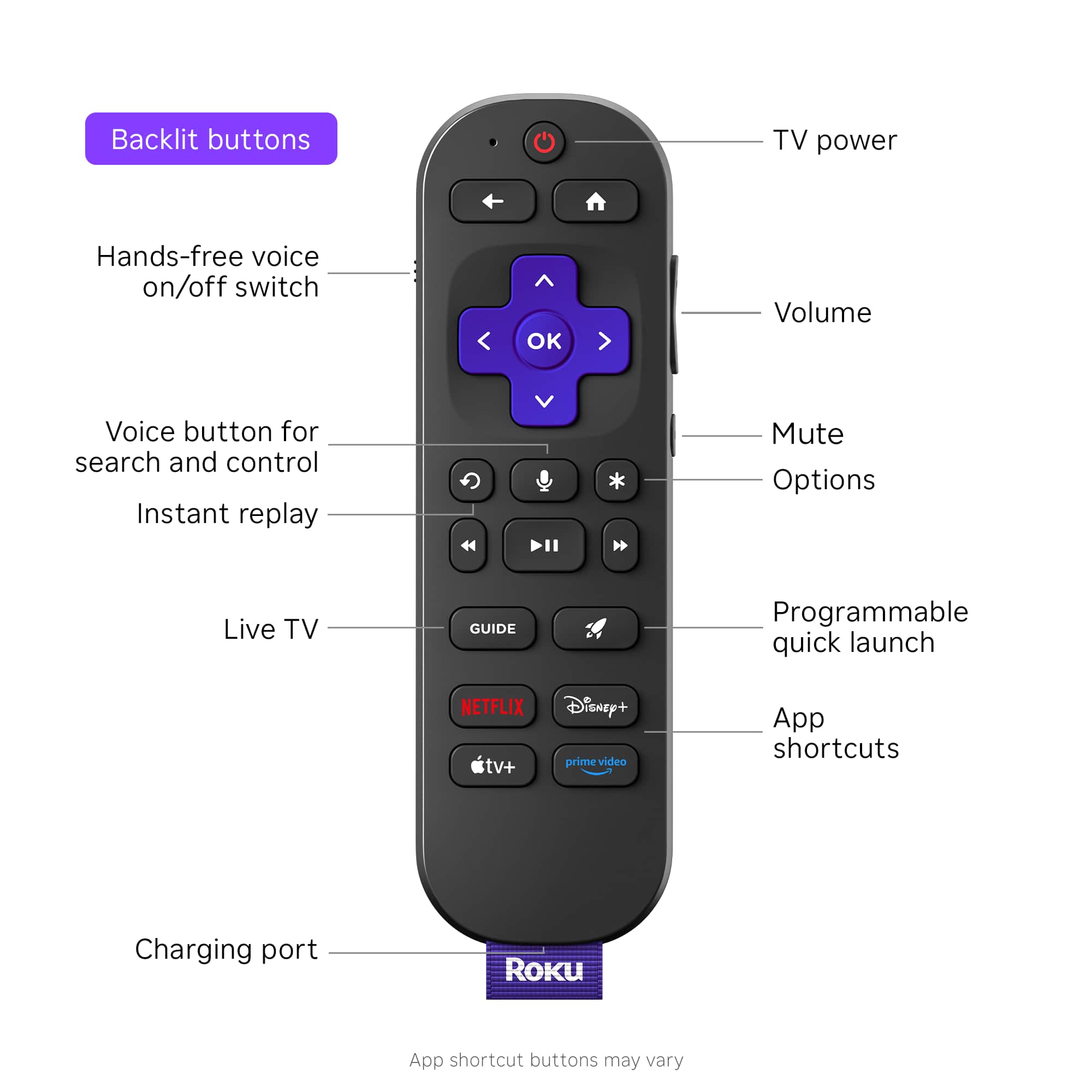
||Posted . Owned for 3 weeks when reviewed.This reviewer received promo considerations or sweepstakes entry for writing a review.Love being able to use Bluetooth for sound and voice for commands
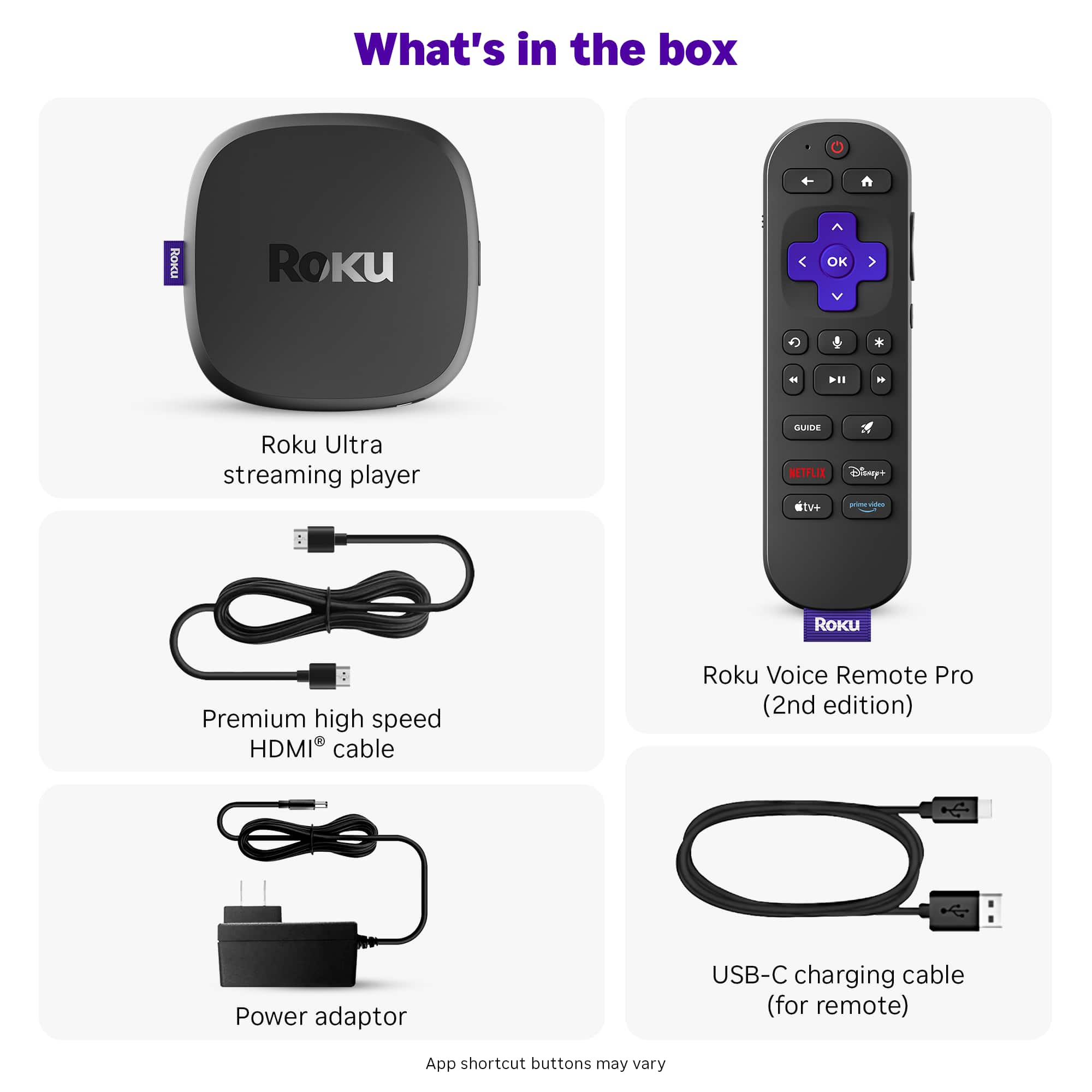
I would recommend this to a friendModel on boxes did not match model inside both
||Posted .This reviewer received promo considerations or sweepstakes entry for writing a review.I bought 2 Roku Ultra 2024 and the model number both boxes were 4850R but both the Roku's inside both boxes were model 4850X what is up with that?
I would recommend this to a friendLove it!
||Posted . Owned for less than 1 week when reviewed.This reviewer received promo considerations or sweepstakes entry for writing a review.Very easy to install. Love that you don’t have to point the remote at the device!
I would recommend this to a friendNo jack, no joke
||Posted . Owned for 3 weeks when reviewed.This reviewer received promo considerations or sweepstakes entry for writing a review.I rated 4 out 5 because the remote no longer has a headphone jack. I realize most people now have wireless headphones but I liked the option of also using wired headphones. Rechargeable back lit remote is awesome otherwise.
I would recommend this to a friendGood little box
||Posted . Owned for 4 months when reviewed.This reviewer received promo considerations or sweepstakes entry for writing a review.Standard Roku box, but way faster! Good way to get daily wire and charter
I would recommend this to a friendBest Value
||Posted . Owned for 1 week when reviewed.This reviewer received promo considerations or sweepstakes entry for writing a review.Easy to install responses right away no problems worked so well on one set I bought 2 more.
I would recommend this to a friendTerrific remote!
||Posted . Owned for 3 weeks when reviewed.This reviewer received promo considerations or sweepstakes entry for writing a review.LOVE Roku devices. I've purchased one for each tv in our house and use the remote instead of the manufacturer's remote.
I would recommend this to a friendWorth the upgrade
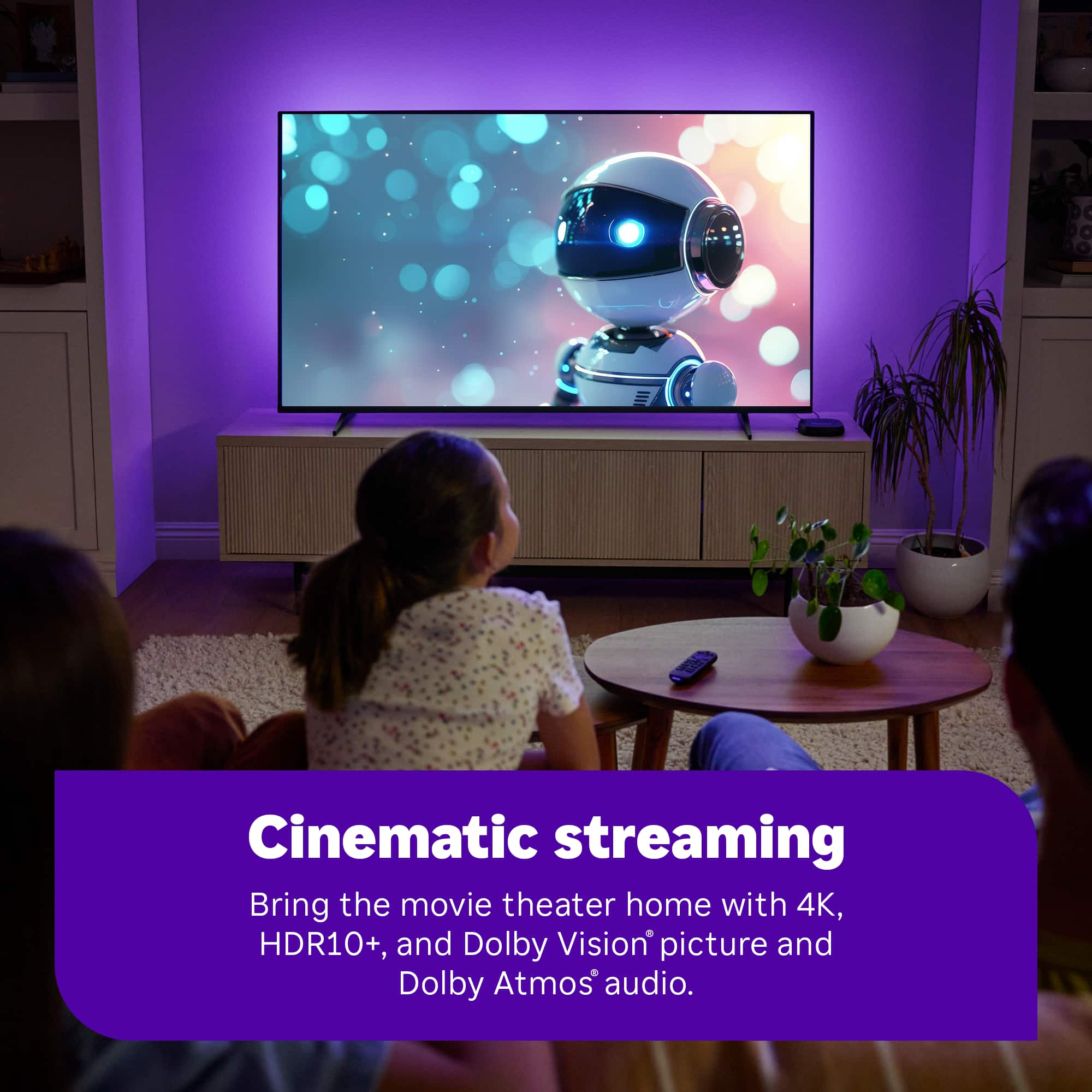
||Posted . Owned for 1 month when reviewed.This reviewer received promo considerations or sweepstakes entry for writing a review.Upgraded from previous version. Added Dolby levels. Particularly like the ability to use wireless ear buds instead of wired.
I would recommend this to a friendNot bad.
||Posted .This reviewer received promo considerations or sweepstakes entry for writing a review.Only complaint is the remote goes into some sort of sleep mode and has to be pressed a couple times to work again.
I would recommend this to a friendUltra
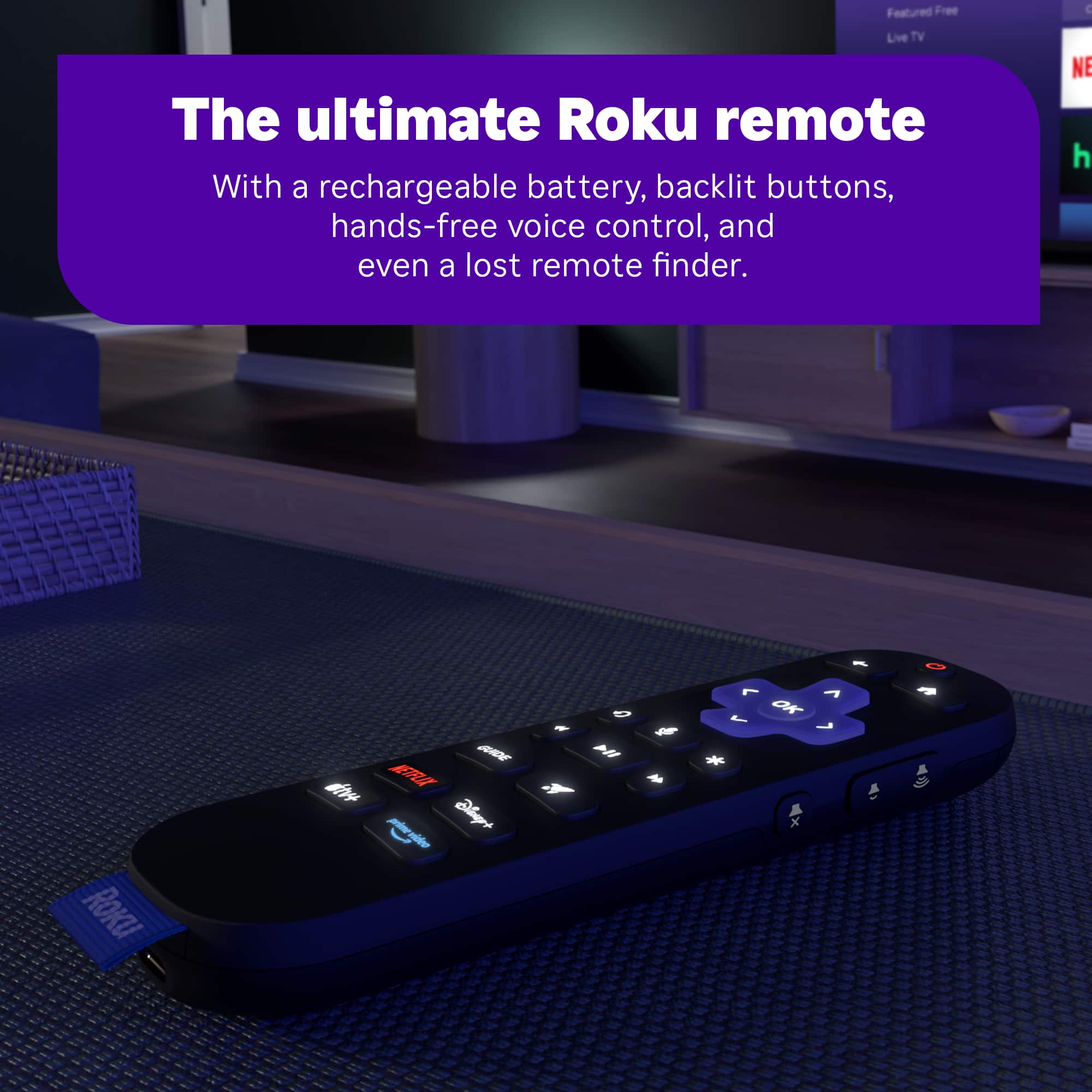
||Posted . Owned for 3 weeks when reviewed.This reviewer received promo considerations or sweepstakes entry for writing a review.A fully functional backlit remote with a remote locator and voice activation is a great advantage.
I would recommend this to a friendRoku all the way
||Posted . Owned for 1 week when reviewed.This reviewer received promo considerations or sweepstakes entry for writing a review.It is a great alternative to an Apple TV at a better price.
I would recommend this to a friendCut the cord.
||Posted . Owned for 1 month when reviewed.This reviewer received promo considerations or sweepstakes entry for writing a review.A great product to save money on streaming video content
I would recommend this to a friendRoku is the best
||Posted . Owned for 1 month when reviewed.This reviewer received promo considerations or sweepstakes entry for writing a review.Love my Roku Ultra. I have a Roku for each TV. I love this newer one with the backlit option.
I would recommend this to a friendRoku
||Posted .This reviewer received promo considerations or sweepstakes entry for writing a review.Great options. Love streaming channels. Easy to use
I would recommend this to a friendGood streamer
||Posted . Owned for 1 month when reviewed.This reviewer received promo considerations or sweepstakes entry for writing a review.Very powerful device, even more powerful than the steaming stick 4k. The only downside is it requires some table or dresser space. Still very good and comes with a pro remote.
I would recommend this to a friendEase of use
||Posted .This reviewer received promo considerations or sweepstakes entry for writing a review.It’s good but having to log in all the time is a disgrace to access your subscriptions. Roku needs to address it.
I would recommend this to a friendBrand response from Roku Team
Posted .Hi there! We would like to know if this issue occurs throughout the channel. Please visit us online at support.roku.com/contactus to connect with an agent who can assist you in troubleshooting this. Your feedback is very important to us, and we’re eager to assist. Thank you! Elmer, Roku Customer Advocate

Roku Ultra
||Posted . Owned for 1 month when reviewed.This reviewer received promo considerations or sweepstakes entry for writing a review.Works great. Wifi connection so much better than wifi connection/speed on Samsung TV
I would recommend this to a friendRemote
||Posted . Owned for 1 month when reviewed.This reviewer received promo considerations or sweepstakes entry for writing a review.Had some issues with the not working from time to time or being slow to respond, have 3 older ultras never had a problem with them
I would recommend this to a friendBrand response from Roku Team
Posted .Hi there! Thank you for letting us know. We would like to offer our support and gain a deeper understanding of your concerns. Please know that having the latest version will help you achieve optimal, bug-free performance with the latest features. To check for updates manually, press Home > Settings > System > Software Update > Check Now. In addition, it is advisable to consider the Wi-Fi connection as a potential cause. To resolve this, we recommend unplugging your Wi-Fi router for a minimum of 60 seconds. Also, perform a system restart on your Roku device by navigating to Home>Settings>System>System Restart. Further insights on enhancing your Wi-Fi connection can be found at https://support.roku.com/article/213122277#section-1. Let us know if this makes any difference at http://support.roku.com/contactus.
We're here to ensure you enjoy a seamless streaming experience!
Elmer, Roku Customer Advocate
Roku Ultra
||Posted . Owned for 1 month when reviewed.This reviewer received promo considerations or sweepstakes entry for writing a review.Works great. I reLly like the backlight feature on the remote.
I would recommend this to a friend