Customer Ratings & Reviews
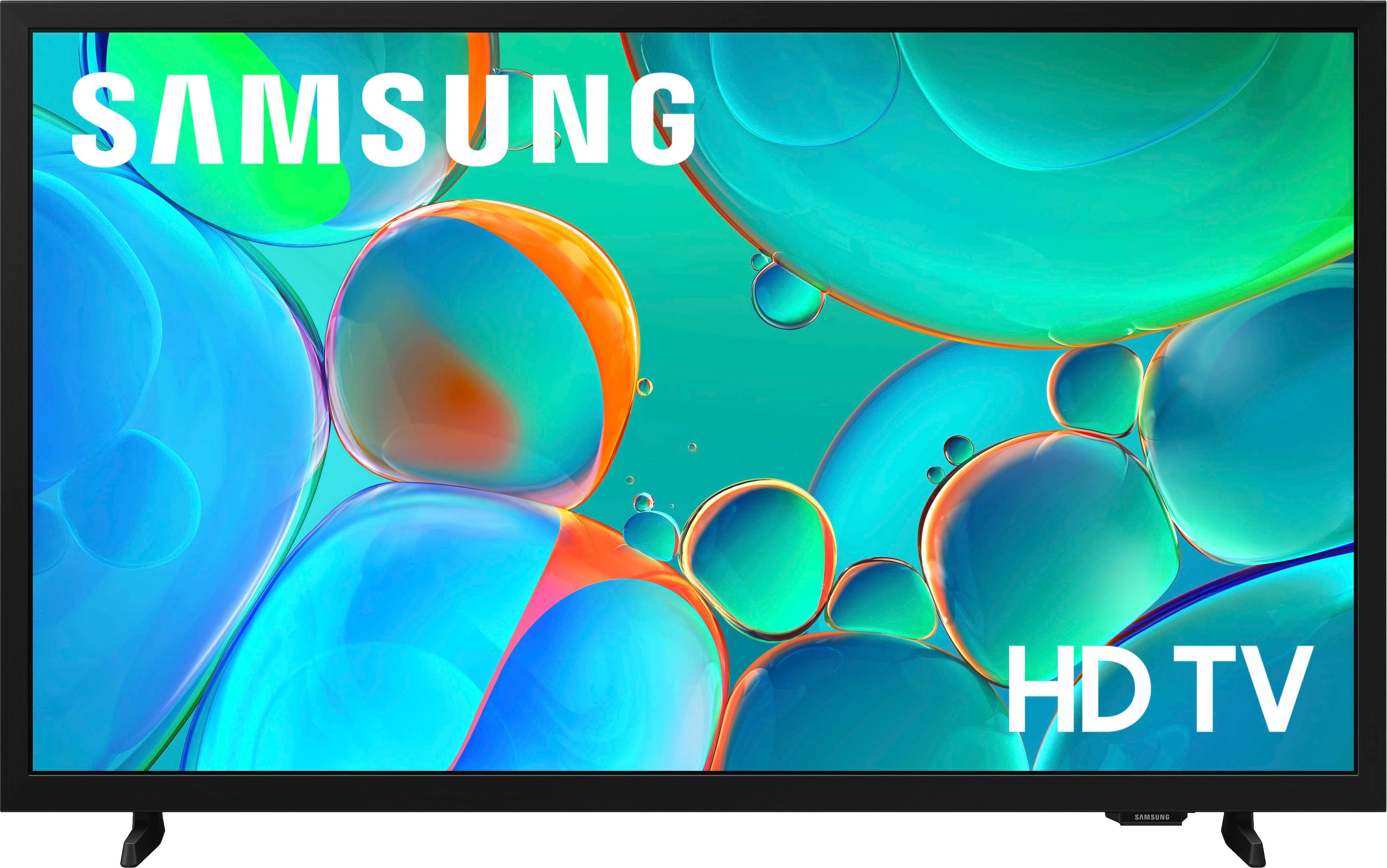
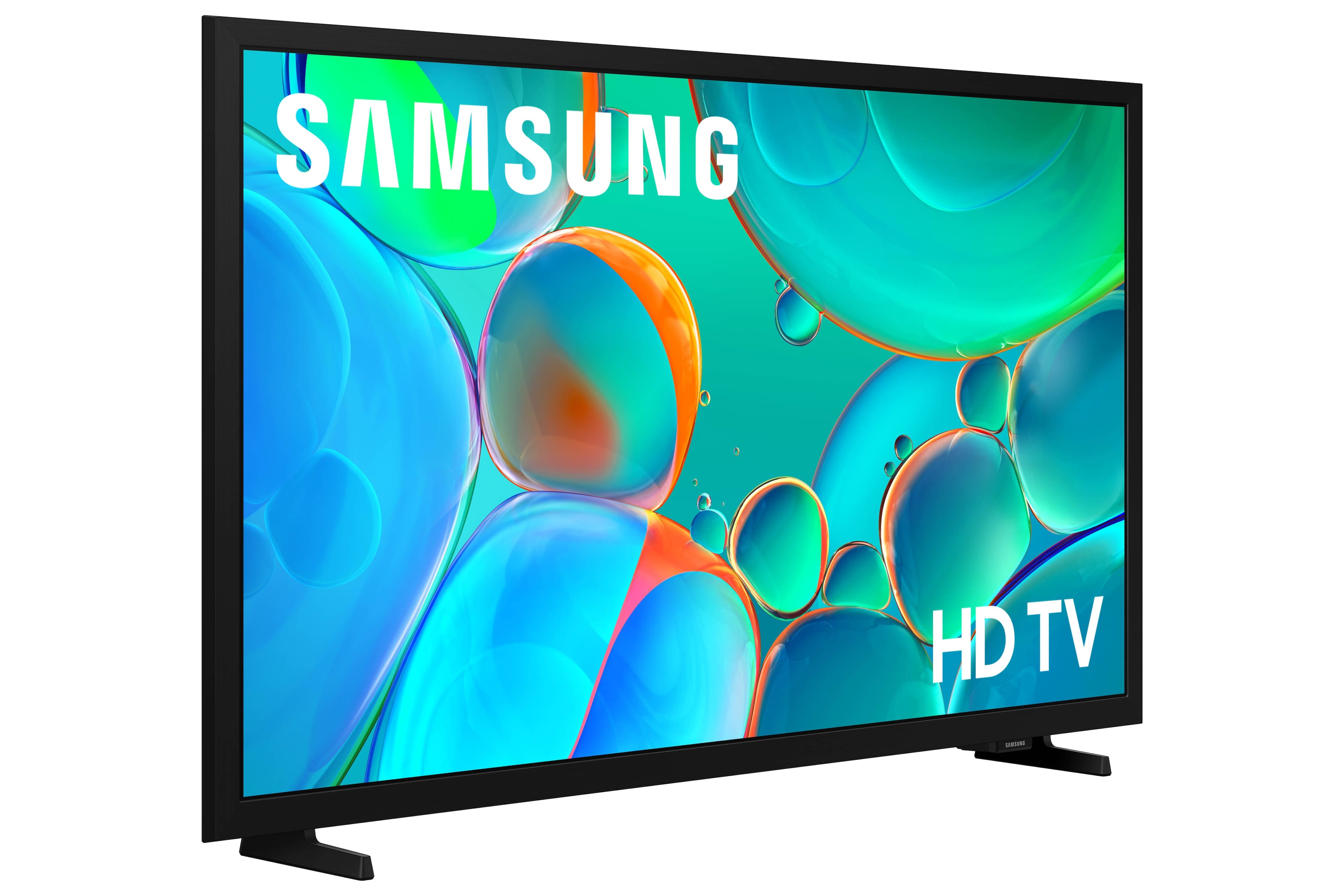



- Model:
- UN32H5000FFXZA
- SKU:
- 10818470
Rating by feature
- Picture Quality
Rating 4.7 out of 5 stars
- Sound Quality
Rating 4.6 out of 5 stars
- Brightness
Rating 4.7 out of 5 stars
Sort of a PAIN
||Posted .This reviewer received promo considerations or sweepstakes entry for writing a review.Sort of difficult to access the channels I want/need. Just a more cumbersome process than I have had to deal with. TV picture is fine but turning it on and finding the proper channel is too long a process.
No, I would not recommend this to a friendUnable to use at all
||Posted .This reviewer received promo considerations or sweepstakes entry for writing a review.I've had this for a month now and the performance has quickly deteriorated. The remote control functionality is so bad, I'm usually being sent to the wrong place, it takes forever to load a page, when it eventually does it's the wrong one or it immediately crashes and sends me back to the Samsung home pg. Using other apps has become non-existent. Sometimes the TV just shuts off altogether. It's like there is something huge running in the background. Yes it was cheap. The size, the sound, the resolution, this explains the price. But it should work.
No, I would not recommend this to a friendBrand response from Samsung
Posted .Monica,
We appreciate your feedback regarding your H5000F TV’s performance. If you're experiencing freezing or lag in general response time, please try the following steps:
1. Check for firmware updates – Keeping your TV up to date can resolve many performance issues: Home > left directional key > Settings > Support > Software Update > Update Now
2. Run Device Care – This tool checks system memory, frees up cached data, and closes background apps that could be slowing things down: Home > left directional key > Settings > Support > Device Care > Start Device Care
3. Cold boot your TV – With the TV powered on, press and hold the Power button on your remote for 5+ seconds until the TV restarts. This helps refresh the system.
If you're still noticing performance snags after these steps, please contact Samsung Support at 1-800-SAMSUNG, 8AM – 12AM EST, 7 days a week. You can also connect with a LiveChat agent via the ‘Support’ link on our website.
~ Samsung Specialist
Awesome TV at a nice price
||Posted . Owned for 1 month when reviewed.This reviewer received promo considerations or sweepstakes entry for writing a review.This is a very nice television for the price I paid for it. The sound quality is good. The picture quality is good. I have no complaints and I would definitely recommend this television to others.
I would recommend this to a friendTelevision
||Posted . Owned for 3 weeks when reviewed.This reviewer received promo considerations or sweepstakes entry for writing a review.My grandsons likes it. It is there Christmas gift
I would recommend this to a friendsatisfied customer
||Posted . Owned for 3 weeks when reviewed.This reviewer received promo considerations or sweepstakes entry for writing a review.great product just wish it was easier to hook up with ROKU
I would recommend this to a friendWorks great! Easy to set up
||Posted . Owned for 1 month when reviewed.This reviewer received promo considerations or sweepstakes entry for writing a review.Putting the feet on took a few minutes to put on. After that it was easy to setup. It gets a great picture. This is the second Samsung I have. I’m thinking about getting one for the basement.
I would recommend this to a friendNice and clear!
||Posted . Owned for 3 weeks when reviewed.This reviewer received promo considerations or sweepstakes entry for writing a review.Awesome picture for a great price! Nice and clear.
I would recommend this to a friendTorry
||Posted . Owned for 1 month when reviewed.This reviewer received promo considerations or sweepstakes entry for writing a review.Great TV, I recommend to buy this TV has a good picture and a good sound. With a good price. Torry
I would recommend this to a friendExcellent product
||Posted .This reviewer received promo considerations or sweepstakes entry for writing a review.Terrific buy! I was in the right place at the right time! Excellent price for 32" TV. Easy to set up/install. Sharp picture quality/color. Look forward to many years of use.
I would recommend this to a friendGreat price & Item
||Posted .This reviewer received promo considerations or sweepstakes entry for writing a review.GREAT Seller & Service, GREAT Item, Price & Transaction, SUPERFAST Shipping; THANKS!!!!
I would recommend this to a friendSamsung TV
||Posted .This reviewer received promo considerations or sweepstakes entry for writing a review.Good little tv for bedroom. Used for the sleep apps on Prime.
I would recommend this to a friendNice little upgrade
||Posted . Owned for 2 weeks when reviewed.This reviewer received promo considerations or sweepstakes entry for writing a review.Bought this to replace an old Westinghouse 32in for a bedroom tv and it's an excellent upgrade in picture and sound for the price.
I would recommend this to a friendSamsung 32" tv
||Posted .This reviewer received promo considerations or sweepstakes entry for writing a review.Bought this for work its been great so great i bought one for home.
I would recommend this to a friendNot bad for what it is..
||Posted .This reviewer received promo considerations or sweepstakes entry for writing a review.As others have mentioned, it is slow to load apps, etc. Once it starts playing, it's very good. Decent buy for a office room TV.
I would recommend this to a friendSmart tv
||Posted . Owned for 1 week when reviewed.This reviewer received promo considerations or sweepstakes entry for writing a review.Tv is great! Clear picture and great sound. Easy to use remote.
I would recommend this to a friend2025 Samsung 32" TV
||Posted .This reviewer received promo considerations or sweepstakes entry for writing a review.Sound is a little funky,have to turn it way up to hear it,but everything else seems ok.
I would recommend this to a friendBEDROOM TV
||Posted . Owned for 2 weeks when reviewed.This reviewer received promo considerations or sweepstakes entry for writing a review.GREAT PICTURE and Quality for the price. Placed it in our guest bedroom and guests love it.
I would recommend this to a friendNot bad for the price
||Posted . Owned for 2 weeks when reviewed.This reviewer received promo considerations or sweepstakes entry for writing a review.It's a decent TV however it is a little slow with the apps. The price was was and for a little kids room not too bad
No, I would not recommend this to a friendGreat Samsung
||Posted . Owned for 1 month when reviewed.This reviewer received promo considerations or sweepstakes entry for writing a review.This is a great TV. There are things I don't like about these new TVs but this one is easier to navigate. It has actual live TV, something not easily available on other brands. I really do need a class on how to operate it but for now, it's great.
I would recommend this to a friendSamsung tv
||Posted . Owned for less than 1 week when reviewed.This reviewer received promo considerations or sweepstakes entry for writing a review.For the money the best tv out there the quality is unmatched
I would recommend this to a friend