Customer Ratings & Reviews



- Model:
- UN32H5000FFXZA
- SKU:
- 11232026
Rating by feature
- Picture Quality
Rating 4.8 out of 5 stars
- Sound Quality
Rating 4.6 out of 5 stars
- Brightness
Rating 4.7 out of 5 stars
Loranzo
||Posted . Owned for 3 weeks when reviewed.This reviewer received promo considerations or sweepstakes entry for writing a review.A very good looking picture and sound quality is great. I would recommend this TV to anyone.
I would recommend this to a friend- Pros mentioned:Picture quality
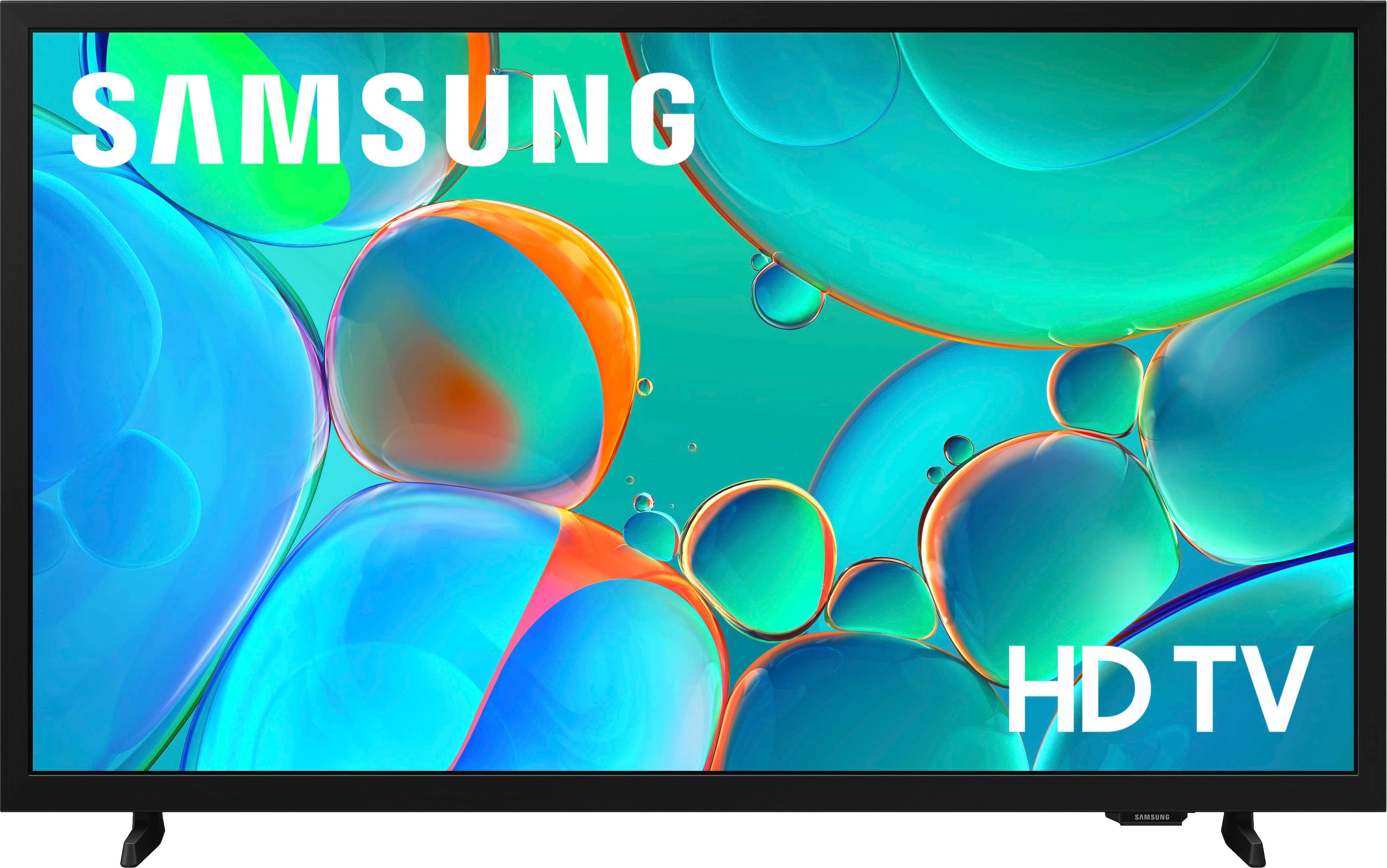
Samsung 32 Inch Smart TV
||Posted . Owned for 3 weeks when reviewed.This reviewer received promo considerations or sweepstakes entry for writing a review.Great little TV for the bedroom for a little over $100.
I would recommend this to a friend Love Samsung
||Posted .This reviewer received promo considerations or sweepstakes entry for writing a review.I ordered serval of this TV for the break room in our centers and staff love the picture quality.
I would recommend this to a friendTV as monitor
||Posted . Owned for 1 month when reviewed.This reviewer received promo considerations or sweepstakes entry for writing a review.Very happy that it was in stock and at a GREAT price. I use as a monitor for my computer and it provides exactly what I need with the nice big screen and clean display. Sales associate was very helpful in assisting me.
I would recommend this to a friendSamsung smart tv
||Posted .This reviewer received promo considerations or sweepstakes entry for writing a review.Great tv! Picture is perfect, have had no issues! For the price it is a great product
I would recommend this to a friendPerfect size for the kids room
||Posted . Owned for 2 months when reviewed.This reviewer received promo considerations or sweepstakes entry for writing a review.Perfect size for the kids room! Love that it was affordable and a Samsung
I would recommend this to a friend- Pros mentioned:Picture quality
Great picture
||Posted .This reviewer received promo considerations or sweepstakes entry for writing a review.Great tv great picture and price, id definitely buy this one...
I would recommend this to a friend - Cons mentioned:Connectivity
Make another choice
||Posted .This reviewer received promo considerations or sweepstakes entry for writing a review.I was looking for a tv that I could turn on and it would go right to cable tv, maybe even the last channel I watched. This one goes to a screen with a bunch of streaming options, and, if you are lucky, it might eventually go to regular cable tv. If not, you can spend 10 minutes trying to figure out how to get out of the screen and get to the last channel you were watching. There are no instructions in the manual how to do that. Mostly we just get to the cable, but don't know how we did it. (It's not an HDM1,HDM2 issue). Also, the tv keeps showing me how to dictate in my remote mic, but they didn't give me that remote. I would get one if I knew where, but then I don't know if my tv would recognize the dictation. I recommend you look for something else.
No, I would not recommend this to a friendBrand response from Samsung
Posted .Hi NJgal,
Thank you for your review. While your H5000F TV may currently default to Samsung TV Plus when powered on, you can customize what your TV does at startup by adjusting the Start Screen Options.
To do this, navigate to: Settings > All Settings > Advanced Features > Start Screen Option and choose from the following:
1. Start with Smart Hub Home – Automatically launches Smart Hub when the TV is turned on. You can enable or disable this option based on your preference.
2. Autorun Multi View Casting – If you cast YouTube content from your mobile device, the TV will automatically display the content using Multi View.
3. Autorun Multi View Mirroring – When you screen mirror your mobile device, Multi View will automatically open to show your device’s screen.
If you need help adjusting these settings or have any other questions, please contact Samsung Support at 1-800-SAMSUNG, 8AM – 12AM EST, 7 days a week. LiveChat agents are also available by clicking on the ‘Support’ link on our website.
~ Samsung Advisor
- Pros mentioned:Setup ease
Samsung
||Posted . Owned for 1 week when reviewed.This reviewer received promo considerations or sweepstakes entry for writing a review.Easy set up easy to use. Favorite tv I have owned so far.
I would recommend this to a friend - Pros mentioned:Picture quality
Bedroom TV
||Posted . Owned for 3 weeks when reviewed.This reviewer received promo considerations or sweepstakes entry for writing a review.Perfect fit for our bedroom! Works great using our antenna.
I would recommend this to a friend - Pros mentioned:Picture quality
Perfect for bedroom
||Posted . Owned for 1 month when reviewed.This reviewer received promo considerations or sweepstakes entry for writing a review.It works for a bedroom. When my on old one died. Picture clear.
I would recommend this to a friend - Pros mentioned:Picture quality
Great tb
||Posted . Owned for 1 week when reviewed.This reviewer received promo considerations or sweepstakes entry for writing a review.Great television, beautiful picture and easy set up.
I would recommend this to a friend - Pros mentioned:Picture quality
Wonderful Samsung
||Posted .This reviewer received promo considerations or sweepstakes entry for writing a review.Great picture quality with great sound and clarity
I would recommend this to a friend Samsung
||Posted . Owned for 2 weeks when reviewed.This reviewer received promo considerations or sweepstakes entry for writing a review.No problems, connect to wifi, stay connected. Doesn’t have issues for kids.
I would recommend this to a friend- Pros mentioned:Picture quality
Ms
||Posted . Owned for 1 month when reviewed.This reviewer received promo considerations or sweepstakes entry for writing a review.Nice picture and color.. fits perfectly in my bedroom
I would recommend this to a friend Samsung 32" TV
||Posted .This reviewer received promo considerations or sweepstakes entry for writing a review.I bought this to use as a computer monitor for my desk and I love it!!
I would recommend this to a friendMy Wife’s 32
||Posted . Owned for 2 weeks when reviewed.This reviewer received promo considerations or sweepstakes entry for writing a review.For the price you can’t beat it..I would like to be able to adjust a little more sound but all in all not too bad…
I would recommend this to a friendPurchase
||Posted . Owned for 2 weeks when reviewed.This reviewer received promo considerations or sweepstakes entry for writing a review.Excellent customer service. Great price on tv. Shop there again.
I would recommend this to a friendGreat TV
||Posted . Owned for 3 weeks when reviewed.This reviewer received promo considerations or sweepstakes entry for writing a review.Clear picture, easy to use apps. Samsung TV has a lot of free programs.
I would recommend this to a friendGreat upgrade to old fashioned parents
||Posted . Owned for 2 weeks when reviewed.This reviewer received promo considerations or sweepstakes entry for writing a review.Good price, plug and play. Great upgrade to a 2001 old school 17" tv.
I would recommend this to a friend