Customer Ratings & Reviews

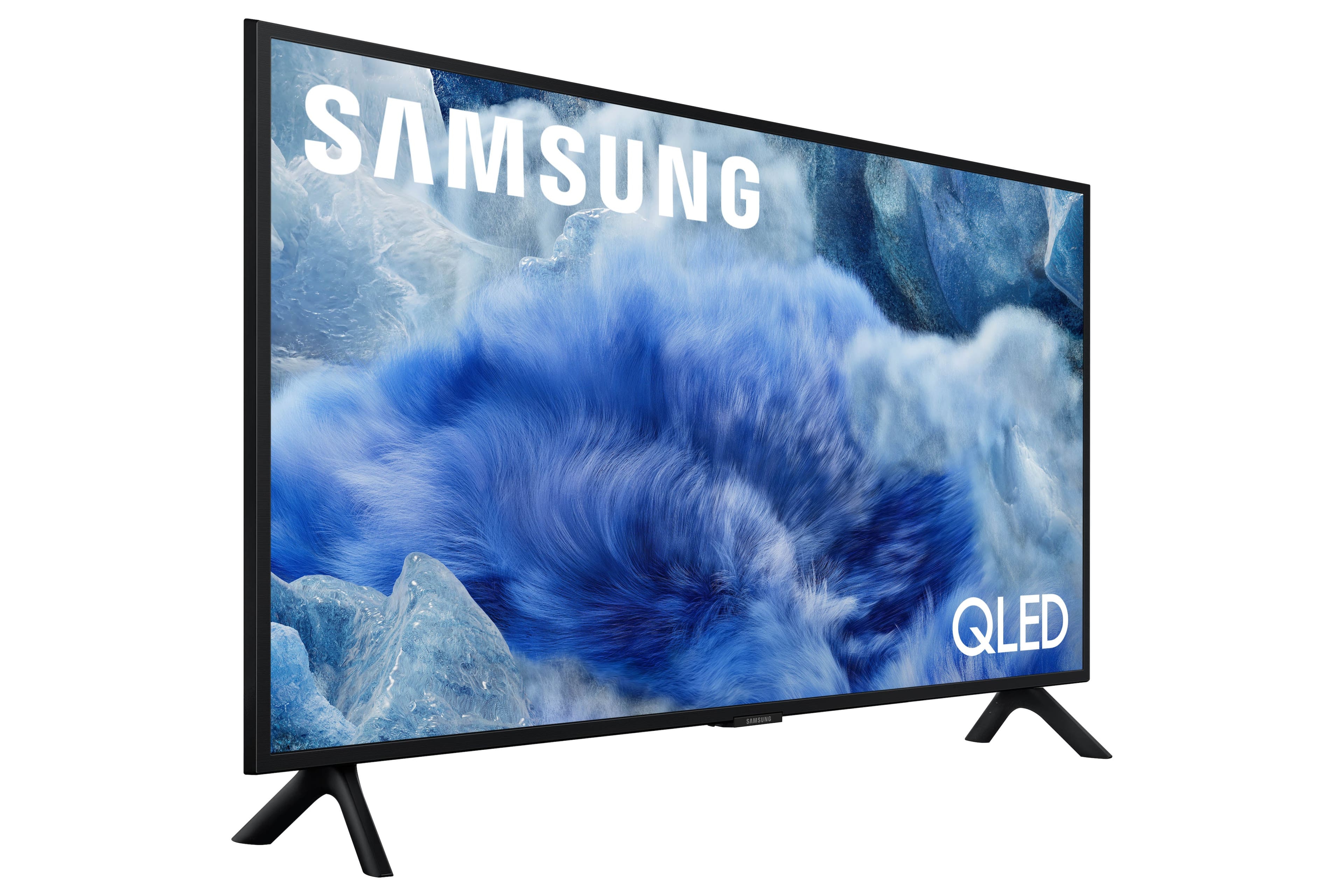
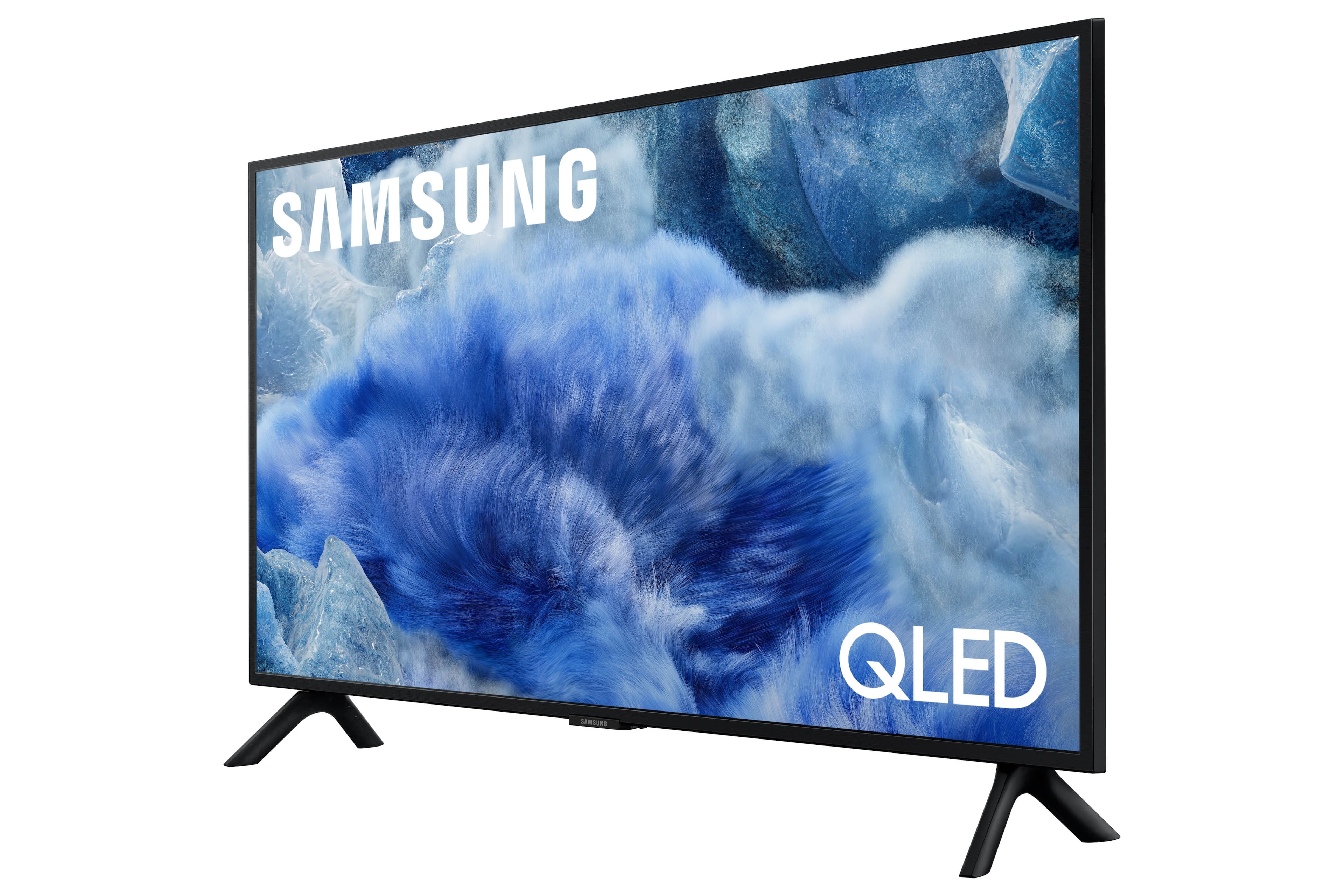

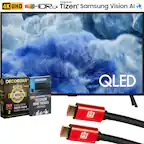
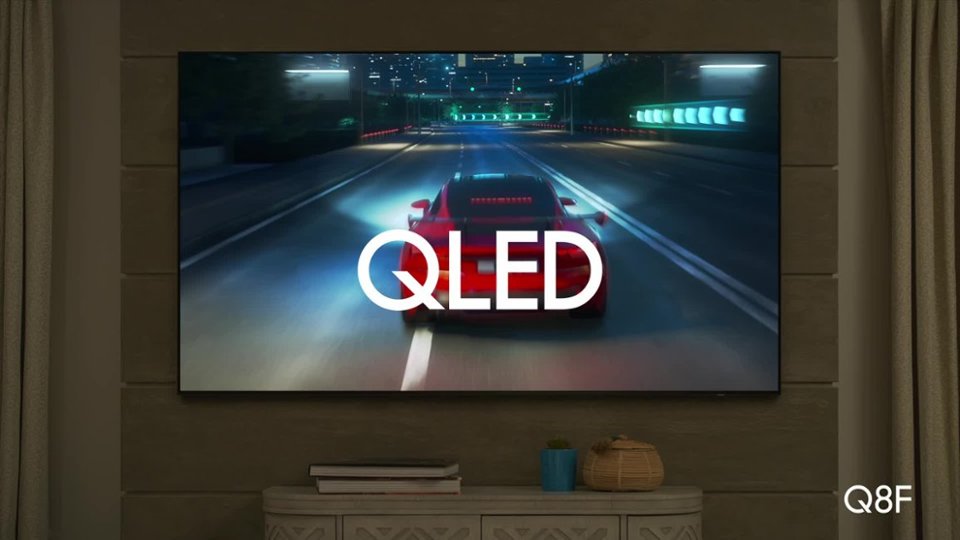
 100% Color Volume 100% Color Volume with Quantum Dot Over a billion colors that don't fade, even in the brightest scenes *QLED televisions can produce 100% Volume in the DCI-PS colorspace, the format most cinema screens and HDR movies for television.](https://pisces.bbystatic.com/image2/BestBuy_US/images/products/684f880e-f8dd-4c6c-91d9-5f55b1534a3c.jpg)







- Model:
- QN32Q8FAAFXZA
- SKU:
- 10100554
Rating by feature
- Picture Quality
Rating 4.8 out of 5 stars
- Sound Quality
Rating 4.5 out of 5 stars
- Brightness
Rating 4.8 out of 5 stars
good television
||Posted . Owned for 1 month when reviewed.This reviewer received promo considerations or sweepstakes entry for writing a review.Samsung makes an excellent product. This is a very good television.
I would recommend this to a friendSamsung TV
||Posted . Owned for 1 month when reviewed.This reviewer received promo considerations or sweepstakes entry for writing a review.We waited longer that expected for the item to come to the store, but we are happy with the product so far.
I would recommend this to a friendSamsung
||Posted .This reviewer received promo considerations or sweepstakes entry for writing a review.Soo happy good cuality Thans ......................m
I would recommend this to a friendGood buy
||Posted . Owned for 3 weeks when reviewed.This reviewer received promo considerations or sweepstakes entry for writing a review.Tv specs offer good balance for movies and gaming.
I would recommend this to a friendSamsung 32 QLED
||Posted . Owned for 1 month when reviewed.This reviewer received promo considerations or sweepstakes entry for writing a review.TV is excellent but you do need a sound bar to get quality sound.
I would recommend this to a friendGreat TV
||Posted . Owned for 3 months when reviewed.This reviewer received promo considerations or sweepstakes entry for writing a review.Best 32 inch you can buy! Expensive but it shows on the screen.
I would recommend this to a friendStreaming is going better now.
||Posted . Owned for 2 weeks when reviewed.This reviewer received promo considerations or sweepstakes entry for writing a review.The remote for this TV is ridiculously small, which I called Samsung about. The tv setting up streaming was a little difficult, I had to get help.
I would recommend this to a friendFantastic TV
||Posted .This reviewer received promo considerations or sweepstakes entry for writing a review.Thought this Best Buy purchase was a no brainer for what I needed.
I would recommend this to a friendJust wanted a monitor!
||Posted .This reviewer received promo considerations or sweepstakes entry for writing a review.Great picture.Its to busy,you turn it on and you dont get just the channel your watching.that makes it slow.
I would recommend this to a friendBrand response from Samsung
Posted .RandyW,
We appreciate you sharing your user experience. To help you get the most from your TV, you can download the full e-Manual and more by visiting Samsung’s website then navigating to: Support > Manual & Software > TVs & Home Theater. From there, you can search for and select your Q8F TV model to view or download the available guides.
The e-Manual and Remote Control Guide are also conveniently built into your TV: Settings > Support > Tips and User Guides
If you need additional help, please contact Samsung Support at 1-800-SAMSUNG, 8AM – 12AM EST, 7 days a week. LiveChat agents are also available through the ‘Support’ link on our website.
~ Samsung Specialist
Tiny but mighty
||Posted . Owned for 3 weeks when reviewed.This reviewer received promo considerations or sweepstakes entry for writing a review.Awesome 32 inch Samsung 4K TV clarity is superior to even 43 inch TVs definitely worth the purchase, especially if you play Call of Duty®
I would recommend this to a friendSamsung TV
||Posted . Owned for 3 weeks when reviewed.This reviewer received promo considerations or sweepstakes entry for writing a review.Great for the price. Easy installation, easy set up. Plug and play.
I would recommend this to a friendGreat Small QLED
||Posted . Owned for 2 weeks when reviewed.This reviewer received promo considerations or sweepstakes entry for writing a review.Fantastic colors and picture on this 32" QLED. Full area local dimming is evident. Blacks are black. TV supports HDR 10+. Great choice for a small size set. Fits in small spaces.
I would recommend this to a friendVery happy
||Posted . Owned for 1 month when reviewed.This reviewer received promo considerations or sweepstakes entry for writing a review.Wall mounted and installers were excellent. Highly recommend Geek Squad.
I would recommend this to a friendtv and your reviews page is nonsensical
||Posted . Owned for 1 month when reviewed.This reviewer received promo considerations or sweepstakes entry for writing a review.very nice. strange that sometimes it shuts itself off and sometimes then also turns itself back on.
I would recommend this to a friendBrand response from Samsung
Posted .Hi ROGERS,
Thank you for sharing your experience. We’re sorry to hear your Q8F TV is turning on and off unexpectedly. This kind of power cycling can often be resolved with a few troubleshooting steps:
1. Check the power cable for secure connection and signs of damage. If it’s bent, pinched, pressed by furniture, or shows wear, replacing it may resolve the issue.
2. Unplug the TV from the wall outlet for 30 seconds, then plug it back in and test operation.
3. Update the TV’s software (if the TV remains on long enough). Note that a power interruption during an update can cause further issues, so only proceed if the TV is staying on reliably. Go to: Settings > Support > Software Update > Update Now
4. If your TV is connected to SmartThings, it may be turning on from a signal sent through the network. You can disable this feature by going to: Home > left directional key > Settings > All Settings > Connection > Network > Expert Settings > Power On with Mobile = Off
If none of these steps resolve the issue, your TV may need service. Please give us a call at 1-800-SAMSUNG, 8AM – 12AM EST, 7 days a week. Our LiveChat agents are also available at the ‘Support’ link on our website.
~ Samsung Advisor
Title
||Posted . Owned for 3 weeks when reviewed.This reviewer received promo considerations or sweepstakes entry for writing a review.Salesperson was very polite, informed, and friendly
I would recommend this to a friendWashed out color when not sitting front and center
||Posted . Owned for 3 weeks when reviewed.This reviewer received promo considerations or sweepstakes entry for writing a review.The color is washed out if not sitting directly in front of it I have tried several adjustments No improvement
No, I would not recommend this to a friendA great upgrade for me
||Posted . Owned for 1 week when reviewed.This reviewer received promo considerations or sweepstakes entry for writing a review.It was easy to set up the features to my wants for my use .
I would recommend this to a friendNot the best if you want speed
||Posted . Owned for 1 month when reviewed.This reviewer received promo considerations or sweepstakes entry for writing a review.Nice picture but the tv is slow and takes forever to get up and running to watch
No, I would not recommend this to a friendBrand response from Samsung
Posted .JesseB,
We appreciate your feedback regarding response time. For optimal performance, please ensure your TV is running the latest firmware. You can check this by going to: Home > left directional key > Settings > Support > Software Update
To further optimize performance, try running Device Care, which checks memory, clears unused cached data, and closes background apps: Home > left directional key > Settings > Support > Device Care > Start Device Care
If issues continue, please reach Samsung Support at 1-800-SAMSUNG, available 8AM – 12AM EST, 7 days a week.
LiveChat is also available via the ‘Support’ link on our website.
~ Samsung Specialist
Avoid It
||Posted . Owned for 2 weeks when reviewed.This reviewer received promo considerations or sweepstakes entry for writing a review.I bought this less than a month ago and suddenly it lost the connection to my computer and won't connect to any computer. The owner's manual is worthless and the AI support chat just takes me in circles.
No, I would not recommend this to a friendBrand response from Samsung
Posted .DavidT,
We appreciate you taking the time to let us know about your experience with your Q8F TV. So that we can better troubleshoot this issue and provide steps towards a solution, please contact Samsung Support at 1-800-SAMSUNG, 8AM – 12AM EST, 7 days a week, or visit our website for LiveChat.
~ Samsung Specialist
TV stand w. wrong & mount holes not VESA compliant
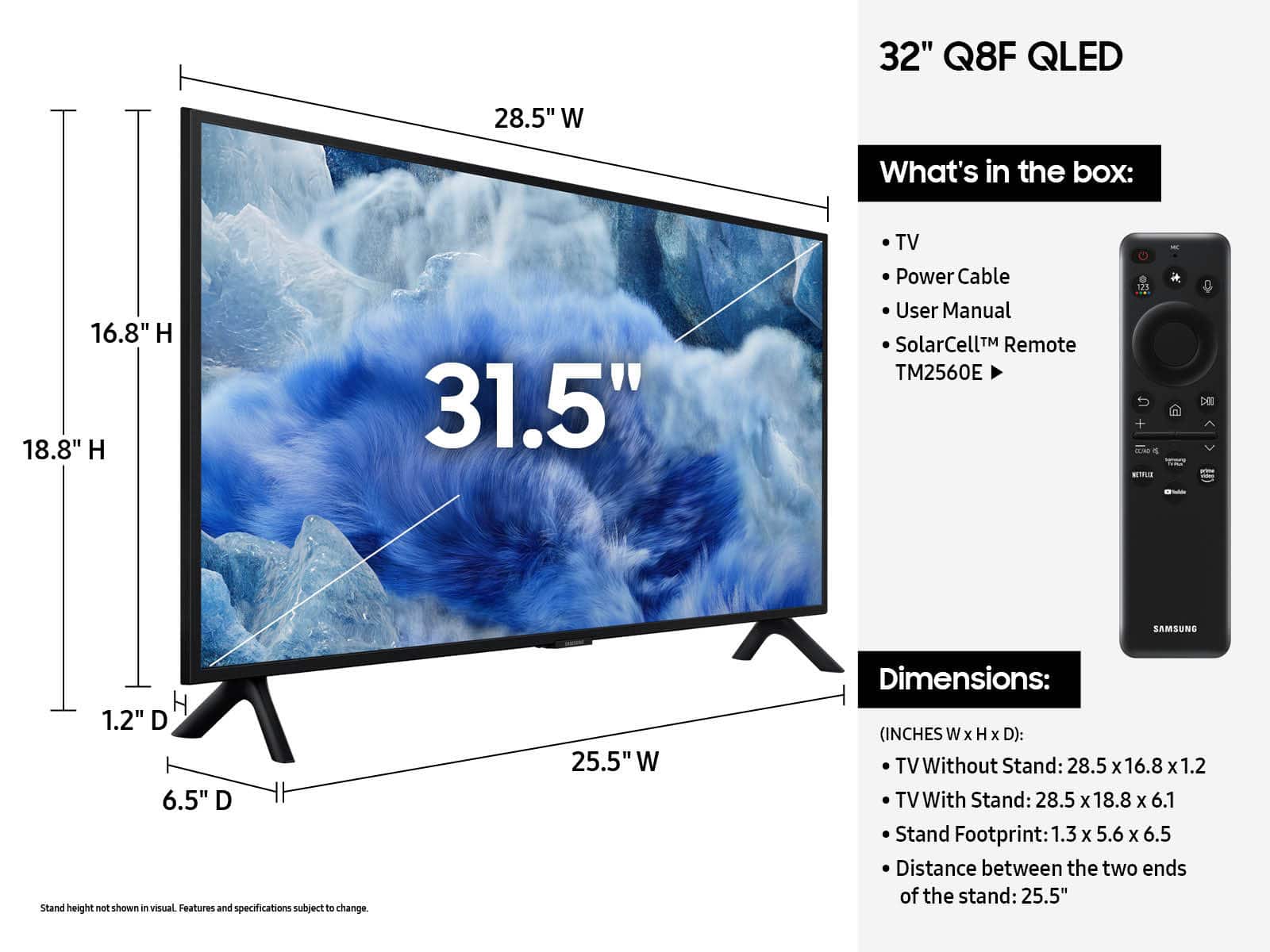
||Posted .This reviewer received promo considerations or sweepstakes entry for writing a review.I just bought this after carefully checking the dimensions and measuring my furniture to make sure it would fit, and then it wouldn't fit it on my furniture that was 24 inches because the product description claimed the tv stand leg width for the 32 inch TV was 22.8 inches width, and when I got it home, it turned out to actually be 25.5 inches and won't fit. To make matters worse, I overnighted a VESA compliant universal TV stand to use with wall mount that was supposed to then be able to be on a center stand, and the stand was supposed to work with all VESA compliant tv's but then I discovered after getting the wall stand, that it was NOT VESA compliant either. The bolt holes on back are about 105x105 mm instead of 100x100 mm. It has been such a nightmare that I've decided to just return it without even turning it on. Very disappointed that the product information I detrimentally relied on to make it fit in my home, was wrong and I cannot even remedy it so it's going back in the box and being returned.
No, I would not recommend this to a friendBrand response from Samsung
Posted .Hi Justme,
We're sorry to hear that your experience with the Q8F TV led to a return. Your feedback matters to us and will be shared with our product team.
For future reference, the 32" Q8F does feature VESA support (100mm x 100mm). Additionally, the leg width of the 32” Q8F is 22.8”. We have been working with the relevant teams to get this updated.
If you decide to explore Samsung TVs again in the future, we’re always here to support you - whether it’s setup, features, or troubleshooting. Reach us anytime at 1-800-SAMSUNG (8AM – 12AM EST, 7 days a week), or visit the ‘Support’ section of our website for LiveChat, manuals, and more.
~ Samsung Specialist