Customer Ratings & Reviews
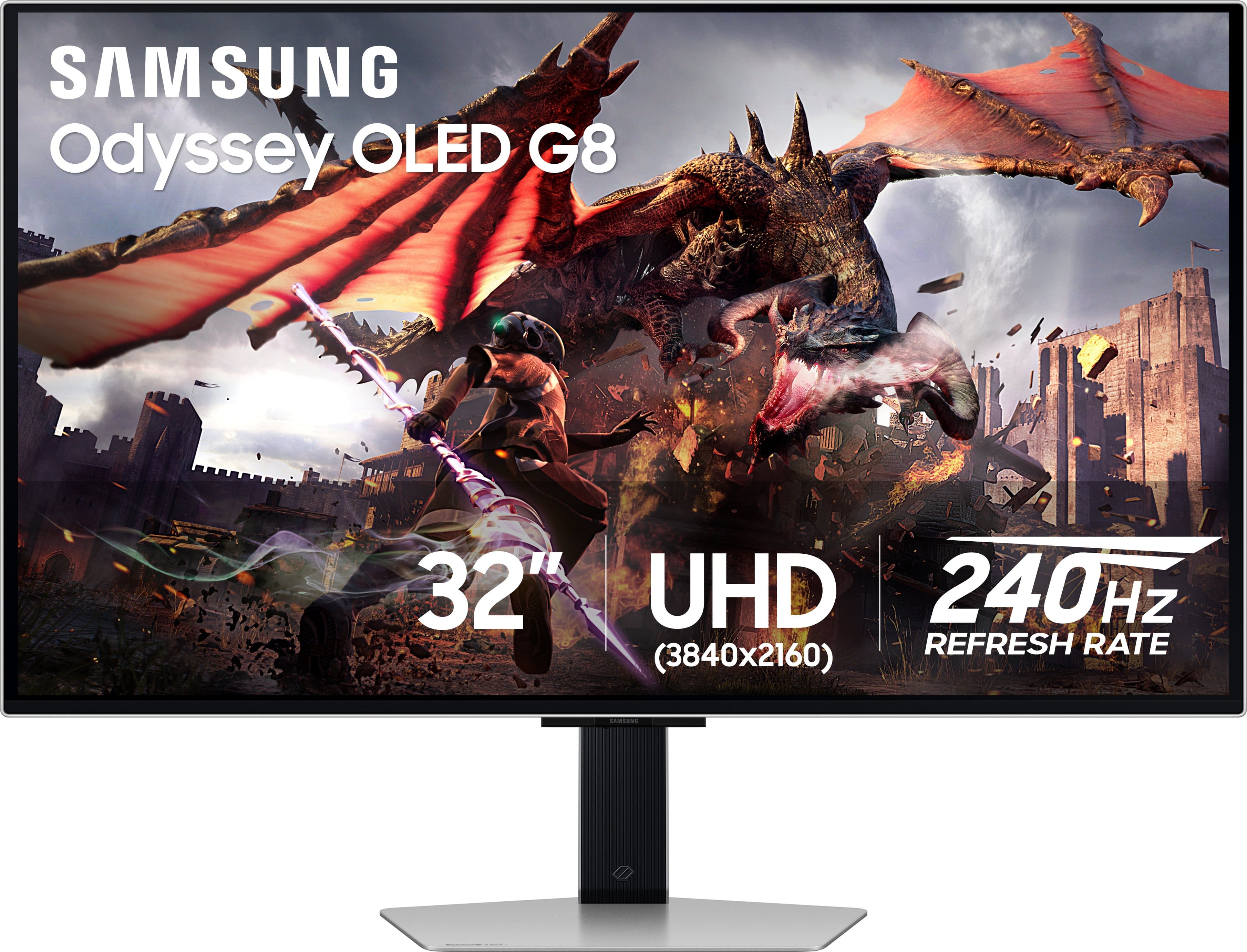
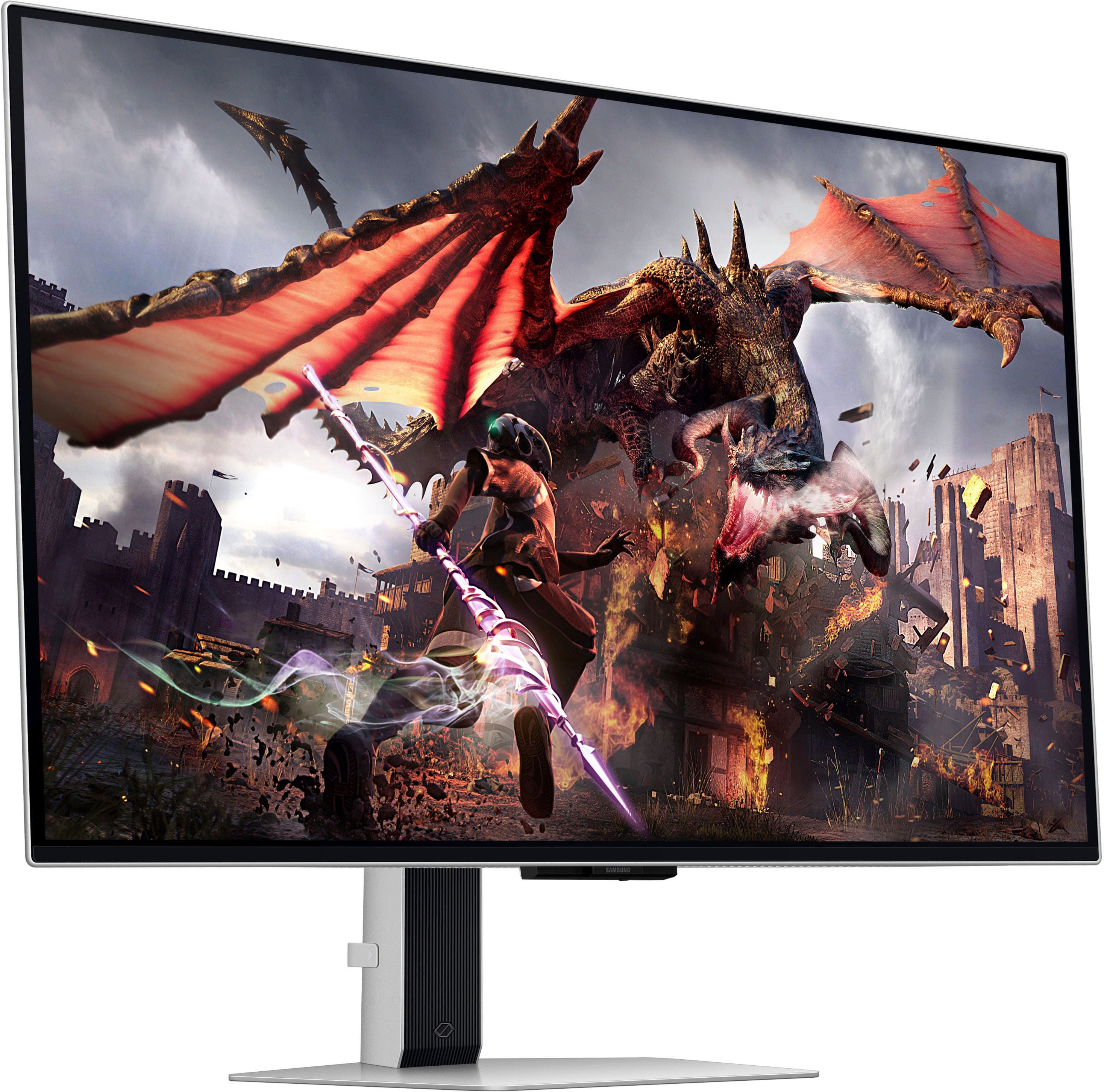
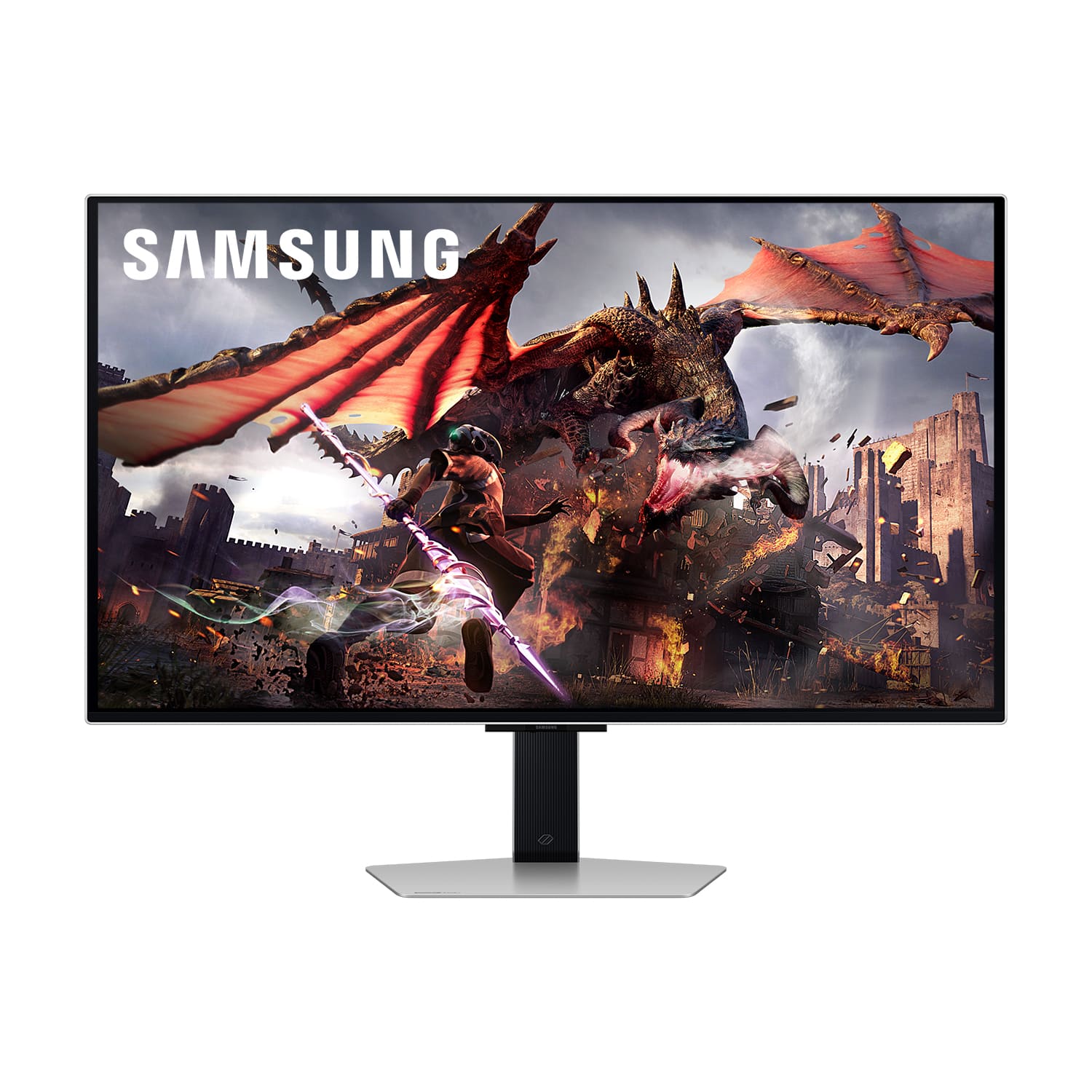
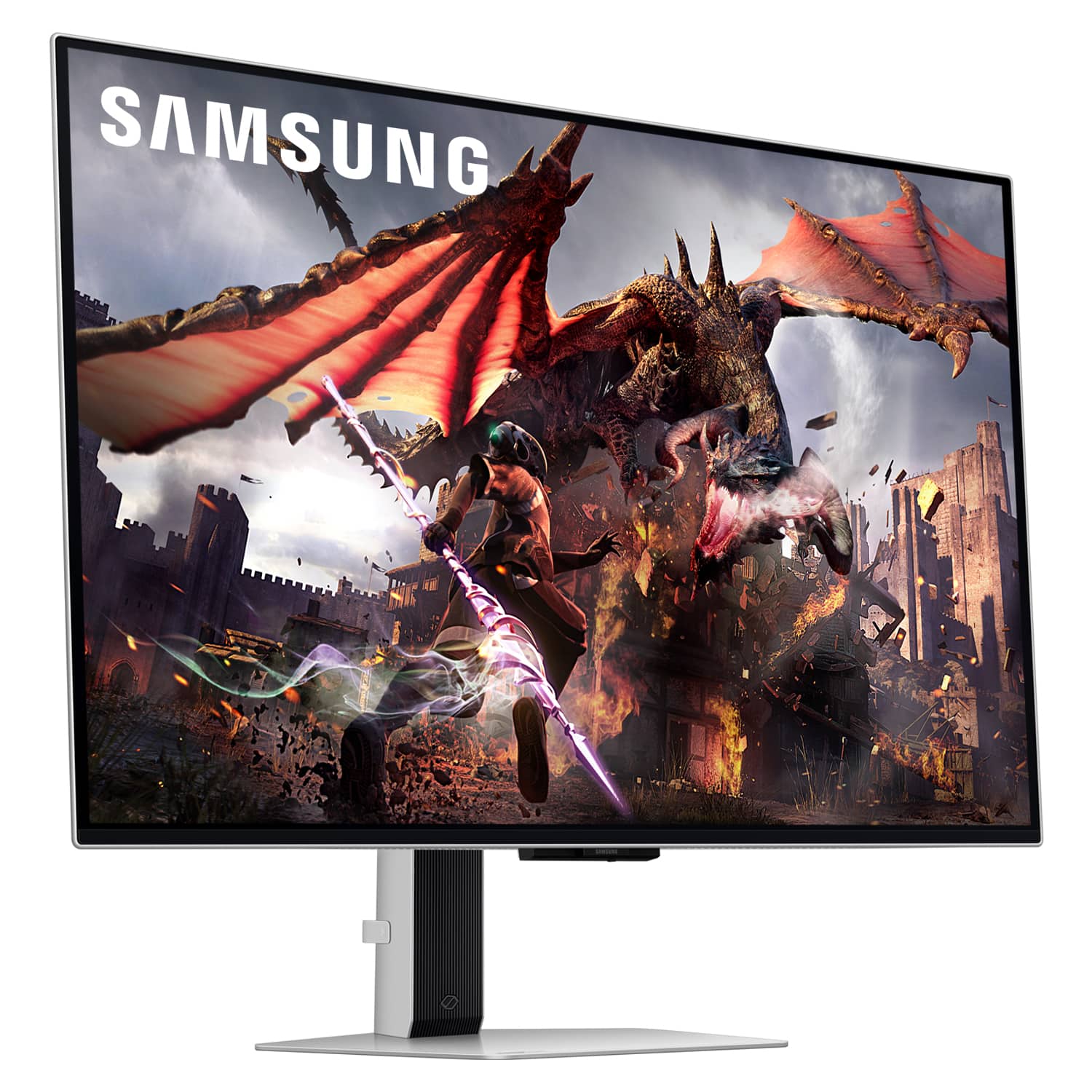
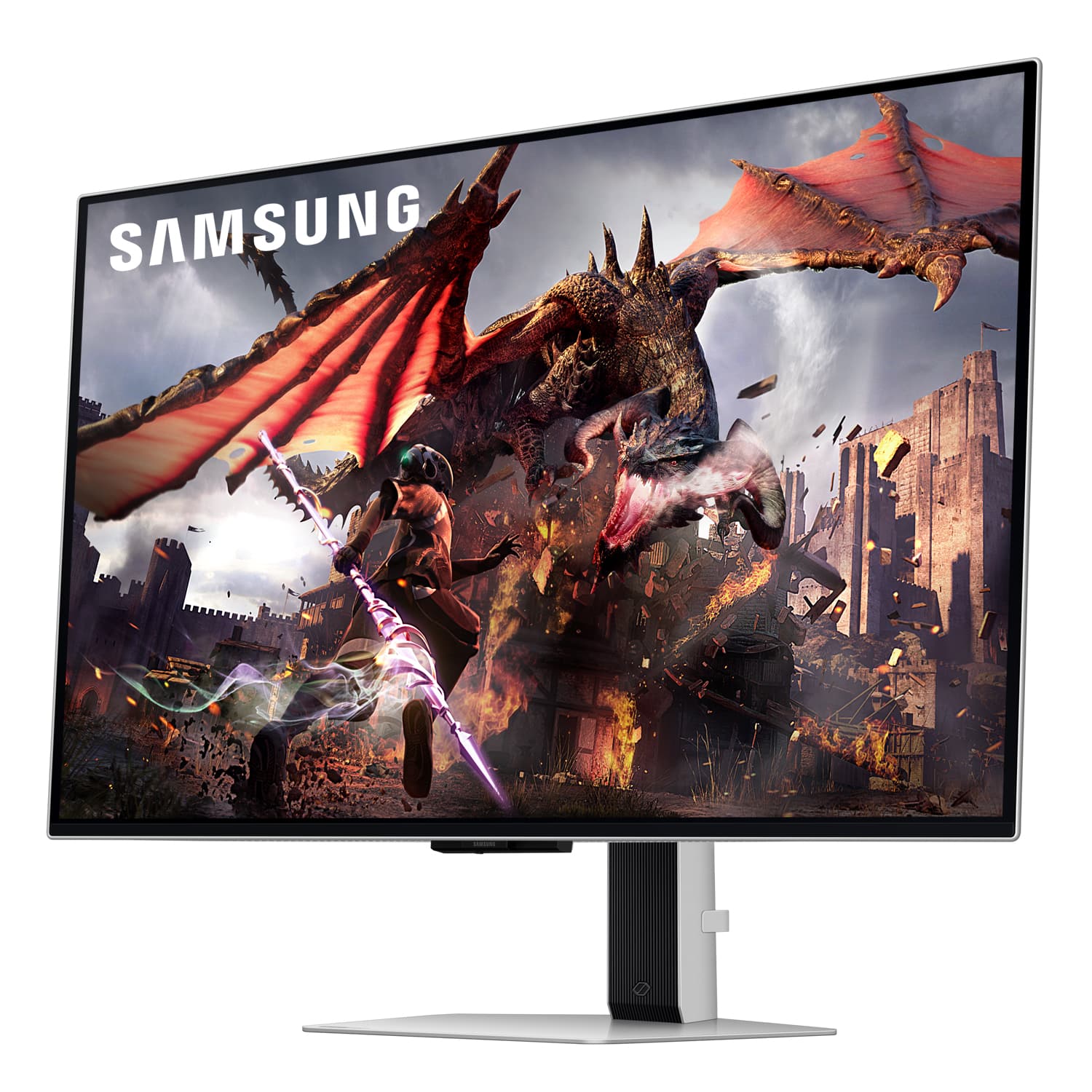
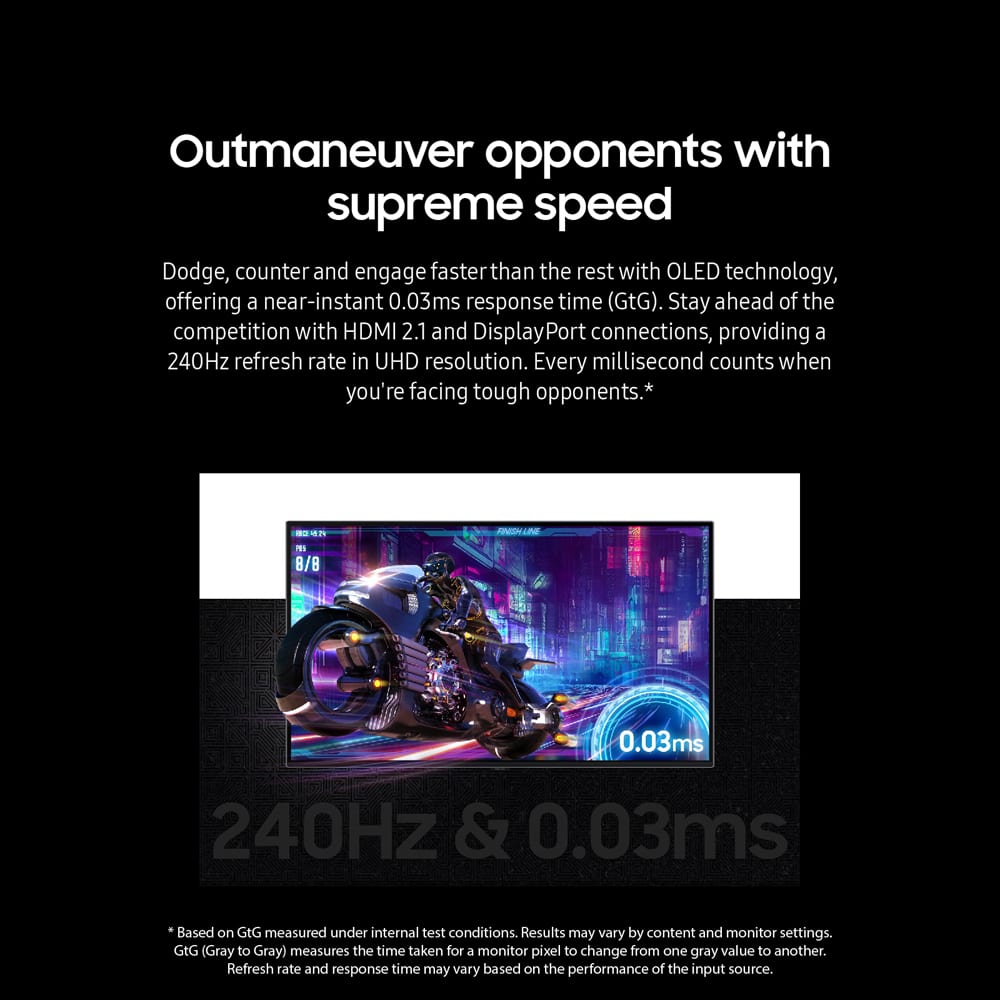

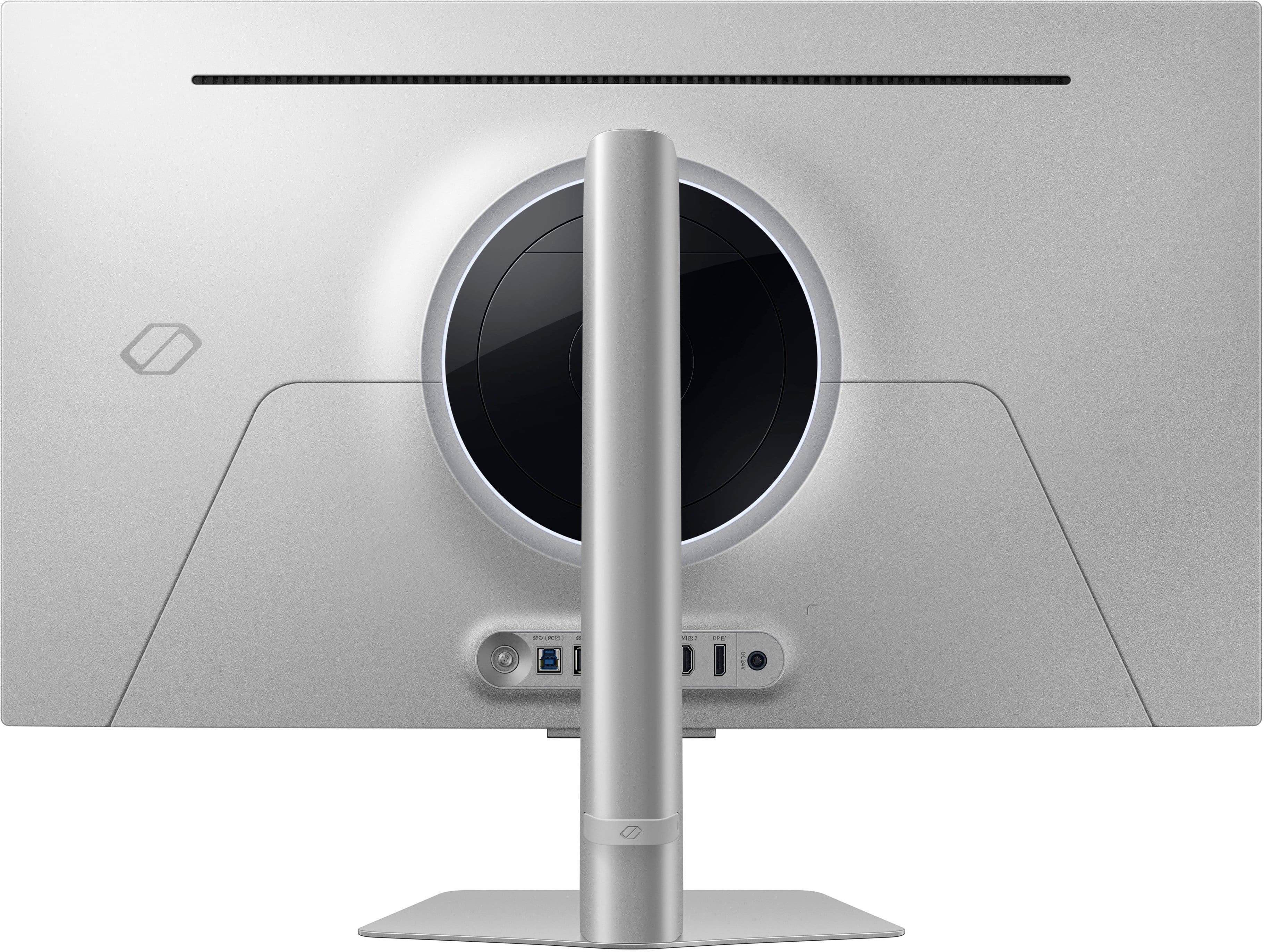
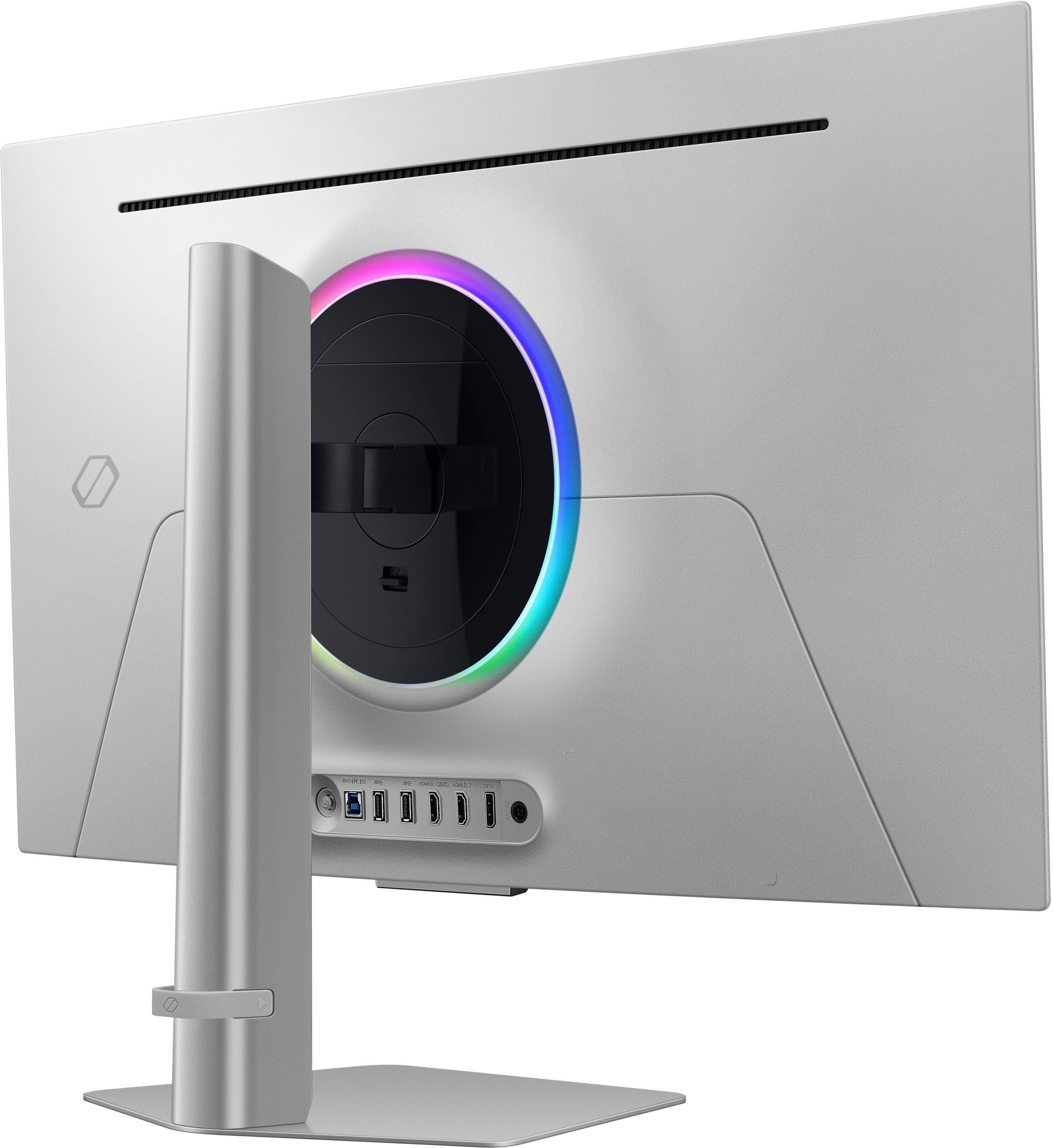
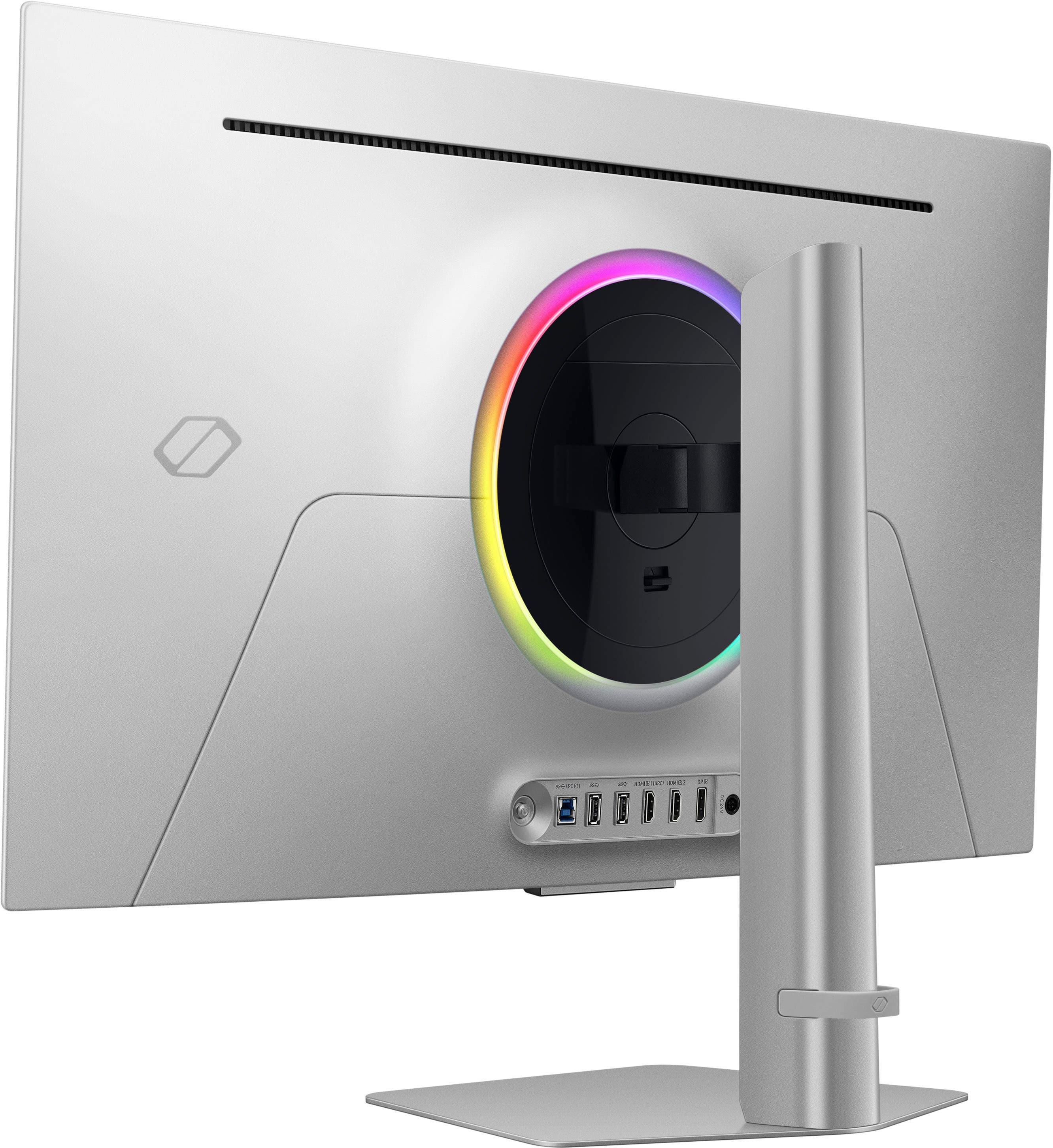
- Model:
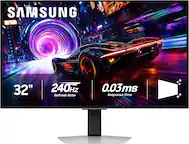
- LS32DG802SNXZA
- SKU:
- 10893231
Rating by feature
- Display Quality
Rating 4.7 out of 5 stars
- Ease of Use
Rating 4.4 out of 5 stars
- Features
Rating 4.5 out of 5 stars
Insane monitor
||Posted .This reviewer received promo considerations or sweepstakes entry for writing a review.Loved it, at first i wasn’t sure since this is my first 4k 240 H monitor but then I started to appreciate it alot and it is freaking insane I would recommend this to all the gamers looking for a next level experience on gaming
I would recommend this to a friendSamsung struck GOLD
||Posted . Owned for less than 1 week when reviewed.This reviewer received promo considerations or sweepstakes entry for writing a review.Pricey, but an absolute stunner of a monitor. Beautiful, crisp, vibrant, bright picture. the 240Hz at 4K is next level for gaming. Assassin's Cree Shadows with MFG at Ultra 4K at 200+ fps is breathtaking. Highly recommend for high end builds.
I would recommend this to a friendOled monitor
||Posted .This reviewer received promo considerations or sweepstakes entry for writing a review.Very good monitor no complaints. It has good color as well.
I would recommend this to a friendHIGH QUALITY MONITOR
||Posted . Owned for 2 weeks when reviewed.This reviewer received promo considerations or sweepstakes entry for writing a review.This monitor is perfect. Its visual quality is unique, and the resolution it provides is excellent. I use it with my PS5, and it works perfectly. In most games, it exceeds 100 FPS, obviously because the PS5 system limits it, but I love how smoothly the games run on this monitor. I recommend it 100%.
I would recommend this to a friendNot disappointed at all
||Posted . Owned for 2 weeks when reviewed.This reviewer received promo considerations or sweepstakes entry for writing a review.This moitor has amazing picture quality and graphics. I got it for my son's bithday and he was super happy with it. The pic shows the monitor he upgraded from
I would recommend this to a friendTries something new, but misses the mark
||Posted . Owned for less than 1 week when reviewed.This reviewer received promo considerations or sweepstakes entry for writing a review.I'll keep the review simple. Pros: Picture quality Refresh rate Size Games look beautiful Customization with settings Cons: Has built in tv functionality but does not have any optical out, meaning you cant use the tv functions through the same audio output as your pc. On top of that, the only option is the built in speakers, which are terrible, or a bluetooth device. Big downside for me as i was hoping to use the interface with my audio equipment. Hdr seems to be buggy, but need to do more testing before making that claim absolute G sync does not seem to work properly, and leads to flickering or the monitor just not working anymore. Neutral: Default color settings are sun optimal Tv setup is annoying Interface can be overwhelming Overall, I'm not sure if there's a reason to get this specific monitor over some of the others that use the same panel. I would reccomend just buying the one that is the cheapest.
No, I would not recommend this to a friendBrand response from Samsung
Posted .Thank you for bringing this issue to our attention as Samsung is committed to providing the best possible product experience, quality, and value. Samsung greatly values our customers’ feedback and we utilize your concerns and opinions in our relentless efforts towards delivering world-class products. We are very sorry to hear this product didn't meet your expectations and hope to have you back as a customer again. If there is anything we can do to assist you and improve your product experience, please don't hesitate to contact Samsung Customer Support via: 1-800-SAMSUNG, available 8AM - 12AM EST (Mon-Fri) / 9AM - 11PM EST (Sat-Sun)

OLED Beauty
||Posted . Owned for 1 year when reviewed.This reviewer received promo considerations or sweepstakes entry for writing a review.Gorgeous monitor I literally love it so much my best purchase
I would recommend this to a friendNever Samsung.
||Posted . Owned for 2 months when reviewed.This reviewer received promo considerations or sweepstakes entry for writing a review.I had a personal policy never to buy Samsung products due to horrible build qualities and poor software with Samsung products years ago, but a couple friends convinced me to give them a shot. I did and was disappointed the whole month and some change I've owned this. First off, this behaves just like a smart TV with some dumb setup you have to go through, but whatever. Secondly, the remote works on ALL Samsung TVs. So if you have a Samsung TV nearby and you turn either of them off/on, so will the other TV, unless you "whisper" (cup your hand in front of the remote) to the device you want to control. Thirdly, the screen kept flickering black and once it didn't come back on until a restart. The last straw was when some dead pixels appeared in the bottom right corner. A few other issues with it was that the monitor wobbled as I typed, so it's not that sturdy. Also, there was this dumb remote tutorial that constantly popped up every time the monitor turned on, and the power brick is MASSIVE and white, so it sticks out like a sore thumb. I had to return it to Best Buy to exchange it for the LG Ultra View OLED 4k (or something like that). I was coming from a 10yr old ASUS ROG 4K, and I thought the picture looked pretty good on the Samsung G8, but when I first hooked up the LG Ultra OLED, I was BLOWN away with how much better the picture quality was and about 10x better performance than the Samsung G8. Deeper blacks too on the LG. Never Samsung.
No, I would not recommend this to a friendBrand response from Samsung
Posted .Thank you for bringing this issue to our attention as Samsung is committed to providing the best possible product experience, quality, and value. Samsung greatly values our customers’ feedback and we utilize your concerns and opinions in our relentless efforts towards delivering world-class products. We are very sorry to hear that you returned this product and hope to have you back as a customer again.
If you ever need assistance in the future, please contact Samsung Customer Support and a rep will be happy to assist you:
1-800-SAMSUNG, available 8AM - 12AM EST (Mon-Fri) / 9AM - 11PM EST (Sat-Sun)
Amazing OLED
||Posted .This reviewer received promo considerations or sweepstakes entry for writing a review.I was worried about picking this up due to it having a "matte" finish on it. I've had a lot of matte finished OLEDS (LG, almost all variants) and this Samsung is by far the least aggressive in regards to that. The brightness is way better than the ASUS 32in 4k and the LG (It clips in the windows HDR calibration around 1400 with the brightness on "high" and not enabling the auto dimmer). I've been through just about every OLED on the market and I think I've found the one I will keep for good. The tizen OS on a 4k oled is icing on the cake. DO get the Best Buy warranty because burn-in is NOT covered by Samsung on this.
I would recommend this to a friendGreat montior for the money
||Posted . Owned for 2 months when reviewed.This reviewer received promo considerations or sweepstakes entry for writing a review.it’s a great monitor that has a great quality, but I don’t like the matte finish , I went for glossy
I would recommend this to a friendNice Monitor
||Posted . Owned for 1 month when reviewed.This reviewer received promo considerations or sweepstakes entry for writing a review.The monitor is beautiful and does perform well, my only complaint would be trying to get into the gaming settings to initiate the 240hz mode and all the good stuff because you have to go through various menus. When one goes to turn on game mode I am thinking the 0.03ms response time automatically turns on it doesn’t really feel like it is on but it could just be me, because unlike my older monitor where I had the option to literally turn on the low response time you could tell the difference when it was on or off. In conclusion, its a very nice monitor but since it also acts like a smart TV that is pretty much my only complaint.
I would recommend this to a friendBrand response from Samsung
Posted .We are delighted to hear you've had an overall, positive experience with your Odyssey OLED G8 Monitor.
Thank you for your feedback to help us improve our products and services. If there is anything we can do to assist you and improve your product experience, please don't hesitate to contact Samsung Customer Support via:
1-800-SAMSUNG, available 8AM - 12AM EST (Mon-Fri) / 9AM - 11PM EST (Sat-Sun).
Your thoughts and opinions are very important to Samsung.
Best monitor I’ve owned
||Posted .This reviewer received promo considerations or sweepstakes entry for writing a review.Very beautiful monitor, easily the nicest I have ever owned. Gaming has never looked better for me and all of the monitor’s functionality is very impressive. From the settings you’re allowed to change to being able to control and update it from your phone
I would recommend this to a friendI love my Samsung Monitor!
||Posted . Owned for 2 weeks when reviewed.This reviewer received promo considerations or sweepstakes entry for writing a review.Even compared to my QLED TV, the deep blacks and color contrast is amazing on this monitor. Gaming is battery smooth and responsive. The technology added to avoid risk of burn in is very intuitive. It is a huge upgrade from my old 4k 60 hz LG monitor. On top of everything you could possibly want out of gaming and picture quality you also get an entire smart system for apps and entertainment that is extremely responsive. I can never go back to a regular monitor after this purchase.
I would recommend this to a friendAmazing for a ps5 user
||Posted . Owned for 3 weeks when reviewed.This reviewer received promo considerations or sweepstakes entry for writing a review.I was looking for a monitor for my ps5 pro but there were alot of different options and reviews online, i went in to the store to see in person the sales person was very knowledgeable i told him specifically what i was looking for and after some time it came down to this, paired with the ps5 pro it is perfect!! The vrr and auto hdr+ are amazing you can also see the live hz everything is very smooth and vibrant it also has great speakers it is Bluetooth and hdmi2.1 and well oh and theres a gaming light in the back that make it feel more like you are in the game also a remote control so no messing with a little joystick i highly recommend this if you have a ps5
I would recommend this to a friendAn Amazing Monitor If You Like These Features
||Posted . Owned for 3 months when reviewed.This reviewer received promo considerations or sweepstakes entry for writing a review.If you want a Smart, QD-OLED, 240hz, 4k, 32 inch, matte finished monitor then this might be your best bet. I've been using this monitor for a long time now and all I can say is the display has a 'WOW' factor to it that i've only been able to see in the a95l which is a ginormous QD-OLED TV. Colors are amazing and motion smoothing on this monitor is not bad for movies and anime. I personally recommend this tv if you like all the features I've already listed above. God Bless!!!!
I would recommend this to a friendBest 4K Monitor on the Market
||Posted . Owned for 3 weeks when reviewed.This reviewer received promo considerations or sweepstakes entry for writing a review.Great monitor. Perfect color saturation, and the smart hub is super versatile!
I would recommend this to a friendBest monitor ive ever gamed on!
||Posted . Owned for 2 weeks when reviewed.This reviewer received promo considerations or sweepstakes entry for writing a review.I wanted a new big boy monitor to game on and ended up finding this 32" G8 on sale. I could not be happier its the best monitor ive ever gamed on.
I would recommend this to a friendif it’s hard to choose a monitor read this
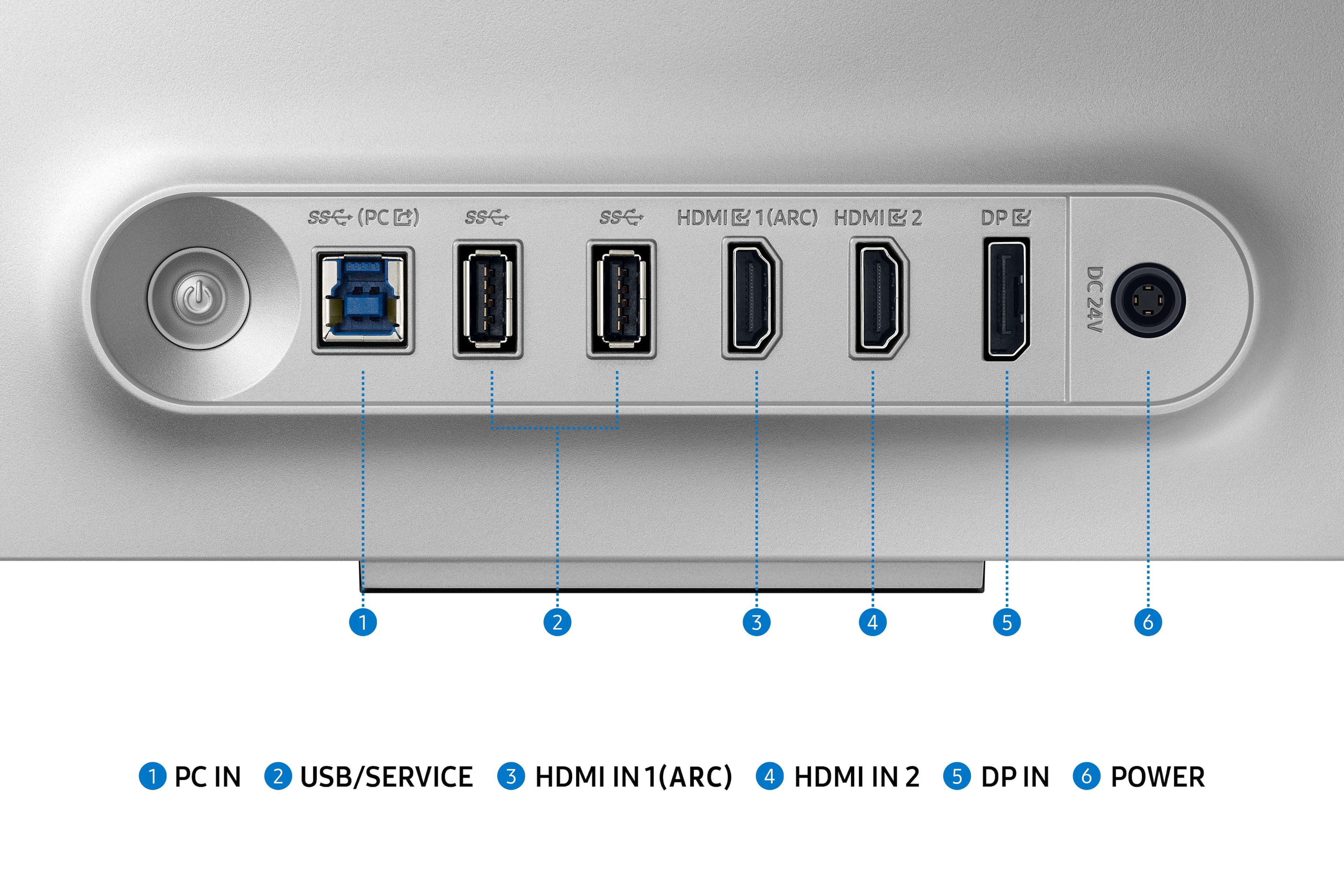
||Posted . Owned for 1 week when reviewed.This reviewer received promo considerations or sweepstakes entry for writing a review.To make it simple which monitor is best for you! either that alienware 4k 240h glossy display or this samsung 4k 240h matt display! one is more value for your money and one is pure money for quality both qualities are great you won’t be upset especially if you are coming from any downgrade monitor. I came from a Dell 1440p 165h IPS display. you get my point! so if you were to choose… here some last good thoughts samsung smart hub with game features from nvidia app that lets you play games without the console by subscribing to virtual PCs. the monitor also has build in speakers and an two HDMI ports with one having an ARC port which allows integrate any sound system with an hdmi connector the main audio source. last but not least you can also tilt the monitor 360 degrees overal value for your money the alienware does not have any of those features but you get what you paying for if you want quality and that’s all because of a glossy display. everything else is the same on the inside. the display in general will make the colors shine and bright more also the monitor has a higher nit brightness setting so once again quality will look better for sure.
I would recommend this to a friendBetter choice of 4k 240hz
||Posted . Owned for 8 months when reviewed.This reviewer received promo considerations or sweepstakes entry for writing a review.As the rush of 4k 240hz monitors hit the market there was so many to pick. Ive had 6 other Samsung monitors and never had an issue myself. I also value the built in TV streaming since my office is abit of a get away to watch shows as well as gaming. Monitor has regular updates and is supported well.
I would recommend this to a friendCompared to 27inch alienware
||Posted . Owned for 9 months when reviewed.This reviewer received promo considerations or sweepstakes entry for writing a review.So I have both monitors. I enjoy the crisp 27inch 4k screen but Samsung has something no one else has and it’s very important… the color settings, the Alienware 240hz competition just doesn’t have any of the color abilities that this Samsung has it easy to adjust based on the content. The type of setting it offers really lets you zero in on the colors you enjoy seeing. Let’s say I switch to a movie and I like my colors to be different on a game… the Alienware this is a pain and you ultimately just don’t mess with it… the Samsung inspires you to learn what all the differences are in the settings… Samsung!!!! 27 inch version now!!!! 4k at 27 inches is king. It is the perfect ratio in my opinion my face is less than one foot from the screen and I’m very happy. With the 32 inch Samsung you need more distance which I don’t like but the color setting really do set this apart from your average monitor.
I would recommend this to a friend