Customer Ratings & Reviews










- Model:
- QN42S90DAEXZA
- SKU:
- 10517849
Rating by feature
- Picture Quality
Rating 4.9 out of 5 stars
- Sound Quality
Rating 4.5 out of 5 stars
- Brightness
Rating 4.8 out of 5 stars
TV
||Posted . Owned for 3 weeks when reviewed.This reviewer received promo considerations or sweepstakes entry for writing a review.Very nice. Remote is a bit tricky and sime a while to figure out.
I would recommend this to a friendGreat tv
||Posted . Owned for 2 weeks when reviewed.This reviewer received promo considerations or sweepstakes entry for writing a review.I love the dark blacks and the speaker in the tv is pretty good overall
I would recommend this to a friendAlmost Good
||Posted . Owned for less than 1 week when reviewed.This reviewer received promo considerations or sweepstakes entry for writing a review.Great TV, great quality and picture. Has multiple dark spots, failing LEDs.
No, I would not recommend this to a friendBrand response from Samsung
Posted .Daniel,
I’m sorry to hear that you’re experiencing screen abnormalities on your TV. Please run a Picture Test to determine if the problem is caused by the TV. Picture Test displays a high-definition picture you can examine for flaws or faults. Go to Settings > Support > Device Care > Self Diagnosis > Picture Test
If this occurs on all sources and the picture test, this may require service. For help with setting up a service appointment, please contact Samsung Support at 1-800-SAMSUNG, 8AM - 12AM EST, 7 days a week. Our LiveChat agents are also available by clicking on the ‘Support’ link on our website.
~ Samsung Specialist
TV's
||Posted . Owned for 1 month when reviewed.This reviewer received promo considerations or sweepstakes entry for writing a review.I recently purchased my mom a new fridge, stove & microwave from Best Buy and then I purchased 5 OLED TV's. I signed up for the Best Buy credit card with a $14,000 card limit but when it was time to purchase my TV's, the card declined. Had a difficult time getting it straightened out so I had to use my regular card instead.
No, I would not recommend this to a friendBrand response from Samsung
Posted .ArtR,
Please know you are leaving a review and 1-star rating for the S90D TV, but we are sorry to hear of your Best Buy experience, nonetheless. You may want to consider providing feedback directly to the Best Buy store where you made your purchase.
Should you have questions on the S90D TV itself, Samsung is here for you. You can reach us at 1-800-SAMSUNG, 8AM - 12AM EST, 7 days a week. Our LiveChat agents are also available by clicking on the ‘Support’ link on our website.
~ Samsung Specialist
tv
||Posted . Owned for less than 1 week when reviewed.This reviewer received promo considerations or sweepstakes entry for writing a review.i like the lg c4 better s90d is good but the sound isnt great
No, I would not recommend this to a friendBrand response from Samsung
Posted .Corsair0292734,
Thank you for purchasing Samsung's S90D TV and for your feedback on the sound. To ensure you’ve got the latest sound quality updates, please confirm that your TV is up to date with the latest firmware version. You can check by going to: Home > Menu > Settings > Support > Software Update.
If the sound is still not to your liking after updating firmware, there are several sound settings you can adjust to suit your personal preferences.
• Sound Modes may better meet your personal preferences. Go to: Menu > Settings > All Settings > Sound > Sound Mode, or Expert Settings to fine-tune and customize your sound.
• Adaptive Sound will also further optimize sound quality by analyzing the viewing space and the acoustic components of the content. Go to: Menu > Settings > All Settings > General & Privacy > Intelligent Mode Settings.
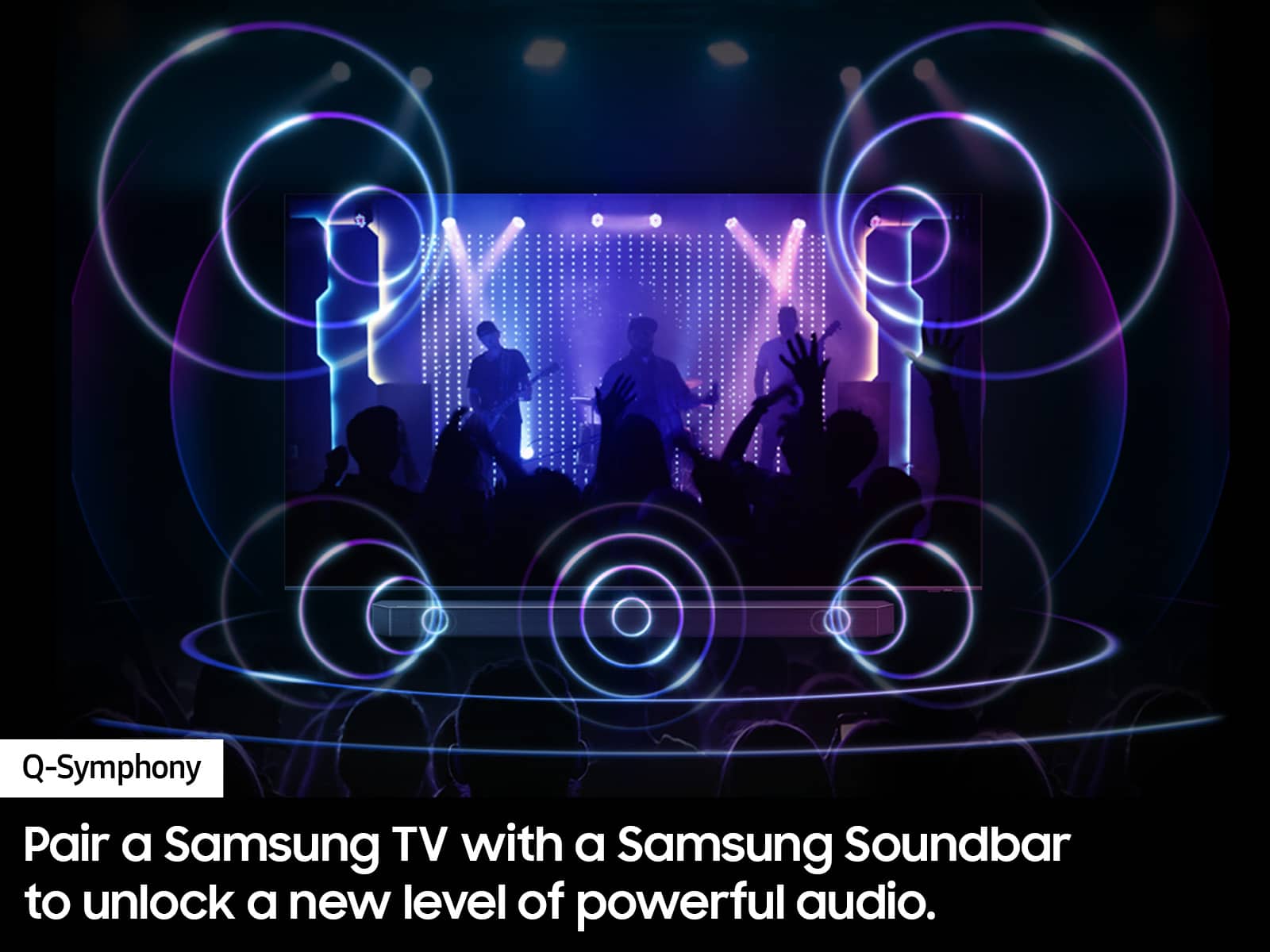
Should you choose to add a Samsung Soundbar to your TV, please know that our Q-Series Soundbars (such as the HW-Q600C) feature Q-Symphony which will synchronize with the speakers of your TV for an immersive 3D sound experience.
To assist you with possible sound settings adjustments for a better audio experience or choosing a Samsung Soundbar to complement your viewing enjoyment, please reach out to us at 1-800-SAMSUNG, 8 AM - 12 AM EST, seven days a week.
~ Samsung Specialist
Crooked company
||Posted .This reviewer received promo considerations or sweepstakes entry for writing a review.I paid to have the TV delivered and installed. After shopping I found the Tv package on my porch anyone could have picked it up. It was to be installed October 22 and was canceled 3 times And now we have November 13th . My bank statement shows it was all paid on October 20th
No, I would not recommend this to a friendPoop
||Posted . Owned for 2 months when reviewed.This reviewer received promo considerations or sweepstakes entry for writing a review.Peice of crap. The screen saver comes on every 2 minutes during streaming.
No, I would not recommend this to a friendBrand response from Samsung
Posted .RoyceC,
Thank you for sharing your feedback. Please keep in mind that if your OLED TV displays the same still image for 2 minutes, Screen Saver is automatically activated. The Screen Saver cannot be turned off, as this ensures protection of pixels.
If there’s anything we can ever help with, please call us at 1-800-SAMSUNG, 8AM - 12AM EST, 7 days a week. Or visit us on the Samsung website and click on the ‘Support’ link for:
• LiveChat
• Manuals, Software, & Warranty Info
~ Samsung Specialist
Samsung - as advertised
||Posted . Owned for 3 weeks when reviewed.This reviewer received promo considerations or sweepstakes entry for writing a review.Seems fine so far. Just the right size for our space.
I would recommend this to a friendBrand response from Samsung
Posted .RobertS,
Thanks for taking a moment to review Samsung’s S90D TV. If you’re experiencing specific issues which caused you to give this a negative 1-star rating, please know Samsung Customer Support is here to help.
You can reach us at 1-800-SAMSUNG, 8AM - 12AM EST, 7 days a week. Or visit us on the Samsung website and click on the ‘Support’ link for:
• LiveChat
• Manuals, Software, & Warranty Info
~ Samsung Specialist
Great Gaming TV
Posted .This reviewer received promo considerations or sweepstakes entry for writing a review.Looks amazing when gaming at 1440p with my pc. Setup was simple enough you can skip most "smart things" for the TV on first startup.
I would recommend this to a friend