Customer Ratings & Reviews
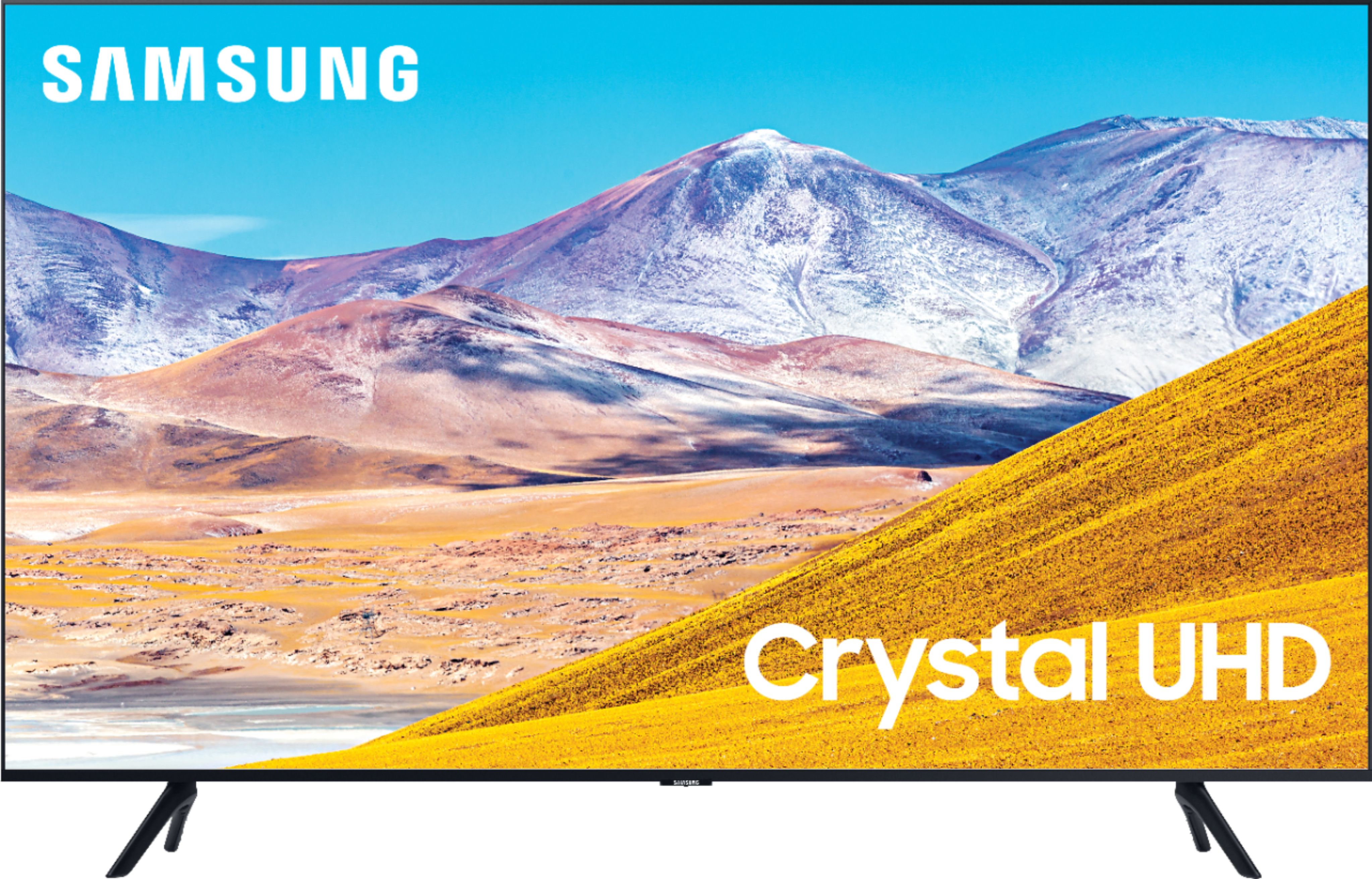
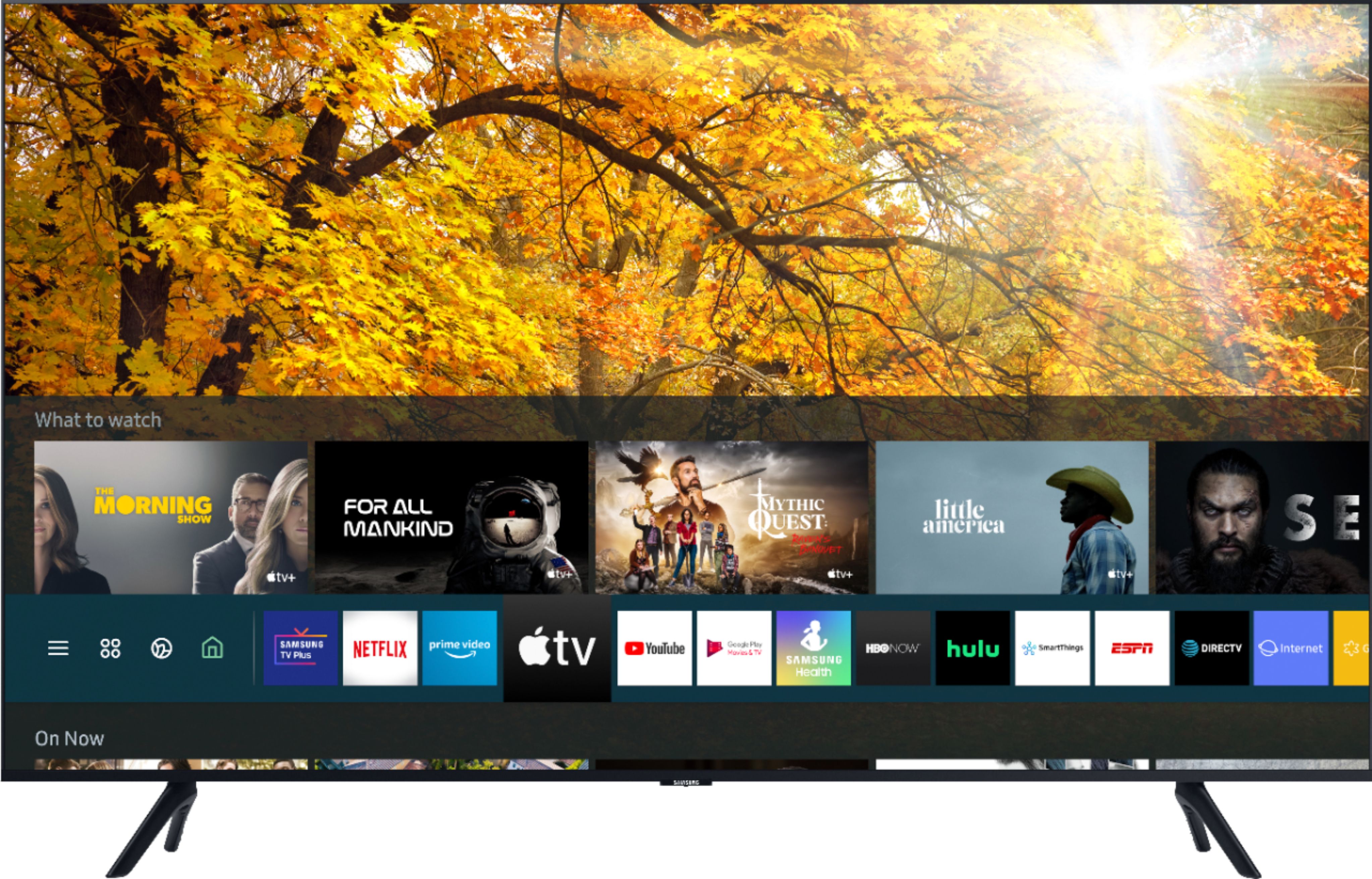
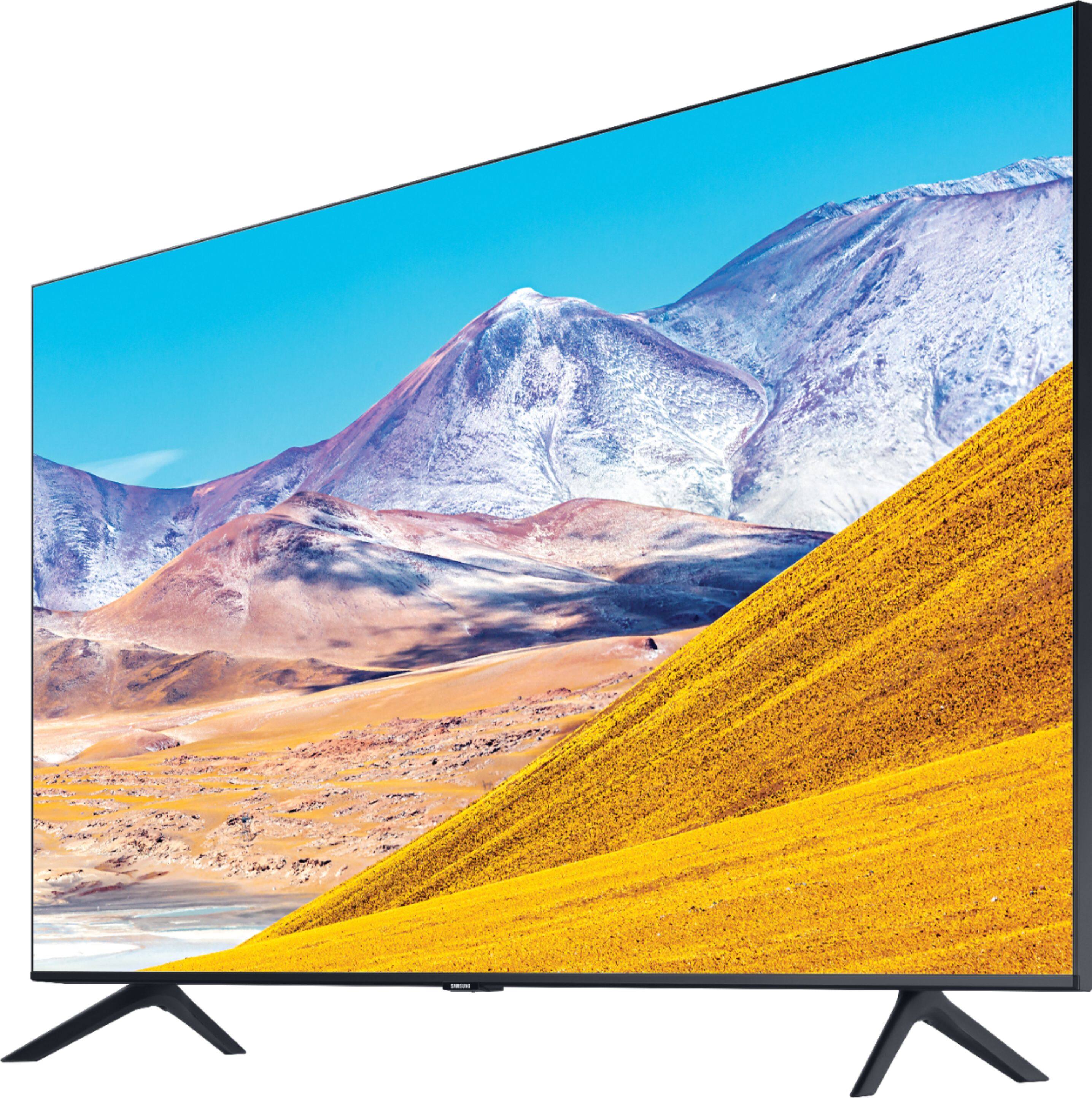
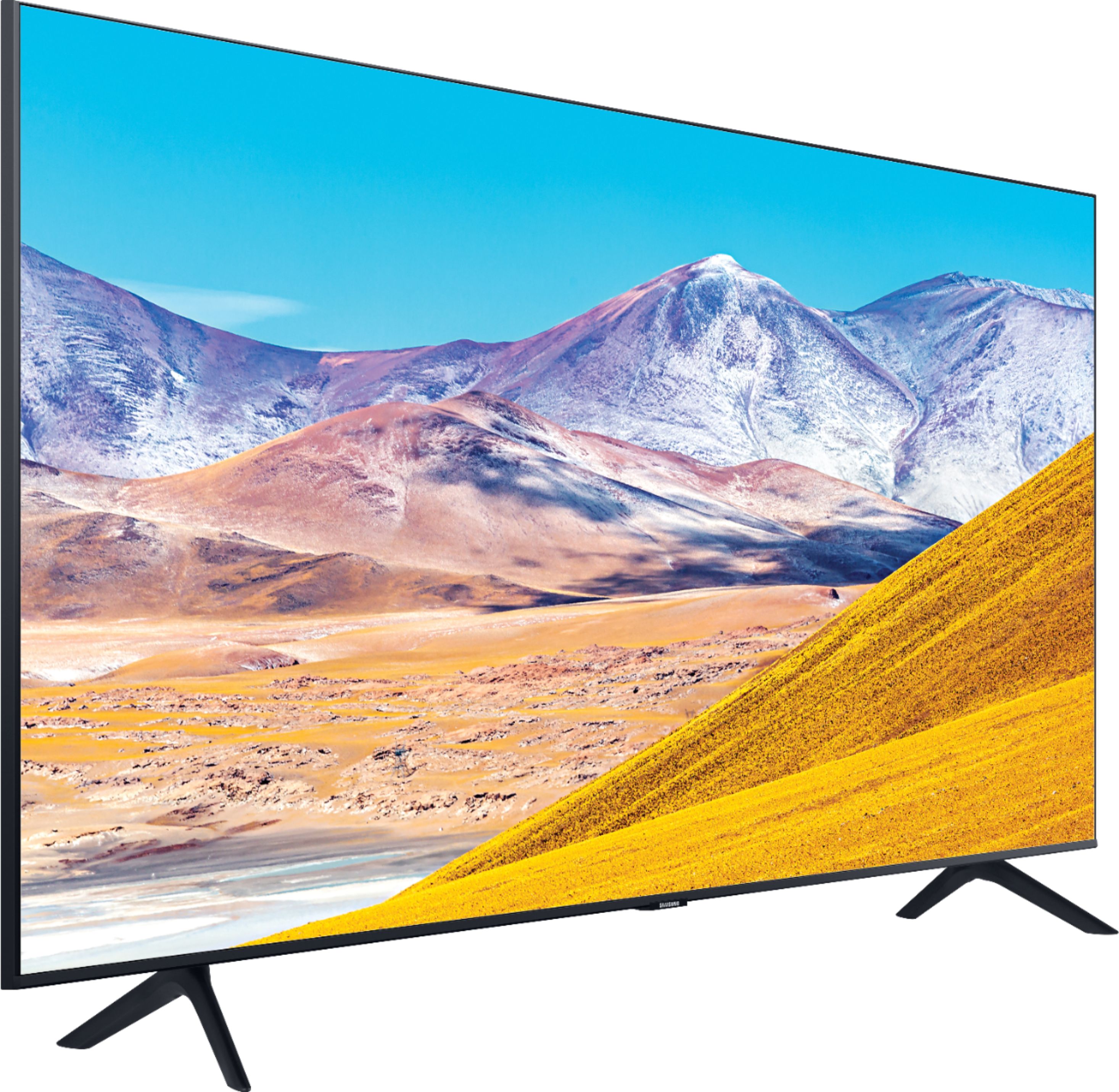


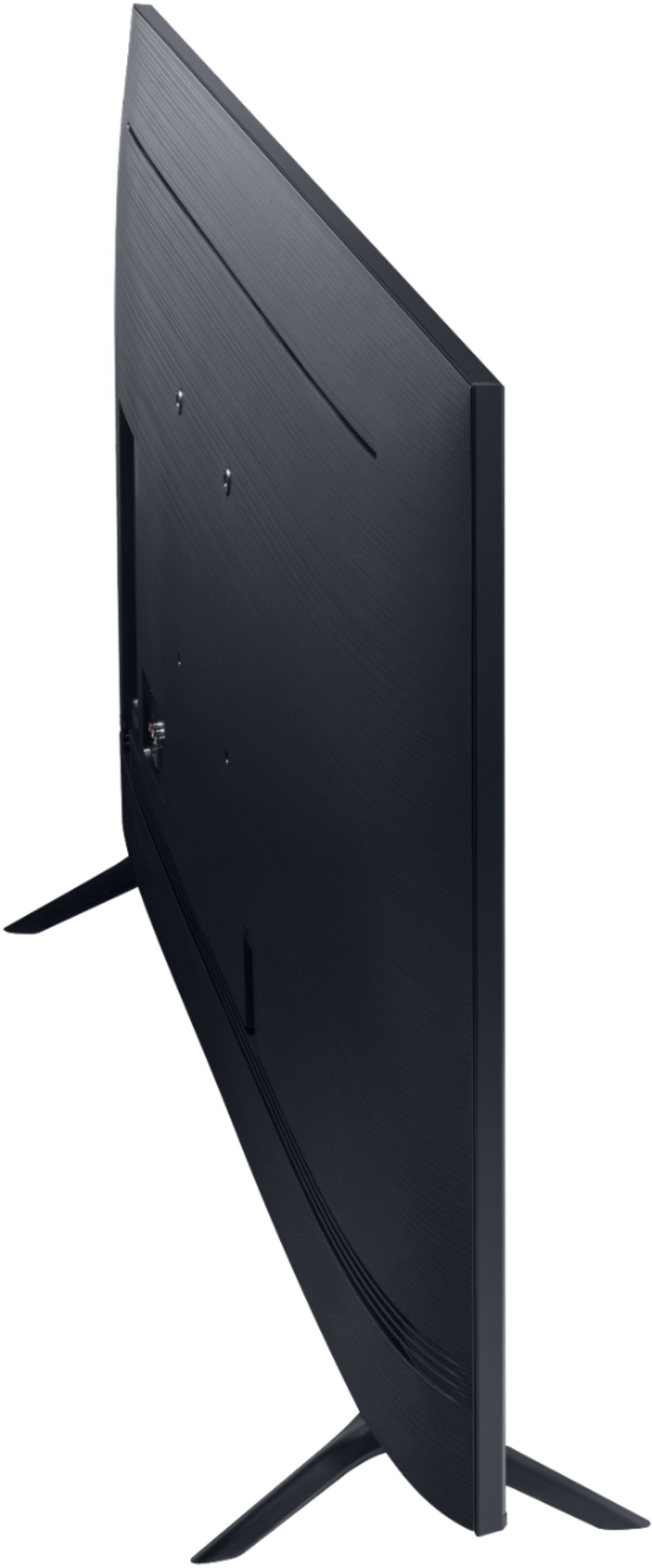
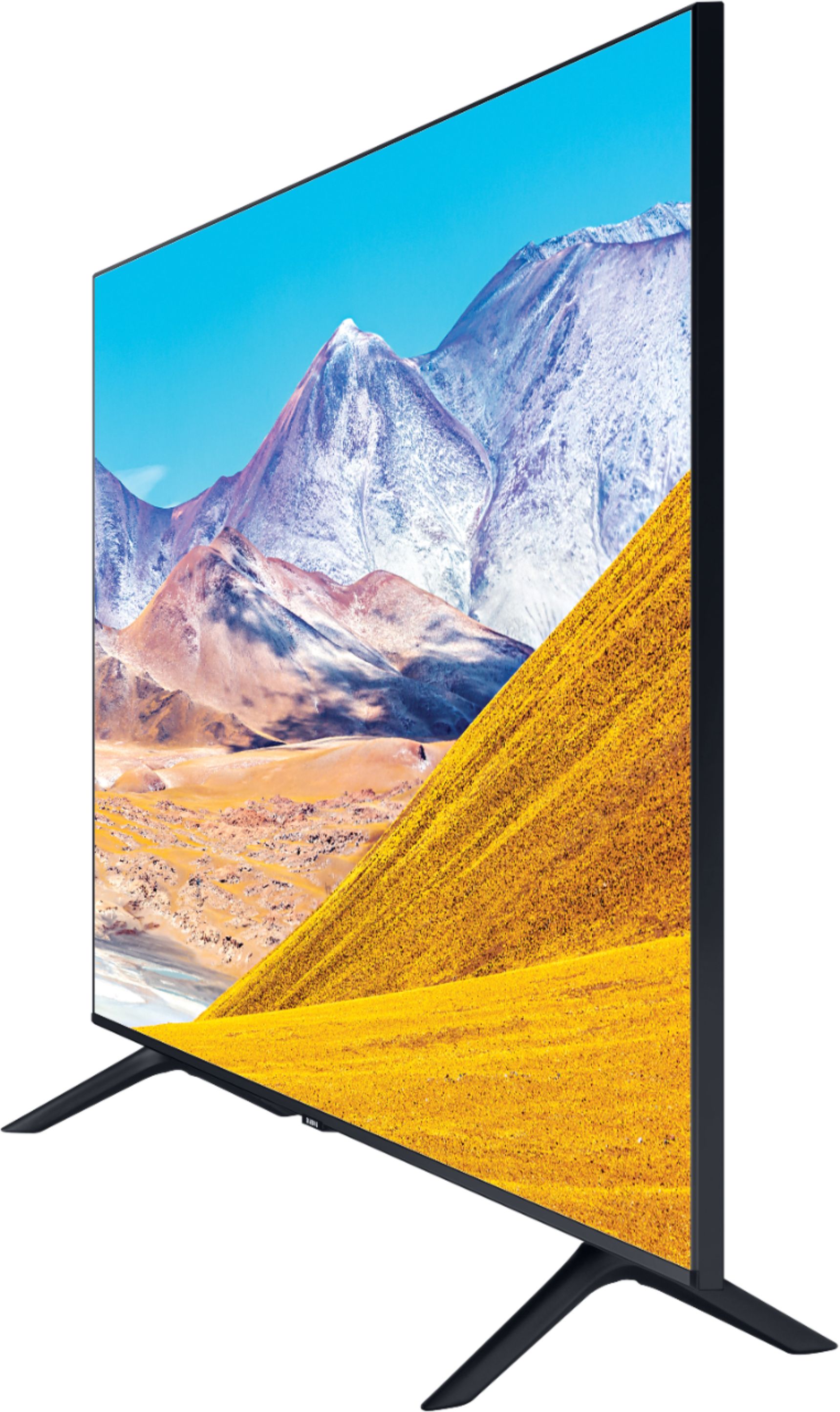
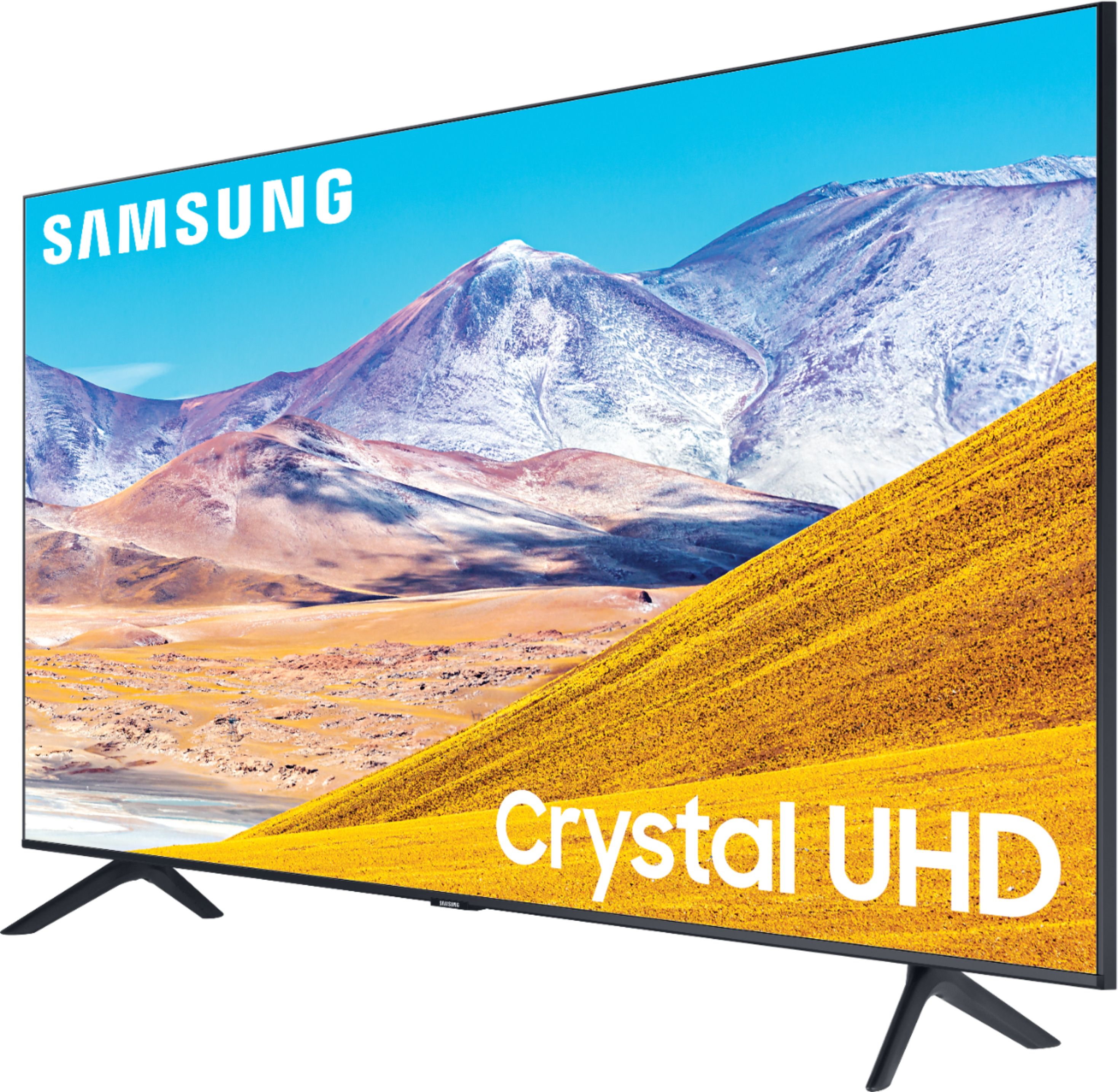
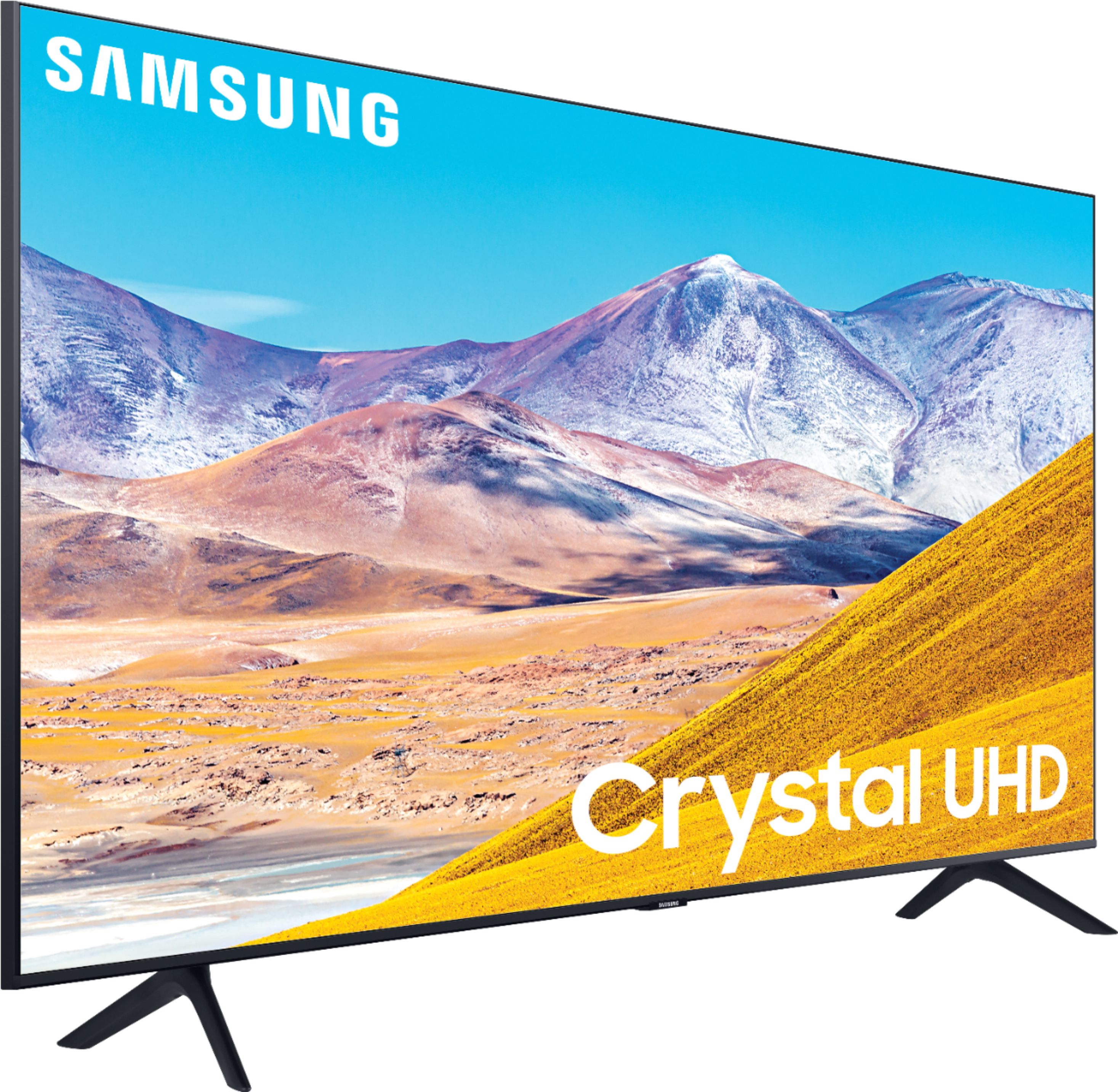







- Model:
- UN43TU8000FXZA
- SKU:
- 6401747
Rating by feature
- Picture Quality
Rating 4.7 out of 5 stars
- Sound Quality
Rating 4.5 out of 5 stars
- Brightness
Rating 4.6 out of 5 stars
Customers are saying
Customers find value in the 43" Class 8 Series LED 4K UHD Smart Tizen TV for its exceptional picture quality, easy setup, and reasonable price. Many customers rave about the vibrant and sharp picture, making it an excellent choice for gaming and movie enthusiasts. The simple setup process is also widely appreciated, making it a hassle-free experience for users.
This summary was generated by AI based on customer reviews.
TV with the basics
||Posted . Owned for 2 weeks when reviewed.This reviewer received promo considerations or sweepstakes entry for writing a review.A little bit disappointed with the free Samsung smart tv channels as they do not work at times but overall an ok TV for its price.
I would recommend this to a friendBrand response from Samsung
Posted .Noodle,
Thank you for sharing your thoughts on TV Plus free channels.
Here are the two ways you can get to your TV Plus:
1) Turn on your TV to start watching. Samsung TV Plus automatically starts playing so that you can instantly start watching.
2) Navigate to Samsung TV Plus by using the app bar located at the bottom of your TV screen. Simply click on the Samsung TV Plus app to enter the experience.
I have also included a link to TV Plus user guide for your reference:
https://www.samsung.com/us/televisions-home-theater/tvs/tvplus/
Please reach out to us if the issue persists via one of the following options:
1) Phone: 1-800-SAMSUNG (ask for TVs), available 8AM – 12AM EST 7 days a week
2) LiveChat: https://www.samsung.com/us/support/#contact_us_for_support
3) Facebook Messenger: https://www.facebook.com/samsungsupport
4) Twitter: https://twitter.com/SamsungSupport
5) The Samsung Members Community is also a great resource for getting help from Samsung moderators and customers: https://us.community.samsung.com
If you have not already done so, we invite you to register your new Samsung product at:
https://www.samsung.com/us/account/signin/?redirect=https%3A%2F%2Fwww.samsung.com%2Fus%2Fsupport%2Fregister%2F&user=dsr-registration
Registering your product gives you access to easy warranty support, convenient opt-in to special promos and offers, faster troubleshooting and service, and quick notification of system updates.
Again, thank you for taking the time to share your thoughts. Your feedback helps us continuously deliver best-in-class products and service.
-Samsung Ambassador
Not as good as older Samsung TVs
||Posted . Owned for 9 months when reviewed.This reviewer received promo considerations or sweepstakes entry for writing a review.This Samsung TV needs to be cheaper.The picture It's not as good as My Samsung 4K TV from 2017 in the same price range.
No, I would not recommend this to a friendBrand response from Samsung
Posted .Mike:
Thank you for purchasing the Samsung TU8000 4K Smart TV and for your review. I am sorry to hear that your TV’s picture did not meet your expectations. There are several image settings you can adjust to your liking such as Picture Mode and Expert Settings.
Choose a Picture Mode by going to Settings > Picture > Picture Mode and choose from Dynamic, Standard, Natural, Movie, or Filmmaker Mode.
You can further adjust your sharpness, brightness, contrast, color, tint, contrast, white balance, and more by going to Settings > Picture > Expert Settings
Please also give us the opportunity to assist you with image quality adjustments tailored to your preferred viewing experience. You can reach us via any of the following options:
1) Phone: 1-800-SAMSUNG (ask for TVs), available 8AM – 12AM EST 7 days a week
2) LiveChat: https://www.samsung.com/us/support/#contact_us_for_support
3) Facebook Messenger: https://www.facebook.com/samsungsupport
4) Twitter: https://twitter.com/SamsungSupport
5) The Samsung Members Community is also a great resource for getting help from Samsung moderators and customers: https://us.community.samsung.com
If you have not already done so, we invite you to register your new Samsung product at: https://www.samsung.com/us/account/signin/?redirect=https%3A%2F%2Fwww.samsung.com%2Fus%2Fsupport%2Fregister%2F
Registering your product gives you access to easy warranty support, convenient opt-in to special promos and offers, faster troubleshooting and service, and quick notification of system updates.
~ Samsung Solutions
Serves the purpose but . . .
||Posted . Owned for 3 months when reviewed.This reviewer received promo considerations or sweepstakes entry for writing a review.This TV could have better sound and I expected better clarity in the picture. Overall serves the purpose and function though.
No, I would not recommend this to a friend- Pros mentioned:Picture quality
Nice picture, but I don’t like the format
||Posted . Owned for 9 months when reviewed.This reviewer received promo considerations or sweepstakes entry for writing a review.The format is very touchy, good picture though. Especially with Hulu tv
No, I would not recommend this to a friend Nothing Special
||Posted . Owned for 1 month when reviewed.This reviewer received promo considerations or sweepstakes entry for writing a review.The picture quality is fine, but changing settings (such as cc) is frustrating. The remote is adequate, but limited.
No, I would not recommend this to a friendBrand response from Samsung
Posted .Emberly,
Thank you for purchasing and reviewing this Samsung TU8000 4K TV. Your user feedback is very important to us and will be shared with our TV product team.
If you need further assistance with settings or features, please know we are here to help and can be reached at:
1) Phone: 1-800-SAMSUNG (ask for TVs), available 8AM – 12AM EST 7 days a week
2) LiveChat: https://www.samsung.com/us/support/#contact_us_for_support
3) Facebook Messenger: https://www.facebook.com/samsungsupport
4) Twitter: https://twitter.com/SamsungSupport
5) The Samsung Members Community is also a great resource for getting help from Samsung moderators and customers: https://us.community.samsung.com
If you have not already done so, we invite you to register your new Samsung product at:
https://www.samsung.com/us/account/signin/?redirect=https%3A%2F%2Fwww.samsung.com%2Fus%2Fsupport%2Fregister%2F&user=dsr-registration
Registering your product gives you access to easy warranty support, convenient opt-in to special promos and offers, faster troubleshooting and service, and quick notification of system updates.
Again, thank you for taking the time to share your thoughts. Your feedback helps us continuously deliver best-in-class products and service.
-Samsung Ambassador
Disappointing Samsung TV
||Posted . Owned for 3 weeks when reviewed.This reviewer received promo considerations or sweepstakes entry for writing a review.We bought this tv for one reason, to stream Disney+. I checked the specs for this tv on the Best Buy page and when we picked it up at the curb due to Covid the box also said it streamed Disney+. After setting it up I attempted to connect and it kept failing and chatted with a Samsung rep who told me it is not compatible and she was very sorry. Hmm, I will not buy Samsung again...
No, I would not recommend this to a friendBrand response from Samsung
Posted .Disappointed,
I am sorry to hear that you have issues streaming Disney+ app.
Please know that your TU8000 does support Disney+.
You can try cold booting your TV, updating your TV's software, deleting, and downloading the app again, and a completing full reset of Smart Hub to correct the issue with the app
Here is a link to a step-by-step trouble shooting guide to get you started:
https://www.samsung.com/us/support/troubleshooting/TSG01003027/
I hope this helps to solve your concerns.
If the issues persist, please reach out to Samsung Customer Support at:
1) Phone: 1-800-SAMSUNG, available 8AM – 12AM EST 7 Days A Week
2) LiveChat: https://www.samsung.com/us/support/#contact_us_for_support
3) Facebook Messenger: https://www.facebook.com/samsungsupport
4) Twitter: https://twitter.com/SamsungSupport
Have you registered your new Samsung TV with us? If not, we invite you to do so at: https://www.samsung.com/us/account/signin/?redirect=https%3A%2F%2Fwww.samsung.com%2Fus%2Fsupport%2Fregister%2F, and gain access to easy warranty support, convenient opt-in to special promos & offers, faster troubleshooting & service, and quick notification of system updates.
-Samsung Ambassador
White dot
||Posted . Owned for 1 month when reviewed.This reviewer received promo considerations or sweepstakes entry for writing a review.Tv came with a small in perfection Is really irritating when screen is black And 1 white dot :-((
No, I would not recommend this to a friendBrand response from Samsung
Posted .JonW33:
I am sorry to hear that you are seeing a screen abnormality on your new TU8000 TV. Please run a Picture Test to determine if the problem is caused by the TV. Picture Test displays a high-definition picture you can examine for flaws or faults. Go to Settings > Support > Device Care > Self Diagnosis > Picture Test
If this occurs on all sources and the picture test, please contact Samsung Customer Support for further assistance.
1) Phone: 1-800-SAMSUNG (ask for TVs), available 8AM – 12AM EST 7 days a week
2) LiveChat: https://www.samsung.com/us/support/#contact_us_for_support
3) Facebook Messenger: https://www.facebook.com/samsungsupport
4) Twitter: https://twitter.com/SamsungSupport
5) The Samsung Members Community is also a great resource for getting help from Samsung moderators and customers: https://us.community.samsung.com
If you have not already done so, we invite you to register your new Samsung product at: https://www.samsung.com/us/account/signin/?redirect=https%3A%2F%2Fwww.samsung.com%2Fus%2Fsupport%2Fregister%2F
Registering your product gives you access to easy warranty support, convenient opt-in to special promos and offers, faster troubleshooting and service, and quick notification of system updates.
~ Samsung Solutions
Priced to go
||Posted . Owned for 6 months when reviewed.This reviewer received promo considerations or sweepstakes entry for writing a review.The sound quality needs to be improved. The picture quality is ok but was looking for something better.
No, I would not recommend this to a friendBrand response from Samsung
Posted .Crazygood:
Thank you for purchasing the Samsung TU8000 TV and for your review. You can adjust the settings for picture and sound according to your preferences.
Choose a Picture Mode by going to Settings > Picture > Picture Mode and choose from Dynamic, Standard, Natural, Movie, or Filmmaker Mode.
You can further adjust your brightness, contrast, color, and more by going to Settings > Picture > Expert Settings
To adjust your sound preferences, go to Settings > Sound > Sound Mode and Settings > Sound > Expert Settings
Please also give us the opportunity to assist you with quality adjustments tailored to your preferred viewing and listening experience. You can reach us via any of the following options:
1) Phone: 1-800-SAMSUNG (ask for TVs), available 8AM – 12AM EST 7 days a week
2) LiveChat: https://www.samsung.com/us/support/#contact_us_for_support
3) Facebook Messenger: https://www.facebook.com/samsungsupport
4) Twitter: https://twitter.com/SamsungSupport
5) The Samsung Members Community is also a great resource for getting help from Samsung moderators and customers: https://us.community.samsung.com
If you have not already done so, we invite you to register your new Samsung product at: https://www.samsung.com/us/account/signin/?redirect=https%3A%2F%2Fwww.samsung.com%2Fus%2Fsupport%2Fregister%2F
Registering your product gives you access to easy warranty support, convenient opt-in to special promos and offers, faster troubleshooting and service, and quick notification of system updates.
~ Samsung Solutions
Weird color spot
||Posted . Owned for 10 months when reviewed.This reviewer received promo considerations or sweepstakes entry for writing a review.Great tv but within a year had a weird color line go down the right side of the screen
No, I would not recommend this to a friendTerrible TV - do not buy
||Posted . Owned for 4 months when reviewed.This reviewer received promo considerations or sweepstakes entry for writing a review.This TV is awful. I wish there was an option for 0 stars. Where to begin: 1. Often get the error message - problem trying to play the channel 2. Tizen (the operating system) is complete crap. Slow to load, buggy, can't get rid of it. Navigation sucks. Hard to tell where you are. Can't get rid of the super annoying home screen - the freakin' Movie Hub. 3. TV shows randomly cut out, screen goes blank, takes forever to get back to your show. I regret buying it and should have taken it back before the return period ended. And NONE of these issues happen on my other (older) smart TV. All unique to the Samsung TV. Blech!
No, I would not recommend this to a friendNot too sure
||Posted . Owned for less than 1 week when reviewed.This reviewer received promo considerations or sweepstakes entry for writing a review.Visual colors are great. Lately been having a delay on the controller and when pausing then returning.
I would recommend this to a friendBrand response from Samsung
Posted .Caritadeangel,
Thank you for bringing your concerns to our attention.
To optimize the smart TV performance, please try Device Care option under the Support Menu.
Go to Settings > Support> Device Care > Start Device Care.
If the issues persist, please reach out to Samsung Customer Support at:
1) Phone: 1-800-SAMSUNG, available 8AM – 12AM EST 7 Days A Week
2) LiveChat: https://www.samsung.com/us/support/#contact_us_for_support
3) Facebook Messenger: https://www.facebook.com/samsungsupport
4) Twitter: https://twitter.com/SamsungSupport
Have you registered your new Samsung TV with us? If not, we invite you to do so at: https://www.samsung.com/us/account/signin/?redirect=https%3A%2F%2Fwww.samsung.com%2Fus%2Fsupport%2Fregister%2F, and gain access to easy warranty support, convenient opt-in to special promos & offers, faster troubleshooting & service, and quick notification of system updates.
-Samsung Ambassador
Break Down
||Posted . Owned for 1 month when reviewed.This reviewer received promo considerations or sweepstakes entry for writing a review.Everything went well until my TV stand arrived box in bad condition and smelled like gasoline.
I would recommend this to a friendBrand response from Samsung
Posted .Inex127:
Thank you for purchasing the TU8000 TV. I am sorry you had a poor delivery experience and received a damaged unit. We recommend you contact Best Buy directly for assistance in correcting this situation. We hope your issue is resolved in a timely manner.
Should you have questions or concerns regarding the usage or setup of your TV once your issue has been resolved, please contact Samsung Customer Support.
1) Phone: 1-800-SAMSUNG (ask for TVs), available 8AM – 12AM EST 7 days a week
2) LiveChat: https://www.samsung.com/us/support/#contact_us_for_support
3) Facebook Messenger: https://www.facebook.com/samsungsupport
4) Twitter: https://twitter.com/SamsungSupport
5) The Samsung Members Community is also a great resource for getting help from Samsung moderators and customers: https://us.community.samsung.com
If you have not already done so, we invite you to register your new Samsung product at: https://www.samsung.com/us/account/signin/?redirect=https%3A%2F%2Fwww.samsung.com%2Fus%2Fsupport%2Fregister%2F
Registering your product gives you access to easy warranty support, convenient opt-in to special promos and offers, faster troubleshooting and service, and quick notification of system updates.
~ Samsung Solutions
Decent tv
||Posted . Owned for 4 months when reviewed.This reviewer received promo considerations or sweepstakes entry for writing a review.Quality of image isn’t that great. I would say best feature of the tv is the smart ui and menus.
I would recommend this to a friendBluetooth
||Posted .This reviewer received promo considerations or sweepstakes entry for writing a review.Bought for bluetooth aspect. Not strong enough. The remote may be confusing for older people.
No, I would not recommend this to a friendBrand response from Samsung
Posted .Bluetooth:
Thank you for purchasing the Samsung TU8000 TV and for your review. Your thoughts regarding the remote are important to us and will be shared with our internal teams.
I am sorry you are experiencing issues with your Bluetooth connection. If the TV fails to find a Bluetooth audio device, place the device closer to the TV, and then select Refresh. 4) The TV and Bluetooth device may disconnect, depending on the distance between them.
Please also be sure you are running the latest firmware. You can check to see what software version your TV is using and if there is an available update through the settings on your TV. Go to: Settings>Support>Software Update. (ver. 1460.9 released on 12/7/20)
Should you ever have questions or need help with TV features, specs, or operation, please contact Samsung Customer Support for help.
1) Phone: 1-800-SAMSUNG (ask for TVs), available 8AM – 12AM EST 7 days a week
2) LiveChat: https://www.samsung.com/us/support/#contact_us_for_support
3) Facebook Messenger: https://www.facebook.com/samsungsupport
4) Twitter: https://twitter.com/SamsungSupport
5) The Samsung Members Community is also a great resource for getting help from Samsung moderators and customers: https://us.community.samsung.com
If you have not already done so, we invite you to register your new Samsung product at: https://www.samsung.com/us/account/signin/?redirect=https%3A%2F%2Fwww.samsung.com%2Fus%2Fsupport%2Fregister%2F
Registering your product gives you access to easy warranty support, convenient opt-in to special promos and offers, faster troubleshooting and service, and quick notification of system updates.
~ Samsung Solutions
saddie
||Posted . Owned for 1 month when reviewed.This reviewer received promo considerations or sweepstakes entry for writing a review.so far this is a good tv. it is a good tv. it is all that i wanted for my bedroom.
I would recommend this to a friendWas good for about a week
||Posted . Owned for 3 weeks when reviewed.This reviewer received promo considerations or sweepstakes entry for writing a review.Worked great for a couple days, went to watch today and have a big white line going vertical and a couple dark lines going horizontal. Haven't done anything other than turned it on. No thunder storms, no one touched the tv itself. Now tomorrow the fun of trying to get the warranty to take care of the problem begins yay
No, I would not recommend this to a friendBrand response from Samsung
Posted .Scotty111:
Thank you for purchasing the Samsung TU8000 TV. I am very sorry you are experiencing issues with your TV not displaying properly. You may want to try the following troubleshooting steps:
1) Check the antenna and input cable connections
2) Check the antenna and HDMI cable connections
3) If the issue persists, define exactly what is wrong with the display. For example, mosaics and blocks, multiple lines or white dots, fixed horizontal, or vertical lines
4) Try changing channels using the remote control. Is the issue the same on all channels?
5) Press the Home button (looks like a house), select Source, choose another input source. Is the issue the same on all sources?
6) If the same problem persists, run a diagnostic test. (Home > Settings > Support > Device Care > Self Diagnosis > Picture Test)
7) If the problem disappears during the test, check your TV signal (Home > Settings > Support > Device Care > Self Diagnosis > Signal Information) to check the signal strength. Signal strength must be more than 20 dB (more than 4 bars on the icon) for stable signal reception
Should your issue persist, please contact Samsung Customer Support.
1) Phone: 1-800-SAMSUNG (ask for TVs), available 8AM – 12AM EST 7 days a week
2) LiveChat: https://www.samsung.com/us/support/#contact_us_for_support
3) Facebook Messenger: https://www.facebook.com/samsungsupport
4) Twitter: https://twitter.com/SamsungSupport
5) The Samsung Members Community is also a great resource for getting help from Samsung moderators and customers: https://us.community.samsung.com
If you have not already done so, we invite you to register your new Samsung product at: https://www.samsung.com/us/account/signin/?redirect=https%3A%2F%2Fwww.samsung.com%2Fus%2Fsupport%2Fregister%2F
Registering your product gives you access to easy warranty support, convenient opt-in to special promos and offers, faster troubleshooting and service, and quick notification of system updates.
~ Samsung Solutions
Great for price
||Posted . Owned for 1 month when reviewed.This reviewer received promo considerations or sweepstakes entry for writing a review.Picture is okay, able to connect to my google assistant, and super easy to setup
I would recommend this to a friendBrand response from Samsung
Posted .AlbertP:
Thank you for purchasing the Samsung TU8000 TV. Your new TV is engineered with a fast and powerful processor, able to accurately upscale content from all connected and streaming sources to stunning 4K resolution.
If you should ever have concerns or questions regarding setup, function, features, or settings, please know that Samsung Customer Support is here to help.
1) Phone: 1-800-SAMSUNG (ask for TVs), available 8AM – 12AM EST 7 days a week
2) LiveChat: https://www.samsung.com/us/support/#contact_us_for_support
3) Facebook Messenger: https://www.facebook.com/samsungsupport
4) Twitter: https://twitter.com/SamsungSupport
5) The Samsung Members Community is also a great resource for getting help from Samsung moderators and customers: https://us.community.samsung.com
If you have not already done so, we invite you to register your new Samsung product at: https://www.samsung.com/us/account/signin/?redirect=https%3A%2F%2Fwww.samsung.com%2Fus%2Fsupport%2Fregister%2F
Registering your product gives you access to easy warranty support, convenient opt-in to special promos and offers, faster troubleshooting and service, and quick notification of system updates.
~ Samsung Solutions
Disappointed
||Posted .This reviewer received promo considerations or sweepstakes entry for writing a review.I expected much more from a 4K TV. It is about the same or worse than our old 1080. And our old TV had a swivel. This one does not, so from the sides it looks faded and awful. Did not expect that fading to be so bad. Not very happy..if it is going to be that faded from the side they should include a swivel.
No, I would not recommend this to a friendBrand response from Samsung
Posted .Catalina:
I am very sorry to see that you are not completely happy with the viewing angles of your Samsung TU8000. Your thoughts are important to us and will be shared with our internal teams.
You may want to consider our Q80T and Q90T Series, featuring Ultra Viewing Angle engineered to reduce glare and enhance color for a vibrant picture no matter where you sit.
Should you ever have questions or need help with TV features, specs, or operation, we are here to help.
1) Phone: 1-800-SAMSUNG (ask for TVs), available 8AM – 12AM EST 7 days a week
2) LiveChat: https://www.samsung.com/us/support/#contact_us_for_support
3) Facebook Messenger: https://www.facebook.com/samsungsupport
4) Twitter: https://twitter.com/SamsungSupport
5) The Samsung Members Community is also a great resource for getting help from Samsung moderators and customers: https://us.community.samsung.com
If you have not already done so, we invite you to register your new Samsung product at: https://www.samsung.com/us/account/signin/?redirect=https%3A%2F%2Fwww.samsung.com%2Fus%2Fsupport%2Fregister%2F
Registering your product gives you access to easy warranty support, convenient opt-in to special promos and offers, faster troubleshooting and service, and quick notification of system updates.
~ Samsung Solutions
Pure Junk
||Posted . Owned for 9 months when reviewed.This reviewer received promo considerations or sweepstakes entry for writing a review.This TV was bought on 5/10/2020 and today is 6/3/21 Yesterday less than three weeks out of warranty, the picture is all screwed up. After being on a few hours, anywhere the sky is shown or a wall inside a building, it appears to be moving with dark grey and blue colors mixed in. Sometimes people's eyes and teeth have blue splotches on them. !st TV I've ever owned that didn't last long enough to change the batteries in the remote. This is worse than the Samsung washer we bought the didn't last three years. I have always considered Samsung to be one of the better manufactures but from now on, I'll be buying another brand.
No, I would not recommend this to a friendNo dolby vision
||Posted . Owned for 1 month when reviewed.This reviewer received promo considerations or sweepstakes entry for writing a review.Returned prior to purchase as no dolby vision want for BBC nature shows
No, I would not recommend this to a friendBrand response from Samsung
Posted .Fatcase:
I am very sorry to see that your TU8000 TV did not meet your needs, and you have returned it.
Should you ever decide to give Samsung TVs another try and have questions or need assistance with settings, setup, or features, please know we are always here to help.
1) Phone: 1-800-SAMSUNG (available 8AM -12AM EST, 7 days a week)
2) LiveChat: https://www.samsung.com/us/support/#contact_us_for_support
3) Facebook Messenger: https://www.facebook.com/samsungsupport
4) Twitter: https://twitter.com/SamsungSupport
5) The Samsung Members Community is also a great resource for getting help from Samsung moderators and customers: https://us.community.samsung.com
Thank you again for taking the time to share your thoughts. Your feedback helps us continuously deliver best-in-class products and service.
~ Samsung Solutions