Customer Ratings & Reviews


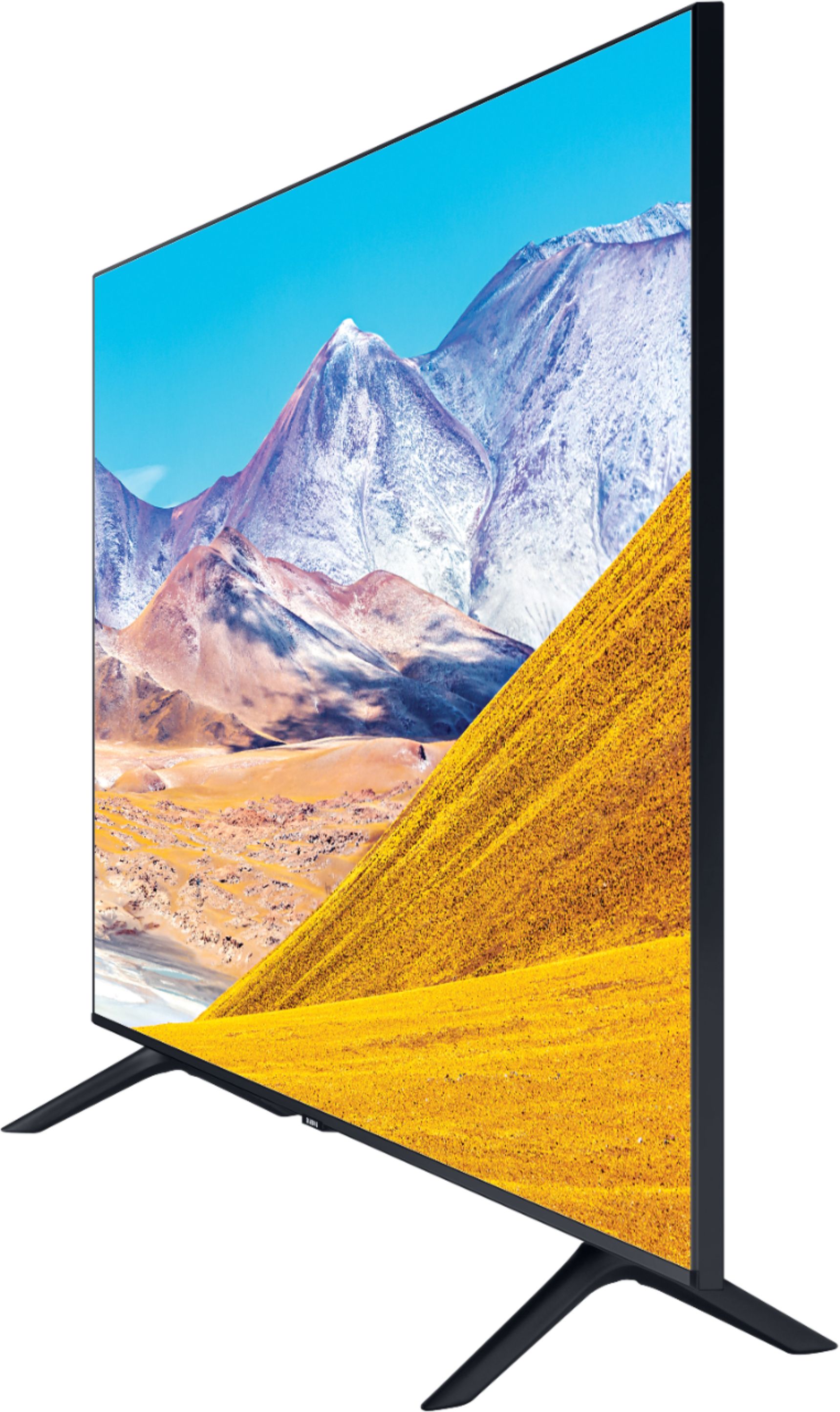
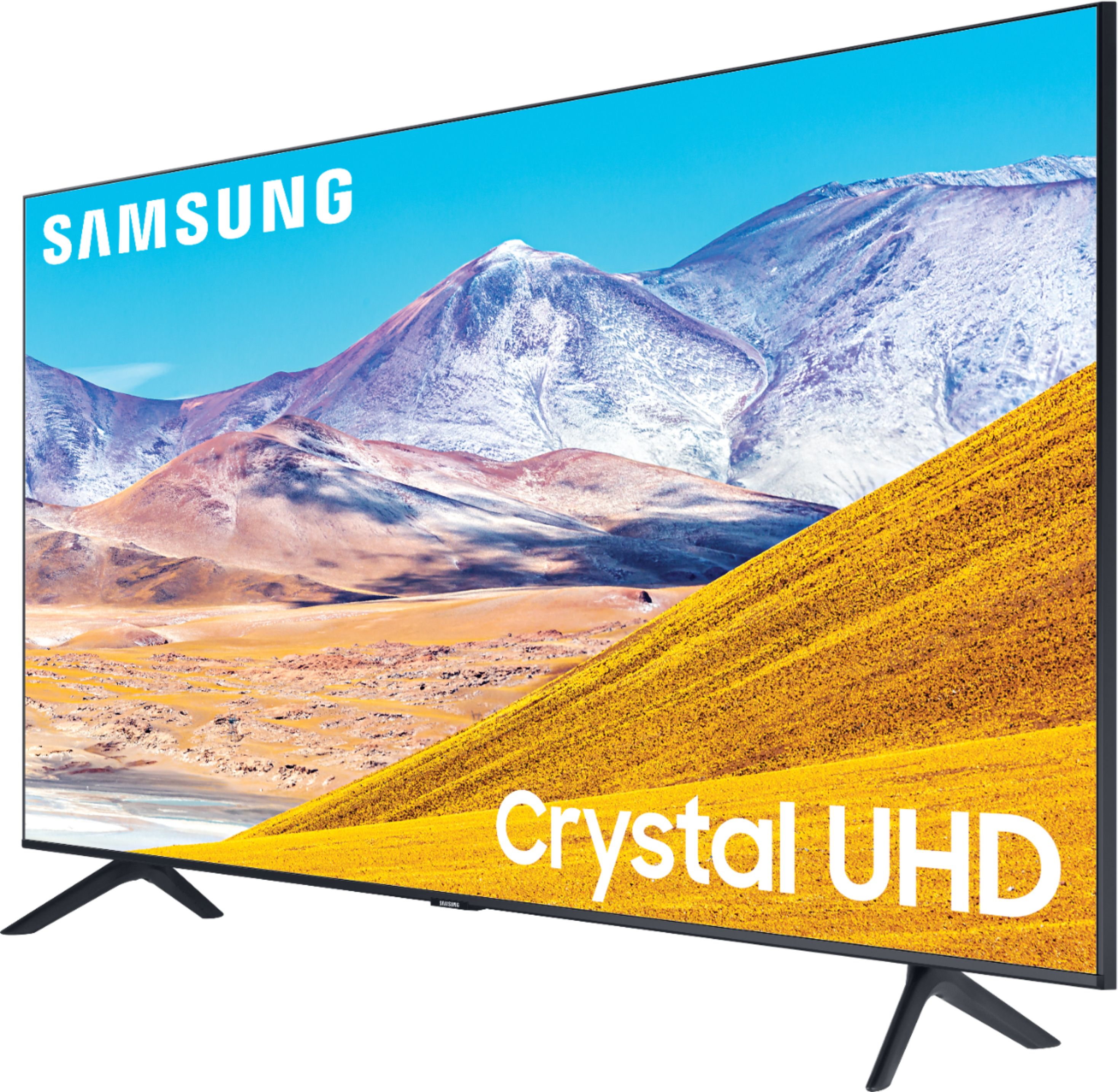
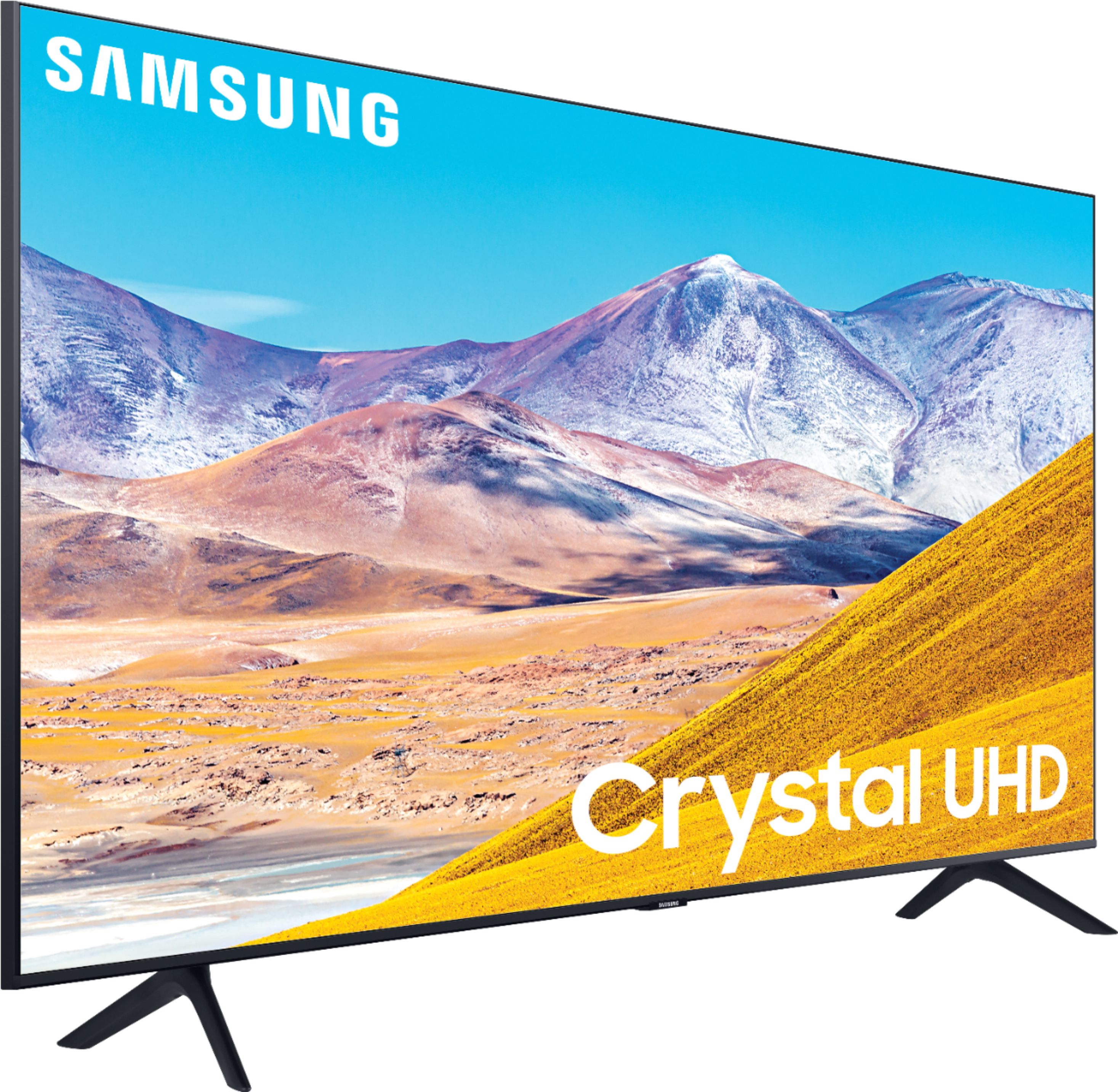







- Model:
- UN43TU8000FXZA
- SKU:
- 6401747
Rating by feature
- Picture Quality
Rating 4.7 out of 5 stars
- Sound Quality
Rating 4.5 out of 5 stars
- Brightness
Rating 4.6 out of 5 stars
Customers are saying
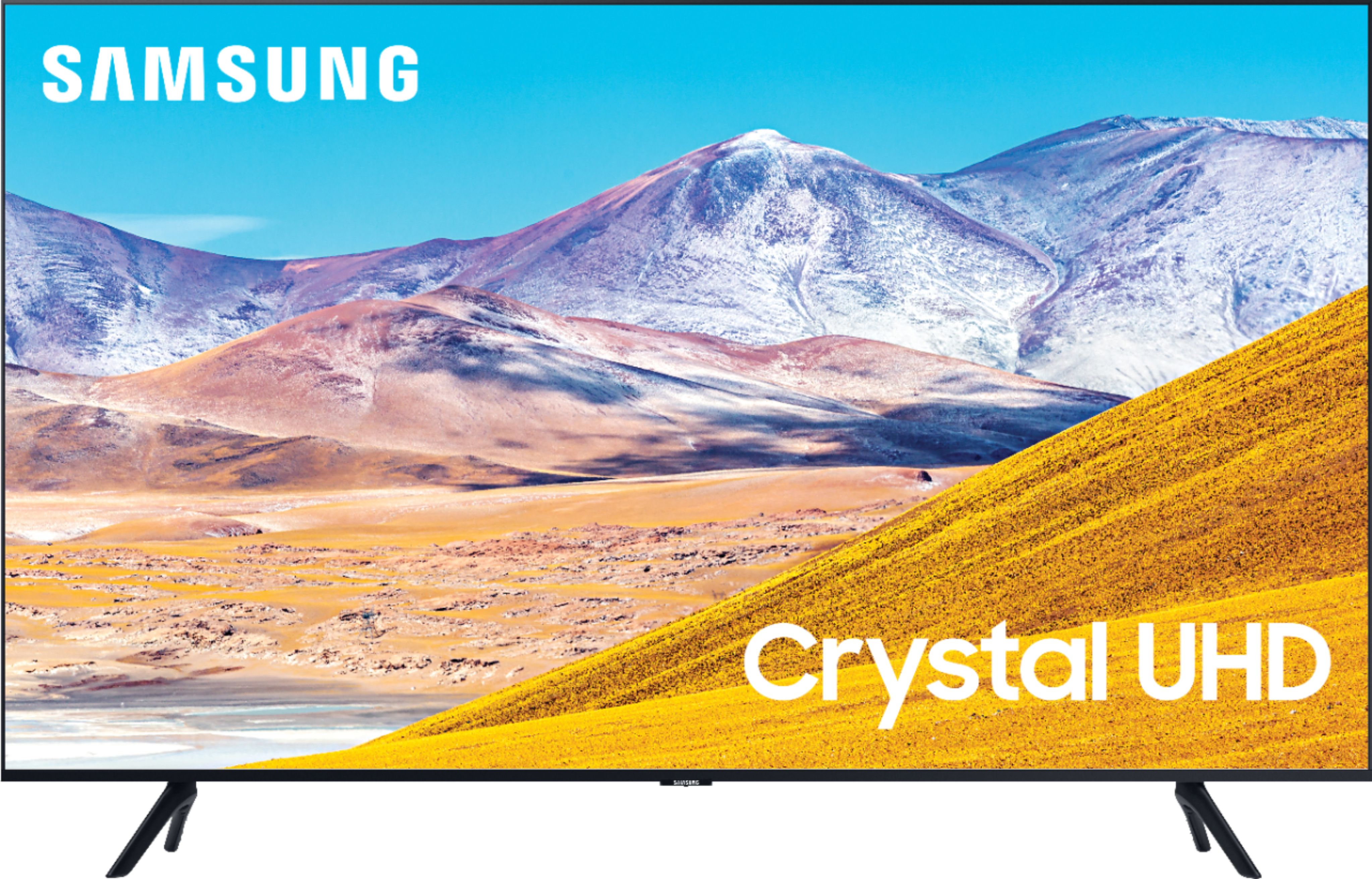
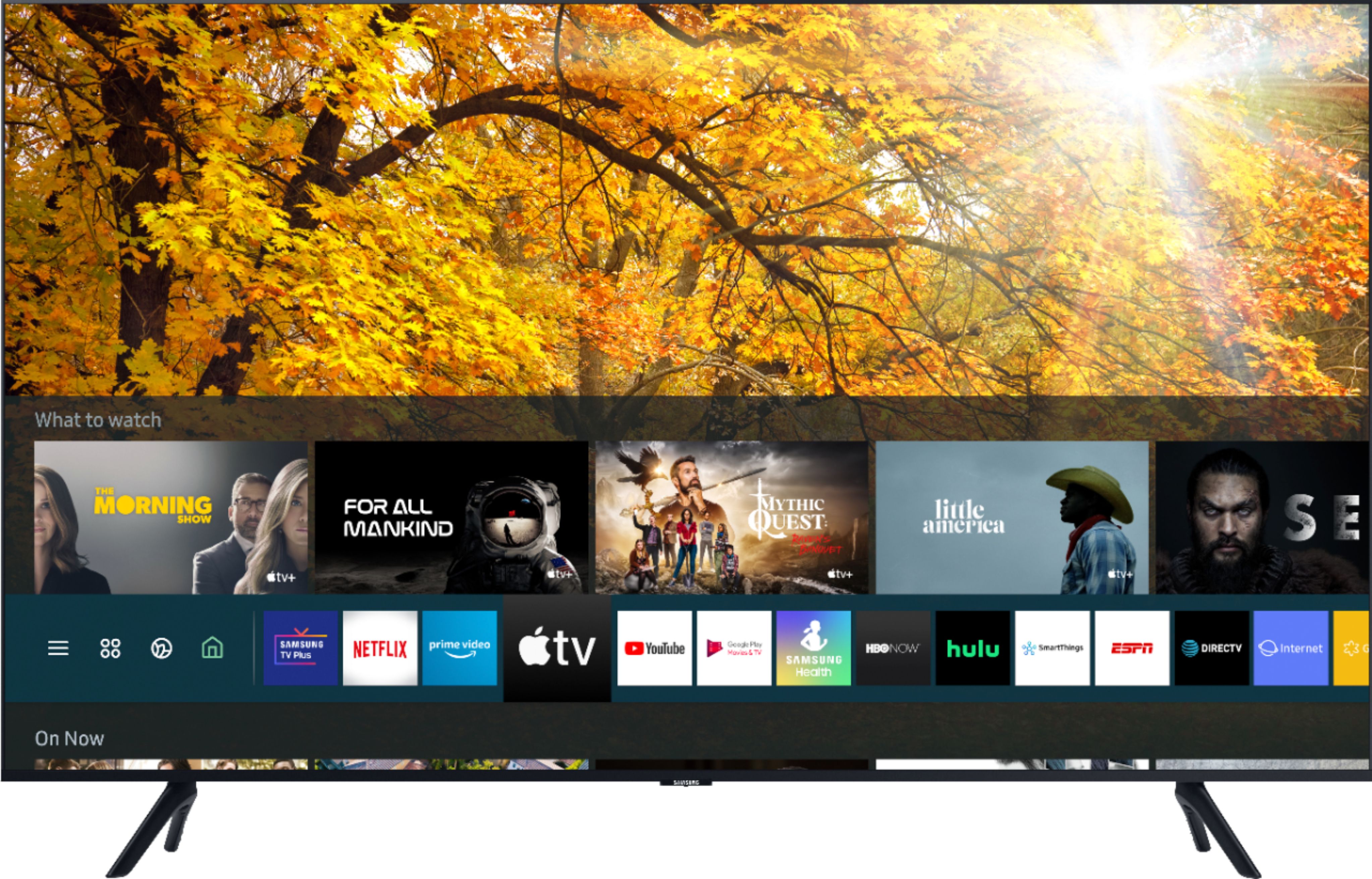
Customers find value in the 43" Class 8 Series LED 4K UHD Smart Tizen TV for its exceptional picture quality, easy setup, and reasonable price. Many customers rave about the vibrant and sharp picture, making it an excellent choice for gaming and movie enthusiasts. The simple setup process is also widely appreciated, making it a hassle-free experience for users.
This summary was generated by AI based on customer reviews.
Speakers are Zero
||Posted . Owned for 8 months when reviewed.This reviewer received promo considerations or sweepstakes entry for writing a review.The Speaker is built in to the back of the TV. Sound is muffled, hard to hear and if I turn up the volume, it blasts out the back but is difficult to hear from the front. And no I don't need hearing aids. The whole purpose behind this design is the add on sound bar for $160 additional.
No, I would not recommend this to a friend- Cons mentioned:Remote control
Could be better
||Posted . Owned for 1 month when reviewed.This reviewer received promo considerations or sweepstakes entry for writing a review.Problems galore. TV freezes. Have to unplug to reset. Remote takes getting used to. Hopefully the Geek Squad will fix this next week or I'll have to return it. I have other Samsung TVs and a fridge and have not had issues like this,!
No, I would not recommend this to a friend Trouble with wireless connection
||Posted . Owned for 9 months when reviewed.This reviewer received promo considerations or sweepstakes entry for writing a review.Won't stay connected for wireless between computer.
No, I would not recommend this to a friendDidn’t like it at all
||Posted . Owned for 1 week when reviewed.This reviewer received promo considerations or sweepstakes entry for writing a review.Probably the most un-user friendly tv’s I’ve dealt with. Setup was super annoying. Had to download a million apps just to get started. Picture quality comparable to Vizio V series but for $150 more for the Samsung name brand. Needless to say this tv went back the next day.
No, I would not recommend this to a friend- Cons mentioned:Remote control
No Remote included! Open Box Item!
||Posted . Owned for 1 month when reviewed.This reviewer received promo considerations or sweepstakes entry for writing a review.Bought as open box, but when we got all the way home there was NO remote and NO legs to stand this TV up. Had to Drive all the way back to return. Be careful when you buy open box. As far as the TV goes it seemed nice!?
No, I would not recommend this to a friend - Cons mentioned:Remote control
Terrible TV. DO NOT BUY!!!!!!!!
||Posted . Owned for 3 weeks when reviewed.This reviewer received promo considerations or sweepstakes entry for writing a review.You can get a much better deal on a larger screen for just a minute amount of difference. The remote control is terrible and from what I read the support service at Samsung is just as bad. DO NOT BUY AS THIS IS BAD DEAL!!!!!!!
No, I would not recommend this to a friendBrand response from Samsung
Posted .mc3027feb,
Thank you for sharing your thoughts.
I am sorry that you are not completely happy with your TU8000 UHD Smart TV.
Here is the link to the downloadable eManual that includes the TV remote’s diagram and a detailed step-by-step guide (page 20-22):
https://downloadcenter.samsung.com/content/UM/202006/20200618112841534/NIKATSCT-3.0.7_EM_NIKE_USA_ENG_200527.0.pdf
There are several preset picture modes and many custom settings that can optimize image quality for your viewing scenario.
Go to HOME > SETTINGS > PICTURE > PICTURE MODE and choose:
1) Dynamic: Makes the picture brighter and clearer in bright viewing environments.
2) Standard: This is the default mode suitable for general viewing environments.
3) Natural: Reduces eye strain for a comfortable viewing experience.
4) Movie: Suitable for watching TV or movies in a dark room.
5) Filmmaker: Watch the source content (e.g., movie) as it is.
If there is anything else we can do to improve your enjoyment -- such as helping to optimize settings for your specific usage scenario -- please let us know. You can reach Samsung TV Support at :
1) Phone: 1-800-SAMSUNG (ask for TVs), available 8AM – 12AM EST 7 days a week
2) LiveChat: https://www.samsung.com/us/support/#contact_us_for_support
3) Facebook Messenger: https://www.facebook.com/samsungsupport
4) Twitter: https://twitter.com/SamsungSupport
If you have not already done so, we invite you to register your new Samsung product at:
https://www.samsung.com/us/account/signin/?redirect=https%3A%2F%2Fwww.samsung.com%2Fus%2Fsupport%2Fregister%2F&user=dsr-registration
Registering your product gives you access to easy warranty support, convenient opt-in to special promos and offers, faster troubleshooting and service, and quick notification of system updates.
Again, thank you for taking the time to share your thoughts. Your feedback helps us continuously deliver best-in-class products and service.
-Samsung Ambassador
Returned it....
||Posted .This reviewer received promo considerations or sweepstakes entry for writing a review.I’ve always had a Samsung tv... when my plasma died I replaced it with this OMG this was such an awful substitute... I took it right back.. It’s super dark and colors are dull so unlike a Samsung tv... no vibrant colors it was bad... so disappointed with this model.. just buy something else
No, I would not recommend this to a friendBrand response from Samsung
Posted .ChuyJay,
Our 2020 TU8000 Series features Crystal UHD processor, 4K AI upscaling, HDR, Game Enhancer and more, all designed to give you the best in dazzling, crystal-clear images and rich digital experience.
There are several preset picture modes and many custom settings that can optimize image quality for your viewing scenario.
Go to HOME > SETTINGS > PICTURE > PICTURE MODE and choose:
1) Dynamic: Makes the picture brighter and clearer in bright viewing environments.
2) Standard: This is the default mode suitable for general viewing environments.
3) Natural: Reduces eye strain for a comfortable viewing experience.
4) Movie: Suitable for watching TV or movies in a dark room.
5) Filmmaker: Watch the source content (e.g., movie) as it is.
Here is a link to the downloadable eManual, where you can find a detailed guide to configuring advanced picture setting (pages 92-93):
https://downloadcenter.samsung.com/content/UM/202006/20200618112841534/NIKATSCT-3.0.7_EM_NIKE_USA_ENG_200527.0.pdf
Our TV support team is always here to assist you with possible image settings adjustments for an optimal experience. Simply call Samsung Customer Support toll-free at 1-800-SAMSUNG and ask for TV.
You can also contact us via LiveChat. Please copy-paste this link into your browser: http://www.samsung.com/us/support/contact
We are likewise reachable by Facebook Messenger at: https://www.facebook.com/samsungsupport
Or find us on Twitter at https://twitter.com/SamsungSupport
Again, thank you for taking the time to share your thoughts. Your invaluable feedback helps us continuously deliver better products and service.
-Samsung Ambassador
UHD TV
||Posted . Owned for 9 months when reviewed.This reviewer received promo considerations or sweepstakes entry for writing a review.Its ok but Dead Pixels are everything about this pannel
No, I would not recommend this to a friend43" TV
||Posted . Owned for 1 month when reviewed.This reviewer received promo considerations or sweepstakes entry for writing a review.The picture look better in the store. Color doesn't pop.
I would recommend this to a friendBrand response from Samsung
Posted .Gigi:
Our 2020 TU8000 Series features Crystal UHD processor, 4K AI upscaling, HDR, Game Enhancer and more, all designed to give you the best in dazzling, crystal-clear images and rich digital experience.
There are several image settings you can adjust to your liking such as Picture Mode and Expert Settings.
Choose a Picture Mode by going to Settings > Picture > Picture Mode and choose from Dynamic, Standard, Natural, Movie, or Filmmaker Mode.
You can further adjust your sharpness, brightness, contrast, color, tint, contrast, white balance, and more by going to Settings > Picture > Expert Settings
In addition, the image quality on your screen depends on the source and the connection. HDMI cables are recommended for optimal HD viewing; and when possible, 4K content will provide the best picture quality. The TV will upscale as best as possible any content sent to it. The closer the signal is to 4K, the better it will look coming out.
The quality of the streaming content depends largely on the speed of your internet, as most content providers have adaptive streaming that will automatically adjust the image quality based on the network bandwidth.
Our TV support team is always here to assist you with possible image and sound settings adjustments for an optimal experience.
1) Phone: 1-800-SAMSUNG (ask for TVs), available 8AM – 12AM EST 7 days a week
2) LiveChat: https://www.samsung.com/us/support/#contact_us_for_support
3) Facebook Messenger: https://www.facebook.com/samsungsupport
4) Twitter: https://twitter.com/SamsungSupport
5) The Samsung Members Community is also a great resource for getting help from Samsung moderators and customers: https://us.community.samsung.com
If you have not already done so, we invite you to register your new Samsung product at: https://www.samsung.com/us/account/signin/?redirect=https%3A%2F%2Fwww.samsung.com%2Fus%2Fsupport%2Fregister%2F
Registering your product gives you access to easy warranty support, convenient opt-in to special promos and offers, faster troubleshooting and service, and quick notification of system updates.
~ Samsung Solutions
- Cons mentioned:Remote control
Difficult to use.
||Posted . Owned for 2 weeks when reviewed.This reviewer received promo considerations or sweepstakes entry for writing a review.Very difficult to setup and use remote. Would not connect to wifi well. When connected to ethernet with a wire, the picture would get grainy and sometimes white out. Will be returning. Not at all like my other Samsung TV'S.
No, I would not recommend this to a friendBrand response from Samsung
Posted .Dexter,
I am very sorry to see that you ran into difficulties with setup.
We appreciate your review and will share your feedback with our internal teams.
You can refer to the online e-manual here:
http://downloadcenter.samsung.com/content/UM/202004/20200403095308351/NIKATSCT-3.0.1_EM_NIKE_USA_ENG_200323.0.pdf
You can also access the eManual on your TV.
To open the e-Manual, Go to Settings - Support, then Open e-Manual)
The issue you are experiencing with the ethernet connection is not normal.
Please contact our TV customser support for troubleshooting assistance.
We can be reached via:
1) Phone: 1-800-SAMSUNG (ask for TVs), available 8AM – 12AM EST 7 days a week
2) LiveChat: https://www.samsung.com/us/support/#contact_us_for_support
3) Facebook Messenger: https://www.facebook.com/samsungsupport
4) Twitter: https://twitter.com/SamsungSupport
5) The Samsung Members Community is also a great resource for getting help from Samsung moderators and customers: https://us.community.samsung.com
If you have not already done so, we invite you to register your new Samsung product at:
https://www.samsung.com/us/account/signin/?redirect=https%3A%2F%2Fwww.samsung.com%2Fus%2Fsupport%2Fregister%2F&user=dsr-registration
Registering your product gives you access to easy warranty support, convenient opt-in to special promos and offers, faster troubleshooting and service, and quick notification of system updates.
Again, thank you for taking the time to share your thoughts. Your feedback helps us continuously deliver best-in-class products and service.
-Samsung Ambassador
Great TV just be careful with screen
||Posted .This reviewer received promo considerations or sweepstakes entry for writing a review.This TV was great but screen got damaged very easily.
No, I would not recommend this to a friendBrand response from Samsung
Posted .Fabi:
I am very sorry to hear that your screen was damaged. Please know that a physical impact – perhaps small, but done at just a certain degree – can damage the screen.
Our warranty covers manufacturing defects in materials and workmanship encountered in normal, noncommercial use of this product, and does not apply to damage incurred during shipment, delivery and /or installation.
For further questions or concerns, please contact Samsung Customer Support.
1) Phone: 1-800-SAMSUNG (ask for TVs), available 8AM – 12AM EST 7 days a week
2) LiveChat: https://www.samsung.com/us/support/#contact_us_for_support
3) Facebook Messenger: https://www.facebook.com/samsungsupport
4) Twitter: https://twitter.com/SamsungSupport
5) The Samsung Members Community is also a great resource for getting help from Samsung moderators and customers: https://us.community.samsung.com
If you have not already done so, we invite you to register your new Samsung product at: https://www.samsung.com/us/account/signin/?redirect=https%3A%2F%2Fwww.samsung.com%2Fus%2Fsupport%2Fregister%2F
Registering your product gives you access to easy warranty support, convenient opt-in to special promos and offers, faster troubleshooting and service, and quick notification of system updates.
~ Samsung Solutions
Looses connection
||Posted . Owned for 1 month when reviewed.This reviewer received promo considerations or sweepstakes entry for writing a review.TV constantly stops connecting to the WiFi and the only way to get the tv to work with WiFi is to reboot the tv by holding down the power button. We’ve only had several weeks and this has to be done every couple of days which is an inconvenience.
No, I would not recommend this to a friendPoor functionality. Picture Ok but TV snaps!
||Posted .This reviewer received promo considerations or sweepstakes entry for writing a review.TV is Ok but a week ago it started making a snapping sound whenever I would change channels on remote. To bad for me since I see BestBuy only has 2 week return policy. If TV goes south on me in near future this will be last appliance I buy from you guys.
No, I would not recommend this to a friendBrand response from Samsung
Posted .DonD,
I am sorry to hear that your TU8000 TV is making abnormal sound.
We sgguest you to run a sound test for a better understanding of the sound issue.
Go to Settings- Support- Device Care- Self Diagnosis- Sound Test
Please also make sure that the audio cable is connected to the correct audio output connector on
the external device.
For antenna or cable connections, check the Signal Information. A low signal level
may cause sound distortions.
Go to Settings- Support- Device Care- Self Diagnosis- Signal Information
I hope this helps to solve your concerns.
If the issues persist, please reach out to Samsung Customer Support at:
1) Phone: 1-800-SAMSUNG, available 8AM – 12AM EST 7 Days A Week
2) LiveChat: https://www.samsung.com/us/support/#contact_us_for_support
3) Facebook Messenger: https://www.facebook.com/samsungsupport
4) Twitter: https://twitter.com/SamsungSupport
Have you registered your new Samsung TV with us? If not, we invite you to do so at: https://www.samsung.com/us/account/signin/?redirect=https%3A%2F%2Fwww.samsung.com%2Fus%2Fsupport%2Fregister%2F, and gain access to easy warranty support, convenient opt-in to special promos & offers, faster troubleshooting & service, and quick notification of system updates.
-Samsung Ambassador
Just dont buy this tv lol
||Posted . Owned for 2 weeks when reviewed.This reviewer received promo considerations or sweepstakes entry for writing a review.I had to return this tv twice due to backlight bleeding in the corners of the tv and it seemed as if the second one I recieved was all glitched out. Just buy the lg instead or sony you"ll save alot of time unless you dont mind the backlight bleed.
No, I would not recommend this to a friendBrand response from Samsung
Posted .Smokey24,
Powered by our latest Crystal processor 4K, the TU8000 series transforms everything you watch into stunning 4K HDR.
I am very sorry to see that you were not happy with the picture quality of your unit and have returned it.
Should you ever decide to give Samsung TVs another try and have questions or need assistance with settings, setup, or features, please know we are always here to help.
You can contact our Customer Support toll-free at 1-800-SAMSUNG (ask for TVs) Available 8AM – 12PM EST, 7 days a week
Simply copy-paste this link into your browser to LiveChat with us: https://www.samsung.com/us/support/#contact_us_for_support
We are likewise reachable by Facebook Messenger at: https://www.facebook.com/samsungsupport
Or find us on Twitter at https://twitter.com/SamsungSupport
Again, my sincerest apologies. We hope to regain you as a customer in the future.
-Samsung Ambassador
Network configuration get deleted over and over
||Posted . Owned for 3 weeks when reviewed.This reviewer received promo considerations or sweepstakes entry for writing a review.I've had this TV for barely three weeks, and deeply regret having purchased it. In 18 days the TV stopped connecting to the WIFI three times. Each time I had to reset the network settings and reenter the WIFI password. On the fourth time (this) the TC refuses to connect even after redoing the network settings. First and last time buying Samsung.
No, I would not recommend this to a friendBrand response from Samsung
Posted .pchabra,
I am very sorry that you are experiencing WiFi connection issues.
Please give us the opportunity to assist you by contacting Samsung Customer Support via any of the following options:
1) Phone: 1-800-SAMSUNG (ask for TVs), available 8AM – 12AM EST 7 days a week
2) LiveChat: https://www.samsung.com/us/support/#contact_us_for_support
3) Facebook Messenger: https://www.facebook.com/samsungsupport
4) Twitter: https://twitter.com/SamsungSupport
If you have not already done so, we invite you to register your new Samsung TV at: https://www.samsung.com/us/support/register/.
Registering your product gives you access to easy warranty support, convenient opt-in to special promos & offers, faster troubleshooting & service, and quick notification of system updates.
Again, I am very sorry for the inconveniences you have had, and hope that we will hear from you soon.
-Samsung Ambassador
- Cons mentioned:Remote control
Mr rich .d
||Posted . Owned for 3 weeks when reviewed.This reviewer received promo considerations or sweepstakes entry for writing a review.was not happy with the sound quality was not loud enough also don't like how the remote works also was very unhappy with the refresh on this model wound not get if gaming.
No, I would not recommend this to a friend Frustrating performance
||Posted . Owned for 3 weeks when reviewed.This reviewer received promo considerations or sweepstakes entry for writing a review.I purchased this Samsung smart TV because I own Samsung SmartThings to control my home.. the TV is constantly needing reset, it doesn’t work with my SmartThings hub and I can’t stream my Samsung SmartThings cam on the tv.
No, I would not recommend this to a friendBrand response from Samsung
Posted .HRGuy,
Thank you for sharing your review and for bringing your concerns to our attention.
I have included a SmartThings setup guide that may help resolve your issue:
https://www.samsung.com/us/support/answer/ANS00078849/
Should you need further assistance on the SmartThings function or any other features, please reach out to us via any of the options here:
1) Phone: 1-800-SAMSUNG (ask for TVs) Available 8AM – 9PM EST (Mon-Fri)
2) LiveChat: https://www.samsung.com/us/support/#contact_us_for_support
3) Facebook Messenger: https://www.facebook.com/samsungsupport
4) Twitter: https://twitter.com/SamsungSupport
Have you registered your new Samsung TV with us? If not, we invite you to do so at: https://www.samsung.com/us/account/signin/?redirect=https%3A%2F%2Fwww.samsung.com%2Fus%2Fsupport%2Fregister%2F, and gain access to easy warranty support, convenient opt-in to special promos & offers, faster troubleshooting & service, and quick notification of system updates.
-Samsung Ambassador
Netflix & Apple TV WON'T LOAD AT ALL
||Posted .This reviewer received promo considerations or sweepstakes entry for writing a review.Just bought today... already spent 3 hr trying to fix what's wrong. To absolutely no avail. Everything sets up fine, except when I go to log on to Netflix or Apple TV and it just says "Netflix loading" with the regular loading circles.... Apple TV just goes black and nothing loads until it inevitably goes back to the home screen. So frustrated, literally makes no sense. Have had it 5 hours and already had a factory reset and didn't work. Tried every method. Please help
No, I would not recommend this to a friendBrand response from Samsung
Posted .NothingWorks:
Thank you for choosing the TU8000 TV and for your review. I am very sorry to hear that Netflix and Apple TV are not loading. If your apps are freezing, not loading, or crashing, you can try cold booting your TV, deleting and downloading the apps again, and completing full reset of Smart Hub to correct the issue.
Here is a link to a step-by-step trouble shooting guide to get you started:
https://www.samsung.com/us/support/troubleshooting/TSG01003027/
Please also check that your TV is running the latest firmware version. Ver. 1401.7 is the current release.
If you need further assistance, please know that Samsung Customer Support is here to help.
1) Phone: 1-800-SAMSUNG (ask for TVs), available 8AM – 12AM EST 7 days a week
2) LiveChat: https://www.samsung.com/us/support/#contact_us_for_support
3) Facebook Messenger: https://www.facebook.com/samsungsupport
4) Twitter: https://twitter.com/SamsungSupport
5) The Samsung Members Community is also a great resource for getting help from Samsung moderators and customers: https://us.community.samsung.com
If you have not already done so, we invite you to register your new Samsung product at: https://www.samsung.com/us/account/signin/?redirect=https%3A%2F%2Fwww.samsung.com%2Fus%2Fsupport%2Fregister%2F
Registering your product gives you access to easy warranty support, convenient opt-in to special promos and offers, faster troubleshooting and service, and quick notification of system updates.
~ Samsung Solutions
- Cons mentioned:Remote control
Super picture
||Posted . Owned for 1 month when reviewed.This reviewer received promo considerations or sweepstakes entry for writing a review.It a good tv if you can set it up it very very hard the remote that comes with suck at best that being nice. If was doing it all over it would be last on my list
No, I would not recommend this to a friend Poor Service
||Posted .This reviewer received promo considerations or sweepstakes entry for writing a review.Although the initial installation of my newTV went smoothly, there were problems connecting my components. Because I did not have an HDMI cable for my DVD player, another appointment was scheduled with an 8 hour window stating at noon. Six hours in I tried calling Geek Squad only to find that the work is contracted to a third party company who are unreachable by phone. No one ever arrived. The next day I called Geek Squad again and scheduled a new appointment for a week later. The same thing happened! No show, no call, no nothing! Do not use this service. It is terrible!!
No, I would not recommend this to a friend