Customer Ratings & Reviews
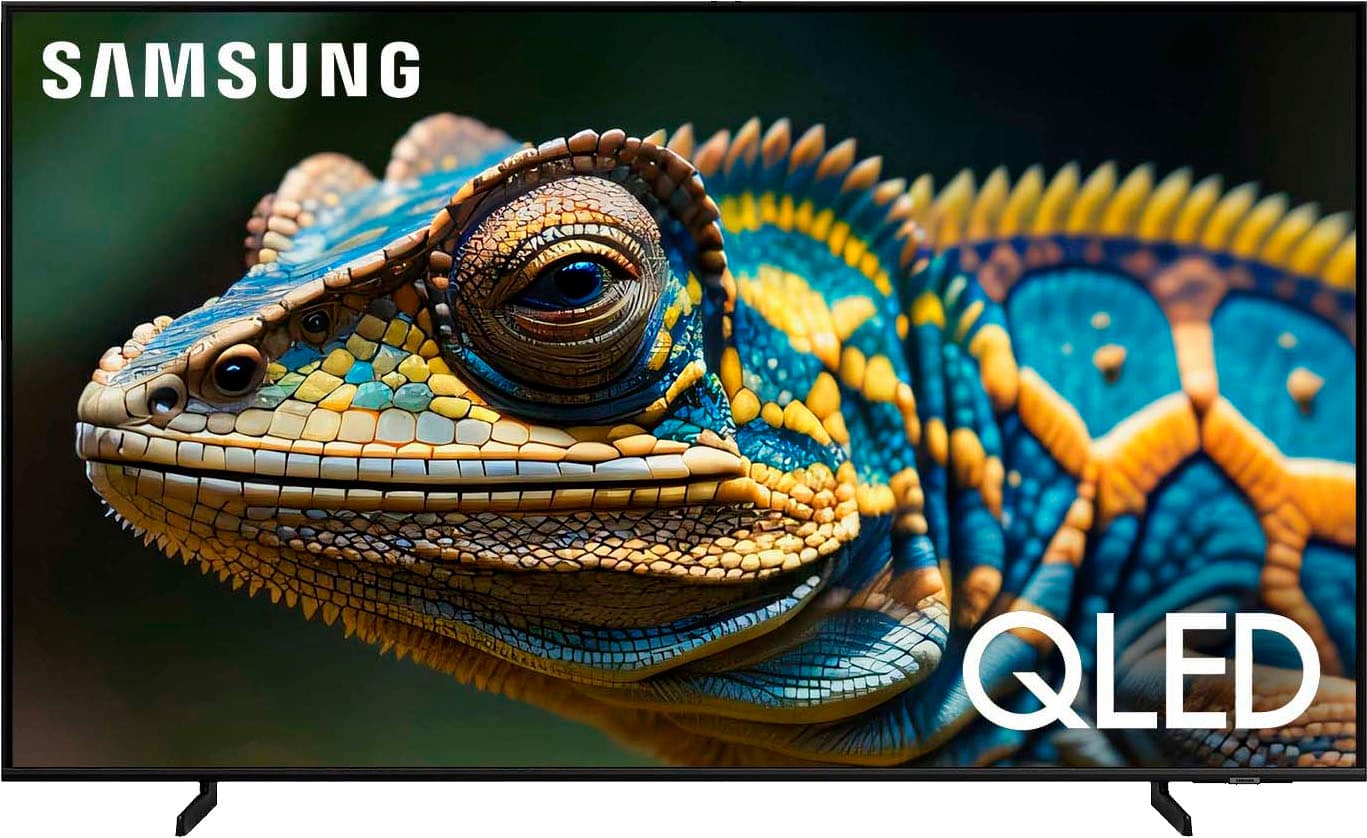
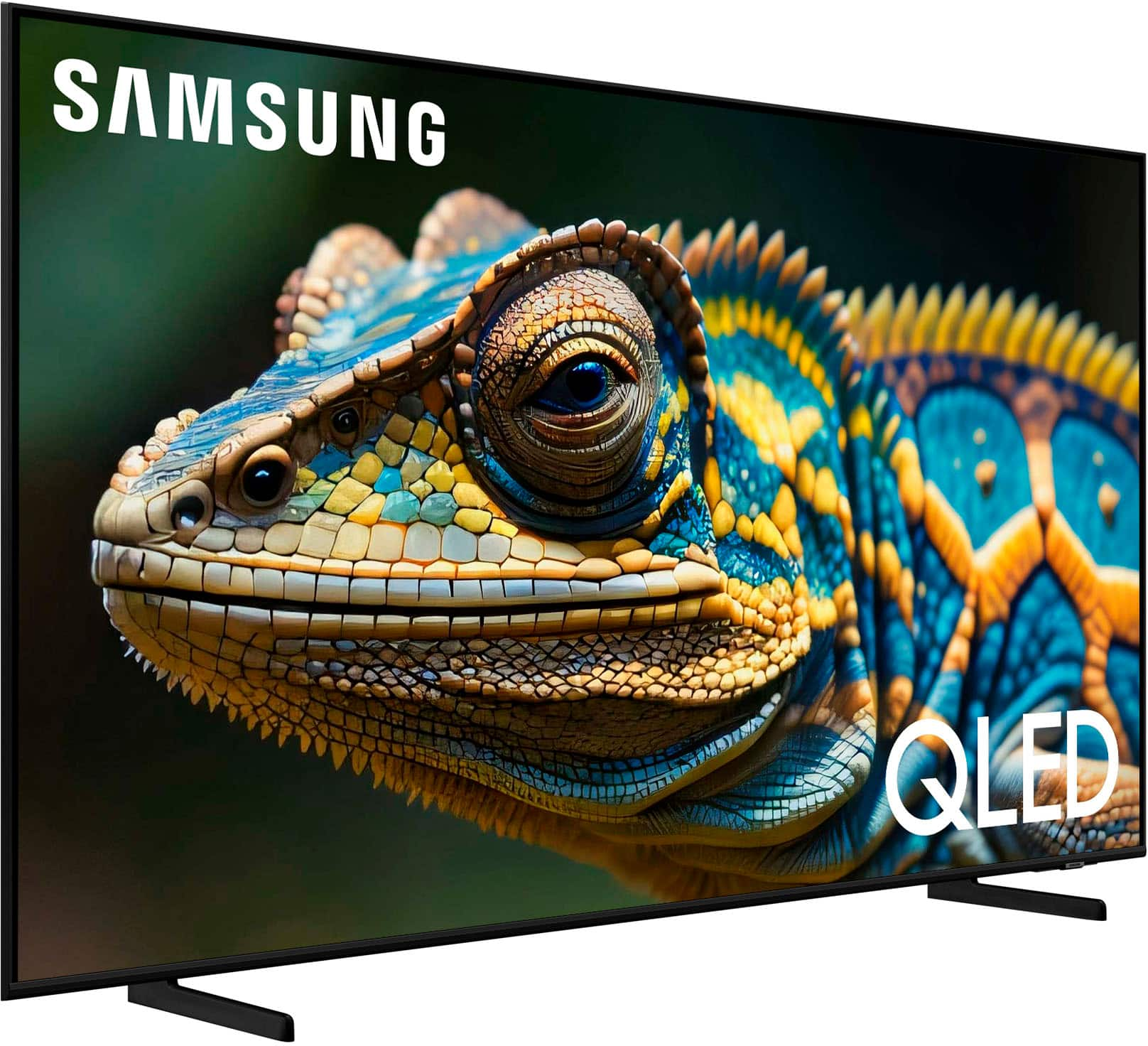
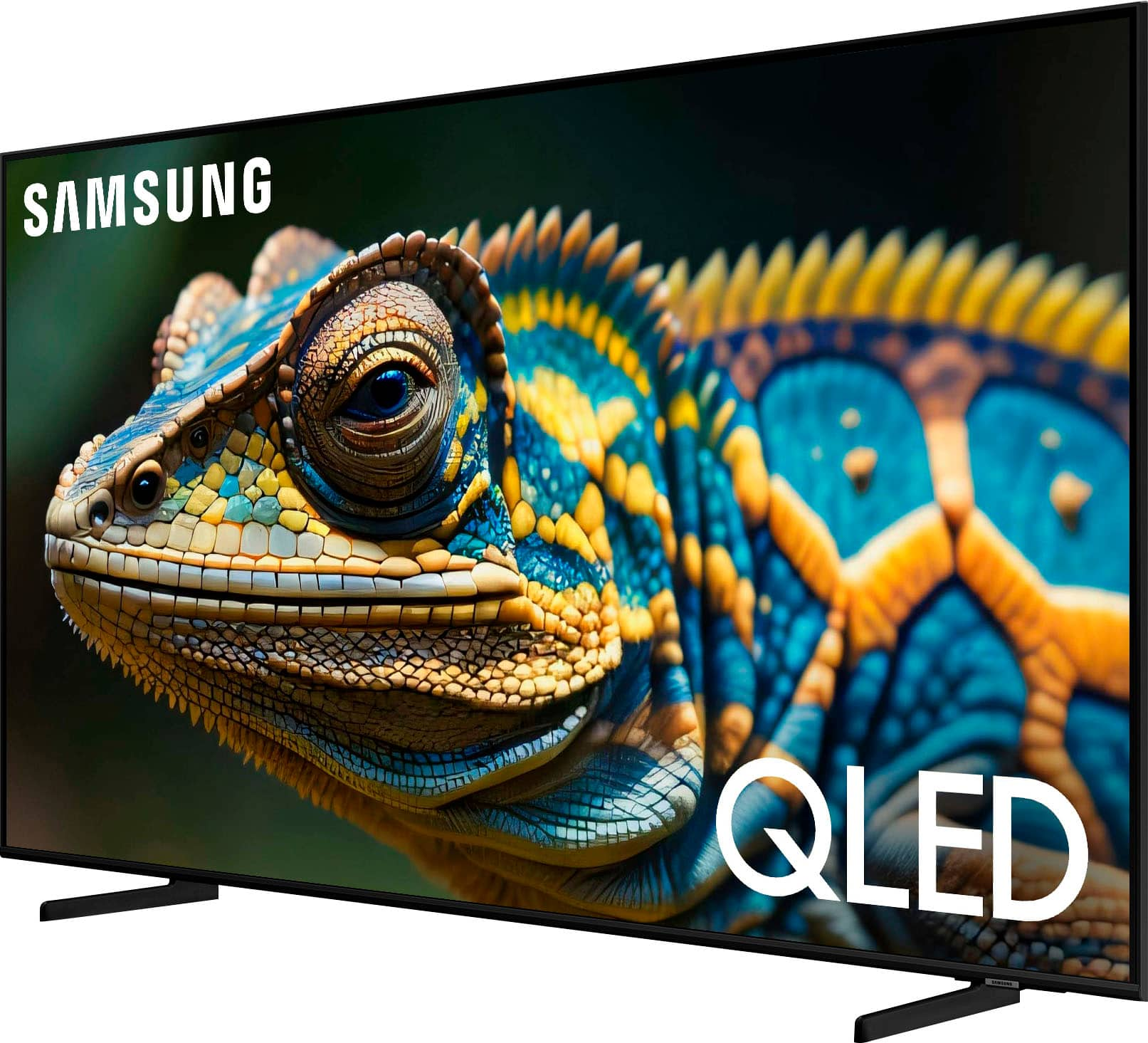
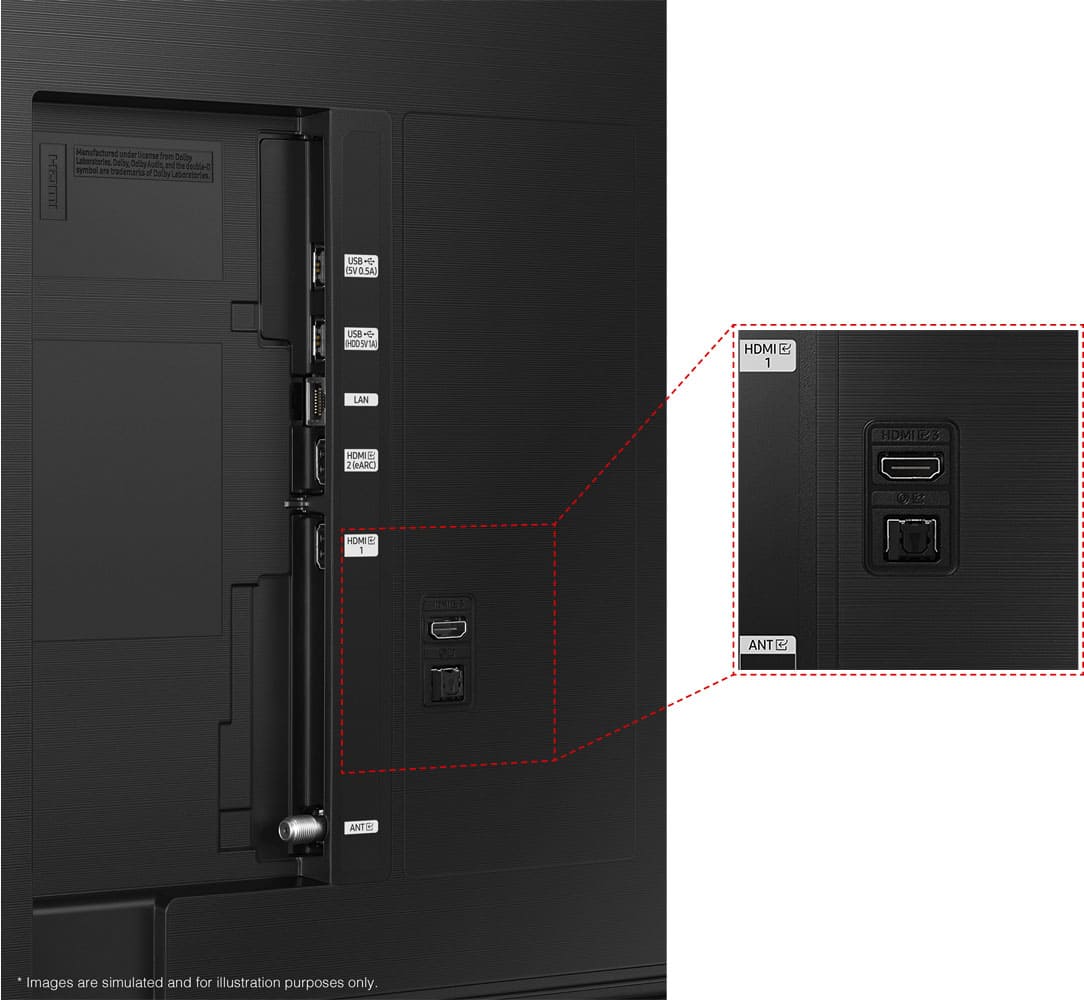
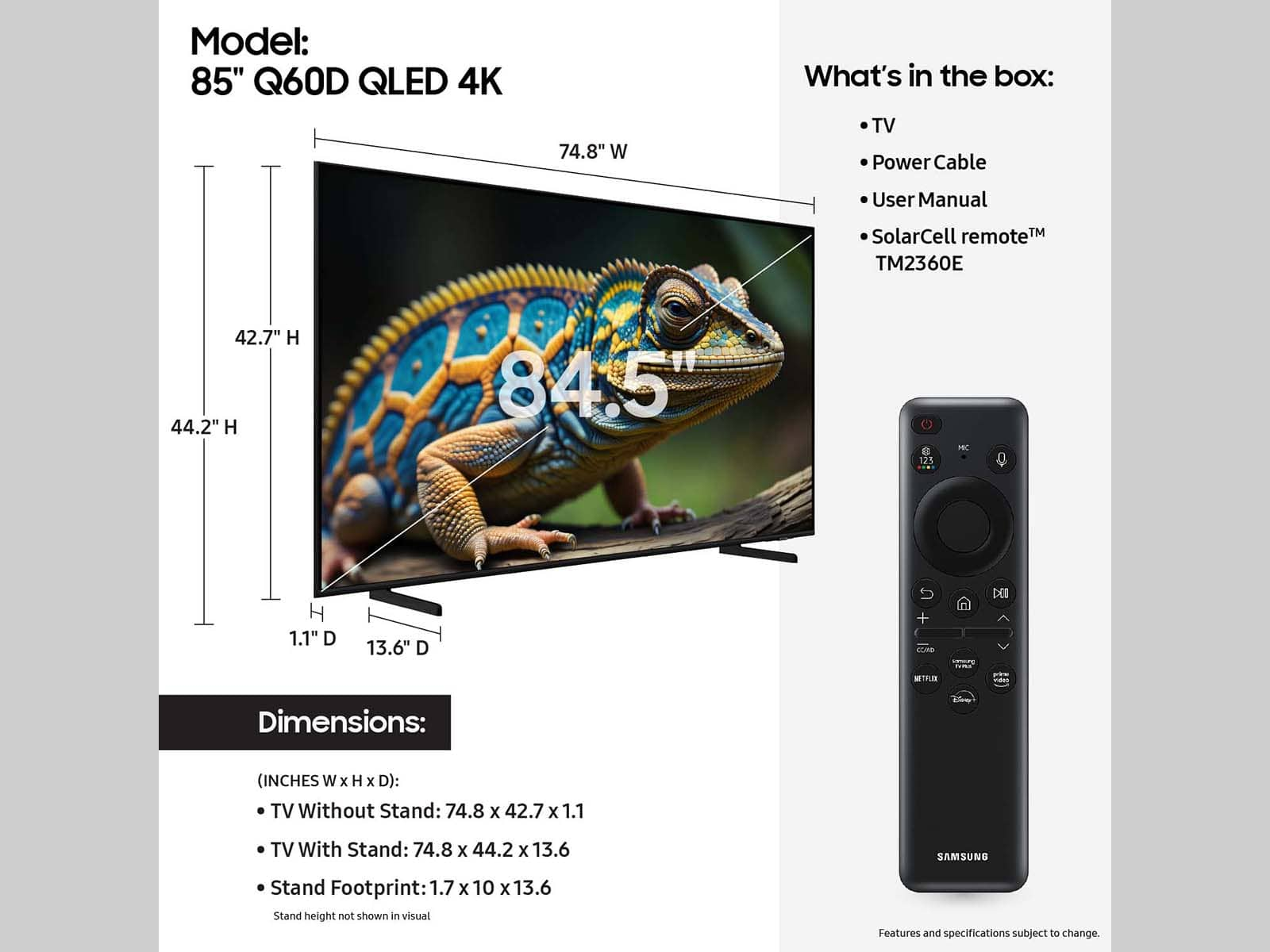
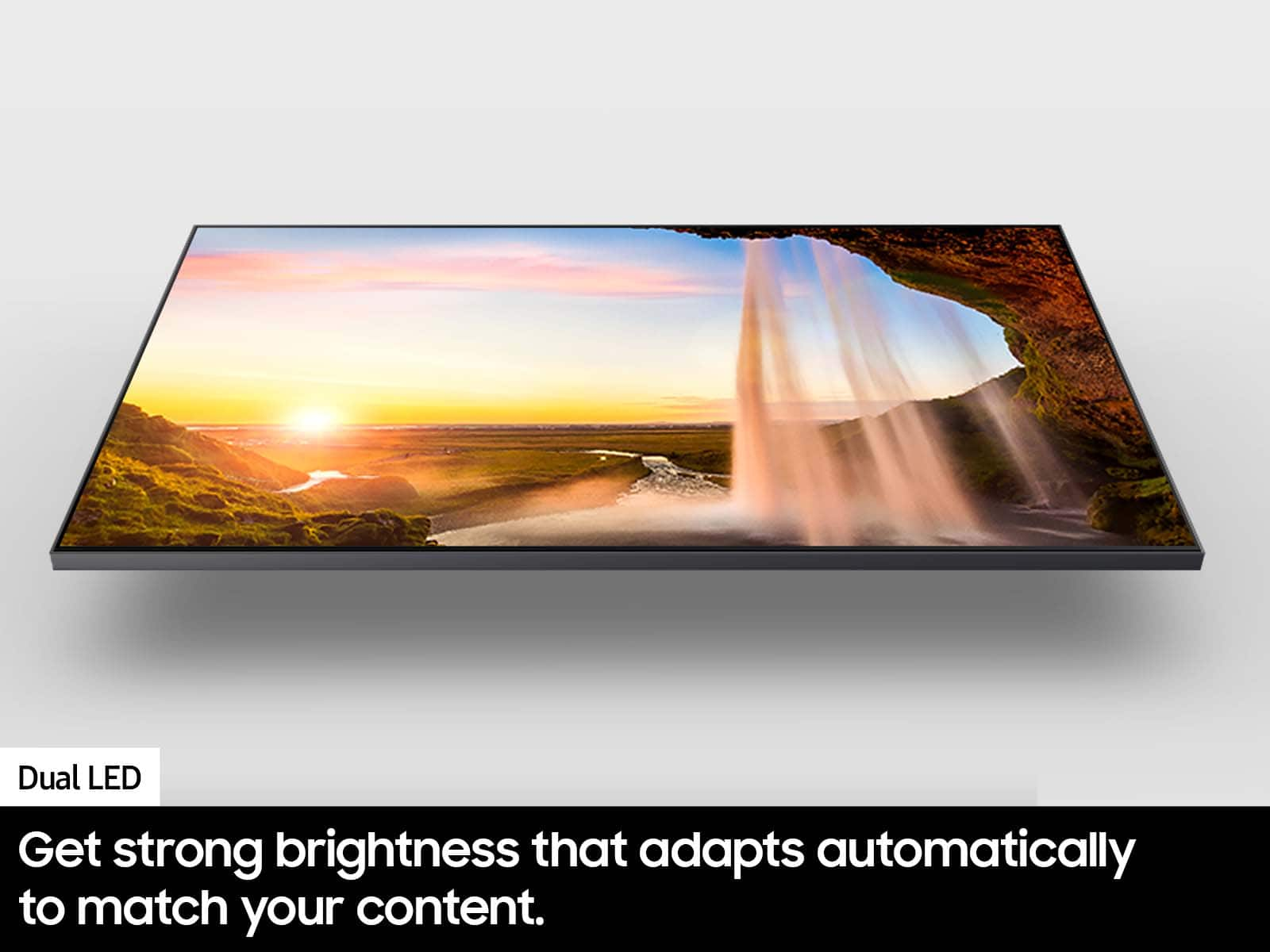






- Model:
- QN50Q60DAFXZA
- SKU:
- 6575356
Rating by feature
- Picture Quality
Rating 4.8 out of 5 stars
- Sound Quality
Rating 4.5 out of 5 stars
- Brightness
Rating 4.7 out of 5 stars
Customers are saying
Customers recognize the 50” Class Q60D Series QLED 4K Smart Tizen TV (2024) for its amazing picture quality, ease of use, and fast setup. Many appreciate its bargain price, great features, nice design, wonderful color, and light weight. However, some customers have reported issues with missing remote controls, while others have noted screen glare in certain lighting conditions.
This summary was generated by AI based on customer reviews.
Tv purchase
||Posted . Owned for 1 month when reviewed.This reviewer received promo considerations or sweepstakes entry for writing a review.Love the tv The salesmen was very helpful and knowledge able
I would recommend this to a friendGood value 4k tv.
||Posted . Owned for 4 months when reviewed.This reviewer received promo considerations or sweepstakes entry for writing a review.Nice mid-level 4k TV. Nice color and picture brightness for a mid priced 4k TV.
I would recommend this to a friendSamsung TV
||Posted . Owned for 2 weeks when reviewed.This reviewer received promo considerations or sweepstakes entry for writing a review.Great TV. The only issue is sound. I want TV's to have the speakers in the front of the TV - not the back.
I would recommend this to a friendGood value
||Posted . Owned for 1 month when reviewed.This reviewer received promo considerations or sweepstakes entry for writing a review.Great tv great resolution and a good value for the price
I would recommend this to a friendvery good
||Posted . Owned for 1 week when reviewed.This reviewer received promo considerations or sweepstakes entry for writing a review.I loved everything, very good and excellent service
I would recommend this to a friendTv
||Posted . Owned for 3 weeks when reviewed.This reviewer received promo considerations or sweepstakes entry for writing a review.Excellent experience great customer service! Great price!
I would recommend this to a friendMr.
||Posted . Owned for 1 month when reviewed.This reviewer received promo considerations or sweepstakes entry for writing a review.Considering the poor sound quality, the product is overpriced. I found it necessary to spend $400.00 for a sound bar and subwoofer which in my opinion remains poor quality.
No, I would not recommend this to a friendBrand response from Samsung
Posted .Pete,
Thanks for sharing your thoughts on Samsung's Q60D. If there's anything we can do to improve your experience, please reach Samsung at 1-800-SAMSUNG, 8AM - 12AM EST, 7 days a week. Our LiveChat agents are also available by clicking on the ‘Support’ link on our website. ~ Samsung Specialist
Tv
||Posted . Owned for 3 weeks when reviewed.This reviewer received promo considerations or sweepstakes entry for writing a review.Very good product- tv has plenty of options plus very light weight to be able to move it around
I would recommend this to a friendBrand response from Samsung
Posted .Abcd123,
Thanks for taking a moment to review Samsung’s Q60D TV. If you’re experiencing specific issues which caused you to give this a 3-star rating, please know Samsung Customer Support is here to help.
You can reach us at 1-800-SAMSUNG, 8AM - 12AM EST, 7 days a week. Our LiveChat agents are also available by clicking on the ‘Support’ link on our website.
~ Samsung Specialist
Great experience
||Posted . Owned for 3 weeks when reviewed.This reviewer received promo considerations or sweepstakes entry for writing a review.A great experience! Everybody was knowledgeable, friendly, and on time.
I would recommend this to a friendMoe tv
||Posted . Owned for 1 month when reviewed.This reviewer received promo considerations or sweepstakes entry for writing a review.Love it thats it. Nice product I stand by the name
I would recommend this to a friendLoves it
||Posted . Owned for 3 weeks when reviewed.This reviewer received promo considerations or sweepstakes entry for writing a review.Son loves it for gaming and smart tv functions. Would get again.
I would recommend this to a friend- Cons mentioned:Remote control
Missing Parts
||Posted . Owned for 3 weeks when reviewed.This reviewer received promo considerations or sweepstakes entry for writing a review.The first open box I purchased was picked up by the delivery service, then lost. BB had to cancel the order and I ordered a second oneI bought this as an open box that it was certified to include all items in the original box. But, it was missing the remote control, the power cord and screws for the legs. I communicated with Best Buy to get the parts, First, I was told "Too bad" and there is no return. I persisted with the language from the BB the website and then they processed a return. I guess I am done with BB open box items.
No, I would not recommend this to a friendBrand response from Samsung
Posted .DouglasJ,
We appreciate you sharing your experience with Samsung’s Q60D TV. If purchased in open-box condition, we recommend contacting Best Buy directly for assistance. We hope your issue is resolved in a timely manner.
Should you have questions or concerns on usage or setup of your TV once your issue has been resolved, please call us at 1-800-SAMSUNG, 8AM - 12AM EST, 7 days a week. Our LiveChat agents are also available by clicking on the ‘Support’ link on our website.
~ Samsung Specialist
Not worth the money for this Samsung.
||Posted . Owned for 3 weeks when reviewed.This reviewer received promo considerations or sweepstakes entry for writing a review.We are not impressed with the picture quality. The colors are not bright and the picture looks grainy. Our old Samsung that we had for over 28 years had better quality than this new one. I feel like they just make things to last a few years anymore. It's a throw away world.
No, I would not recommend this to a friendBrand response from Samsung
Posted .Notthelake,
Thank you for sharing your thoughts on the picture quality of your Q60D TV. To ensure you’ve got the latest image quality updates, please confirm that your TV is up to date with the latest firmware version. You can check by going to: Home > Menu > Settings > Support > Software Update.
If the picture you’re seeing is still not to your liking after updating firmware, there are several picture settings you may want to try adjusting.
Go to Home > left direction button > Settings > All Settings > Picture > Picture Mode
...and select the mode that best fits your usage:
1. Standard: Is the default mode suitable for general viewing environments
2. Dynamic: Makes the picture brighter and clearer in bright viewing environments
3. Eco: Provided to save energy
4. Movie: Suitable for watching TV or movies in a dark room
5. Filmmaker Mode: Provides source content just as the creators intended. If the image is defined as Filmmaker Mode, it’ll automatically switch to Filmmaker Mode while watching.
You can also fine-tune your picture with expert settings such as brightness, contrast, sharpness and more (All Settings > Picture > Expert Settings).
For further assistance with settings adjustments, please contact Samsung Customer Support at 1-800-SAMSUNG, 8AM - 12AM EST, 7 days a week. Or visit us on the Samsung website and click on the ‘Support’ link for:
• LiveChat
• Manuals, Software, & Warranty Info
~ Samsung Specialist
Samsung - 50” Class Q60D Series QLED 4K Smart Tize
||Posted . Owned for 1 week when reviewed.This reviewer received promo considerations or sweepstakes entry for writing a review.As of right now.....one star. We had this tv only 3 weeks when it just stopped working. Best Buy is supposed to be delivering the new one tomorrow. For a tv that cost over $500.00 I would really expect it to last longer than 3 weeks. A few other things that we do not like...1) the remote control that comes with the tv is worthless. It only has like 3 buttons and they are not clearly marked. 2) the tv is far too complicated to set up. I bought this for my parents. It took them hours to set it up along with a 45 minute phone call with Dish just to get it working with their satellite. They do not even have internet so are not using any of the "smart" features. The only reason that we bought a "smart" tv was because the salesman told us that the store doesn't carry "non-smart" tvs except for the really small like 20" ones. 3) The user manual sucks. I tried to look up a user manual and that was just as useless. It was over 200 pages and I still could not figure out how to set the stupid tv up to work. 4) Be careful when they offer you to purchase an extended warranty. We did thinking it was "just" a warranty but it is not. It signs you up for some Best Buy + subscription that cost $50 per year and will automatically renew itself. This fact was NEVER mentioned during purchase.
No, I would not recommend this to a friendBrand response from Samsung
Posted .BarbaraM,
We appreciate you sharing the issues you’ve initially experienced with Samsung’s Q60D TV. Thank you for your patience in having to deal with the inconvenience of an exchange.
Should you need help with your new unit, please contact Samsung Customer Support at 1-800-SAMSUNG, 8AM - 12AM EST, 7 days a week. Or visit us on the Samsung website and click on the ‘Support’ link for:
• LiveChat
• Manuals, Software, & Warranty Info
~ Samsung Specialist
Broke in 1.5 years
||Posted .This reviewer received promo considerations or sweepstakes entry for writing a review.Our TV was purchases in August of 2024. By the end of December of 2025 it had horizontal lines going through it and double vision. Sadly we didn't purchase the extended warranty like we thought we did. Don't make the same mistake we did.
No, I would not recommend this to a friendNot best experience.
||Posted .This reviewer received promo considerations or sweepstakes entry for writing a review.Second Samsung TV I buy within 2 years. Connectivity issues and first one couldn’t keep TV on. I get you get what you pay for, still wanted to give it a second chance and it totally disappointed once again. Looking for different brands now.
No, I would not recommend this to a friendBrand response from Samsung
Posted .JudithA,
It’s unfortunate to hear you’re experiencing issues with your TV. Please give us the opportunity to gather additional information from you so we can isolate this issue and provide steps towards a resolution. You can reach us at 1-800-SAMSUNG, 8AM - 12AM EST, 7 days a week. Our LiveChat agents are also available by clicking on the ‘Support’ link on our website.
~ Samsung Specialist
Review
||Posted . Owned for 3 weeks when reviewed.This reviewer received promo considerations or sweepstakes entry for writing a review.It took one month to finally get this TV working - bought it March 19th and finally someone from Cablevision figured out what was wrong. Today is April 26th and after 3 days it is still working - hopefully it will continue
No, I would not recommend this to a friendBrand response from Samsung
Posted .EileenC,
Thanks for sharing your experience. If there's anything we can do to help, call Samsung Support at 1-800-SAMSUNG, 8AM - 12AM EST, 7 days a week. Or visit us on the Samsung website and click on the ‘Support’ link for:
• LiveChat
• Manuals, Software, & Warranty Info
~ Samsung Specialist
Data Vision
||Posted . Owned for 1 month when reviewed.This reviewer received promo considerations or sweepstakes entry for writing a review.The television was delivered damaged, and it took almost a month to get a refund. Data Vision refused to take responsibility and had to call Best Buy customer service to finally issue me a refund. Thank you, Warren. I can't rate the television because the screen was cracked.
I would recommend this to a friendAvoid if you like black and forced content
||Posted . Owned for 2 months when reviewed.This reviewer received promo considerations or sweepstakes entry for writing a review.This is the worst TV I have ever owned and I am on the BestBuy site now trying to see if I can return it. Issue 1) Samsung content. I want a TV for two things, Netflix and a personal media server. What I don't want is all of Samsung's forced content that can't be removed. When I install Plex, it's shoved all the way down past all the "recommended" and "suggested" garbage they force you to see. 2) the back light on this TV is horrible. Any dark scenes and it's back light blob blowout that completely takes away from any actual picture. If I can't return this TV, it will be thrown away, it is that bad. Other notes, sound on this is very bad, but I expected that and don't care about it but someone else might.
No, I would not recommend this to a friendBrand response from Samsung
Posted .RyanC,
We appreciate your thoughts on the picture quality of Samsung’s Q60D TV. If the image you’re seeing isn’t to your liking, there are several picture settings you may want to adjust.
Go to Home > left direction button > Settings > All Settings > Picture > Picture Mode
...and select the mode that best fits your usage:
1. Standard: Is the default mode suitable for general viewing environments
2. Dynamic: Makes the picture brighter and clearer in bright viewing environments
3. Eco: Provided to save energy
4. Movie: Suitable for watching TV or movies in a dark room
5. Filmmaker Mode: Provides source content just as the creators intended. If the image is defined as Filmmaker Mode, it’ll automatically switch to Filmmaker Mode while watching.
You can also fine-tune your picture with expert settings such as brightness, contrast, sharpness and more (All Settings > Picture > Expert Settings).
For further assistance with settings adjustments, please contact Samsung Customer Support at 1-800-SAMSUNG, 8AM - 12AM EST, 7 days a week. Or visit us on the Samsung website and click on the ‘Support’ link for:
• LiveChat
• Manuals, Software, & Warranty Info
~ Samsung Specialist
This TV is awful!
||Posted . Owned for 2 months when reviewed.This reviewer received promo considerations or sweepstakes entry for writing a review.Stay away from this TV. It worked great for a month and then stopped working entirely other than through our Amazon Firestick. We have tried every fix available on the internet and even tried contacting support. After no one at Samsung could help us, we finally have given up and are just watching things through the Firestick. Annoying, but at least it works. Save yourself the trouble and DO NOT buy a Samsung TV.
No, I would not recommend this to a friendBrand response from Samsung
Posted .LiisaH,
We appreciate you taking the time to let us know about your experience. So that we can better troubleshoot this issue and provide steps towards a solution, please contact Samsung Support at 1-800-SAMSUNG, 8AM - 12AM EST, 7 days a week. Our LiveChat agents are also available by clicking on the ‘Support’ link on our website.
~ Samsung Specialist