Customer Ratings & Reviews
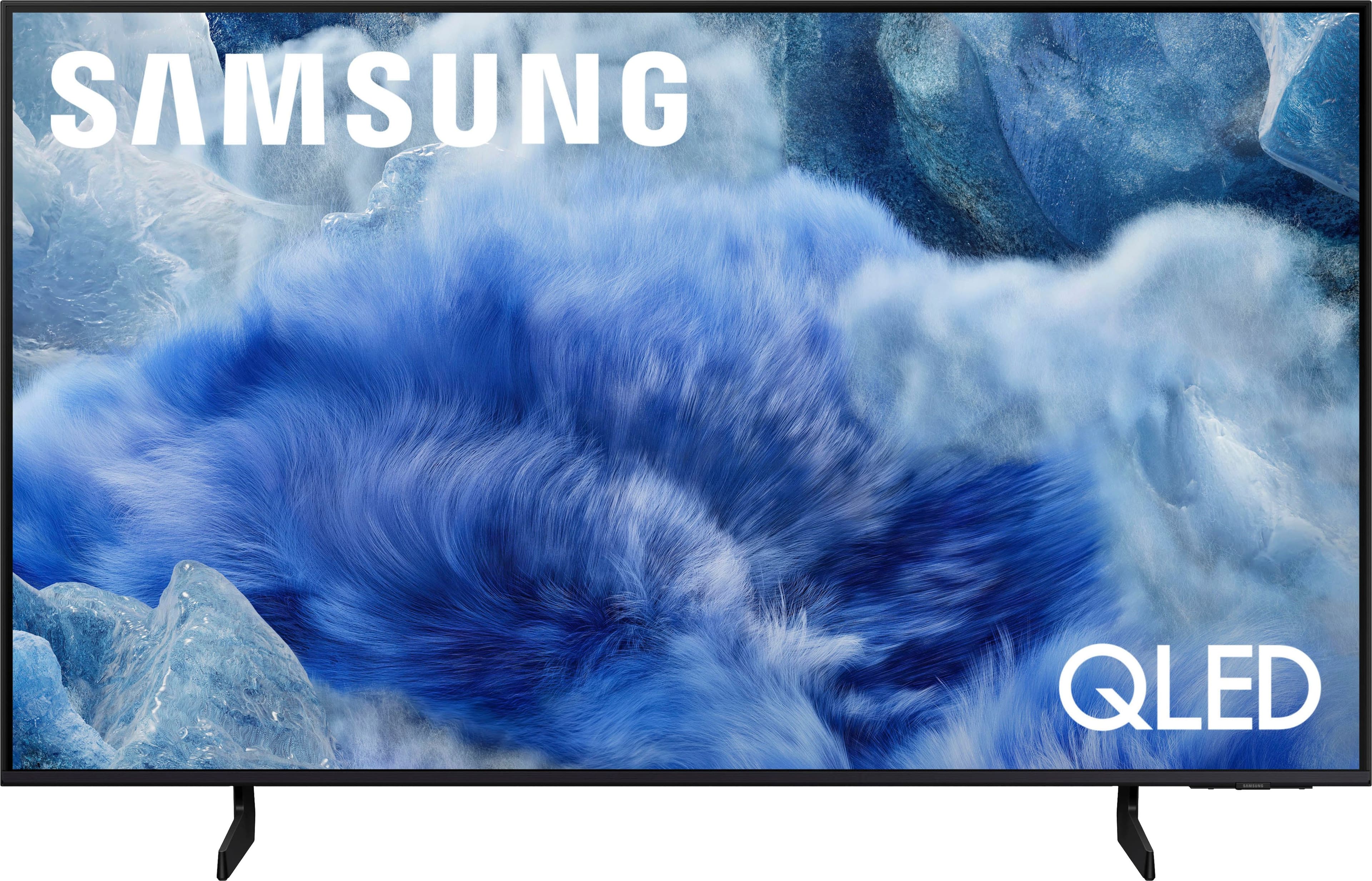
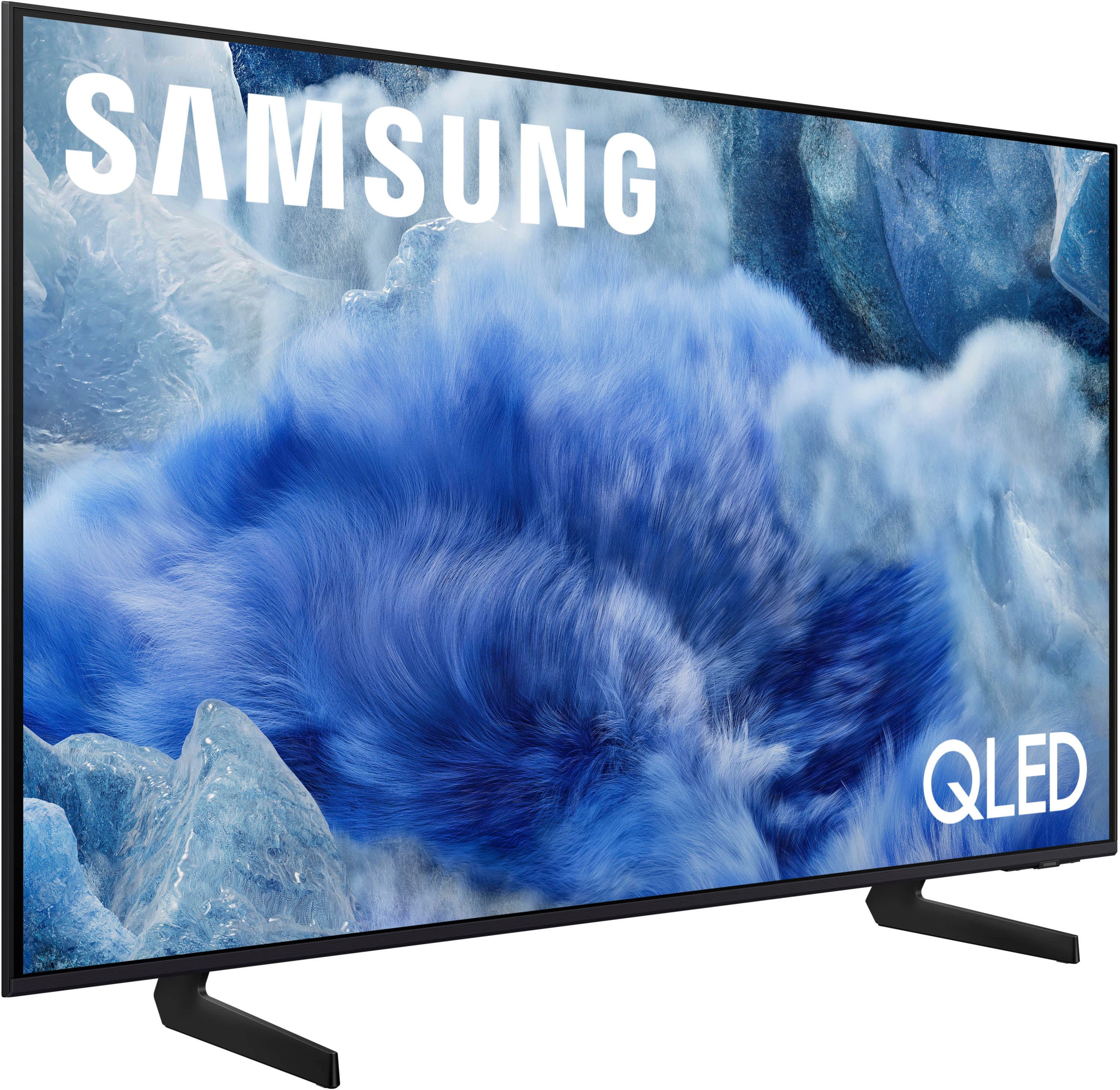



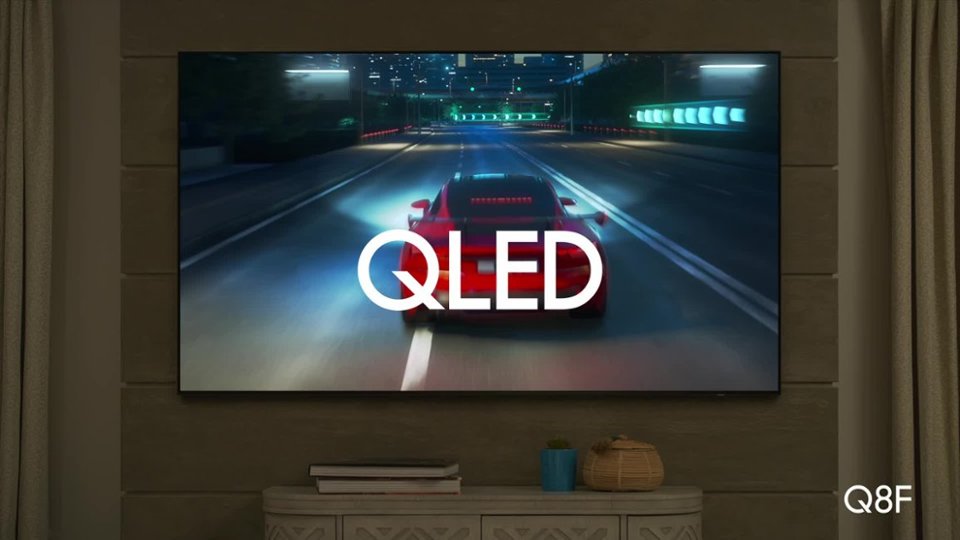
 100% Color Volume 100% Color Volume with Quantum Dot Over a billion colors that don't fade, even in the brightest scenes *QLED televisions can produce 100% Volume in the DCI-PS colorspace, the format most cinema screens and HDR movies for television.](https://pisces.bbystatic.com/image2/BestBuy_US/images/products/684f880e-f8dd-4c6c-91d9-5f55b1534a3c.jpg)







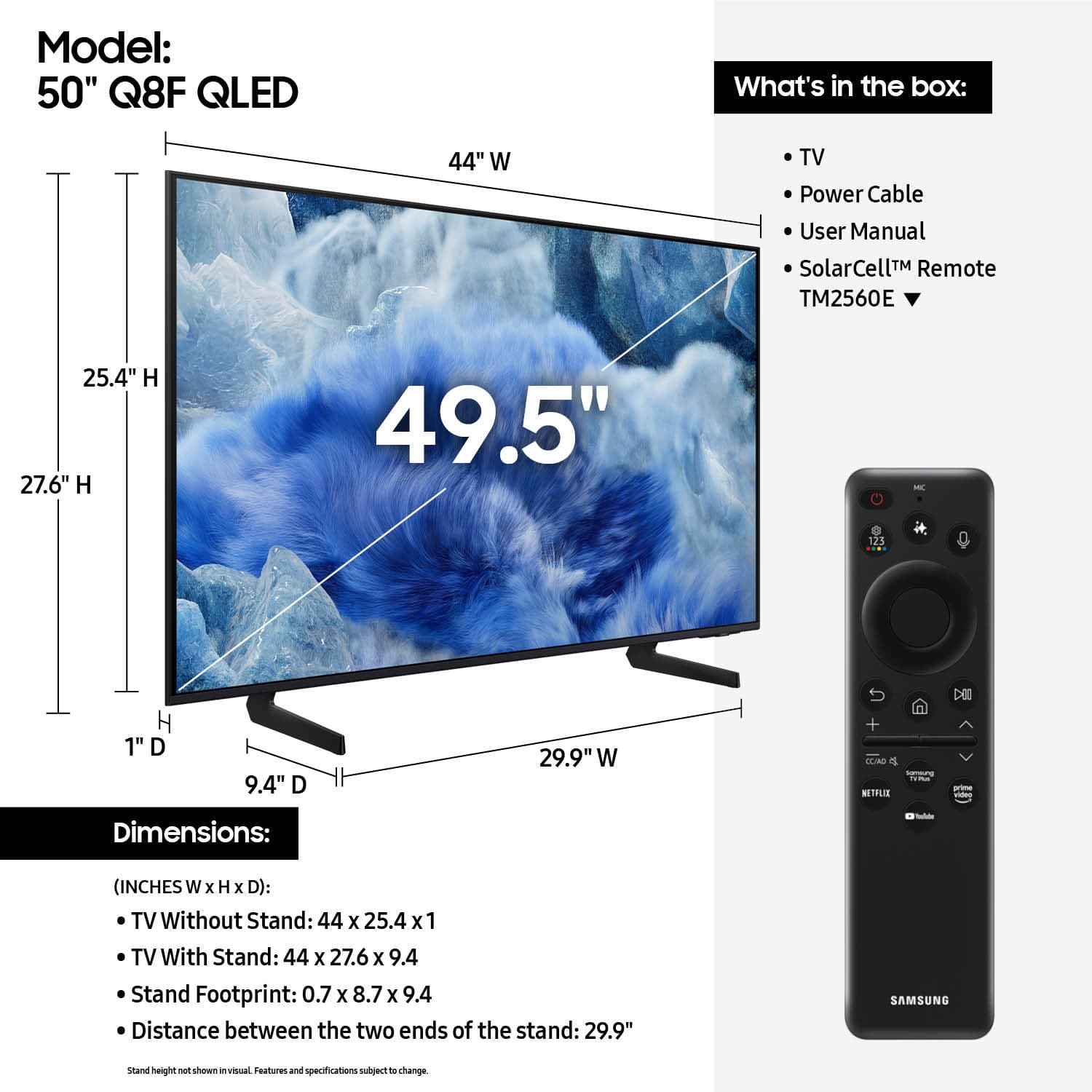
- Model:
- QN50Q8FAAFXZA
- |
- SKU:
- 10517938
Customer reviews
Rating 4.8 out of 5 stars with 148 reviews
(148 customer reviews)Rating by feature
- Picture Quality4.9
Rating 4.9 out of 5 stars
- Sound Quality4.6
Rating 4.6 out of 5 stars
- Brightness4.9
Rating 4.9 out of 5 stars
Rated 5 out of 5 stars
Perfect
||Posted . Owned for 3 weeks when reviewed.This reviewer received promo considerations or sweepstakes entry for writing a review.Enjoying my new TV, perfect size, picture quality is very good. Perfect living room TV
This review is from Samsung - 50” Class Q8F Series QLED 4K UHD SamsungVision AI Smart Tizen TV (2025)
I would recommend this to a friendRated 5 out of 5 stars
Covered Patio TV - Internet input only
||Posted . Owned for 1 month when reviewed.This reviewer received promo considerations or sweepstakes entry for writing a review.This TV works great on our covered Patio. We like to watch Saint games from the patio.
This review is from Samsung - 50” Class Q8F Series QLED 4K UHD SamsungVision AI Smart Tizen TV (2025)
I would recommend this to a friendRated 5 out of 5 stars
Fragile feet
||Posted . Owned for less than 1 week when reviewed.This reviewer received promo considerations or sweepstakes entry for writing a review.Excellent picture quality and smart software features.
This review is from Samsung - 50” Class Q8F Series QLED 4K UHD SamsungVision AI Smart Tizen TV (2025)
I would recommend this to a friendRated 5 out of 5 stars
50" Samsung tv
||Posted .This reviewer received promo considerations or sweepstakes entry for writing a review.Love it so far. Easy to connect to my cable and computer. Beautiful clean picture.
This review is from Samsung - 50” Class Q8F Series QLED 4K UHD SamsungVision AI Smart Tizen TV (2025)
I would recommend this to a friendRated 5 out of 5 stars
Tv
||Posted . Owned for 3 weeks when reviewed.This reviewer received promo considerations or sweepstakes entry for writing a review.Great tv just what I was looking for. I would buy another one
This review is from Samsung - 50” Class Q8F Series QLED 4K UHD SamsungVision AI Smart Tizen TV (2025)
I would recommend this to a friendRated 5 out of 5 stars
Good tv set
||Posted . Owned for 1 month when reviewed.This reviewer received promo considerations or sweepstakes entry for writing a review.Tv works as described. Great display great sound would recommend
This review is from Samsung - 50” Class Q8F Series QLED 4K UHD SamsungVision AI Smart Tizen TV (2025)
I would recommend this to a friendRated 5 out of 5 stars
Samsung tv
||Posted . Owned for 1 month when reviewed.This reviewer received promo considerations or sweepstakes entry for writing a review.Fantastic tv picture sound etc Best Buy great help
This review is from Samsung - 50” Class Q8F Series QLED 4K UHD SamsungVision AI Smart Tizen TV (2025)
I would recommend this to a friendRated 5 out of 5 stars
Samsung TV
||Posted . Owned for 3 weeks when reviewed.This reviewer received promo considerations or sweepstakes entry for writing a review.Price & Samsung Picture Quality Good - Easy Set Up
This review is from Samsung - 50” Class Q8F Series QLED 4K UHD SamsungVision AI Smart Tizen TV (2025)
I would recommend this to a friendRated 5 out of 5 stars
Samsung TV
||Posted . Owned for 1 month when reviewed.This reviewer received promo considerations or sweepstakes entry for writing a review.Exactly as expected..so far, so good. Set up was easy and responsive
This review is from Samsung - 50” Class Q8F Series QLED 4K UHD SamsungVision AI Smart Tizen TV (2025)
I would recommend this to a friendRated 5 out of 5 stars
Samsung tv 50 inch.
||Posted .This reviewer received promo considerations or sweepstakes entry for writing a review.good picture added a sound bar perfect in bedroom.
This review is from Samsung - 50” Class Q8F Series QLED 4K UHD SamsungVision AI Smart Tizen TV (2025)
I would recommend this to a friendRated 4 out of 5 stars
not quite ready for prime time tv
||Posted . Owned for 1 month when reviewed.This reviewer received promo considerations or sweepstakes entry for writing a review.an excellent tv but should have had built in hdtv antenna and better remote with clearer buttons
This review is from Samsung - 50” Class Q8F Series QLED 4K UHD SamsungVision AI Smart Tizen TV (2025)
No, I would not recommend this to a friendRated 4 out of 5 stars
Crystal clear
||Posted . Owned for 1 month when reviewed.This reviewer received promo considerations or sweepstakes entry for writing a review.Perfect size for our room and picture quality is bright and vibrant.
This review is from Samsung - 50” Class Q8F Series QLED 4K UHD SamsungVision AI Smart Tizen TV (2025)
I would recommend this to a friendRated 4 out of 5 stars
Television
||Posted .This reviewer received promo considerations or sweepstakes entry for writing a review.The television works good. The picture is very good . I was thinking of purchasing a Oean type but couldn’t find one.
This review is from Samsung - 50” Class Q8F Series QLED 4K UHD SamsungVision AI Smart Tizen TV (2025)
I would recommend this to a friendRated 5 out of 5 stars
Samsung purchase
||Posted .This reviewer received promo considerations or sweepstakes entry for writing a review.Great picture at a reasonable price. Very easy to set up.
This review is from Samsung - 50” Class Q8F Series QLED 4K UHD SamsungVision AI Smart Tizen TV (2025)
I would recommend this to a friendRated 5 out of 5 stars
Samsung QLED 50
||Posted . Owned for 2 weeks when reviewed.This reviewer received promo considerations or sweepstakes entry for writing a review.The new Samsung 50 in TV is excellent and easy to install and program
This review is from Samsung - 50” Class Q8F Series QLED 4K UHD SamsungVision AI Smart Tizen TV (2025)
I would recommend this to a friendRated 5 out of 5 stars
Good TV
||Posted . Owned for 1 week when reviewed.This reviewer received promo considerations or sweepstakes entry for writing a review.Great picture. Seems to work great so far. Make the purchase on this.
This review is from Samsung - 50” Class Q8F Series QLED 4K UHD SamsungVision AI Smart Tizen TV (2025)
I would recommend this to a friendRated 5 out of 5 stars
Tv review
||Posted . Owned for 3 weeks when reviewed.This reviewer received promo considerations or sweepstakes entry for writing a review.Very clear picture love the size of the television Screen
This review is from Samsung - 50” Class Q8F Series QLED 4K UHD SamsungVision AI Smart Tizen TV (2025)
I would recommend this to a friendRated 4 out of 5 stars
Good TV
||Posted . Owned for 1 month when reviewed.This reviewer received promo considerations or sweepstakes entry for writing a review.Good TV. Not significantly better than my Crystal TV before, but a solid purchase. Samsung TV is great!
This review is from Samsung - 50” Class Q8F Series QLED 4K UHD SamsungVision AI Smart Tizen TV (2025)
I would recommend this to a friendRated 5 out of 5 stars
Nothing negative to say!
||Posted . Owned for 1 month when reviewed.This reviewer received promo considerations or sweepstakes entry for writing a review.All my HDTV purchases have been SAMSUNG. I can't say anything negative about this Samsung 50" QLED screen. Amazing picture! The Paramount+ app is not installed but you can still get to your account.
This review is from Samsung - 50” Class Q8F Series QLED 4K UHD SamsungVision AI Smart Tizen TV (2025)
I would recommend this to a friendRated 5 out of 5 stars
Very good value
||Posted . Owned for 3 weeks when reviewed.This reviewer received promo considerations or sweepstakes entry for writing a review.Very good value and very good features. We were not looking for the biggest, best. fanciest TV to replace one that died. This fit our requirements nicely and didn't break the bank! I researched numerous choices before selecting this one.
This review is from Samsung - 50” Class Q8F Series QLED 4K UHD SamsungVision AI Smart Tizen TV (2025)
I would recommend this to a friend