Customer Ratings & Reviews



- Model:
- QN55Q8CAMFXZA
- |
- SKU:
- 5786407
Customer reviews
Rating 4.8 out of 5 stars with 23 reviews
(23 customer reviews)to a friend
Customers are saying
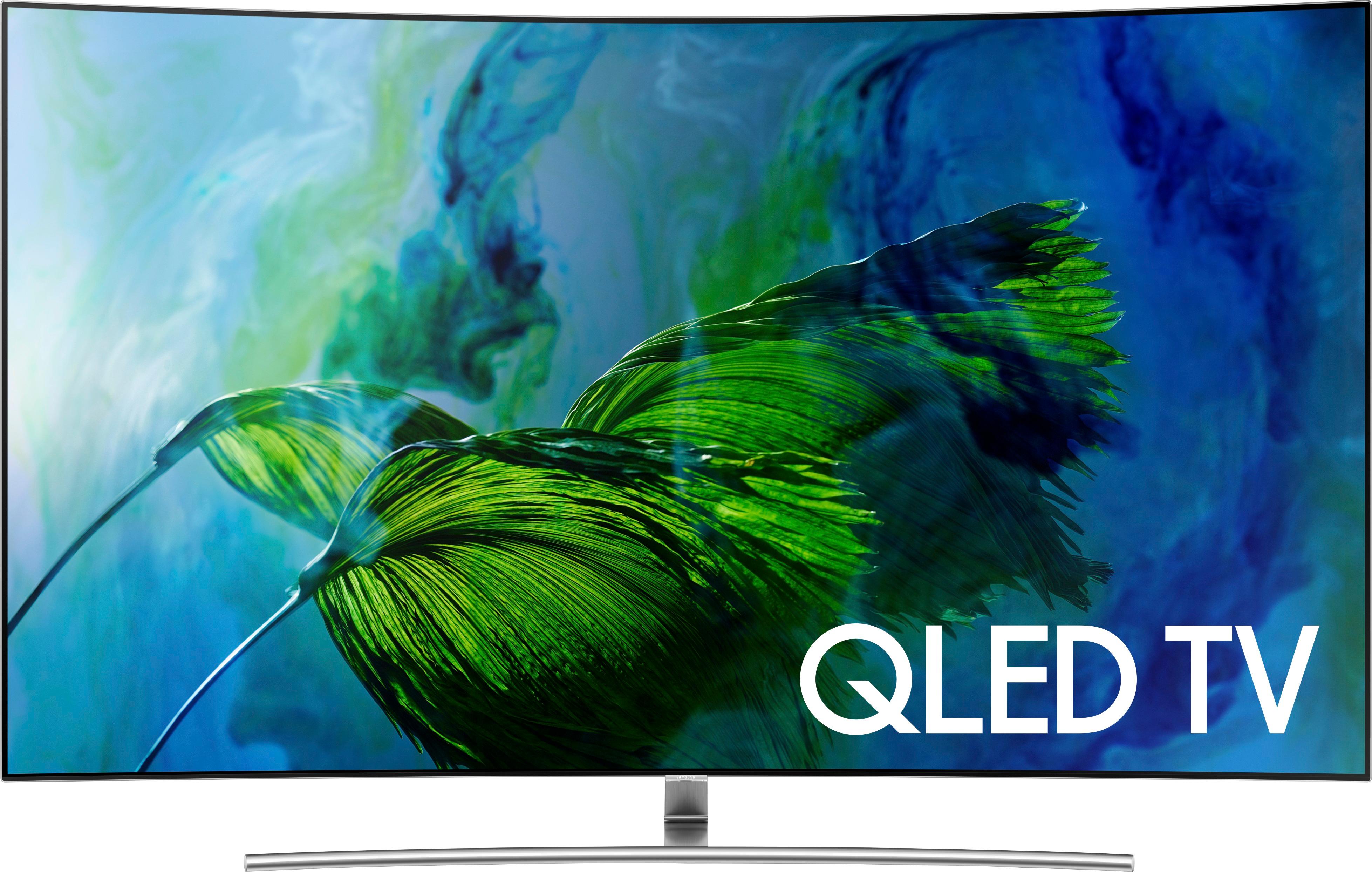
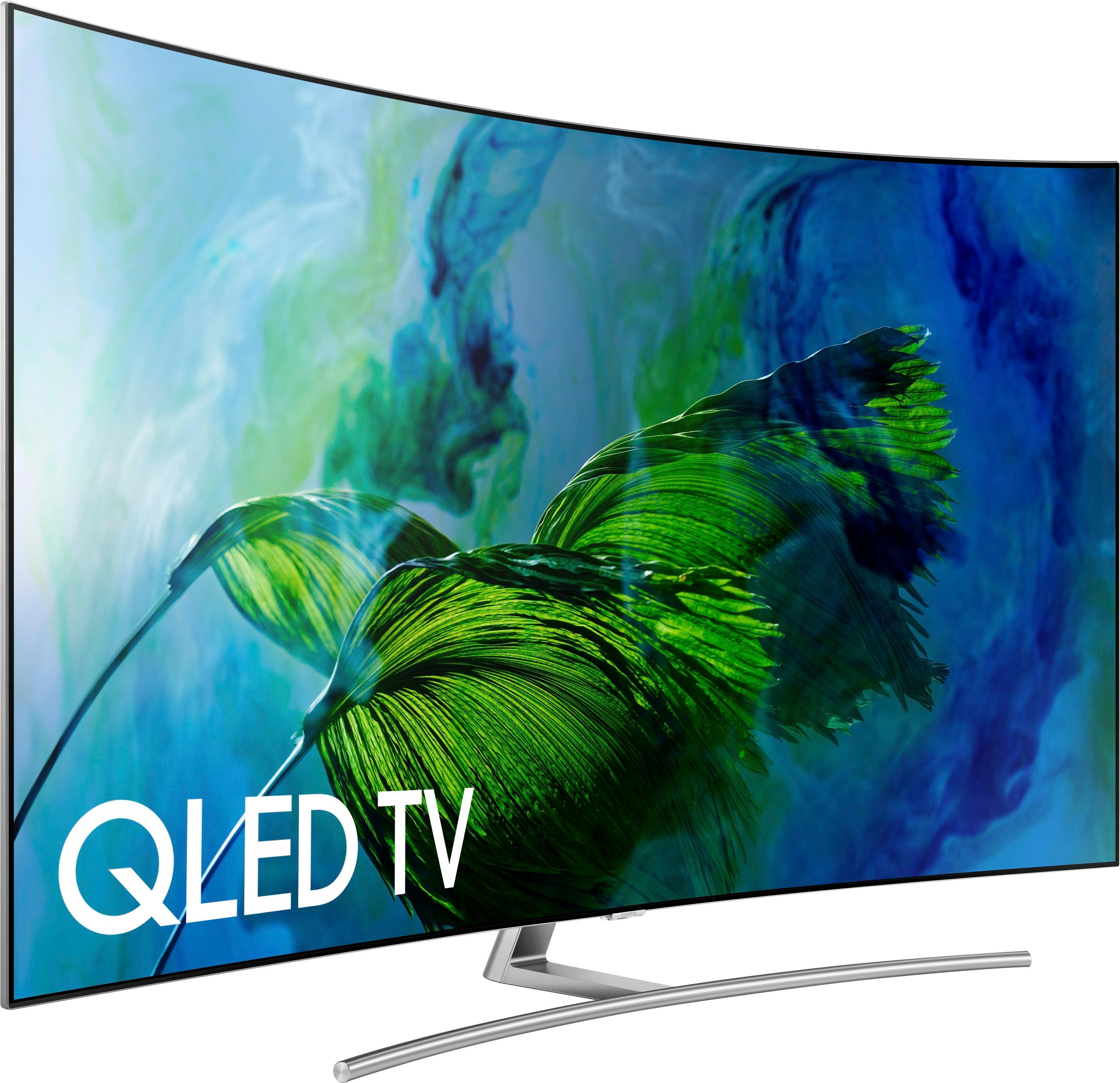
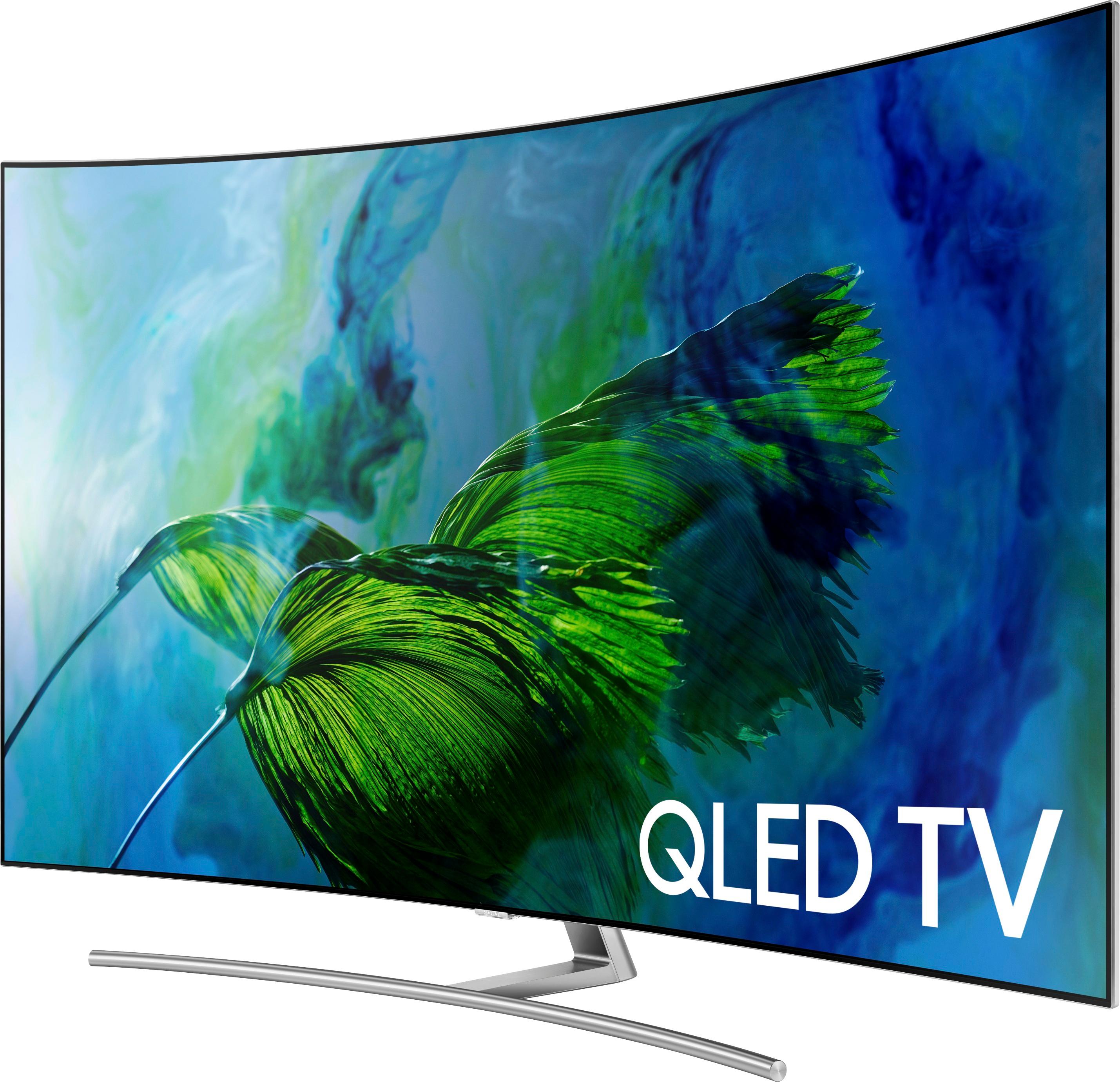
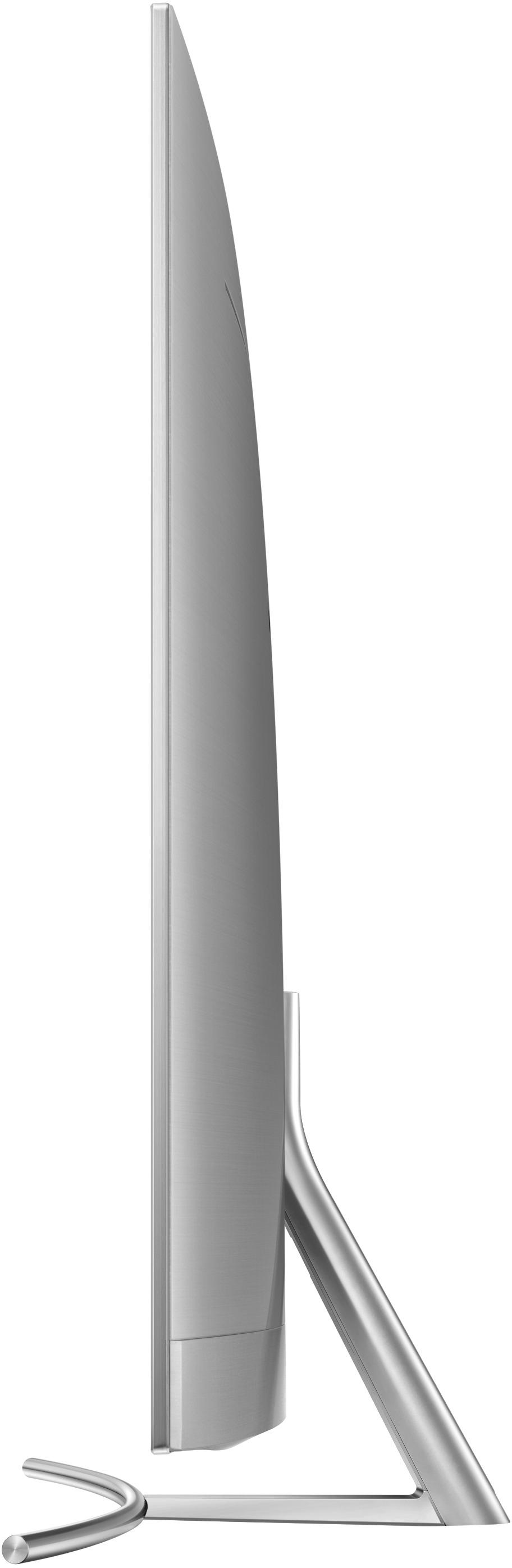
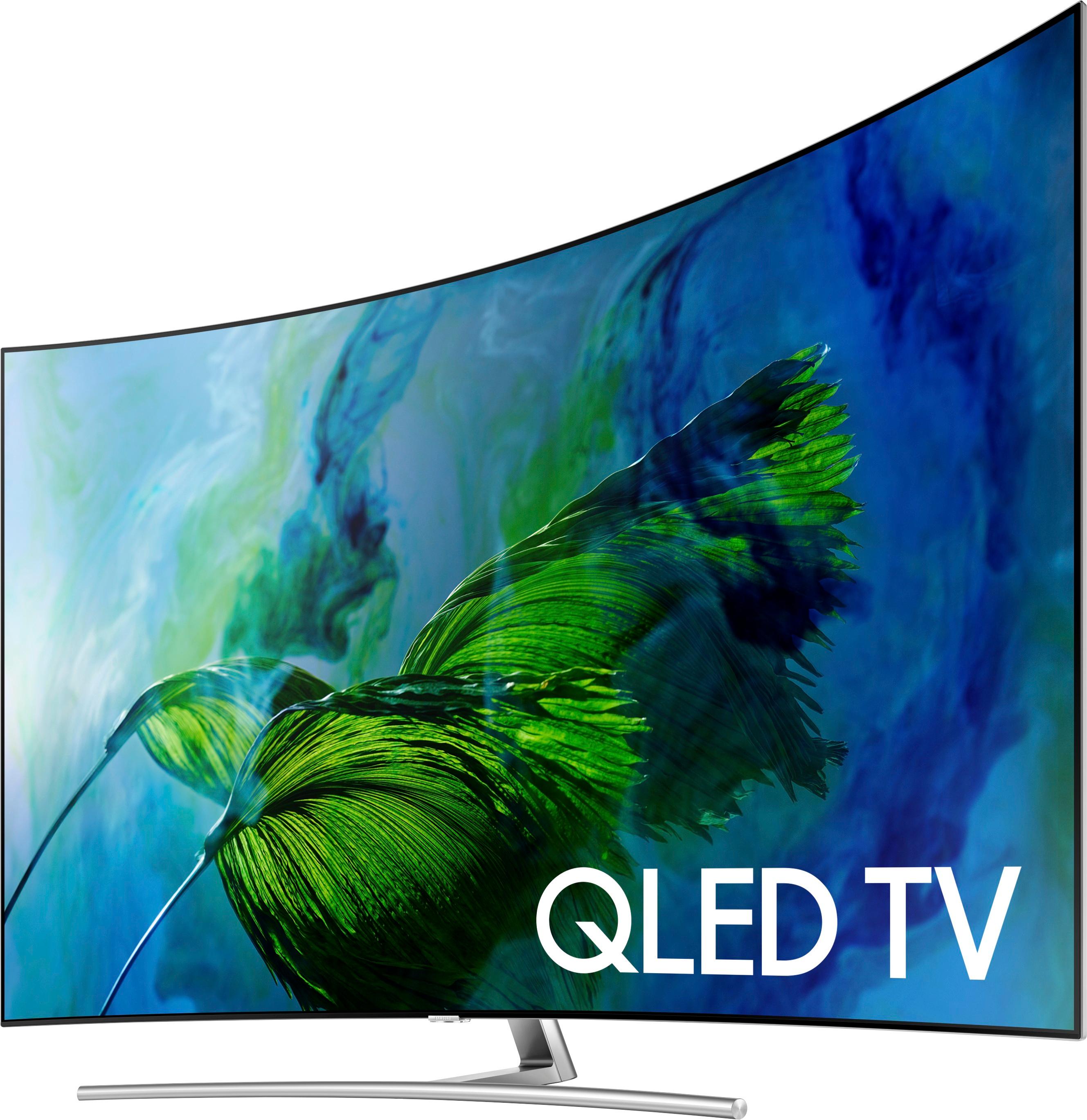
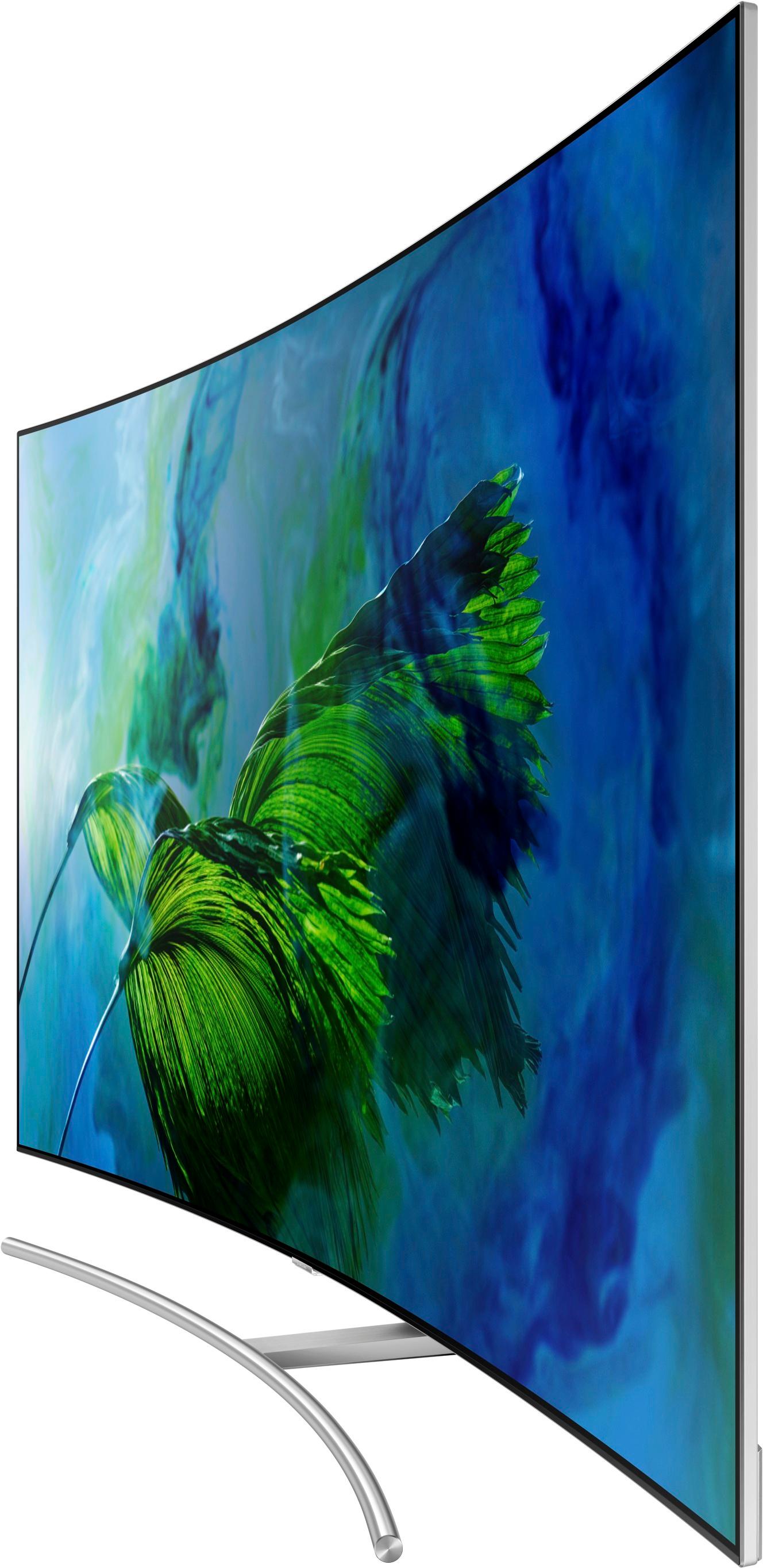
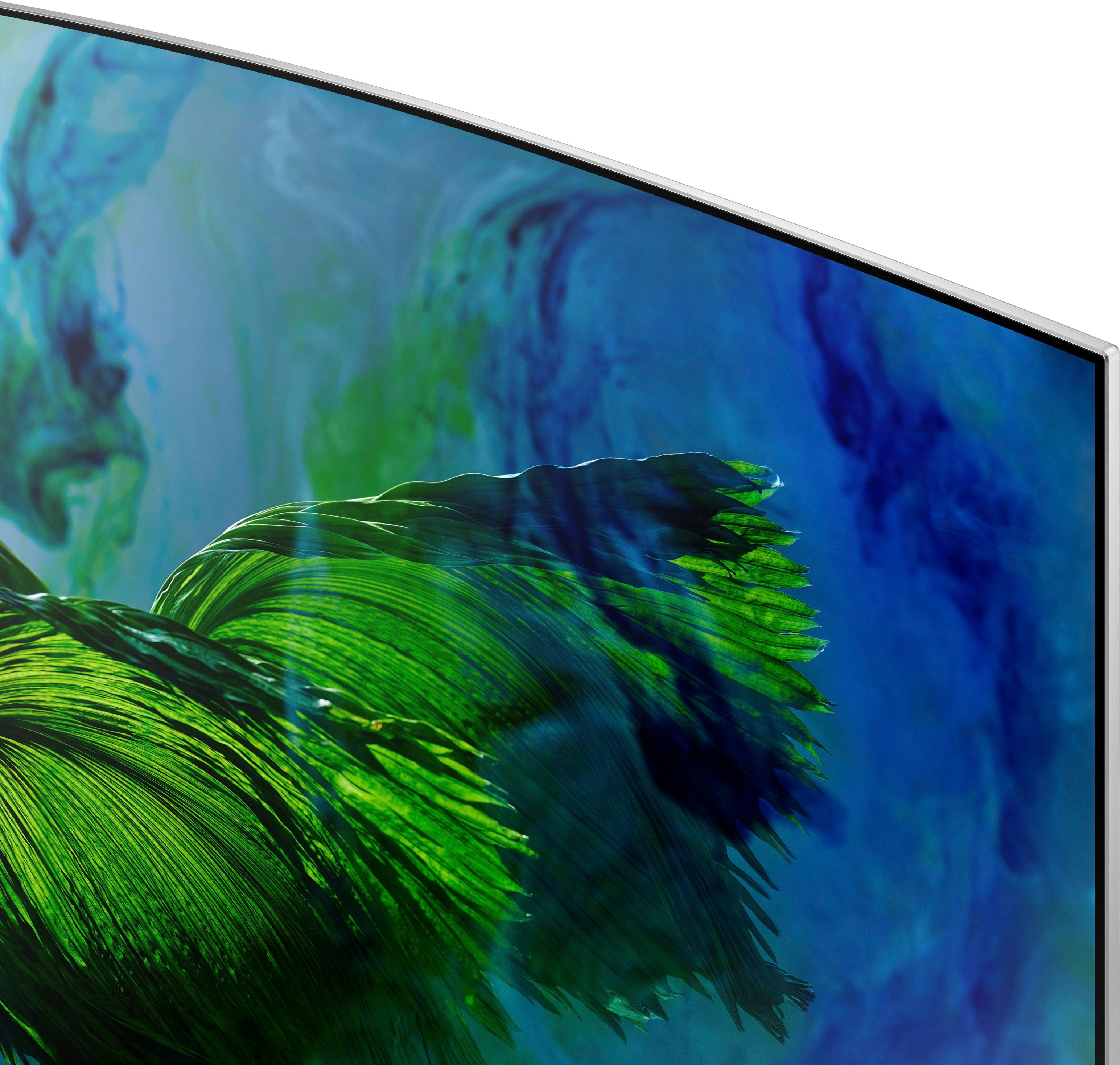
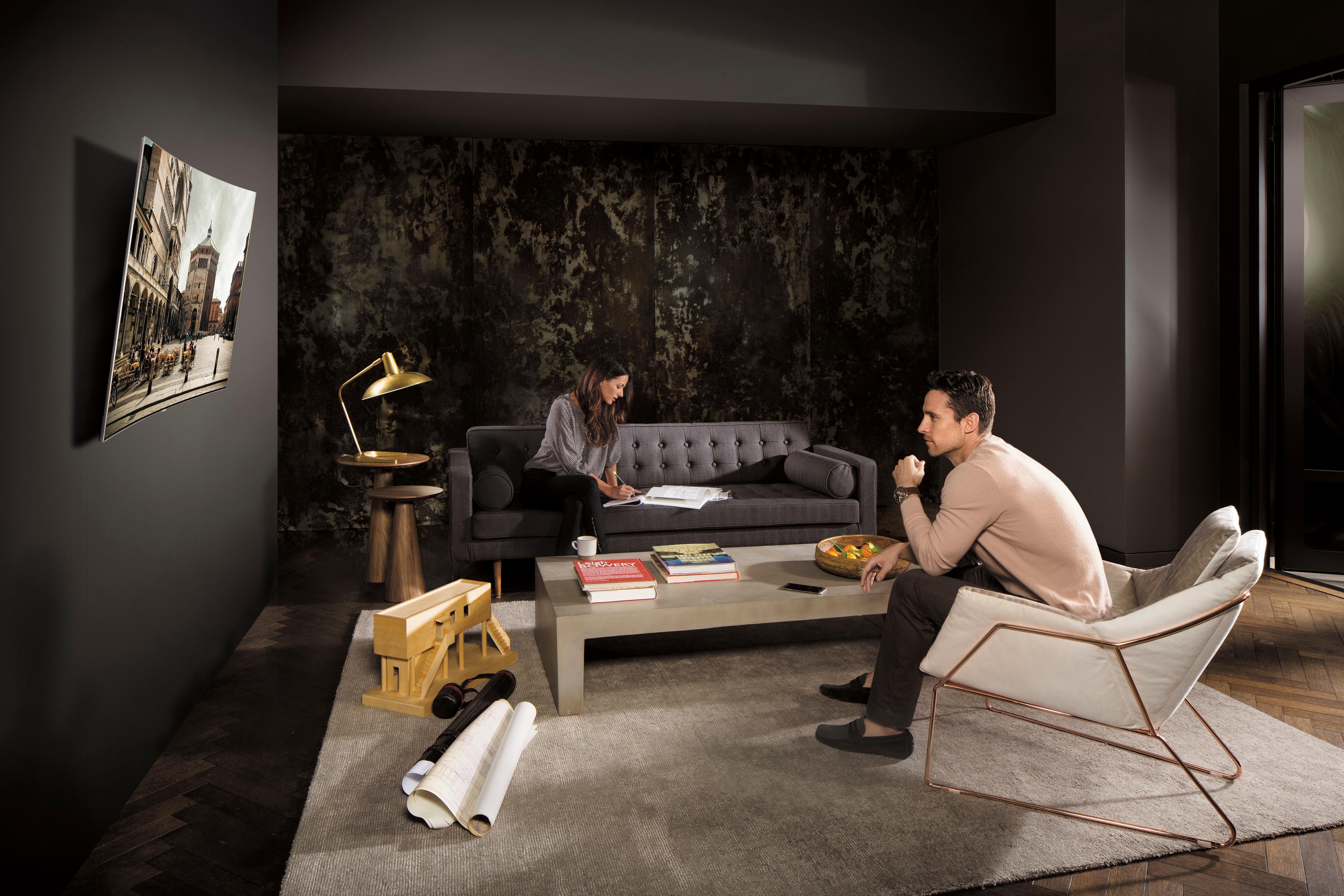
Customers find value in the 55" Class - LED - Curved - Q8C Series - 2160p - Smart - 4K UHD TV with HDR for its excellent picture quality and curved screen. Customers rave about the picture quality, calling it "great" and "stunning." The curved screen is also a hit, with customers saying they "love" it and that it provides a "great picture."
This summary was generated by AI based on customer reviews.
Rated 4 out of 5 stars
A Step in The right Direction!
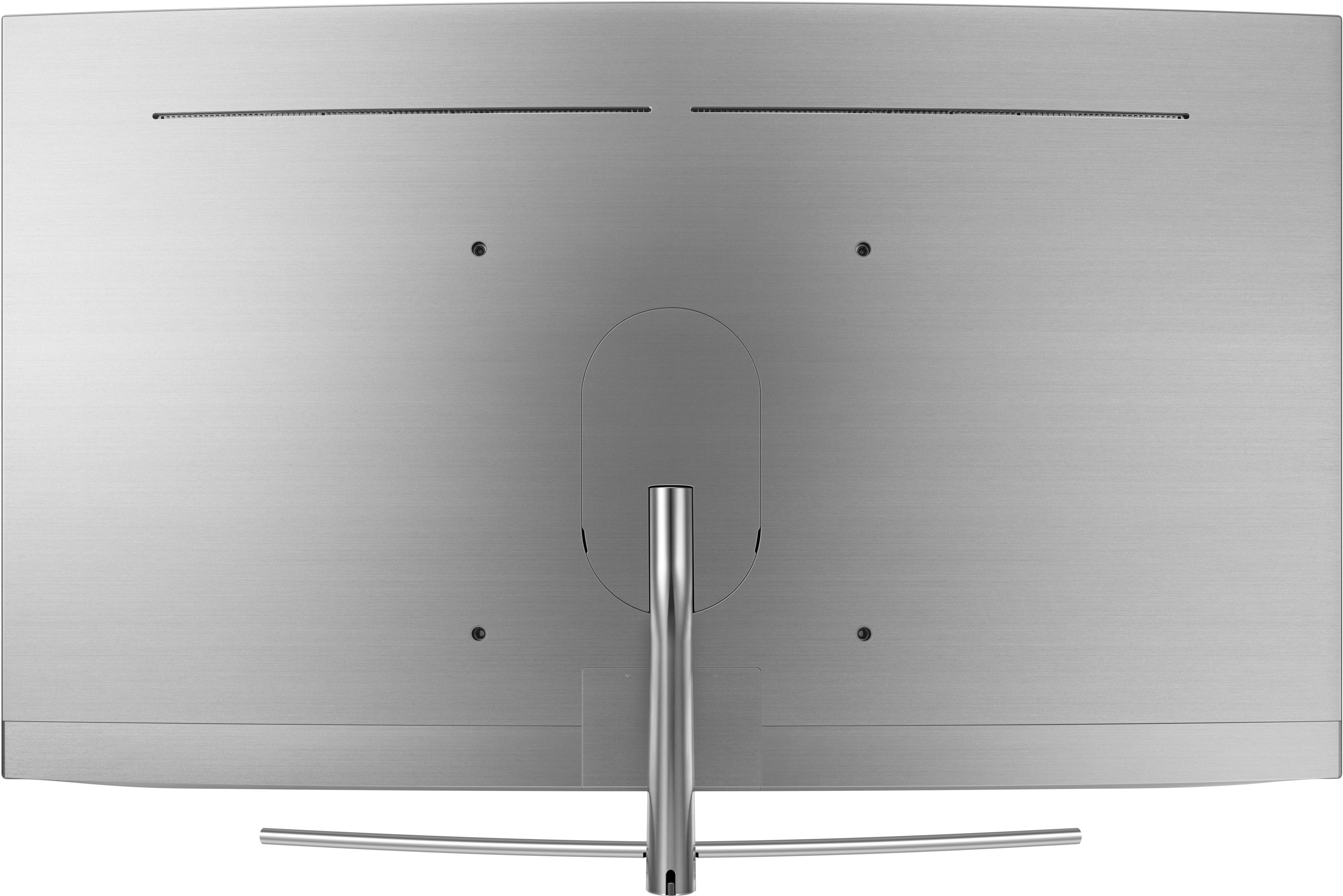
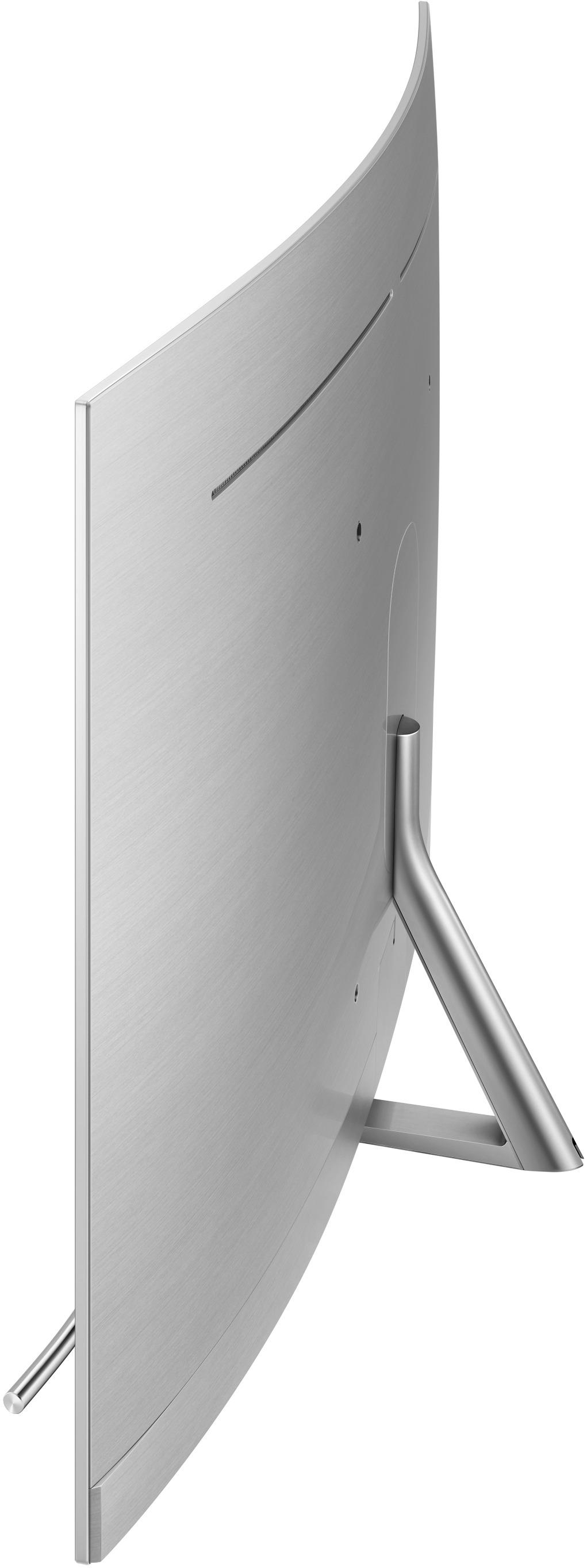
Posted .This reviewer received promo considerations or sweepstakes entry for writing a review.So I will say that this is absolutely a step in the right direction for Samsung televisions. With the breath taking color's and speed of the processor in the Qled it is a joy to use. I notice that a lot of the past models were just lagging and choppy with the user interface. The unit really keeps up and as for the colors this is by far the best series of tvs amazing bright and vivid! 1. So as for design. I love the overall design of this television. The build quality is superb, it is durable and strong with the body still able to remain thin! The metal back to the model and the stand quality is just an amazing leap in overall quality! The new one connect is a huge upgrade with tiny cable and the overall length gives so many more options! 2. So as for the features I really like how the sources plugged into the unit are detected and labeled Instantly as well as they have really given you more options to use the one control, I really do think that the new remote is a work of art in the way that they made it more user-friendly and stable than the years prior. I am hoping they work out deals with more sources to assist with cut the cord types but from what I see the best update to features is with the assist of the processor to make the transition more quick less lag for overall use. 3.Ease or use.... is an understatement it is just second nature if you have ever experienced a smart TV before, They have every option possible pretty much and it make sure that explains a lot and gives you option's to control every different aspect of the overall experience. Going from Netflix to YouTube to everything in between application wise or your basic cable is an absolute Breeze there is no concerned when trying to access any part so for each of you so I would have absolutely sale 5 out of 5 So my last words in closing. I am impressed by the Qled line of television's. I absolutely and genuinely believe This is a big step in the right direction for Samsung! And as for brightness and overall lag while use's the model I did not notice any problems or any bleeding effects. Everything really seem to just work with no complaints. I am pleasantly surprised how much I find improvements From Samsung From Last Year. So my overall Score is a 8 out of 10. So still an amazing set and I am pleased with my experience and overall use. The only point i would take away is the overall price, it is a factor when making a purchase when i compare it other models! #theinsidersQledTv #theinsiders
I would recommend this to a friend- Pros mentioned:Black levels, Curved screen
Rated 5 out of 5 stars
Samsung 55” Q8C Curved QLED 4k TV First Impression
Posted .This reviewer received promo considerations or sweepstakes entry for writing a review.I just received the new Samsung Q8C Curved QLED 4k TV and I wanted to share my first impressions. The unboxing experience is the best that I have ever experienced. Here are the steps, open the top flaps on the box, lay it on its back, fold down the front of the box 1/3 of the length (The box is perforated to allow it to tear and fold, and then slide out the Styrofoam inner tray. Next you remove the instructions which also have the Invisible Connection™ cable, remote, batteries for the remote, and a few other parts. Remove the stand base and the upright part of the stand and assemble with the four attached screws. Now you remove the cover over the TV. What is revealed is the brushed stainless steel back of the TV, it is beautiful, the thought that came to my head was that it resembles the smooth muscular curved shoulders of a swimmer. You first connect the Invisible Connection™ cable and the power cable for the TV. Follow the instructions so as not to kink or damage the Invisible Connection™ cable. Now you remove the oval cover in the center of the back of the TV and attach the base with the four provided screws. The upright of the stand comes apart so that you can channel the Invisible Connection™ cable and power cable inside the upright. Put the cover back on the upright and return the oval cover to the back of the TV. You can now lift the TV (2 people required, not heavy but bulky) and set it in place. Now you can connect the Invisible Connection™ cable to the One Connect box. All you other cables from the Internet, Antenna, Cable Box, etc. connect to the One Connect box allowing for a very clean appearance. Plug in the One Connect box and the TV and you are ready to power it on. When you power on the small but extremely functional remote the TV starts up its configuration process, it was fast and smooth. I have a Samsung cell phone and the TV identified my phone and got its Internet connection information from my phone and my Samsung account information. Once configuration was completed, we were watching the most beautiful Television picture. The blacks were true black and the colors were very bright. We have Netflix with 4k content so we logged in with the TV and viewed it with 4k programming, wow, every detail was perfect. This is a Samsung Curved TV, every other TV in our home is flat so we were not sure we were going to like the curved screen. We absolutely love the curved screen, it reduces glare and seems to be easier to watch. The curve is slight, it follows the line of the stand. The only logical reason why I think that the curve is so appealing is because we live in a curved world, the difference in the distance between the eyes to the center of the screen and the edges is reduced making it more comfortable. This TV just integrates so well with our other devices and they just work out of the box. For example, on my Microsoft Windows 10 PC I can select project and select the TV as the remote device and my computer screen showed up on the TV wirelessly. This TV does so much and so well that it is difficult to list everything that you can do with this TV. One surprise was that my cell phone now has an app that is always available that is a remote control for the TV, no searching for a misplaced remote. I can also project my cell phone screen onto the TV or have the TV project onto my cell phone. #InsidersQLEDTV #TheInsidersUS
I would recommend this to a friend - Pros mentioned:Picture quality
Rated 5 out of 5 stars
55" QLed curved
Posted .This reviewer received promo considerations or sweepstakes entry for writing a review.Great TV best TV by far for the price Q LED TV is the way to go
I would recommend this to a friend















