Customer Ratings & Reviews
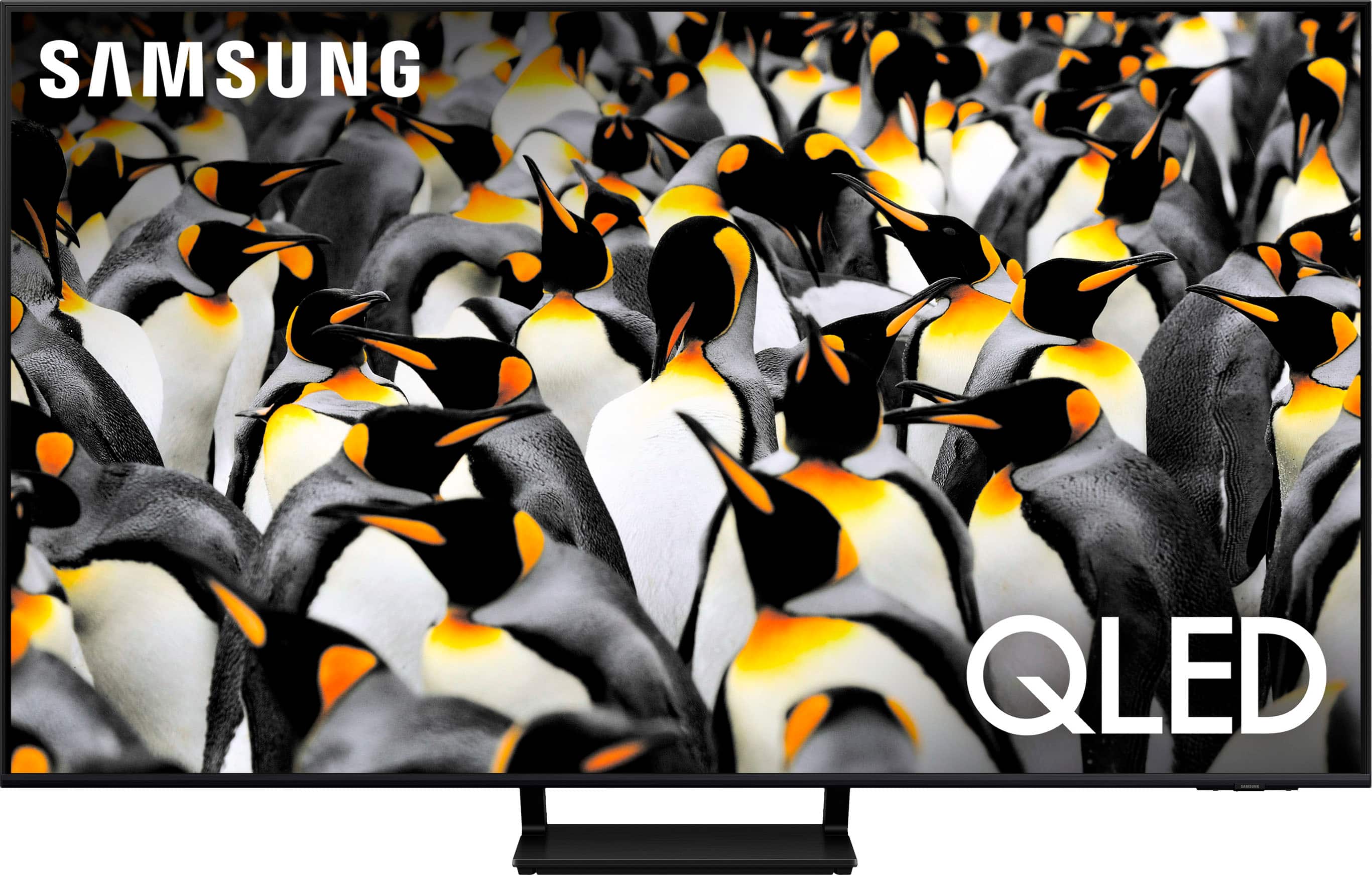
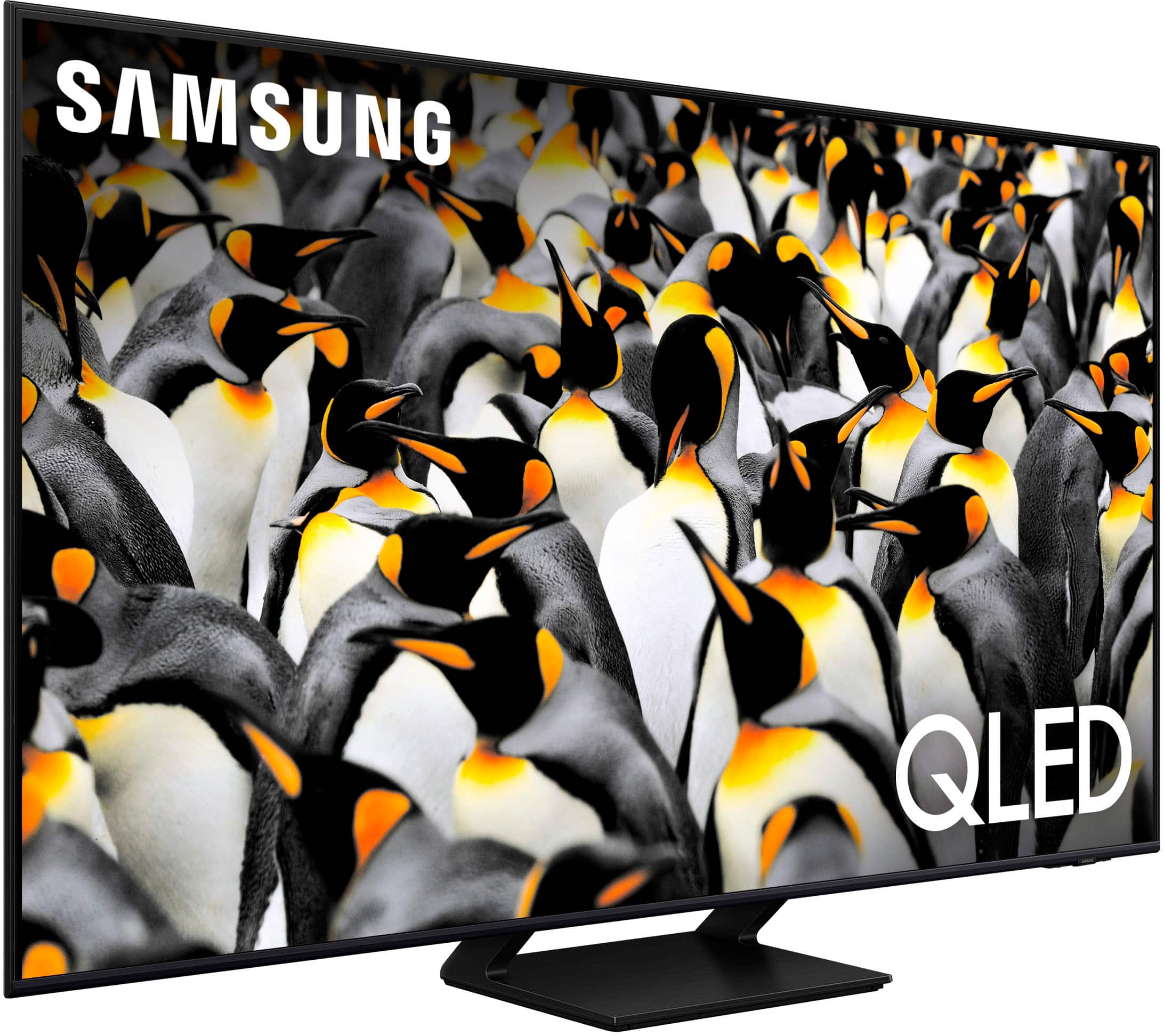
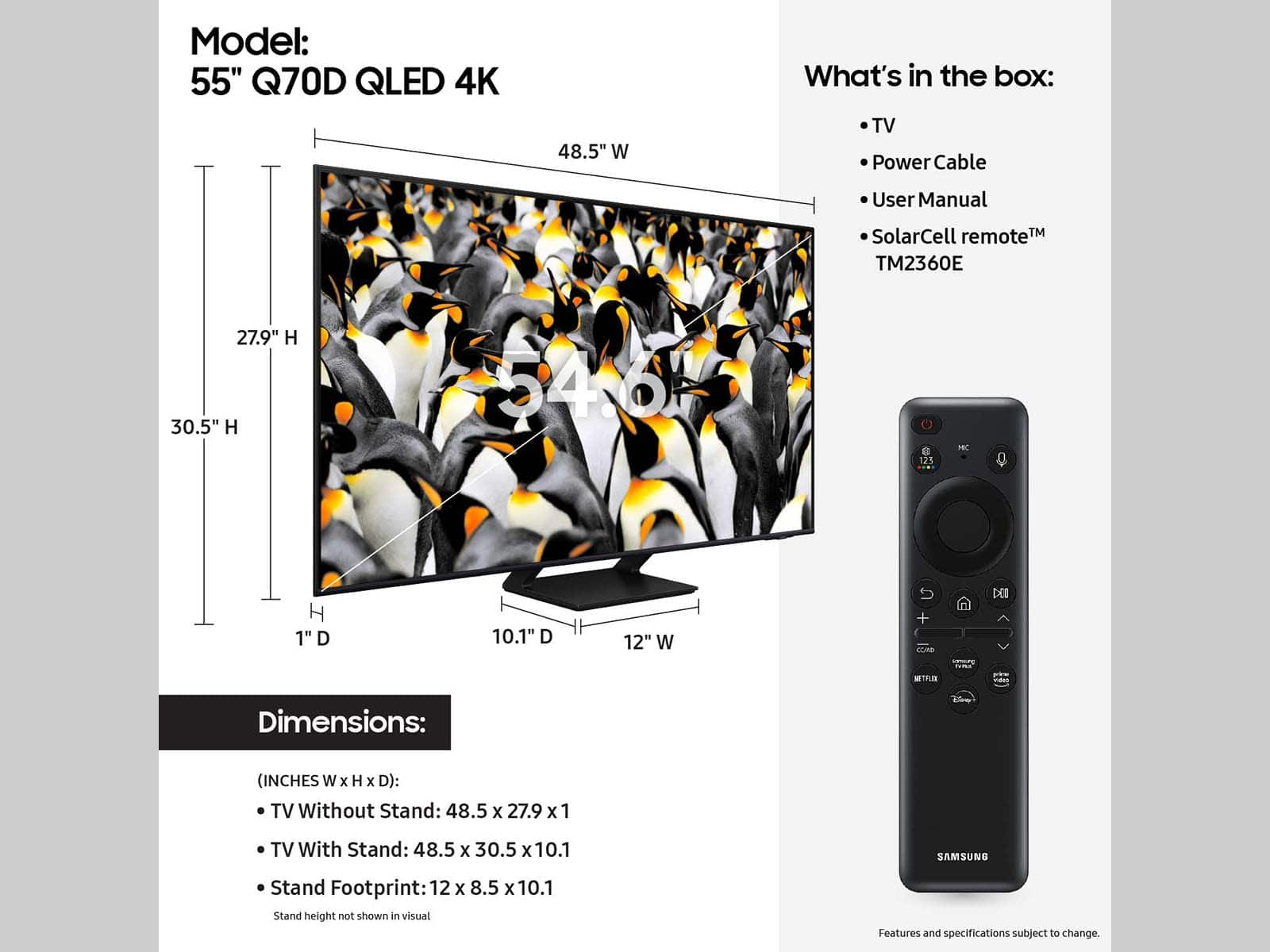
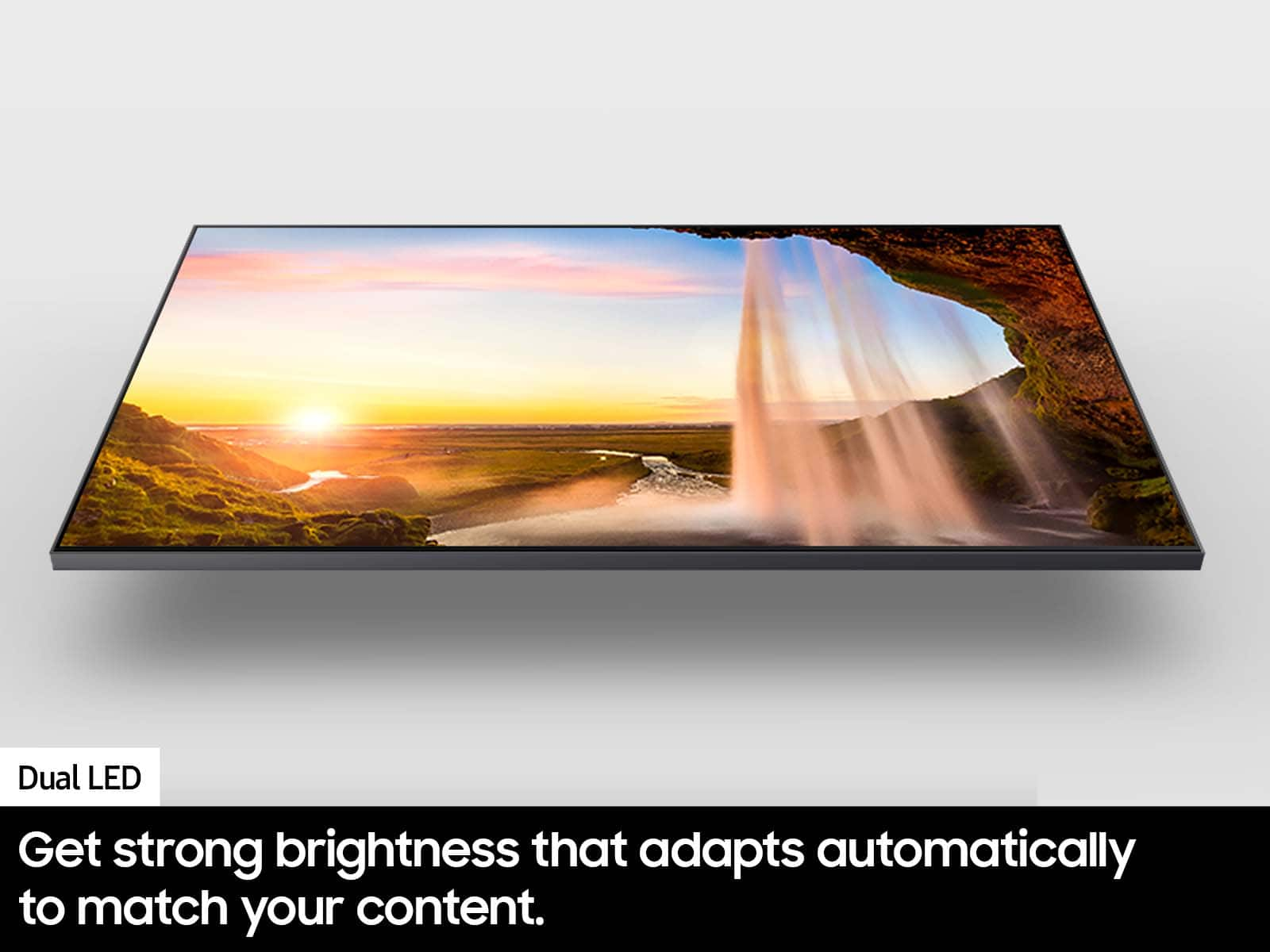

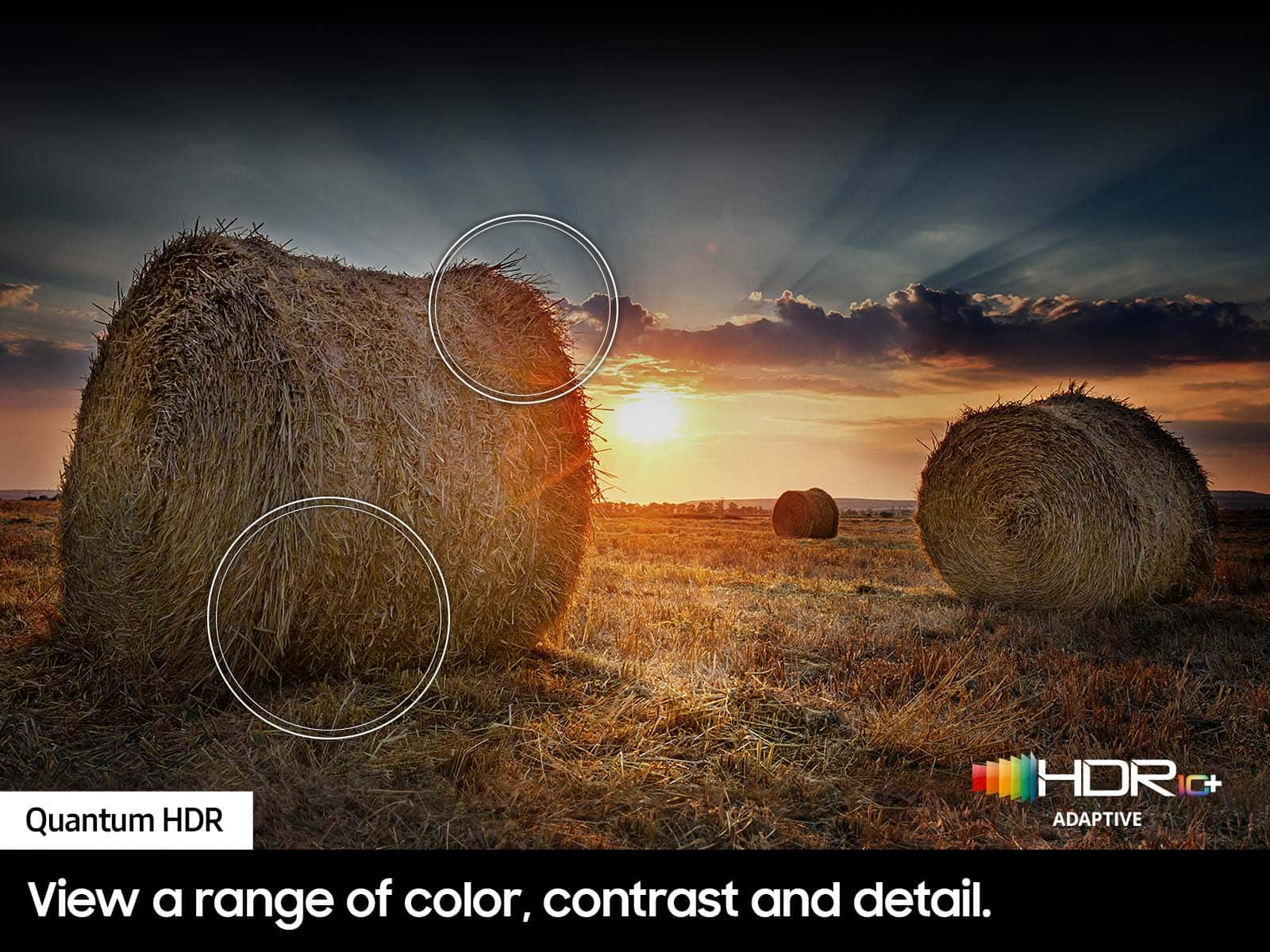
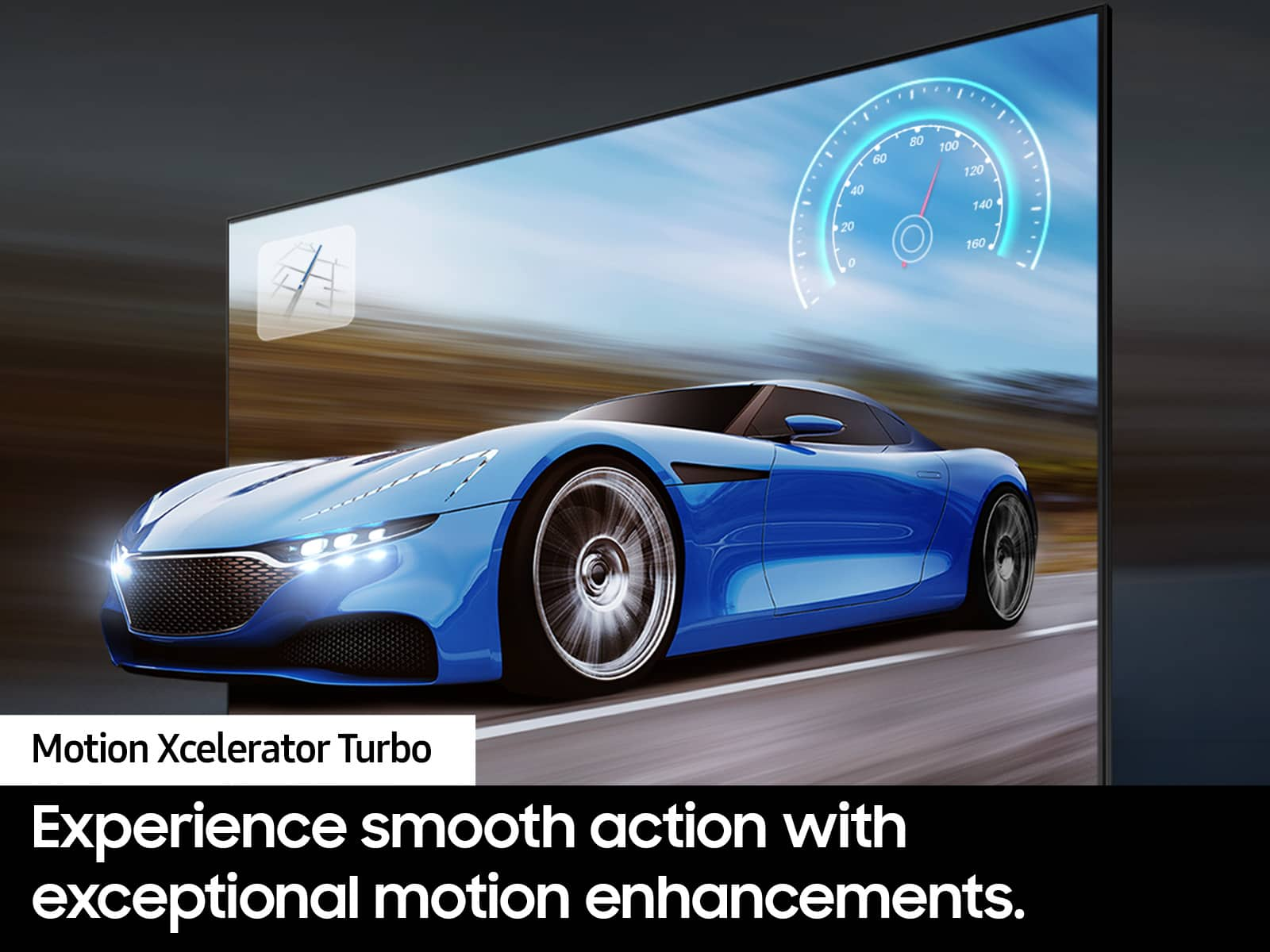



- Model:
- QN55Q70DAFXZA
- SKU:
- 12377842
Rating by feature
- Picture Quality
Rating 4.9 out of 5 stars
- Sound Quality
Rating 4.6 out of 5 stars
- Brightness
Rating 4.9 out of 5 stars
to a friend
Missing some Functionalitys
||Posted . Owned for 3 weeks when reviewed.This reviewer received promo considerations or sweepstakes entry for writing a review.I am kind of disappointed because I can't get my favorite sports app. Shortcuts to my apps are not there. Always have to go to home page to get to apps.
No, I would not recommend this to a friendBrand response from Samsung
Posted .LaoR,
Thank you for sharing your experience. Please know that you can customize your Home screen by installing, removing or adding your favorite apps to the Home screen. Here's how:
Downloading Apps
1. From the Home screen, press left on the remote.
2. Navigate to and select Search.
3. Using the search bar, enter the content or app you’d like to find.
4. Navigate to and select the app you’d like to install, then select Install.
Note: Previously installed apps can be accessed by selecting Apps on the Home screen.
Adding & Managing Apps on Home Screen
1. Go to App Settings (these can be found at the bottom of the Apps screen). The following options will be available:
a. Add to Home: Move the app to your desired location on the Home screen.
b. Lock: Lock the app with a PIN so only you can use it. When the app is selected again, you will be prompted to enter the PIN to unlock it.
c. Move: Move the app to another location
d. Reinstall: Reinstall the app.
e. View Details: View the app’s information and details.
If you need more help, Samsung is here for you. Please call us at 1-800-SAMSUNG, 8AM - 12AM EST, 7 days a week. Our LiveChat agents are also available by clicking on the ‘Support’ link on our website.
~ Samsung Specialist
5 stars
||Posted . Owned for 2 weeks when reviewed.This reviewer received promo considerations or sweepstakes entry for writing a review.I got a super good deal and the guy I spoke to was super helpful!
I would recommend this to a friendSamsung TV
||Posted . Owned for 1 month when reviewed.This reviewer received promo considerations or sweepstakes entry for writing a review.The remote is terrible Not voice activated. So small can hardly read.
No, I would not recommend this to a friendBrand response from Samsung
Posted .Donald,
We're sorry to hear of this misunderstanding. Please know your remote is indeed voice activated, you may just need to enable this setting. Go to Settings > All Settings > General & Privacy > Voice > Voice Wake-Up.
To further assist you in learning the various functions, please know you can download the Q70D TV's User Manual, e-Manual, Remote Control Leaflet, and Quick Setup Guide on Samsung's website under Support > Manuals & Software > TVs & Home Theater. You can search for and select the Q70D TV to download the guides you would like.
The e-Manual and Remote Guide are both also embedded into your TV itself under Menu > Settings > Support > Open e-Manual.
If you need more help, Samsung is here for you. Please call us at 1-800-SAMSUNG, 8AM - 12AM EST, 7 days a week. Our LiveChat agents are also available by clicking on the ‘Support’ link on our website.
~ Samsung Specialist
reasonable quality tv
||Posted . Owned for 3 weeks when reviewed.This reviewer received promo considerations or sweepstakes entry for writing a review.perfectly adequate or the space allotted. replaces a much older tv
I would recommend this to a friendsamsung
||Posted . Owned for 3 weeks when reviewed.This reviewer received promo considerations or sweepstakes entry for writing a review.poor qaulity, hard to use remote poor pitchure,distorted pitchure
No, I would not recommend this to a friendBrand response from Samsung
Posted .Hi RandallL,
We appreciate you taking the time to let us know about your experience with your TV. We would love the opportunity to investigate this for you so we can provide you with further assistance specific to your usage scenario.
You can reach Samsung Support at 1-800-SAMSUNG, 8AM - 12AM EST, 7 days a week. Our LiveChat agents are also available by clicking on the ‘Support’ link on our website.
~ Samsung Specialist
Good purchase
Posted .This reviewer received promo considerations or sweepstakes entry for writing a review.TV works beautifully. Looks beautiful. I have highly enjoyed it!
I would recommend this to a friendTerrible experience
Posted .This reviewer received promo considerations or sweepstakes entry for writing a review.The TV was listed as excellent condition and that was not the case missing parts
No, I would not recommend this to a friendBrand response from Samsung
Posted .Jairo,
We appreciate your feedback regarding parts missing from your Q70D TV. If purchased in open-box condition, we recommend contacting Best Buy directly for assistance. We hope your issue is resolved in a timely manner.
Should you have questions or concerns on usage or setup of your TV once your issue has been resolved, please call us at 1-800-SAMSUNG, 8AM - 12AM EST, 7 days a week. Our LiveChat agents are also available by clicking on the ‘Support’ link on our website.
~ Samsung Specialist