Customer Ratings & Reviews
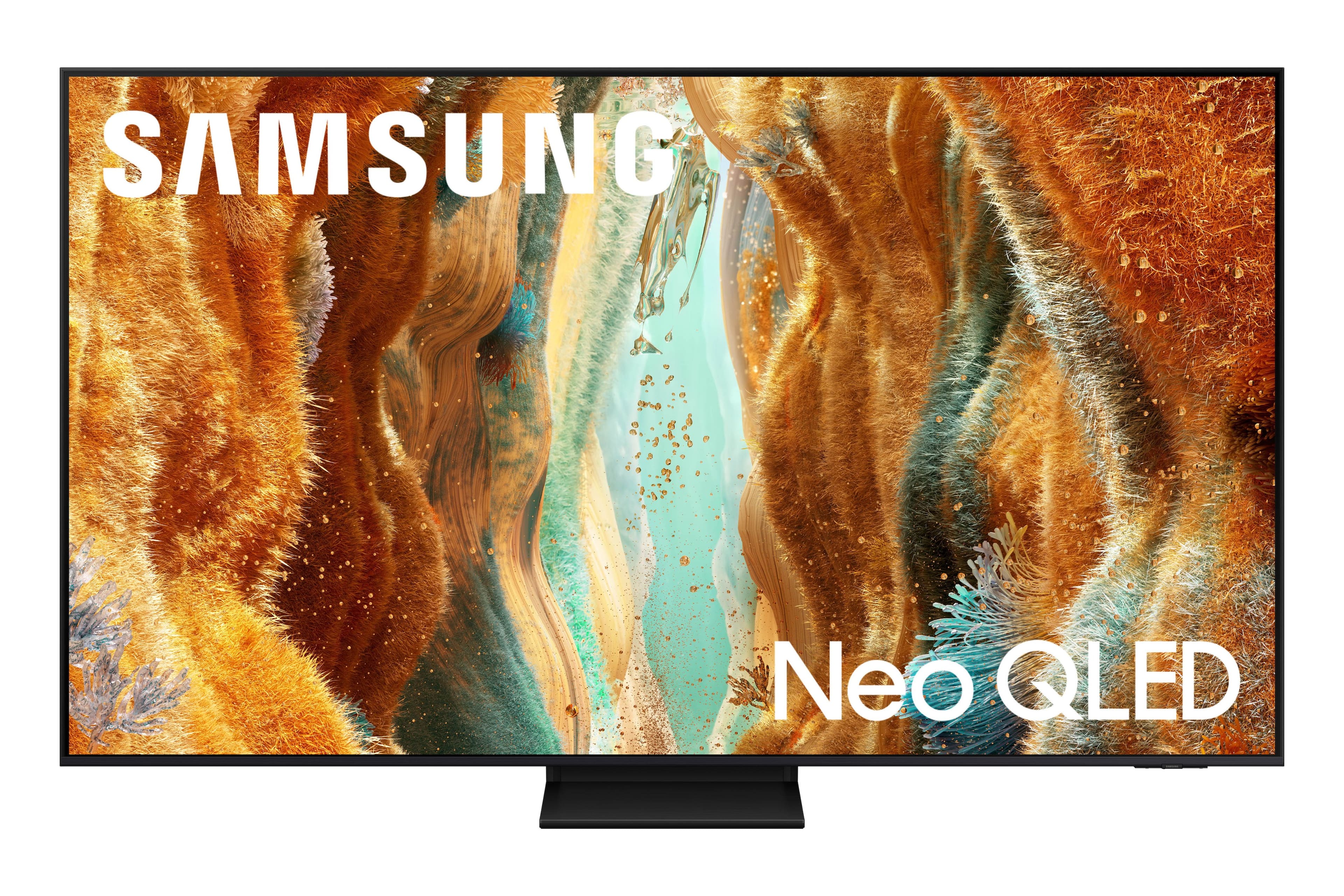

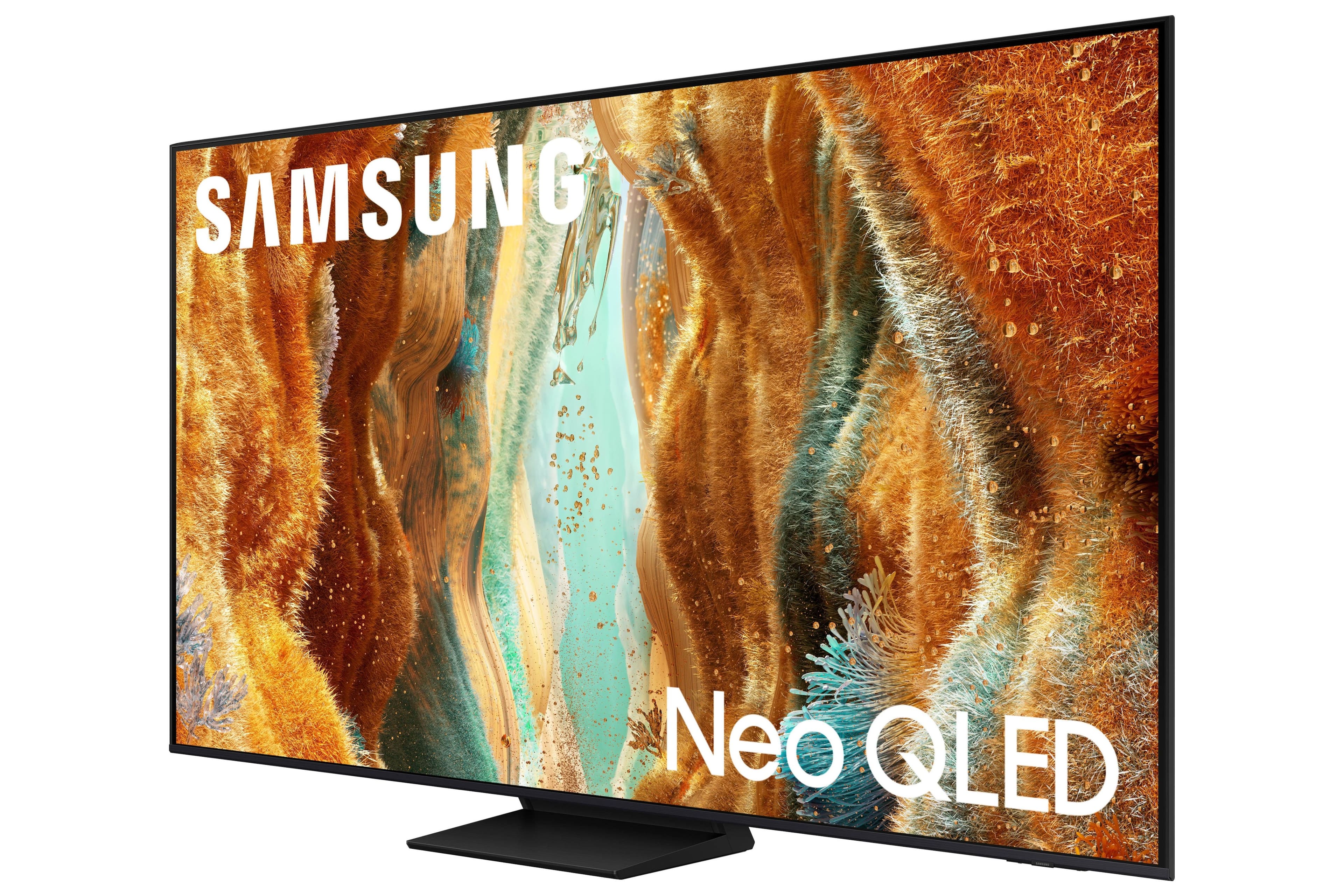






- Model:
- QN55QN70FAFXZA
- SKU:
- 10736544
Rating by feature
- Picture Quality
Rating 4.9 out of 5 stars
- Sound Quality
Rating 4.6 out of 5 stars
- Brightness
Rating 4.9 out of 5 stars
Samsung 55”
||Posted . Owned for 3 weeks when reviewed.This reviewer received promo considerations or sweepstakes entry for writing a review.Love my new TV. I purchased it and it was delivered the next day. I love Best Buy customer service and the service of their installers.
I would recommend this to a friendSamsung QN70F Series Neo QLED
||Posted . Owned for 3 weeks when reviewed.This reviewer received promo considerations or sweepstakes entry for writing a review.Love this purchase. Buying it was so easy with the help of the Best Buy staff who showed me all the comparisons to ensure I received the product I wanted. The picture and sound and quality are great!
I would recommend this to a friendSAMSUNG 55"
||Posted . Owned for 3 weeks when reviewed.This reviewer received promo considerations or sweepstakes entry for writing a review.Still getting use to the many functions and best way to use it
I would recommend this to a friendNew TV
||Posted . Owned for 1 month when reviewed.This reviewer received promo considerations or sweepstakes entry for writing a review.The TV has a sharper image than my older Samsung TV.
I would recommend this to a friendExcellent TV!
||Posted . Owned for 5 months when reviewed.This reviewer received promo considerations or sweepstakes entry for writing a review.So happy with this purchase. TV image and sound quality are the best. Very user friendly.
I would recommend this to a friendSamsung TV
||Posted . Owned for 3 weeks when reviewed.This reviewer received promo considerations or sweepstakes entry for writing a review.Amazing TV love the picture quality and size is perfect
I would recommend this to a friendPictures great. Interface needs completely redone
||Posted .This reviewer received promo considerations or sweepstakes entry for writing a review.So first picture quality is amazing. Tv built in upscaling does an incredible job. Blacks are great. Doesn’t matter ambient light levels, never appears washed out. Now the bad. The software interface is worse than trash. You can not find or easily install apps on the tv. Bixby search doesn’t recognize a lot of commands. Sadly the next Samsung tv I buy will have to have a better interface or I will be stopping at three Samsung tv’s.
No, I would not recommend this to a friendBrand response from Samsung
Posted .ChristopherB,
Thank you for sharing your feedback with us. To help you get the most from your TV, you can download the full e-Manual and more by visiting Samsung’s website, then navigating to: Support > Manual & Software > TVs & Home Theater. From there, you can search for and select your QN70F TV model to view or download the available guides.
The e-Manual & User Guide are also conveniently built into your TV: Settings > Support > Tips and User Guides.
Your TV includes Learn Menu Screen, an accessibility feature that provides audio guidance for on-screen menus. When enabled, your TV will announce the name and function of each menu item as you scroll, without making any changes. This feature is particularly helpful for users who are visually impaired or new to Smart TV menus. To enable, go to: Settings > All Settings > General & Privacy > Accessibility > Learn Menu Screen. To exit, press the Return key twice.
If you’d like more assistance with this feature, please reach Samsung Support at 1-800-SAMSUNG, available 8AM – 12AM EST, 7 days a week. LiveChat agents are also available through the ‘Support’ link on our website.
~ Samsung Specialist
Perfect Fit!
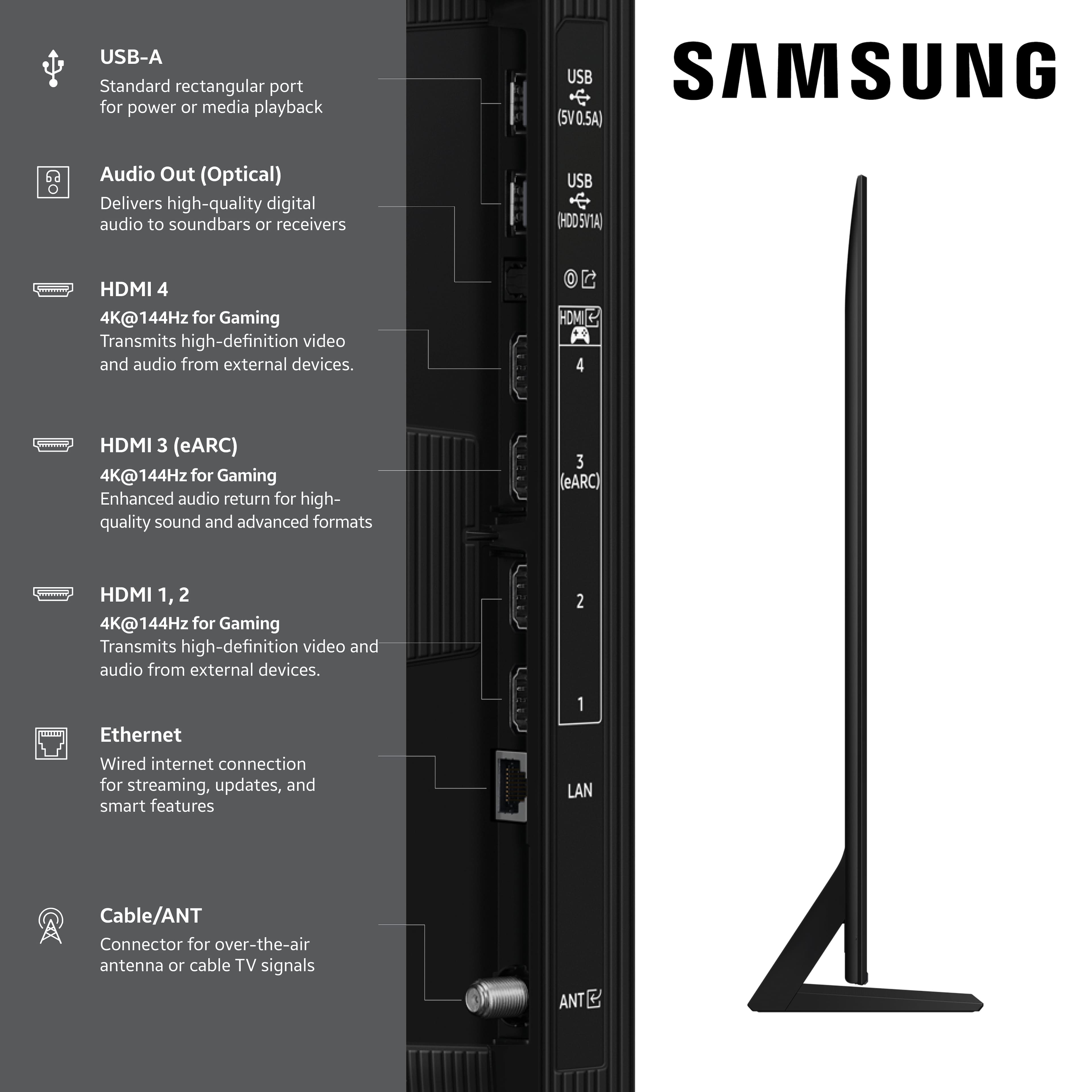
||Posted . Owned for 2 weeks when reviewed.This reviewer received promo considerations or sweepstakes entry for writing a review.You can't beat Samsung's quality. My main reason for purchasing this model is because it is the only one of this size that Samsung makes that offers Optical Audio Output. Cost several hundred more just to get this option.
I would recommend this to a friendHighly recommend this TV
||Posted . Owned for 3 weeks when reviewed.This reviewer received promo considerations or sweepstakes entry for writing a review.Recently purchased a 55” Samsung! Great picture and sound’ Great value!
I would recommend this to a friendChris
||Posted . Owned for 1 month when reviewed.This reviewer received promo considerations or sweepstakes entry for writing a review.Great TV less common complications either maneuver and load up abs as needed
I would recommend this to a friendSamsung 55” Tv
||Posted . Owned for 2 weeks when reviewed.This reviewer received promo considerations or sweepstakes entry for writing a review.Love my new TV. Great picture! Geek squad was great in setting it up and showing me the new features.
I would recommend this to a friendWorks for our needs.
||Posted .This reviewer received promo considerations or sweepstakes entry for writing a review.Truth be told, I would have rather gotten another OLED, but my wife frequently falls asleep with the TV on. So QLED was a better option. Even though they have come a long way to prevent burn in on OLEDs I decided to not take a chance. This TV met my needs of having 120hz and was priced right on a deal at $680.
I would recommend this to a friendGet this Tv
||Posted .This reviewer received promo considerations or sweepstakes entry for writing a review.Best Tv i ever had picture quality is amazing. Tv is so clear
I would recommend this to a friendExcellent Picture and Links
||Posted .This reviewer received promo considerations or sweepstakes entry for writing a review.The quality of the picture and links are excellent!
I would recommend this to a friendNew TV
||Posted . Owned for 1 month when reviewed.This reviewer received promo considerations or sweepstakes entry for writing a review.I am very pleased with my new TV. The person who helped me was very experienced and very helpful for what I was looking for. I do have to say I have been back 2 more times to get a soundbar but waiting at least 10 minutes with no help and they helped other people that I was clearly there before them
I would recommend this to a friendPerfect for bedroom
||Posted . Owned for 1 month when reviewed.This reviewer received promo considerations or sweepstakes entry for writing a review.This TV is perfect for my bedroom Watched lots of TV while recuperating from surgery. I had to exchange a 55" LG TV for this. I am happy I did.
I would recommend this to a friendReplacement for older model tv
||Posted .This reviewer received promo considerations or sweepstakes entry for writing a review.Easy set up. Great picture and good sound. This is in my bedroom and is the perfect size for me. Sale price was an added bonus too.
I would recommend this to a friendNICE TV
||Posted . Owned for 3 weeks when reviewed.This reviewer received promo considerations or sweepstakes entry for writing a review.NICE TV, Clear beautiful picture with great options. Recommend it
I would recommend this to a friendGreat TV
||Posted . Owned for 2 weeks when reviewed.This reviewer received promo considerations or sweepstakes entry for writing a review.Awesome tv. Big upgrade over my 2021 Samsung QLED.
I would recommend this to a friendGreat buy
||Posted .This reviewer received promo considerations or sweepstakes entry for writing a review.Picture is fantastic, color and clarity is superb!
I would recommend this to a friend