Customer Ratings & Reviews
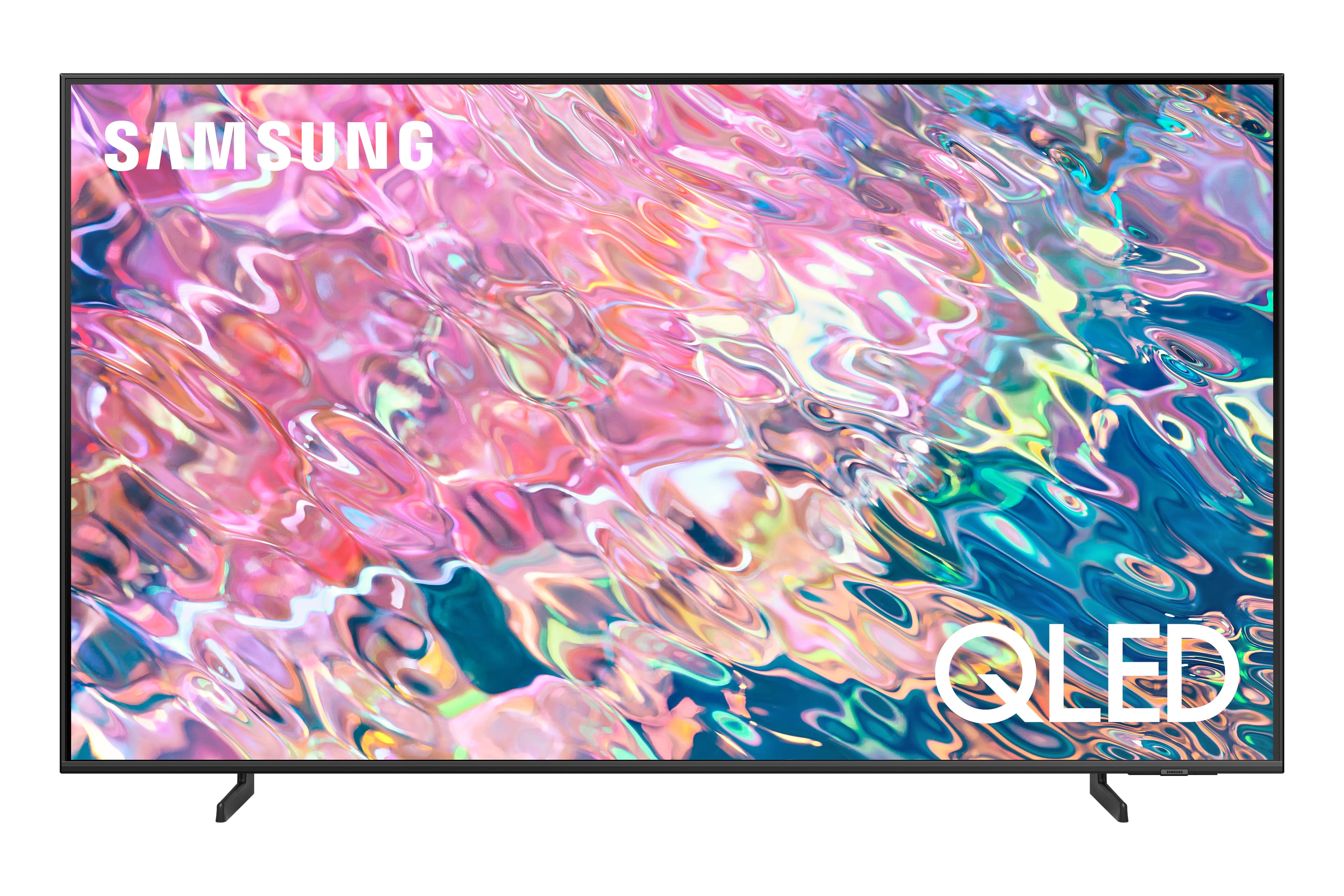
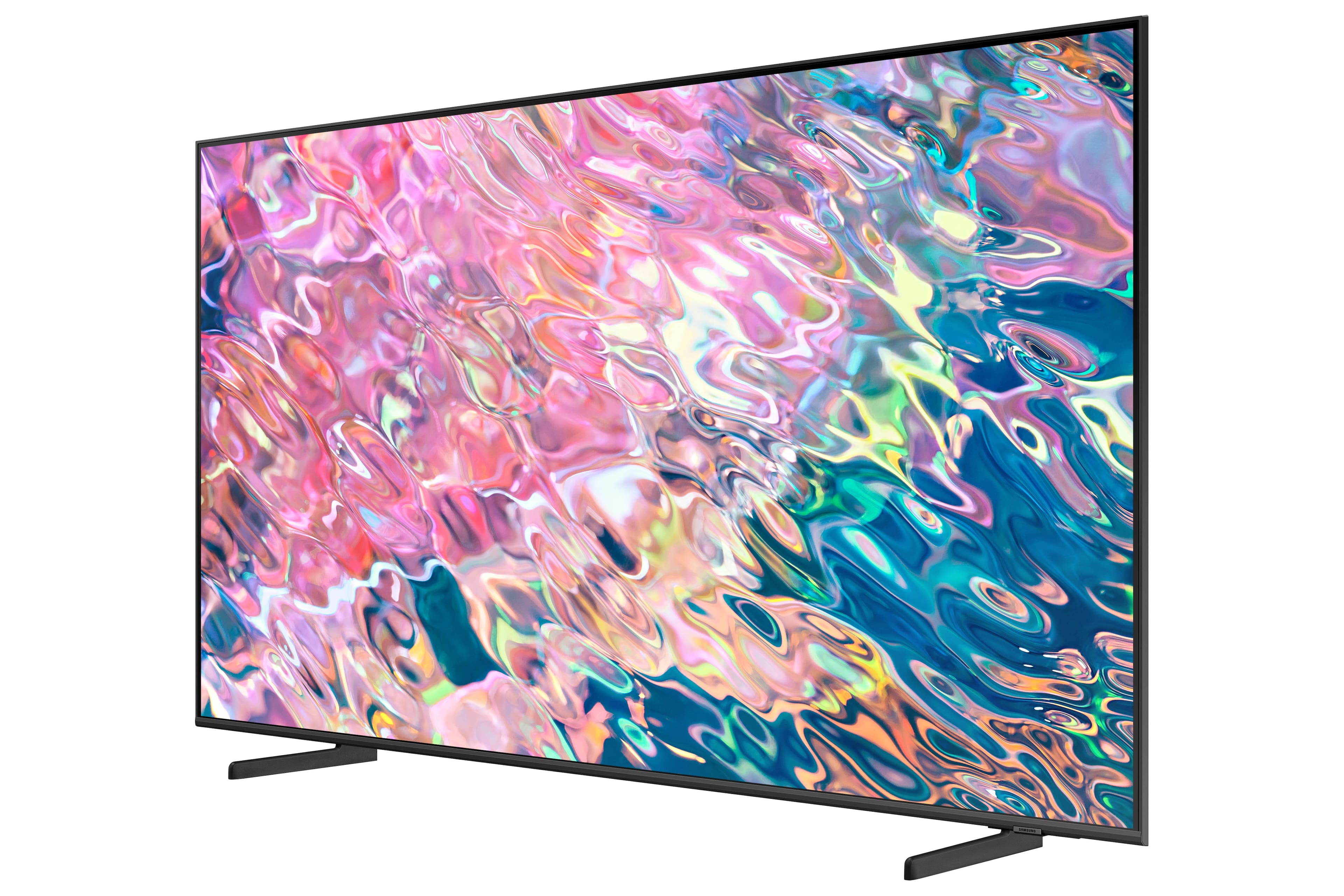
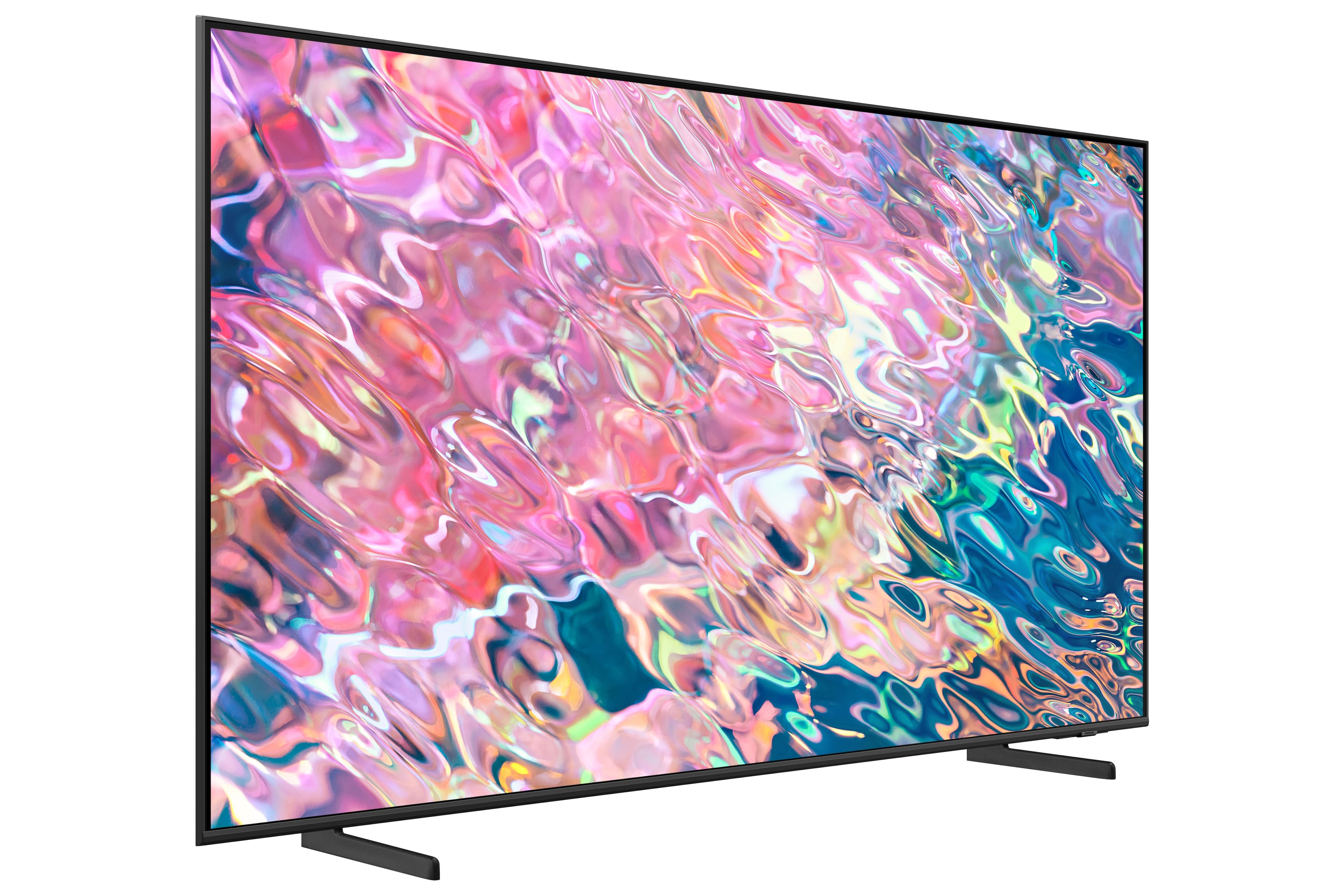
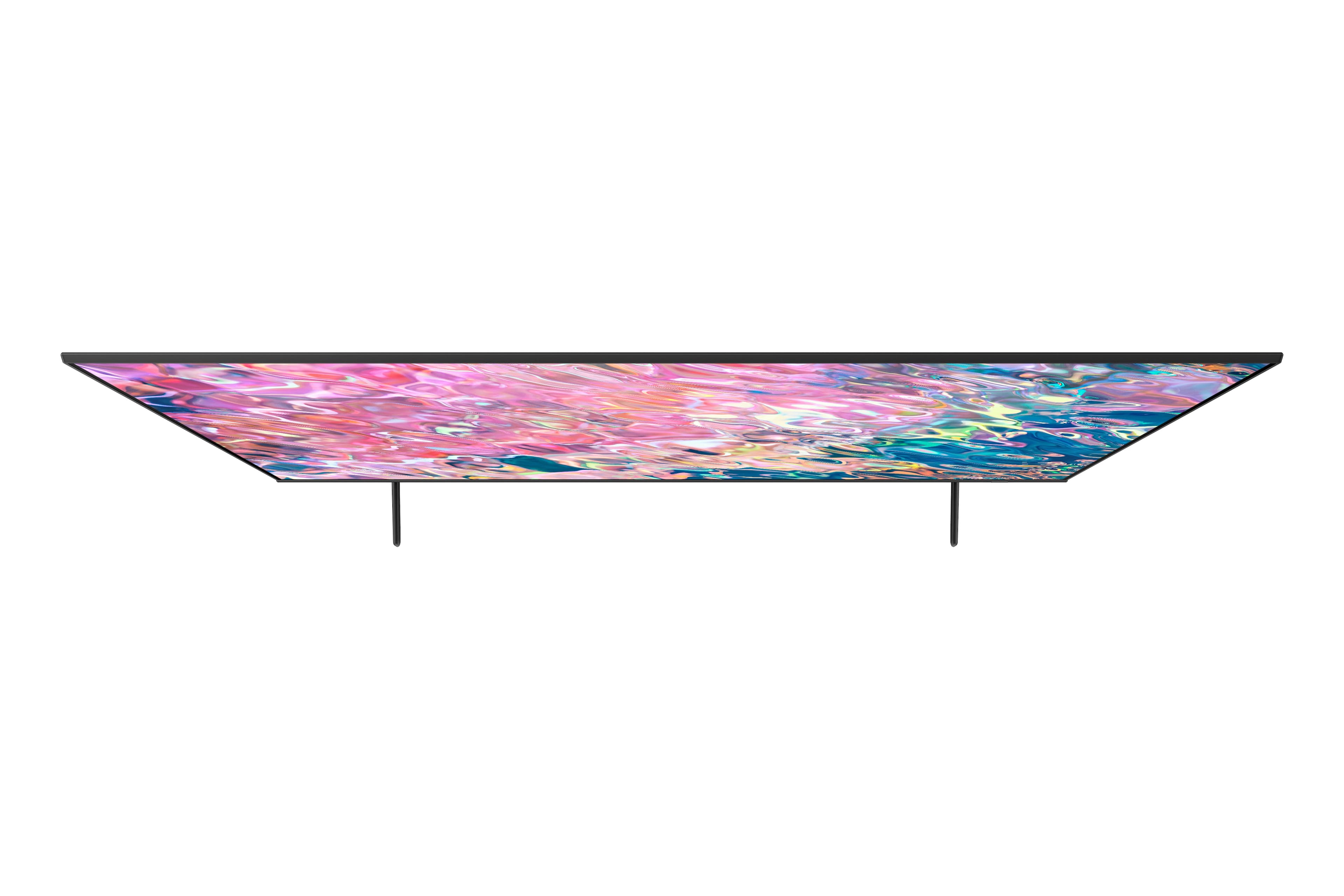












- Model:
- QN60Q60BAFXZA
- SKU:
- 6502242
Rating by feature
- Picture Quality
Rating 4.7 out of 5 stars
- Sound Quality
Rating 4.4 out of 5 stars
- Brightness
Rating 4.7 out of 5 stars
Customers are saying
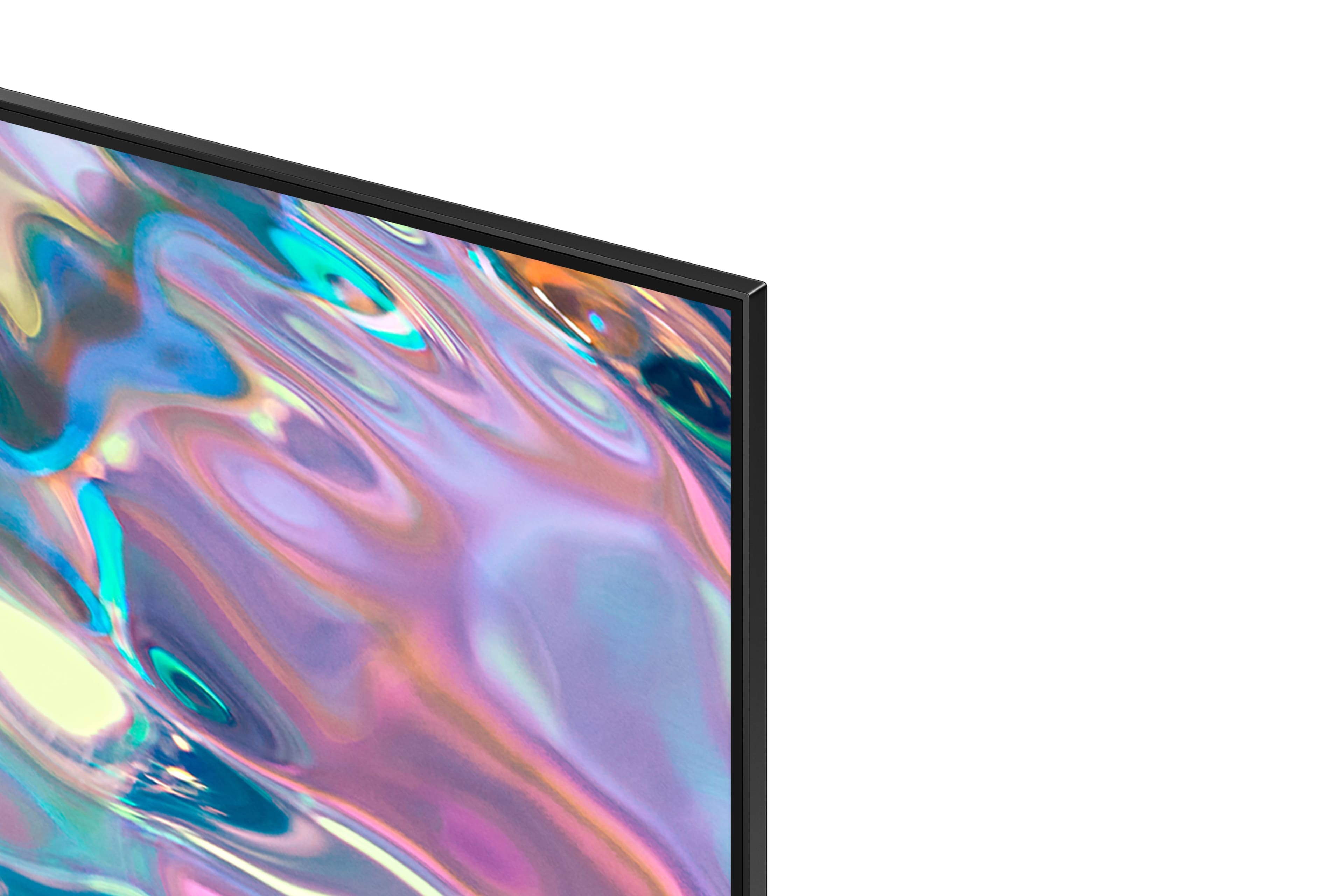
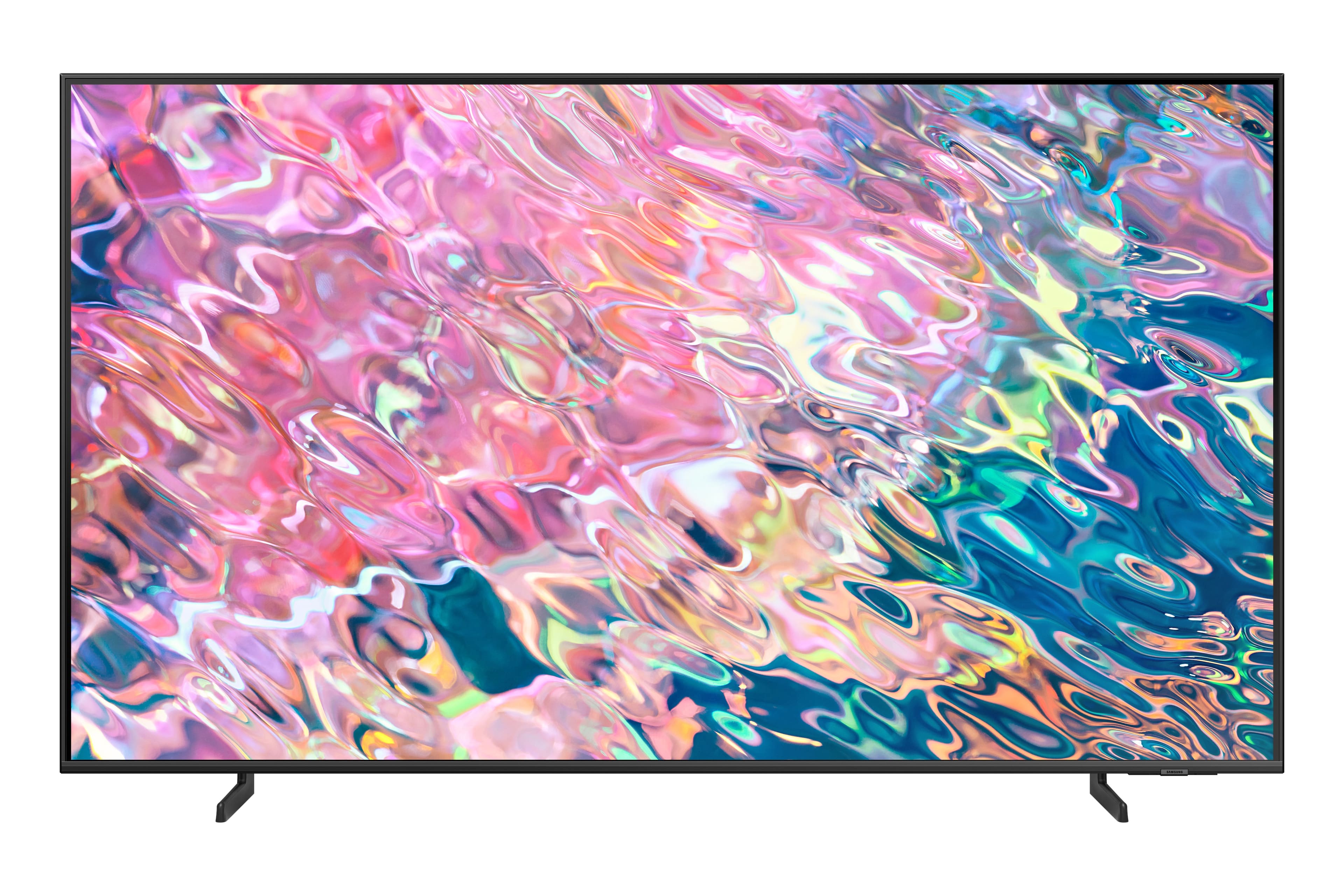
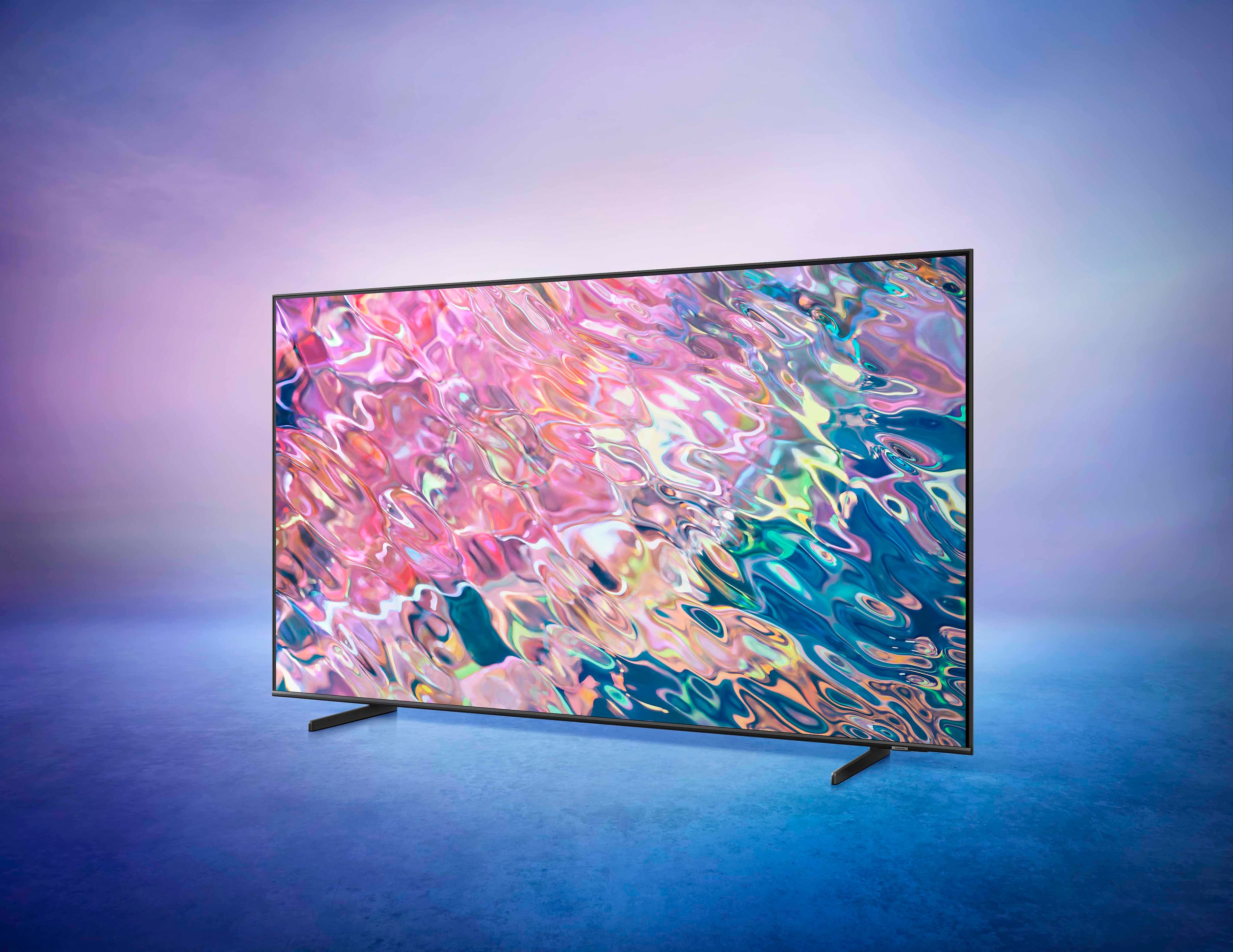
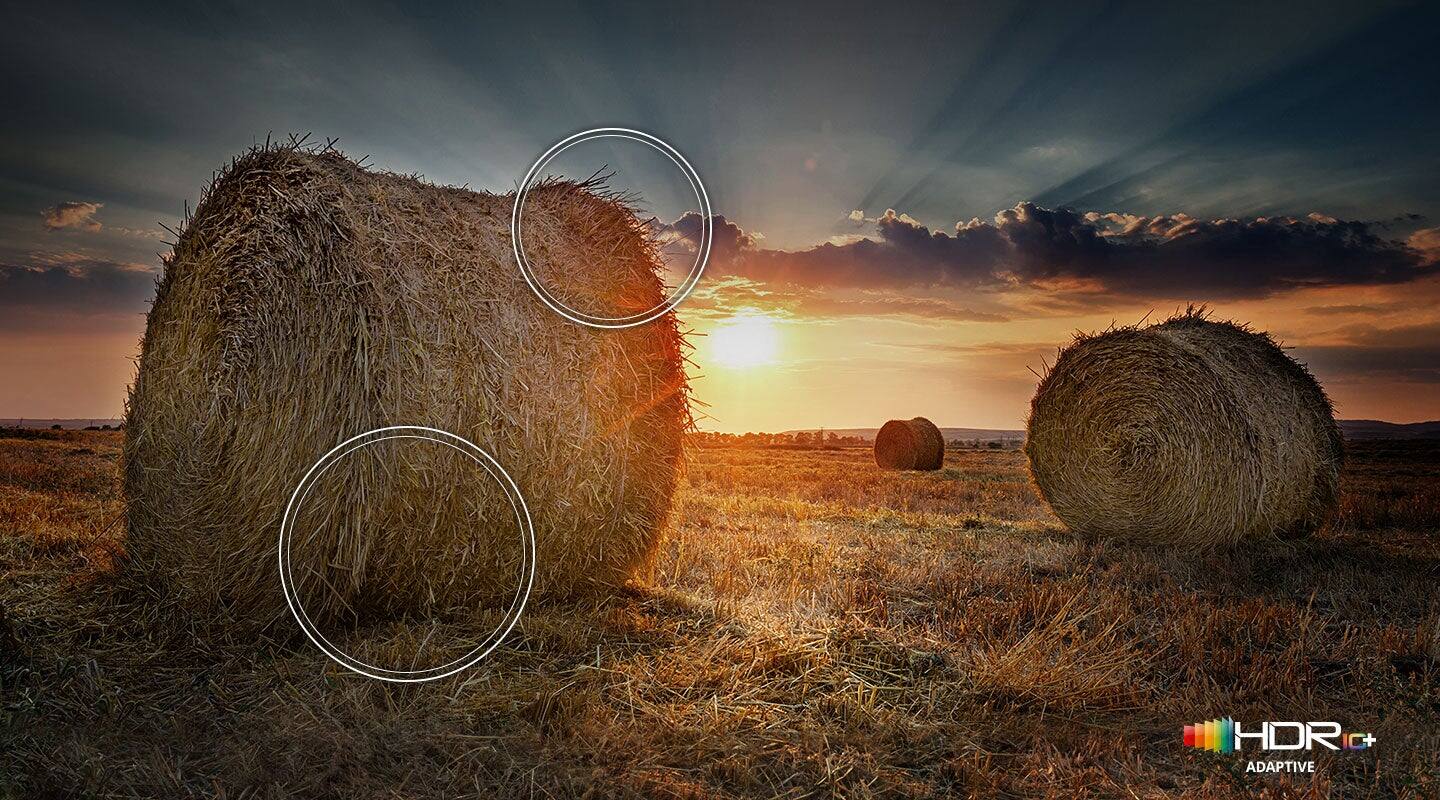
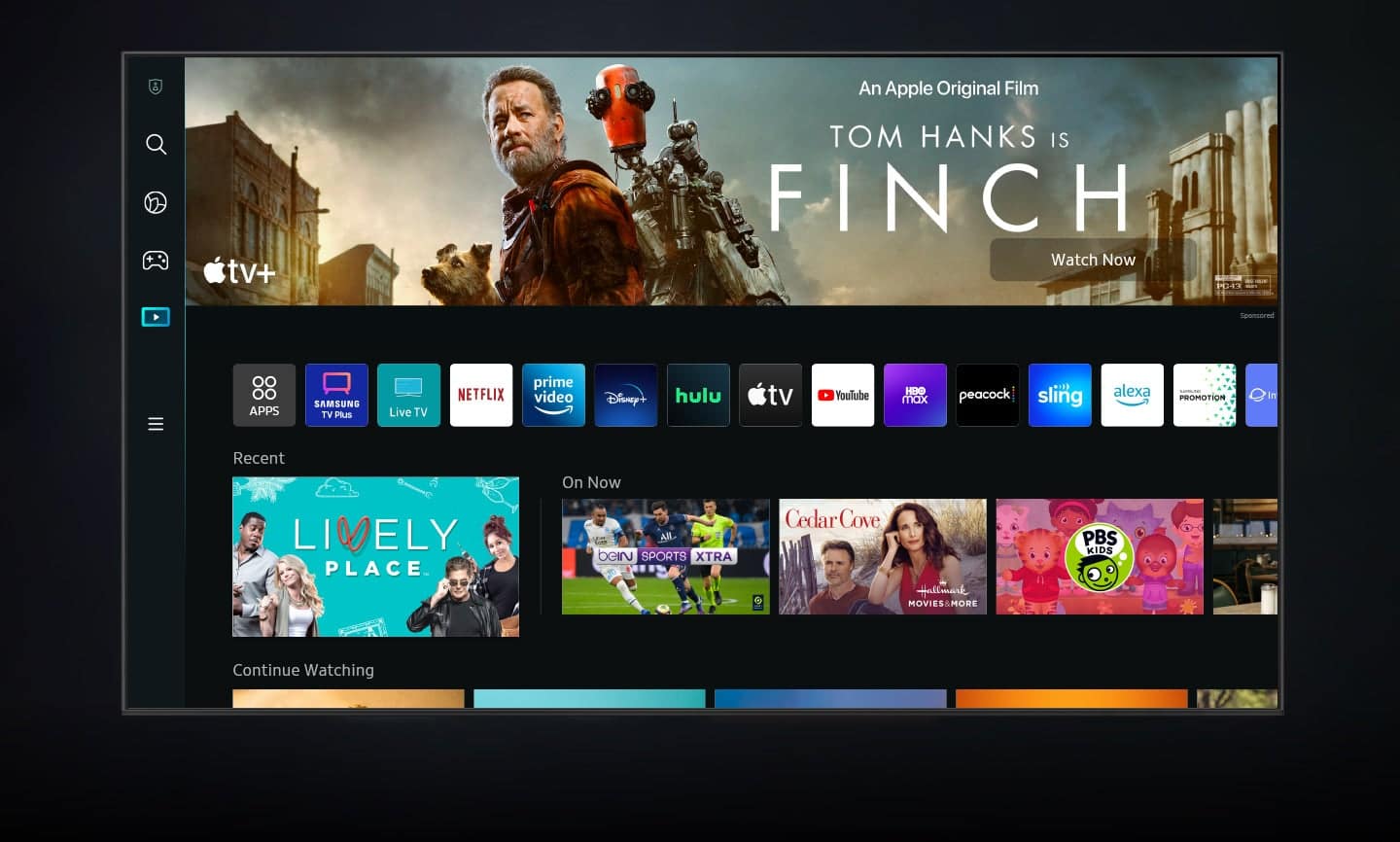
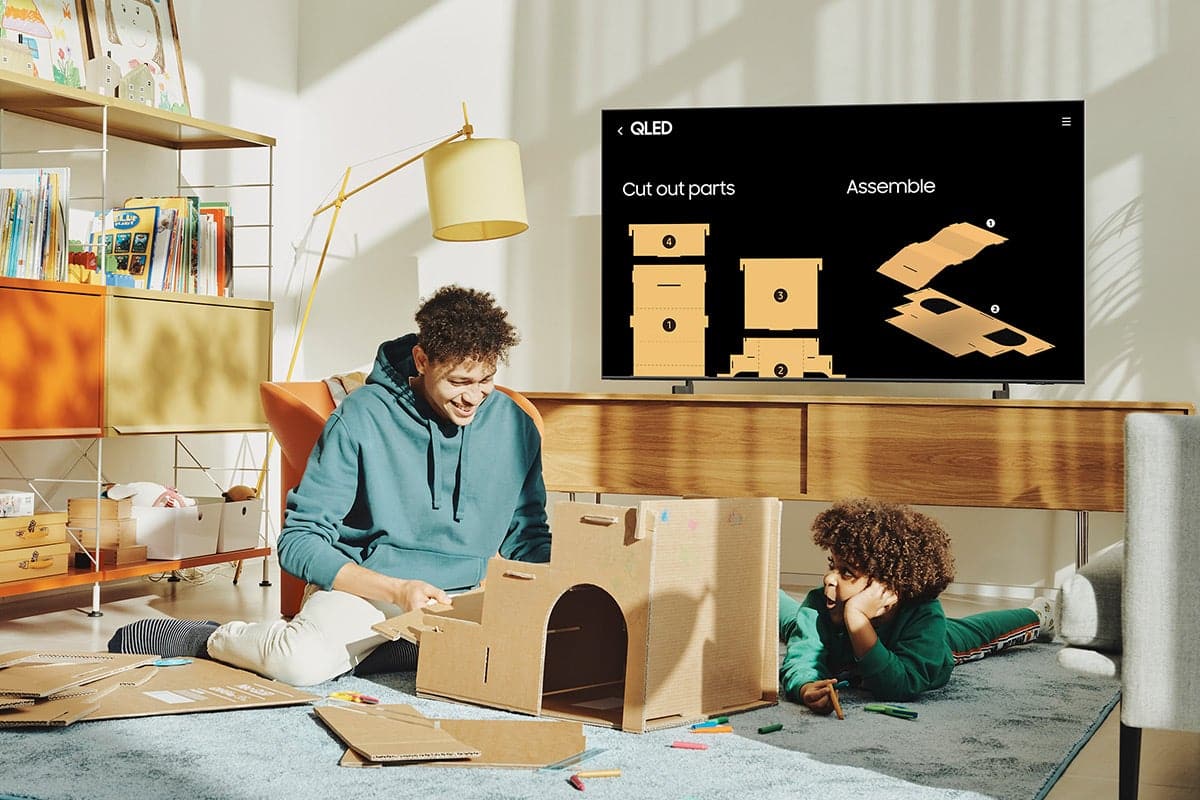
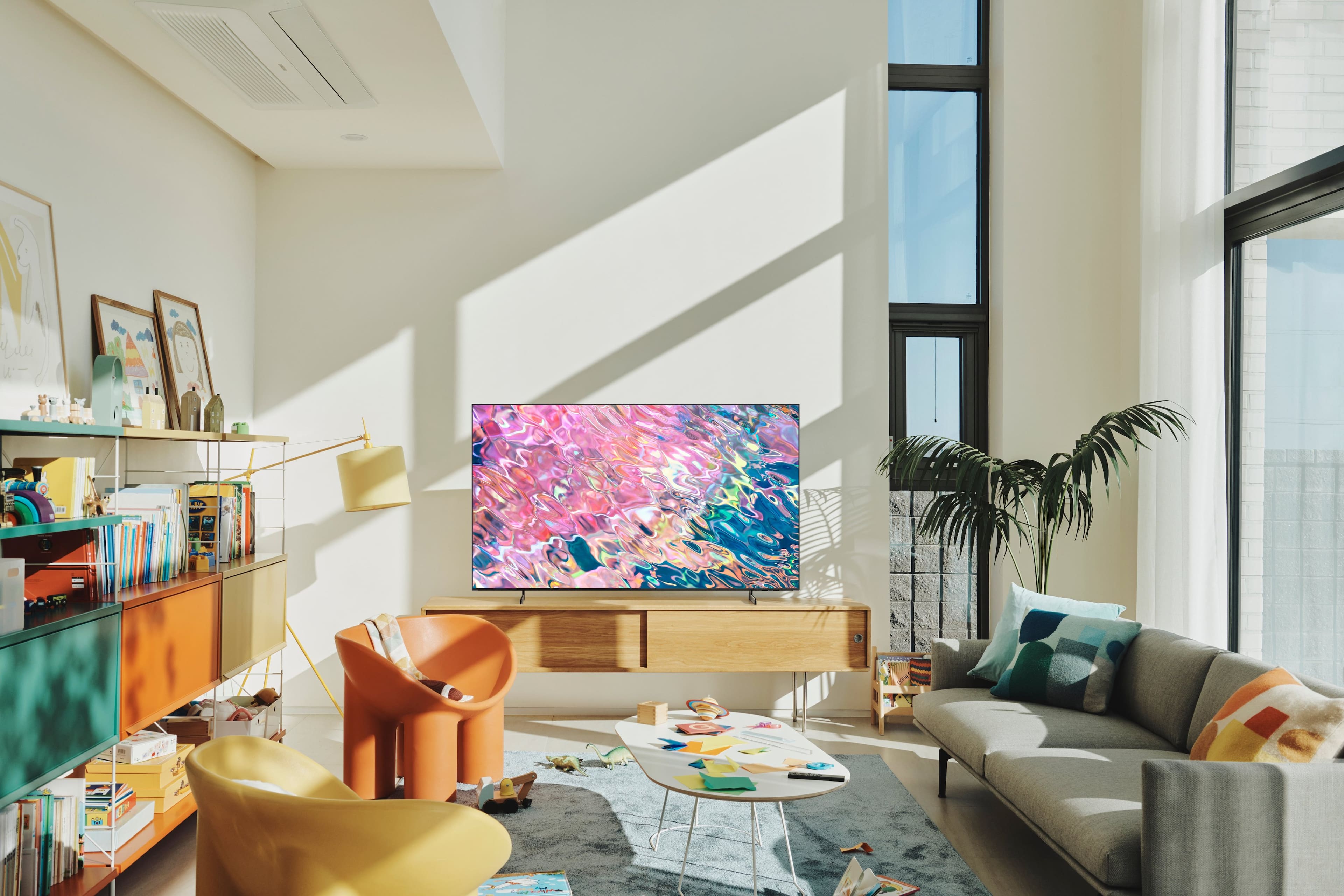
Customers commend the 60” Class Q60B QLED 4K Smart Tizen TV for its exceptional picture quality, describing it as fantastic, outstanding, and clear. The TV's easy setup, reasonable price, and sleek design are also well-received. While the sound quality is generally praised, some customers find the remote control to be fragile.
This summary was generated by AI based on customer reviews.
- Pros mentioned:Picture quality
Great picture with loads of functionality
||Posted . Owned for 3 weeks when reviewed.This reviewer received promo considerations or sweepstakes entry for writing a review.Great picture and it was the perfect size to fit in our armoire. It’s really a very smart TV -).
I would recommend this to a friend - Pros mentioned:Picture quality
Not sure what you want.
||Posted . Owned for 1 month when reviewed.This reviewer received promo considerations or sweepstakes entry for writing a review.Love the TV. Fantastic picture. Very happy with the picture quality. Not a fan of the speaker quality.
I would recommend this to a friend - Pros mentioned:Picture quality
Great TV
||Posted . Owned for 3 weeks when reviewed.This reviewer received promo considerations or sweepstakes entry for writing a review.It’s an excellent tv. Great picture and add ons and we will continue to purchase this exact tv again.
I would recommend this to a friend - Pros mentioned:Picture quality
High quality TV
||Posted . Owned for 1 month when reviewed.This reviewer received promo considerations or sweepstakes entry for writing a review.Love, love, love! Very high quality image and I love how thin the tvs are now, they don’t take much space.
I would recommend this to a friend - Pros mentioned:Picture quality
Definitely recommend
||Posted . Owned for 3 weeks when reviewed.This reviewer received promo considerations or sweepstakes entry for writing a review.Best bang for the buck ! Great picture and sound If you find it on a good sale - go for it
I would recommend this to a friend - Pros mentioned:Picture quality
Samsung tv qled
||Posted . Owned for 2 weeks when reviewed.This reviewer received promo considerations or sweepstakes entry for writing a review.Is a very good unit the image colors ,brightness very good easy to work with it I recommend this unit
I would recommend this to a friend - Pros mentioned:Picture quality
Samsung never disappoints!
||Posted . Owned for 1 month when reviewed.This reviewer received promo considerations or sweepstakes entry for writing a review.Great picture, smart menu - super easy set up! And it has such a narrow profile, beautiful!
I would recommend this to a friend Over Hyped. Average at Best
||Posted . Owned for 2 months when reviewed.This reviewer received promo considerations or sweepstakes entry for writing a review.Much hype for an average picture. Not as sharp and crisp as reviewed or advertised. The picture is way too dark. Less than stellar. Grade: C
No, I would not recommend this to a friendSamsung review
||Posted . Owned for 1 month when reviewed.This reviewer received promo considerations or sweepstakes entry for writing a review.Great picture. When watching live television, the lip movement and voice (sound) coming from person on screen is not always in sync
I would recommend this to a friendBrand response from Samsung
Posted .Hi display,
We appreciate your feedback on the lip sync issues you’re experiencing with your Q60B TV. This could possibly be a source issue, but if you’re hearing an audio delay across all sources/channels and you have a receiver, soundbar, or other speakers connected to your TV, you can access the Audio Delay settings to increase the audio delay. Go to: Menu > Settings > All Settings > Sound > Expert Settings > Digital Output Audio Delay
Our 2022 TVs have an audio Pass-Through feature, which allows the audio signal to be sent out unprocessed to an external soundbar or receiver connected to the TV. The external device then processes the audio, thereby eliminating the added step of processing by the TV, which adds delay.
On your TV, go to: Menu > Settings > All Settings > Sound > Expert Settings > Digital Audio Output Format > Pass-Through
Please also be sure you’re running the latest firmware. You can check to see what software version your TV is using and if there is an available update through the settings on your TV. Go to: Menu > Settings > Support > Software Update.
If you’ve tried these steps and your issue persists, please contact us for troubleshooting and a Support agent will gladly assist. Call us at 1-800-SAMSUNG, 8AM - 12AM EST, 7 days a week. Or visit us on the Samsung website and click on the ‘Support’ link for:
• LiveChat
• Manuals, Software, & Warranty Info
~ Samsung Specialist
- Pros mentioned:Picture quality
Samsung TV
||Posted . Owned for 1 month when reviewed.This reviewer received promo considerations or sweepstakes entry for writing a review.I have always liked Samsung products and this TV gives a great picture..good value too.
I would recommend this to a friend Not enough contrast
||Posted . Owned for 1 week when reviewed.This reviewer received promo considerations or sweepstakes entry for writing a review.Not bright enough. The dark scenes in a movie are so washed out you can not see any definition. Better contrast or brighter screen. Very disappointed.
No, I would not recommend this to a friendBrand response from Samsung
Posted .John,
Thank you for sharing your thoughts on the picture quality of your Q60B TV. To ensure you’ve got the latest image quality updates, please confirm that your TV is up to date with the latest firmware version. You can check by going to: Home > Menu > Settings > Support > Software Update.
If the picture you’re seeing is still not to your liking after updating firmware, there are several picture settings you may want to try adjusting.
Go to Home > Menu > Settings > All Settings > Picture > Picture Mode
...and select the mode that best fits your usage:
1) Standard: Is the default mode suitable for general viewing environments.
2) Movie: Is suitable for watching TV or movies in a dark room.
3) Dynamic: Makes the picture brighter and clearer in bright viewing environments.
4) Filmmaker Mode: You can watch the source content (e.g., movie) as it is. If the image is defined as Filmmaker Mode, it will automatically switch to Filmmaker Mode while watching.
You can also go to: Home > Menu > Settings > All Settings > Picture > Expert Settings to manually fine tune your image.
For further assistance with settings adjustments, please contact Samsung Customer Support at 1-800-SAMSUNG, 8AM - 12AM EST, 7 days a week. Or visit us on the Samsung website and click on the ‘Support’ link for:
• LiveChat
• Manuals, Software, & Warranty Info
~ Samsung Specialist
- Pros mentioned:Picture quality
Great TV!
||Posted . Owned for 1 month when reviewed.This reviewer received promo considerations or sweepstakes entry for writing a review.Great picture. Easy set up. Perfect size. Delivery and set up was excellent.
I would recommend this to a friend - Pros mentioned:Picture quality
Samsung tv
||Posted . Owned for 1 month when reviewed.This reviewer received promo considerations or sweepstakes entry for writing a review.Great tv with a great picture I would definitely recommend this tv to anyone
I would recommend this to a friend - Pros mentioned:Picture quality
Samsung tv
||Posted . Owned for 3 weeks when reviewed.This reviewer received promo considerations or sweepstakes entry for writing a review.Great tv. Delivery and setup was great and done by knowledgeable people.
I would recommend this to a friend - Pros mentioned:Picture quality
Great product
||Posted . Owned for 3 weeks when reviewed.This reviewer received promo considerations or sweepstakes entry for writing a review.I do t know much about tv’s but the picture quality and sound is great.
I would recommend this to a friend - Pros mentioned:Picture quality
New TV
||Posted . Owned for 1 month when reviewed.This reviewer received promo considerations or sweepstakes entry for writing a review.The picture quality is good I am happy with it so far had a Roku tv before that only lasted 2 years this is an upgrade
I would recommend this to a friend Good picture
||Posted . Owned for 3 weeks when reviewed.This reviewer received promo considerations or sweepstakes entry for writing a review.Video is great but the speakers are in the rear and the volume has to be turned up louder than on my other tv.
I would recommend this to a friendBrand response from Samsung
Posted .boberuni,
Thank you for choosing the 2022 Q60B QLED TV and for your review. There are several volume features you can enable/disable/adjust to your liking.
– Auto Volume automatically adjusts the sound to a certain level when changing channels or switching to another external input.
– Adaptive Volume automatically adjusts to a specific volume level while you are watching TV. The TV analyzes your volume usage history by time to automatically adjust the volume when you use an app or switch to an external input source.
– Several Sound Modes are likewise available to meet your personal preferences: Menu > Settings > All Settings > Sound > Sound Mode
Also, some sources have their own volume control which might be set too low. Please check the volume control of the external device (cable box or satellite box, DVD, Blu-ray, etc.) connected to your TV. Also, check the cable connection between an external device and the TV and then try cable connection again.
I hope these tips help you enjoy your new product.
You can always contact us for further help at 1-800-SAMSUNG, 8AM - 12AM EST, 7 days a week. Our LiveChat agents are also available by clicking on the ‘Support’ link on our website.
~ Samsung Specialist
- Pros mentioned:Picture quality
samsung
||Posted . Owned for 1 month when reviewed.This reviewer received promo considerations or sweepstakes entry for writing a review.Great service. Picture is great. incudes aqll the bells and whistles
I would recommend this to a friend Family Room
||Posted . Owned for 2 weeks when reviewed.This reviewer received promo considerations or sweepstakes entry for writing a review.Fits great above our fireplace and provides great viewing for the whole room
I would recommend this to a friend- Pros mentioned:Picture quality
Great Product
||Posted . Owned for 3 weeks when reviewed.This reviewer received promo considerations or sweepstakes entry for writing a review.I love this tv. Clear picture and sound. This was a great product and purchase.
I would recommend this to a friend