Customer Ratings & Reviews

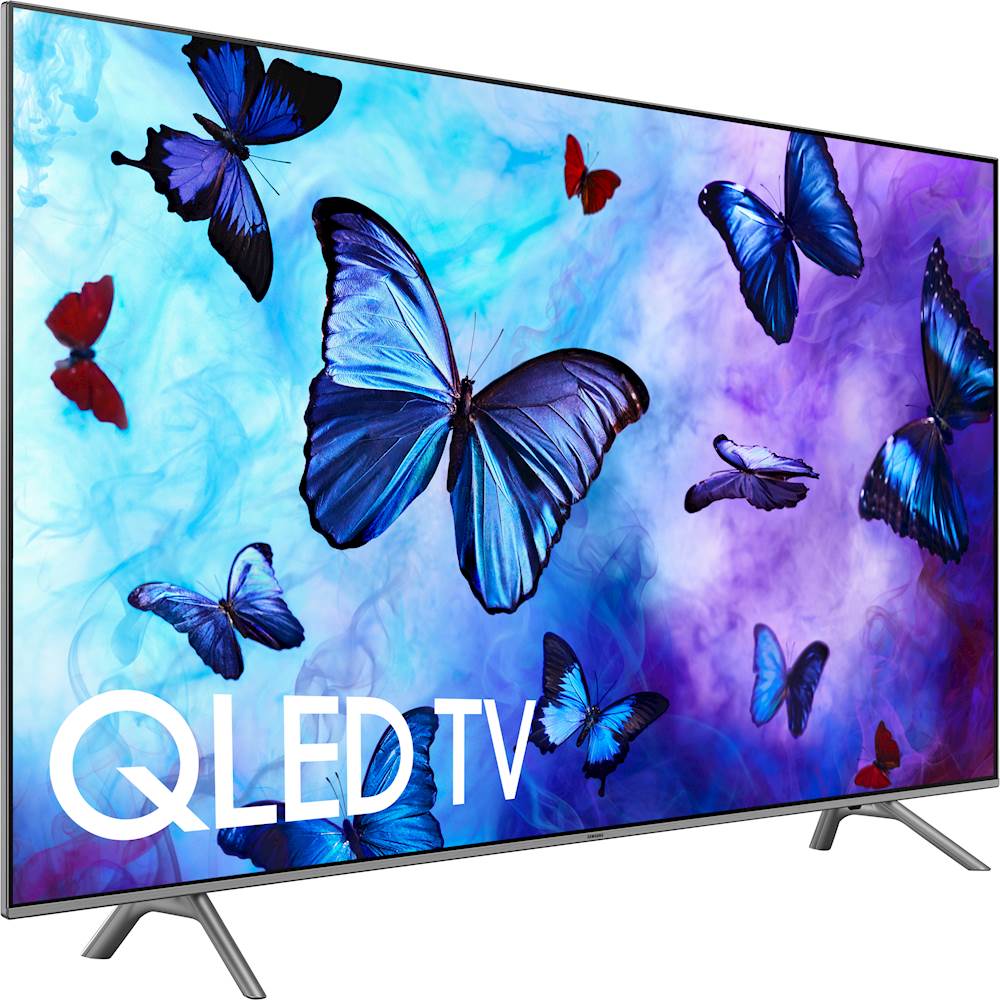

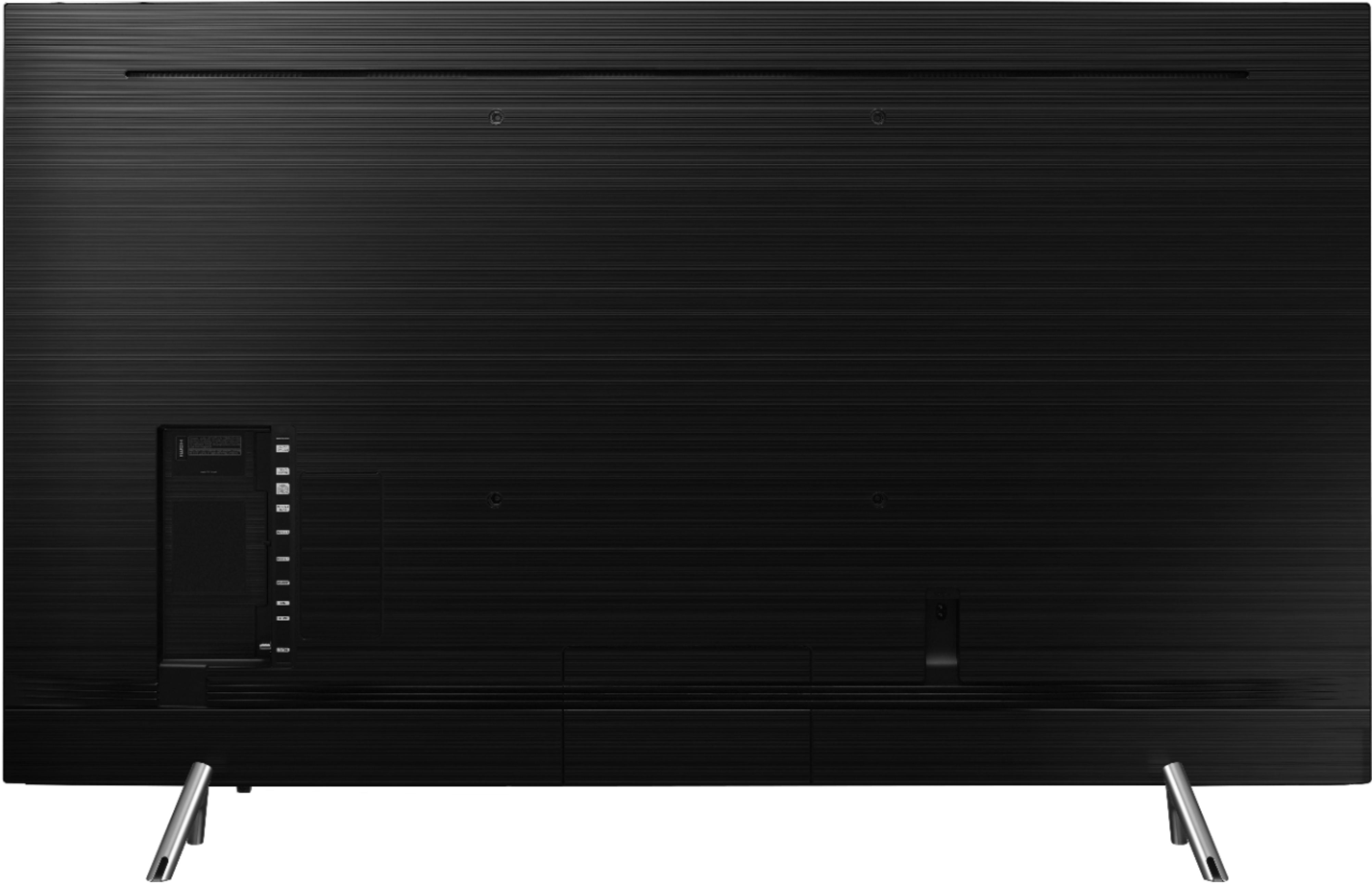
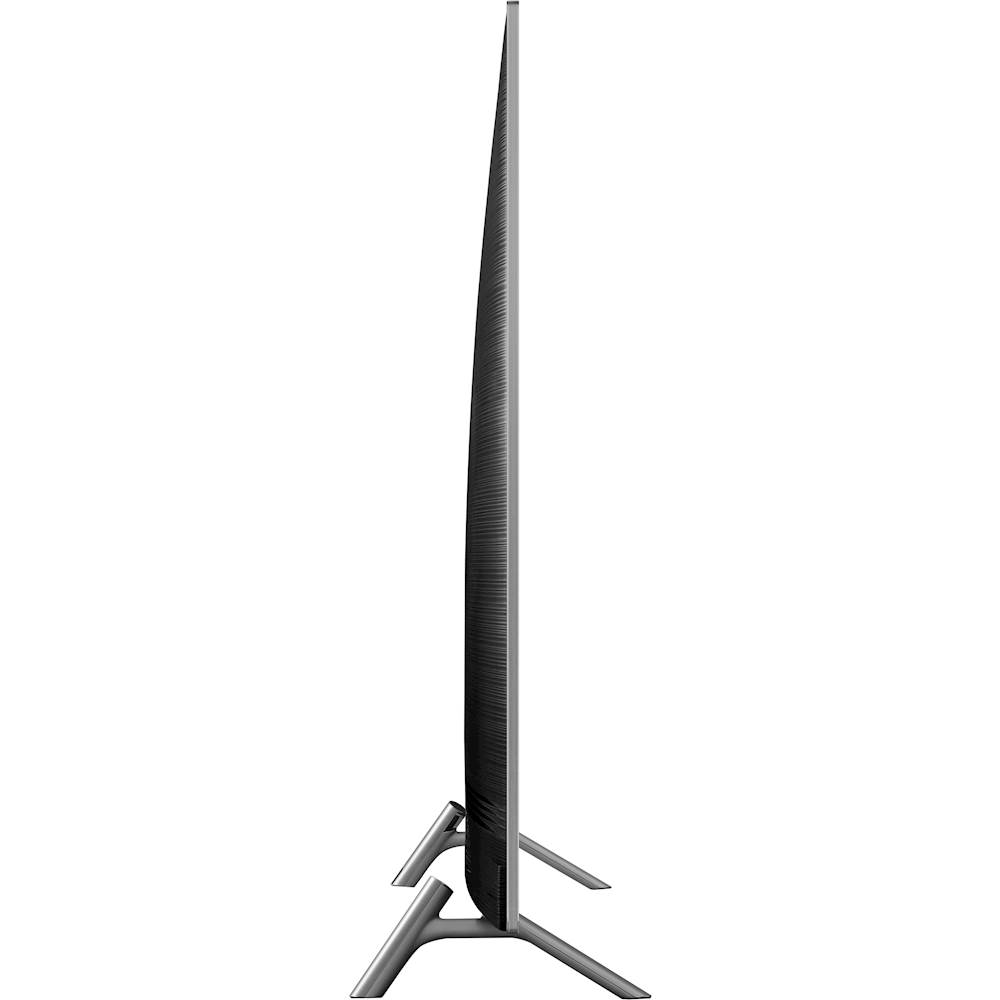
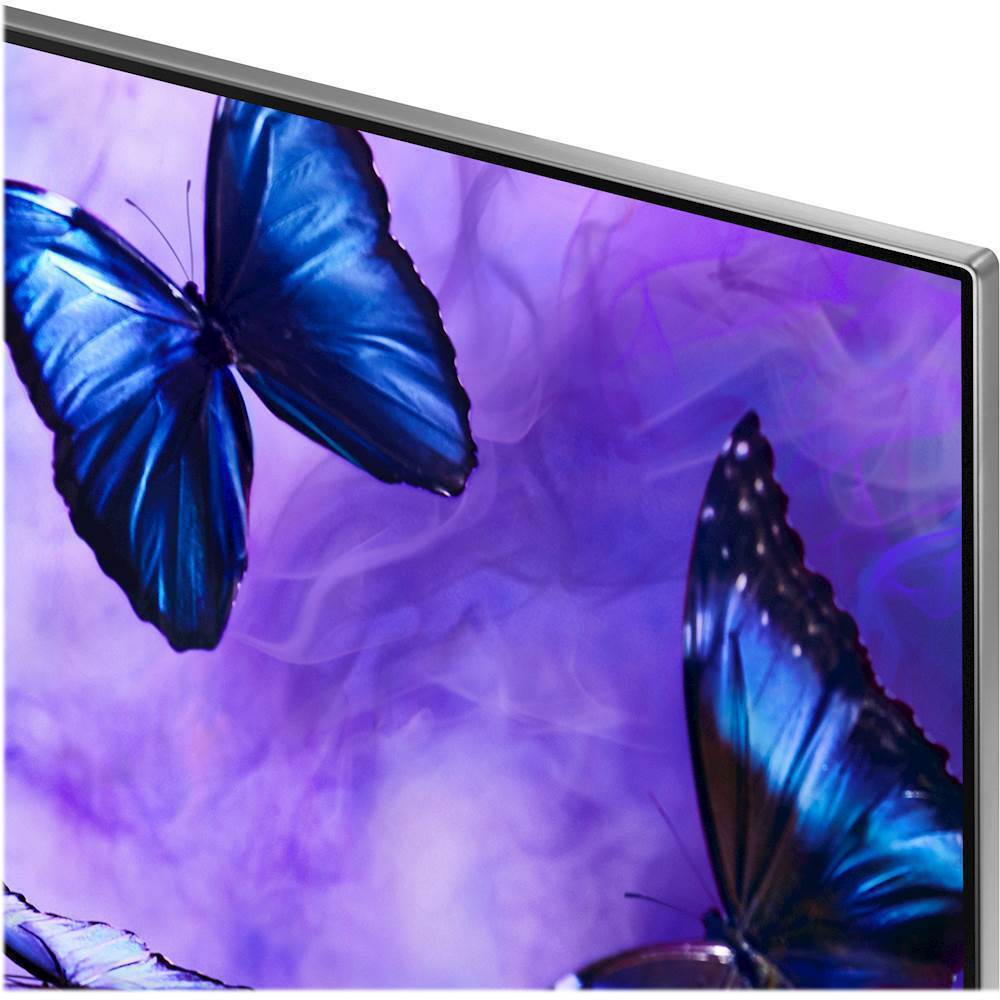


- Model:
- QN65Q6FNAFXZA
- SKU:
- 6202109
Rating by feature
- Picture Quality
Rating 4.4 out of 5 stars
- Sound Quality
Rating 4.1 out of 5 stars
- Brightness
Rating 4.6 out of 5 stars
Customers are saying
Customers often highlight the exceptional picture quality, easy setup, and affordable price of the 65" Class - LED - Q6F Series - 2160p - Smart - 4K UHD TV with HDR. Many users rave about the vibrant colors and excellent gaming experience. While some find the remote control challenging to use, most agree that the overall value and quality of this Samsung TV make it a worthwhile investment.
This summary was generated by AI based on customer reviews.
Okay
||Posted .This reviewer received promo considerations or sweepstakes entry for writing a review.For such an expensive TV it’s not that impressive. I thing LG may be a better TV
I would recommend this to a friendGreat value.
||Posted .This reviewer received promo considerations or sweepstakes entry for writing a review.Great value for my money. I enjoyed the viewing experience since I bought it.
I would recommend this to a friendGreat value
||Posted . Owned for 3 months when reviewed.This reviewer received promo considerations or sweepstakes entry for writing a review.This tv is a nice value. It has a good picture and it’s user friendly.
I would recommend this to a friendPicture
||Posted . Owned for 8 months when reviewed.This reviewer received promo considerations or sweepstakes entry for writing a review.Picture clarity is impressive...frame is minimized for tight quarters
I would recommend this to a friendGood tv for the price
||Posted .This reviewer received promo considerations or sweepstakes entry for writing a review.Good tv for the value but 4k is not available from most cable providers
I would recommend this to a friendLooked great in the store...
||Posted .This reviewer received promo considerations or sweepstakes entry for writing a review.This tv looked great in the store, but at home the pixelating or action blur was annoying. We had new cables run in our house and still not a perfect picture. For the $1300 I expected much more from Samsung. Still not completely satisfied.
No, I would not recommend this to a friendBrand response from Samsung
Posted .Burnindude,
I am sorry to see that you are not happy with the motion image performance of your Samsung Q6F TV.
Please try adjusting Auto Motion Plus to eliminate the motion blur.
Here are the steps:
1) With the TV powered on, press the Home button on the Samsung remote to open the Home screen
2) Then select Settings > Picture > Expert Settings > Auto Motion Plus
(Note: This option may not be visible initially. Continue scrolling through the Expert Settings Menu to locate Auto Motion Plus)
3) Then select Auto Motion Plus again, and you will see the following three options:
a) Off: Auto Motion Plus will always be off
b) Auto: Auto Motion Plus will automatically activate and deactivate based on the type of program being watched
c) Custom: Allows custom adjustments and settings to be used
4) By selecting the Custom option, you can access these advanced settings:
a) Blur Reduction: Use the directional keys on the remote to adjust the Blur setting
b) Judder Reduction: Use the directional keys on the remote to adjust the Judder setting
c) LED Clear Motion: Select to turn On/Off
For further assistance on this feature or other usages, please contact Samsung Customer Support at 1-800-SAMSUNG and a representative will gladly help you. Or LiveChat with our product experts at: http://www.samsung.com/us/support/contact
We are likewise reachable via Facebook Messenger at: http://m.me/samsungsupport
You can also find us on Twitter at: https://twitter.com/messages/compose?recipient_id=18768513
- Samsung Ambassador
solid tv
||Posted .This reviewer received promo considerations or sweepstakes entry for writing a review.I recently purchased this tv and im happy with its overall performane.
I would recommend this to a friendGood TV for the price
||Posted .This reviewer received promo considerations or sweepstakes entry for writing a review.A little lag in some of the older filmed motion, looks like skipping
I would recommend this to a friendGreat T.V.
||Posted .This reviewer received promo considerations or sweepstakes entry for writing a review.This television is a good looker for the price. Been happy with it!!!
I would recommend this to a friendTV in HD program transmission is great.
||Posted .This reviewer received promo considerations or sweepstakes entry for writing a review.TV in HD program transmission is great. Non HD program transmission fair
I would recommend this to a friendGood
||Posted .This reviewer received promo considerations or sweepstakes entry for writing a review.Good tv, but Id prefer the qled q7. So I will be exchanging for the Q7
I would recommend this to a friendgreat tv
||Posted .This reviewer received promo considerations or sweepstakes entry for writing a review.fantastic television for the price I paid. Would recommend to friends
I would recommend this to a friendGood TV for reasonable price
||Posted .This reviewer received promo considerations or sweepstakes entry for writing a review.I have been pleased with this TV. We have had it for 2 months now.
I would recommend this to a friendGreat picture and quality
||Posted .This reviewer received promo considerations or sweepstakes entry for writing a review.Overall great tv, does seem to lag a little when first turning on.
I would recommend this to a friendHave to reset TV quit often
||Posted .This reviewer received promo considerations or sweepstakes entry for writing a review.Resetting tv everyone in a while is something I'm not crazy about
No, I would not recommend this to a friendPretty sweet!
||Posted .This reviewer received promo considerations or sweepstakes entry for writing a review.I would totally buy another one of these flat screens! Good buy!
I would recommend this to a friendGreat TV
||Posted .This reviewer received promo considerations or sweepstakes entry for writing a review.Great TV but i wish it had HDR support would make it perfect!
I would recommend this to a friendGood tv, good price
||Posted .This reviewer received promo considerations or sweepstakes entry for writing a review.Good tv for it’s price range. Good quality across the board.
I would recommend this to a friendGreat
||Posted .This reviewer received promo considerations or sweepstakes entry for writing a review.Great tv! One of my best purchases that I’ve made so far
I would recommend this to a friendBest screen for the money
||Posted .This reviewer received promo considerations or sweepstakes entry for writing a review.Love it would give 5 stars but Bixby is super glitchy.
I would recommend this to a friend