Customer Ratings & Reviews

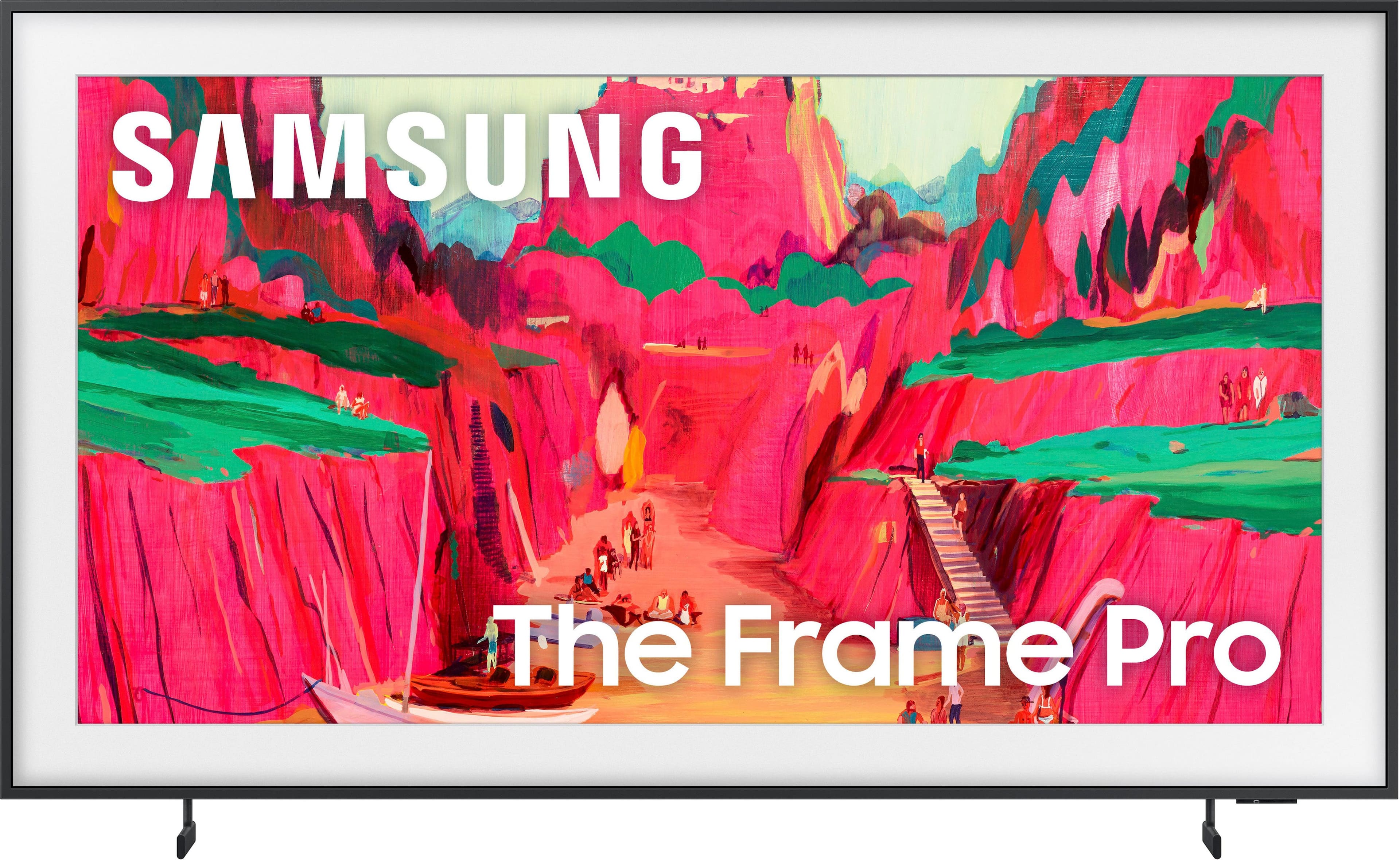
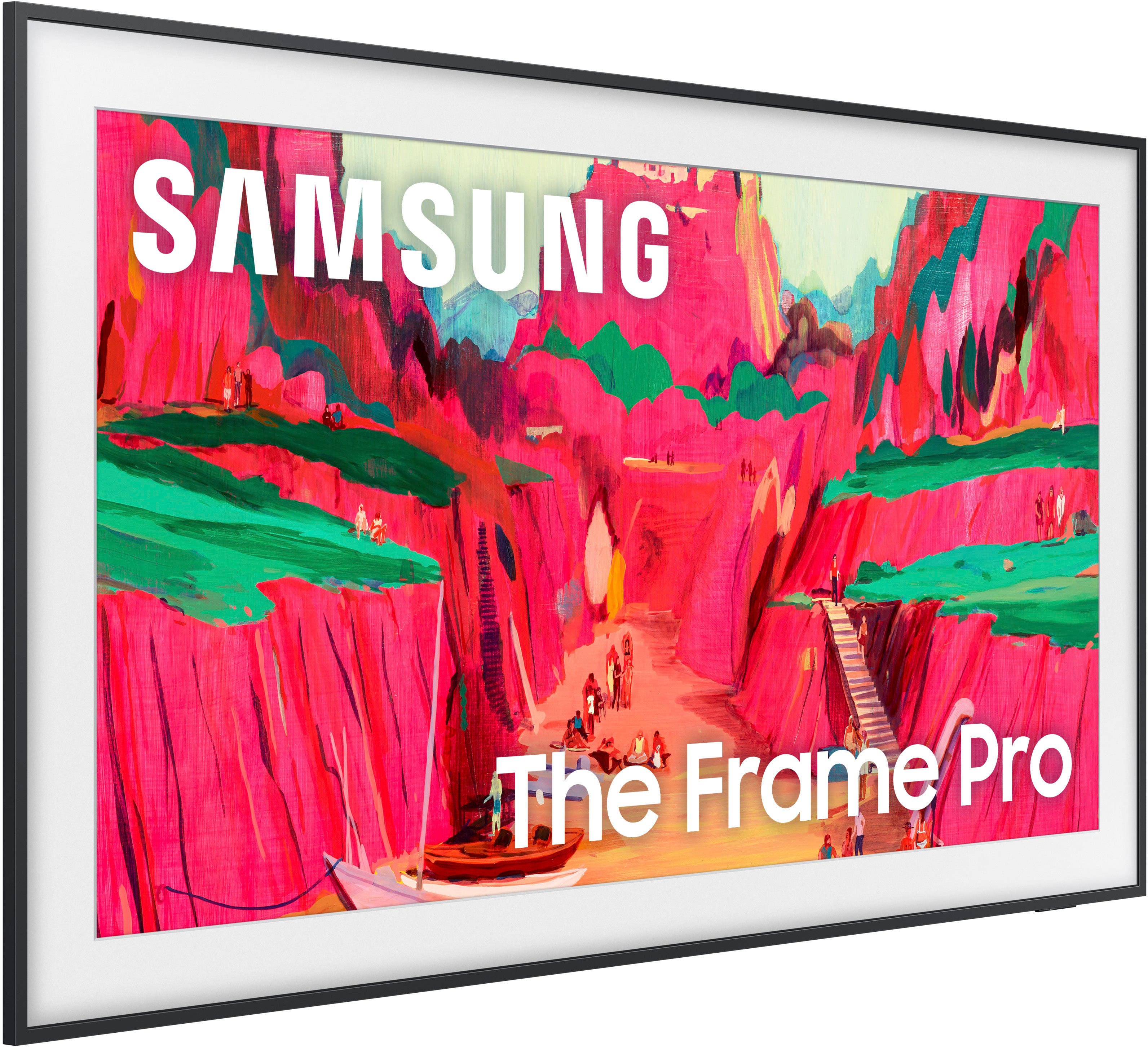
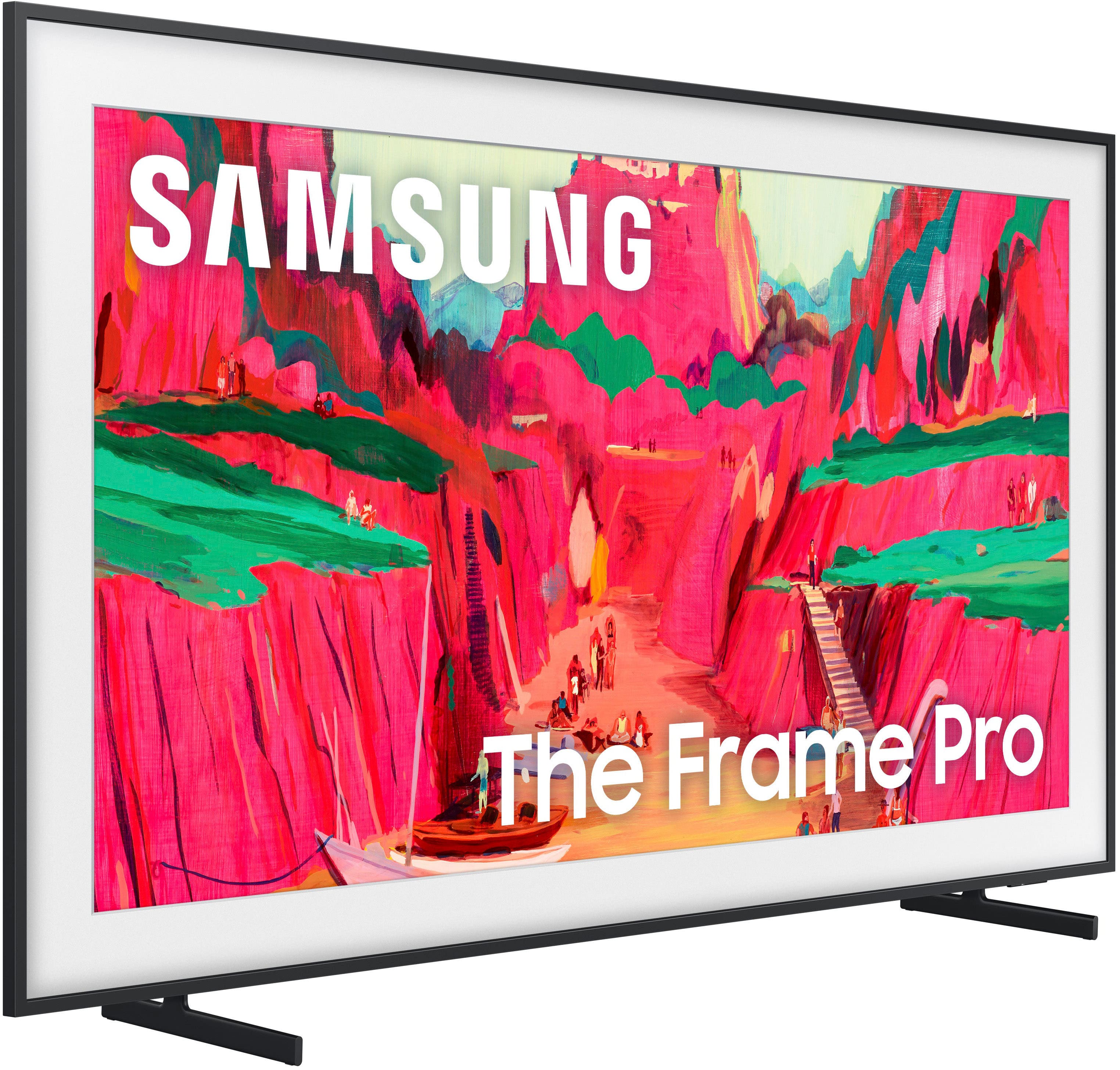
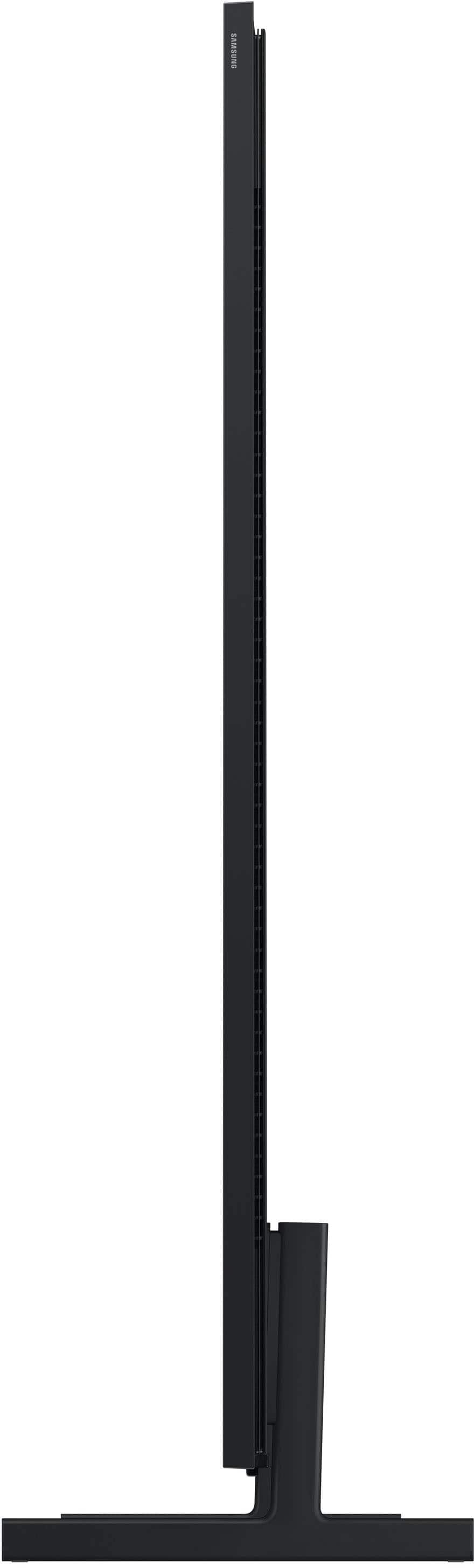






- Model:
- QN65LS03FWFXZA
- SKU:
- 10214313
Rating by feature
- Picture Quality
Rating 4.7 out of 5 stars
- Sound Quality
Rating 4.5 out of 5 stars
- Brightness
Rating 4.7 out of 5 stars
Customers are saying
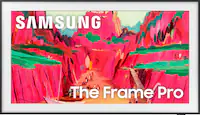
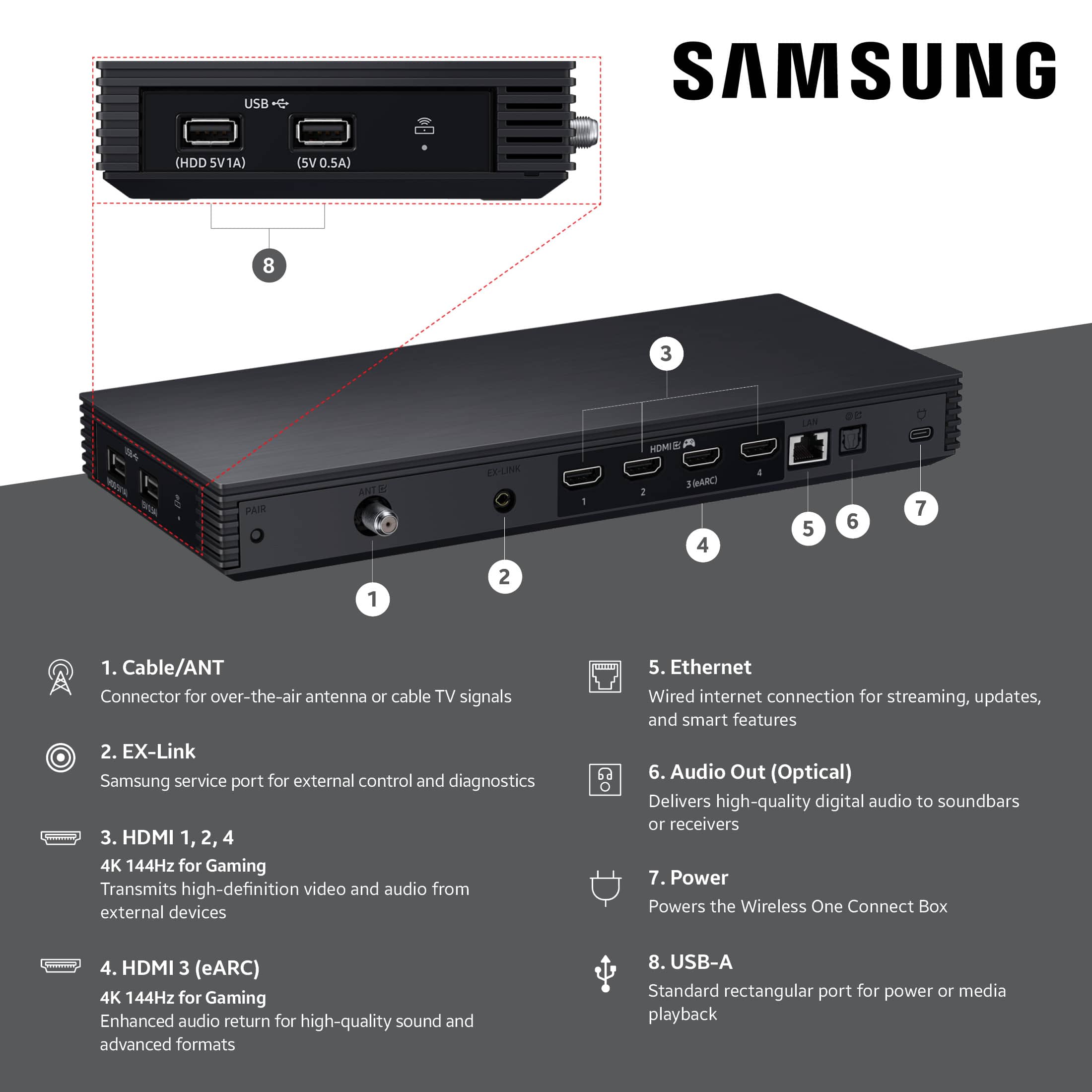
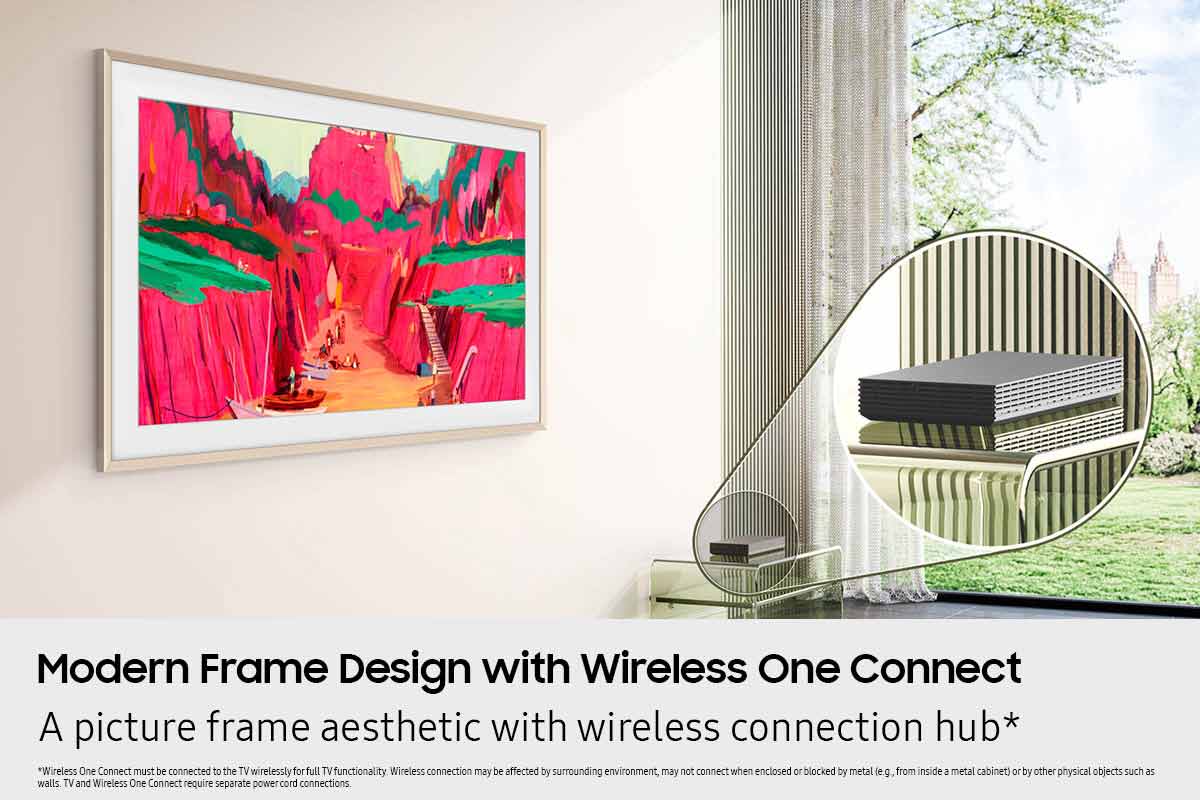
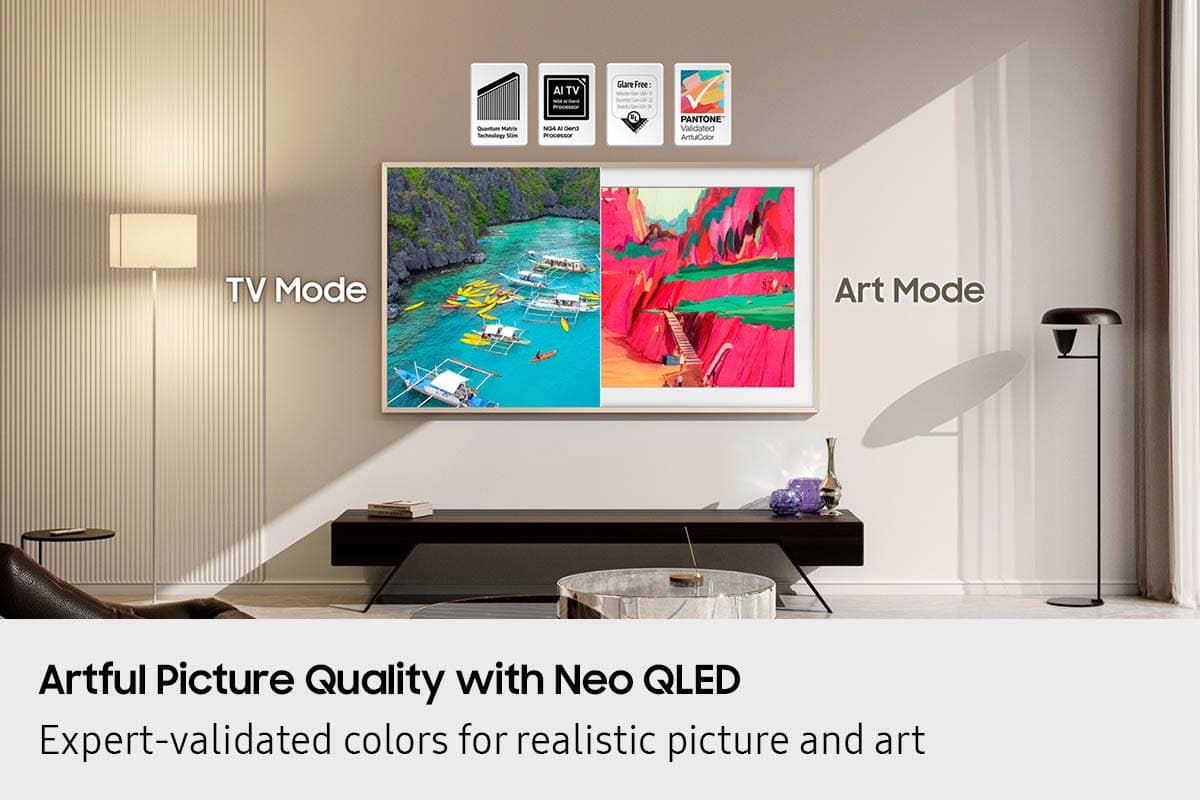
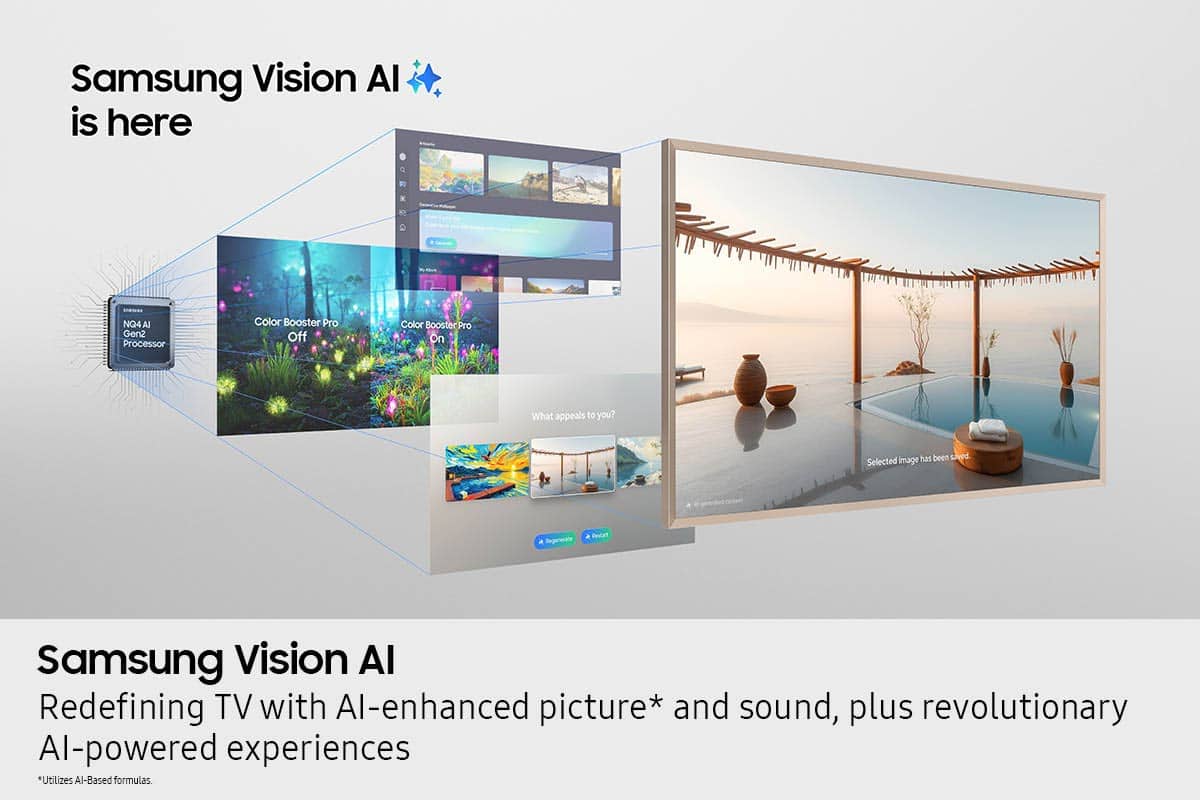
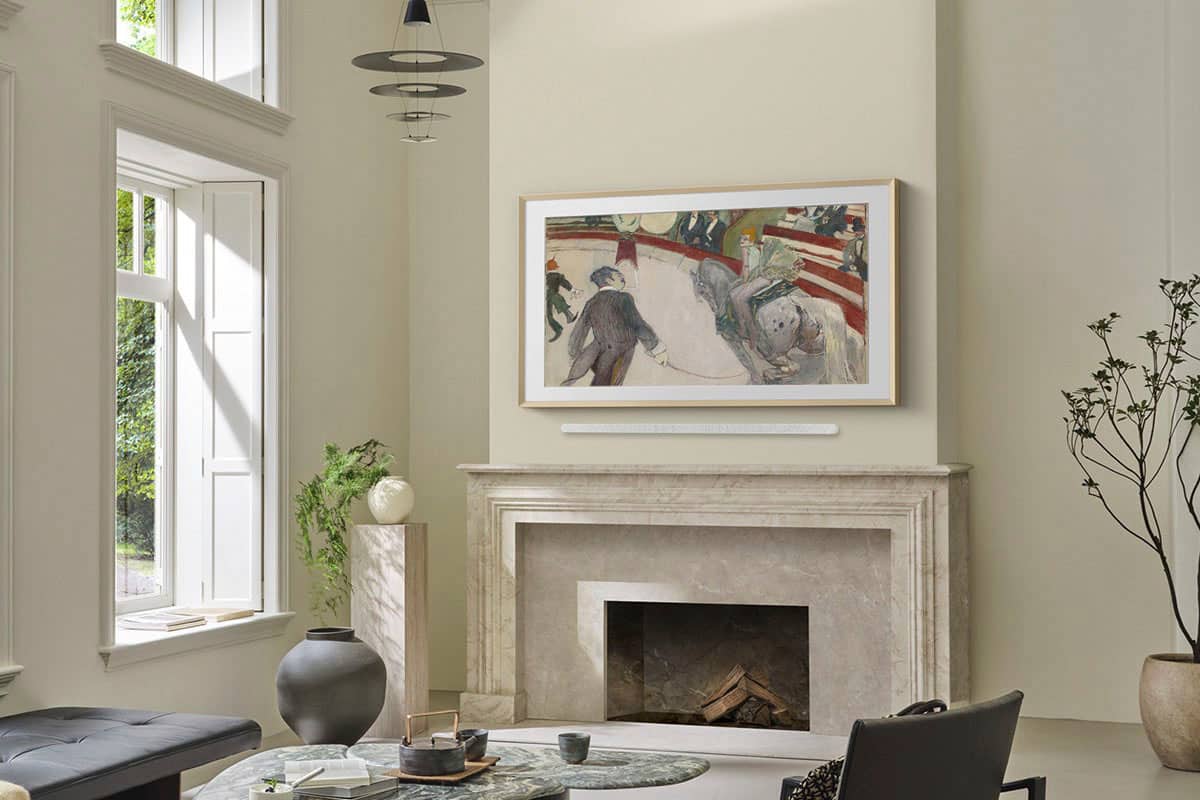
Customers praise the 65” Class LS03FW The Frame Pro Series Neo QLED 4K UHD Art Mode SamsungVision AI Smart TV for its impressive picture quality and sleek design, with some noting its ability to double as a painting. The TV's connectivity options, including the wireless one box, are also appreciated. Additionally, customers find its overall appearance to be a great addition to their homes.
This summary was generated by AI based on customer reviews.
Expensive TV
||Posted . Owned for 2 months when reviewed.This reviewer received promo considerations or sweepstakes entry for writing a review.3 stars and probably should be less, within 50 days of purchase the remote control stop working and BB did not honor the warranty. Samsung puts you through a series of troubleshooting steps that would take shorter to just order a new one in the mail. Again I understand the one of things could happen, but it also happened to two others I know purchased the same tv.
No, I would not recommend this to a friendBrand response from Samsung
Posted .Flaco222,
Thank you for sharing your experience with the SolarCell Remote. If the remote is unresponsive, it may be due to a low or depleted battery.
You can charge the remote using the solar panel on the back or the USB-C port located at the bottom. To check the battery level of your remote, navigate to: Home > left directional key > Settings > All Settings > General & Privacy > Remote Control
To help resolve the issue, please try the following:
1. Reset the remote: Press and hold the Return and Enter (center of navigation pad) buttons for more than 10 seconds.
2. Re-pair the remote: After resetting, stand within 1 foot of your TV and press Return and Play/Pause simultaneously for at least 5 seconds, or until a pairing message appears on your TV.
3. Power cycle the TV: Unplug the TV from the power outlet for 30 seconds, then plug it back in.
4. Try pairing again if needed and move closer to the TV if you're having difficulty.
5. Check for TV firmware updates: Settings > Support > Software Update > Update Now
If your SolarCell Remote still isn’t functioning properly after these steps, please contact Samsung Support for further assistance. We’re available at 1-800-SAMSUNG, 8AM – 12AM EST, 7 days a week. LiveChat agents are also available at the ‘Support’ link on our website.
~ Samsung Specialist
- Pros mentioned:Design
MOA in your living room
||Posted . Owned for 1 month when reviewed.This reviewer received promo considerations or sweepstakes entry for writing a review.It’s so beautiful. I feel like I have my own museum of fine arts in my living room.
I would recommend this to a friend Great framed TV
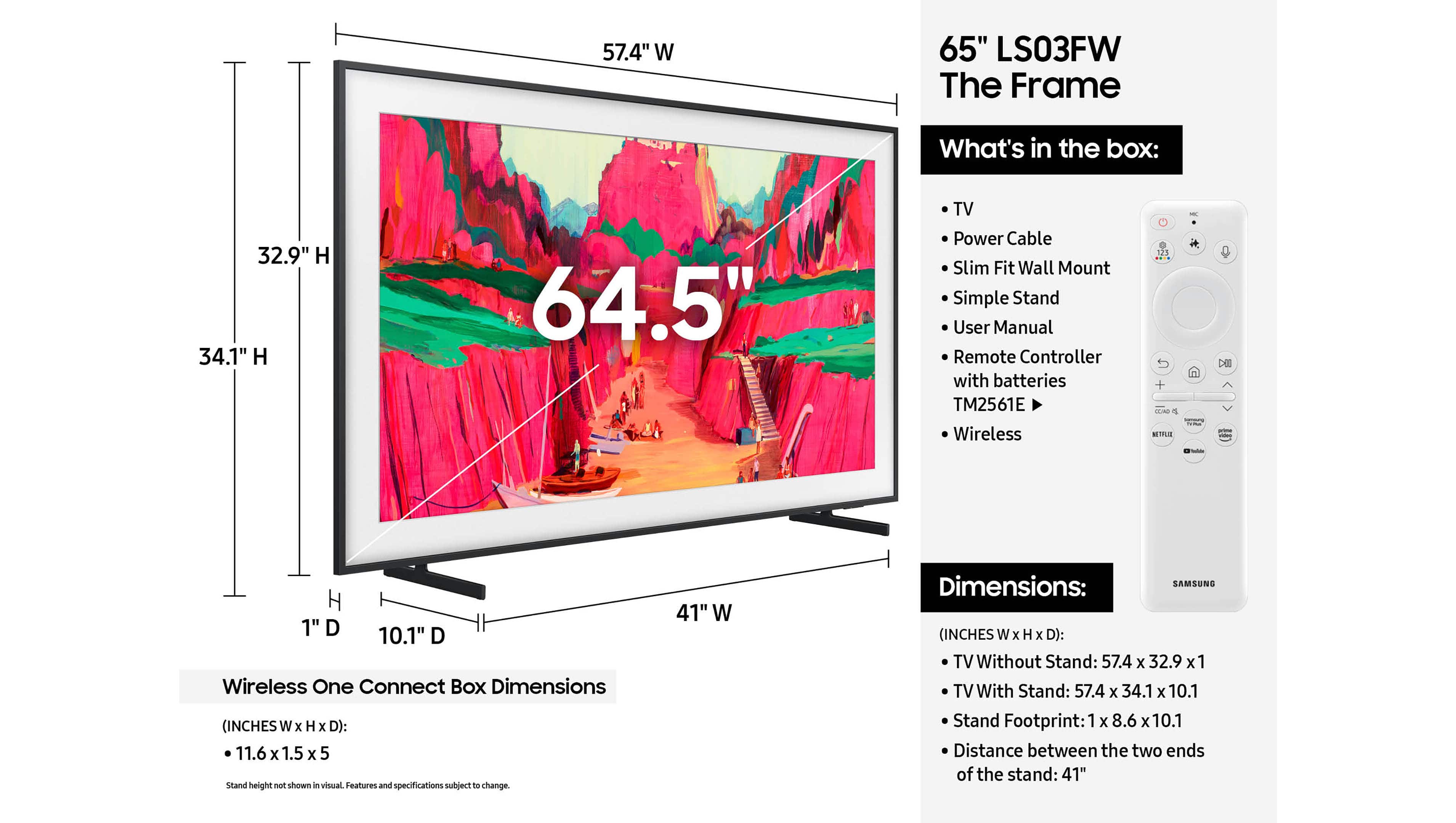
||Posted . Owned for 1 month when reviewed.This reviewer received promo considerations or sweepstakes entry for writing a review.Works and looks great. We bought a high-end frame. Be sure to allow for the extra height and width of whichever frame you choose - some only add a little bit some add a lot.
I would recommend this to a friend- Pros mentioned:Design
Neo qlex
||Posted . Owned for 2 weeks when reviewed.This reviewer received promo considerations or sweepstakes entry for writing a review.Great resolution. Clean look and function. Intuitive controls
I would recommend this to a friend Amazing television
||Posted . Owned for 1 week when reviewed.This reviewer received promo considerations or sweepstakes entry for writing a review.Great TV! And well worth the price! Super easy set up!
I would recommend this to a friend- Pros mentioned:Picture quality
Frame tv
||Posted .This reviewer received promo considerations or sweepstakes entry for writing a review.Great picture and sound. Great for reducing glare.
I would recommend this to a friend Perfection
||Posted .This reviewer received promo considerations or sweepstakes entry for writing a review.Delivery was timely and the frames was extremely well packaged. The antique gold really sets off the game TV . Love it!
I would recommend this to a friend- Pros mentioned:Picture quality
Great tv for bedroom
||Posted .This reviewer received promo considerations or sweepstakes entry for writing a review.Great TV, quality is great. So many features to explore
I would recommend this to a friend Exceeds Expectations
||Posted . Owned for 3 weeks when reviewed.This reviewer received promo considerations or sweepstakes entry for writing a review.Excellent Customer Service, friendly, professional and knowledgeable. Always satisfied when I purchase from Best Buy!
I would recommend this to a friendVery Happy!
||Posted .This reviewer received promo considerations or sweepstakes entry for writing a review.Great TV! and Easiest pick up process with the team at Best Buy!
I would recommend this to a friendLooks like a painting.
||Posted . Owned for 2 weeks when reviewed.This reviewer received promo considerations or sweepstakes entry for writing a review.Beautiful TV and looks great on the top of the fireplace!
I would recommend this to a friendFrame TV
||Posted . Owned for 2 weeks when reviewed.This reviewer received promo considerations or sweepstakes entry for writing a review.Good TV but a little misleading that you biy a "frame" tv and it does not come with a frame
I would recommend this to a friendGood in concept; poorly executed
||Posted .This reviewer received promo considerations or sweepstakes entry for writing a review.Fantastic when it works, but if you use it as an entertainment hub, with a sound bar, cable, etc. it is complex and will require complete reprogramming if you have a power failure. If you are not into “IT” don’t get this unit. I regret buying it.
No, I would not recommend this to a friendBrand response from Samsung
Posted .MichaelB,
We appreciate your review of Samsung’s Frame Pro TV. So we can better understand the issues you’re experiencing and provide you with troubleshooting assistance, please reach out to Samsung Customer Support at 1-800-SAMSUNG, available daily from 8AM - 12AM EST. You can also chat with a LiveChat agent by clicking the ‘Support’ link on our website for:
• Live Chat
• Manuals, Software, & Warranty Info
• Creating a Service ticket
~ Samsung Specialist
Great Service
||Posted . Owned for 3 weeks when reviewed.This reviewer received promo considerations or sweepstakes entry for writing a review.Superb customer service in the store. Precise installation of wall mounted television. Prompt delivery and clean up. Most strongly recommend.
I would recommend this to a friendPoor quality, terrible Customer Service
Posted .This reviewer received promo considerations or sweepstakes entry for writing a review.This is a very expensive fairly basic TV if you are our purchasing it for its picture frame appearance and art store….look elsewhere. In order to mount the TV on the wall you need a recessed electric outlet, but no one at Samsung can tell where to put it so that it doesnt interfere with the wall mount. The 2-year free art store subscription does not work and this is a problem that they cannot seem to resolve. They say you can use your own photos instead, but their app to do so doesn’t work, uploading a single low profile image crashes it. The samsung TV does not work with comcast/xfinity services so if they are the only cable orovider in your area you will be paying them for stuff you cannot use. The samsung software does not play well with apple TV or Roku and constantly tries to be the home screen.
No, I would not recommend this to a friendBrand response from Samsung
Posted .Wanted2loveit,
We appreciate your review of Samsung’s Frame Pro TV. So we can better understand the issues you’re experiencing and provide you with assistance specific to your setup and overall scenario, please reach out to Samsung Customer Support at 1-800-SAMSUNG between 8AM - 12AM EST, any day of the week. You can also reach our LiveChat team by selecting the ‘Support’ link on our website.
~ Samsung Specialist
Fine Art at its best!
||Posted . Owned for 2 weeks when reviewed.This reviewer received promo considerations or sweepstakes entry for writing a review.65" is a Beautiful TV! This is our second one. The artwork looks amazing. With a DECO frame, you truly can not tell that it is a TV.
I would recommend this to a friendGreat addition to our in the city condo.
||Posted . Owned for 1 month when reviewed.This reviewer received promo considerations or sweepstakes entry for writing a review.Great pieces of equipment for our condo in the city and we don’t have to have a cable provider.
I would recommend this to a friendOutstanding Quality!
||Posted .This reviewer received promo considerations or sweepstakes entry for writing a review.Fantastic TV - we absolutely love it and it looks great hanging over our fireplace!
I would recommend this to a friendGreat team
||Posted . Owned for 3 weeks when reviewed.This reviewer received promo considerations or sweepstakes entry for writing a review.Haven’t installed the tv yet but I’m excited to have it installed! Very knowledgeable staff!
I would recommend this to a friendGreat tv
||Posted . Owned for 3 weeks when reviewed.This reviewer received promo considerations or sweepstakes entry for writing a review.Very happy with the new Samsung. Love the look of being able to have art on my Home Screen.
I would recommend this to a friend