Customer Ratings & Reviews
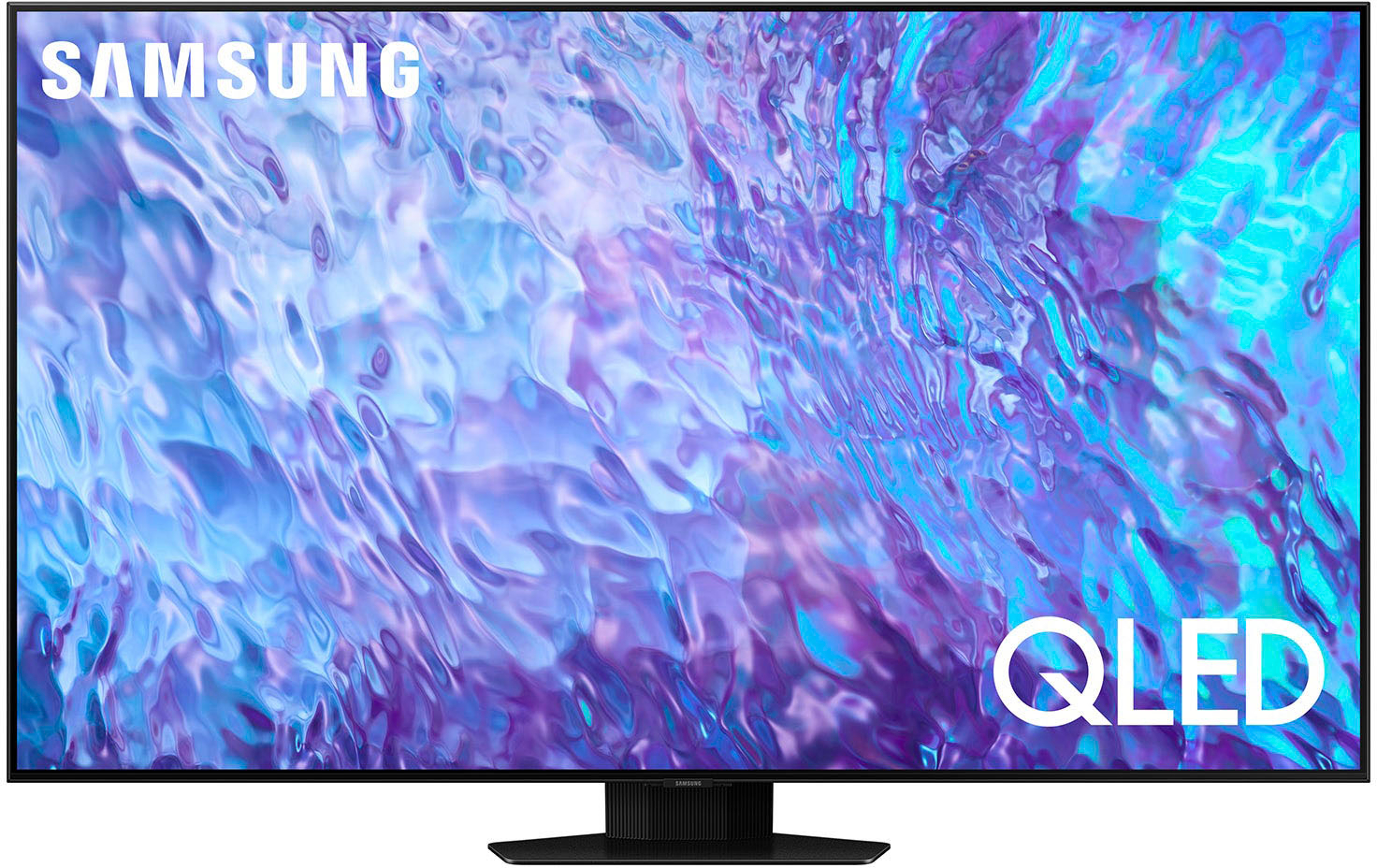
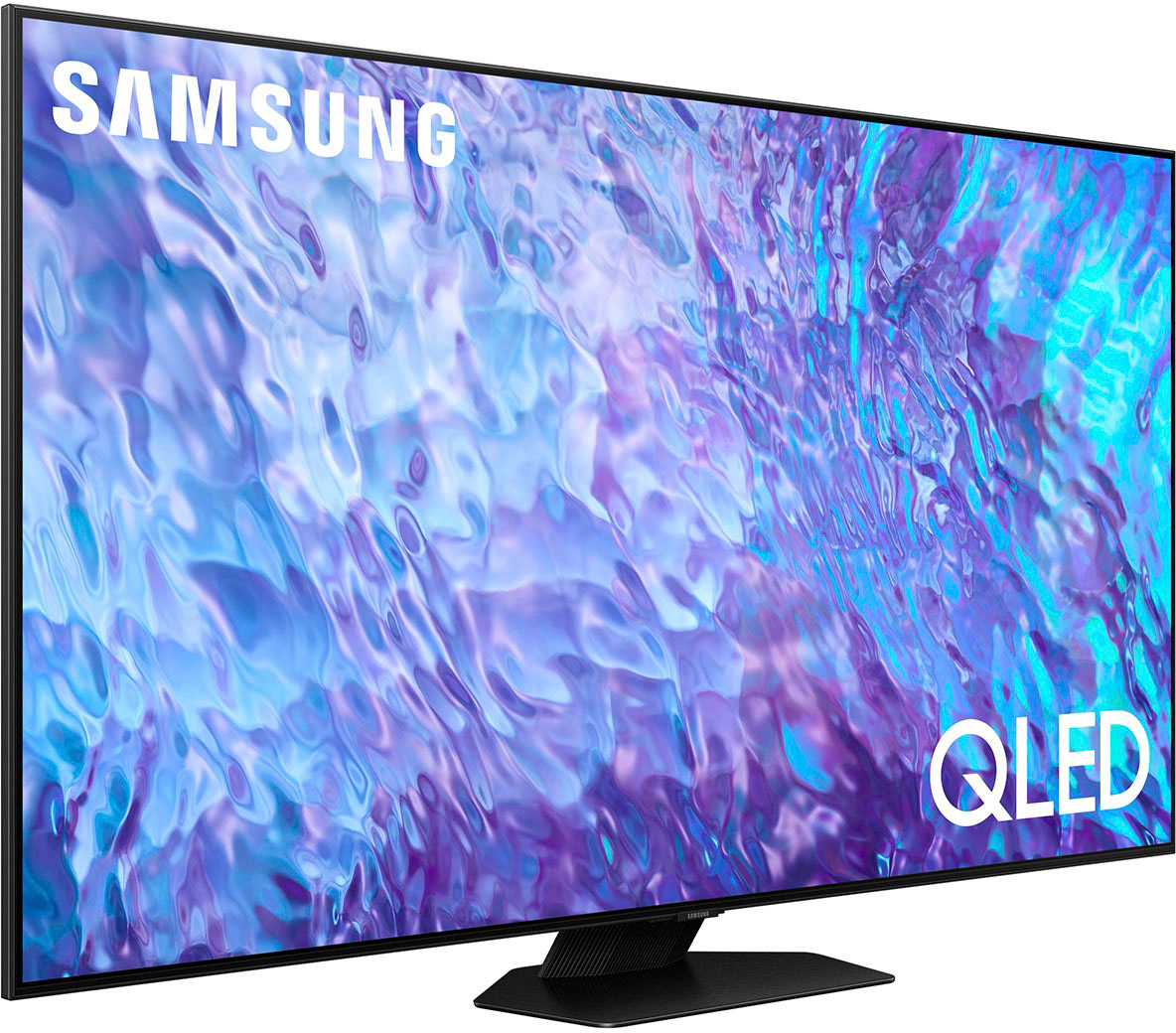
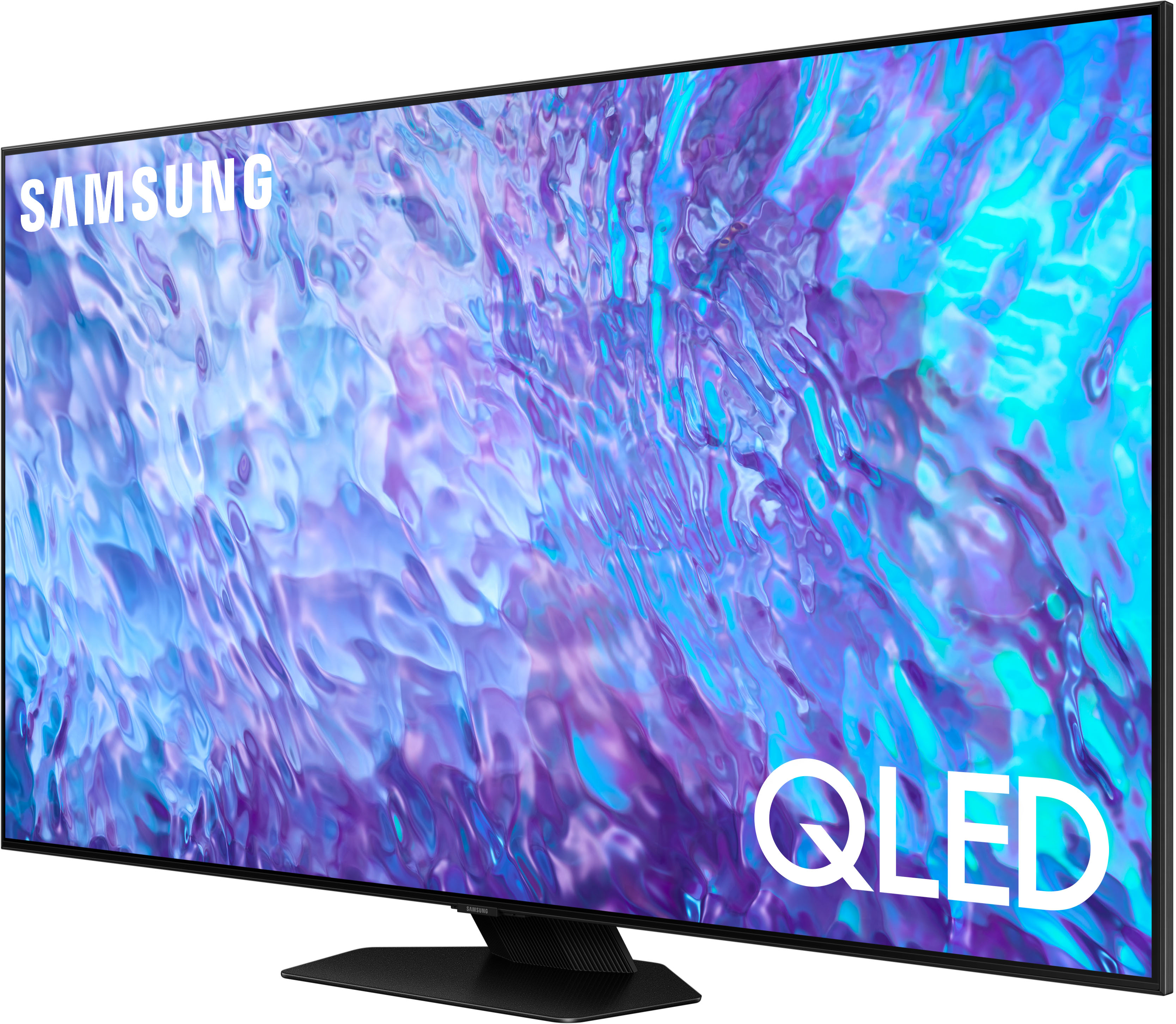
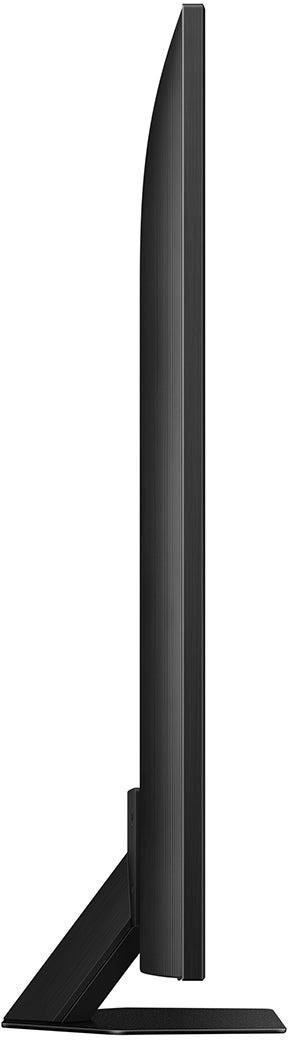
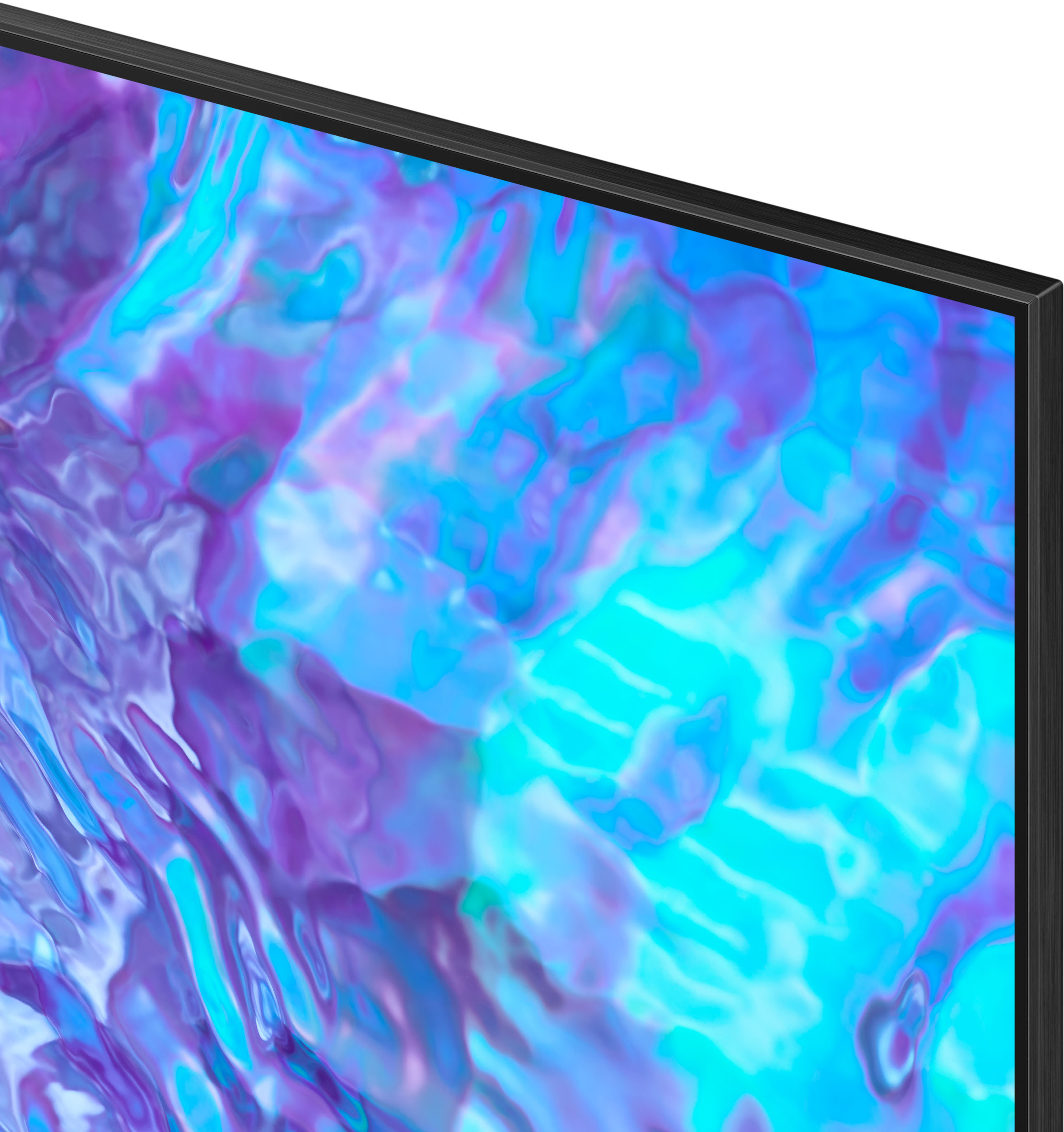



- Model:
- QN65Q80CAFXZA
- SKU:
- 6537330
Rating by feature
- Picture Quality
Rating 4.8 out of 5 stars
- Sound Quality
Rating 4.6 out of 5 stars
- Brightness
Rating 4.8 out of 5 stars
Customers are saying
Customers praise the 65” Class Q80C QLED 4K UHD Smart Tizen TV (2023) for its exceptional picture quality, ease of use, and vibrant colors. Many also appreciate the value for the price and the user-friendly remote control. While some users noted minor concerns about glare and the TV stand's stability, the overwhelmingly positive feedback points to a highly satisfying viewing experience. The TV's performance in gaming and its ease of setup were also frequently highlighted as positive aspects.
This summary was generated by AI based on customer reviews.
not all streaming services are supported
||Posted . Owned for 3 weeks when reviewed.This reviewer received promo considerations or sweepstakes entry for writing a review.Very disappointed to find out that peacock and Hulu apps are not available on this television. Best Buy should have informed me. I would have bought the Sony.
No, I would not recommend this to a friendBrand response from Samsung
Posted .EdwardK,
I'm sorry to hear of this misunderstanding, but please know both Peacock and Hulu are supported on the Q80C TV.
If you need help installing or using these apps, please know Samsung's here to help. You can reach us at 1-800-SAMSUNG, 8AM - 12AM EST, 7 days a week. Our LiveChat agents are also available by clicking on the ‘Support’ link on our website.
~ Samsung Specialist
Just average
||Posted . Owned for 1 month when reviewed.This reviewer received promo considerations or sweepstakes entry for writing a review.I have not found this tv to be very superior at all to the picture or quality of the Panasonic Plasma I have had hanging in the same room for years.
No, I would not recommend this to a friendBrand response from Samsung
Posted .Audioal,
Thank you for sharing your thoughts on the picture quality of your Q80C TV. To ensure you’ve got the latest image quality updates, please confirm that your TV is up to date with the latest firmware version. You can check by going to: Home > Menu > Settings > Support > Software Update.
If the picture you’re seeing is still not to your liking after updating firmware, there are several picture settings you may want to try adjusting.
Go to Home > Menu > Settings > All Settings > Picture > Picture Mode
...and select the mode that best fits your usage:
1. Standard: Is the default mode suitable for general viewing environments
2. Dynamic: Makes the picture brighter and clearer in bright viewing environments
3. Eco: Provided to save energy
4. Movie: Suitable for watching TV or movies in a dark room
5. Filmmaker Mode: Provides source content just as the creators intended. If the image is defined as Filmmaker Mode, it’ll automatically switch to Filmmaker Mode while watching.
Intelligent Mode enables the TV to recognize and analyze the surroundings, noise, content, and your usage patterns to provide the best viewing experience. You can enable Intelligent Mode by going to Menu > Settings > All Settings > General & Privacy > Intelligent Mode Settings > Intelligent Mode.
If adjusting image settings does not improve your picture, please contact Samsung Customer Support at 1-800-SAMSUNG, 8AM - 12AM EST, 7 days a week. Or visit us on the Samsung website and click on the ‘Support’ link for:
• LiveChat
• Manuals, Software, & Warranty Info
~ Samsung Specialist
A disappointment
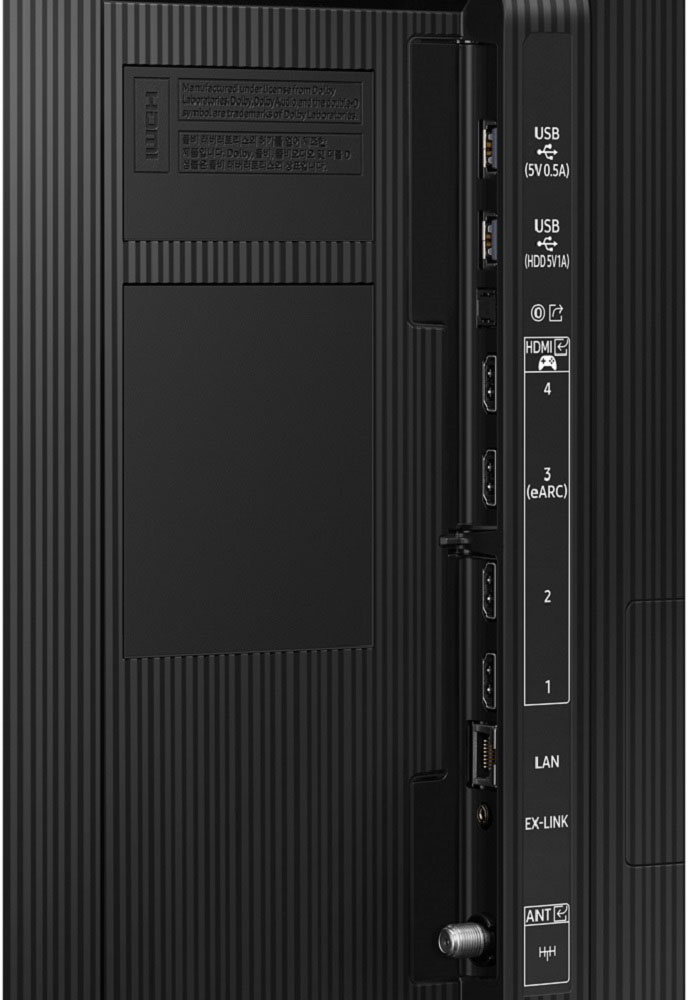
||Posted .This reviewer received promo considerations or sweepstakes entry for writing a review.Only had it a couple hours but it's going back. Back of TV installed incorrectly bulge in case which is blocking 3 of the 4 hdmi ports from being used.
I would recommend this to a friendBrand response from Samsung
Posted .ronn,
Thank you for sharing your experience with Samsung's Q80C TV. We recommend you contact Best Buy Customer Support or your local Best Buy store directly for assistance in correcting this situation. We hope your issue is resolved in a timely manner.
Should you ever decide to give Samsung TVs another try and have questions or need help with settings, setup, or features, please know we’re here to help. Call us at 1-800-SAMSUNG, 8AM - 12AM EST, 7 days a week.
LiveChat with an agent as well as manuals, software, and warranty info can be found at the ‘Support’ link on our Samsung website.
We hope to regain you as a customer in the future.
~ Samsung Specialist
Ok TV
||Posted . Owned for 1 year when reviewed.This reviewer received promo considerations or sweepstakes entry for writing a review.First tv we received had a cloudy section in the bottom left corner. Best Buy replaced it with another and this one is cloudy on the bottom sections. I gave up replacing and learned to live with it. Never buying anything else from Best Buy in the future.
No, I would not recommend this to a friendDisappointed Customer
||Posted . Owned for 2 weeks when reviewed.This reviewer received promo considerations or sweepstakes entry for writing a review.Not a good clear picture like in the store. I returned it and bought a Sony Bravia which is 100% better.
No, I would not recommend this to a friendBrand response from Samsung
Posted .SamuelG,
I’m sorry to hear the picture quality of Samsung’s Q80C TV did not meet your expectations. Your feedback is appreciated and will be shared with our internal teams.
Please know we’re always here to help, and we could have assisted in providing image adjustments to resolve any issues you were experiencing.
Should you ever decide to give Samsung TVs another try and have questions or need help with settings, setup, or features, please know we’re here to help. Call us at 1-800-SAMSUNG, 8AM - 12AM EST, 7 days a week.
LiveChat with an agent as well as manuals, software, and warranty info can be found at the ‘Support’ link on our Samsung website.
~ Samsung Specialist
Pour service
||Posted . Owned for 1 month when reviewed.This reviewer received promo considerations or sweepstakes entry for writing a review.I’m extremely disappointed in the product that I had received I had purchases and yet to have it work I’ve tried to get my warranty through the geek squad to take care of it and I keep getting deferred back to the manufacturer. The manufacturer keeps telling me that they’re working on it. I’ve had this for over a month and it has not worked at all, I wish that the customer service for these issues was better
No, I would not recommend this to a friendBlue
||Posted . Owned for 8 months when reviewed.This reviewer received promo considerations or sweepstakes entry for writing a review.Lower resolution movies or shows have a horrible blueish tint where shadows should be. Don't buy.
No, I would not recommend this to a friendNot Impressed
||Posted . Owned for 3 weeks when reviewed.This reviewer received promo considerations or sweepstakes entry for writing a review.I’ve should have bought a 8000 series. The picture clearly is about the same as an 8000 series. The refresh rate is not as good as I wanted it to be.
No, I would not recommend this to a friendBrand response from Samsung
Posted .AlejandroS,
Thank you for sharing your thoughts on the picture quality of your Q80C TV. To ensure you’ve got the latest image quality updates, please confirm that your TV is up to date with the latest firmware version. You can check by going to: Home > Menu > Settings > Support > Software Update.
If the picture you’re seeing is still not to your liking after updating firmware, there are several picture settings you may want to try adjusting.
Go to Home > Menu > Settings > All Settings > Picture > Picture Mode
...and select the mode that best fits your usage:
1. Standard: Is the default mode suitable for general viewing environments
2. Dynamic: Makes the picture brighter and clearer in bright viewing environments
3. Eco: Provided to save energy
4. Movie: Suitable for watching TV or movies in a dark room
5. Filmmaker Mode: Provides source content just as the creators intended. If the image is defined as Filmmaker Mode, it’ll automatically switch to Filmmaker Mode while watching.
Intelligent Mode enables the TV to recognize and analyze the surroundings, noise, content, and your usage patterns to provide the best viewing experience. You can enable Intelligent Mode by going to Menu > Settings > All Settings > General & Privacy > Intelligent Mode Settings > Intelligent Mode.
If adjusting image settings does not improve your picture, please contact Samsung Customer Support at 1-800-SAMSUNG, 8AM - 12AM EST, 7 days a week. Our LiveChat agents are also available by clicking on the ‘Support’ link on our website.
~ Samsung Specialist
Disappointed Customer experience
||Posted . Owned for 3 weeks when reviewed.This reviewer received promo considerations or sweepstakes entry for writing a review.TV is fine. However the BestBuy experience has been beyond disappointing. There was a price drop less than 4 hours after my purchase by $167. But would not honor the difference. My only option was to dismount it, return it, and repurchase it. Not an option for me. And this is not how expect to be treated, particularly as a BestBuy Plus member.
No, I would not recommend this to a friendTV
||Posted . Owned for 3 weeks when reviewed.This reviewer received promo considerations or sweepstakes entry for writing a review.TV has a horizontal and vertical black line visible. Had to call for service, needs panel replaced. Service takes a week.
No, I would not recommend this to a friendBrand response from Samsung
Posted .MelissaB,
I’m sorry to hear of the screen abnormalities you’ve noticed on your Q80C TV. We greatly appreciate your patience while awaiting your service appointment. Should you need further assistance after your service is complete, please contact Samsung Support at 1-800-SAMSUNG, 8AM - 12AM EST, 7 days a week. Or visit us on the Samsung website and click on the ‘Support’ link for:
• LiveChat
• Manuals, Software, & Warranty Info
~ Samsung Specialist
Review
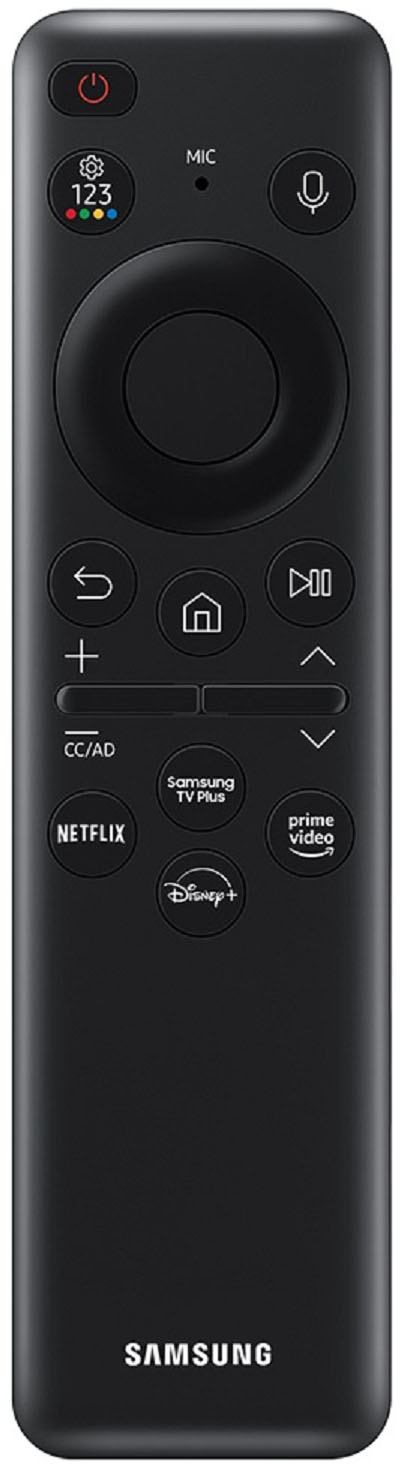
||Posted . Owned for 1 month when reviewed.This reviewer received promo considerations or sweepstakes entry for writing a review.The picture is not as good as we thought it would be. The remote control does not have any numbers.
No, I would not recommend this to a friendDo not buy
||Posted .This reviewer received promo considerations or sweepstakes entry for writing a review.Processor failed Wi-Fi was connected. TV won’t work just after warranty expired terrible TV.
No, I would not recommend this to a friendNot recommended
||Posted . Owned for 3 weeks when reviewed.This reviewer received promo considerations or sweepstakes entry for writing a review.Too thick, motherboard go to hot quickly, salesman is not friendly and professional
No, I would not recommend this to a friendBrand response from Samsung
Posted .Frank27,
Thank you for purchasing the Samsung Q80C TV and for your review. Watching TV for an extended period of time causes the panel to generate heat. The heat from the panel is dissipated through internal vents running along the top of the TV. The bottom, however, may feel hot to the touch after extended use. This heat, however, is not a defect and does not affect the TV's functionality.
If we can help with anything else, please call us at 1-800-SAMSUNG, 8AM - 12AM EST, 7 days a week. LiveChat with an agent as well as manuals, software, and warranty info can be found at the ‘Support’ link on our Samsung website.
~ Samsung Specialist
Not happy
||Posted . Owned for 3 weeks when reviewed.This reviewer received promo considerations or sweepstakes entry for writing a review.It makes a cracking-screeching noise. I’ve had one home appointment so far, but it didn’t fix it
No, I would not recommend this to a friendBrand response from Samsung
Posted .SherriB,
We appreciate you bringing your concerns to our attention. Abnormal sounds will have different causes depending on where the sound originates from. Is the sound coming from your speakers, or is your TV connected to an external audio device like a soundbar? If so, please make sure that the audio cable is connected to the correct audio output connector on the external device.
For antenna or cable connections, check the Signal Information. A low signal level may cause sound distortions. Go to: Menu > Settings > Support > Device Care > Self Diagnosis > Signal Information
If the sound is coming from the back of the TV, the expansion and contraction of the TV's outer casing may cause a popping noise. This does not indicate a product malfunction, and the TV is safe to use.
You may also want to run a Sound Test by going to: Menu > Settings > Support > Device Care > Self Diagnosis > Sound Test
For further help, you can always contact us at 1-800-SAMSUNG, 8AM - 12AM EST, 7 days a week. Or visit us on the Samsung website and click on the ‘Support’ link for:
• LiveChat
• Manuals, Software, & Warranty Info
~ Samsung Specialist
Inconvenience and no discount for TV
||Posted . Owned for 1 month when reviewed.This reviewer received promo considerations or sweepstakes entry for writing a review.I purchase a 65 minute Samsung Q 80 C TV it was brought to my home and after a couple of days the TV screen went black. You can hear voices but no picture I requested a new TV it was delivered but I was inconvenient for about two weeks without a TV I called and ask for a discount for the inconvenience which they never gave me do not buy this TV. The customer service sucks.
No, I would not recommend this to a friendBrand response from Samsung
Posted .DianeB,
We appreciate you sharing your experience with Samsung's Q80C TV. We recommend you contact Best Buy Customer Support or your local Best Buy store directly for assistance in correcting this situation. We hope your issue is resolved in a timely manner.
Should you have questions or concerns regarding the usage or setup of your TV once your issue has been resolved, please contact Samsung Customer Support at 1-800-SAMSUNG, 8AM - 12AM EST, 7 days a week. Or visit us on the Samsung website and click on the ‘Support’ link for:
• LiveChat
• Manuals, Software, & Warranty Info
~ Samsung Specialist
Remote problem or tv screen stuck
||Posted . Owned for 2 weeks when reviewed.This reviewer received promo considerations or sweepstakes entry for writing a review.It’s working too bad when I return this item back customer service are bad too
No, I would not recommend this to a friendBrand response from Samsung
Posted .RehmanAeem,
Thanks for your review. So we can better understand the issues you’re experiencing and provide you with troubleshooting assistance, please reach out to Samsung Customer Support at 1-800-SAMSUNG, 8AM - 12AM EST, 7 days a week. Our LiveChat agents are also available by clicking on the ‘Support’ link on our website.
~ Samsung Specialist
Loved it until I didn't
||Posted . Owned for 11 months when reviewed.This reviewer received promo considerations or sweepstakes entry for writing a review.TV worked amazing for the first 9 months...then it died and will no longer turn on.
No, I would not recommend this to a friendDO NOT PURCHASE FROM BEST BUY
||Posted . Owned for 4 months when reviewed.This reviewer received promo considerations or sweepstakes entry for writing a review.TV was delivered and screen was broken but we didn't open it until beyond the 15 day return policy as it was for our new home. Best buy refuses to replace or fix. Will never purchase from Best Buy again.
No, I would not recommend this to a friendBrand response from Samsung
Posted .JayM,
We appreciate you sharing your delivery experience and having received a damaged unit. We recommend you contact Best Buy directly for assistance in correcting this situation. We hope your issue is resolved in a timely manner.
Should you have questions or concerns on usage or setup of your TV once your issue has been resolved, please call us at 1-800-SAMSUNG, 8AM - 12AM EST, 7 days a week. Or visit us on the Samsung website and click on the ‘Support’ link for:
• LiveChat
• Manuals, Software, & Warranty Info
~ Samsung Specialist
Sucks
||Posted . Owned for 1 month when reviewed.This reviewer received promo considerations or sweepstakes entry for writing a review.TV started malfunctioning within 3 weeks of Purchase
No, I would not recommend this to a friendBrand response from Samsung
Posted .RobertoB,
We appreciate your review of Samsung’s Q80C TV. So we can better understand the problems you’re experiencing and provide you with troubleshooting assistance or warranty service, please reach out to Samsung Customer Support at 1-800-SAMSUNG, 8AM - 12AM EST, 7 days a week.
Our LiveChat agents are also available by clicking on the ‘Support’ link on our website.
~ Samsung Specialist
mr
||Posted . Owned for 2 weeks when reviewed.This reviewer received promo considerations or sweepstakes entry for writing a review.Had 9 days and had to return to store. Would not connect to internet
No, I would not recommend this to a friendBrand response from Samsung
Posted .cww1,
It’s unfortunate to hear of the issues that have caused you to return your Q80C TV. Your experience is very important to us and will be shared with our product team.
It’s possible that your unit needed minor troubleshooting, a firmware update, or adjustments in settings.
Should you ever decide to give Samsung TVs another try and have questions or need help with settings, setup, or features, please know we’re here to help. Call us at 1-800-SAMSUNG, 8AM - 12AM EST, 7 days a week.
LiveChat with an agent as well as manuals, software, and warranty info can be found at the ‘Support’ link on our Samsung website.
We hope to regain you as a customer in the future.
~ Samsung Specialist