Customer Ratings & Reviews










- Model:
- QN65S90DAFXZA
- SKU:
- 10206265
Rating by feature
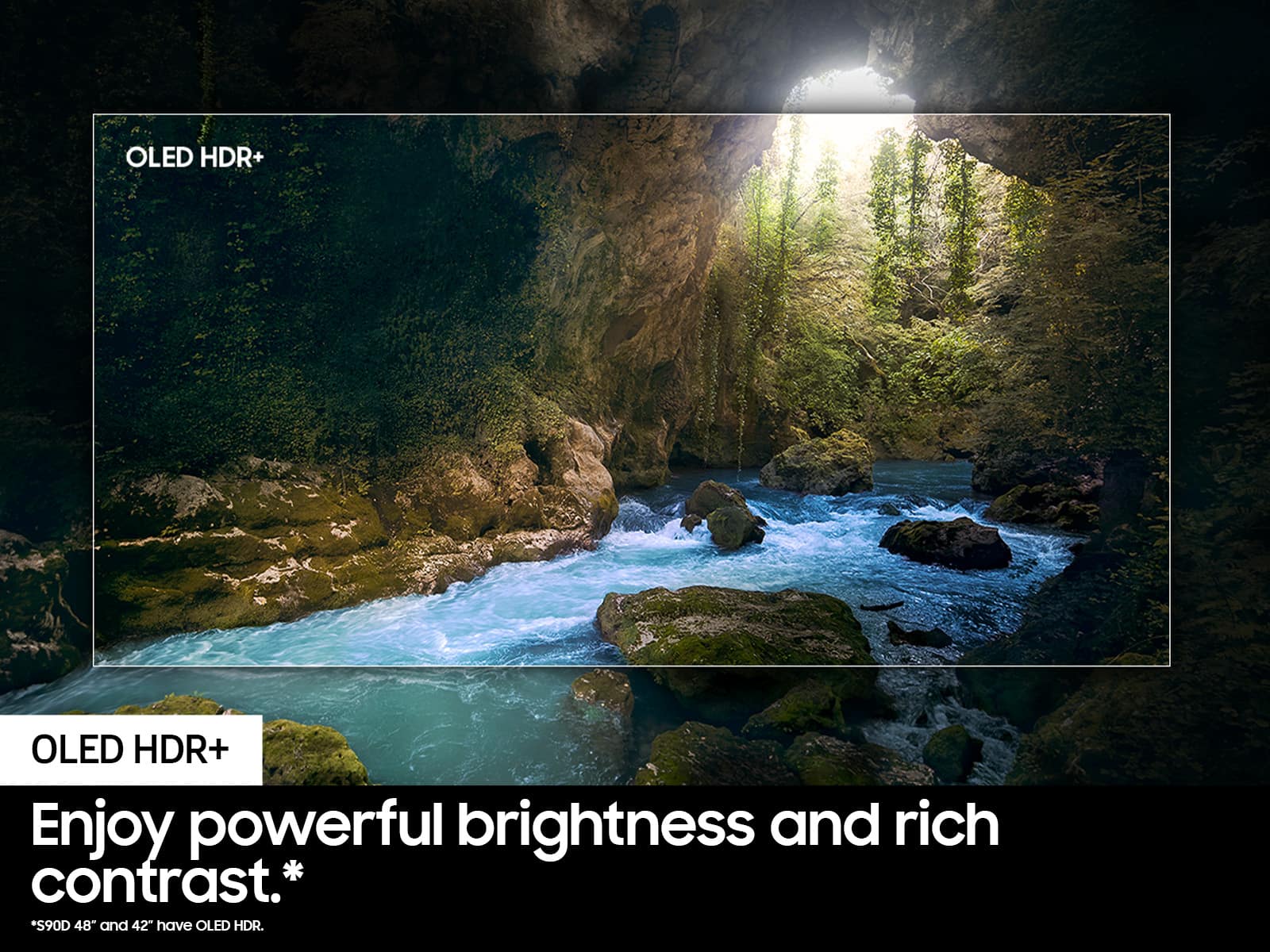
- Picture Quality
Rating 4.9 out of 5 stars
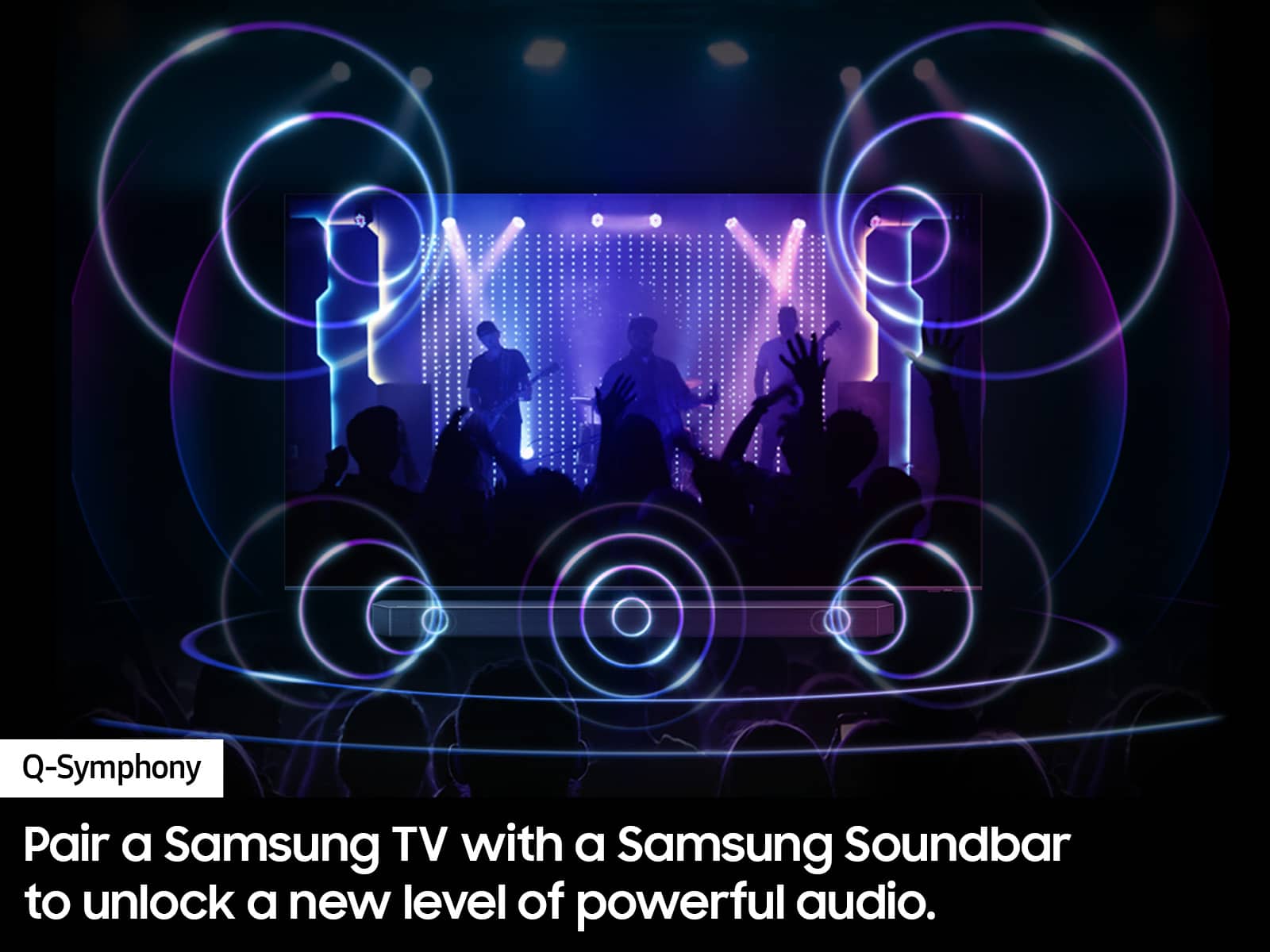
- Sound Quality
Rating 4.5 out of 5 stars
- Brightness
Rating 4.9 out of 5 stars
Love the TV
||Posted . Owned for 1 month when reviewed.This reviewer received promo considerations or sweepstakes entry for writing a review.The picture looks great and the TV is very easy to use. Paired it with a high end set of speakers and it is great.
I would recommend this to a friendSamsung oled tv
||Posted . Owned for 4 months when reviewed.This reviewer received promo considerations or sweepstakes entry for writing a review.Went in looking for a TV and the employees there were great help and were very knowkedgeble of their products
I would recommend this to a friendThe best qd OLED
||Posted . Owned for 2 months when reviewed.This reviewer received promo considerations or sweepstakes entry for writing a review.The best gaming tv on the market! Does really good for movies and utube too!
I would recommend this to a friendGreat TV, terrible OS
||Posted . Owned for 1 month when reviewed.This reviewer received promo considerations or sweepstakes entry for writing a review.Great TV. Amazes me everytime I see it again. It's not as vibrantly light as I want it. Sound is good with no external speaker. The Samsung OS interface is horrible.
I would recommend this to a friendBrand response from Samsung
Posted .Hi Roomba,
We appreciate you sharing your thoughts on the OS, as well as image quality of your S90D OLED. If the image is too dim, please try disabling some of the TV's energy efficiency functions, as these will automatically adjust your picture and may cause your screen to appear brighter or darker than preferred. Go to: Home > Menu > Settings > All Settings > General & Privacy > Power and Energy Saving > turn off Brightness Optimization, Brightness Reduction, and Motion Lighting
You may also want to try adjusting image settings to improve your picture. Go to Home > Menu > Settings > All Settings > Picture > Picture Mode
1. Standard: Is the default mode suitable for general viewing environments
2. Dynamic: Makes the picture brighter and clearer in bright viewing environments
3. Eco: Provided to save energy
4. Movie: Suitable for watching TV or movies in a dark room
5. Filmmaker Mode: Provides source content just as the creators intended. If the image is defined as Filmmaker Mode, it’ll automatically switch to Filmmaker Mode while watching.
You can also customize the brightness level of your screen between 0 – 50 to your preference. Go to: Home > Menu > Settings > All Settings > Picture > Expert Settings
Please also make sure you’ve got the latest firmware version installed on your TV. You can check this by going to: Home > Menu > Settings > Support > Software Update > Update Now
I hope these tips help. Should you need further assistance, please call us at 1-800-SAMSUNG, 8AM - 12AM EST, 7 days a week. Or visit us on the Samsung website and click on the ‘Support’ link for:
• LiveChat
• Manuals, Software, & Warranty Info
~ Samsung Specialist
Pretty happy
||Posted . Owned for 1 week when reviewed.This reviewer received promo considerations or sweepstakes entry for writing a review.I bought this tv and had to return it the next day because it was flashing. Almost like lightning in the background. I returned it and got the same tv again with my fingers crossed. So far I’m very happy with it. Watching the Olympic swimming was like I was in the pool with them. Giving 4 stars because of the first one being a dud
I would recommend this to a friendNew Samsung Television
||Posted . Owned for less than 1 week when reviewed.This reviewer received promo considerations or sweepstakes entry for writing a review.We are very happy with the new television we just purchased and had installed today. Our salesman was great, and the installation team was excellent. They went up and beyond to make sure that we were pleased
I would recommend this to a friendGreat picture
||Posted . Owned for 3 weeks when reviewed.This reviewer received promo considerations or sweepstakes entry for writing a review.Great picture & easy to install at home. We are pleased.
I would recommend this to a friendSamsung OLED tv
||Posted . Owned for 1 month when reviewed.This reviewer received promo considerations or sweepstakes entry for writing a review.Love love love it! Service was fantastic and am loving the picture and sound bar. The picture jumps out at you
I would recommend this to a friendThe best tv
||Posted . Owned for 4 months when reviewed.This reviewer received promo considerations or sweepstakes entry for writing a review.We love this TV. Perfect size and the picture is amazing
I would recommend this to a friendTV purchase
||Posted . Owned for 1 month when reviewed.This reviewer received promo considerations or sweepstakes entry for writing a review.The workers are great and The Tv is perfect for our gaming and movie nights. We were absolutely happy!!!☺️
I would recommend this to a friendSuperb
||Posted . Owned for 3 weeks when reviewed.This reviewer received promo considerations or sweepstakes entry for writing a review.Awesome great colors good price,$!&easy to set up highly recommend
I would recommend this to a friendCrisp picture
||Posted . Owned for 1 month when reviewed.This reviewer received promo considerations or sweepstakes entry for writing a review.It has a very vibrant crisp picture and clear on even none 4K stations
I would recommend this to a friendSamson oled
||Posted . Owned for 2 weeks when reviewed.This reviewer received promo considerations or sweepstakes entry for writing a review.Best tv i hav own and now buying for family members for xmas gifsevery year till all has one
I would recommend this to a friendAwesome
||Posted . Owned for 2 weeks when reviewed.This reviewer received promo considerations or sweepstakes entry for writing a review.Awesome I can’t believe how great the picture is and all the audio adjustments there is amazing
I would recommend this to a friendGood price
||Posted . Owned for 2 weeks when reviewed.This reviewer received promo considerations or sweepstakes entry for writing a review.Little bit of scratches by the price was good so I’ll take it like that apart from that everything was perfect
I would recommend this to a friendHAPPY
||Posted . Owned for 3 weeks when reviewed.This reviewer received promo considerations or sweepstakes entry for writing a review.GREAT SIZE AND GREAT PICTURE EXCELLENT INSTALLMENT BY THE GEEK SQUAD
I would recommend this to a friendTv
||Posted . Owned for 2 weeks when reviewed.This reviewer received promo considerations or sweepstakes entry for writing a review.Very nice smart tv, picture, sound, direct option.
I would recommend this to a friendGood tv oled
||Posted . Owned for 2 weeks when reviewed.This reviewer received promo considerations or sweepstakes entry for writing a review.It's the best television I've ever had, the colors and good image quality
I would recommend this to a friendBetter than LG!
||Posted . Owned for 3 weeks when reviewed.This reviewer received promo considerations or sweepstakes entry for writing a review.Great value for the price! Awesome for gaming and watching content. Go Samsung!
I would recommend this to a friendDang nice tv
||Posted . Owned for 1 month when reviewed.This reviewer received promo considerations or sweepstakes entry for writing a review.Had been good so far. The picture quality is amazing.
I would recommend this to a friend