Customer Ratings & Reviews
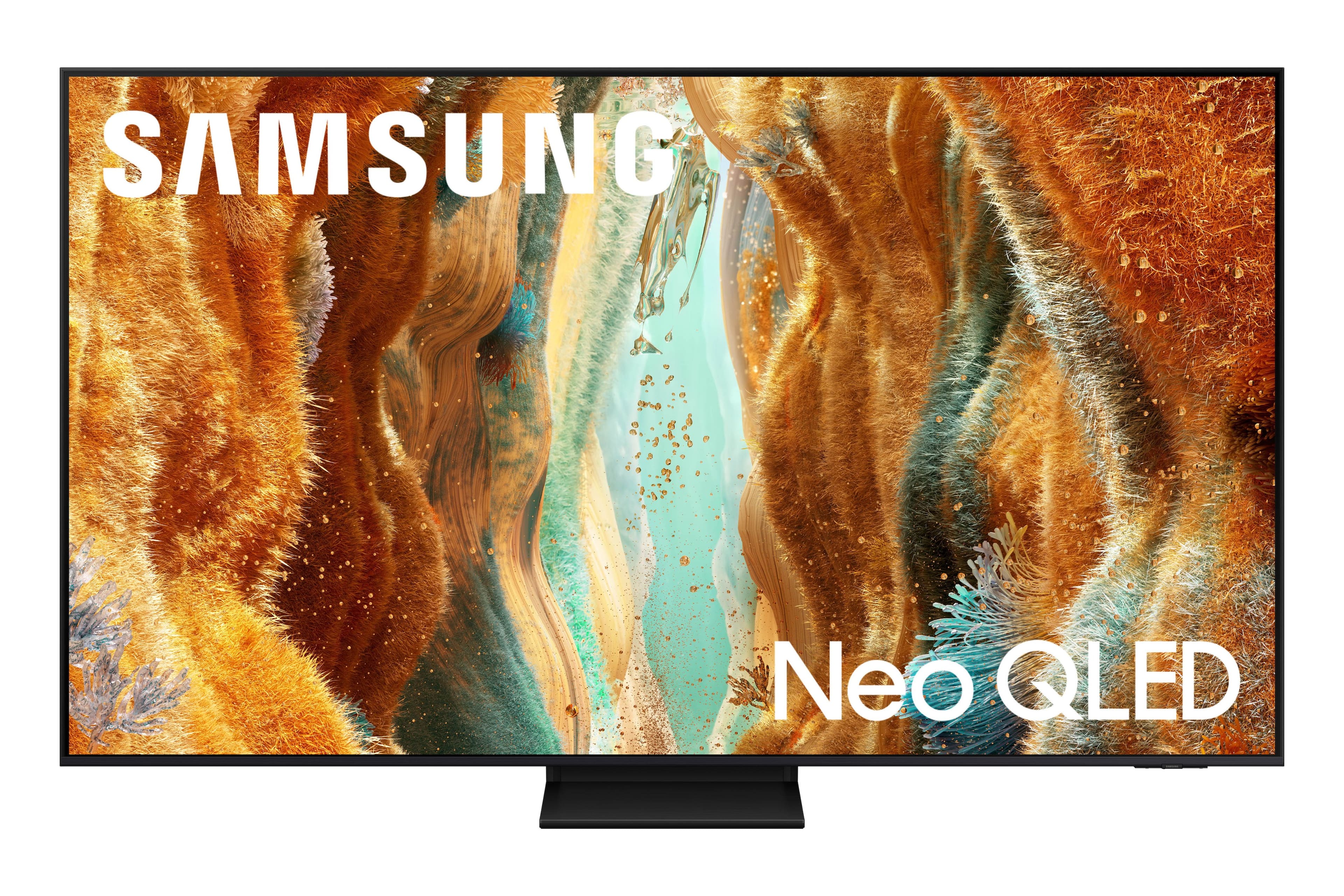

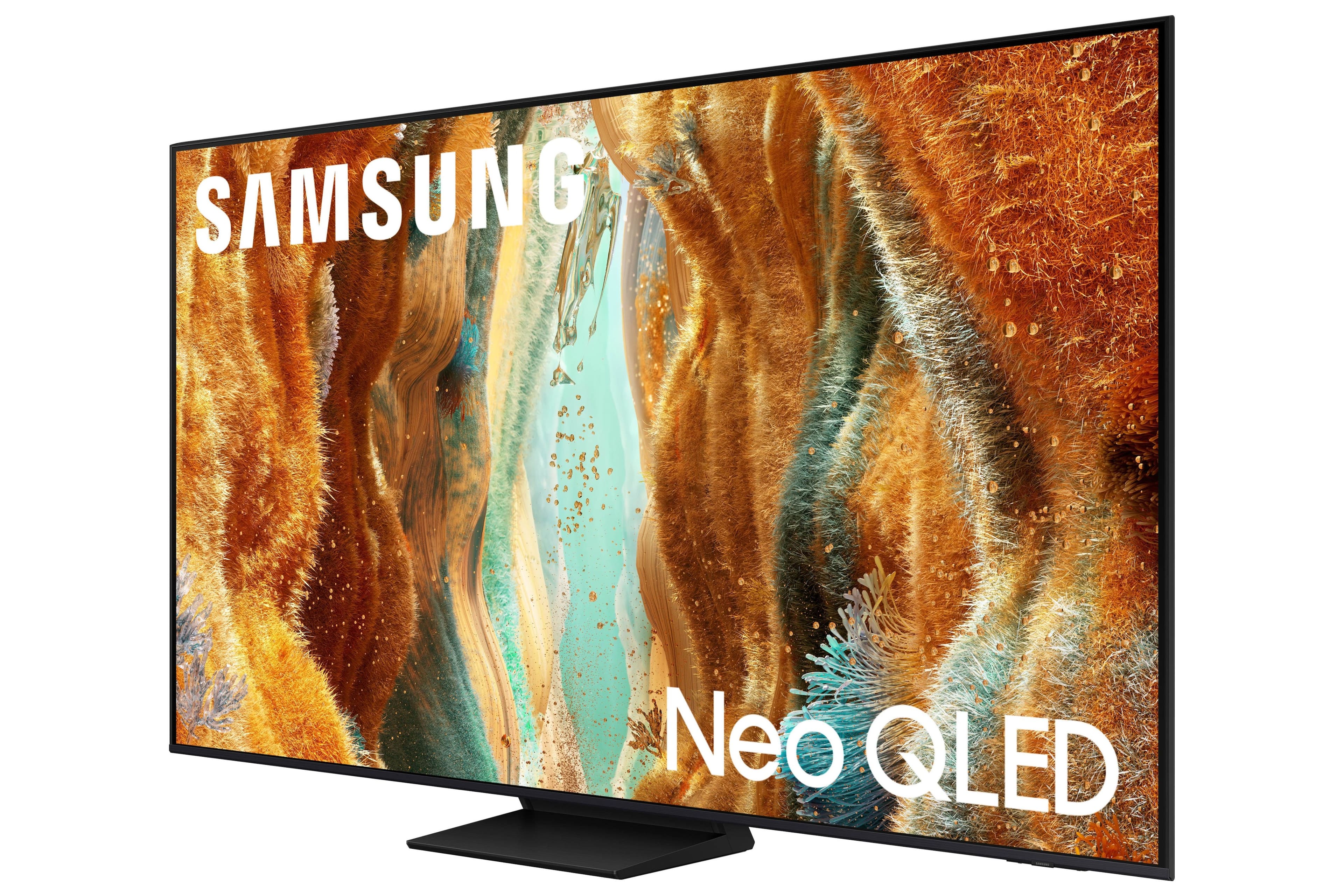
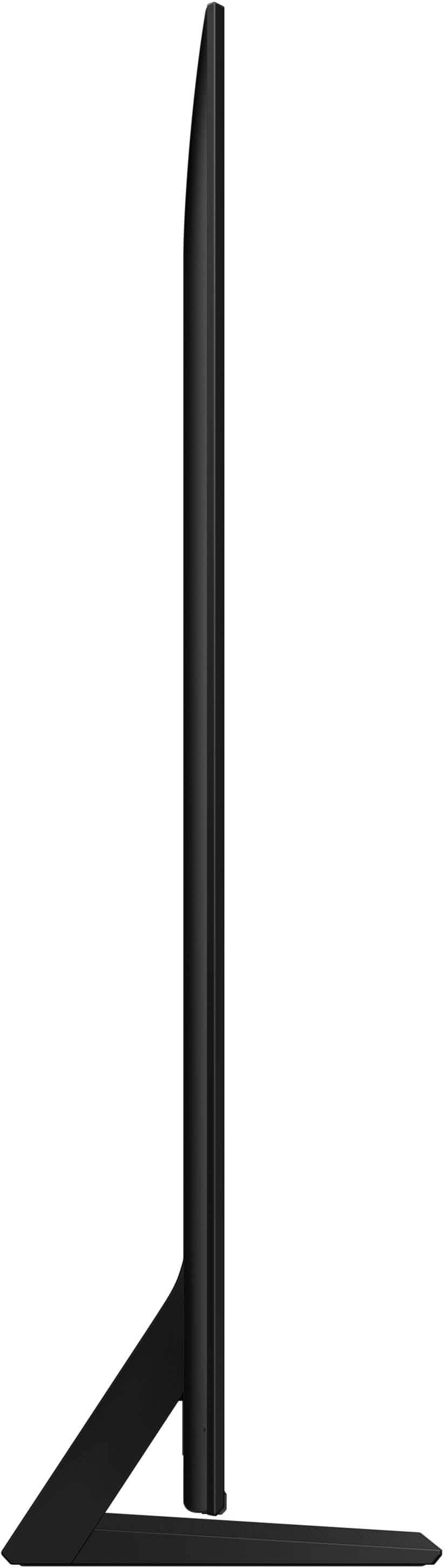
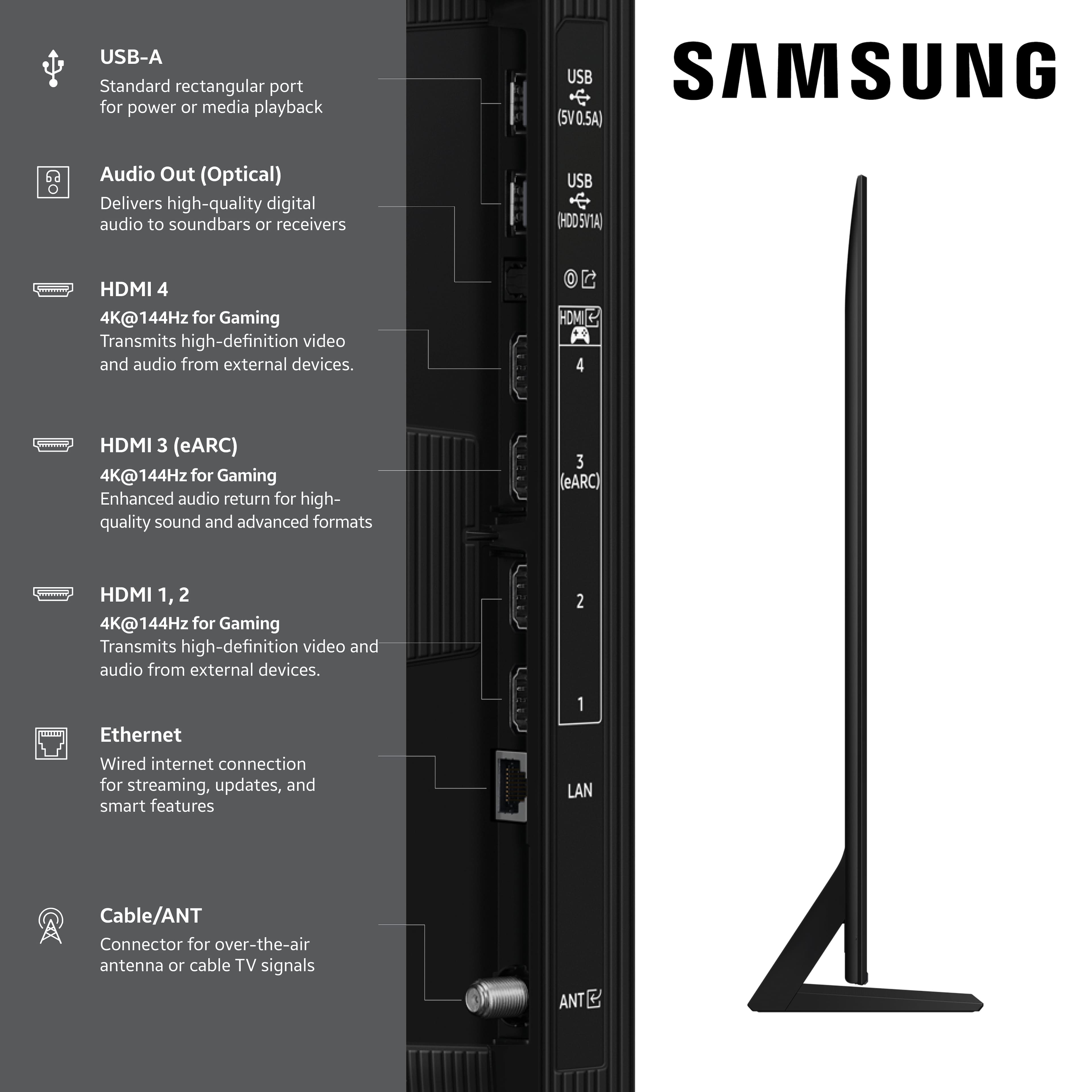
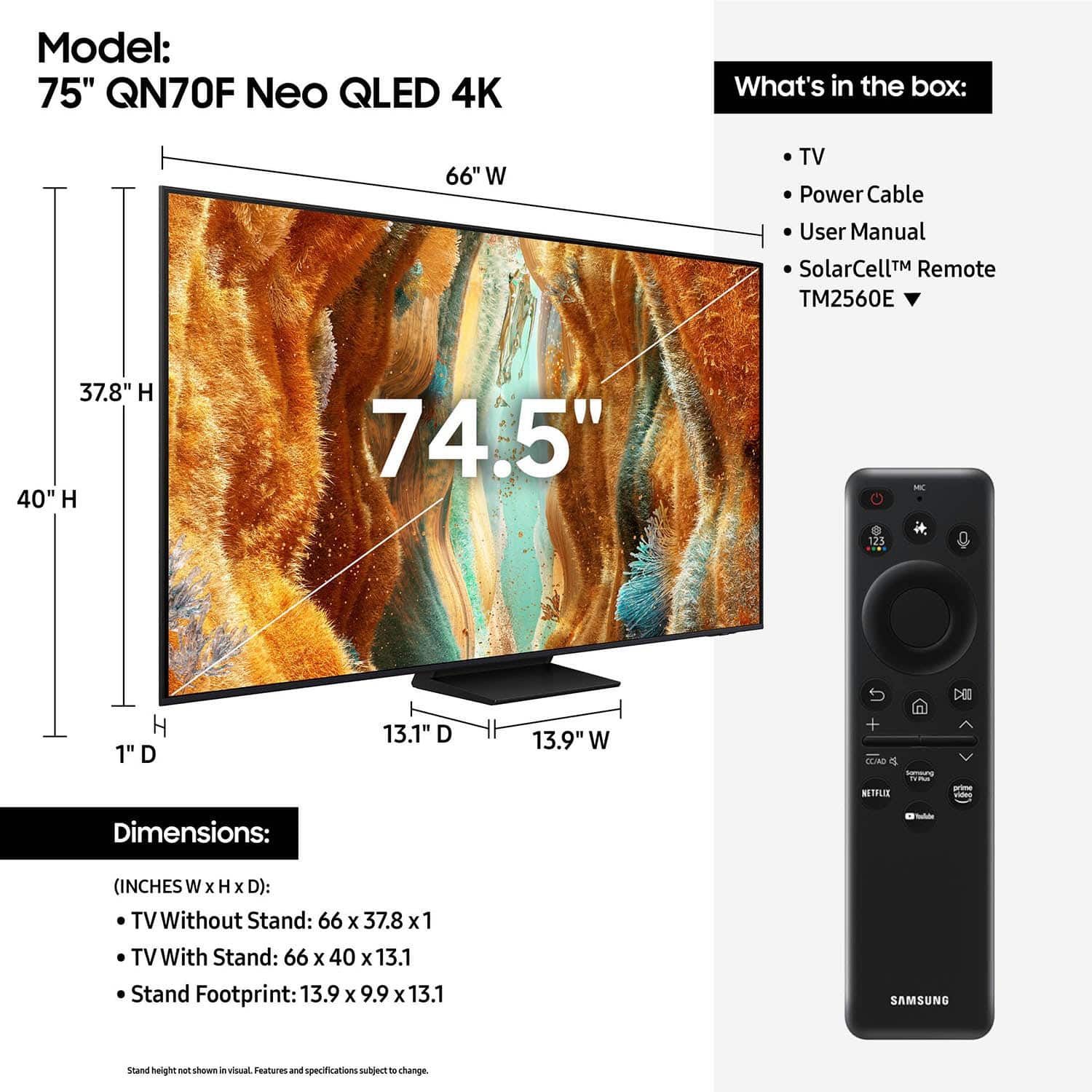





- Model:
- QN75QN70FAFXZA
- |
- SKU:
- 10517840
Customer reviews
Rating 4.8 out of 5 stars with 299 reviews
(299 customer reviews)Rating by feature
- Picture Quality4.8
Rating 4.8 out of 5 stars
- Sound Quality4.7
Rating 4.7 out of 5 stars
- Brightness4.9
Rating 4.9 out of 5 stars
- Pros mentioned:Picture quality
Rated 5 out of 5 stars
Great Buy
||Posted . Owned for 3 weeks when reviewed.This reviewer received promo considerations or sweepstakes entry for writing a review.Works great in our space. The picture is clear, bright, and makes for a great movie experience.
This review is from Samsung - 75” Class QN70F Series Neo QLED Mini LED 4K UHD SamsungVision AI Smart Tizen TV (2025)
I would recommend this to a friend Rated 5 out of 5 stars
QN70 review
||Posted . Owned for 3 weeks when reviewed.This reviewer received promo considerations or sweepstakes entry for writing a review.Solid TV, it is the lower tier model for the series. You get what you pay for. If you're using the TV for gaming id recommend spending the extra money on the QN90 for sure!! But i just use it for casual viewing so it works perfectly. THIS TV NEEDS A SOUND BAR for sure!!
This review is from Samsung - 75” Class QN70F Series Neo QLED Mini LED 4K UHD SamsungVision AI Smart Tizen TV (2025)
I would recommend this to a friend- Pros mentioned:Picture quality
Rated 5 out of 5 stars
Great Pic
||Posted .This reviewer received promo considerations or sweepstakes entry for writing a review.Great Pic. I can't believe how clear and vibrant everything is in 4K. It's a great TV
This review is from Samsung - 75” Class QN70F Series Neo QLED Mini LED 4K UHD SamsungVision AI Smart Tizen TV (2025)
I would recommend this to a friend - Pros mentioned:Picture quality
Rated 5 out of 5 stars
Love Neo QLED TV
||Posted .This reviewer received promo considerations or sweepstakes entry for writing a review.Love this television. It’s a huge screen, it’s clear great quality and it was at a good price. Would recommend this to those considering purchasing.
This review is from Samsung - 75” Class QN70F Series Neo QLED Mini LED 4K UHD SamsungVision AI Smart Tizen TV (2025)
I would recommend this to a friend - Pros mentioned:Picture quality
Rated 5 out of 5 stars
dependable and not extreme on price
||Posted . Owned for 1 week when reviewed.This reviewer received promo considerations or sweepstakes entry for writing a review.Went with Samsung because I think they are reliable. First time buying QLED and I am impressed with the picture and the color. Didn't get the sound bar and it's ok but I probably need to go back and get that.
This review is from Samsung - 75” Class QN70F Series Neo QLED Mini LED 4K UHD SamsungVision AI Smart Tizen TV (2025)
I would recommend this to a friend - Pros mentioned:Picture quality
Rated 5 out of 5 stars
75' QLED TV Samsung
||Posted . Owned for 1 month when reviewed.This reviewer received promo considerations or sweepstakes entry for writing a review.Beautiful picture and great for sports! Easy to set up and use
This review is from Samsung - 75” Class QN70F Series Neo QLED Mini LED 4K UHD SamsungVision AI Smart Tizen TV (2025)
I would recommend this to a friend - Pros mentioned:Picture quality
Rated 5 out of 5 stars
Tv Samsung 75”
||Posted .This reviewer received promo considerations or sweepstakes entry for writing a review.Best option for TV, picture, sound and image for games and eatch movies.
This review is from Samsung - 75” Class QN70F Series Neo QLED Mini LED 4K UHD SamsungVision AI Smart Tizen TV (2025)
I would recommend this to a friend - Pros mentioned:Picture quality
Rated 5 out of 5 stars
Great TV
||Posted .This reviewer received promo considerations or sweepstakes entry for writing a review.Great picture quality--very clear and good color. We love it!
This review is from Samsung - 75” Class QN70F Series Neo QLED Mini LED 4K UHD SamsungVision AI Smart Tizen TV (2025)
I would recommend this to a friend - Pros mentioned:Picture quality
Rated 5 out of 5 stars
GOOD BUY
||Posted . Owned for 1 month when reviewed.This reviewer received promo considerations or sweepstakes entry for writing a review.GREAT PRICE, GREAT PICTURE, GREAT TV, WOULD BUY ANOTHER IF I NEEDED
This review is from Samsung - 75” Class QN70F Series Neo QLED Mini LED 4K UHD SamsungVision AI Smart Tizen TV (2025)
I would recommend this to a friend - Pros mentioned:Picture quality
Rated 5 out of 5 stars
review
||Posted . Owned for 1 month when reviewed.This reviewer received promo considerations or sweepstakes entry for writing a review.Works just like new. Picture is great and sound too.
This review is from Samsung - 75” Class QN70F Series Neo QLED Mini LED 4K UHD SamsungVision AI Smart Tizen TV (2025)
I would recommend this to a friend - Pros mentioned:Picture quality
Rated 5 out of 5 stars
75” Samsung TV
||Posted . Owned for 1 month when reviewed.This reviewer received promo considerations or sweepstakes entry for writing a review.This TV is the best picture I have ever experienced, it is crisp , clear and can see every detail clearly
This review is from Samsung - 75” Class QN70F Series Neo QLED Mini LED 4K UHD SamsungVision AI Smart Tizen TV (2025)
I would recommend this to a friend - Pros mentioned:Picture quality
Rated 5 out of 5 stars
New 75" Samsung!
||Posted . Owned for 1 month when reviewed.This reviewer received promo considerations or sweepstakes entry for writing a review.We replaced our 7 year old 75" Samsung and it was well worth it. Picture quality and accessability much better. Best Buy salesmen were great!
This review is from Samsung - 75” Class QN70F Series Neo QLED Mini LED 4K UHD SamsungVision AI Smart Tizen TV (2025)
I would recommend this to a friend - Pros mentioned:Picture quality
Rated 5 out of 5 stars
Samsung
||Posted .This reviewer received promo considerations or sweepstakes entry for writing a review.I like Samsung tv’s. It was a quick easy set up from my older flat screen. Within two weeks, tv looks and works great!
This review is from Samsung - 75” Class QN70F Series Neo QLED Mini LED 4K UHD SamsungVision AI Smart Tizen TV (2025)
I would recommend this to a friend - Pros mentioned:Picture quality
Rated 5 out of 5 stars
Very Happy with Purchase
||Posted . Owned for 1 month when reviewed.This reviewer received promo considerations or sweepstakes entry for writing a review.Great TV - caught a deal at the right time and I’m super impressed with the picture quality - even with streaming TV.
This review is from Samsung - 75” Class QN70F Series Neo QLED Mini LED 4K UHD SamsungVision AI Smart Tizen TV (2025)
I would recommend this to a friend - Pros mentioned:Picture quality
Rated 5 out of 5 stars
Samsung 75 neo qled
||Posted .This reviewer received promo considerations or sweepstakes entry for writing a review.Nice picture tv love the quality picture better than any other tv nice buy
This review is from Samsung - 75” Class QN70F Series Neo QLED Mini LED 4K UHD SamsungVision AI Smart Tizen TV (2025)
I would recommend this to a friend - Pros mentioned:Picture quality
Rated 5 out of 5 stars
Samsung television
||Posted . Owned for 1 month when reviewed.This reviewer received promo considerations or sweepstakes entry for writing a review.Great quality, easy set up once you have a Samsung account set up
This review is from Samsung - 75” Class QN70F Series Neo QLED Mini LED 4K UHD SamsungVision AI Smart Tizen TV (2025)
I would recommend this to a friend - Pros mentioned:Picture quality
Rated 5 out of 5 stars
Beautiful picture
||Posted . Owned for 2 weeks when reviewed.This reviewer received promo considerations or sweepstakes entry for writing a review.The picture is vibrant and beautiful. I’m so happy I bought this tv, especially during football season.
This review is from Samsung - 75” Class QN70F Series Neo QLED Mini LED 4K UHD SamsungVision AI Smart Tizen TV (2025)
I would recommend this to a friend - Pros mentioned:Picture quality
Rated 5 out of 5 stars
Love my new TV
||Posted .This reviewer received promo considerations or sweepstakes entry for writing a review.Great new tv. Picture is outstanding. You certainly get more bang for you buck
This review is from Samsung - 75” Class QN70F Series Neo QLED Mini LED 4K UHD SamsungVision AI Smart Tizen TV (2025)
I would recommend this to a friend Rated 5 out of 5 stars
Awesome Product
||Posted . Owned for 1 month when reviewed.This reviewer received promo considerations or sweepstakes entry for writing a review.This was a fantastic purchase. I would recommend it to anyone. Better bang for your buck than the “premium” options as far as what you are getting out of it.
This review is from Samsung - 75” Class QN70F Series Neo QLED Mini LED 4K UHD SamsungVision AI Smart Tizen TV (2025)
I would recommend this to a friend- Pros mentioned:Picture quality
Rated 5 out of 5 stars
Vey Happy
||Posted . Owned for 2 weeks when reviewed.This reviewer received promo considerations or sweepstakes entry for writing a review.excellent product. Very good sound and picture. I would recommend it to any one. Good value for money
This review is from Samsung - 75” Class QN70F Series Neo QLED Mini LED 4K UHD SamsungVision AI Smart Tizen TV (2025)
I would recommend this to a friend