Customer Ratings & Reviews
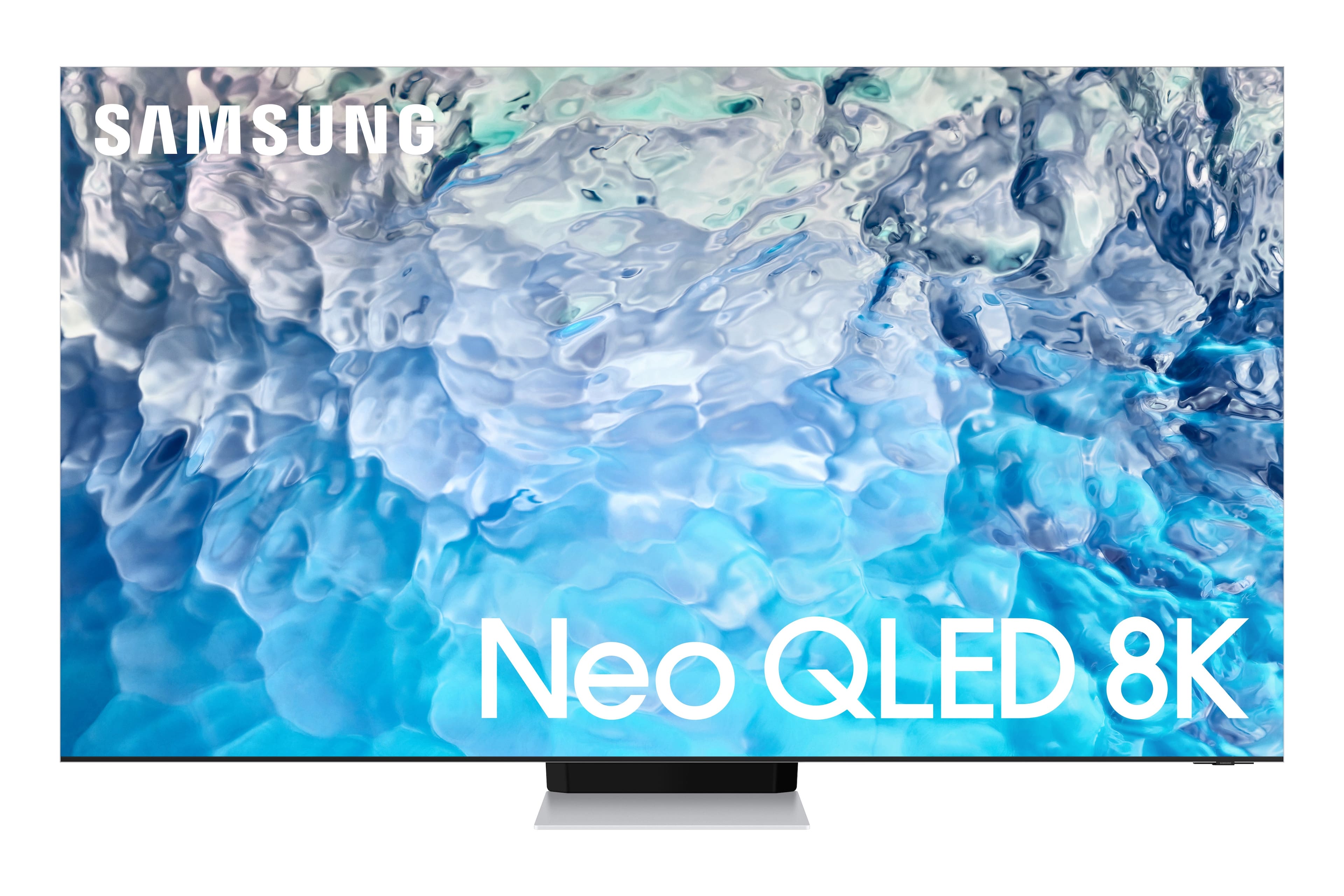
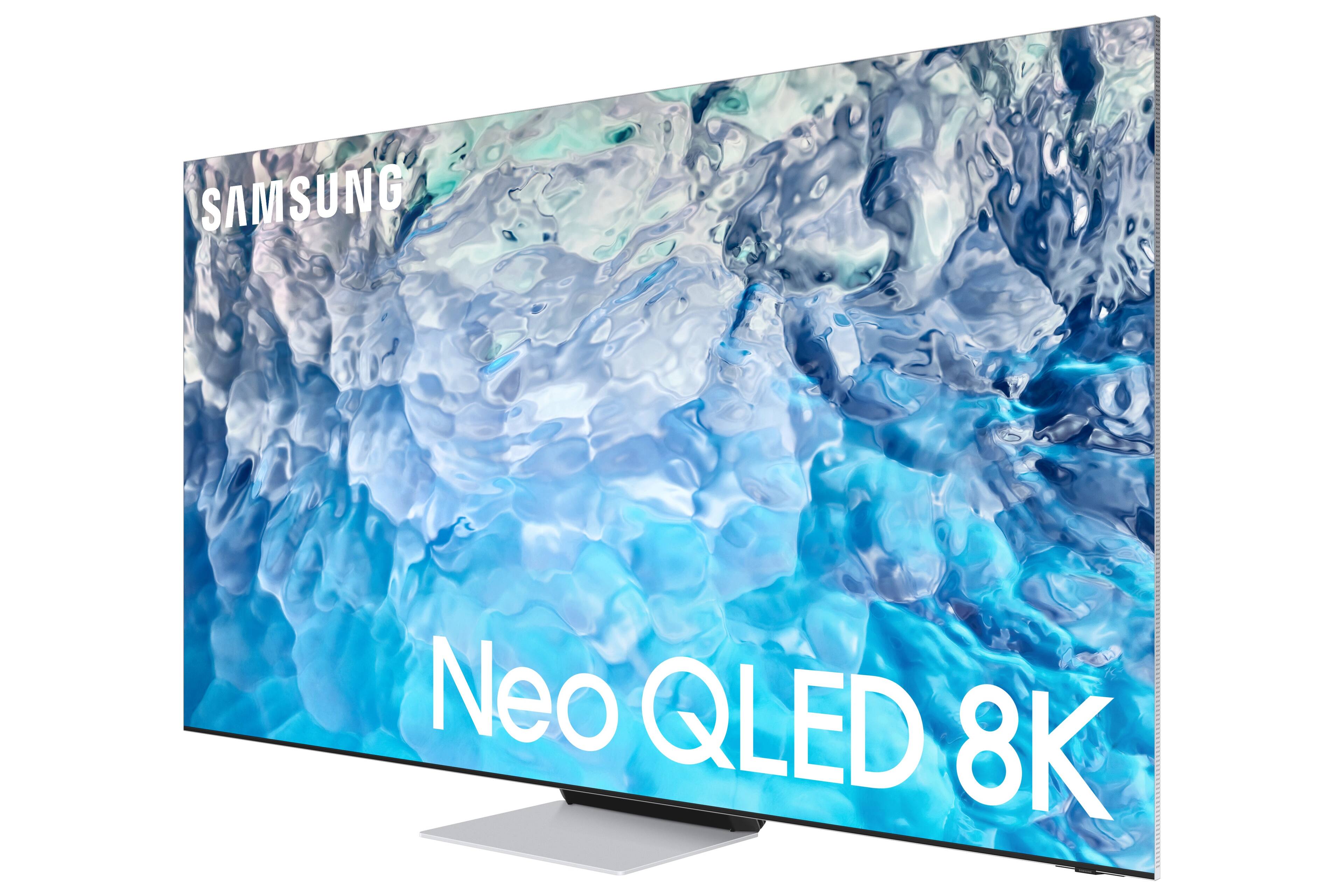
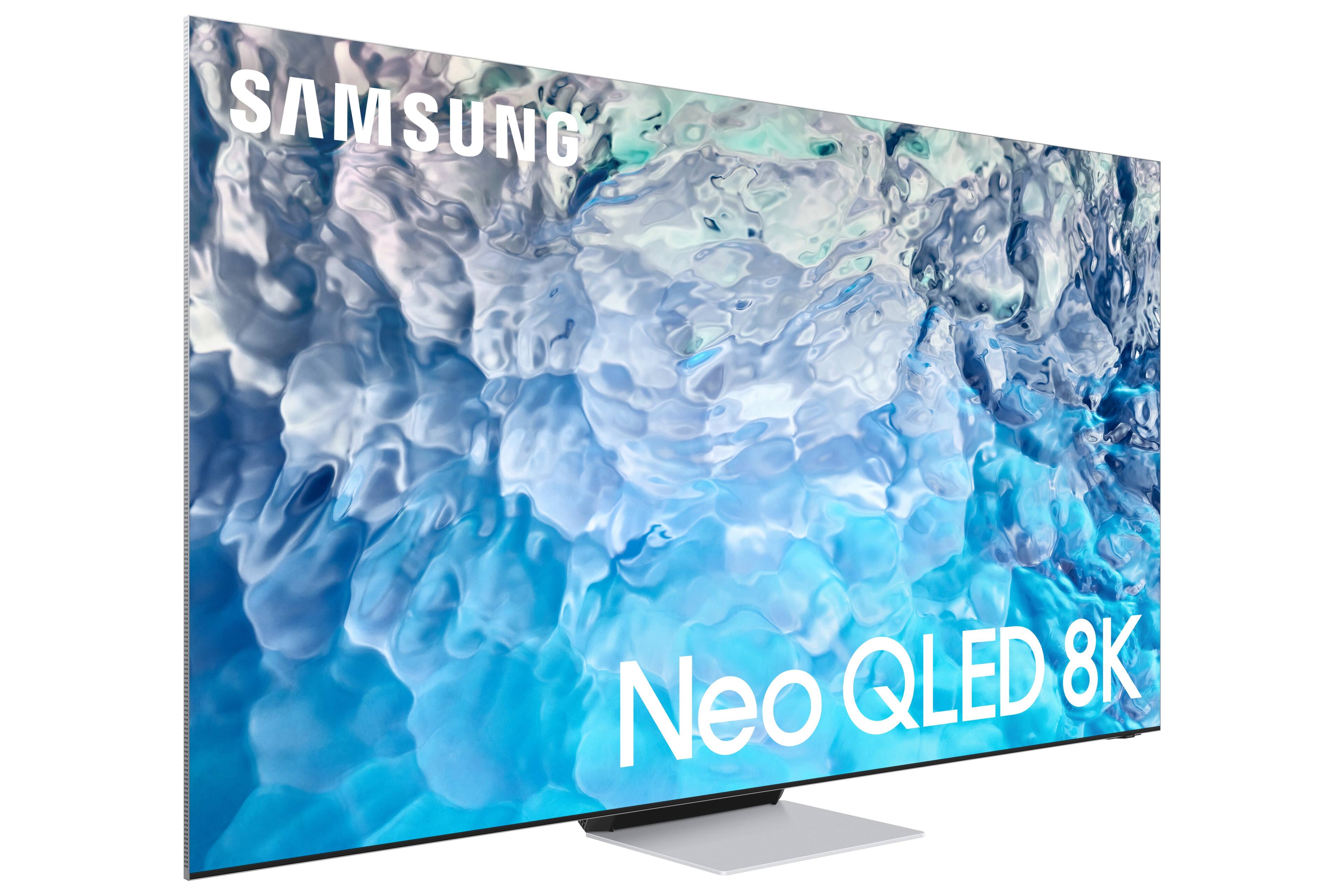
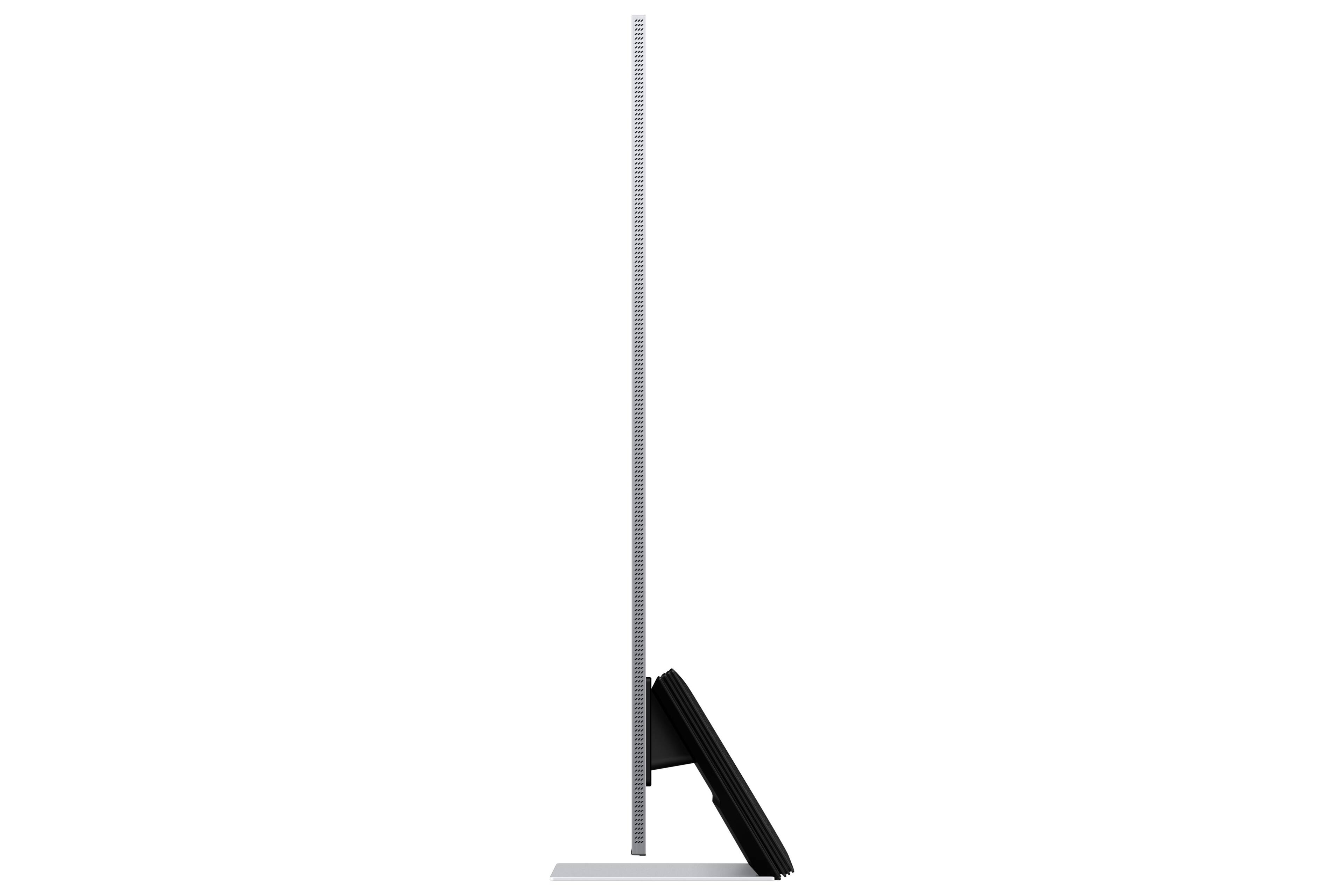
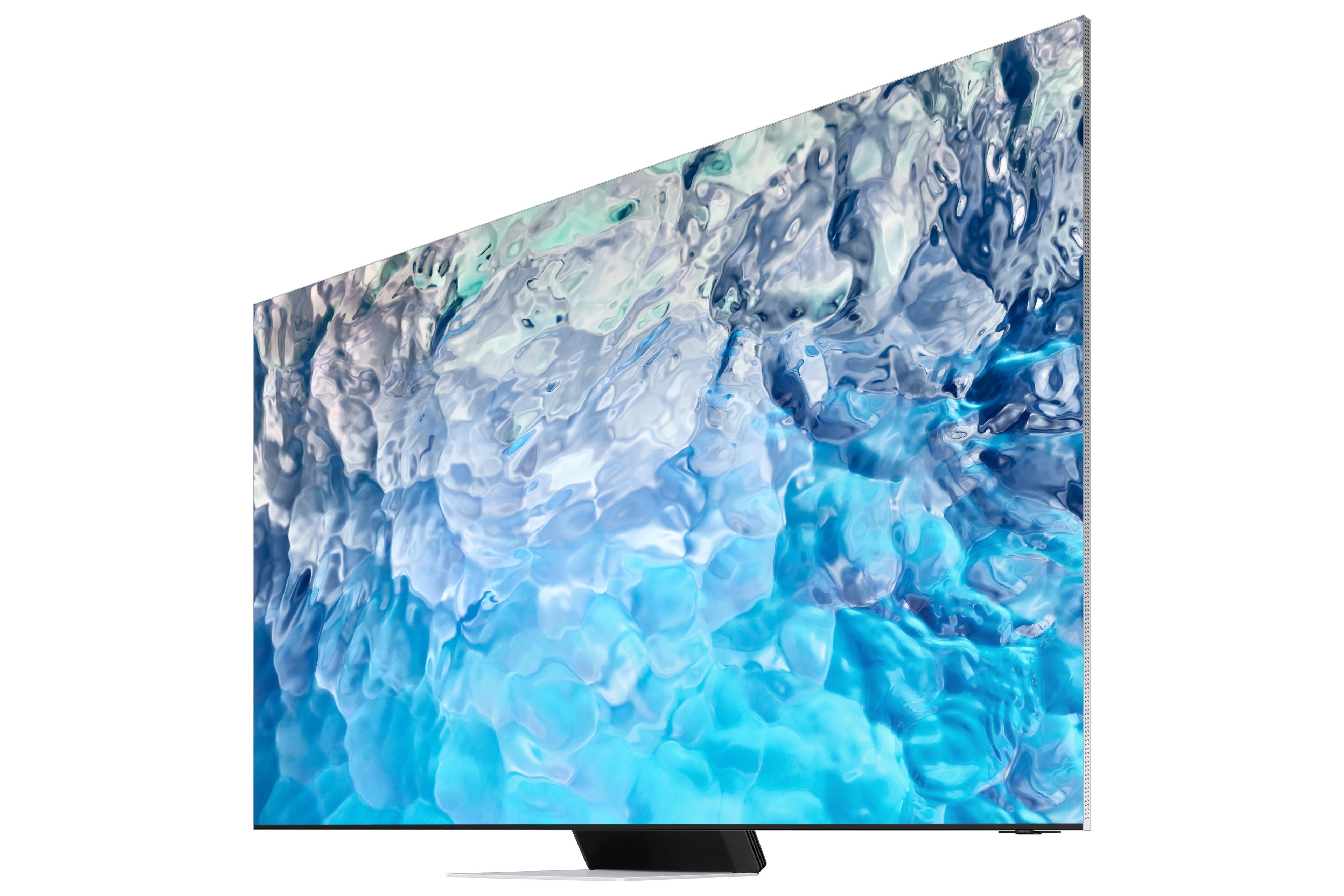
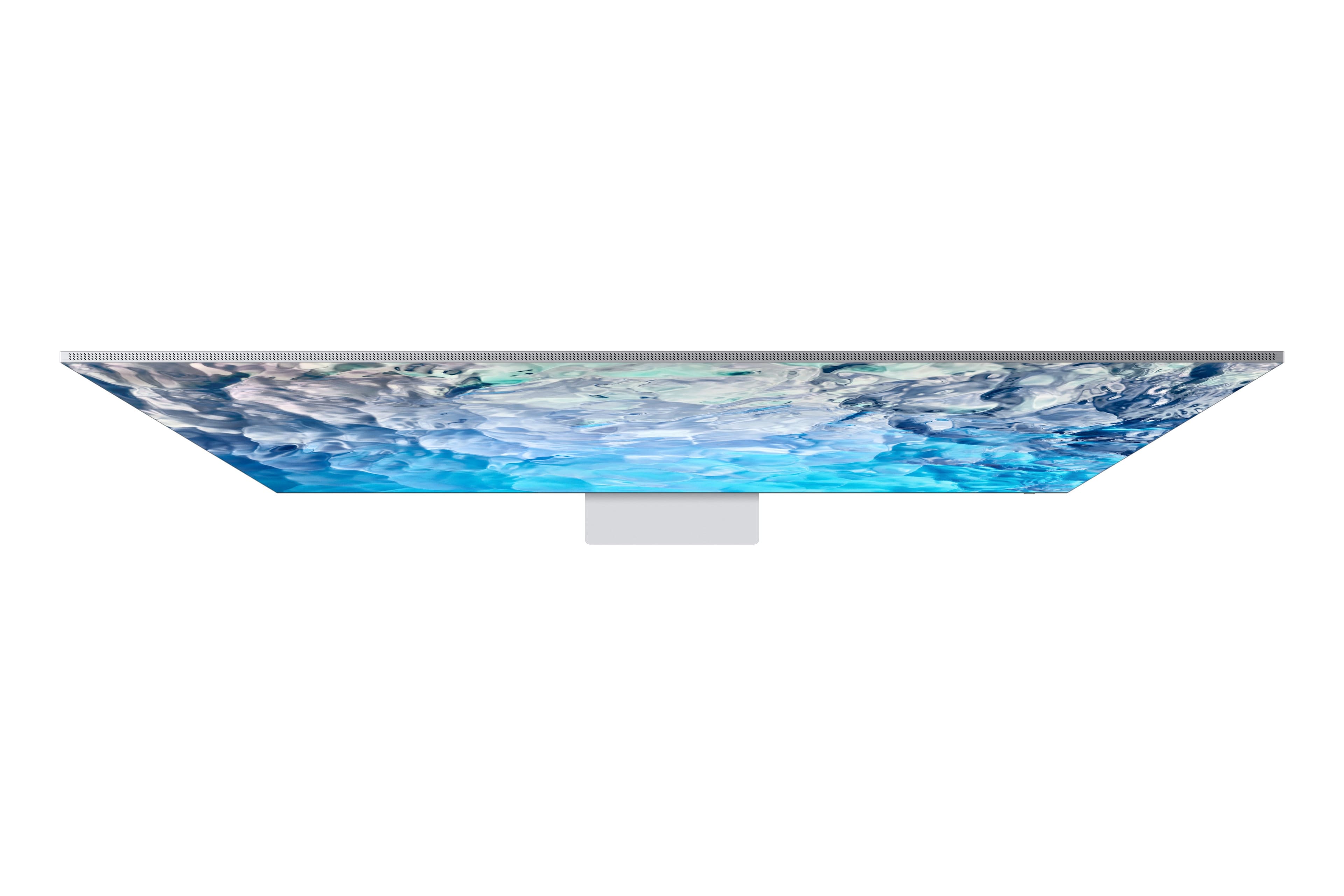
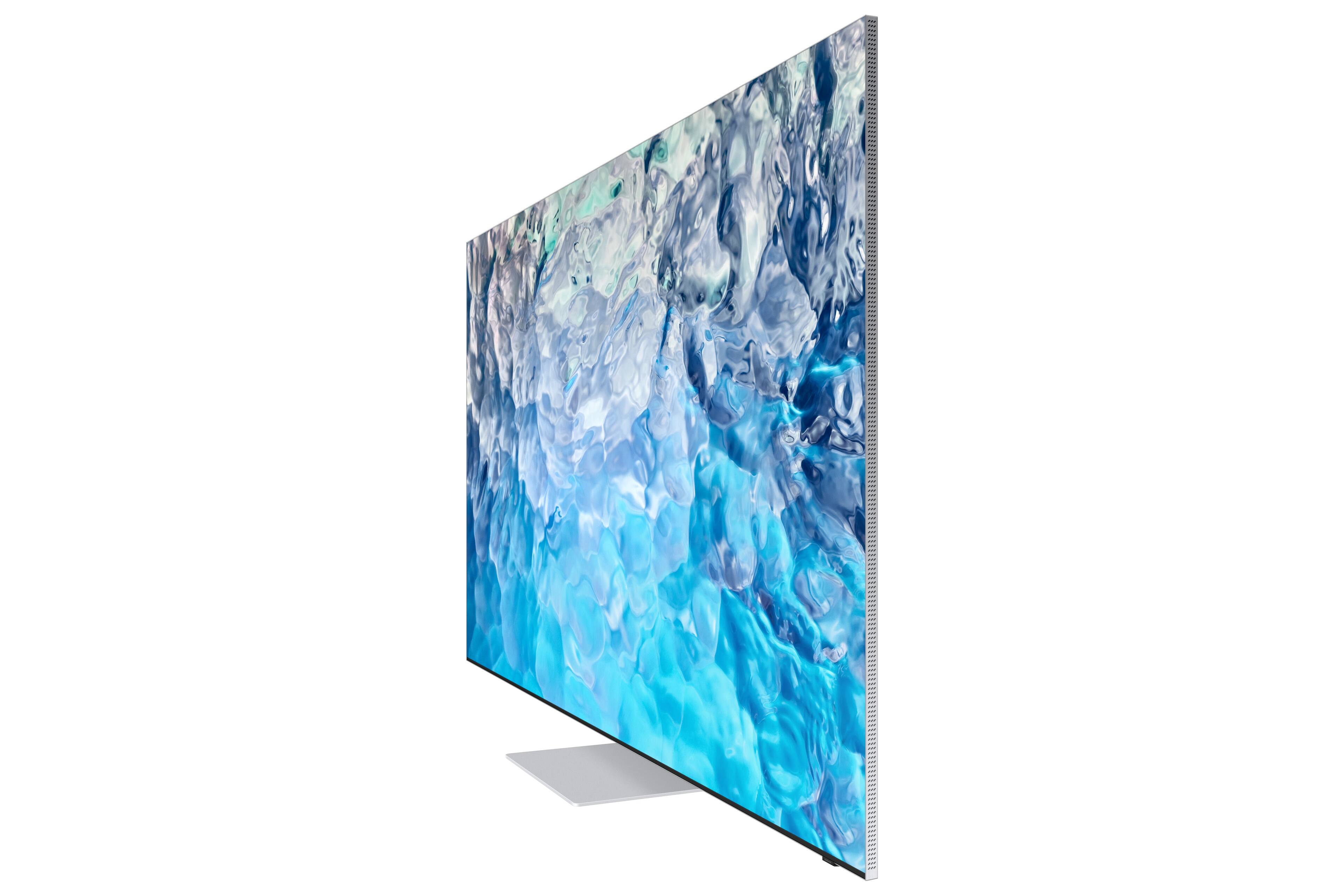
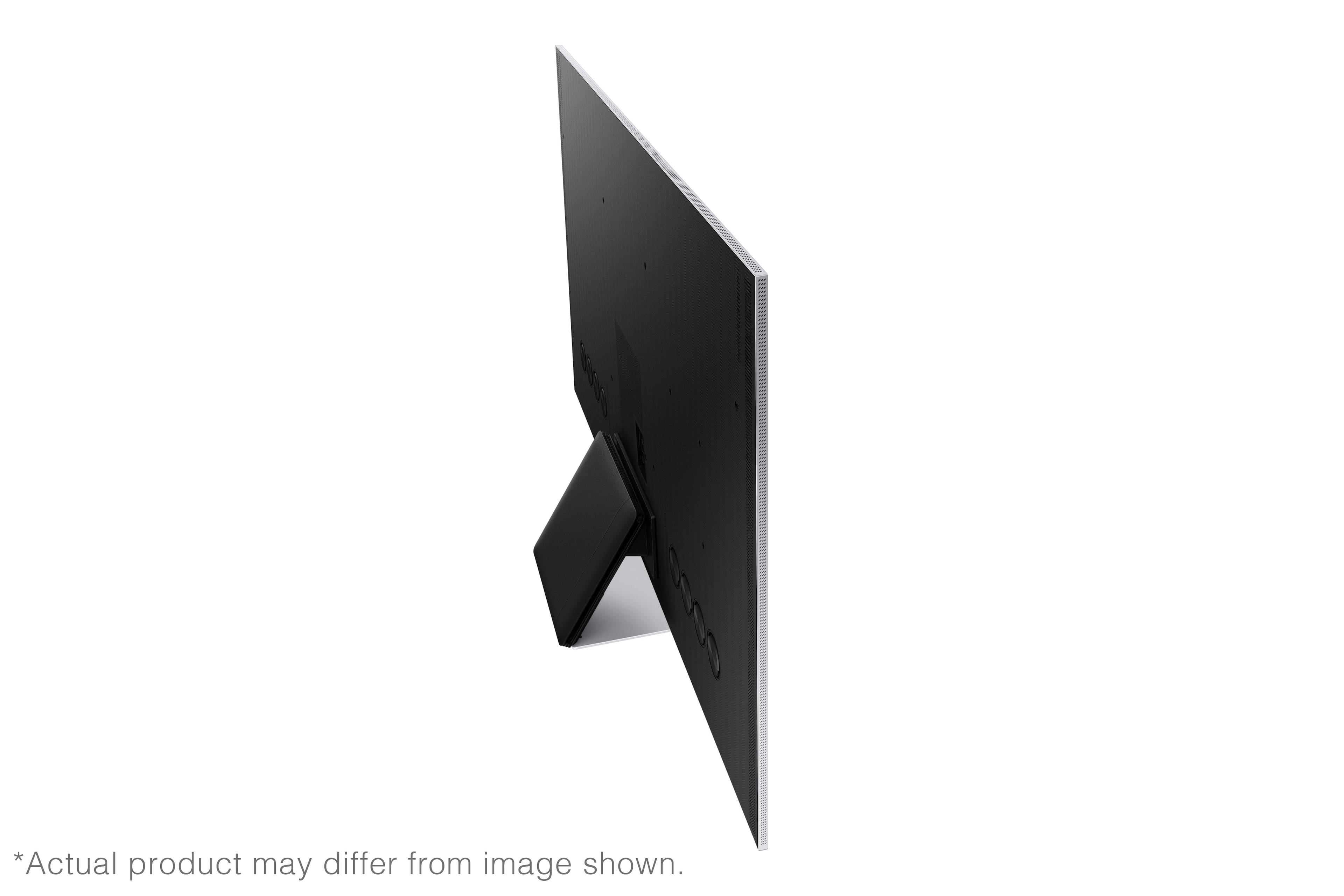
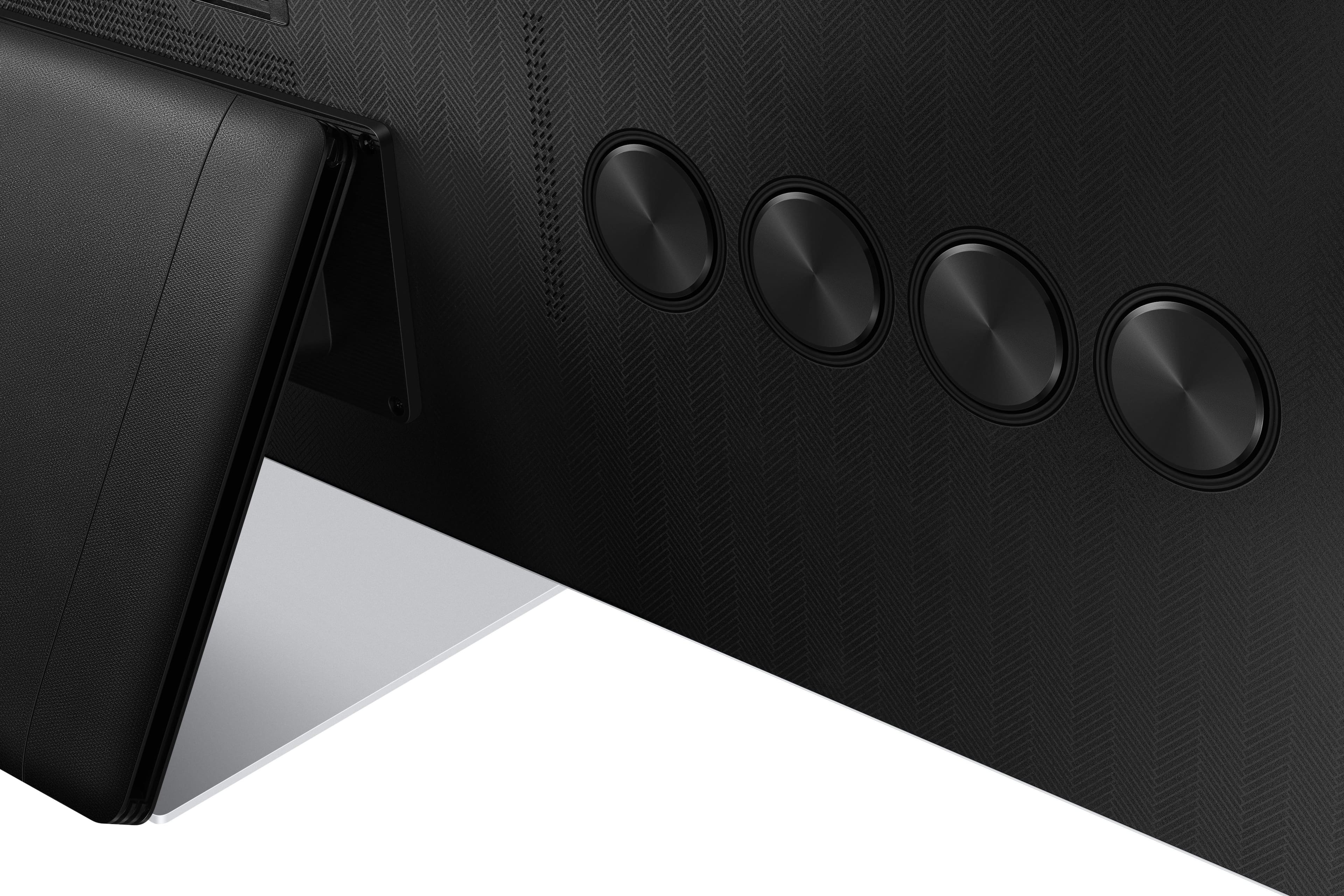

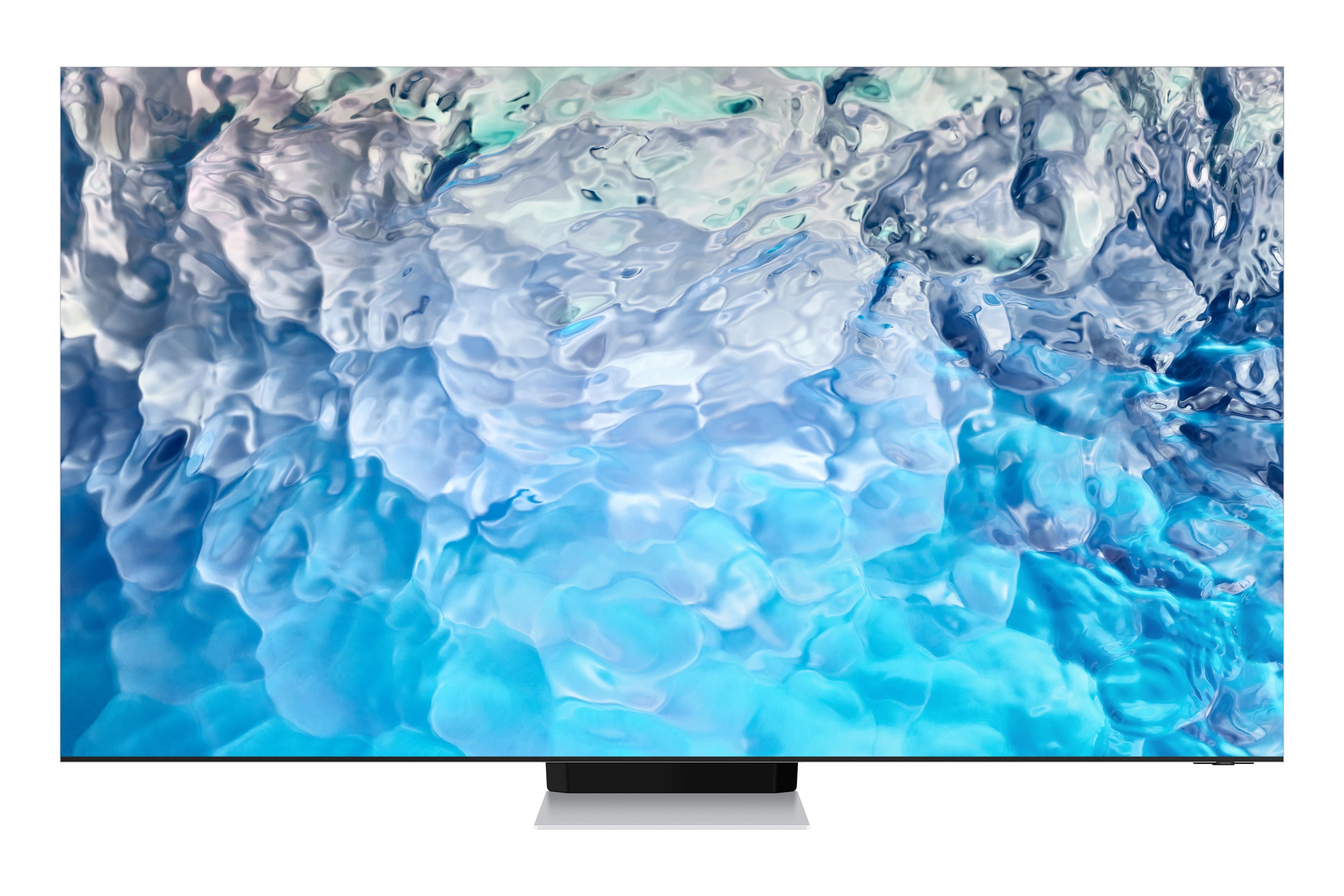
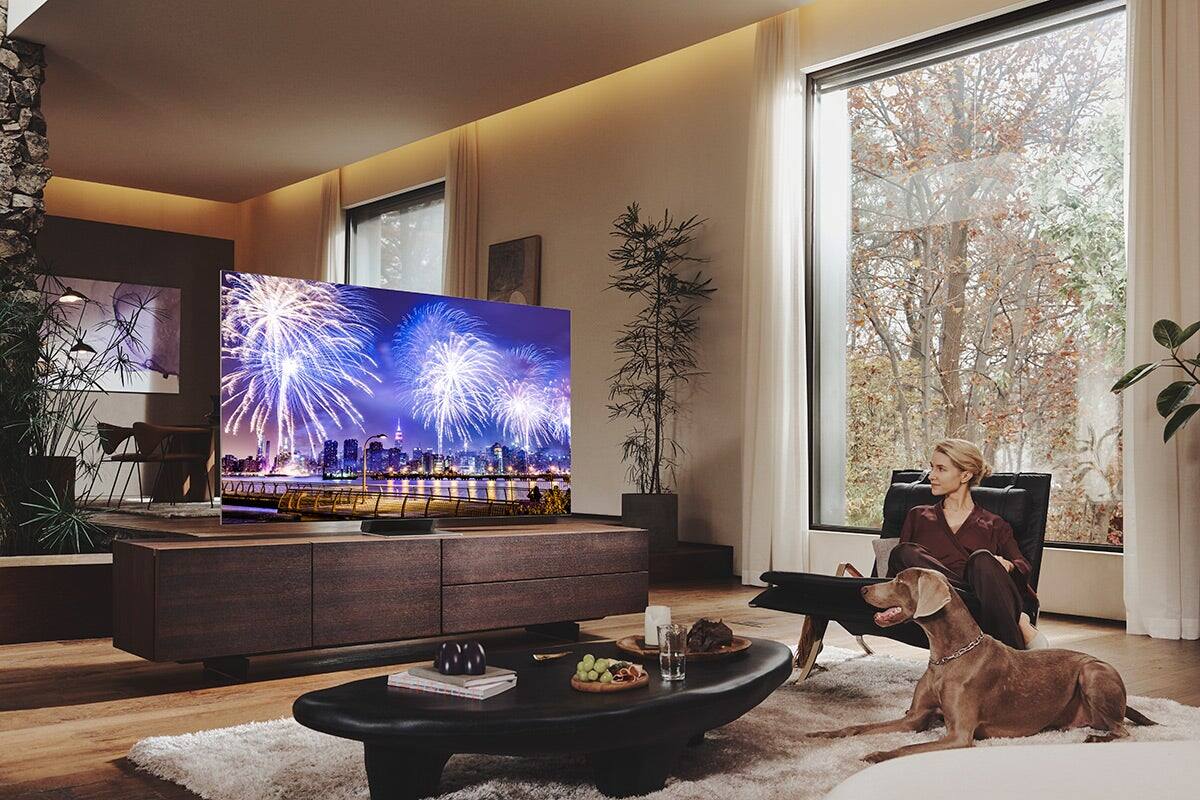
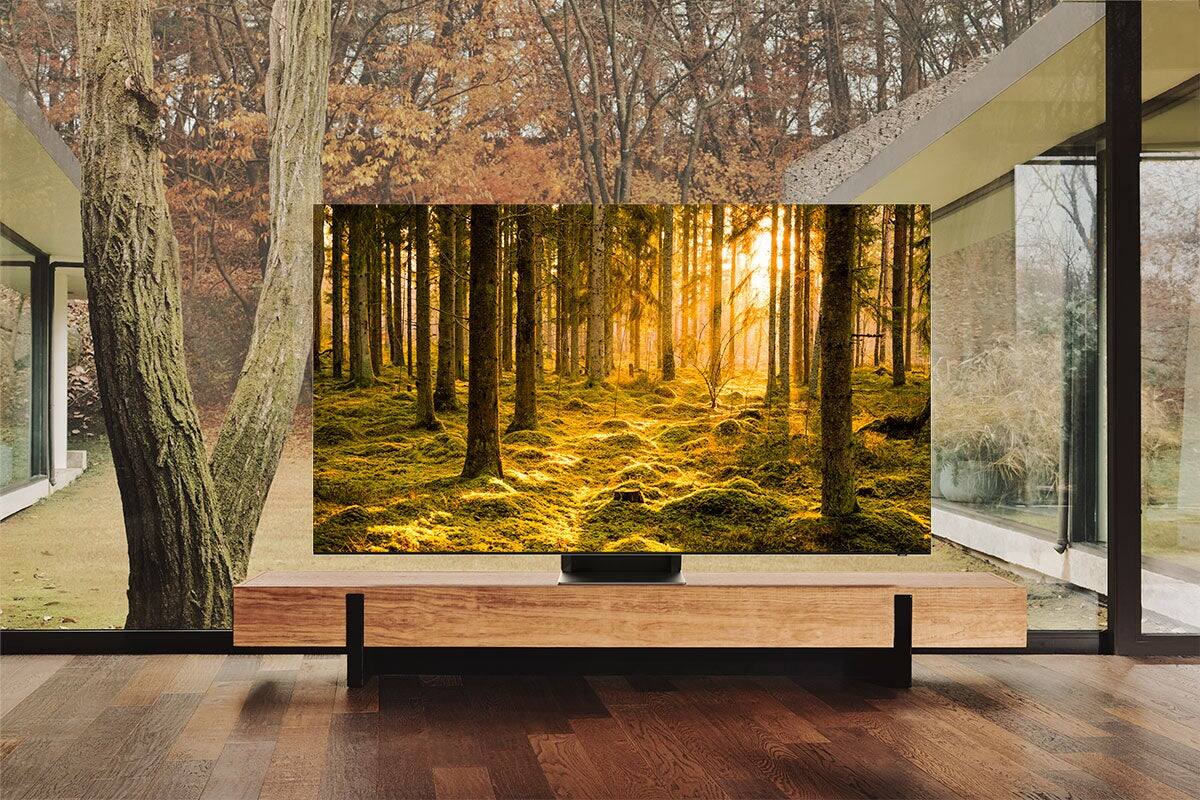
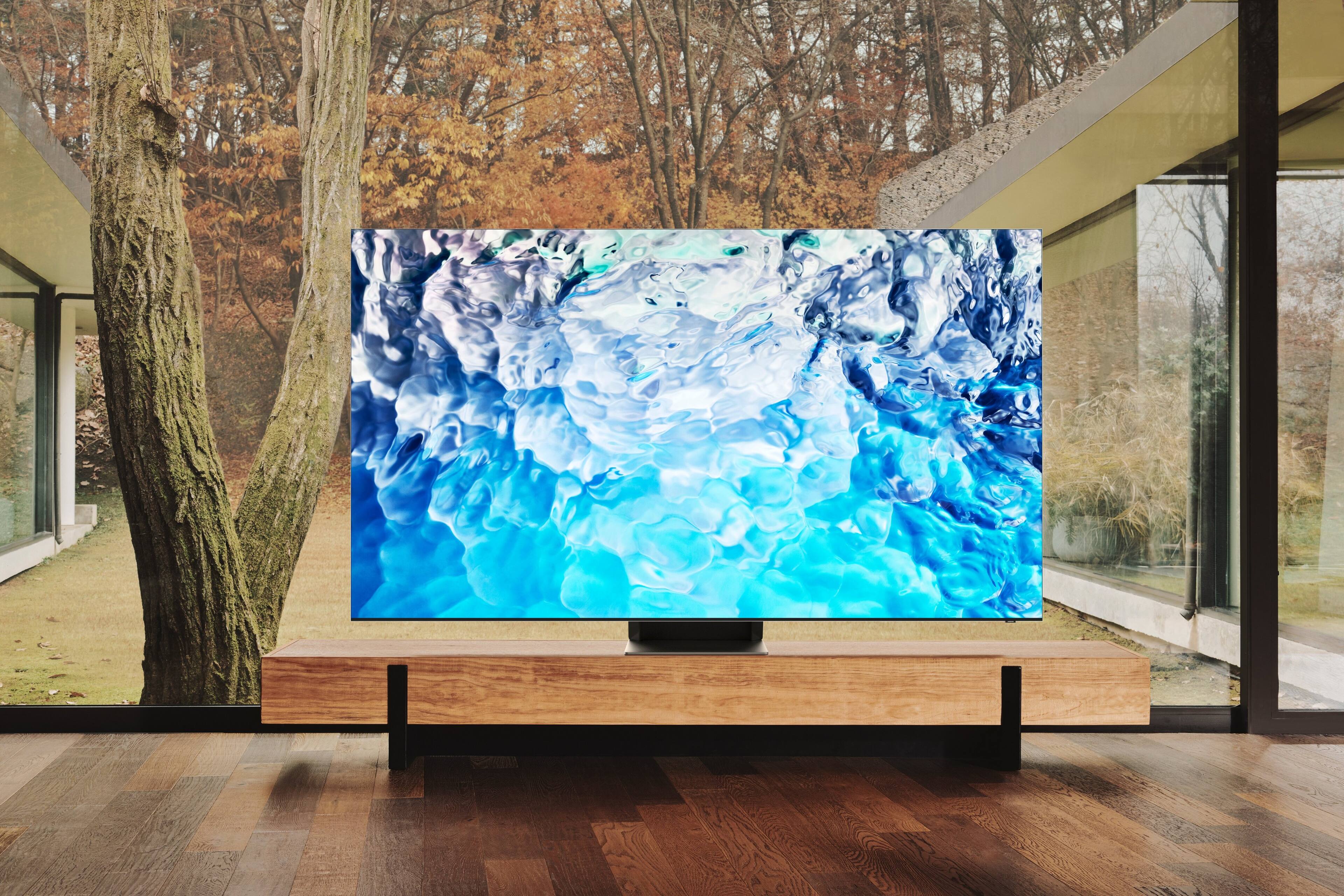
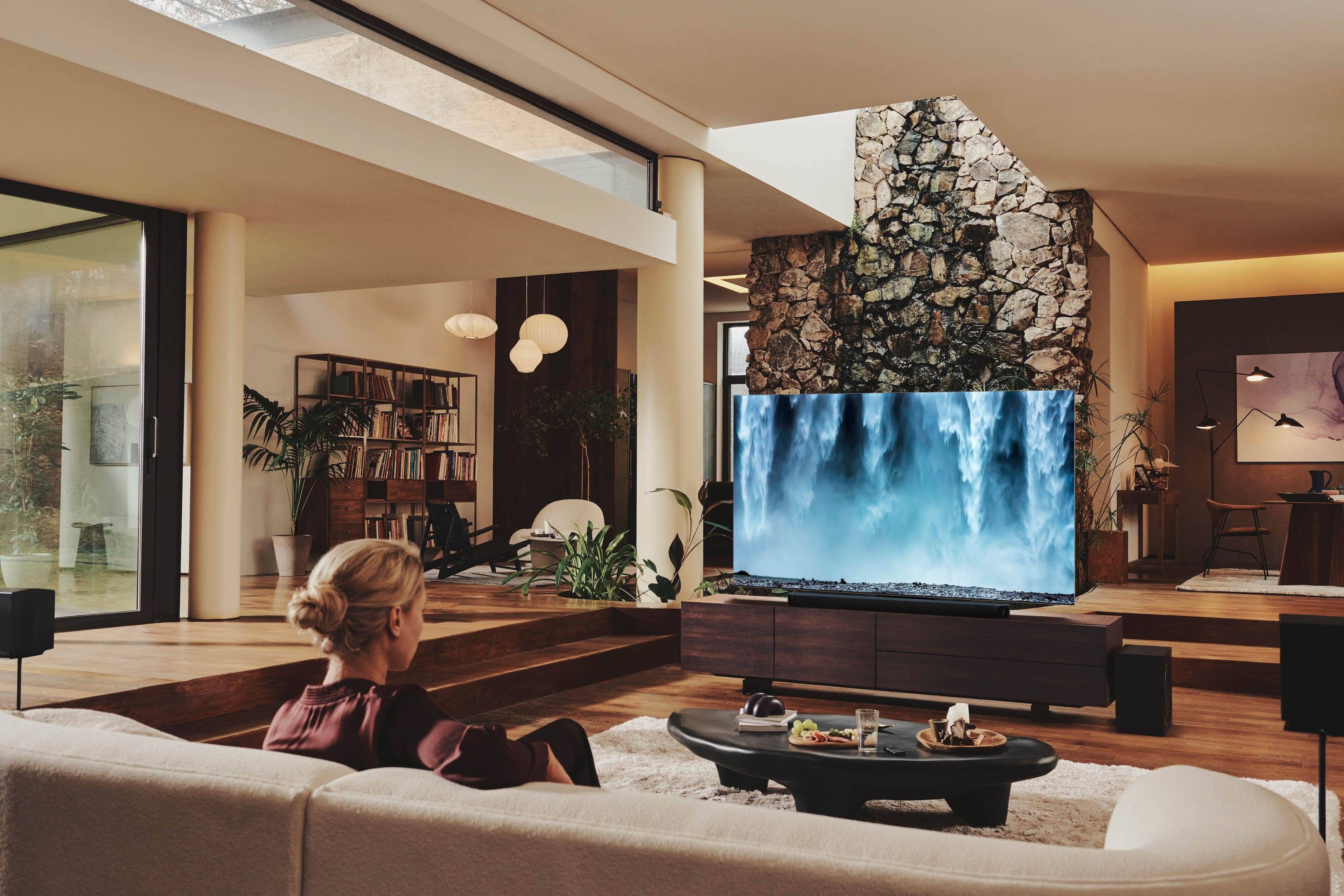
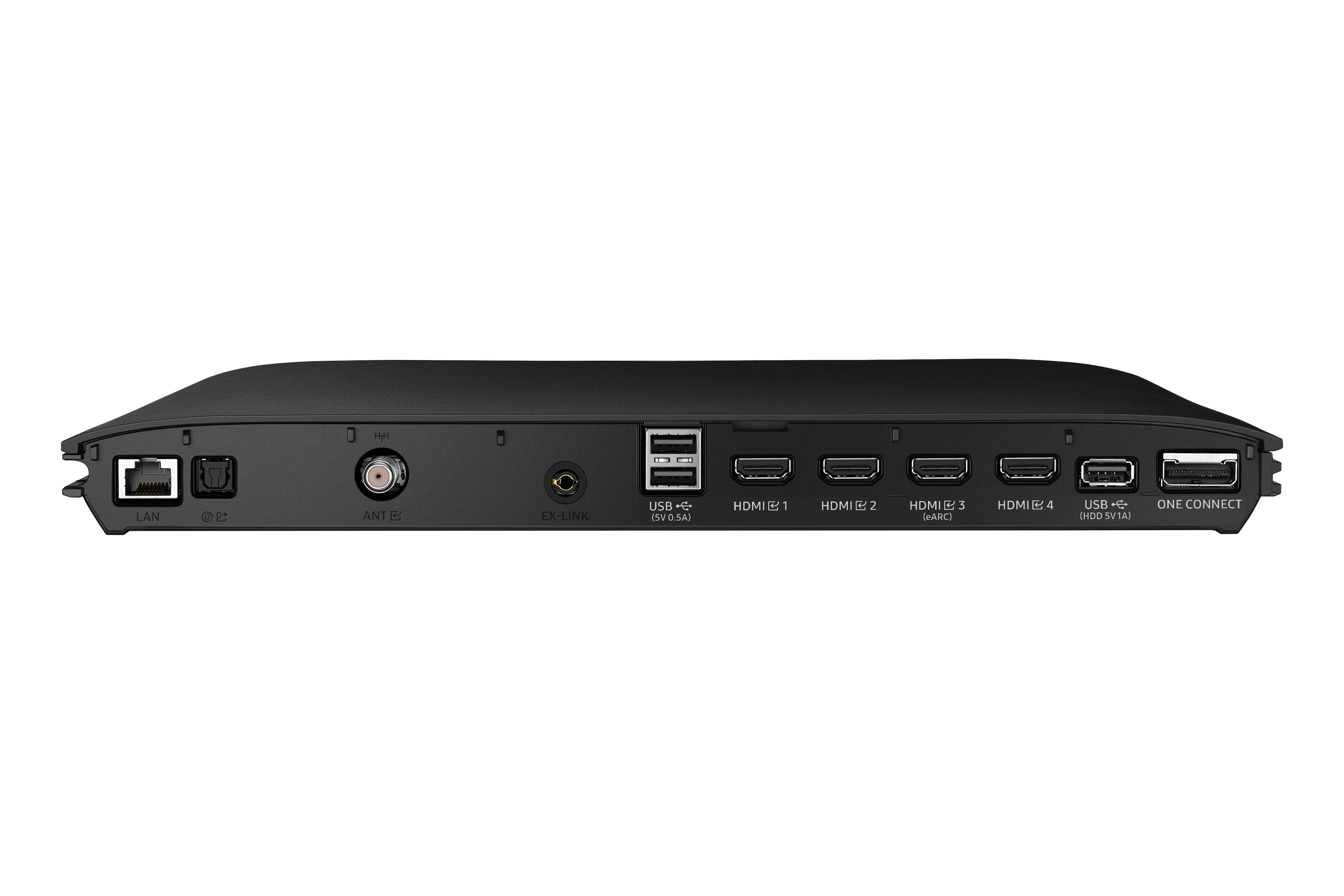











- Model:
- QN75QN900BFXZA
- SKU:
- 6503040
Rating by feature
- Picture Quality
Rating 4.6 out of 5 stars
- Sound Quality
Rating 4.4 out of 5 stars
- Brightness
Rating 4.7 out of 5 stars
Customers are saying
Customers find value in the 75” Class QN900B Neo QLED 8K Smart Tizen TV for its exceptional picture quality, vibrant colors, and sharp 8K resolution. They appreciate the bright and clear viewing experience, as well as the sleek and modern design. While some customers have expressed concerns about the sound quality, the overall positive feedback suggests that this TV meets the expectations of many users.
This summary was generated by AI based on customer reviews.
Disappointment
||Posted . Owned for 2 months when reviewed.This reviewer received promo considerations or sweepstakes entry for writing a review.Disappointed by this tv. I thought i was getting the latest and greatest but it's not. Tv turn off itself randomly samsung service couldn't figure it out what's happening yet. Make sure to get some extra warranty on this tv.
No, I would not recommend this to a friendBrand response from Samsung
Posted .Hi Fatih23,
We are sorry to hear that you are having issues with the Samsung QN900B TV. Please know we are here to help you.
We recommend trying the following troubleshooting steps:
1. Unplug the TV from the wall outlet for 30 seconds, and then plug it back in.
2. If the power cycling allows enough time in between powering on and off, try updating the TV to the latest firmware.
3. Disable the Power On with Mobile option.
TVs that can connect to SmartThings can be turned on using compatible devices, sometimes automatically.
However, if abnormal "power on" signals are sent through the wireless network, they will trigger this function and make the TV turn on.
If you do not want this function, navigate to Menu > Settings > All Settings > Connection > Network > Expert Settings > Power On with Mobile, and turn the setting off.
If your issue continues, please call us again so we can further investigate this issue for you. Also, please know that we back this Samsung TV with a 1-year limited manufacturer's warranty, including authorized repair for manufacturer defect, if purchased brand-new directly from an authorized seller.
Call us at 1-800-SAMSUNG, 8 AM - 12 AM EST, 7 days a week. Or visit us on the Samsung website and click on the ‘Support’ link for:
• LiveChat
• Manuals, Software, & Warranty Info
~ Samsung Advisor
TV
Posted .This reviewer received promo considerations or sweepstakes entry for writing a review.I love the TV, My only issue is that Samsung sometimes wants to change my viewing option to their stupid free programming.
I would recommend this to a friend