Customer Ratings & Reviews
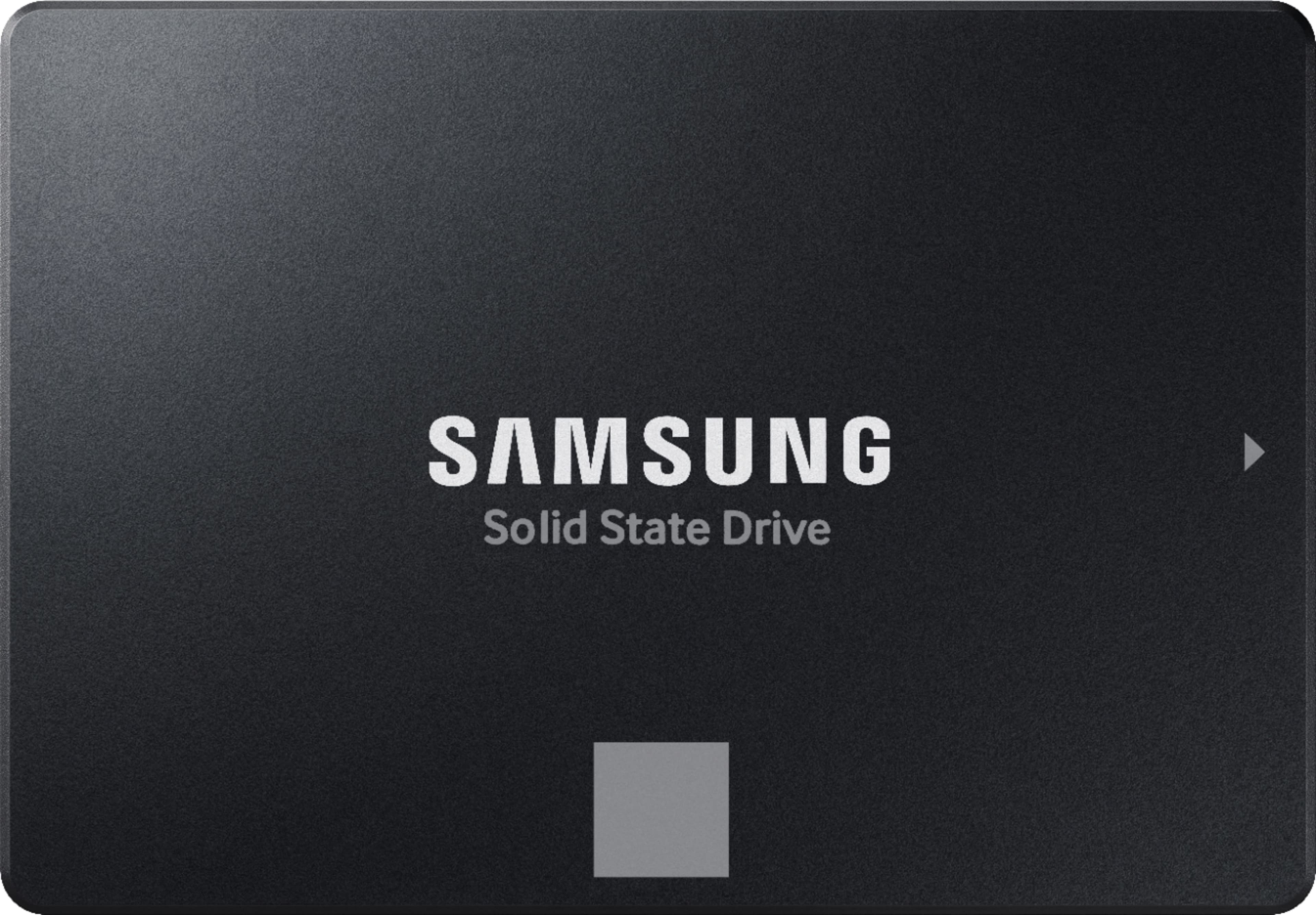
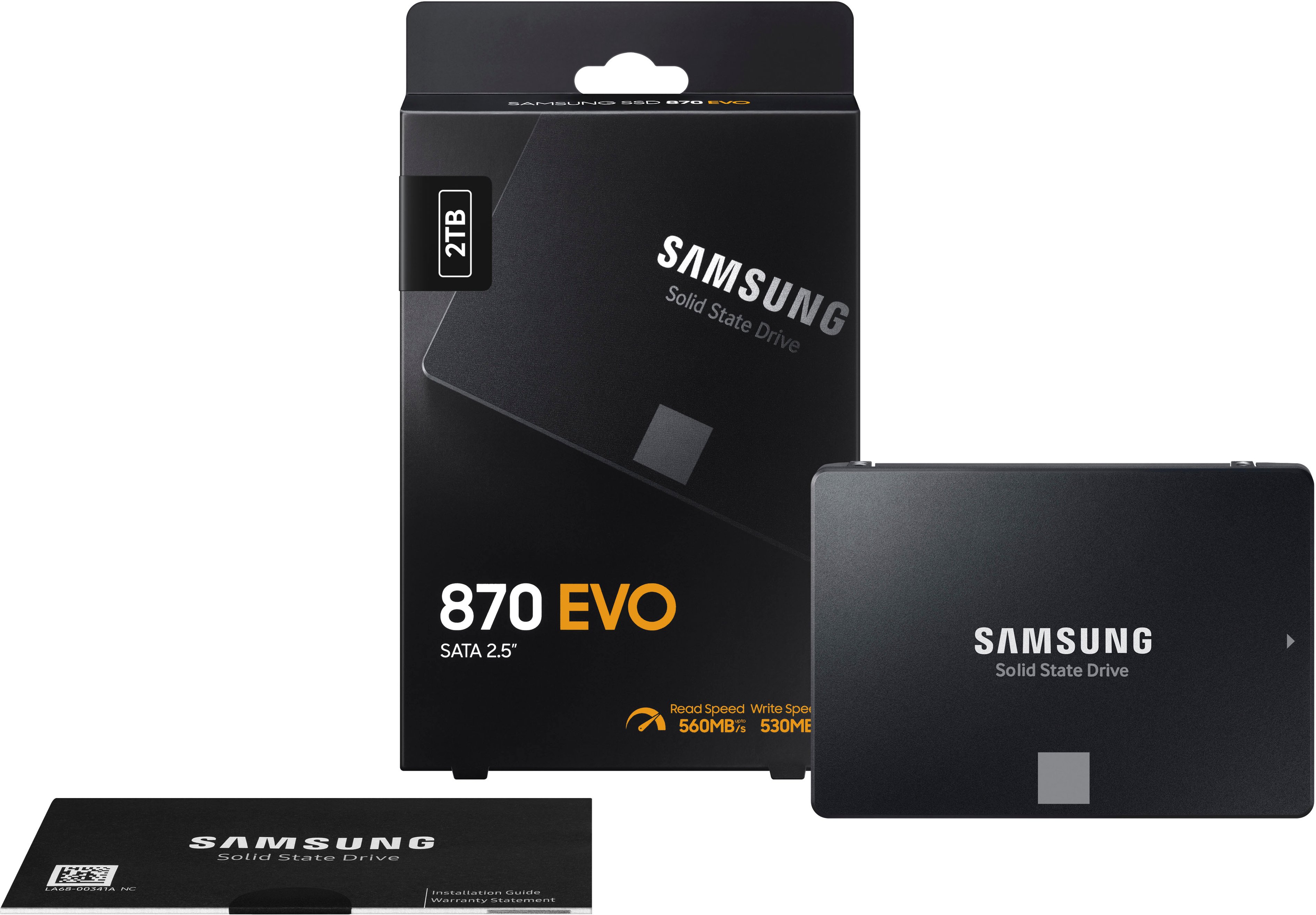
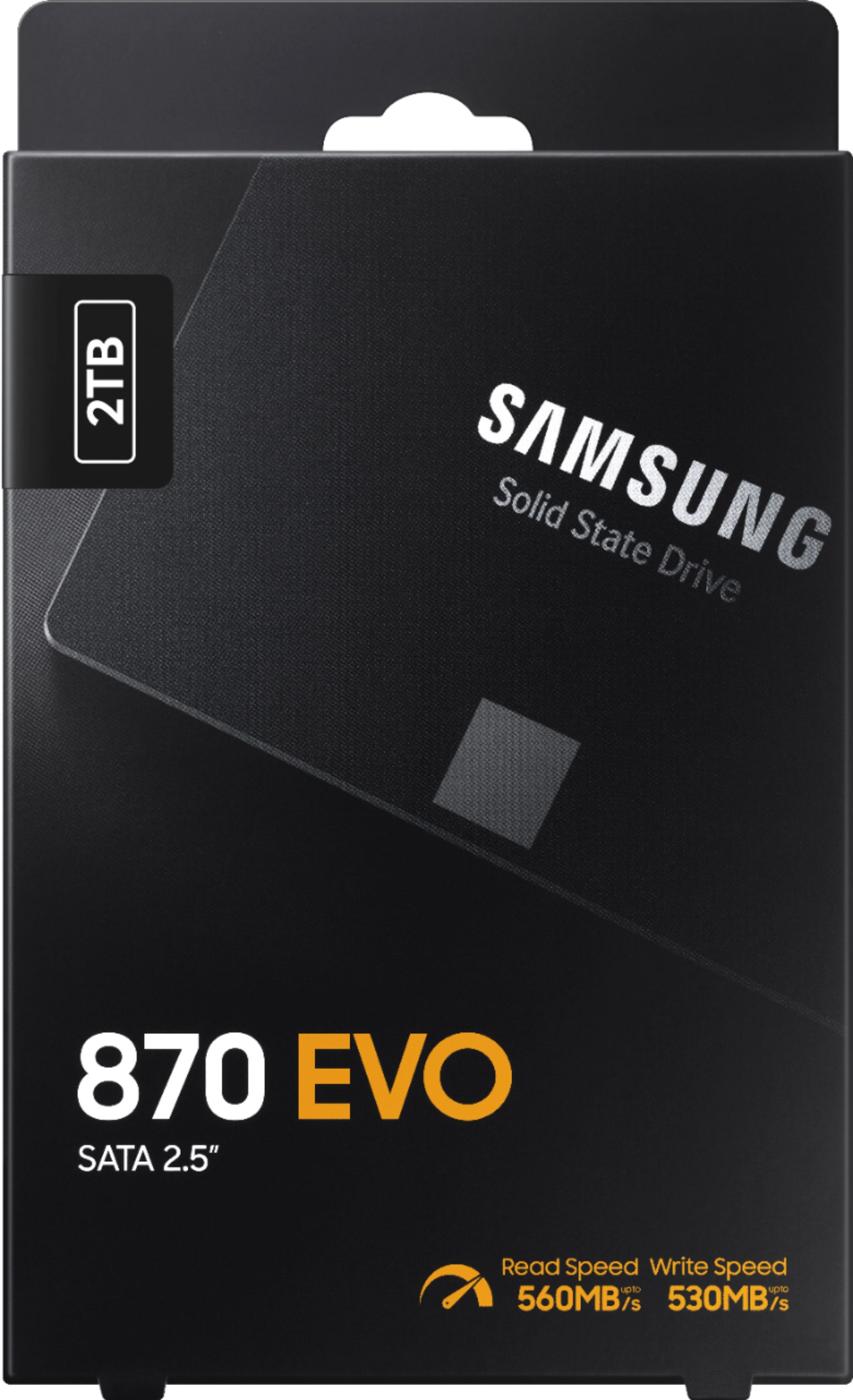
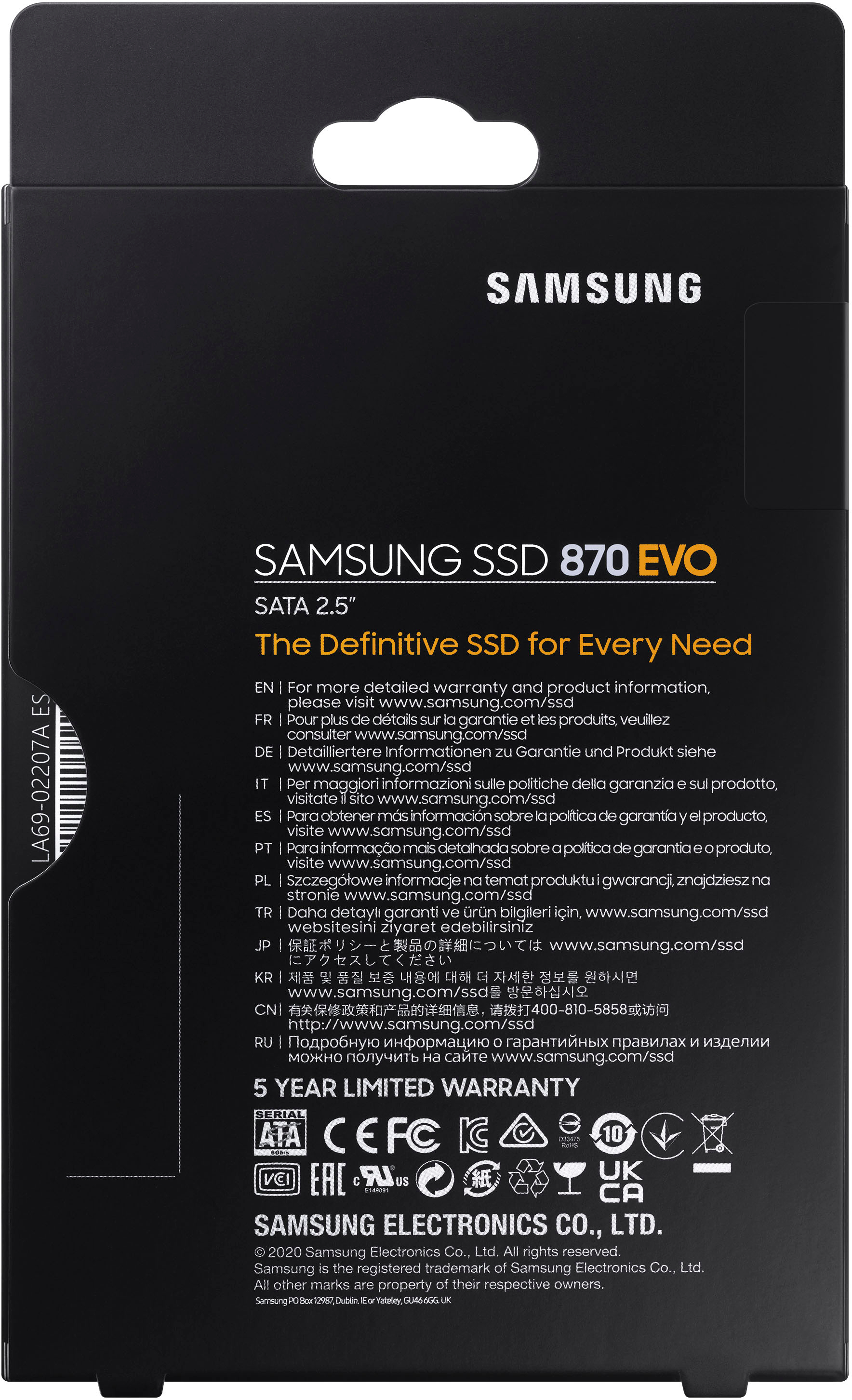
- Model:
- MZ-77E2T0B/AM
- |
- SKU:
- 10228051
Customer reviews
Rating 4.9 out of 5 stars with 1046 reviews
(1,046 customer reviews)Rating by feature
- Value4.8
Rating 4.8 out of 5 stars
- Quality4.9
Rating 4.9 out of 5 stars
- Ease of Use4.9
Rating 4.9 out of 5 stars
Rated 5 out of 5 stars
Great SSD Drive
||Posted . Owned for 3 weeks when reviewed.This reviewer received promo considerations or sweepstakes entry for writing a review.Have always had good luck, and no problems with Samsung products. Need this for a Backup drive for my gamer computer. Samsung is almost always my first choice for computer parts.
This review is from Samsung - 870 EVO 2TB Internal SSD SATA
I would recommend this to a friendRated 5 out of 5 stars
Great product
||Posted .This reviewer received promo considerations or sweepstakes entry for writing a review.Fast and reliable, have been using for over 2 years
This review is from Samsung - 870 EVO 2TB Internal SSD SATA
I would recommend this to a friendRated 5 out of 5 stars
Samsung 2tb Ssd
||Posted . Owned for 2 months when reviewed.This reviewer received promo considerations or sweepstakes entry for writing a review.This ssd card does exactly as advertised.The space advertised was accurate. I am happy with purchase, and had no issues so far.
This review is from Samsung - 870 EVO 2TB Internal SSD SATA
I would recommend this to a friendRated 5 out of 5 stars
Great price for additional storage.
||Posted . Owned for 1 week when reviewed.This reviewer received promo considerations or sweepstakes entry for writing a review.Great price for some extra storage. I shrink movies for backup and it goes straight to my backup drive.
This review is from Samsung - 870 EVO 2TB Internal SSD SATA
I would recommend this to a friendRated 5 out of 5 stars
Samsung has yet to let me down
||Posted . Owned for 3 weeks when reviewed.This reviewer received promo considerations or sweepstakes entry for writing a review.Bought this to replace an older Samsung QVO drive that was slowing down. Very happy with this as a storage drive and the consistent speeds.
This review is from Samsung - 870 EVO 2TB Internal SSD SATA
I would recommend this to a friendRated 5 out of 5 stars
Great SSD!
||Posted . Owned for 1.5 years when reviewed.This reviewer received promo considerations or sweepstakes entry for writing a review.SSD arrived in perfect condition and installed it to have more space for games in my gaming PC. Definitely recommend it!
This review is from Samsung - 870 EVO 2TB Internal SSD SATA
I would recommend this to a friendRated 5 out of 5 stars
Samsung - 870 EVO
||Posted . Owned for 5 months when reviewed.This reviewer received promo considerations or sweepstakes entry for writing a review.Great product!!! Easy to install and set up with Samsung Magician Migration software. I would recommend this SSD to anyone looking for more storage.
This review is from Samsung - 870 EVO 2TB Internal SSD SATA
I would recommend this to a friendRated 5 out of 5 stars
Simply the Best.
||Posted .This reviewer received promo considerations or sweepstakes entry for writing a review.My go to for updating any PC. I use Samsung Magician to move the OS over to this new drive and I am up and running in less than an hour. Simply the Best.
This review is from Samsung - 870 EVO 2TB Internal SSD SATA
I would recommend this to a friendRated 5 out of 5 stars
Love it.
||Posted . Owned for 3 weeks when reviewed.This reviewer received promo considerations or sweepstakes entry for writing a review.I recently purchased a Ninja Atomos recorder for my camera, and needed a SSD to record to, and this device has worked FLAWLESSLY, it helps extend my shoot times DRAMATICALLY and im in love with it.
This review is from Samsung - 870 EVO 2TB Internal SSD SATA
I would recommend this to a friendRated 5 out of 5 stars
Very Fast drive with a lot of space
||Posted . Owned for 1 month when reviewed.This reviewer received promo considerations or sweepstakes entry for writing a review.Great price, great product, I installed this into a USB C enclosure and now I have plenty of spare to store install programs for my job, With the USB enclosure I can transfer data very quickly.
This review is from Samsung - 870 EVO 2TB Internal SSD SATA
I would recommend this to a friendRated 5 out of 5 stars
Great SSD
||Posted . Owned for 3 weeks when reviewed.This reviewer received promo considerations or sweepstakes entry for writing a review.Works well have never had a problem with any of my Samsung SSDs. Samsung magician makes it easy to migrate the OS to the bigger drive
This review is from Samsung - 870 EVO 2TB Internal SSD SATA
I would recommend this to a friendRated 5 out of 5 stars
Besf Buy to the rescue!
||Posted . Owned for 3 weeks when reviewed.This reviewer received promo considerations or sweepstakes entry for writing a review.This was exactly in need of when i came into the store, as a result i was able ti get my vlients computer up and running the sa.e day that the original hard drive failed
This review is from Samsung - 870 EVO 2TB Internal SSD SATA
I would recommend this to a friendRated 5 out of 5 stars
Solid drive with easy to use migration software.
||Posted . Owned for 1 month when reviewed.This reviewer received promo considerations or sweepstakes entry for writing a review.Replaced a 250 gb & a 500 gb Samsung SSDs in 2 older but still well performing pcs (2600K & 4790K) with these 2 tb drives. Using Samsung's Data Migration Software it was quick and easy to copy and then swap out the hard drives. if you use this method, be sure to have a spare SATA cable for connecting the new SSD to the motherboard for copying. Otherwise, you'll need to acquire a cable from the SSD to USB which has slower transfer speed. I've used this software 5 times replacing older spinners and smaller Samsung SSDs and it's an easy and quick process.
This review is from Samsung - 870 EVO 2TB Internal SSD SATA
I would recommend this to a friendRated 5 out of 5 stars
Lots of room.
||Posted . Owned for 1 week when reviewed.This reviewer received promo considerations or sweepstakes entry for writing a review.A lot of room to grow for the future. Contains a lot of photos from many years with no crowding.
This review is from Samsung - 870 EVO 2TB Internal SSD SATA
I would recommend this to a friendRated 5 out of 5 stars
Great drive
||Posted . Owned for 1 month when reviewed.This reviewer received promo considerations or sweepstakes entry for writing a review.Great drive. I've had the 500 GB drive in my PC for a few years and the 2 TB is running great as well. I keep buying from Samsung as they have been incredibly reliable.
This review is from Samsung - 870 EVO 2TB Internal SSD SATA
I would recommend this to a friendRated 5 out of 5 stars
Just easy
||Posted . Owned for 1 month when reviewed.This reviewer received promo considerations or sweepstakes entry for writing a review.Great product and easy to pick up. Lost the receipt and was simple to swing by and get a reprint nearly a week later.
This review is from Samsung - 870 EVO 2TB Internal SSD SATA
I would recommend this to a friendRated 5 out of 5 stars
Great Upgrade to HDD
||Posted .This reviewer received promo considerations or sweepstakes entry for writing a review.Nice little SSD. Was able to screw it in the side of an extra expansion slot in my case. Works wonderfully with noticeable improvement in snappiness of lots of things. Before boot up could take 20-30 seconds, now it's 3-5 seconds.
This review is from Samsung - 870 EVO 2TB Internal SSD SATA
I would recommend this to a friendRated 4 out of 5 stars
Good SSD
||Posted . Owned for 3 weeks when reviewed.This reviewer received promo considerations or sweepstakes entry for writing a review.very good quality, easy to use and good for storing files and games
This review is from Samsung - 870 EVO 2TB Internal SSD SATA
I would recommend this to a friendRated 5 out of 5 stars
Great!
||Posted . Owned for 1 month when reviewed.This reviewer received promo considerations or sweepstakes entry for writing a review.Great! Nice having more storage. Been using it over a year and no issues.
This review is from Samsung - 870 EVO 2TB Internal SSD SATA
I would recommend this to a friendRated 5 out of 5 stars
Great reliable storage
||Posted . Owned for 1 month when reviewed.This reviewer received promo considerations or sweepstakes entry for writing a review.Samsung is always my go to for reliable storage it's well worth the extra premium over the generic brands
This review is from Samsung - 870 EVO 2TB Internal SSD SATA
I would recommend this to a friend