Customer Ratings & Reviews
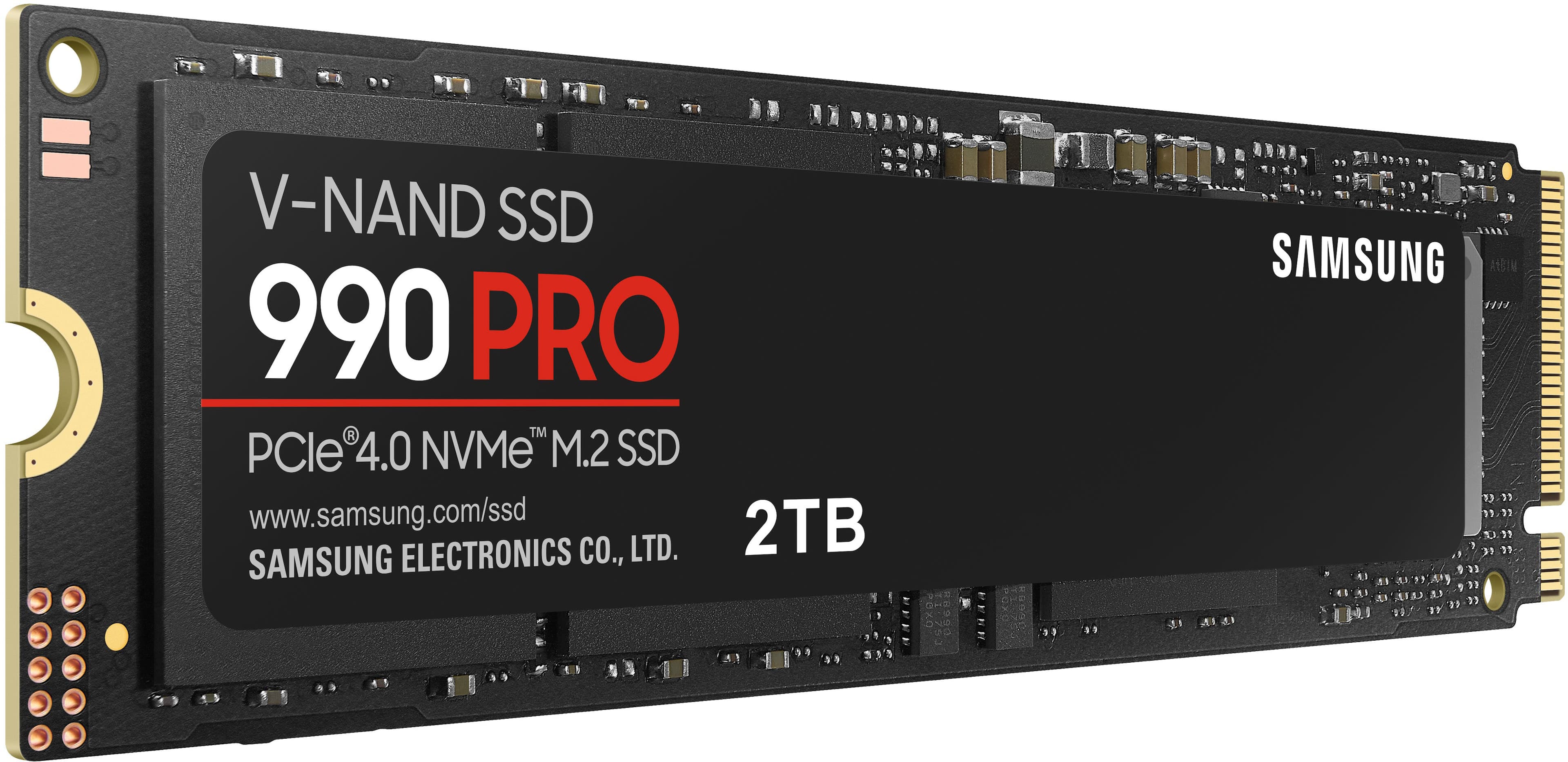





- Model:
- MZ-V9P2T0B/AM
- SKU:
- 10732116
Rating by feature
- Value
Rating 4.7 out of 5 stars
- Quality
Rating 4.9 out of 5 stars
- Ease of Use
Rating 4.9 out of 5 stars
Great Product
||Posted . Owned for 1 month when reviewed.This reviewer received promo considerations or sweepstakes entry for writing a review.great product -- going to use to replace a 980 because it is only 1TB
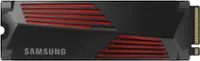
I would recommend this to a friendSamsung 990 Pro 2 TB SSD
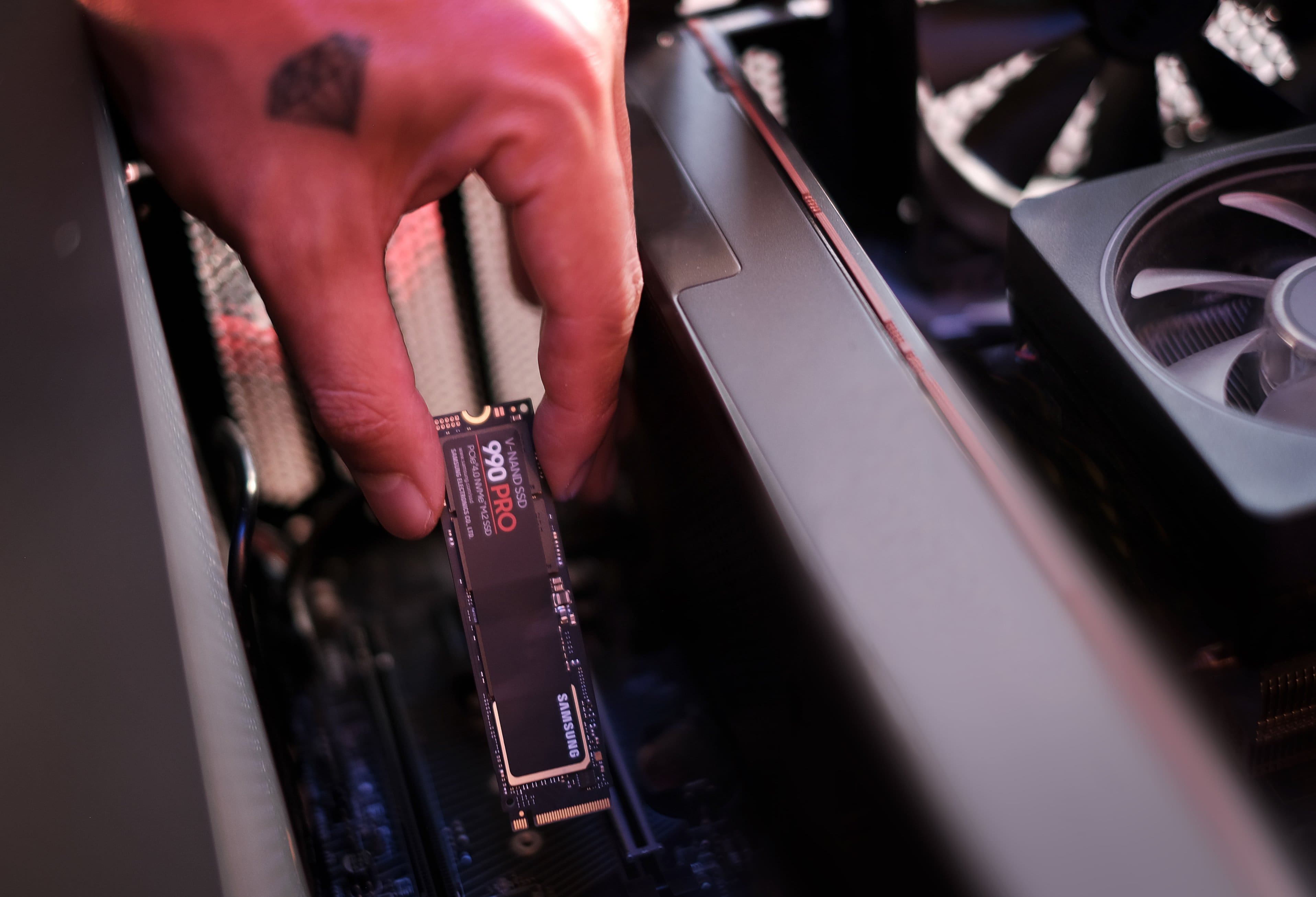
||Posted . Owned for 3 weeks when reviewed.This reviewer received promo considerations or sweepstakes entry for writing a review.Super fast, easy to install. Good price, I would buy again.
I would recommend this to a friendBest purchase.
||Posted . Owned for 3 weeks when reviewed.This reviewer received promo considerations or sweepstakes entry for writing a review.Perfect NVMe. Love how small they are! Definitely recommend.
I would recommend this to a friendSpeedy
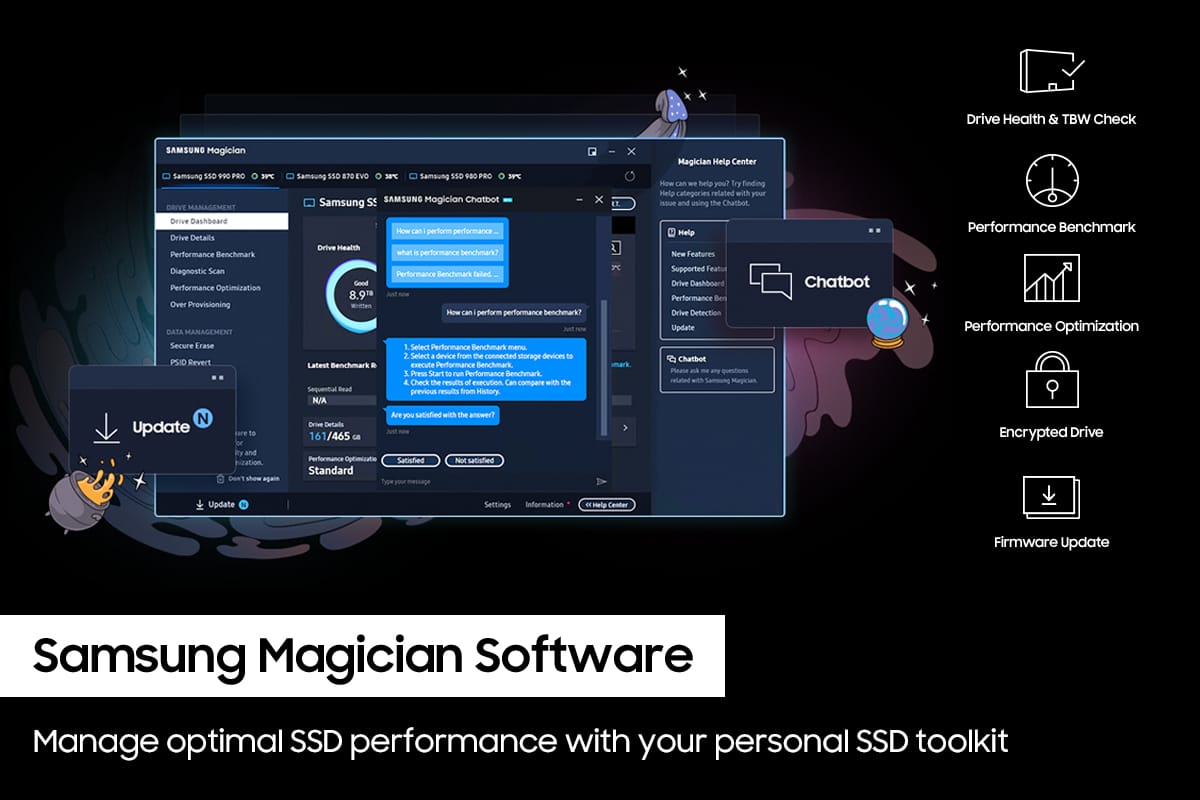
||Posted . Owned for 2 weeks when reviewed.This reviewer received promo considerations or sweepstakes entry for writing a review.Make sure you got a m.2 screw and download Samsung magician
I would recommend this to a friendProper reading
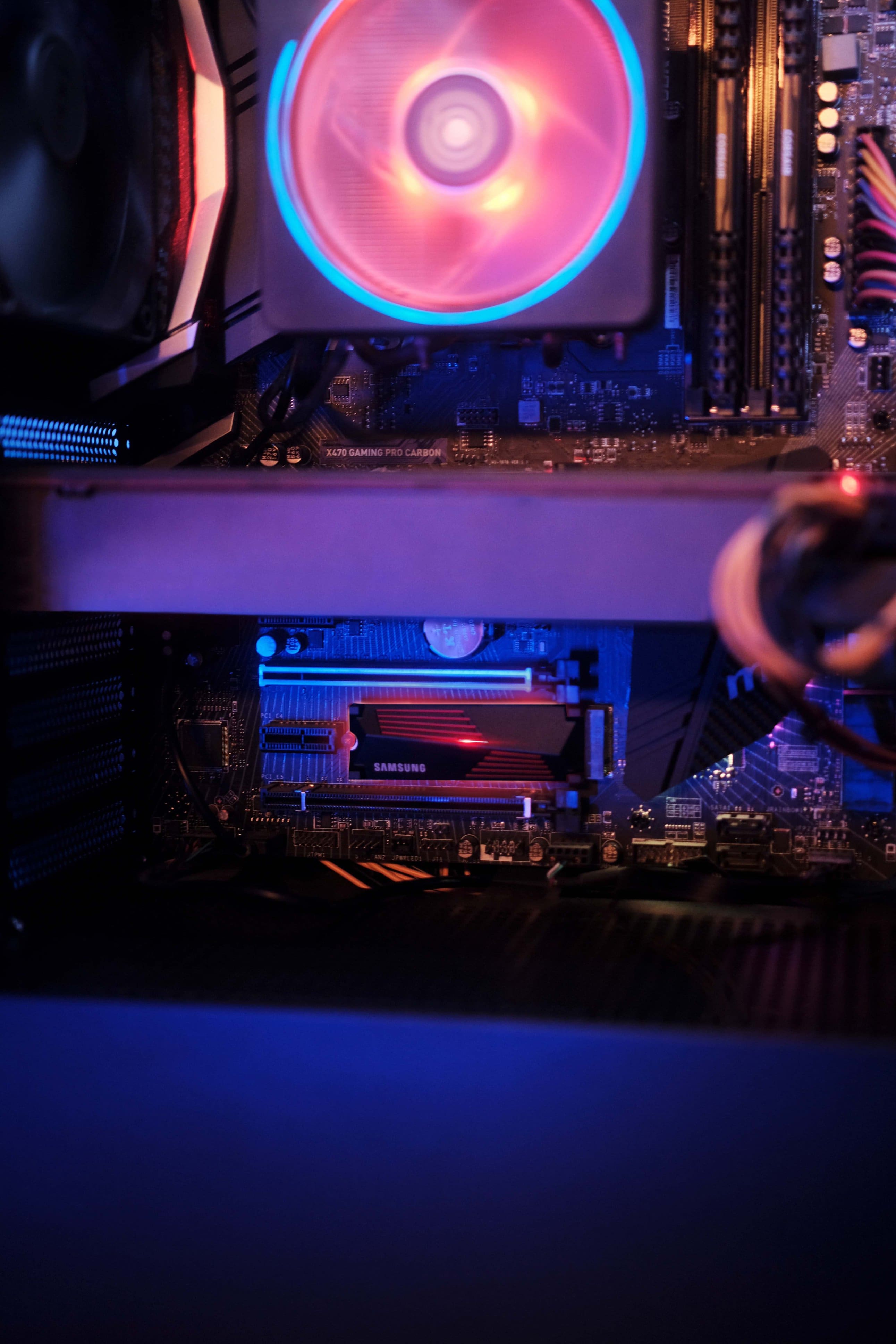
||Posted . Owned for 2 weeks when reviewed.This reviewer received promo considerations or sweepstakes entry for writing a review.Not an issue but i couldnt wait any longer for the 990 with a heatsink
I would recommend this to a friendFasticity!
||Posted . Owned for 2 months when reviewed.This reviewer received promo considerations or sweepstakes entry for writing a review.Seriously fast nvme, assuming your motherboard can handle it. Did have issues upgrading the firmware, but eventually figured out how to make it happen... with some pretty significant frustration and doing.
I would recommend this to a friendDecent but be warned
||Posted . Owned for 1 month when reviewed.This reviewer received promo considerations or sweepstakes entry for writing a review.It’s good, something to remember is that it’s only as good as your wifi, which is only as good as your motherboard. And how much you’re computer can take
No, I would not recommend this to a friendAlmost perfect
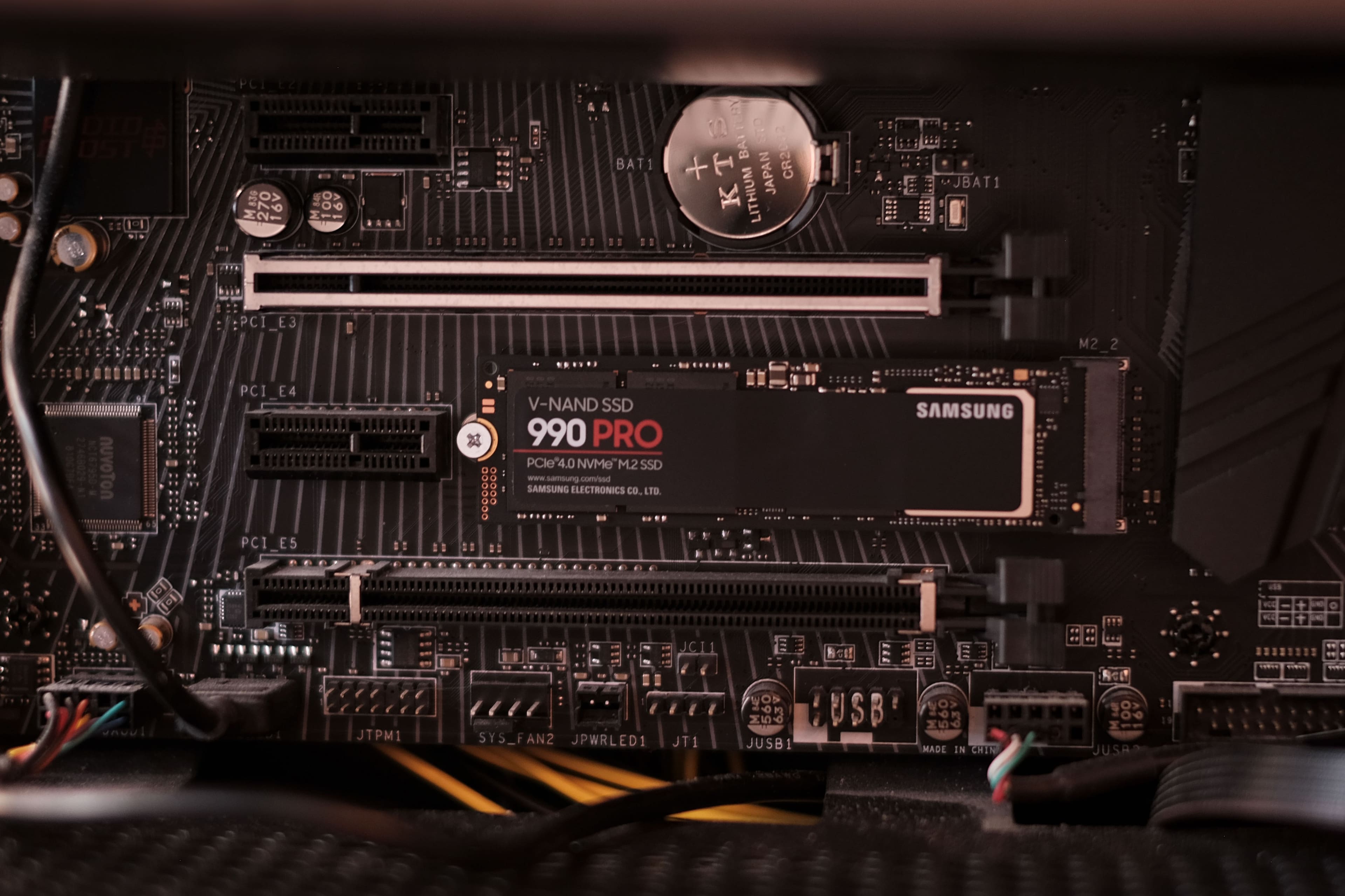
||Posted . Owned for less than 1 week when reviewed.This reviewer received promo considerations or sweepstakes entry for writing a review.Great drive especially for the black friday deal for 159. My only complaint is Samsung claims to be top of the line. The drive is expensive and a "pro" version yet they are too cheap to include a stand off and a screw so you can install the drive.
I would recommend this to a friendBrand response from Samsung
Posted .Matty:
Thanks for purchasing the Samsung 990 PRO SSD for your memory storage needs. Please know that these drives are not delivered with mounting screws since motherboard manufacturers typically provide the specific screws and spacers that fit the proprietary needs of each motherboard.
Should you ever have questions or need assistance using this product, please contact Samsung Customer Support.
1) Call: 1-800-SAMSUNG (ask for Memory). Available 9AM - 12AM EST (Mon-Fri)
2) Email: [email protected]
3) LiveChat 9AM-9PM EST (Mon-Fri) - https://www.livehelpnow.net/lhn/lcv.aspx?d=34834&ms=&zzwindow=0&lhnid=29783
The Samsung Members Community is also a great resource for getting help from Samsung moderators and customers: https://us.community.samsung.com/
Thank you for sharing your experience! We greatly value your feedback and will be shared with our product team.
- Samsung Memory
990 PRO 2TB NvMe
||Posted . Owned for 3 weeks when reviewed.This reviewer received promo considerations or sweepstakes entry for writing a review.Provided you know what you're doing, it's an easy setup. Needed this as an expansion to my existing 1 TB drive.
I would recommend this to a friendSeems very robust
||Posted . Owned for 3 weeks when reviewed.This reviewer received promo considerations or sweepstakes entry for writing a review.Looked great, was not able to use it but physically, it was nice
I would recommend this to a friendDrive with great specs and poor quality
||Posted . Owned for 1 month when reviewed.This reviewer received promo considerations or sweepstakes entry for writing a review.I purchased this drive to replace the boot drive in my Alienware X16 R1. Very nice specs on the drive but it started to malfunction soon after installing it. I tried updating the firmware but the update failed every time. Come to find out, this is the drive that was affected by Samsung's drive health bug that caused their drives to deteriorate rapidly until the point they were no longer usable. I eventually replaced this drive with a Western Digital Black SN850X. I won't be buying any more Samsung drives any time soon. I certainly won't be buying any 990 Pro's. I was only able to update the firmware by removing the drive from my Alienware and installing it in a MSI gaming laptop. I'm only holding on to it as a backup to my Alienware.
No, I would not recommend this to a friendBrand response from Samsung
Posted .JeffreyaB:
I’m sorry to hear of the issues you’re experiencing with your drive’s health.
Please contact Samsung Customer Support directly so that we can better investigate your issue and assist you towards a resolution or replacement.
1) Call: 1-800-SAMSUNG (ask for Memory). Available 9AM - 12AM EST (Mon-Fri)
2) Email: [email protected]
3) LiveChat 9AM-6PM EST (Mon-Fri) - https://www.livehelpnow.net/lhn/lcv.aspx?d=34834&ms=&zzwindow=0&lhnid=29783
We hope to hear from you soon.
- Samsung Memory
Solid choice
||Posted . Owned for 1 month when reviewed.This reviewer received promo considerations or sweepstakes entry for writing a review.Exactly what I needed for my computer. Thank you best buy
I would recommend this to a friendSolid SSD!!
||Posted . Owned for 1 week when reviewed.This reviewer received promo considerations or sweepstakes entry for writing a review.Added some much needed space and blazing transfer speeds. Absolutely love it!
I would recommend this to a friendSSD
||Posted . Owned for 1 week when reviewed.This reviewer received promo considerations or sweepstakes entry for writing a review.Heard this was the one to get. We will see about that.
I would recommend this to a frienddrive space
||Posted . Owned for 1 month when reviewed.This reviewer received promo considerations or sweepstakes entry for writing a review.wish it came with a heatsink but no biggie stick works great
I would recommend this to a friendPCIE4 champ
||Posted . Owned for 5 months when reviewed.This reviewer received promo considerations or sweepstakes entry for writing a review.Decent sustained throughout with high IO ops/second
I would recommend this to a friendDefective
||Posted . Owned for less than 1 week when reviewed.This reviewer received promo considerations or sweepstakes entry for writing a review.This was the best drive they carried so I bought it on their recommendation.
No, I would not recommend this to a friendBrand response from Samsung
Posted .TomR:
I'm sorry that your experience fell short of expectations. We completely understand your frustrations, and we are here to help.
Please give us the chance to gather additional information from you so we can troubleshoot this issue. Please contact Samsung Customer Support directly so that we can better investigate your issue and assist you towards a resolution or replacement.
1) Call: 1-800-SAMSUNG (ask for Memory). Available 9AM - 12AM EST (Mon-Fri)
2) Email: [email protected]
3) LiveChat 9AM-9PM EST (Mon-Fri) - https://www.livehelpnow.net/lhn/lcv.aspx?d=34834&ms=&zzwindow=0&lhnid=29783
Samsung stands behind the quality and performance of every 990 PRO SSD we manufacture with a limited 5-year manufacturer’s warranty when purchased brand-new, directly from any authorized dealer, like Best Buy.
Thank you for choosing Samsung.
~ Samsung Memory
SSD card review
||Posted . Owned for 2 weeks when reviewed.This reviewer received promo considerations or sweepstakes entry for writing a review.I got 1.8tb when i installed it and it keep appearing and dissapearing on my files.
I would recommend this to a friendBrand response from Samsung
Posted .SeanD:
Thank you for purchasing the Samsung 990 PRO SSD. Samsung drives adhere to the IDEMA standard of advanced formatting, which will result in the drive appearing as less than the listed size. This is a common industry-wide standard.
The amount of space that appears to be "missing" is in fact used by the drive/card for storing firmware, metadata and spare blocks. Your operating system (Windows, Linux, etc.) will also affect the usable space -- different operating systems will use different amounts of space to store their metadata. Consequently, formatted space will always be less than unformatted space.
You can look IDEMA up online for more technical details about this standard, which is established by The International Disk Drive Equipment and Materials Association.
Please contact Samsung Memory Support directly so that we can better investigate your drive disappearing issue and assist you towards a solution or replacement.
1) Call: 1-800-SAMSUNG (ask for Memory). Available 9AM - 12AM EST (Mon-Fri)
2) Email: [email protected]
3) LiveChat 9AM-9PM EST (Mon-Fri) - https://www.livehelpnow.net/lhn/lcv.aspx?d=34834&ms=&zzwindow=0&lhnid=29783
- Samsung Memory
it's a nice ssd
||Posted . Owned for 3 weeks when reviewed.This reviewer received promo considerations or sweepstakes entry for writing a review.Works great cut my load times and download times in half
I would recommend this to a friendSamsung 990 Pro
||Posted . Owned for 3 weeks when reviewed.This reviewer received promo considerations or sweepstakes entry for writing a review.It should be wonderful when I get it and Asus motherboard to recognize each other.
I would recommend this to a friendBrand response from Samsung
Posted .Fallout:
I’m very sorry for the difficulties you’ve experience. To get your Samsung 990 PRO SSD and Asus motherboard to recognize each other, follow these steps:
Update BIOS: Make sure your motherboard's BIOS is up to date. Manufacturers often release updates to improve compatibility with new hardware.
Enable NVMe in BIOS: Power on your PC and enter the BIOS setup (usually by pressing Del or F2 during startup). Navigate to the storage configuration section and ensure that the M.2 slot is set to use NVMe. Save and exit the BIOS.
Initialize the SSD in Windows: Once in Windows, open Disk Management (you can search for it in the Start menu). You should see the new SSD listed as unallocated space. Right-click on it and choose to initialize the disk. Follow the prompts to create a new partition and format the drive.
Should you need help or have additional questions, please contact Samsung Memory Support directly.
1) Call: 1-800-SAMSUNG (ask for Memory). Available 9AM - 12AM EST (Mon-Fri)
2) Email: [email protected]
3) LiveChat 9AM-9PM EST (Mon-Fri) - https://www.livehelpnow.net/lhn/lcv.aspx?d=34834&ms=&zzwindow=0&lhnid=29783
- Samsung Memory