Customer Ratings & Reviews
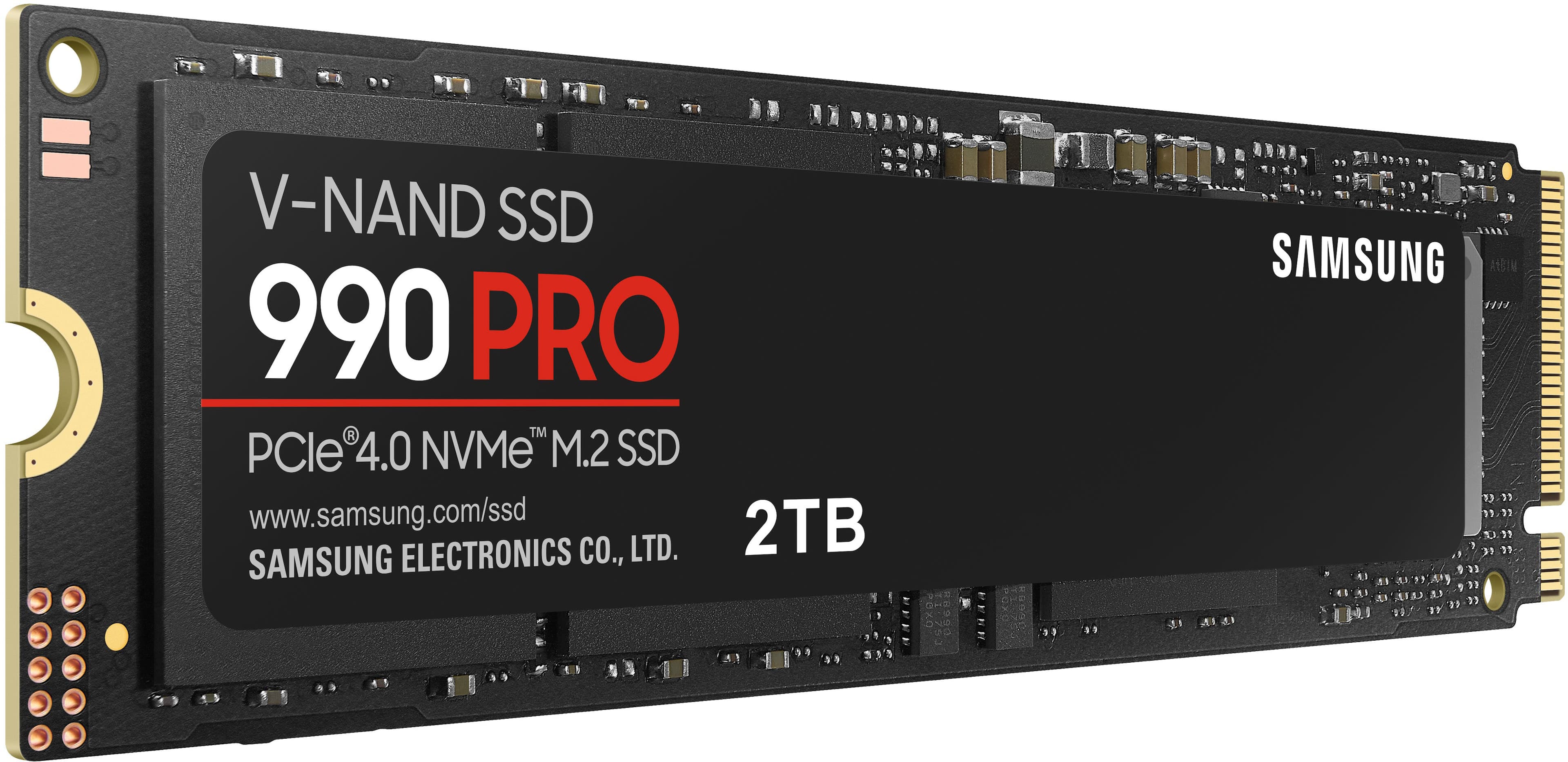

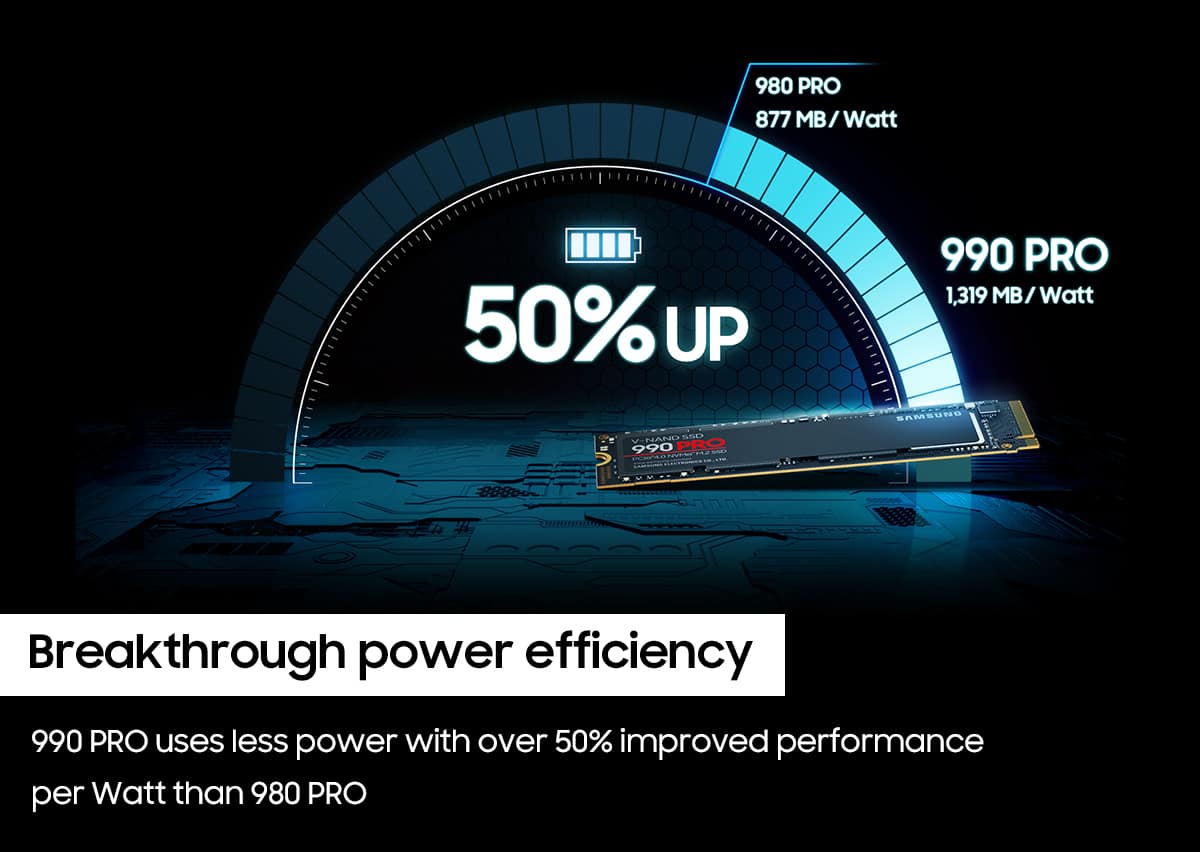
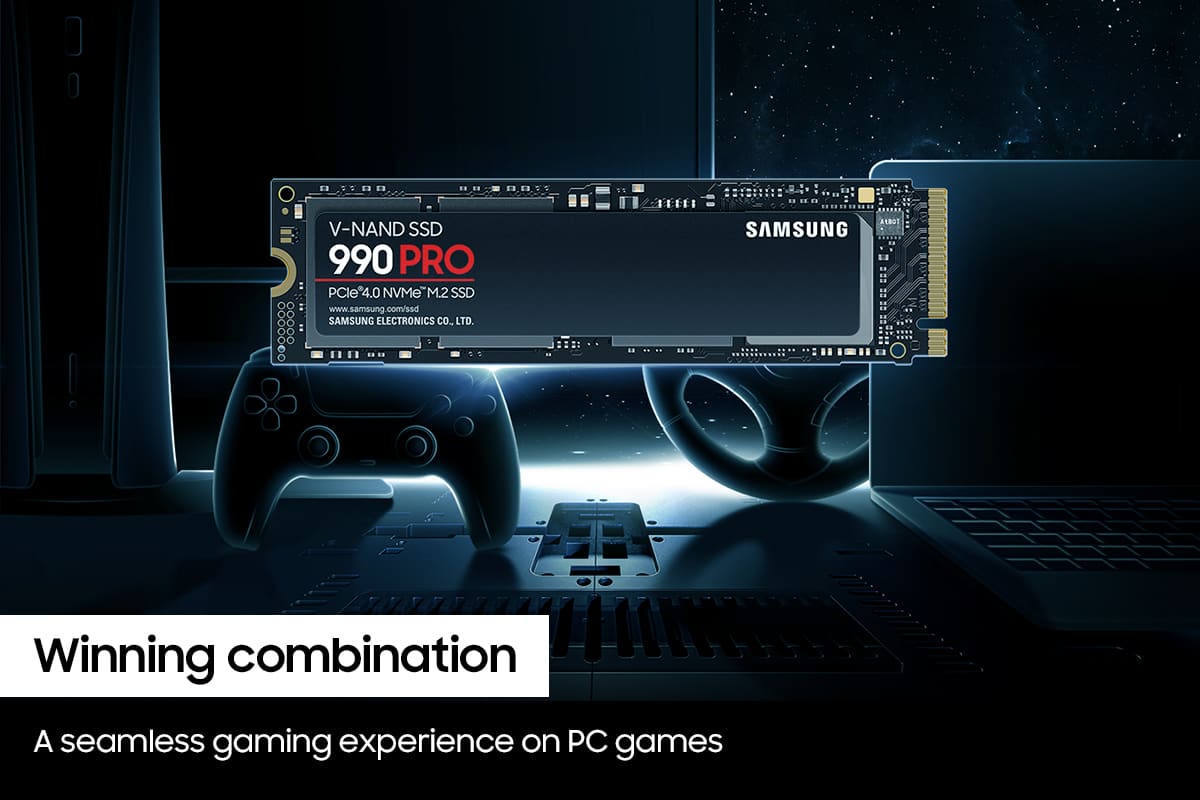

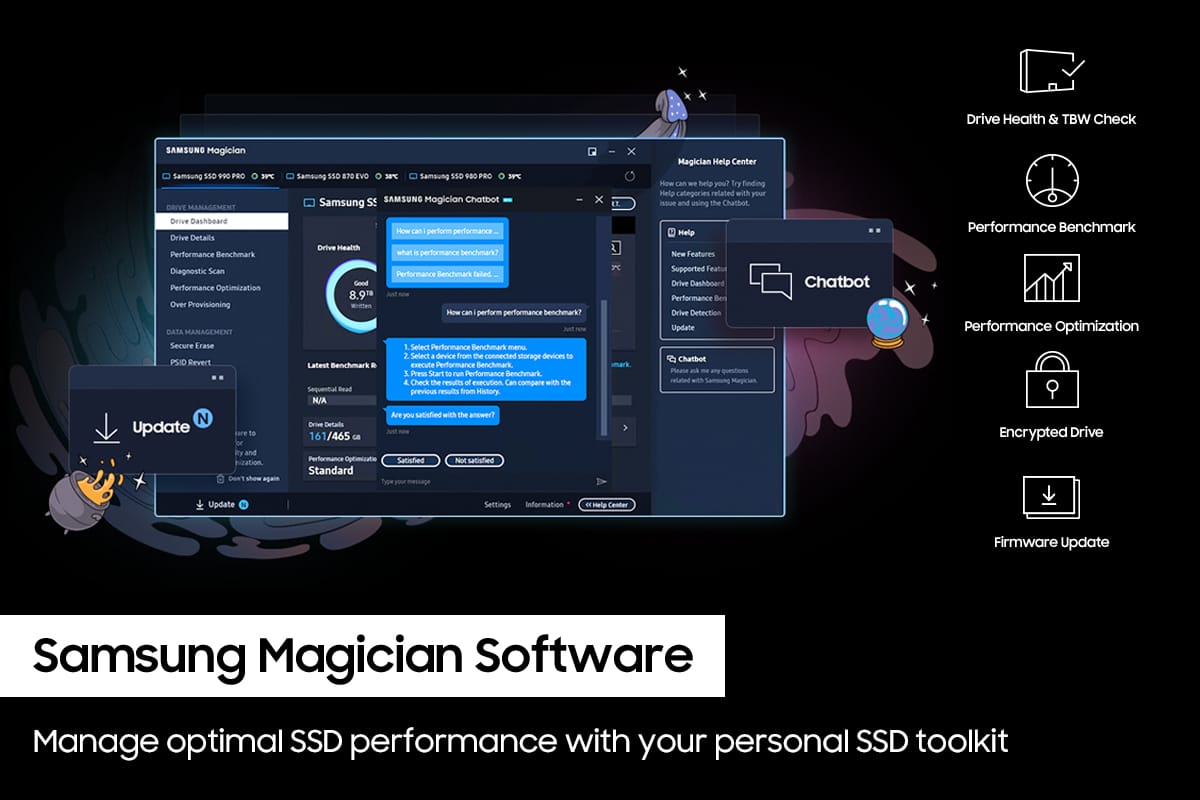
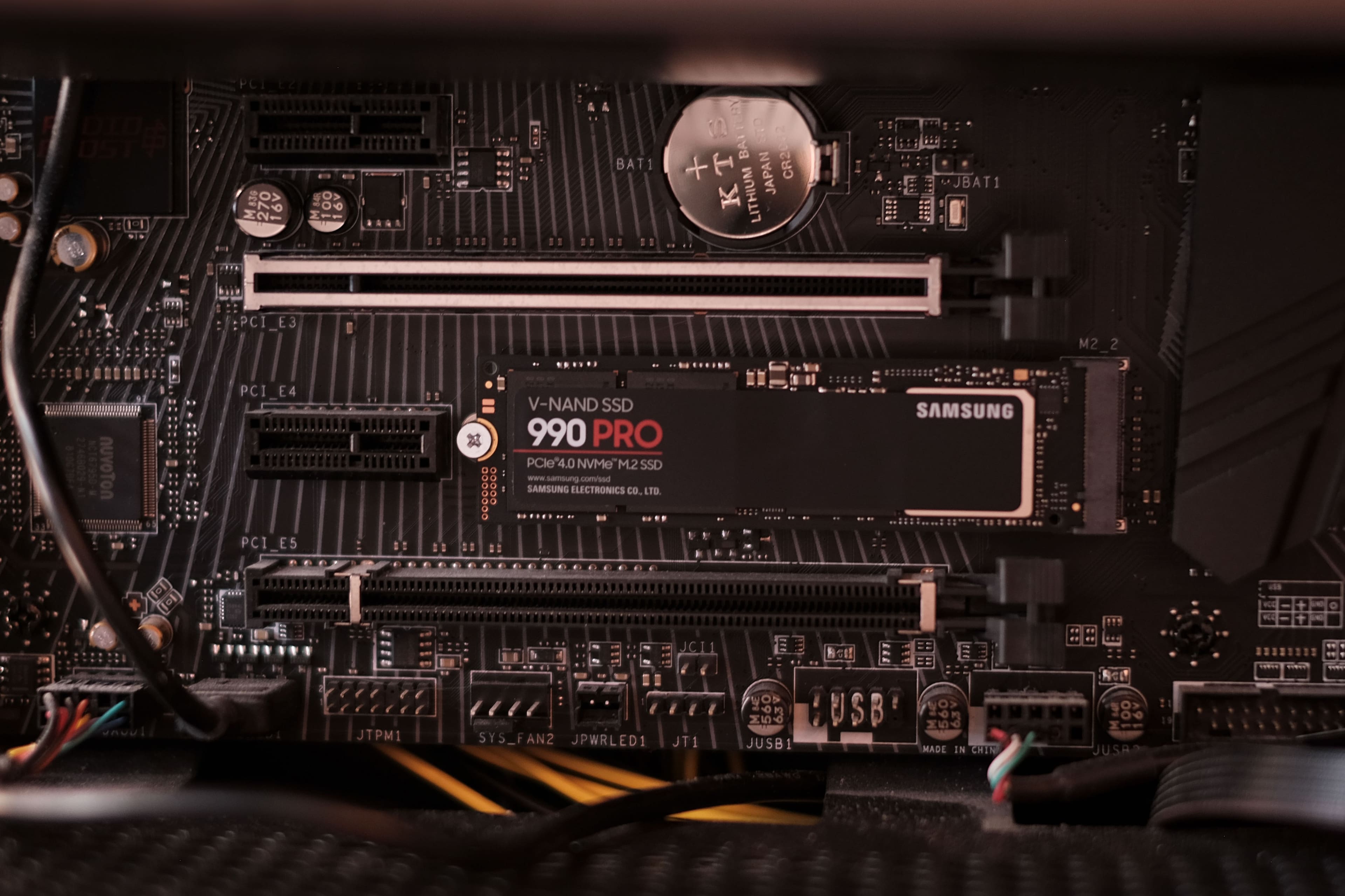
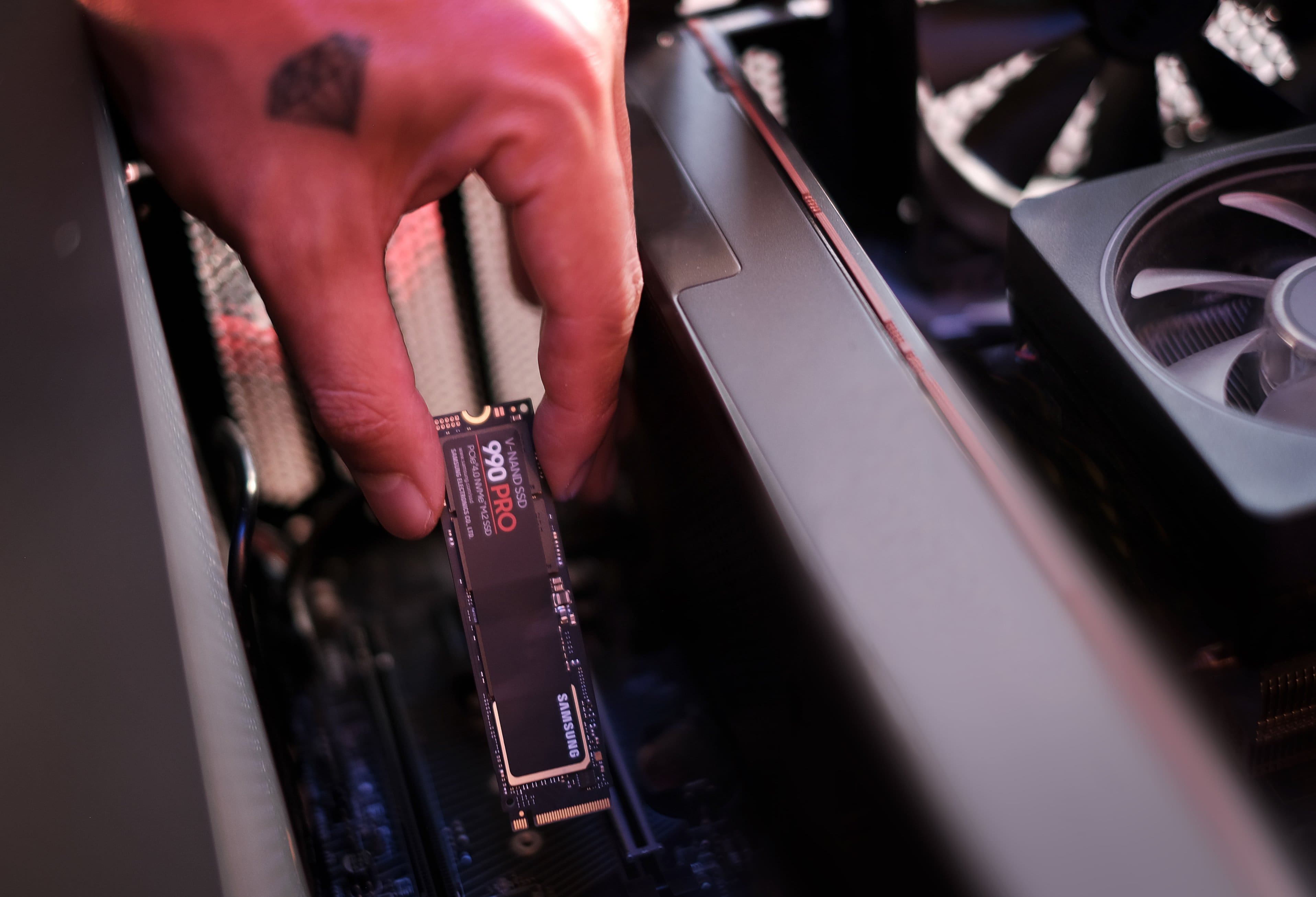

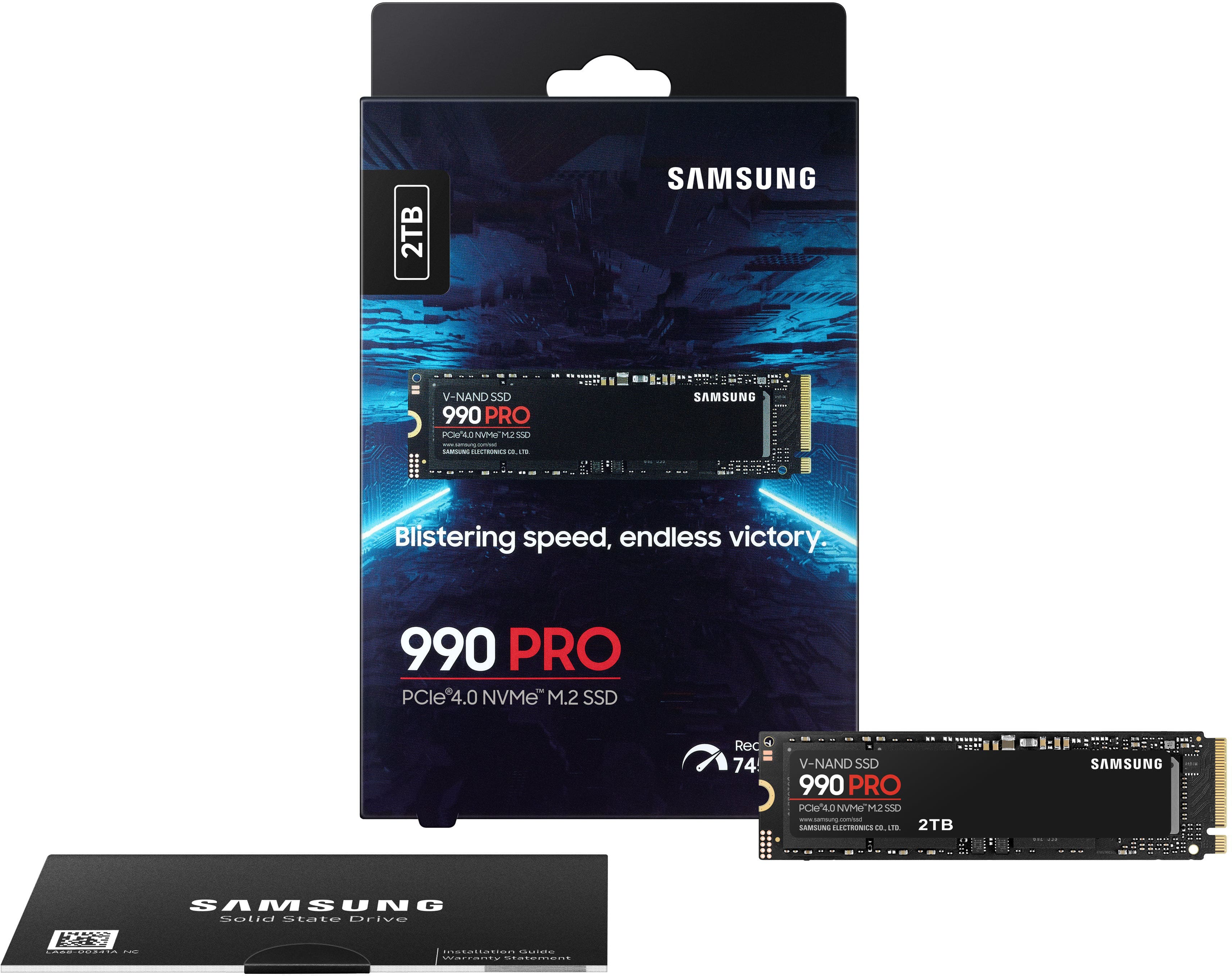
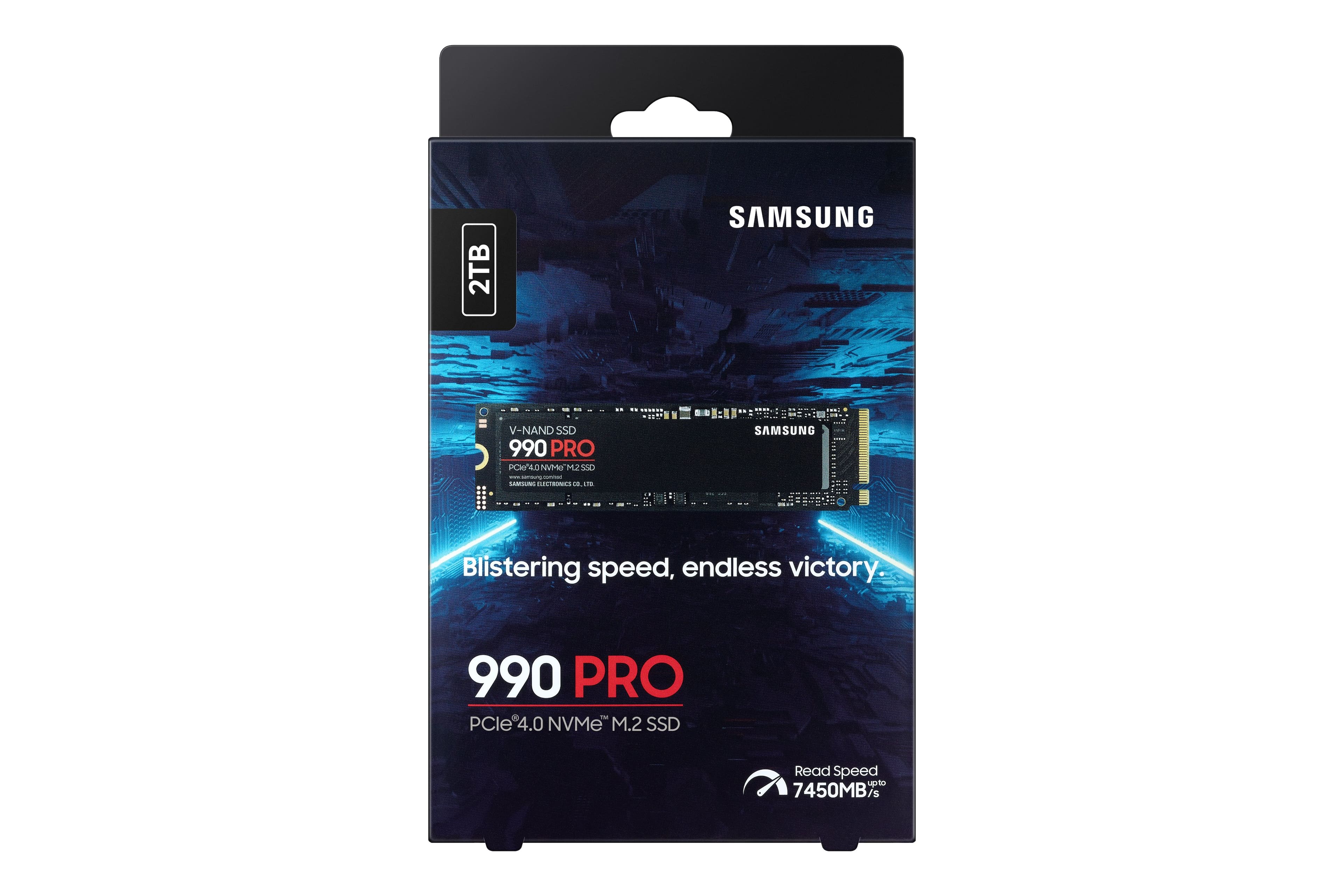
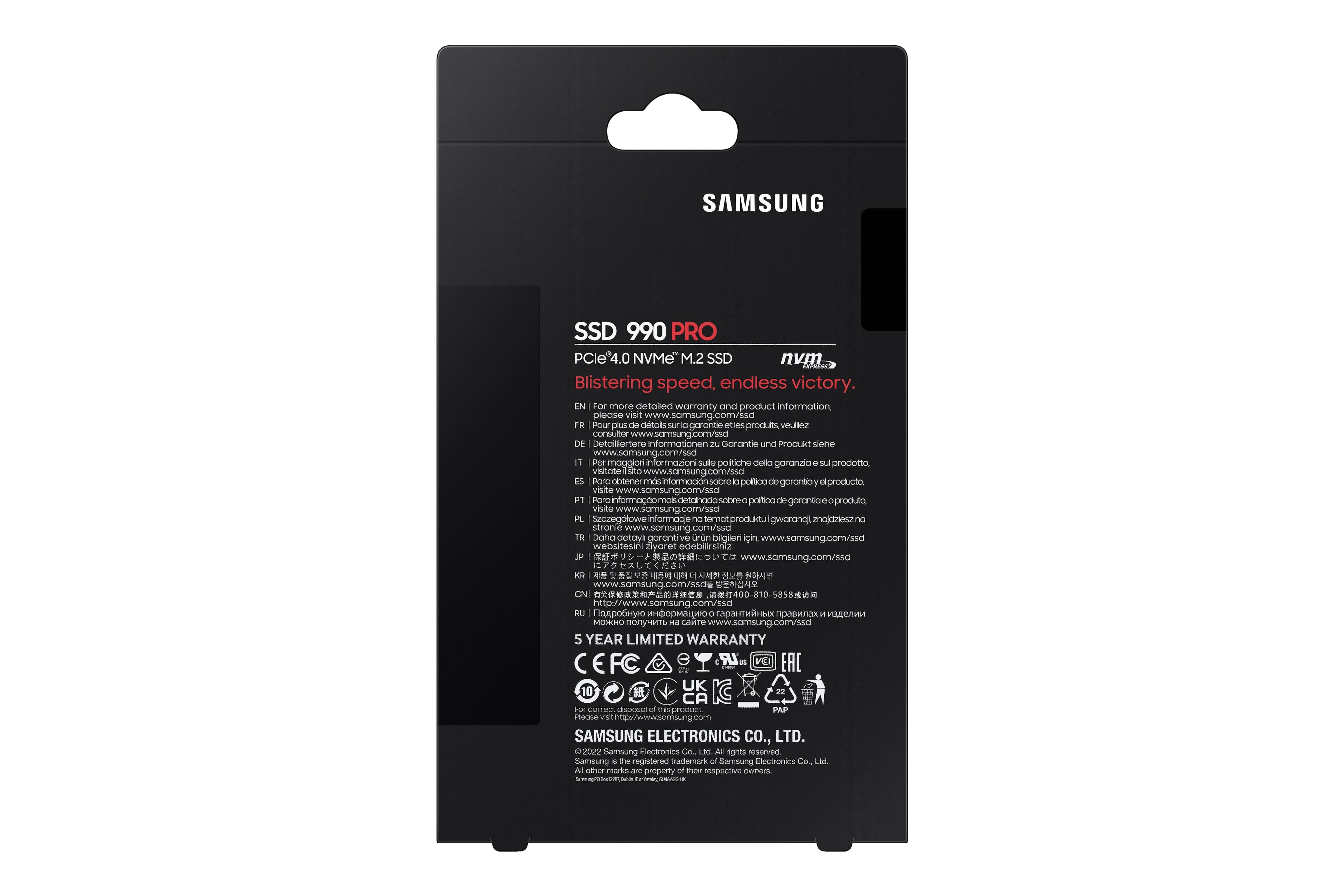




- Model:
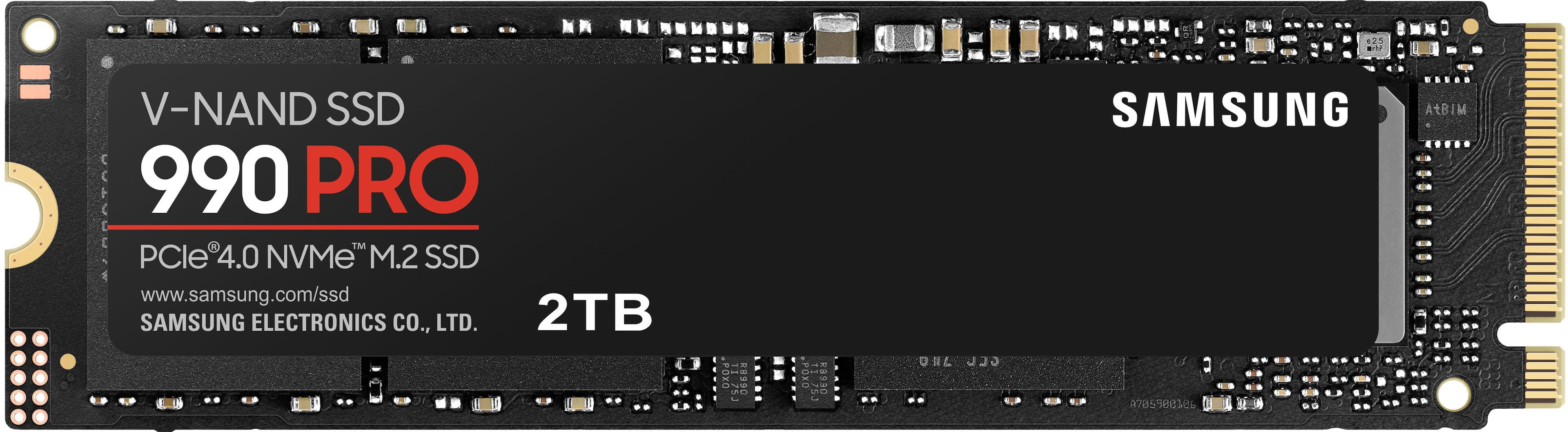
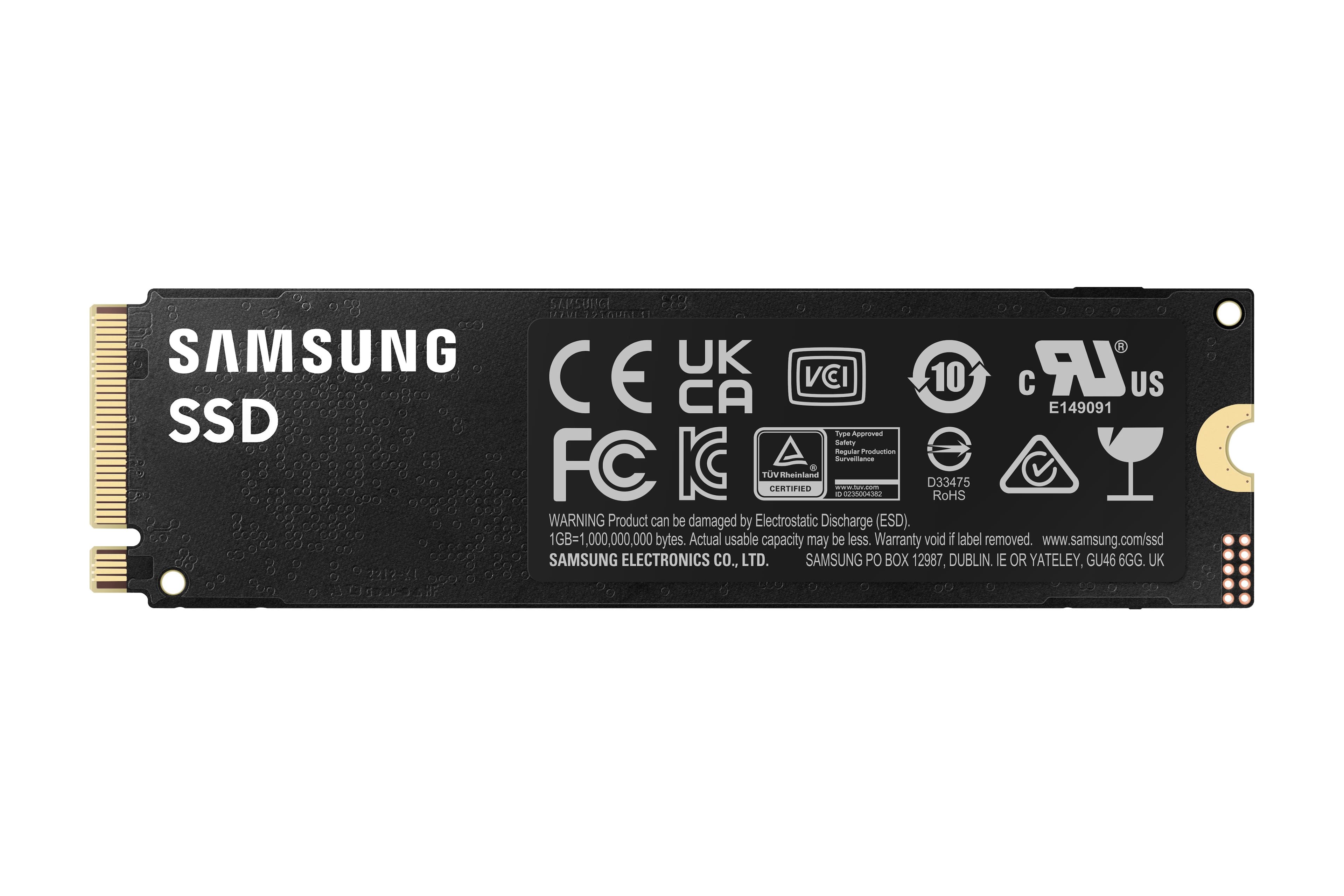
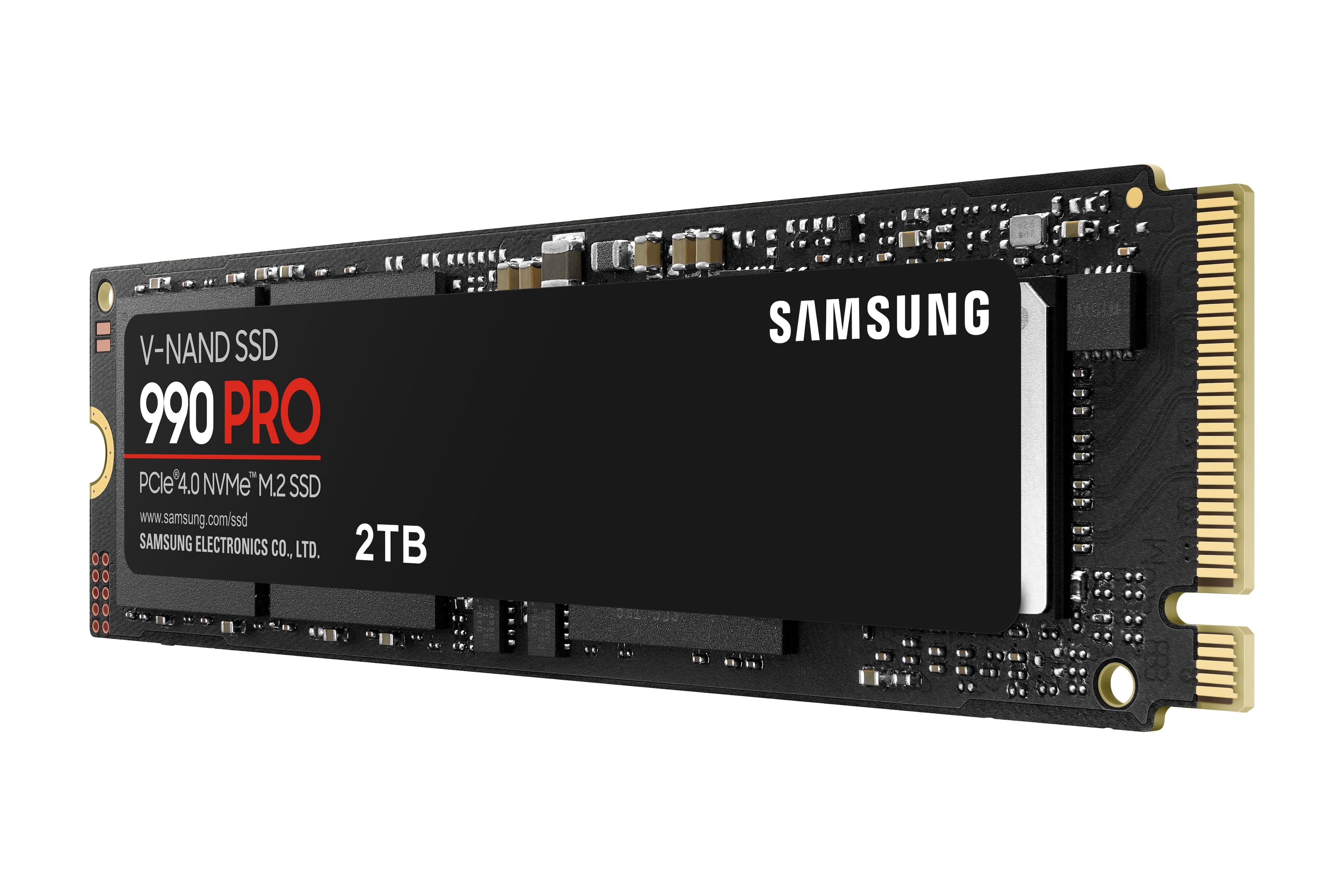
- MZ-V9P2T0B/AM
- SKU:
- 11522348
Rating by feature
- Value
Rating 4.7 out of 5 stars
- Quality
Rating 4.9 out of 5 stars
- Ease of Use
Rating 4.9 out of 5 stars
...
||Posted . Owned for 1 month when reviewed.This reviewer received promo considerations or sweepstakes entry for writing a review.It does what it's supposed to. This is my first time working with a drive of this type, and chances are I'll probably be using them going forward thanks to its compact physical size and additional drive capacity.
I would recommend this to a friendSolid SSD
||Posted . Owned for 2 weeks when reviewed.This reviewer received promo considerations or sweepstakes entry for writing a review.By far one of the best SSD you can find on the market. This brand has always done justice for me. Don’t think, just buy haha
I would recommend this to a friendGood buy
||Posted . Owned for 1 month when reviewed.This reviewer received promo considerations or sweepstakes entry for writing a review.Good for the price and good brand, was easy to format
I would recommend this to a friendSolid Upgrade
||Posted . Owned for 1 month when reviewed.This reviewer received promo considerations or sweepstakes entry for writing a review.Solid Upgrade for my PC, only issue was installing a new OS but thats more user error.
I would recommend this to a friendNot Bad
||Posted . Owned for 1 month when reviewed.This reviewer received promo considerations or sweepstakes entry for writing a review.Expensive but gets the job done. Hopefully prices come down.
I would recommend this to a friendSamsung 990 Perfect SSD
||Posted . Owned for 3 weeks when reviewed.This reviewer received promo considerations or sweepstakes entry for writing a review.Geek squat installed this promptly and this product works perfectly after my original one was faulty (bought from competitor store)
I would recommend this to a friendNo Very Motivated ehhh Me 2
||Posted . Owned for 3 weeks when reviewed.This reviewer received promo considerations or sweepstakes entry for writing a review.Not Very Motivated ehhh Me 2 Get the Samsung 990 pro
I would recommend this to a friendStorage
||Posted . Owned for 2 weeks when reviewed.This reviewer received promo considerations or sweepstakes entry for writing a review. I purchased this so I could upgrade my PlayStation five storage. It is amazing. Can’t believe the PS five does not have enough storage.
I would recommend this to a friendEasy to use!
||Posted . Owned for 3 weeks when reviewed.This reviewer received promo considerations or sweepstakes entry for writing a review.It stores things very well, very plug and play from a good reputable brand
I would recommend this to a friendPerfect m.2
||Posted . Owned for 1 week when reviewed.This reviewer received promo considerations or sweepstakes entry for writing a review.As a samsung loyalist this was a no brainer. Quality and speed, on spot!
I would recommend this to a friendsamsung best ssd to get
||Posted . Owned for 1 week when reviewed.This reviewer received promo considerations or sweepstakes entry for writing a review.always the best from samsung and best buy deals. thanks
I would recommend this to a friendBest Buy Atlantic Center sold me a counterfeit SSD
||Posted .This reviewer received promo considerations or sweepstakes entry for writing a review.WARNING! The Atlantic Center store is selling counterfeit devices made to look like the real thing, but the products do not work. However by the time you figure out the sold you a counterfeit device the return window has ended and they will not help you. The sold me what looked like a new, in-box Samsung SSD drive which sorta worked for a couple of hours, the always corrupted all the data on the drive. I worked with Best Buy support, Geek Squad and Samsung support, but no one could make the drive work. When I asked Best Buy for a replacement, they told me it was now past the 10-day return window and they would not replace it now refund my money. They said my only option was to send it to Samsung as a warranty claim. But when I sent Samsung pictures of the drive they said it was missing their authentication label, therefore the drive was counterfeit and they would not honor any warranty. I went back to tell all this to the store manager and her reply was "since it is past the 10-day return window we cannot help you." When I asked how to contact her boss, she told me I had to call the 1-800 customer service line. When I did that, the agent told me that they are part of the online group and since I picked up the product at a retail store I can only talk to the store manager. They have designed the perfect "pass the buck" system within their own company. One of the store employees literally told me that the problem with counterfeit devices being sold to their customers was happening more and more frequently. But apparently they don't care what type of product their customers end up with, as long as they get to keep the customer's money. What a racket.
No, I would not recommend this to a friendBrand response from Samsung
Posted .DouglasT:
We appreciate you sharing your experience. We recommend you contact Best Buy Customer Support or your local Best Buy store directly for assistance in correcting this situation. We hope your issue is resolved in a timely manner.
Please do reach out to us again should you have any questions.
1) Call: 1-800-SAMSUNG (ask for Storage Devices). Available 9AM - 12AM EST (Mon-Fri)
2) Email: [email protected]
3) LiveChat 9AM-9PM EST (Mon-Fri) - https://www.livehelpnow.net/lhn/lcv.aspx?d=34834&ms=&zzwindow=0&lhnid=29783
Samsung is committed to providing the best possible product experience, quality, and value, and we are always here to help with any of your questions or concerns.
~ Samsung Memory
Can’t go wrong with Samsung
||Posted . Owned for 1 month when reviewed.This reviewer received promo considerations or sweepstakes entry for writing a review.I haven’t done any speed tests, but Samsung is usually at the top of their game when it comes to SSD’s. I partnered this with a ryzen 7950x and it’s a beast.
I would recommend this to a friend
Must Have!
|Posted . Owned for 1 month when reviewed.This reviewer received promo considerations or sweepstakes entry for writing a review.Awesome drive! Samsung is my go to for any ssd needed.
I would recommend this to a friendI WANT TO WIN
||Posted . Owned for 1 month when reviewed.This reviewer received promo considerations or sweepstakes entry for writing a review.Is a perfet item por the laptop gamer i got it to play my favorite videogames
I would recommend this to a friendGreat M.2 SSD
||Posted . Owned for 3 weeks when reviewed.This reviewer received promo considerations or sweepstakes entry for writing a review.Super fast boot time for me! Beside my monitor taking its sweet time sensing my PC it is super fast!
I would recommend this to a friend990 Pro SSD
||Posted . Owned for 1 week when reviewed.This reviewer received promo considerations or sweepstakes entry for writing a review.Very quick, not noticing a crazy difference from 960 pro.
I would recommend this to a friendGood Buy
||Posted . Owned for 1 month when reviewed.This reviewer received promo considerations or sweepstakes entry for writing a review.Super fast boot/load times. Excellent product. Highly recommend
I would recommend this to a friendSamsung ssd
||Posted . Owned for 3 weeks when reviewed.This reviewer received promo considerations or sweepstakes entry for writing a review.Best Ssd brand out there! Very fast load speeds! Might have to buy another one for my PC.
I would recommend this to a friendSSD
||Posted . Owned for 3 weeks when reviewed.This reviewer received promo considerations or sweepstakes entry for writing a review.Great memory expansion. The only problem is that they do not include the screw for mounting. A bit of a headache.
I would recommend this to a friend