Customer Ratings & Reviews

- Model:
- SM-R324NZAAXAR
- |
- SKU:
- 5805801
Customer reviews
Rating 4.4 out of 5 stars with 414 reviews
(414 customer reviews)to a friend
Customers are saying
Customers are impressed with the Gear VR Virtual Reality Headset's immersive VR experience and ease of use, praising its controller and generally positive user experience. However, some users reported issues with the device overheating and its impact on phone battery life, along with concerns about limited content availability. The headset's compatibility with certain Samsung phones was also frequently noted.
This summary was generated by AI based on customer reviews.
- Pros mentioned:Compatibility, ControllerCons mentioned:Battery life, Charging, Heat
Rated 5 out of 5 stars
Some Good-To-Know and Tid-Bits about your Samsung
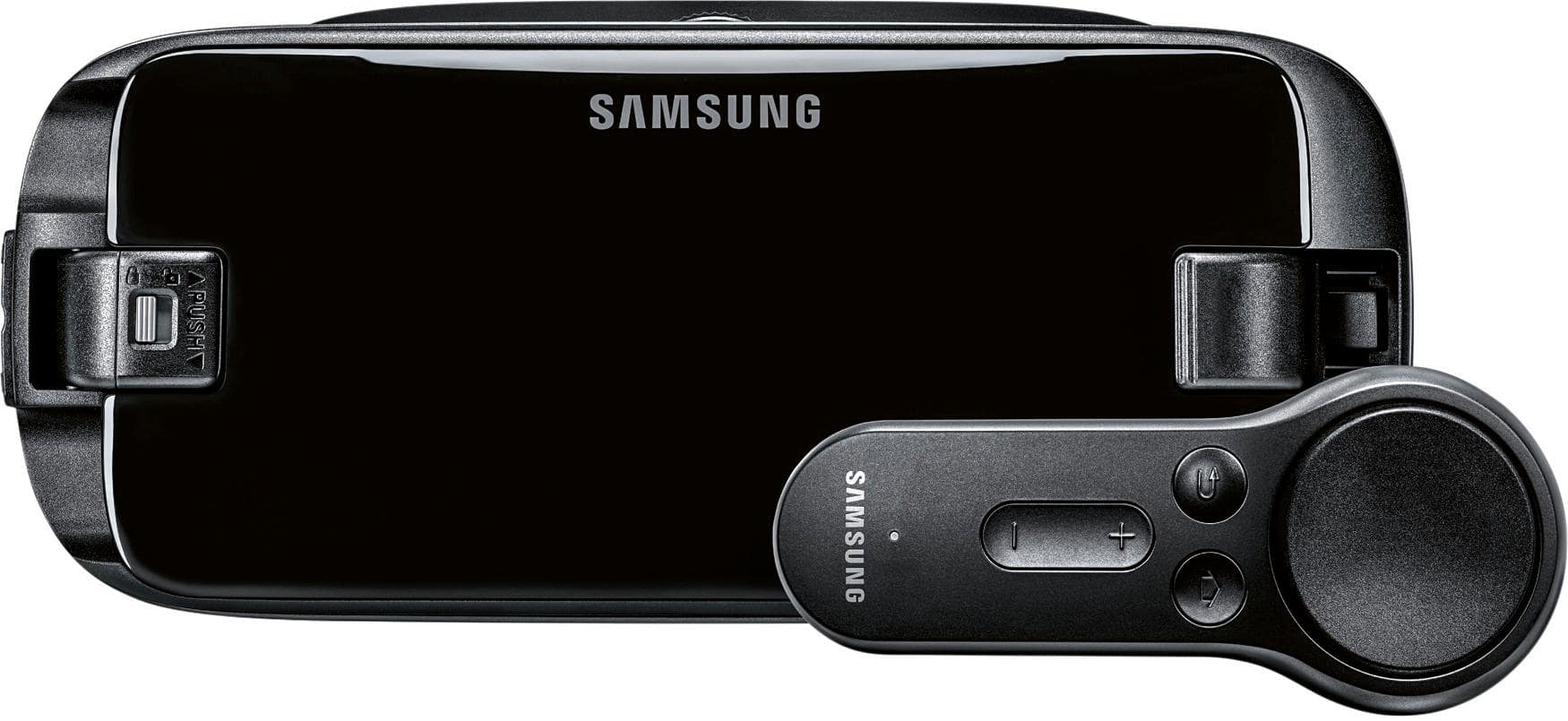
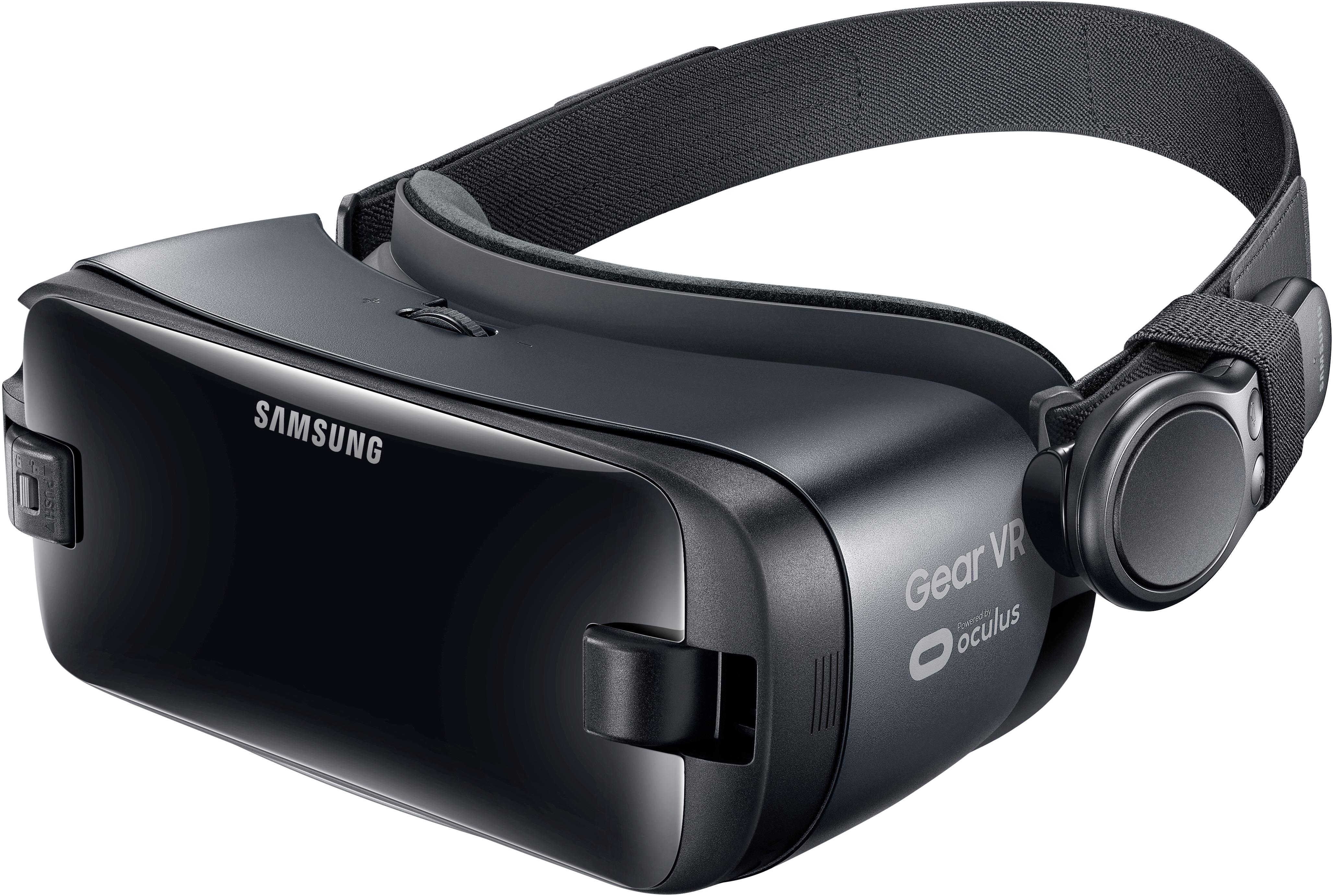
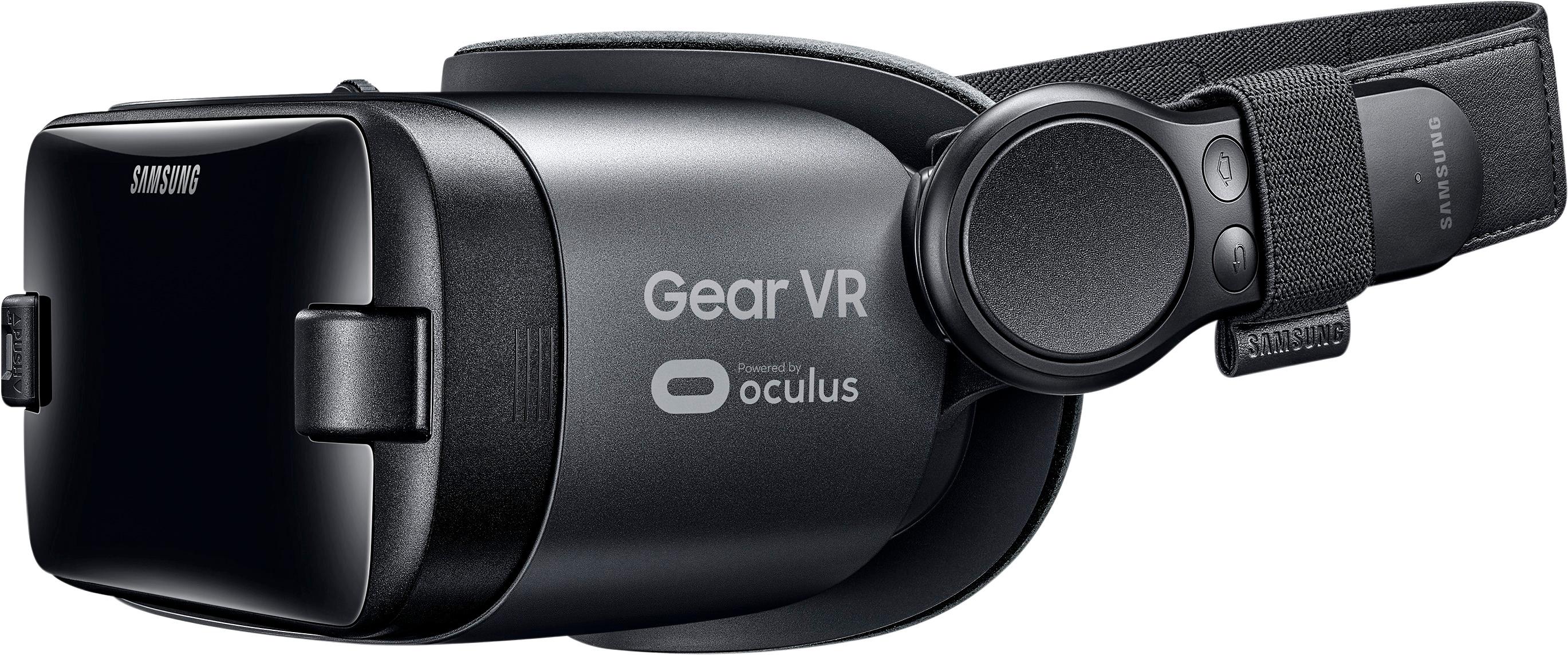
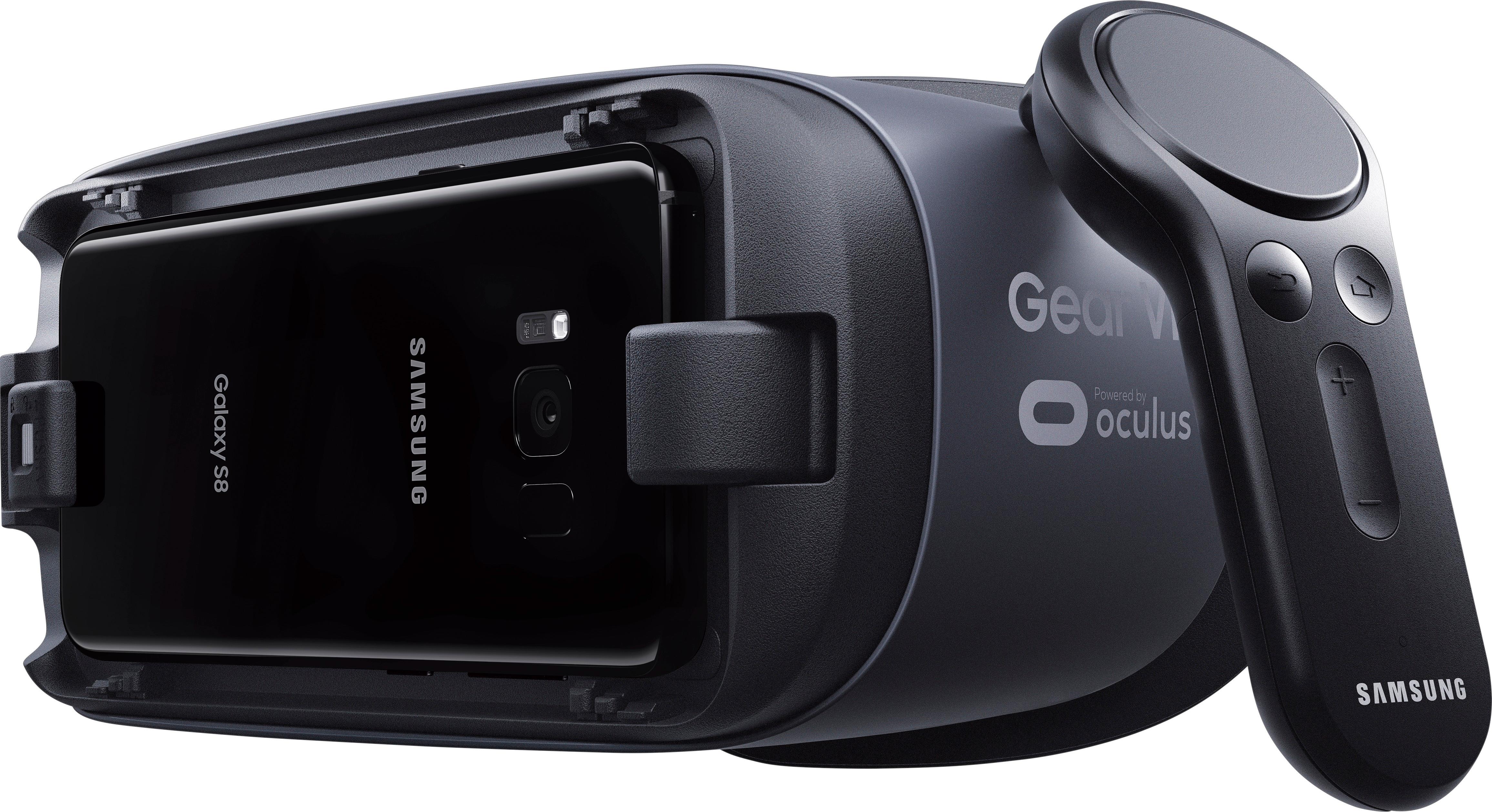
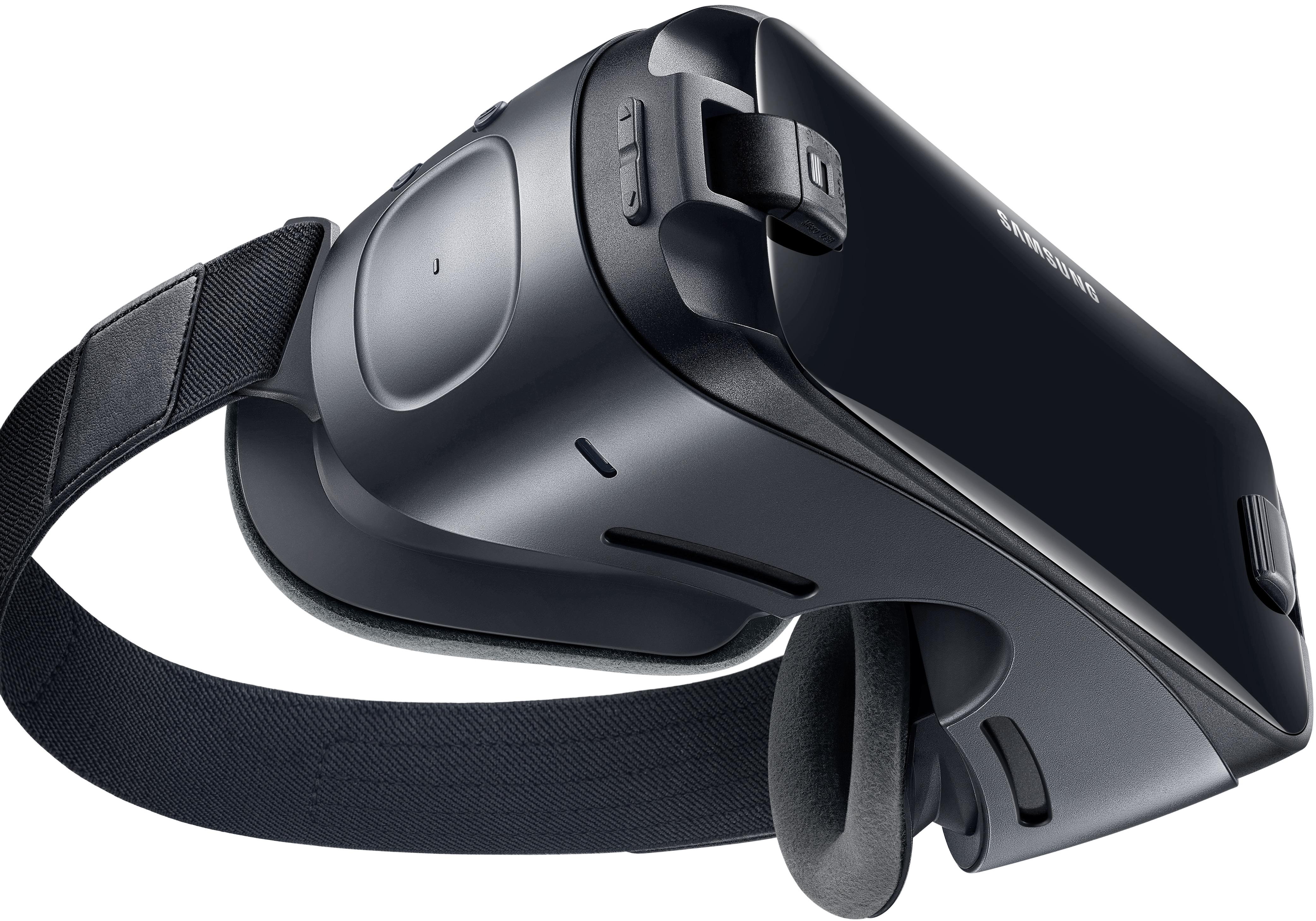
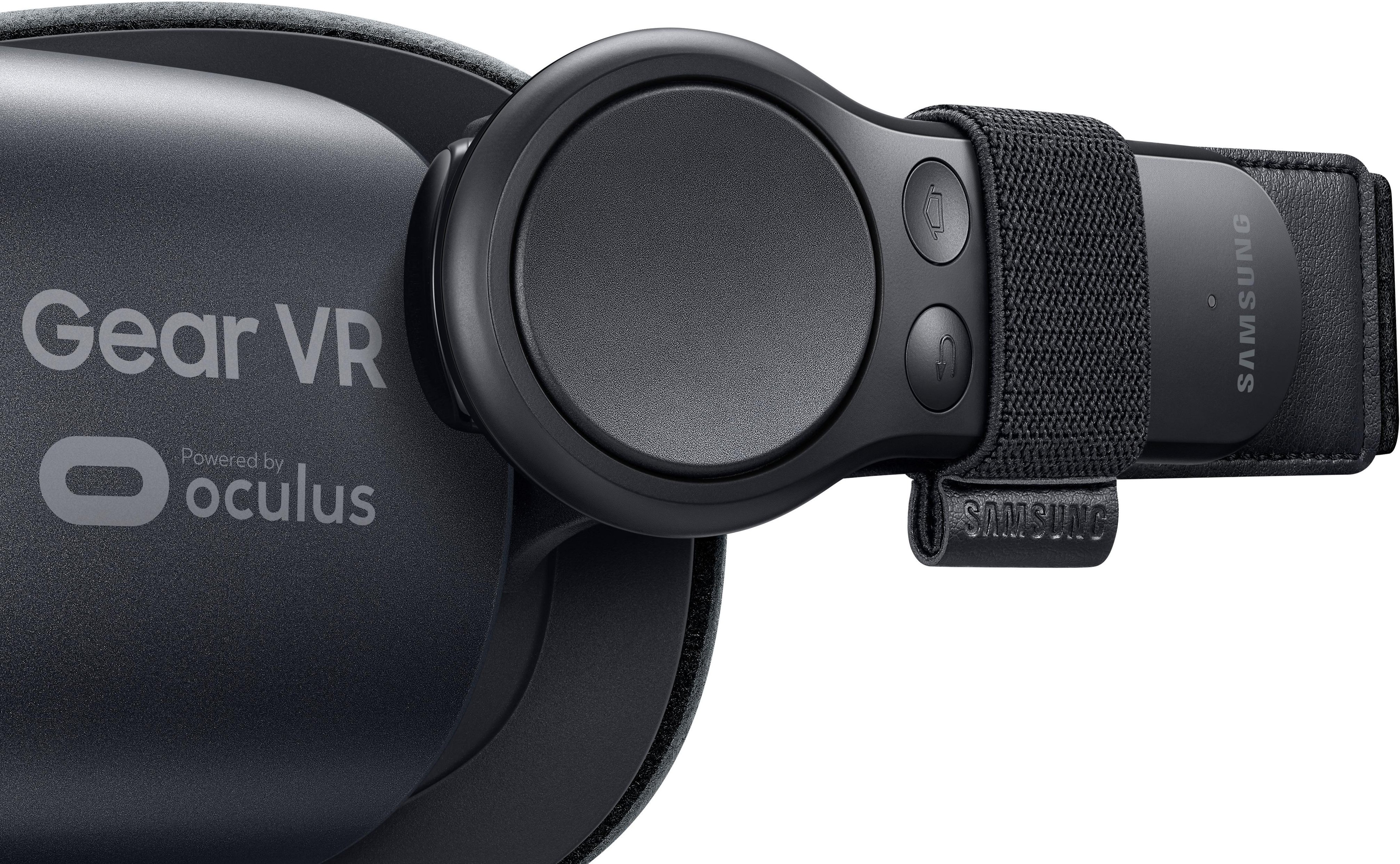
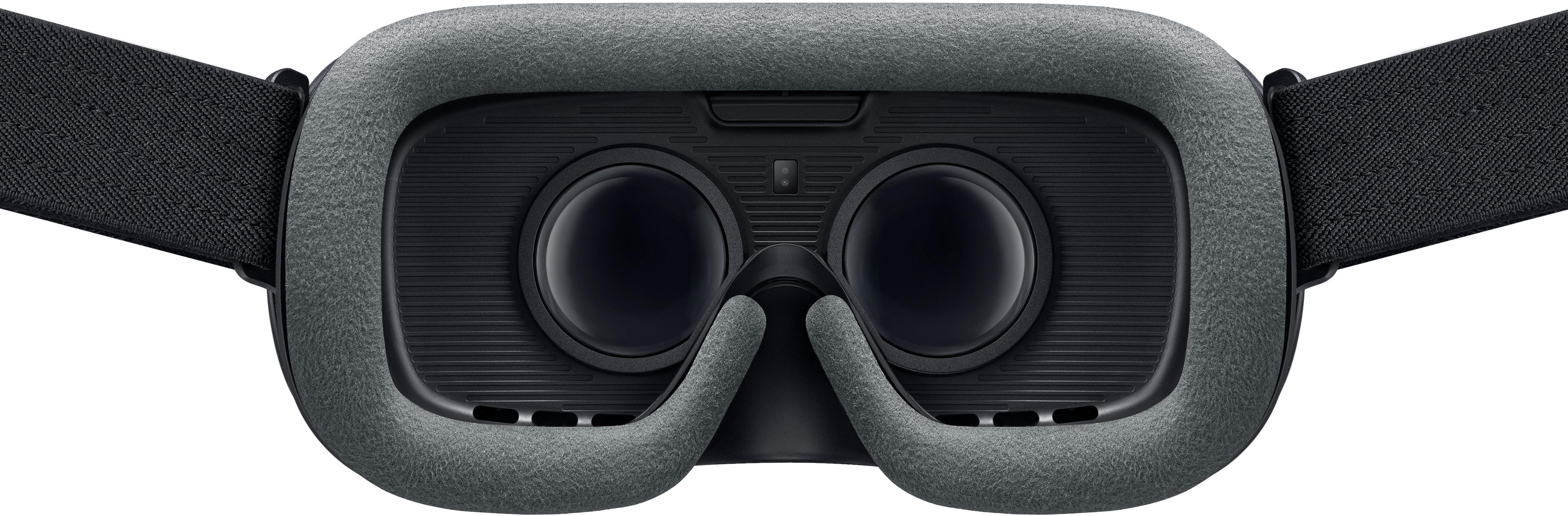
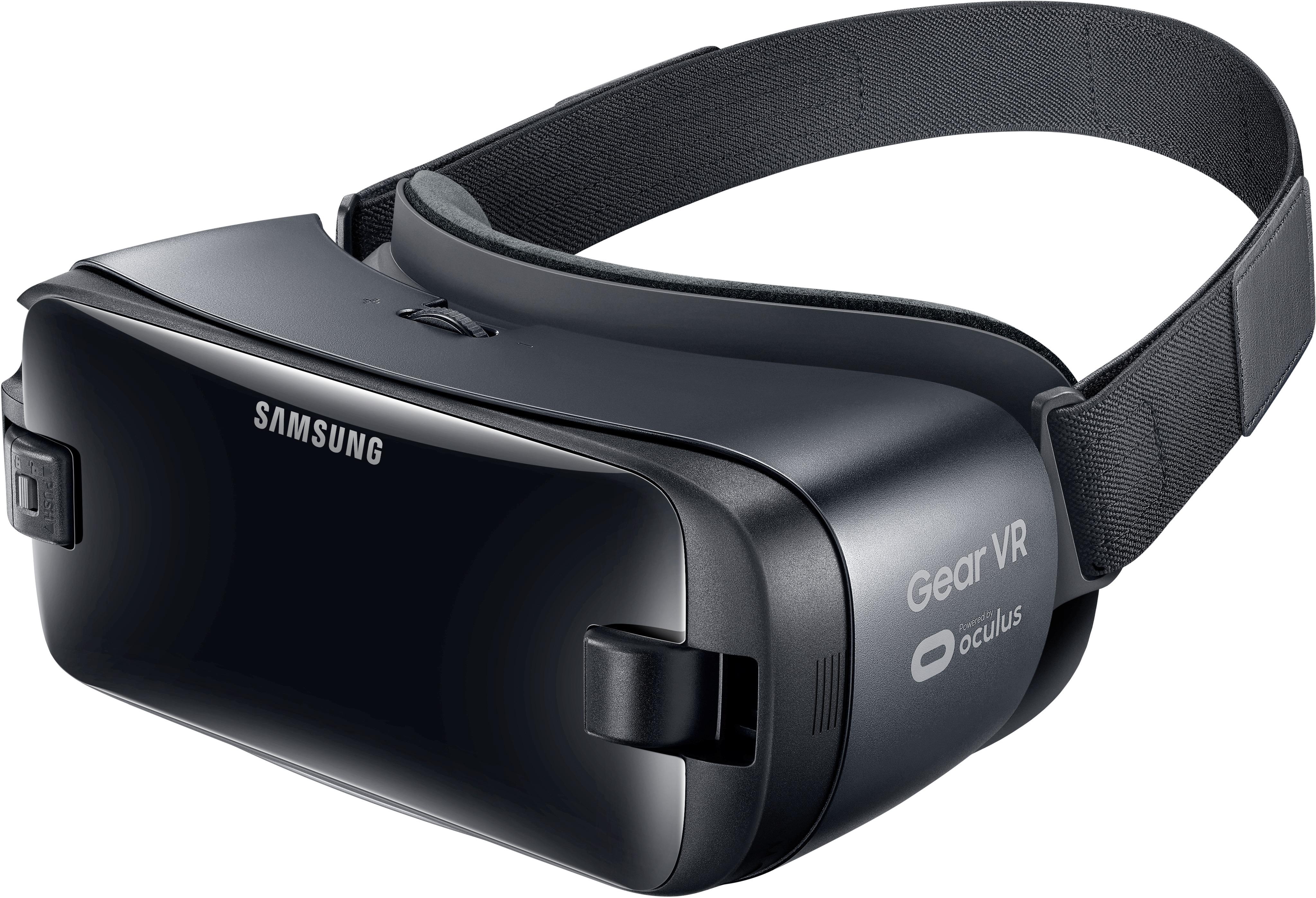
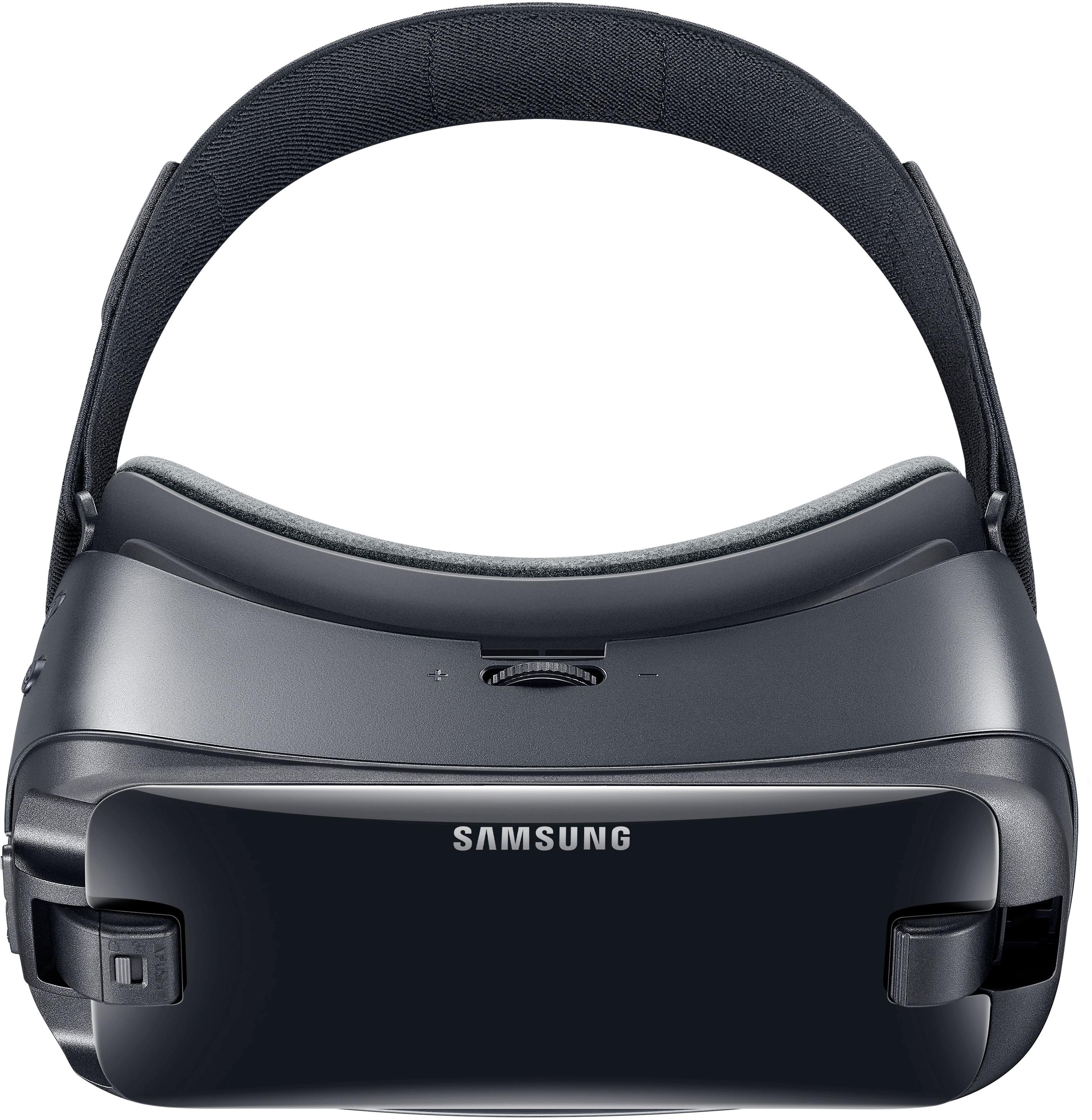
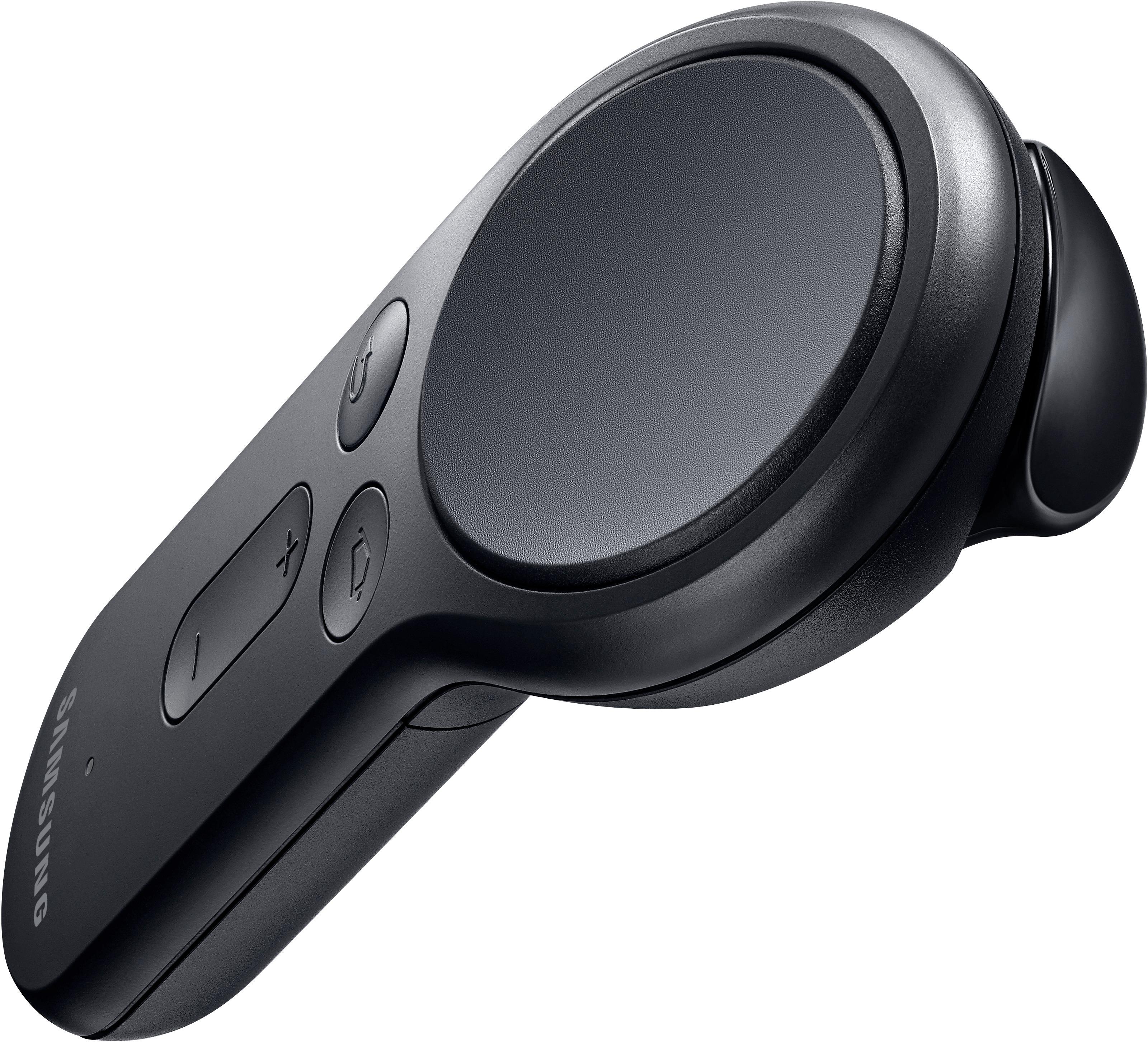
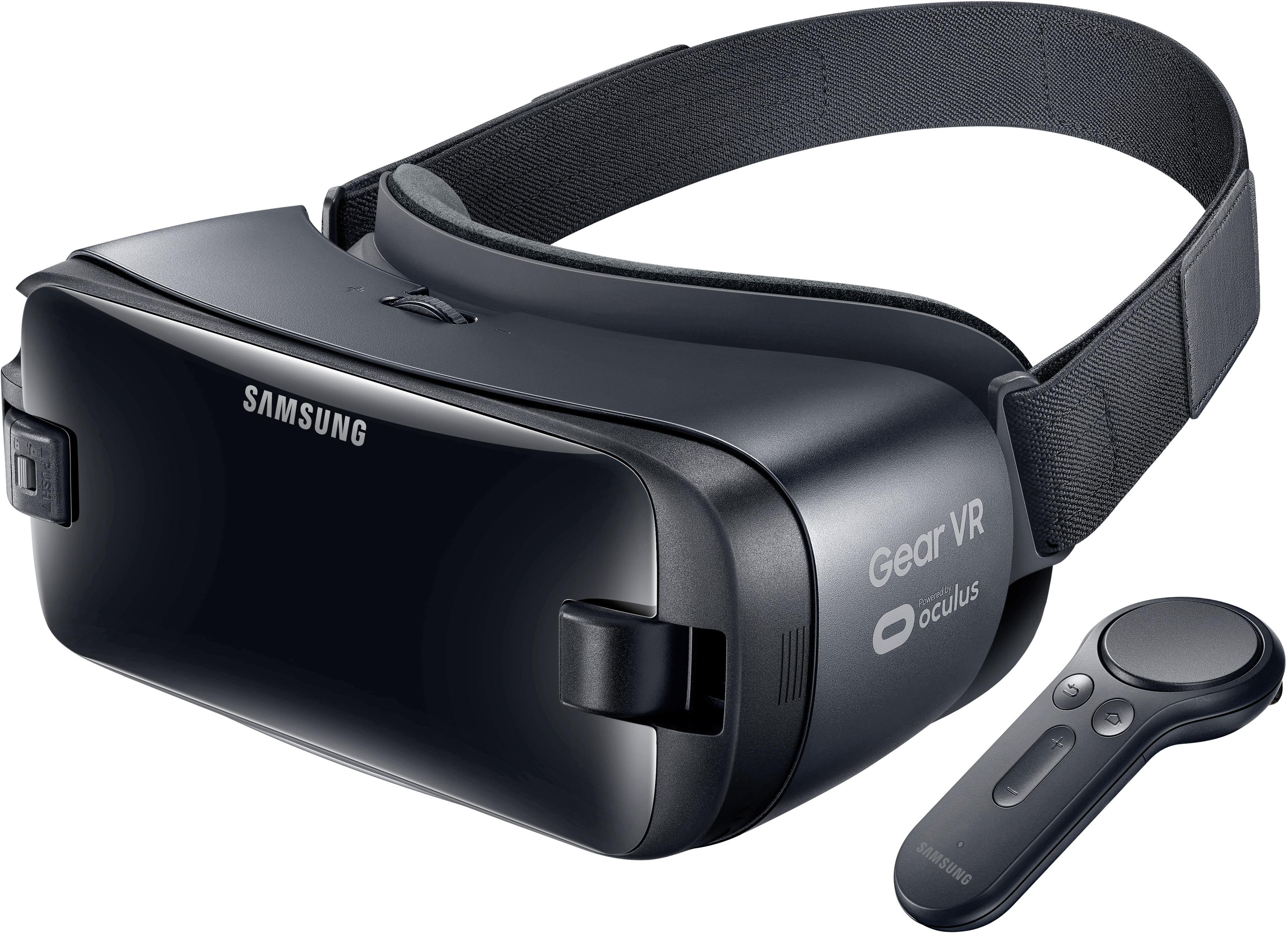
Posted .This reviewer received promo considerations or sweepstakes entry for writing a review.Samsung GearVR with Controller is the latest duo of VR headset that uses the mobile technology to garner you access to the world of VR. How does this compared to the tethered counterparts like Oculus Rift or HTC Vive? There are split reactions, mine will be solely on the GearVR uses and GTK (good-to-know) Tid-Bits since other review focuses on the technical and comparable specifications. WHAT TO EXPECT: The streamlined packaging allows you direct access to the GearVR headset and the Controller (requires (2) AAA batteries). The Controller will need to be paired via Bluetooth to your headset (more on this later). Instructions are simple and the GearVR headset is available for use right out of the box because there is no 'charging' involved. The battery source is from the mobile itself so make sure your phone is well-charged. It may be good to mention this GearVR headset works only with Samsung (hence, it's a Samsung GearVR). I've used it with Samsung S7 Edge and the S8+. BOTH of the phones will require you to download the Oculus APP to use. Once you remove the plastic 'cover' from the front part of the GearVR, you will notice the phone port on the right side and a 'spring clasp' mechanism on the left. With the S7 Edge, you will need to use a microUSB attachment (which, by the way, is included in the package - AWESOME). Out of the box, the GearVR headset already has the USB Type-C port attachment (good for Samsung S8+) so changing the attachment out is a bit tricky but once you get it, it's pretty logical. The 'spring clasp' on the left side of the GearVR is adjustable to fit both the S7 Edge and the S8+ snuggly. From the other reviews, it looks like there will be no issues using with Note8 or the S8; but it looks like the GearVR will not work with J7. GTK #1: SIT. DOWN. PLEASE! Can't emphasize enough the danger in thinking you will 'walk' around in your VR. You can loose track of where you are standing, what's in front of you or underneath you. Last thing is for you to turn around only to hit a wall - and your nose, by the way, as it is the impact point of a side hit - so be sure to find a comfortable, 'safe' place to move your upper body around. Sofa seems to work the best, Beds... well, you can easily roll off so a word of caution on that! HEADSET: Black, solid quality plastic-body with two head strap adjustments and it makes a LOT of sense to have the one going above your head for support to carry off the weight of the mobile phone, Pretty comfortable, especially around the eyes where the padding snuggly fits to block out the ambient light. It can feel a bit front-heavy due to the mobile so be aware of you dropping your head down as it may happen faster. GTK #2: If you are generally a 'Hot' person - well, you can define that whichever way you'd like but we're talking about body temperature in this instance - your GearVR may 'fog' as it does retain heat. You can wipe down but the best solution so far seems to be to have a portable fan near by blowing on your face. This is actually for you to cool down so if there are other ways, do that as it does become a nuisance if you're in a VR Chat and people can all hear the rotating fan sound. Tid-Bit: One thing to look out for is the temperature from the Phone can also be alarming as it can get quite 'Hot' to touch but it seems to depend particular Oculus Apps. For example, the temperature may be higher if you're playing a rollercoaster game vs. a chat or Facebook360. No worries, though - the Samsung mobiles have a temperature gage so rest assured it will not become dangerously overheated. CONTROLLER: You do need to PAIR this via Bluetooth before it can be used and this may take several seconds, depending on the phone. There is also a 'touchpad' function available on the right temple area of the GearVR that is useful, especially if you don't have a Controller (or lost contact with it, which does happen!). All functions available on the Controller can be accessible in this manner as well. The Controller set-up is pretty simple, follow the instruction BEFORE you put your GearVR on. GTK #3: The Controller can disconnect unexpectedly from the mobile phone, which can disrupt whatever you are doing. In most cases, you would need to re-PAIR it via Bluetooth - notification seems to pop up that the Controller is available and you can use also the 'Home' button to reset the Bluetooth. However, if the Controller seem to 'loose control' (the pointer vibrates on screen or does not seem to point in the right place), one of two things can be done: If it doesn't seem to point in the right place, press the 'Home' button until you see the spinning Controller on your screen - keep it steady - and it will reset the pointer center. If the pointer seem to skip from here to there, it actually may be your BATTERY (it does seem to run out sooner than later!) CHARGING: There is a review that says you can 'charge' your phone while you use the GearVR. Actually, there is a port available on the right lower side of the GearVR; however, this port is so that you can connect your headset to the USB Type-C port (provided in the package) SO that it does not use your phone's battery. It does NOT charge your phone. SOUND: You can hear sounds without a headset but in certain places - like VR Chats - you are required to have a headset. You can use BOTH the wired and wireless - the wireless headset must be also paired via Bluetooth (yes, possible to have both the wireless headset and the Controller connected at the same time!). VISION: OK, the first few times you use the GearVR set, you will notice some changes to your vision. There is a rotary wheel on the front part of the GearVR that adjust the depth and clarity of your vision within VR. If you use glasses, it may be a good idea to use the GearVR without your glasses (yes it is possible to adjust your vision this way!). Same goes for the contact lens users. For those with 20/20 or better, lucky you! At first few times you may feel dizzy and even nauseous. Also your vision may feel dimmed after removing your GearVR. Brightness can be adjusted in the settings function within GearVR. It's NOT a good idea to have the brightness on full high as it will affect your eyes. GTK #4: SERIOUSLY consider NOT eating right before the GearVR experience especially if you're going to 'ride' the rollercoaster. It's trippy how your mind actually will make you feel like you're spinning, hence your body will feel nauseous!). MOBILE USAGE: YES, it will eat up your battery. YES, you can see notifications as you're using your GearVR. YES, you can actually use your phones if you have the correct App. There are many things you can explorer with the Samsung GearVR + your Samsung Mobile phone, however you do need to download the right Apps. Samsung has this pre-programmed to help you download - one of two you will definitely is Oculus and the SamsungVR. All other Apps you can download using those two to start. IMPROVEMENTS: Samsung GearVR is a Mobile-based VR system so unlike the tethered kind like Oculus Rift or HTC Vive, it has its limitations. For example, the graphics is not as crystal clear as the tethered kind - this may also be because you have a screen protector that is not 'clear' so keep that in mind. Some of the colors available may not translate into the MobileVR so you may not get the full color experience in some of the VR Apps. Also for GearVR, there is not peripherals available from Samsung yet, like the hand tracking movement. The Controller can give you SOME functions but you won't have the full hands-on experience. Hopefully as the VR world is popularizing, they are developing this option soon! There you have it! As more usage and experience comes with the GearVR, there may be more GTK or Tid-Bits to add to the review. This is based on first-hand experience using the GearVR for about 6 week weeks.
I would recommend this to a friend Rated 5 out of 5 stars
The best VR
||Posted .This reviewer received promo considerations or sweepstakes entry for writing a review.It's amazing, the quality and the control is so comfortable. The view is amazing in the games, movies etc.
I would recommend this to a friend- Cons mentioned:Battery life, Phone temperature
Rated 5 out of 5 stars
Incredible
||Posted .This reviewer received promo considerations or sweepstakes entry for writing a review.We thoroughly enjoy the headset. It is well made and fits my S8 phone and all of the heads in our family properly. The touchpad and buttons on the headset respond quickly, as well as, the hand controller. Not all of the apps support the hand controller, but that isn't too big of a deal. It took a long time to download the apps and necessary files for the apps. Using the headset requires a lot of power, so the phone will need to have a good charge before starting a session. Plus the phone will be very warm when you are on it for more than 20 minutes, or so.
I would recommend this to a friend - Pros mentioned:Vr
Rated 4 out of 5 stars
Great VR
||Posted .This reviewer received promo considerations or sweepstakes entry for writing a review.When I had my Note 4, my husband bought me a generic pair of VR glasses because they didn't have anything for my Note 4 as the phone had become obsolete in a sense. I have a new phone now and I bought the VR glasses to use. I love them. It is so cool to be immersed into the world of VR. This is the best experience I have ever had. The only thing that I don't like about it is that you can't keep them on for a long time as you start to become dizzy and your eyes and head become heavy.
I would recommend this to a friend - Pros mentioned:Price
Rated 4 out of 5 stars
Fun toy
||Posted .This reviewer received promo considerations or sweepstakes entry for writing a review.More of a toy to entertain but still fun. Take a lot of set-up with different apps to really get it useful
No, I would not recommend this to a friend - Pros mentioned:Ease of use
Rated 5 out of 5 stars
Easy, accessible and FUN VR
||Posted .This reviewer received promo considerations or sweepstakes entry for writing a review.I ignored this product for several months after I purchased my S8 because I had already tried generic VR on an android device and found it annoying pulling my phone in and out of the headset all the time to switch from app to app. Gear VR solved that by offering a great immersive interface where you can do and access everything. The set up is quick and easy too. You just snap the phone in and it automatically opens your VR Home control room. These are the two things that will make it more likely for you to go back and use VR more often. Samsung's hardware design makes getting into the interface immediate and gives you easy access to everything you need. Although it isn't quite comparable to a full, computer tethered VR system like Rift or Vive, it is a highly enjoyable and easily accessible VR option. If you own a Samsung phone, you should own this. Your phone is capable of some really awesome things, and this unlocks much of its potential. This is a VR experience I will use frequently, due much to ease of use and a great interface.
I would recommend this to a friend Rated 4 out of 5 stars
Pretty Happy Overall
||Posted .This reviewer received promo considerations or sweepstakes entry for writing a review.Pretty happy overall, picture quality and app(s) responsiveness is generally good but can be a little "jumpy" sometimes - maybe more app dependent/coding dependent moreso that the phone (running here on an s8+) so I have found, sometimes not as smooth or seamless as I would like but again I think this is app dependent. But, this is an evolving technology. There is a 3D app for anatomy that is quite good and this has been a neat teaching tool. One "roller coaster" app in particular has also been a hit with the family. So, I have to give this 4 out of 5 stars for now and as I find new things the rating might go higher. Just about everyone here likes it. So, pleased with the purchase. Plus, I got it on sale - so, was good for us.
I would recommend this to a friend- Pros mentioned:Price, Vr
Rated 5 out of 5 stars
Best Bang for the Buck
||Posted .This reviewer received promo considerations or sweepstakes entry for writing a review.I don't have service with a Samsung Phone but I did want a VR experience and looking into some systems with computers I was looking at a few grand. I was weighing a couple of options and dismissed it. I found it in BestBuy one day purely by accident, The price was perfect. I used my brothers old Samsung S6 on wifi with no service, I was able to download the app and get set up right away. I cannot base it on whatever else is out there but I can tell you for a little more than a 100.00 you get a great introductory to VR. There are many VR games for free and some are small fees through PayPal, I highly Recommend .
I would recommend this to a friend - Pros mentioned:Price
Rated 5 out of 5 stars
Surprisingly Good
||Posted .This reviewer received promo considerations or sweepstakes entry for writing a review.Compared to Oculus Rift and HTC Vive, the price is shockingly low, yet I feel that the Gear VR is equally capable. I used the Galaxy S8, so I did have the highest processing power available, but even still, the product is definitely worth the price.
I would recommend this to a friend - Pros mentioned:Controller, Vr
Rated 5 out of 5 stars
So much fun!
||Posted .This reviewer received promo considerations or sweepstakes entry for writing a review.I bought this when I bought my new phone(S8). I had the gear for the S6 but was unable to play it as it always overheated. This headset is pretty similar to the other one as it's your phone that does all the work. Only thing is, is that the S8 will NOT work on the older gears, but this gear comes with an adapter so you can use the S6, and S7 with it. Worth the money if your into vr and don't have the money or a super cpu for the higher end models! The controller in my eyes is a must. It really adds to the feel of the games and make navigating real easy.
I would recommend this to a friend Rated 5 out of 5 stars
This is the best version of the Gear VR yet
||Posted .This reviewer received promo considerations or sweepstakes entry for writing a review.I have had all the versions of the Gear VR. This one is perfect. The older versions I had tons of issues with fogging on the lens, this doesnt have it. I also hated not having a remote / controller. So the addition of that remote is perfect. One concern I had was all the press photos I saw it didnt have the strap that went across the top of your head. I was really upset that strap was removed since that has to do with the weight resting on your head. Well I gambled and bought it anyway. Well even though that strap is not shown in the photos or most press things it is included.
I would recommend this to a friend- Cons mentioned:Battery life
Rated 5 out of 5 stars
Great VR for a beginner
||Posted .This reviewer received promo considerations or sweepstakes entry for writing a review.Awesome. Just wish it didn't drain the battery so much. I actually think there's a way to charge the device itself so that it doesn't pull so much power from the phone but I just haven't gotten the hang of that yet.
I would recommend this to a friend - Pros mentioned:Vr
Rated 4 out of 5 stars
Good product and price
||Posted .This reviewer received promo considerations or sweepstakes entry for writing a review.The Samsung Gear VR is an amazing experience. Must have for Samsung Galaxy S8+
I would recommend this to a friend - Cons mentioned:Heat
Rated 4 out of 5 stars
VR
||Posted .This reviewer received promo considerations or sweepstakes entry for writing a review.I have not fully used this device to its capabilities. It does make your face hot while wearing. But over all good experience.
I would recommend this to a friend Rated 5 out of 5 stars
Best invention ever
||Posted .This reviewer received promo considerations or sweepstakes entry for writing a review.This is a family friendly game. It's worth the money. I don't know who likes it better my kids or me. I have both first and second gen. I would pick 2 gen. Love the remote
I would recommend this to a friend- Pros mentioned:CompatibilityCons mentioned:Battery life
Rated 4 out of 5 stars
It is a little too expensive for what it does.
||Posted . Owned for more than 2 years when reviewed.This reviewer received promo considerations or sweepstakes entry for writing a review.Works well with galaxy S7, S8, S9 and S10. I could enjoy VR movie and view all other VR content without a long wire from a PC. But the picture quality is not as good and the phone becomes really warm. VR contain may drain your battery very fast.
I would recommend this to a friend - Cons mentioned:Battery life
Rated 4 out of 5 stars
Fun, but phone gets hot
||Posted .This reviewer received promo considerations or sweepstakes entry for writing a review.I used this with S7 edge. Phone got too hot every time and had to shut down.
I would recommend this to a friend - Pros mentioned:Price
Rated 5 out of 5 stars
Great VR system
||Posted .This reviewer received promo considerations or sweepstakes entry for writing a review.I had a less expensive system that broke so I invested more money and this pair is so much better for the money !
I would recommend this to a friend - Pros mentioned:Vr
Rated 5 out of 5 stars
Gift for my daughter
||Posted .This reviewer received promo considerations or sweepstakes entry for writing a review.Christmas gift for my daughter, so we haven’t opened it yet, but one of her friends have one and it’s Awesome!
I would recommend this to a friend - Pros mentioned:Ease of use
Rated 5 out of 5 stars
Easy to use
||Posted .This reviewer received promo considerations or sweepstakes entry for writing a review.This was super easy to use strait from the box and once you download the app to your phone!
I would recommend this to a friend