Customer Ratings & Reviews
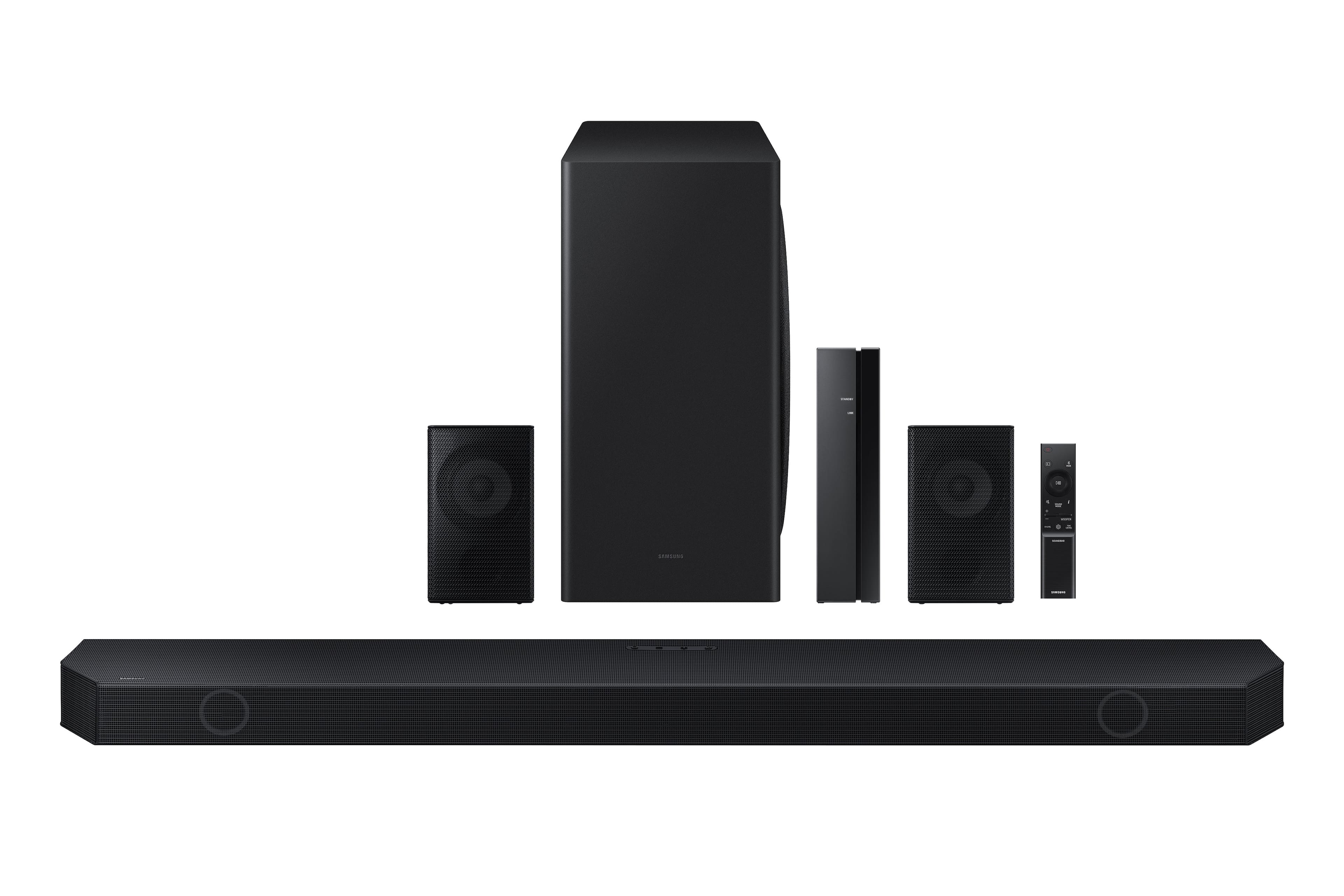
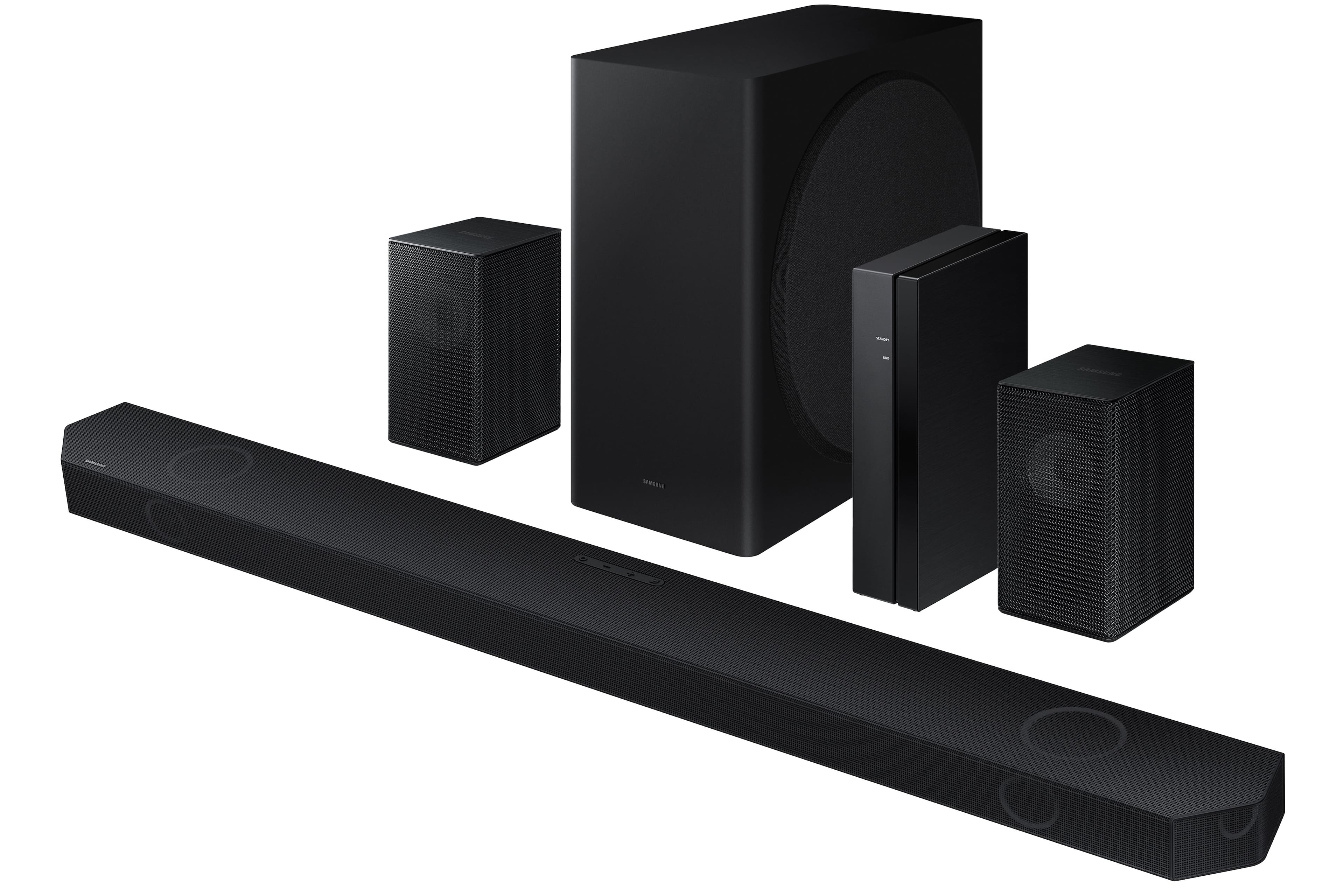
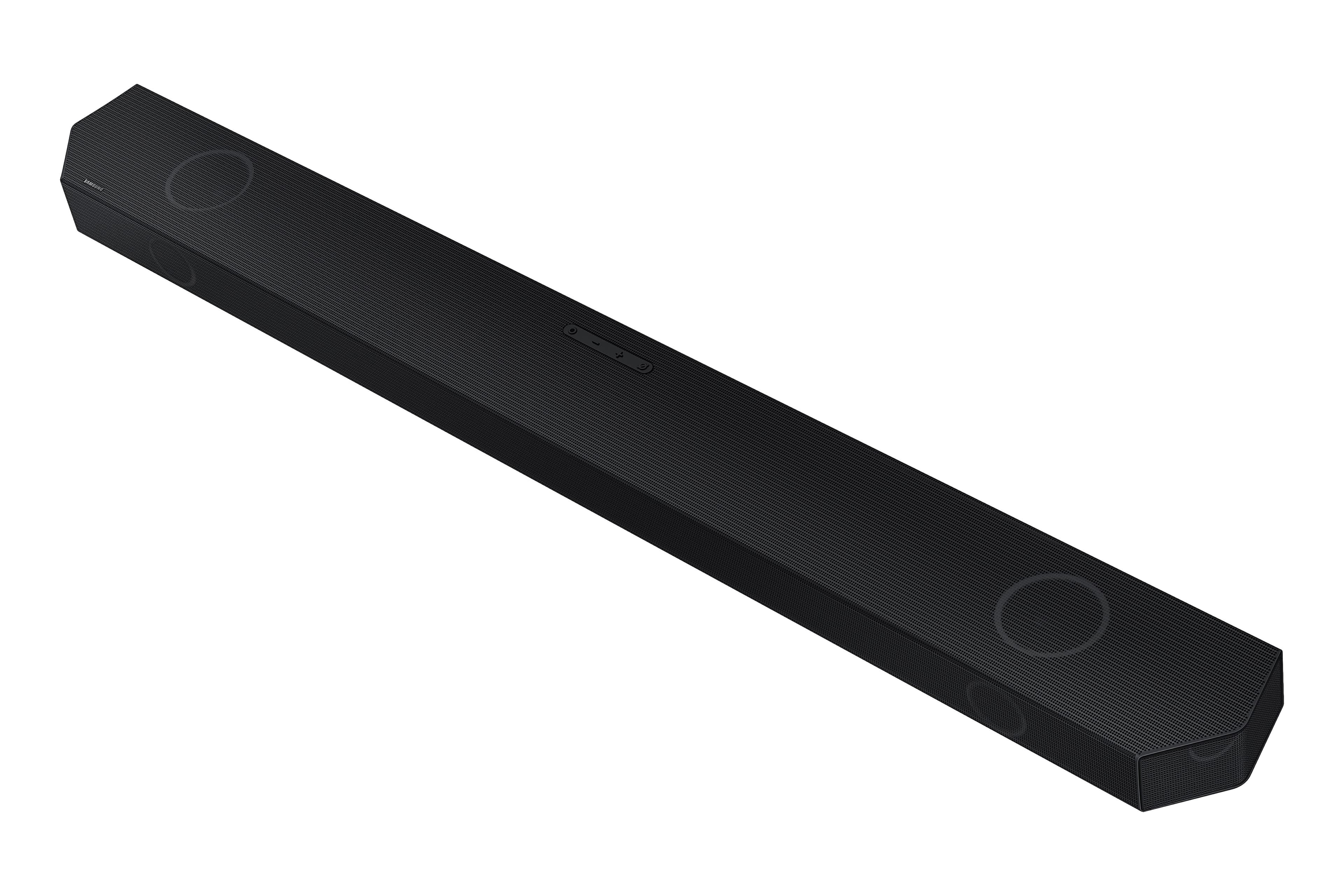
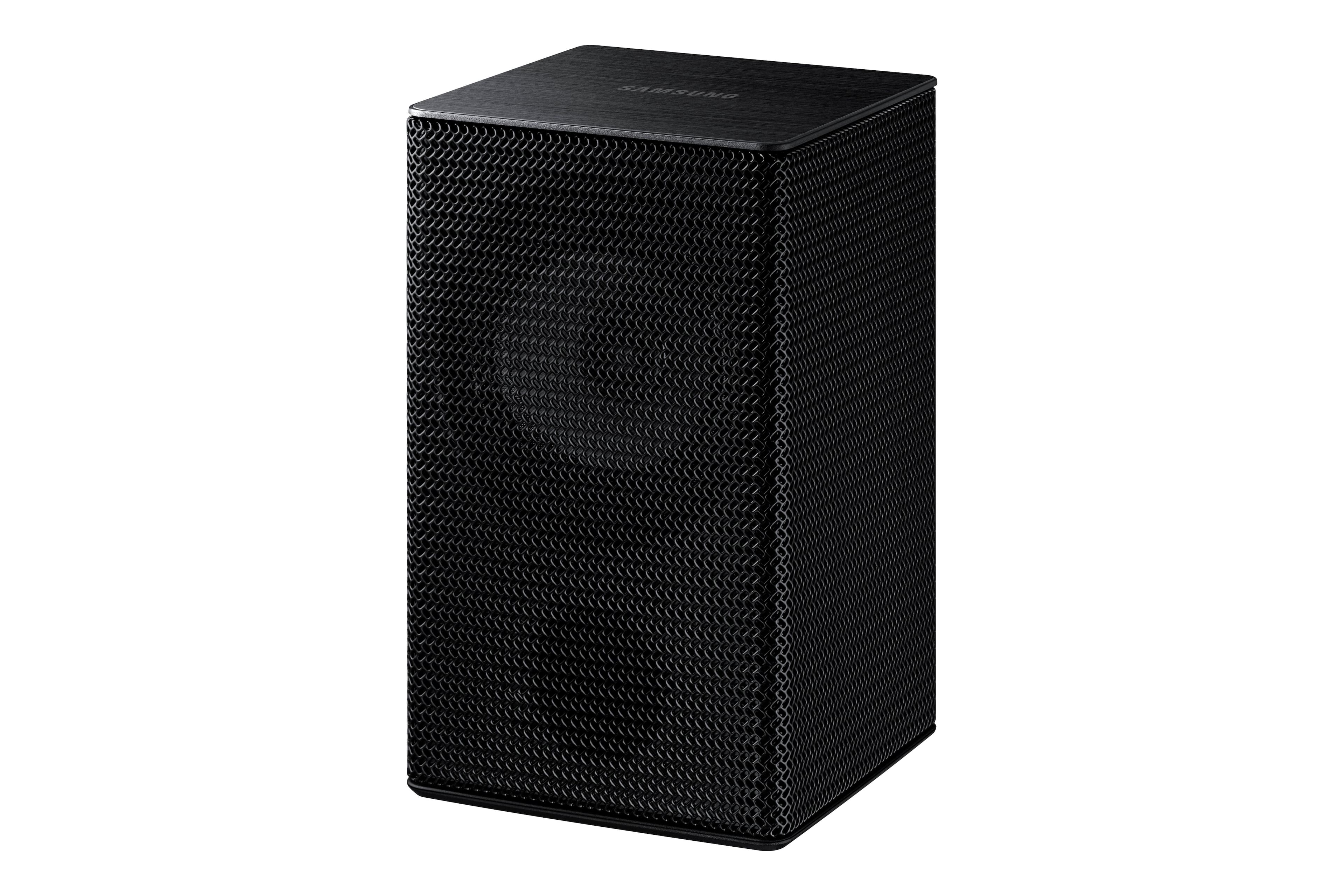
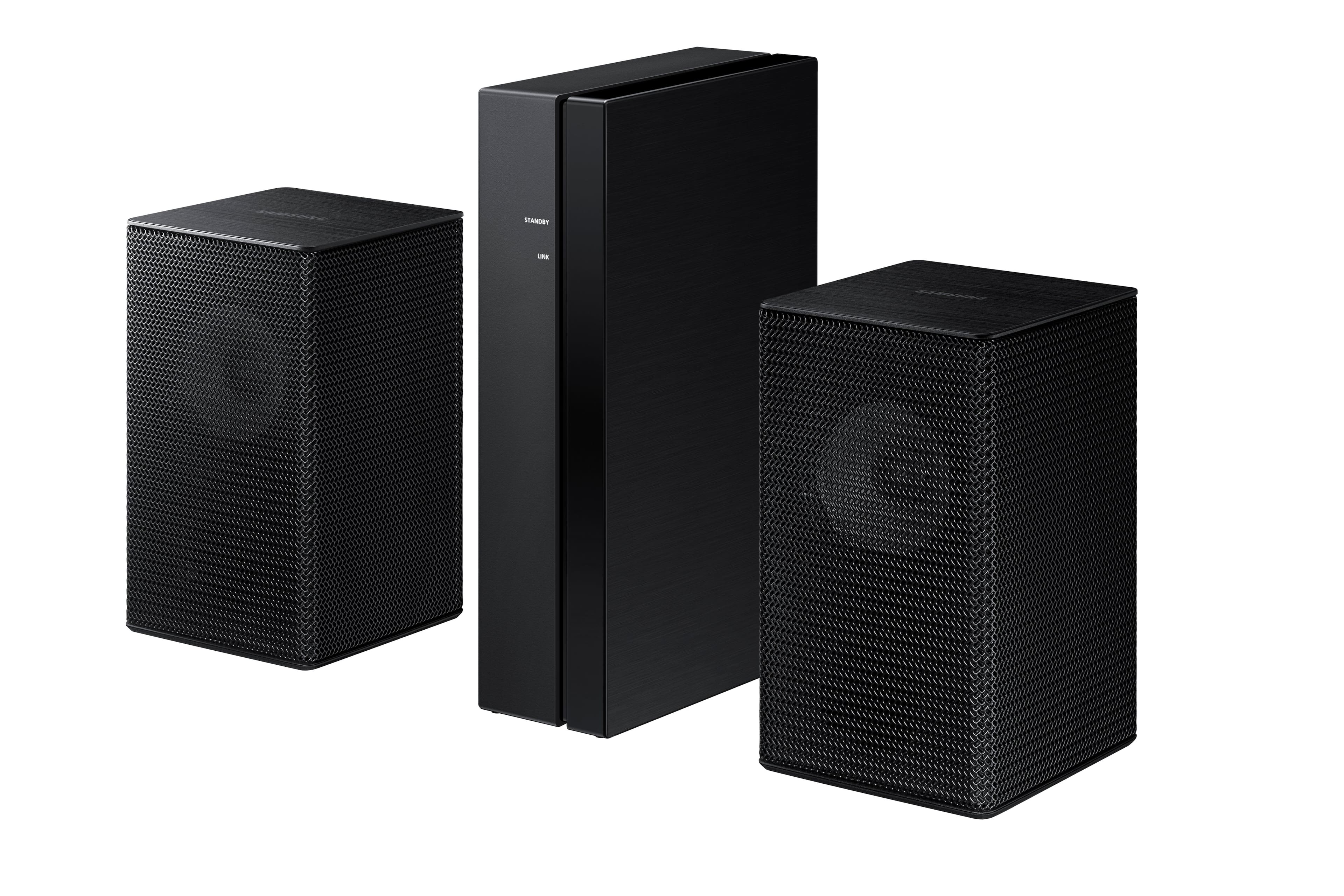
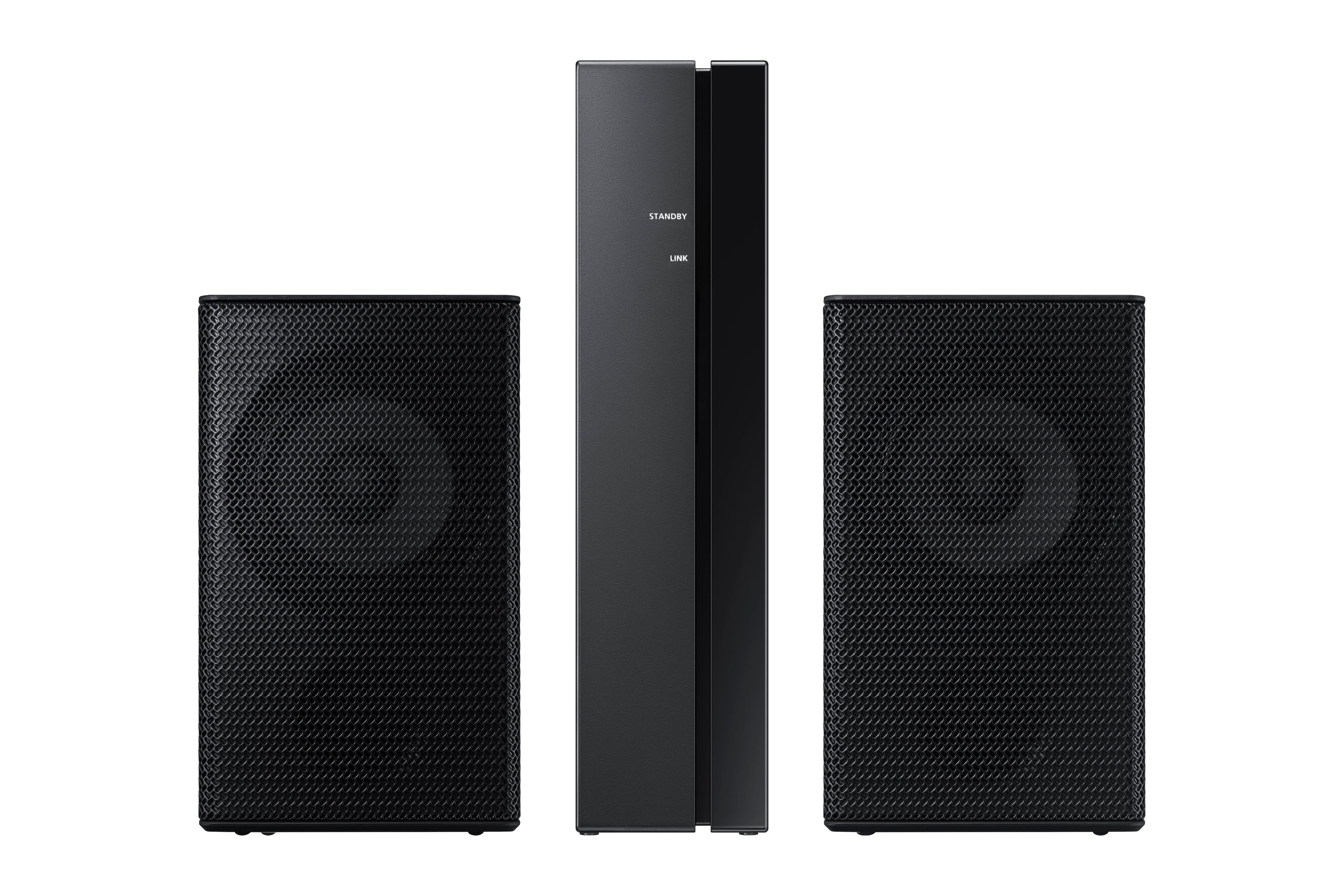


- Model:
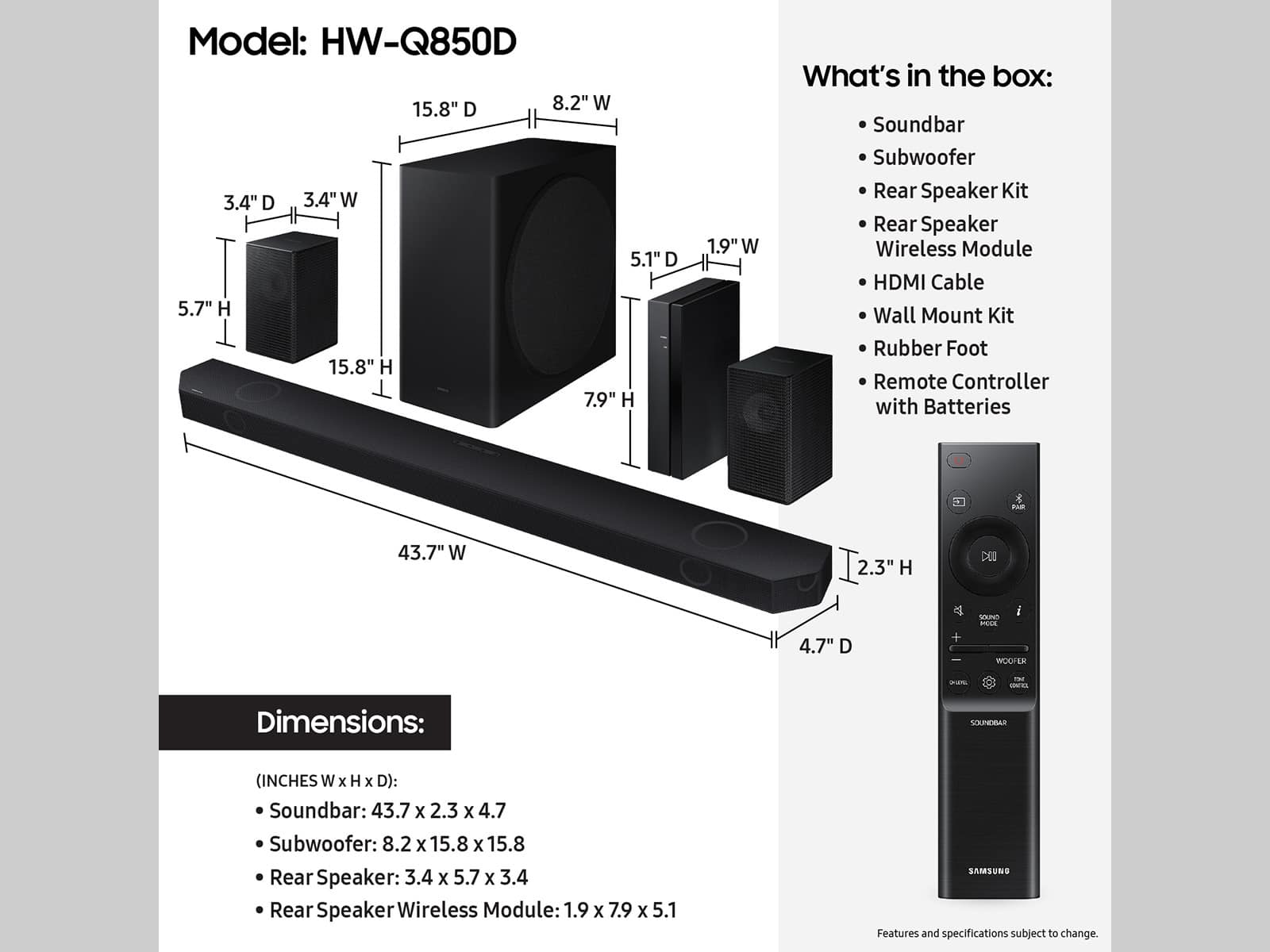
- HW-Q850D
- SKU:
- 10362544
Rating by feature
- Value
Rating 4.4 out of 5 stars
- Quality
Rating 4.5 out of 5 stars
- Ease of Use
Rating 4.4 out of 5 stars
Pound for pound best Samsung soundbar
||Posted . Owned for 1 week when reviewed.This reviewer received promo considerations or sweepstakes entry for writing a review.Great soundbar for the price, especially if you pair it with a compatible Samsung TV. I'm using mine with the S90D, and the movie watching and gaming experience is incredible. What I like most about it is how powerful the subwoofer is and that the surround speakers aren't distracting when watching normal content like TV.
I would recommend this to a friendSound Bar
||Posted . Owned for 6 months when reviewed.This reviewer received promo considerations or sweepstakes entry for writing a review.It is working great. We had to call the hotline at first to get it setup. It gives good sound.
I would recommend this to a friendGreat
||Posted . Owned for 1 week when reviewed.This reviewer received promo considerations or sweepstakes entry for writing a review.It was easy to connect and the sound quality is absolutely great. I got a great price for the subwoofer plus surround speakers
I would recommend this to a friendAmazing syncing and sound
||Posted . Owned for 3 weeks when reviewed.This reviewer received promo considerations or sweepstakes entry for writing a review.Great sound and easy lookup and great sound.not bulky and easyto use.
I would recommend this to a friendSet up is pretty easy
||Posted .This reviewer received promo considerations or sweepstakes entry for writing a review.Love this. Some people had issues with setting it up, but for me it was quick and easy! The set up instructions that come with the system are not great, but going online and downloading the manual worked out great. Talks to my tv (Samsumg) and 4K Blue Ray player (Sony) with no issues. I absolutely love this sytem. It's perfect for my cozy living room.
I would recommend this to a friendSound bar was good
||Posted . Owned for 2 weeks when reviewed.This reviewer received promo considerations or sweepstakes entry for writing a review.Samsung sound bar with excellent sound, It was good
I would recommend this to a friendBetter than my LG
||Posted . Owned for 1 month when reviewed.This reviewer received promo considerations or sweepstakes entry for writing a review.I had a LG soundbar and just wasn't happy. I could never get the middle (voices) to be clear. This soundbar is leaps and bounds better than the LG I had. I like how iy incorporates my TV speakers as well. Very happy with this soundbar.
I would recommend this to a friendThe Bar
||Posted . Owned for 1 month when reviewed.This reviewer received promo considerations or sweepstakes entry for writing a review.Set up is fairly east. Directions are not clear on getting the bluetooth done. Great Sound. The sound bar and the Samsung TV are not always in synch. Have to adjust the connection almost every time I use it.
I would recommend this to a friendGood sound
||Posted . Owned for 2 weeks when reviewed.This reviewer received promo considerations or sweepstakes entry for writing a review.Quality cinematic sound easy to operate and the price is amazing
I would recommend this to a friendAwesome Sound!
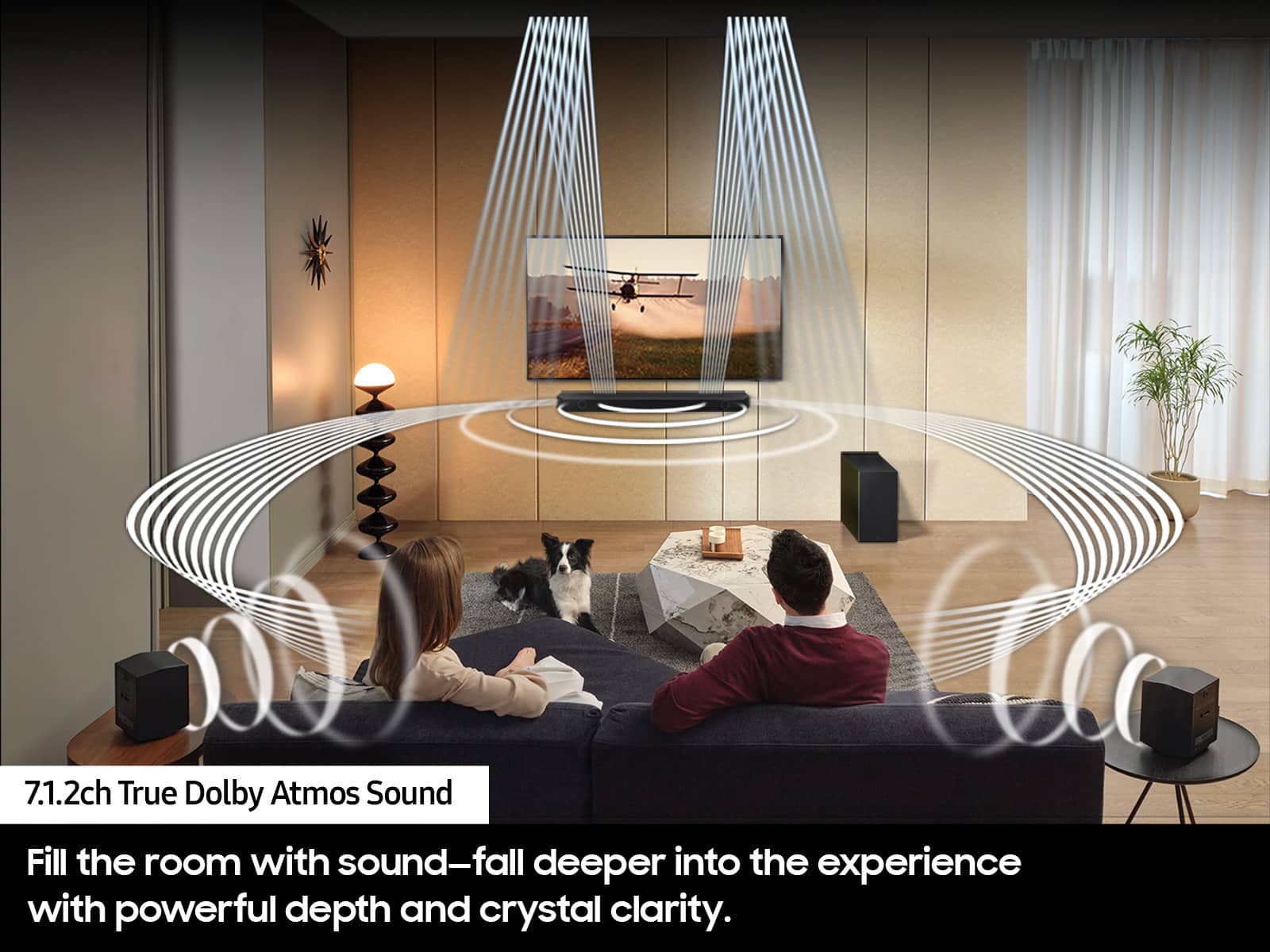
||Posted .This reviewer received promo considerations or sweepstakes entry for writing a review.Great sound especially with atmos, subwoofer seems quieter than expected. Wish it had the 9500s upfiring rears.
I would recommend this to a friendSound bar
||Posted . Owned for 3 weeks when reviewed.This reviewer received promo considerations or sweepstakes entry for writing a review.Easy to set up, great sound, and priced just right.
I would recommend this to a friendGreat apartment/bedroom set up
||Posted . Owned for 4 months when reviewed.This reviewer received promo considerations or sweepstakes entry for writing a review.Entry level for improving soundscape. There are far better home theater options but they get expensive. However I do love this in the bedroom for some basic atmos support and a drastic improvement over tv speakers. Does not compare to a proper 7.2.1 system or a 5.2.1 set up, even a basic 2.1 stereo set up with proper bookshelf’s/floor standing speakers blows this out of the water in terms of quality. Recommended as basic upgrade to tv speakers, would work great for an apartment or bedroom where noise was a concern. For proper enthusiasts- do research into a proper system with an AVR.
I would recommend this to a friendBrand response from Samsung
Posted .Hi StephenB,
We appreciate you taking a few moments to review Samsung's HW-Q850D Soundbar.
You can adjust the Treble and Bass by pressing the TONE CONTROL button then use the UP/DOWN buttons to change the levels between -6 to +6.
By pressing the CH LEVEL button, you can adjust the volume of the available channels. Each time you press the CH LEVEL button it will switch to a different channel such as Center, Front Top, or Rear Level. After selecting the channel you wish to adjust, use the UP/DOWN buttons on the provided Soundbar remote to adjust the volume between -6 to +6.
If you would like louder (or softer) bass from your subwoofer, you can adjust the level by rocking the WOOFER button on the soundbar remote, and then adjusting the level from -6 to +6. To set the subwoofer volume level to 0, press the button in.
With the sound mode set to Standard, press and hold the Sound Control button for about 5 seconds to adjust the sound for each frequency band for precise audio adjustments. 150Hz, 300Hz, 600Hz, 1.2kHz, 2.5kHz, 5kHz, and 10kHz are selectable using the Left/Right buttons and each can be adjusted to a setting between -6 to +6 using the Up/Down buttons.
If you need more help, Samsung is here for you. Please call us at 1-800-SAMSUNG, 8AM - 12AM EST (Ask for Soundbars), 7 days a week. Our Live Chat agents are also available by clicking on the ‘Support’ link on our website.
~ Samsung Solutions
Awesome sound for a great price!
||Posted . Owned for 2 weeks when reviewed.This reviewer received promo considerations or sweepstakes entry for writing a review.Sound is amazing for the price. The system fits nicely in my small living room and very easy to set up!
I would recommend this to a friendHW-Q850D Samsung Soundbar System
||Posted . Owned for 1 month when reviewed.This reviewer received promo considerations or sweepstakes entry for writing a review.This system works perfectly for my family room size and shape, which relatively narrow. The rear speakers are wired to a powered rear controller box that I was not expecting but it was an easy set up. I am very happy with the total sound quality and effects from the system.
I would recommend this to a friendGreat surround sound
||Posted . Owned for 1 week when reviewed.This reviewer received promo considerations or sweepstakes entry for writing a review.Excellent surround sound, can adjust the speakers to be more rear biased just with the sub gave a little more bass
I would recommend this to a friendGreat choice for my living room.
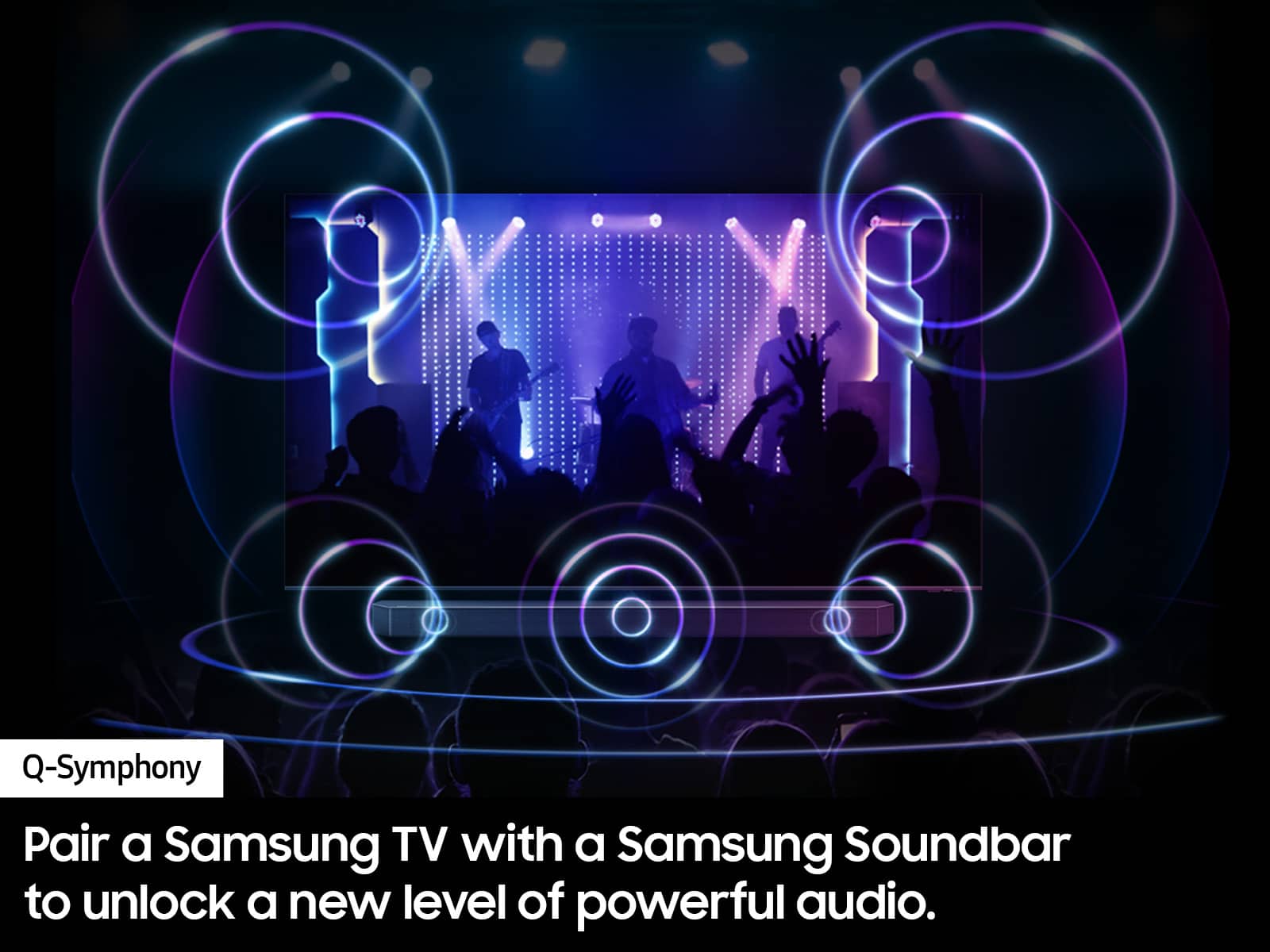
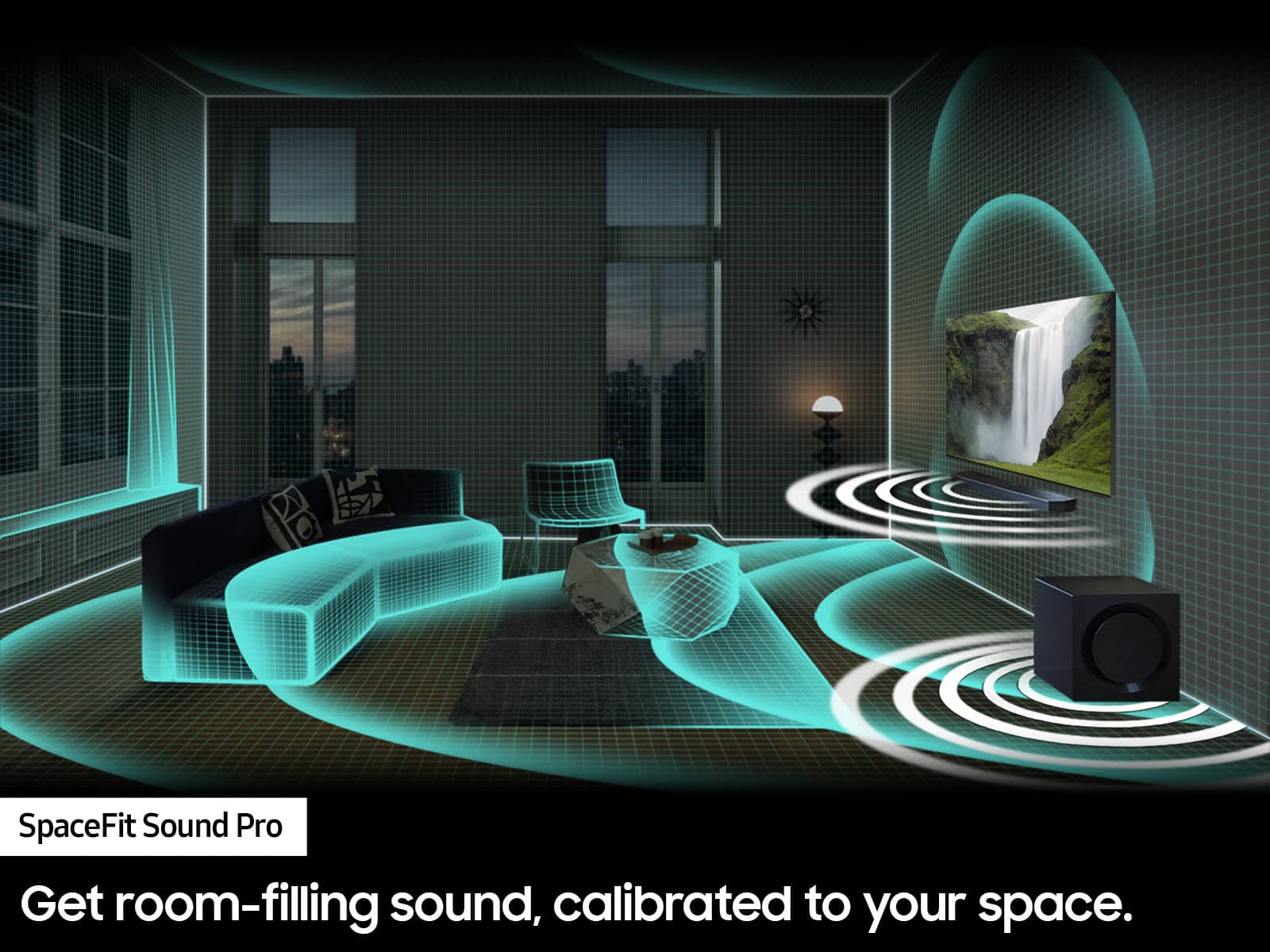
||Posted .This reviewer received promo considerations or sweepstakes entry for writing a review.Connecting this soundbar to my Samsung TV was super easy. The sound is really impressive, and Q-Symphony makes movies and music sound amazing. I'm really happy with the sound quality—and the price was great too.
I would recommend this to a friendGreat deal, amazing sound quality, surround is per
||Posted . Owned for 4 months when reviewed.This reviewer received promo considerations or sweepstakes entry for writing a review.Purchased for my husband for a Christmas gift and when I tell you it’s shakes the house….. I think we just make frenemies of our neighbors! Great bass, sound quality is amazing. When people are walking you’d think they are in your house. Def recommend
I would recommend this to a friendSamsung sound system
||Posted . Owned for 3 weeks when reviewed.This reviewer received promo considerations or sweepstakes entry for writing a review.Easy setup and great sound. We have no complaints.
I would recommend this to a friendGreat sound quality
||Posted . Owned for 3 months when reviewed.This reviewer received promo considerations or sweepstakes entry for writing a review.I would recommend everyone to buy this for the best sound experience at your home you will feel the same theater like sound in your room or you're in your living room I bought this on sale on Black Friday and I can't get over it it's amazing love it
I would recommend this to a friendGood not great
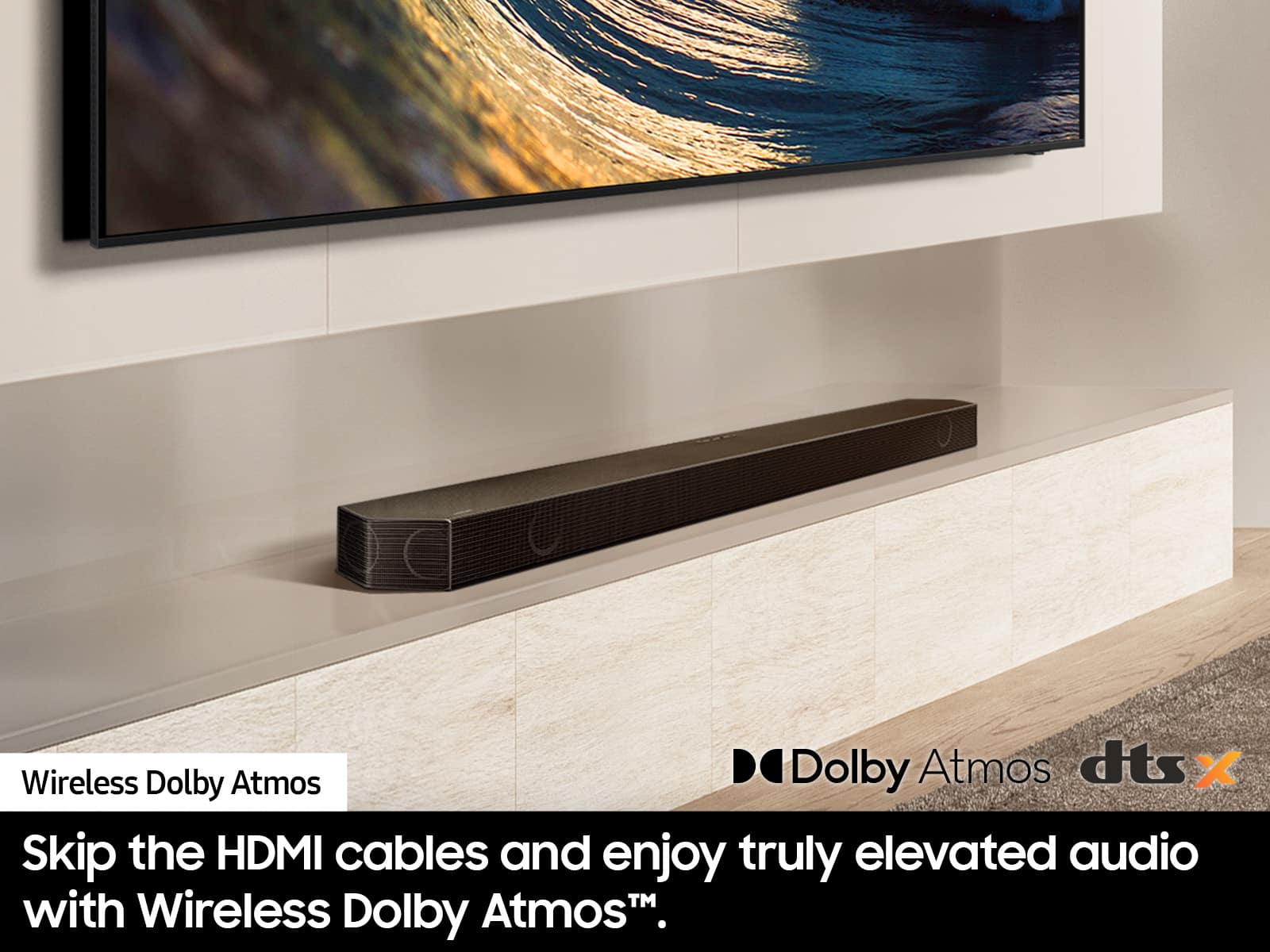
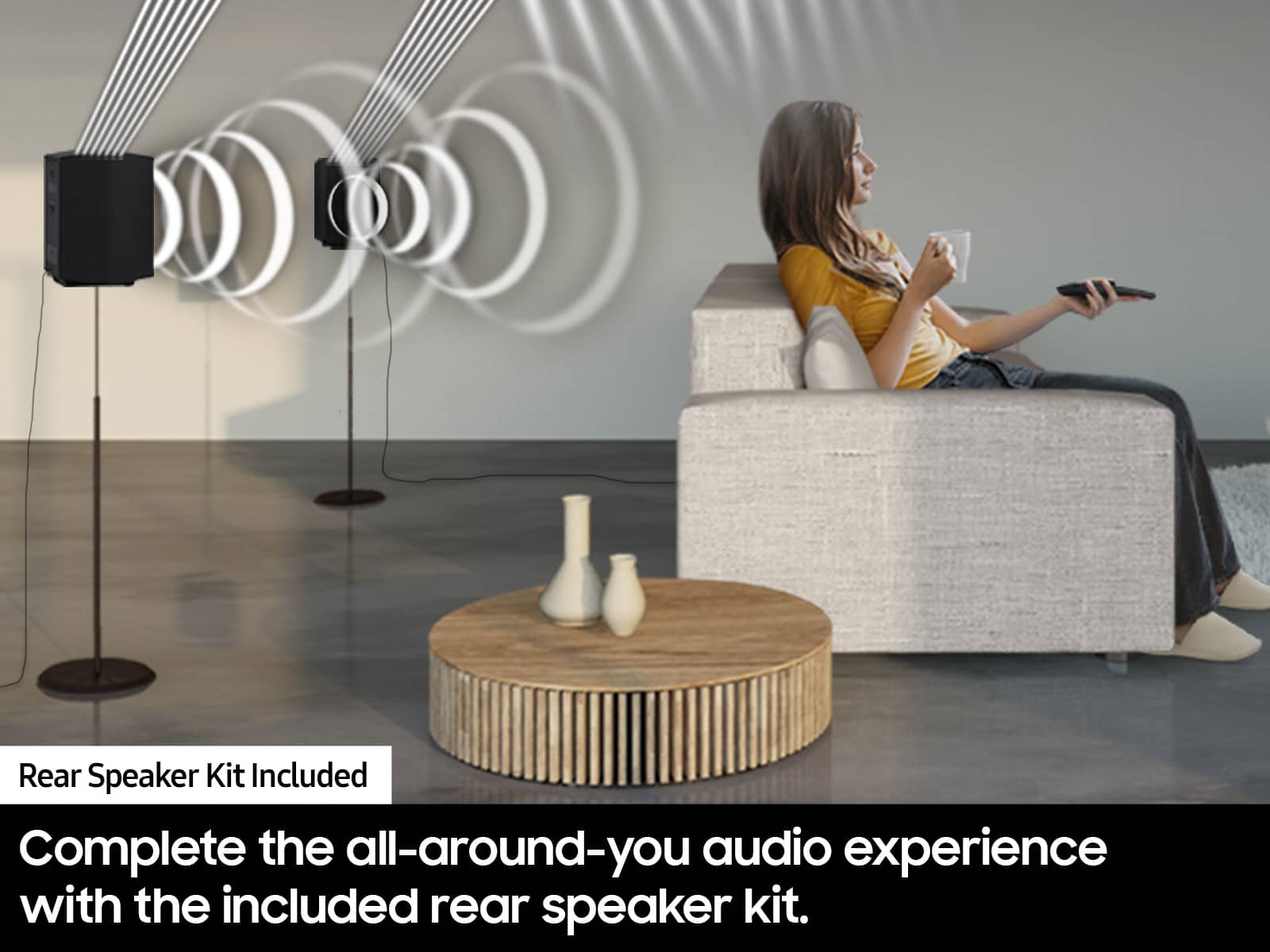
||Posted . Owned for 1 week when reviewed.This reviewer received promo considerations or sweepstakes entry for writing a review.Sound is pretty good, but the wireless rear speakers do have to wired to a remote receiver. Not really wireless. Only hear rear speakers with listening to a Dolby atmos programming.
No, I would not recommend this to a friendBrand response from Samsung
Posted .LarryG,
Thank you for purchasing the Samsung HW-Q850D Soundbar System which comes with a subwoofer and rear speaker kit. We appreciate you sharing your thoughts about the wireless description of the rear speakers and performance.
Occasionally, customers have trouble hiding and running speaker wires from the front of the room (where their soundbar is) to the back of their room (where they have their rear speakers). The Rear Speaker Kit eliminates that hassle. Connect the rear speakers to its wireless module and place these three in the back of your room. One wire is required to connect each rear speaker to the wireless module. Then plug in the power cable to the module. The “wireless” convenience is in connecting your soundbar and any other speakers at the front of the room to the rear speakers – this can now be done via Wi-Fi through the wireless module, eliminating any clutter of long wires running the length of your room.
By design, the surround speakers are supposed to simulate sounds happening behind the viewer. Therefore, most of the time the surround channels are only used for ambient sounds, which are naturally lower in volume.
However, there are a few settings you can change to adjust the surround effect to your preference:
1) Make sure that the source (e.g. TV output) is sending surround channels to the Soundbar. If the source is not capable of surround, then set the Surround mode to OFF on the Soundbar by pressing the Surround button on the remote.
2) If the source has surround channels, select the desired Sound Mode from the Soundbar remote.
3) Turn off Dynamic Range Control. This is done by pressing and holding the Sound Mode button while the Soundbar is in standby mode.
4) Increase the volume level of the surround speakers using the CH LEVEL button on the Soundbar remote control. Press the button on the soundbar remote, then select REAR LEVEL and use the Up/Down buttons to adjust the volume within a -6 to +6 range.
I hope these tips help to enhance your audio enjoyment. Should you need further assistance with this issue or have any questions, please contact Samsung Customer Support. Just give us a call at 1-800-SAMSUNG (Ask for Soundbars), 8AM - 12AM EST, 7 days a week. Our Live Chat agents are also available by clicking on the ‘Support’ link on our website.
~ Samsung Solutions