Customer Ratings & Reviews










- Model:
- K50S30
- SKU:
- 10562724
Rating by feature
- Picture Quality
Rating 4.8 out of 5 stars
- Sound Quality
Rating 4.5 out of 5 stars
- Brightness
Rating 4.7 out of 5 stars
Disappointed
||Posted . Owned for 2 weeks when reviewed.This reviewer received promo considerations or sweepstakes entry for writing a review.TV not working. Nerd person could not get a picture .
No, I would not recommend this to a friendBrand response from SonyListens
Posted .Hi MarieW, We're sorry to hear about the no picture issue you're having. Let's try to resolve this issue by following the troubleshooting steps on the link below:
https://www.sony.com/electronics/support/articles/00153674
Should you need further assistance, please email us at [email protected] with the following details:
Name:
Username:
Model Number:
Issue:
Telephone Number:
Regards,
Sam
Good packaging
||Posted . Owned for 2 months when reviewed.This reviewer received promo considerations or sweepstakes entry for writing a review.I wasn’t a fan of this Sony tv but the packaging was really good for being open box!
No, I would not recommend this to a friendBrand response from SonyListens
Posted .Hi MFive,
Thank you for sharing your experience with us!
We'd like to apologize that your Sony BRAVIA 3 TV doesn't meet your expectations. This is not the experience we expect you to have and want to make this better for you.
To assist you best, we would like to know more information about the issue you're experiencing. Please email the below information to [email protected].
Apologies if you disclosed some of this information in your review and to customer service, we just want to ensure that we have your accurate details at the time of communication.
Full Name:
Best Buy Username:
Telephone Number:
Sony TV Model Number:
Additional Information regarding your experience with the BRAVIA 3:
We are sorry for the inconvenience and hope to speak to you to resolve this matter.
Sincerely,
Maria
Connecting to sound bar
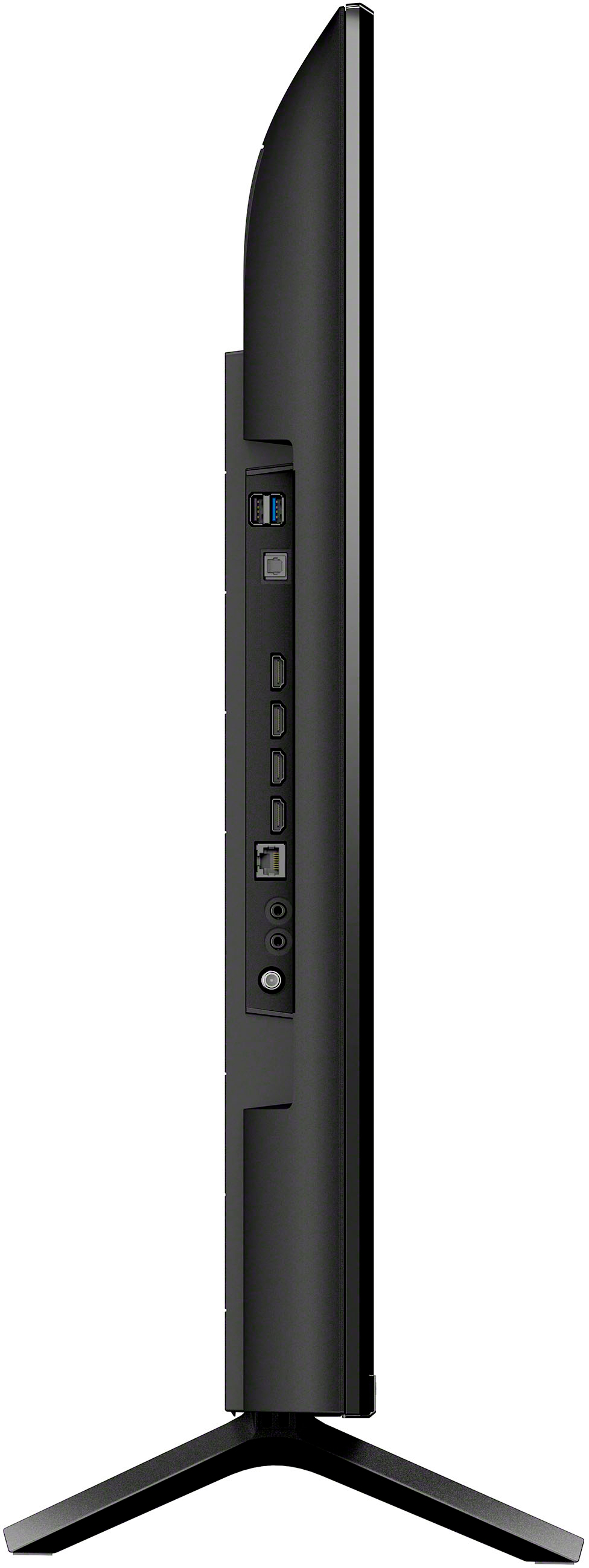
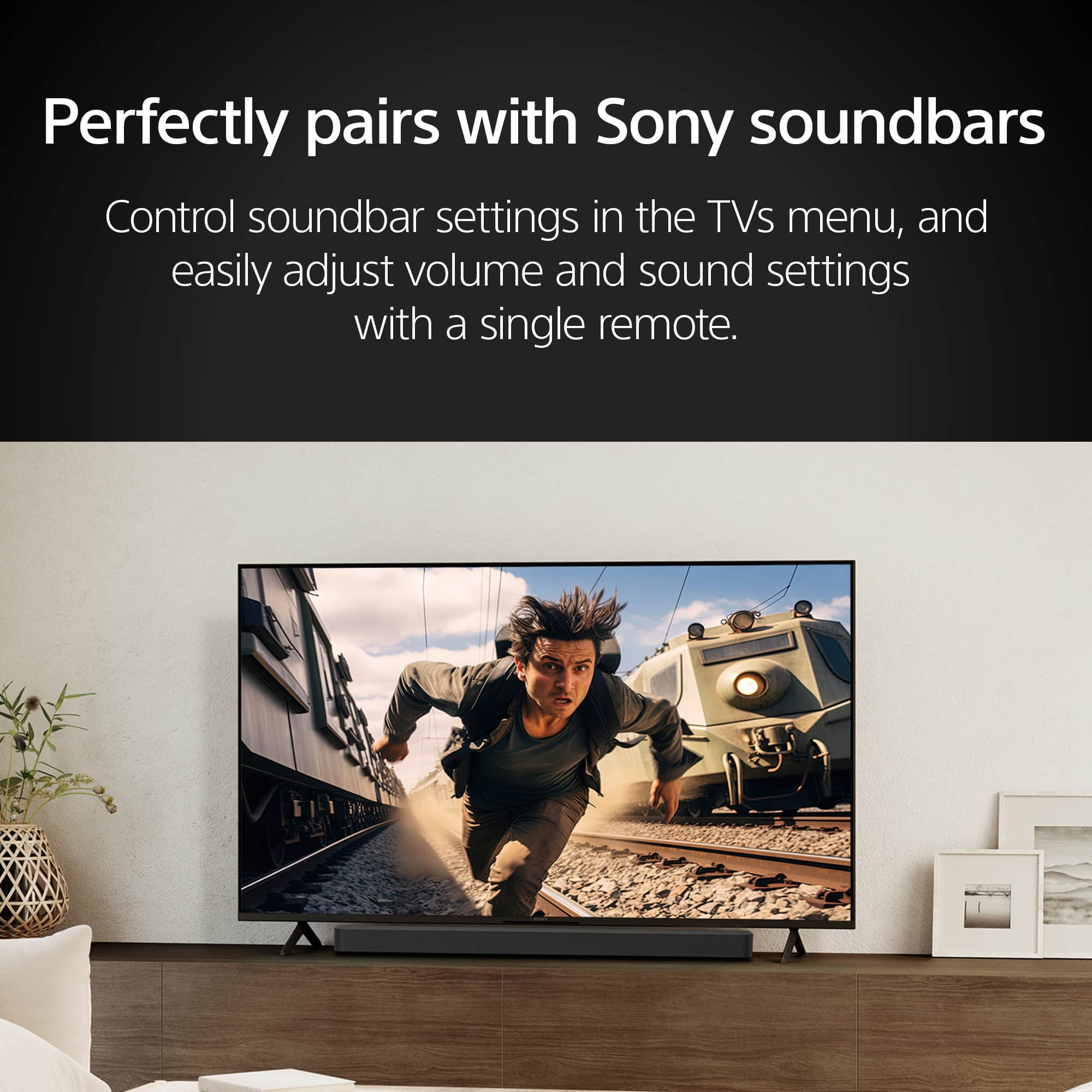
Posted .This reviewer received promo considerations or sweepstakes entry for writing a review.nice picture and fast response on controls. Had problem connecting to sound bar but need to navigate to a not obvious menu item (LPCM) setting under audio output which was not in instructions or on You Tube. My tech savvy son figured it out! Before that just loud buzz. I switched from old plasma TV which uses triple the wattage power. With high power rates, long watch times can add significant cost to power bill. LED are super power efficient and better picture. The on board speakers on TV are on backside so sounds muffled unless connected to sound bar.
I would recommend this to a friendBrand response from SonyListens
Posted .Hi Oldcodger,
Thanks for taking the time to write such a detailed and helpful review of your BRAVIA 3 TV. We're thrilled to hear that you're enjoying the great picture and the fast response on the controls.
We're very sorry to hear about the difficulty you had with the soundbar connection, we strive to create our products user-friendly and will surely take your comments in consideration—we're relieved to hear that your tech-savvy son was able to find the solution!
It's also fantastic that you're already seeing the benefits of a modern TV, especially the super power efficiency and great picture quality. Regarding the onboard speakers, while they are designed for everyday viewing, a soundbar is indeed the best way to get a truly immersive audio experience, and we're glad you have one to enjoy with your new TV.
Thank you again for your valuable feedback and for choosing Sony!
Sincerely,
Jenn | Sony Social Media Team.
Sony Bravia 3 review
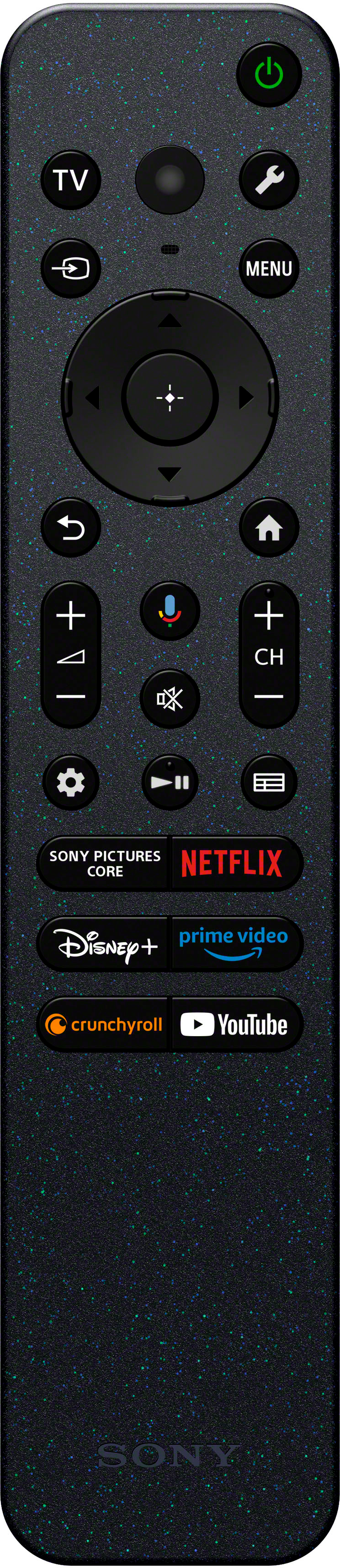
Posted .This reviewer received promo considerations or sweepstakes entry for writing a review.Tv is generally good. Power on / off through the remote is a little wonky. Print hard to read on the remote. Some buttons are easily activated by mistake. Color is good. Haven't figured out yet how to co-ordinate the remote with the Spectrum remote.
I would recommend this to a friendBrand response from SonyListens
Posted .Hi BobS, Thank you for sharing your experience with us. We are delighted to hear that you are enjoying the quality of your Sony BRAVIA 3 TV. However, we regret to learn that the bundled remote did not meet your expectations. Your feedback is invaluable and this will help us evaluate how we can improve these aspects in future models. As for your Spectrum remote, we recommend reaching out to the manufacturer for assistance, as third-party accessories are beyond our support scope. Thank you for choosing Sony. -Maria
Worth the money
Posted .This reviewer received promo considerations or sweepstakes entry for writing a review.Awesome TV. Easy to setup and use. Running off the internet and an Mohu antenna. No cable. Beautiful picture and decent sound,
I would recommend this to a friendCustomer Service made it worth it from Best Buy.
Posted .This reviewer received promo considerations or sweepstakes entry for writing a review.1st Bravia I had was older serial number, but new and even with updates had issues. Sony was going to send me a new one, but I was within the return at Best Buy. Best Buy came out, exchanged for same model and it is fantastic. The new one did not need the software updates and was more recently made. Any buyer remorse went away because of both Best Buy and Sony customer service. Only issue was that it did not have RCA jacks for my expensive Sony DVD player, the DVD did not have HDMI, so had to get new Sony DVD for about the same price as the RCA to HDMI conversion box.
I would recommend this to a friendBrand response from SonyListens
Posted .Hi StephenS, Thank you for sharing your review. We're glad to hear that your new Bravia 3 is working fantastically and that both Best Buy and Sony customer service could help resolve your initial issues. We apologize for the inconvenience of not having RCA jacks to connect your older Sony DVD player. While modern TVs are moving towards HDMI for better quality and compatibility, we appreciate your understanding and hope you are enjoying your new Sony DVD player. Your feedback is valuable and helps us improve our products. Thanks for choosing Sony! -Sam
Great TV!
Posted .This reviewer received promo considerations or sweepstakes entry for writing a review.Great TV! Setup was seamless. Picture is great, even in a bright room.
I would recommend this to a friendBrand response from SonyListens
Posted .Hi JohnS, Thank you for your honest review. We are glad to hear that you are now enjoying your new TV. Thank you for choosing Sony! -Carl
Awesome
Posted .This reviewer received promo considerations or sweepstakes entry for writing a review.This TV Is A Pleasure . Many Features Enable You To Choose Whatever You Want To View, Daily Reminders , Photos Ect. There Are So Many Options. Great Investment. CustomerService Is Excellent As Well As The Support When You Need Assistance. Thank You.
I would recommend this to a friendBrand response from SonyListens
Posted .Hi Homestead, Thank you for the amazing review! We're thrilled to hear that you're enjoying the many features of your Sony BRAVIA 3. Good to know you had an excellent customer service experience. Thanks for choosing Sony! -Sam
TV MAN
Posted .This reviewer received promo considerations or sweepstakes entry for writing a review.Colors are bright the size works for my needs and my living room
I would recommend this to a friendBrand response from SonyListens
Posted .Hello RichardC,
Thank you for choosing Sony!
We couldn't be happier to hear that the K50S30 TV’s bright colors and size are a great fit for your living room. It means a lot to us that the TV is enhancing your viewing experience in such a meaningful way.
Best regards,
-Fred
Love a Sony
Posted .This reviewer received promo considerations or sweepstakes entry for writing a review.I got this TV for my in-laws and they are enjoying it.
I would recommend this to a friendBrand response from SonyListens
Posted .Hi BarryL,
It's truly wonderful to hear that your in-laws are enjoying their Sony BRAVIA TV, and thank you for sharing a perfect 5-star rating with us! The K50S30 model offers vibrant picture quality and clear sound, making it a fantastic choice for home entertainment.
Thank you for choosing Sony—wishing you a wonderful day!
DiegoV.
Mikes TV
Posted .This reviewer received promo considerations or sweepstakes entry for writing a review.Fine TV. No problems whatsoever. Smooth operating!
I would recommend this to a friendBrand response from SonyListens
Posted .Hi MichaelS,
We are glad to hear that your BRAVIA 3 is providing a smooth and trouble-free experience! It’s great to know you're enjoying the performance.
Thanks for choosing Sony.
Best regards,
Eliab
Great TV if you know what you're doing
Posted .This reviewer received promo considerations or sweepstakes entry for writing a review.Our third Sony Bravia. Very good picture. Easy transaction with BestBuy. Manufacturer provided connection information, but lacked operating manual.
I would recommend this to a friendBrand response from SonyListens
Posted .Hi Roadwarrior, Thank you for choosing Sony. We are so glad to hear that you are happy with your purchase! You can check out the Help Guide, Operating instructions and Reference Guide on our link: https://www.sony.com/electronics/support/product/k-55s30/manuals
I hope this helps!
Regards,
Carl
Better Options At This Price Point
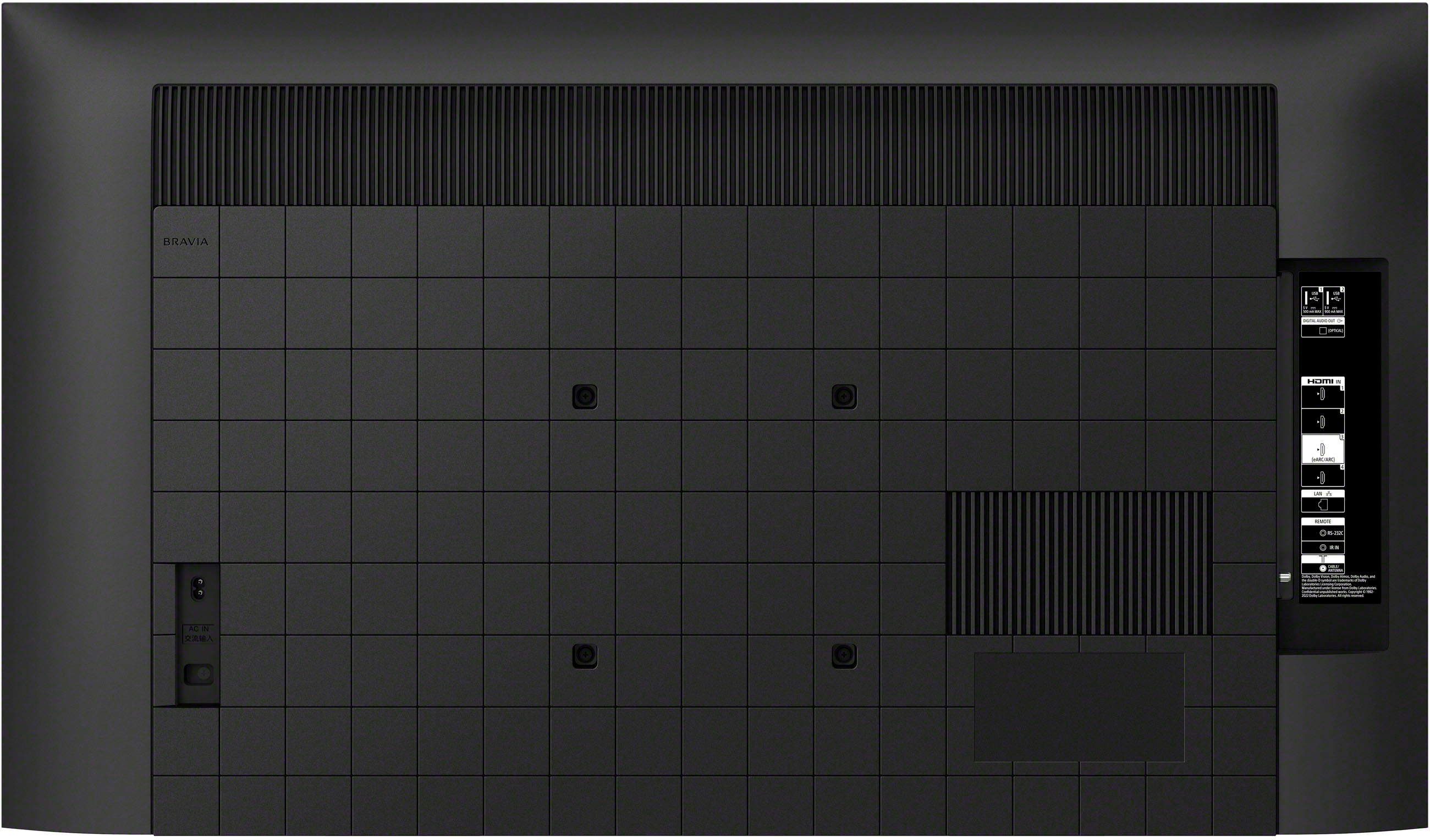
Posted .This reviewer received promo considerations or sweepstakes entry for writing a review.The UI of this TV is pretty outdated although there are a couple extra quirks and features that come with the Google TV interface. Overall it is decent but I would opt for other brands such as Samsung and LG for a TV at this price.
No, I would not recommend this to a friendBrand response from SonyListens
Posted .Hi Shane, thank you for sharing your feedback regarding the BRAVIA 3 TV. We sincerely apologize that you find the user interface to be outdated and we appreciate your insights on the additional features offered by the Google TV interface.
We continually strive to improve our products and your input is invaluable in this effort.
The BRAVIA 3 boasts stunning 4K HDR picture quality, immersive Dolby Atmos sound and a sleek design that complements any space.
We appreciate your input and encourage you to explore all that the BRAVIA 3 has to offer.
Thank you for considering Sony products and for your feedback.
Best regards,
Estefany
Picture perfect
Posted .This reviewer received promo considerations or sweepstakes entry for writing a review.Great color, easy setup. Lots of options on google TV
I would recommend this to a friendBrand response from SonyListens
Posted .Hello ValB,
Thank you for choosing Sony!
We're thrilled to hear that you're enjoying the vibrant color and the easy setup of the K50S30. Google TV indeed offers a fantastic range of options to enhance your viewing experience. Your experience motivates us to continue delivering high-quality products.
Best regards,
-Fred
Sony
Posted .This reviewer received promo considerations or sweepstakes entry for writing a review.Great picture quality. Great sound and brightness.
I would recommend this to a friendBrand response from SonyListens
Posted .Hi JaniceA, Fantastic! We're glad you like the great picture quality, sound, and peak brightness level of your Sony Bravia 3. Thanks for choosing Sony! -Sam
Disappointed
Posted .This reviewer received promo considerations or sweepstakes entry for writing a review.Purchased a 50 inch Sony Bravia 3 a Week ago. The picture is OK. But, we turn our TV on and approximately 30 seconds later. It turns off. Turn it back on and a home screen comes up and we have to hit The input button to get the home screen to go away. The TV sounds very tiny watching a movie is ridiculous. It makes the movie seem very cheap and also there is a dark line at the top of the movie and a dark line at the bottom of the movie, like it is in wide screen. I cannot locate anywhere in the settings to change that. possibility that this TV is going back. We have owned Sony TVs for 15 years. And they were wonderful. This one is not.
No, I would not recommend this to a friendBrand response from SonyListens
Posted .Hi Nothappy, While we are glad to hear that you are happy with the picture quality of the Bravia 3 TV, we are sorry to hear that you are experiencing issues when watching movies. If you still have the TV, we'd love to troubleshoot the issue and make this a better experience for you. In the meantime, you can adjust the aspect ratio of the TV using the TV remote. Please go to [Settings] — [Display & Sound] — Screen. From here you can adjust the aspect ratio and viewable screen area of the TV.
May we contact you to help? If so, please email the below information to [email protected]
Apologies if you disclosed some of this information in your review and to customer service, we just want to ensure that we have your accurate details at the time of communication.
Full Name:
Username:
Telephone Number:
Model Number:
Issue:
Regards,
Carl
It's OK
Posted .This reviewer received promo considerations or sweepstakes entry for writing a review.It's ok. The screen doesn't seem as sharp as my other Sonys.
No, I would not recommend this to a friendBrand response from SonyListens
Posted .Hi MarkS,
Thank you for your honest 4-star review of the K50S30. We appreciate your feedback and are sorry to hear that the screen doesn't seem as sharp as you've come to expect from our TVs.
We understand that image quality is a priority, and we're committed to delivering a great viewing experience. The K50S30 features our 4K Processor X1, which works to reduce noise and enhance detail to ensure a clear and vibrant picture. We recommend ensuring your picture settings are optimized for your viewing environment, as this can often enhance sharpness.
Thanks for choosing Sony, have a great day!
DiegoV
Great on line experiance.
Posted .This reviewer received promo considerations or sweepstakes entry for writing a review.Needed to replace a TV that stopped working. This "SONY" had very good reviews & price was within my budget.
I would recommend this to a friendSony
Posted .This reviewer received promo considerations or sweepstakes entry for writing a review.Remote is woefully underdeveloped. Needs channel select numbers and a flashback button for last channel.
I would recommend this to a friendBrand response from SonyListens
Posted .Hi Zzzzzzzz, thanks for taking the time to write your review! We really appreciate your feedback and comments, in regards to the numeric pad or numbers for the remote, you can easily access them by pressing the MENU button and then selecting the number/channel you want, also for your suggestion of adding a flashback button we will send this to the appropriate team to evaluate and consider it. Thanks for choosing Sony. Best regards, - Dominick
stevew
Posted .This reviewer received promo considerations or sweepstakes entry for writing a review.I have been a loyal satisfied customer of SONY products for years
I would recommend this to a friendBrand response from SonyListens
Posted .Hi SteveW, Awesome! We are glad to hear from a loyal customer! Thank you so much for your 5-star review and for choosing Sony! -Carl