Customer Ratings & Reviews
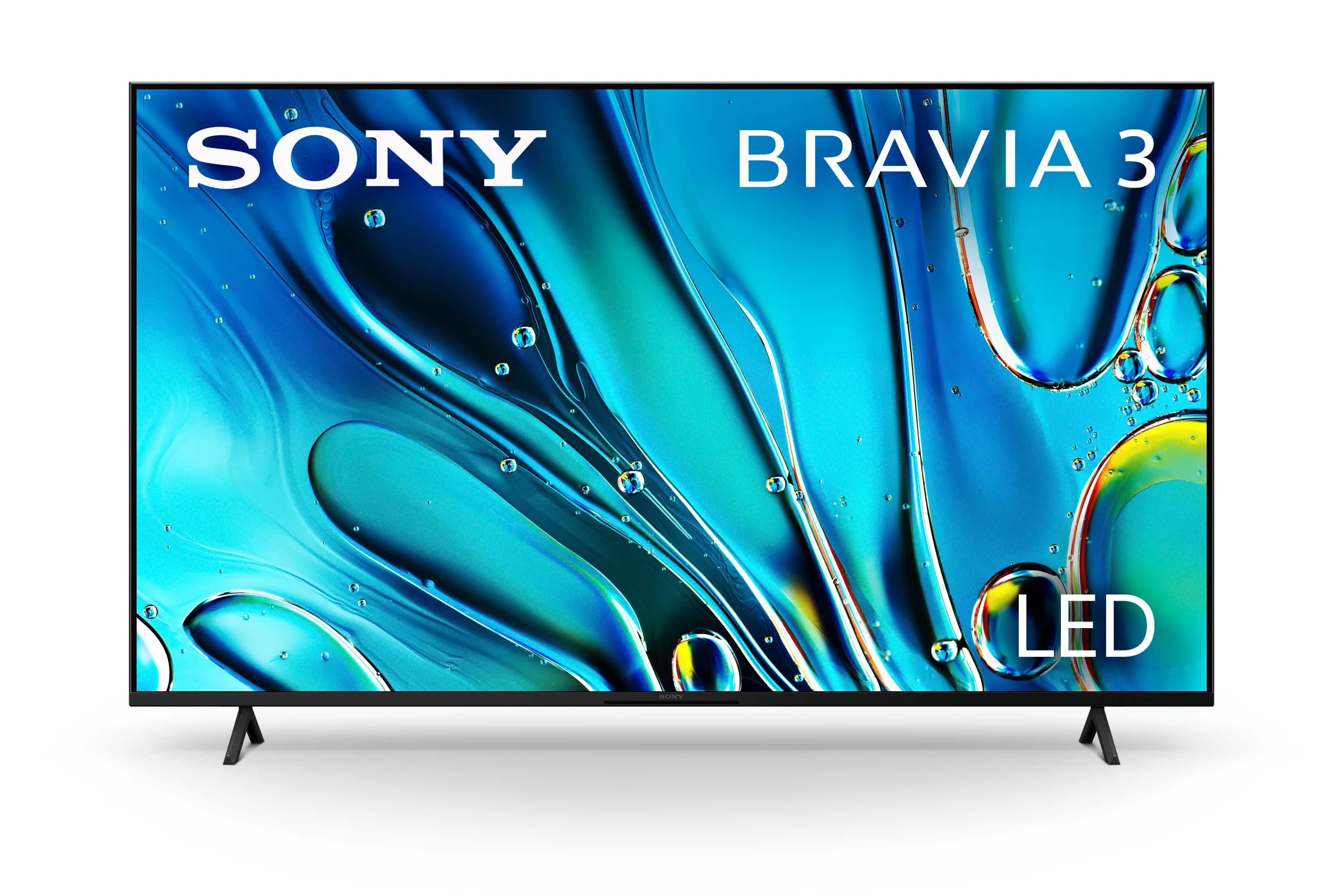
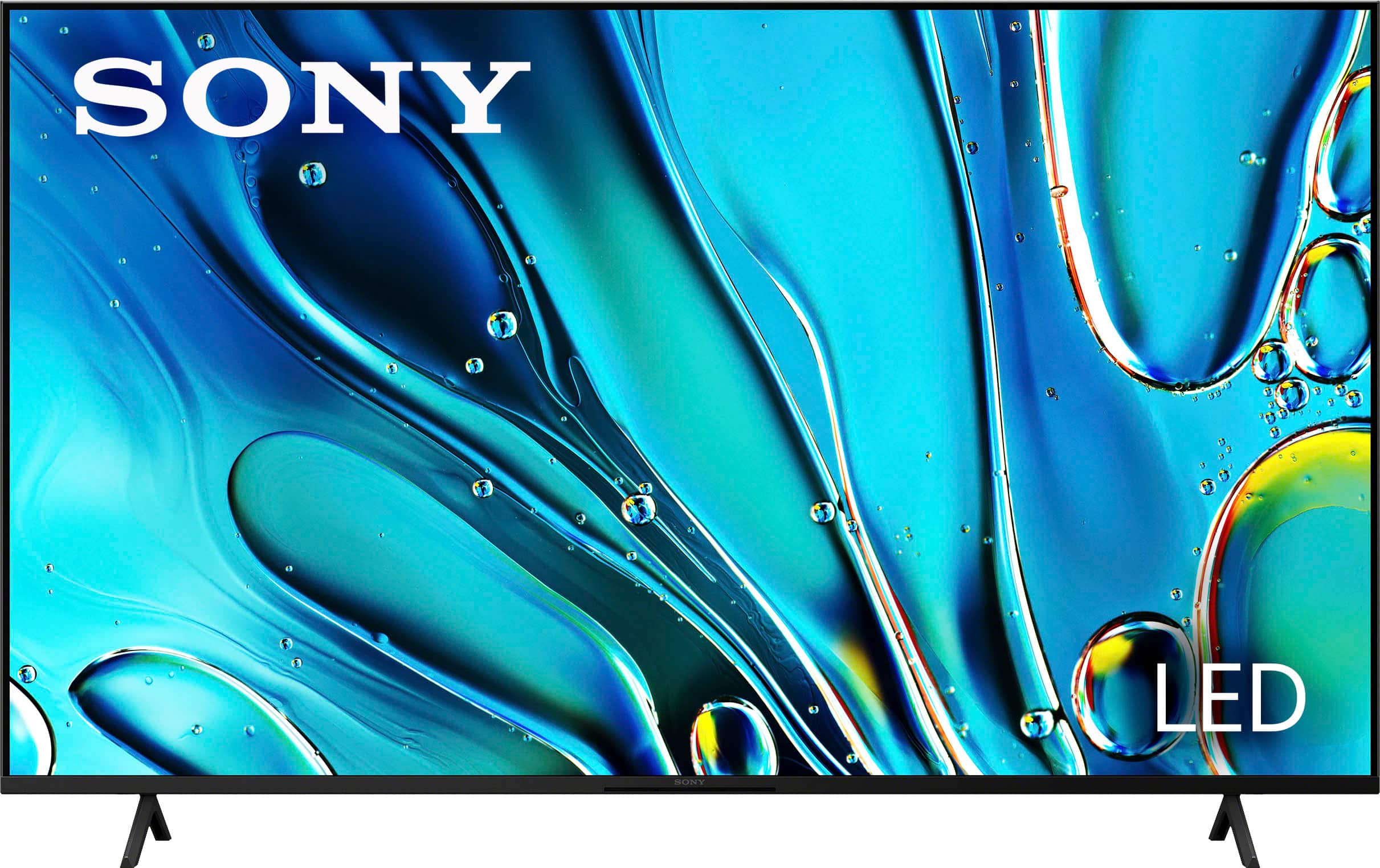
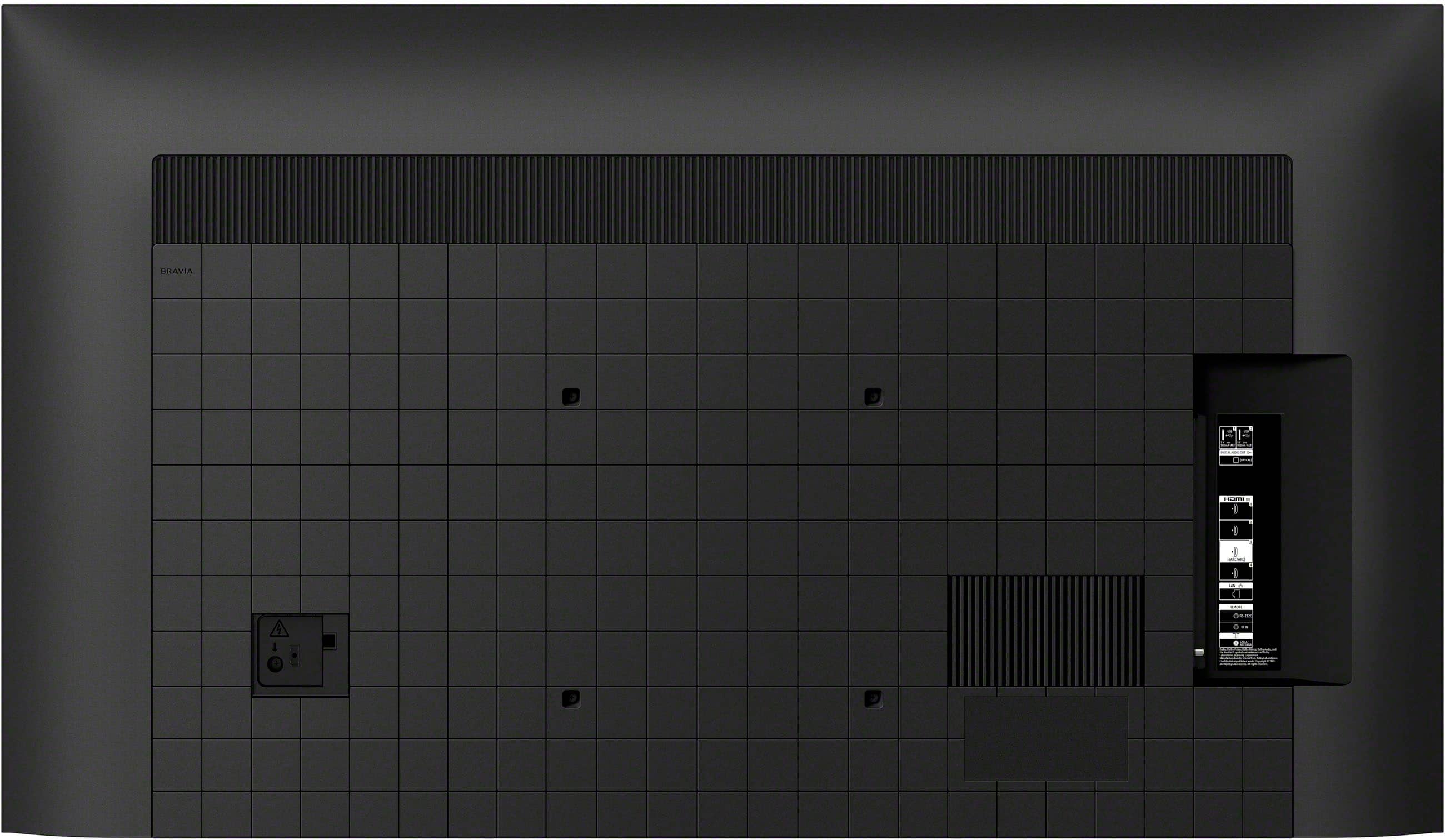
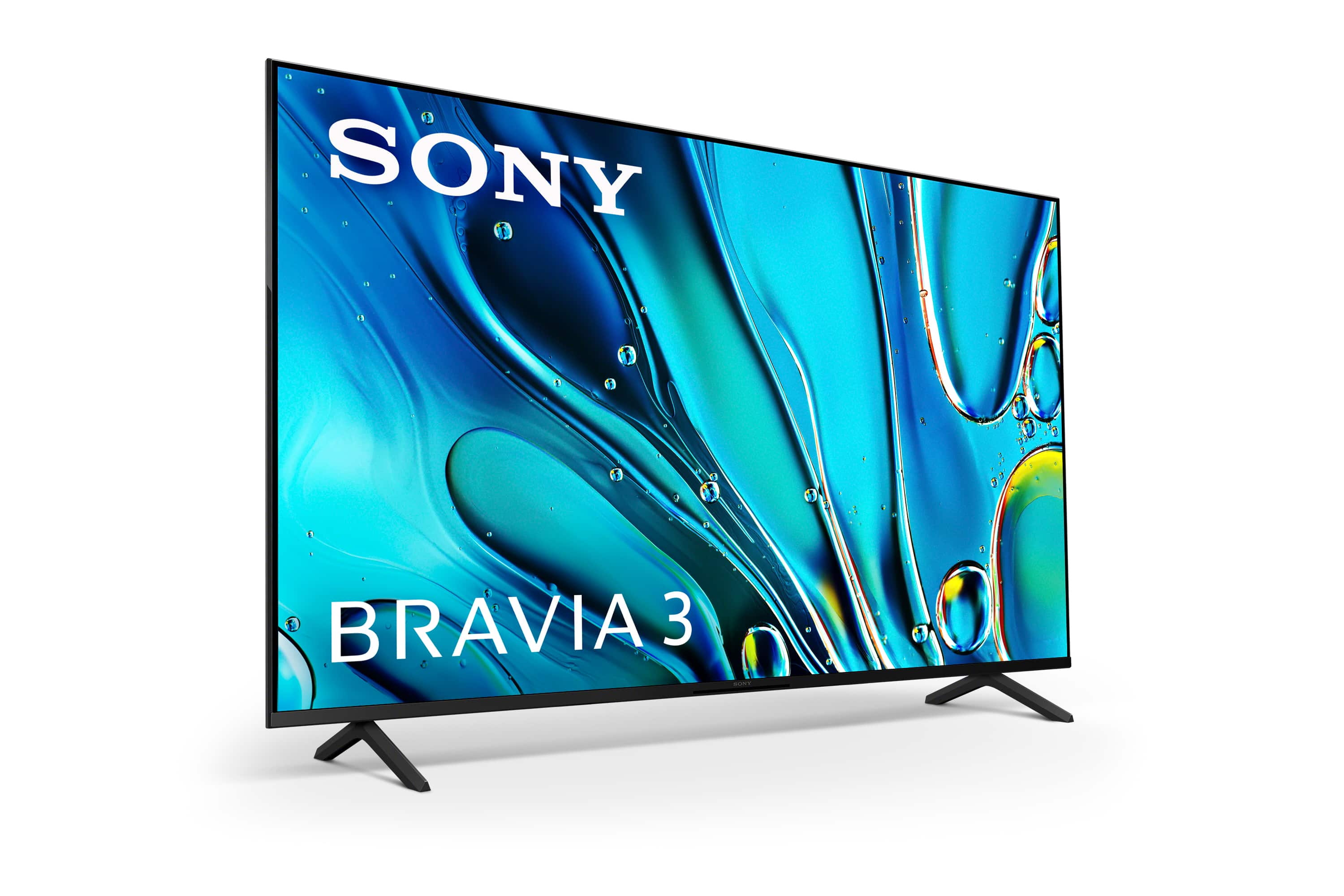
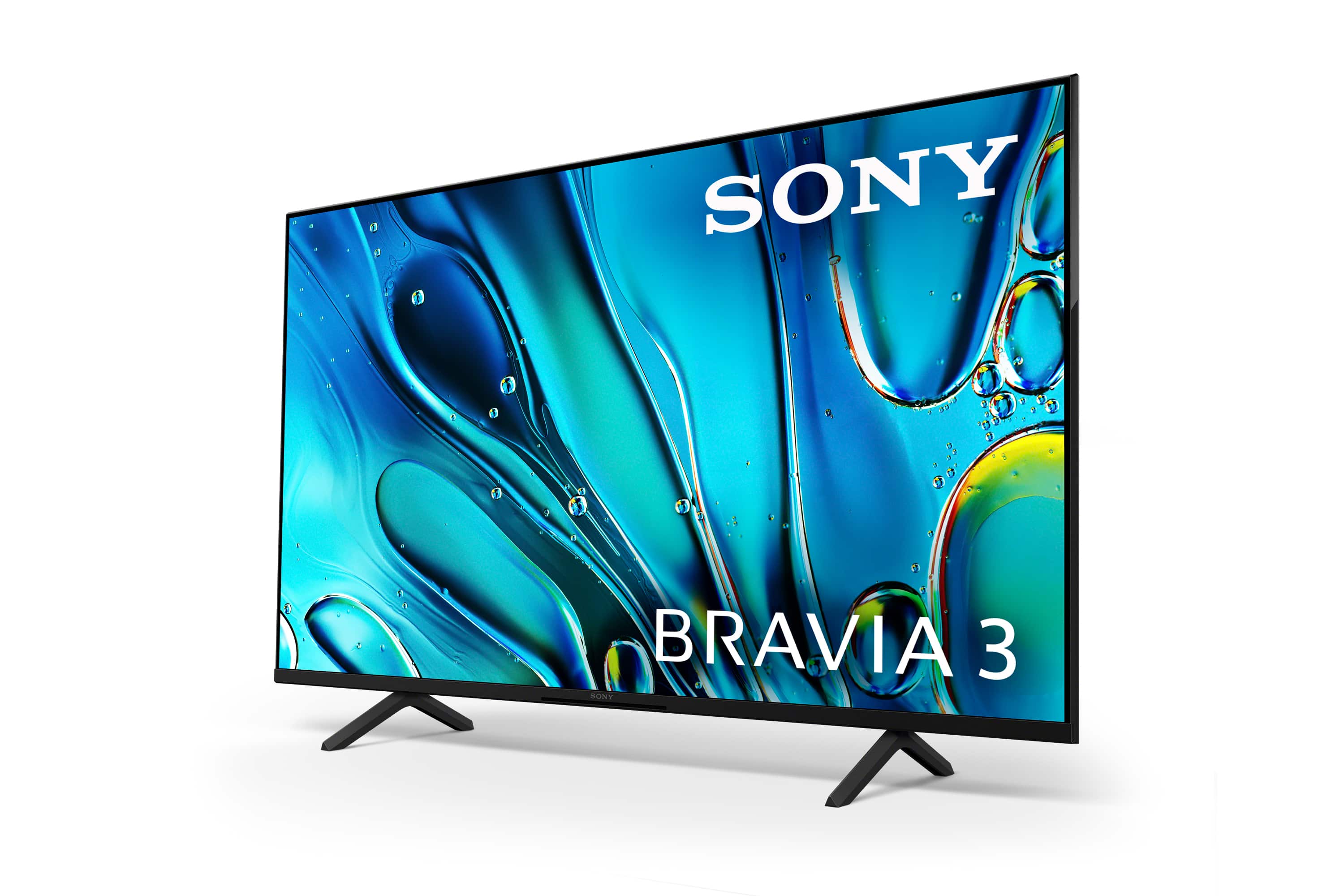
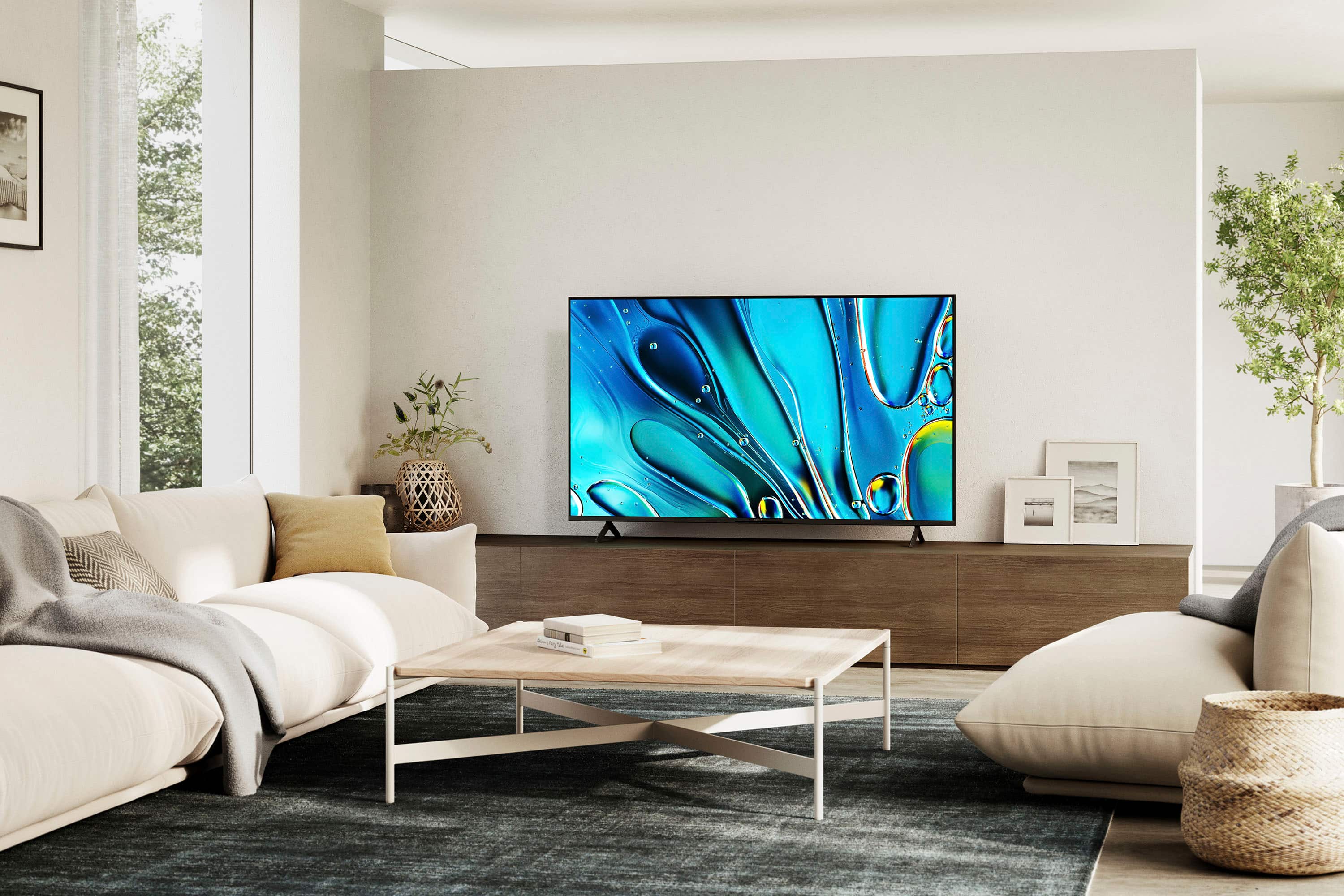










- Model:
- K65S30
- SKU:
- 10562755
Rating by feature
- Picture Quality
Rating 4.7 out of 5 stars
- Sound Quality
Rating 4.5 out of 5 stars
- Brightness
Rating 4.7 out of 5 stars
Don’t Buy
Posted .This reviewer received promo considerations or sweepstakes entry for writing a review.Tv disconnects from surround sound every time I turn on. So I have to unplug and plug surround sound back up for it to connect again. I often also have to unplug tv because when trying to play a movie or something picture and sound delays. It’s irritating having to do this every time. I watch tv.
No, I would not recommend this to a friendBrand response from SonyListens
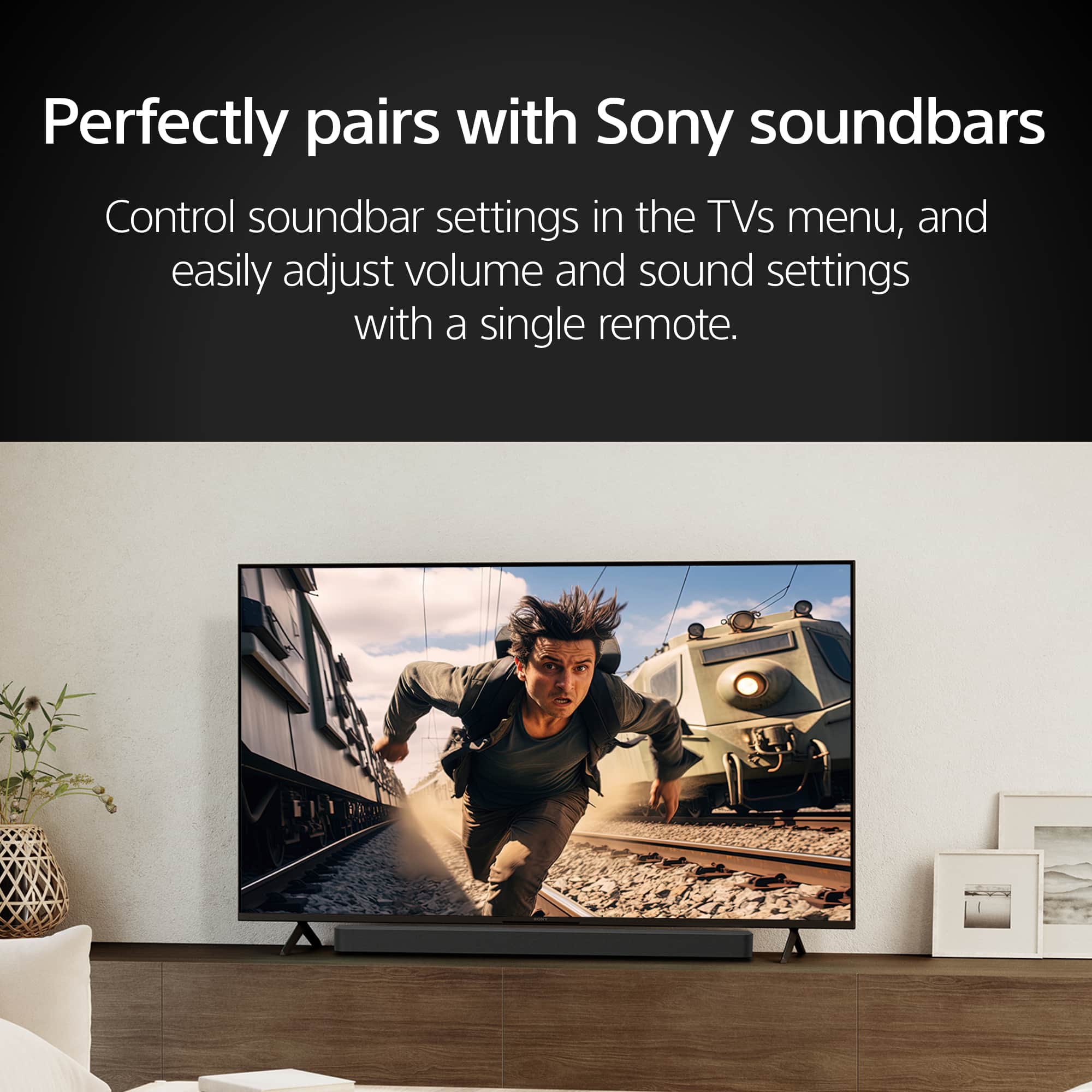
Posted .Thank you for your feedback on the BRAVIA 3, ErikC. We're sorry to hear that you are experiencing issues with your TV disconnecting from your surround sound and having to frequently reset your system. Here are some steps you can try to resolve the sound and delay issues:
1. Perform a power reset of your TV and soundbar or audio system. Turn off both devices, disconnect the power cords, leave them disconnected for two minutes, then reconnect the power cords and turn on your TV first followed by your audio system.
2. Check and verify your cable connections (HDMI, optical, or analog). Ensure that the cables are in good condition and securely connected.
3. Update both your TV and soundbar or audio system to the latest software version to ensure all bug fixes and improvements are applied.
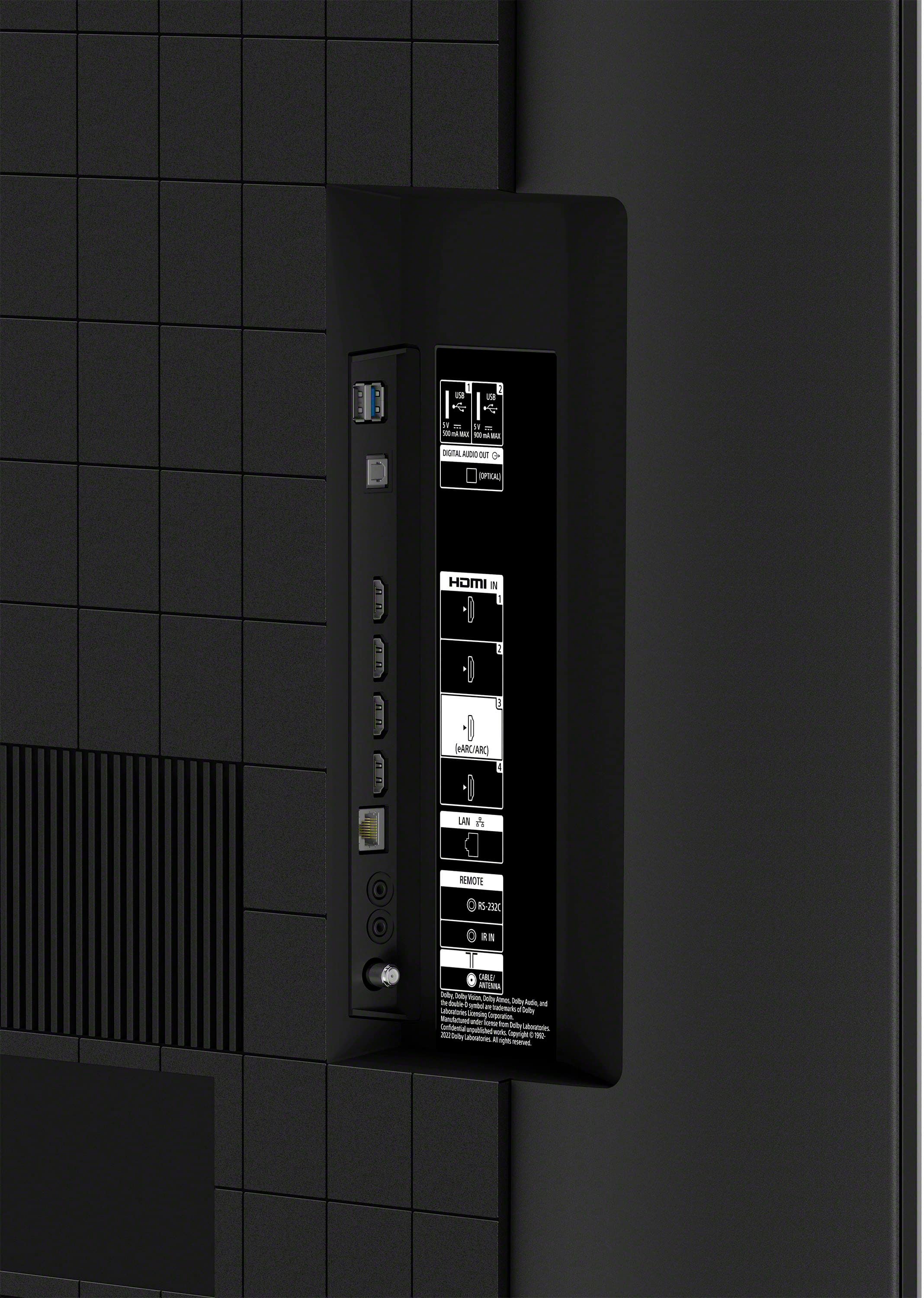
4. Make sure the Control for HDMI (HDMI CEC) is set to ON on both the TV and the audio device. If the connected device has settings for Audio Return Channel (ARC) or TV Audio Input mode, set them to ON or Auto.
5. If using HDMI ARC or eARC, ensure that the HDMI cables are properly connected to the matching ARC or eARC ports on both the TV and the soundbar or audio system.
6. If using an optical audio cable, verify that both the TV audio output setting and the audio device settings are correctly configured.
These steps can help address the disconnecting issue and improve the overall functionality of your audio system with your TV. If the problem persists, please contact us at [email protected], providing your name, username, model number, a description of the issue, and your telephone number. We are here to assist you further.
Thanks for considering Sony products, your experience matters to us and we’re committed to resolve this issue.
Gus