Customer Ratings & Reviews
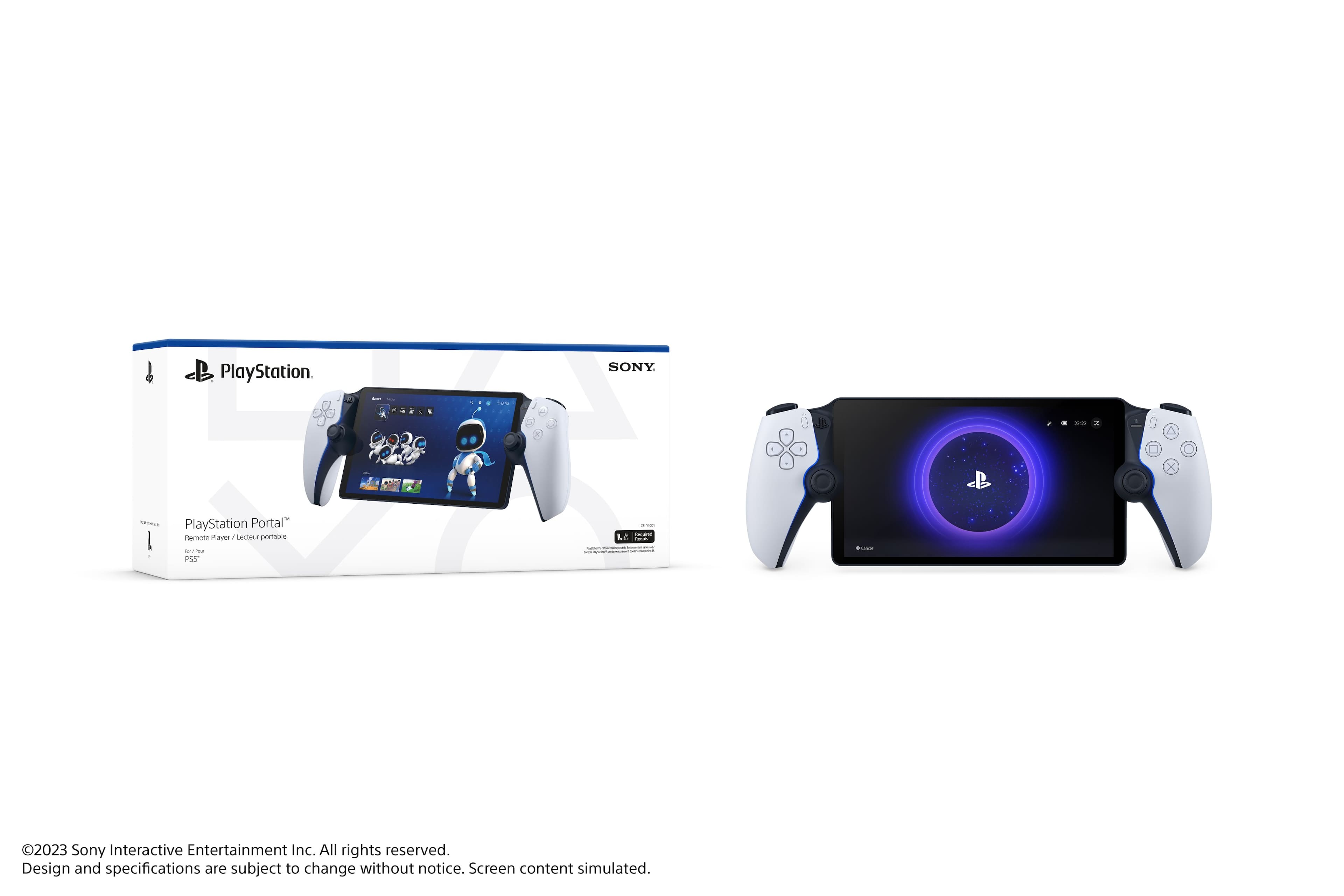
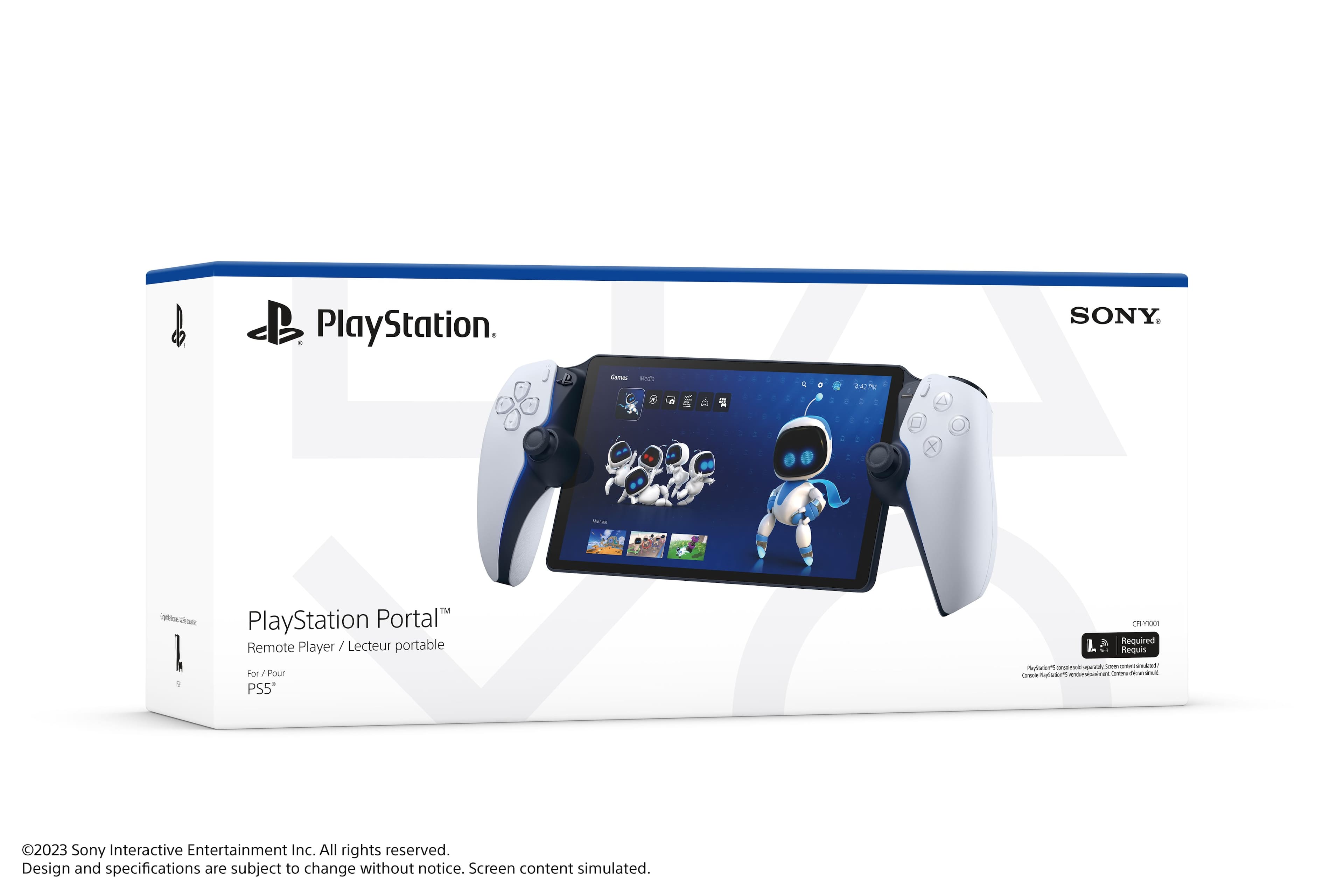
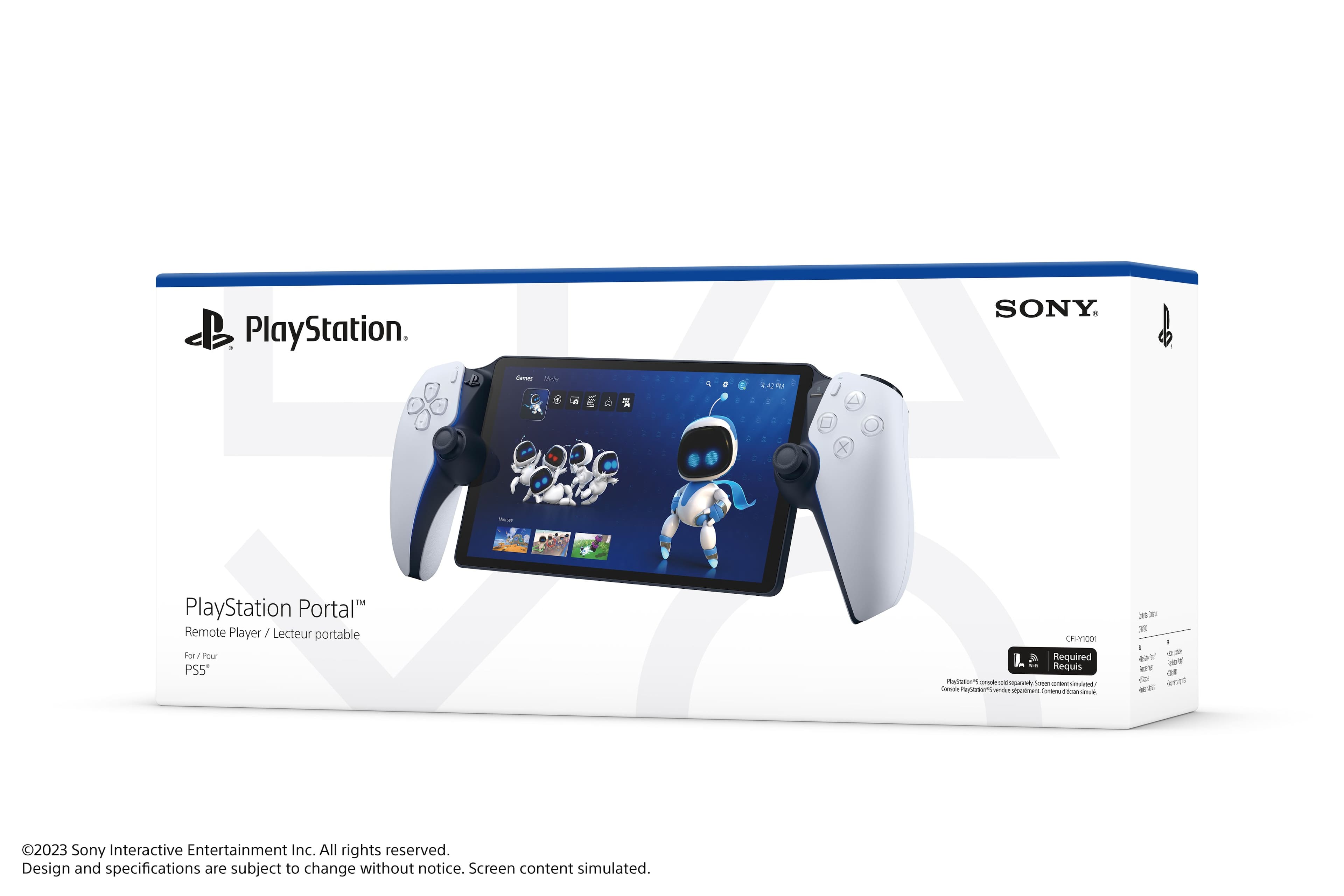
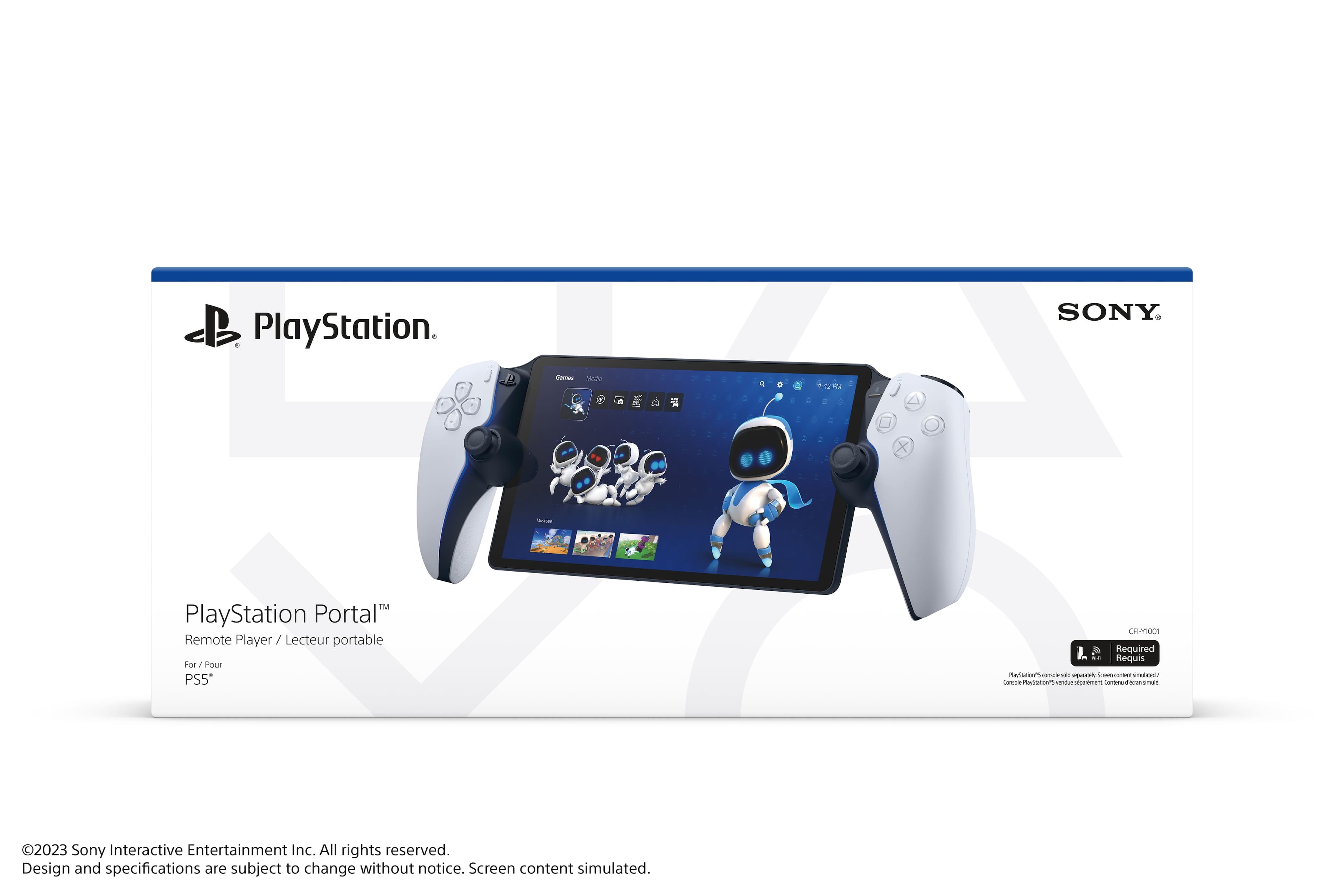
- Model:
- 1000041319
- |
- SKU:
- 10101338
Customer reviews
Rating 4.5 out of 5 stars with 6692 reviews
(6,692 customer reviews)Rating by feature
- Value4.5
Rating 4.5 out of 5 stars
- Quality4.6
Rating 4.6 out of 5 stars
- Ease of Use4.6
Rating 4.6 out of 5 stars
Rated 5 out of 5 stars
Ps portal review
||Posted .This reviewer received promo considerations or sweepstakes entry for writing a review.Ive had my portal for over 3 months already and i most say i love it. I really like the convenience of chilling in the living room with my family and while they’re watching a movie im keeping up with my games. One thing i would recommend is buying a airfly pro 2 aux bluetooth adapter and just use your ear buds im using my airpods pro2 cuz being able to turn of and on the noise canceling is awesome. Also i would definitely recommend to connect your ps5 via Ethernet for a wayyy more stable connection. Also all your saved data on console back it up in the cloud cuz its usable on games that you can stream. The issues that i have came up with is easily fixable sometimes when i try to remote play on different ps5 it wont connect all you have to do is press and hold the power on the portal till you see restart and that fixes the problem right away. The other is that when im watching something (crunchyroll) on either one of my ps5’s and then try to play a game on the portal it will give a error. All you have to do to fix that is close out any opened video apps before you remote play a game. Other than that its pretty freaking awesome would recommend
This review is from Sony Interactive Entertainment - PlayStation Portal Remote Player - Midnight Black
I would recommend this to a friend- Pros mentioned:Screen quality
Rated 4 out of 5 stars
Great option for gaming on the go for the price
||Posted .This reviewer received promo considerations or sweepstakes entry for writing a review.Great product, got it as birthday gift for my son & he really likes it. Graphics & screen look super nice & crisp with good battery life.
This review is from Sony Interactive Entertainment - PlayStation Portal Remote Player - Midnight Black
I would recommend this to a friend Rated 3 out of 5 stars
Hardware Triumph, Connectivity Flop
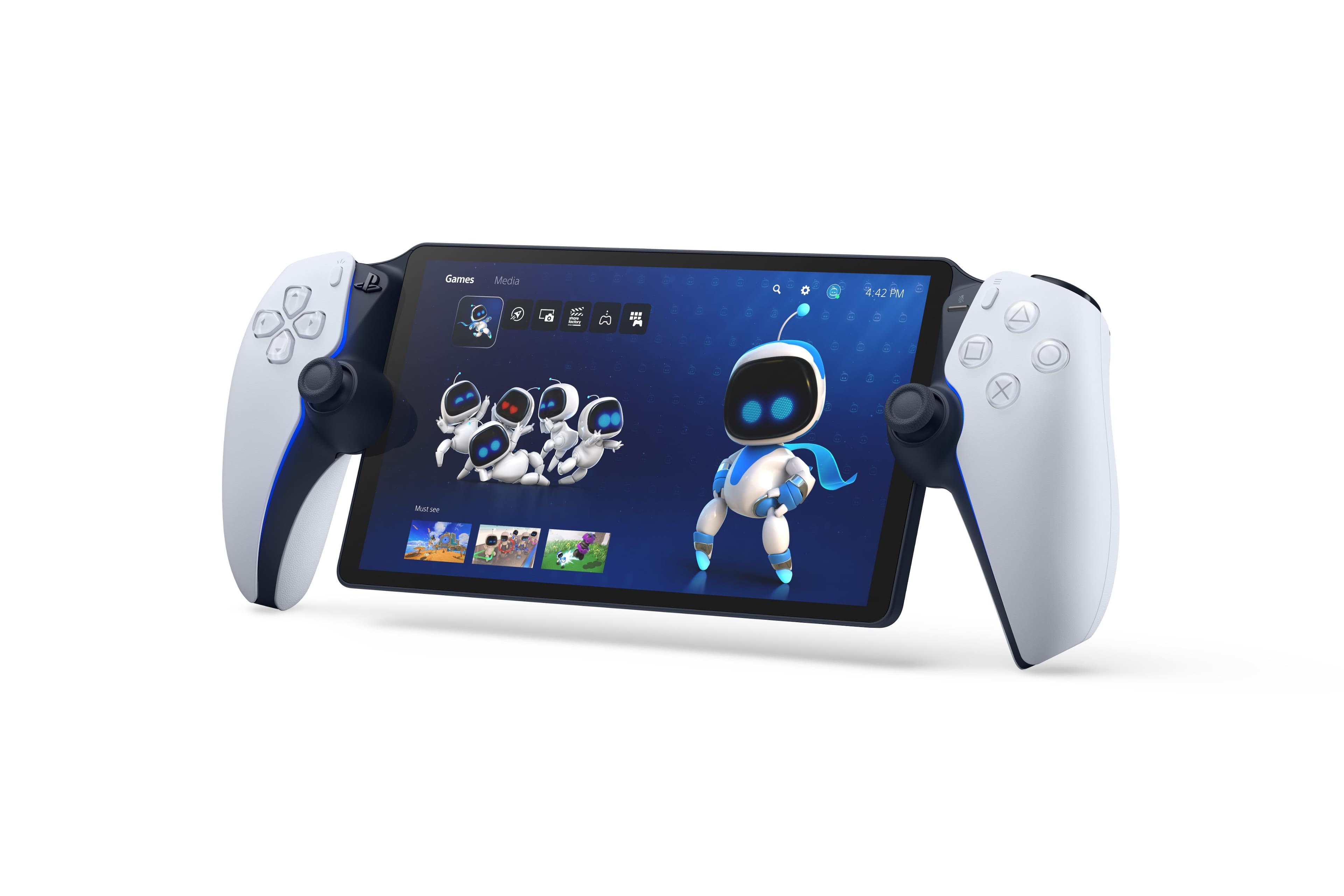
||Posted .This reviewer received promo considerations or sweepstakes entry for writing a review.Hardware and Ergonomics: A Flawless Design Where the Portal excels is in its physical design. The device is essentially a DualSense controller split in half, cradling a large, beautiful 8-inch LCD screen. This approach provides an immediate and immense advantage over using a smartphone or tablet for Remote Play: it delivers the full, uncompromised DualSense experience, complete with haptic feedback and adaptive triggers. The build quality is excellent, feeling sturdy and premium in the hands, and the familiar controller shape makes for an incredibly comfortable and ergonomic long-session gaming experience. Furthermore, the screen is bright, vibrant, and displays HD content cleanly. When the connection is stable, games look great on this display, and the seamless integration of PS5 controls makes it feel like a true first-party handheld. Connectivity and Performance: The Major Shortfall Unfortunately, the Portal is hampered by the very thing it was designed to do: stream games over a network. My testing revealed significant issues, both locally and remotely. Attempting to play outside of the home using a 5G mobile hotspot resulted in a horrible experience. The connection quality was consistently poor, characterized by pixelation, stuttering, and input lag that made the device effectively unplayable for any title requiring quick reactions. Even at home, where my PS5 was connected via a LAN cable to a high-speed router, and the Portal was on the same optimal Wi-Fi network, the performance still underwhelmed. While the resolution issues could sometimes be overlooked, the unbearable input lag made competitive games, especially FPS titles, frustrating. This fundamental lag undermines the excellent hardware, turning fast-paced gameplay into a sluggish, unresponsive chore. The final drawback lies in its use case for a dedicated desk setup. Since the PS5 is already right next to the PC, there is no compelling reason to grab the Portal over simply sitting down and playing on the console natively. Moreover, the Portal's dependence on mirroring the PS5 means that games owned physically must still be loaded and mirrored, offering no true convenience over local play for those who are already nearby. Verdict The PlayStation Portal is a great piece of kit for the right audience, delivering the best portable control experience available for PS5 games. However, its complete reliance on Remote Play, coupled with the persistent, noticeable input lag—even on ideal home networks—prevents it from being a must-buy. It’s a niche device that sacrifices performance for portability, which is why it receives 3 out of 5 stars. 3/5 Stars A beautifully designed device marred by the limitations of streaming.
This review is from Sony Interactive Entertainment - PlayStation Portal Remote Player - Midnight Black
No, I would not recommend this to a friendRated 5 out of 5 stars
What I was hoping for...with limitations
||Posted . Owned for 2 weeks when reviewed.This reviewer received promo considerations or sweepstakes entry for writing a review.I wanted to be able to play my games detached from where my PS5 is located. Be able to watch TV with my wife while still work on finishing a game I had started. Now I can play in any room of the house, AND from other homes. A stable wifi connection and a couple minutes of patience while it "portals" in, and boom, I can play at a friend's or family's place too. Cons: While it does what I wanted, I still think the device itself feels a little flimsy in some places, I bet it could go for 150 but it goes for 200. Cannot use it on road trips, a phone mobile hotspot or car 'wifi' is not a strong enough signal. It definitely gives me more freedom, and some nostalgia comes feeling a bit like a PSP, but it does have limitations. I just caution managing expectations and enjoying for what it is.
This review is from Sony Interactive Entertainment - PlayStation Portal Remote Player - White
I would recommend this to a friend- Pros mentioned:Portability
Rated 4 out of 5 stars
Easy to USe
||Posted . Owned for 3 weeks when reviewed.This reviewer received promo considerations or sweepstakes entry for writing a review.Easy to use and easy set up Its works very well with my PS5 and is very comfortable
This review is from Sony Interactive Entertainment - PlayStation Portal Remote Player - Midnight Black
I would recommend this to a friend Rated 4 out of 5 stars
I need to figure out how stop stuttering myself
||Posted . Owned for 2 weeks when reviewed.This reviewer received promo considerations or sweepstakes entry for writing a review.I was planning to give 1 star for this product since the game just keep getting lag and stuttering even through my house is using 1g internet fiber. I read online and look through youtube just try to fix the lag but none of them is working. I was about to give up, but I found out that whenever I turn the TV that connect to PS5 the portal stop lagging and stuttering. This is for my case maybe it has to do with the HDMI cable, still I don't know why portal stopped stuttering when the TV is turn on. Therefore, what I did, I turn on TV for 24 hours a day and press Turn off Picture button. Now, I able to enjoy playstation portal wherever I go and play PS5 video game without getting lag or stuttering. If you high speed internet cable and PS5 connect directly to router or modern and still getting lag, you should try to turn on TV and see if the portal still getting lag. if it run smoothly when TV is turn on, maybe you should turn on TV and use off picture mode.
This review is from Sony Interactive Entertainment - PlayStation Portal Remote Player - White
I would recommend this to a friendRated 5 out of 5 stars
A Smooth, Convenient Way to Extend PS5 Gaming
||Posted . Owned for 3 weeks when reviewed.This reviewer received promo considerations or sweepstakes entry for writing a review.The PlayStation Portal Remote Player has been a surprisingly great addition to my PS5 setup. It’s designed for one purpose—remote play—and it delivers that experience with impressive consistency. The 8‑inch screen is bright, sharp, and responsive, making games look far better than I expected from a dedicated remote‑play device. Colors are vibrant, motion is smooth, and the overall image quality feels premium.
This review is from Sony Interactive Entertainment - PlayStation Portal Remote Player - Midnight Black
I would recommend this to a friend- Pros mentioned:Overall performance
Rated 5 out of 5 stars
Great product
||Posted . Owned for 2 weeks when reviewed.This reviewer received promo considerations or sweepstakes entry for writing a review.Great experience Wonderful console Ilove the new update
This review is from Sony Interactive Entertainment - PlayStation Portal Remote Player - White
I would recommend this to a friend - Pros mentioned:Portability, Screen quality
Rated 4 out of 5 stars
Portal Review
||Posted .This reviewer received promo considerations or sweepstakes entry for writing a review.Beautiful screen, easy set up. Love being able to play my favorite games in hand held form.
This review is from Sony Interactive Entertainment - PlayStation Portal Remote Player - Midnight Black
I would recommend this to a friend Rated 5 out of 5 stars
The portal is great!
||Posted . Owned for 2 months when reviewed.This reviewer received promo considerations or sweepstakes entry for writing a review.The portal is amazing. Siging in was a breeze. Starting up the portal is visually beautiful, easy and fast. The selection of games for streaming is great and even just playing my own games from anywhere is awesome. The feel of it in your hands is really nice as well, it’s smooth and sleek. The charging port is in a good spot where it doesn’t feel like you’re going to bend the cord to charge it. Overall, one of my favorite purchases. 5 out of 5.
This review is from Sony Interactive Entertainment - PlayStation Portal Remote Player - Midnight Black
I would recommend this to a friendRated 5 out of 5 stars
more useful with cloud streaming, still caveats
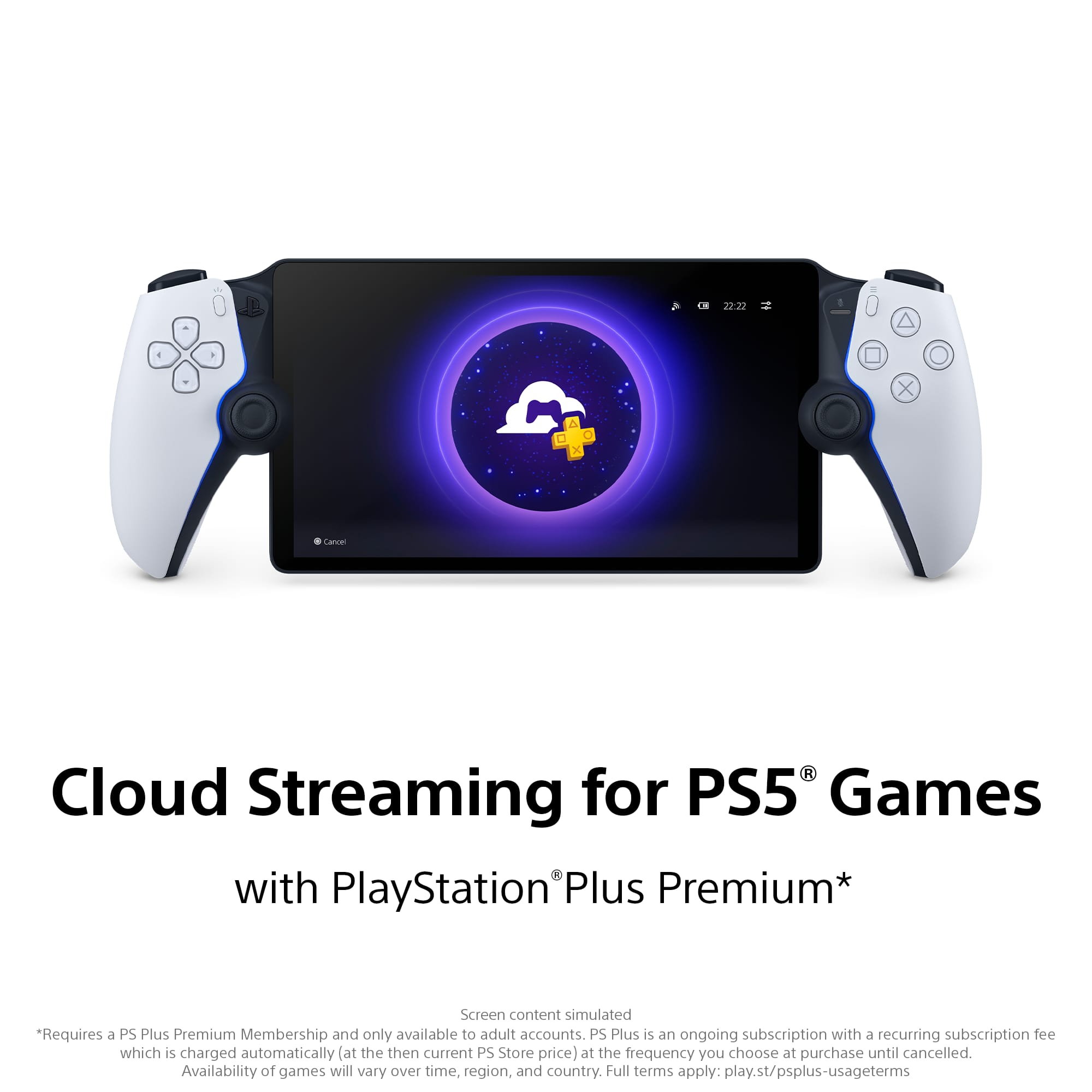
||Posted . Owned for 10 months when reviewed.This reviewer received promo considerations or sweepstakes entry for writing a review.The PlayStation Portal is a fantastic way to bring PS5 gaming off the TV. The 8-inch display is bright and sharp, controls feel familiar (DualSense-style triggers and sticks), and setup is painless — it really does feel like a handheld PS5. With the recent addition of cloud streaming, the Portal has become even more flexible: you can play games without needing your PS5 powered on or even in the same house (where cloud service is available), which is perfect for travel or when someone else is using the TV. That said, some real-world limits remain. Cloud streaming means the Portal is now much more dependent on your network — on unreliable Wi-Fi or limited cellular hotspots you’ll notice lag, compression, or stuttering. Expect higher data usage (cloud play can chew through GBs fast), and a steady, low-latency connection is required for a great experience. Battery life still isn’t amazing during long sessions, and if you plan to use it away from Wi-Fi you’ll want to watch data caps. Also, headset/voice-chat support is more limited than a full PS5 setup — check compatibility for the headset you plan to use.
This review is from Sony Interactive Entertainment - PlayStation Portal Remote Player - White
I would recommend this to a friend- Pros mentioned:Overall performance
Rated 4 out of 5 stars
Disconnects
||Posted .This reviewer received promo considerations or sweepstakes entry for writing a review.Pretty good disconnects from ps5 sometimes but works good when stays connected
This review is from Sony Interactive Entertainment - PlayStation Portal Remote Player - Midnight Black
I would recommend this to a friend Rated 4 out of 5 stars
I Can Finally Play My Games!
||Posted .This reviewer received promo considerations or sweepstakes entry for writing a review.This has been a game changer. With the update that allows you stream any game in your library this is a great value. Yes, it does require the most expensive subscription but for me it’s still worth it. On Christmas Day I was told I would need to wait 60 mins to stream a game; I assume the servers were crowded because a lot of new owners were using their portals. I never had this issue before Christmas but something to be aware of. I even played Destiny with few connection issues. I did have some weird setup issues and the device took some getting used to. Nothing good old Reddit couldn’t handle.
This review is from Sony Interactive Entertainment - PlayStation Portal Remote Player - Midnight Black
I would recommend this to a friend- Pros mentioned:Screen quality
Rated 5 out of 5 stars
Crystal clear
||Posted . Owned for 3 weeks when reviewed.This reviewer received promo considerations or sweepstakes entry for writing a review.Feels solid, battery life is great I could be playing while someone is watching TV
This review is from Sony Interactive Entertainment - PlayStation Portal Remote Player - Midnight Black
I would recommend this to a friend - Pros mentioned:Overall performance, Portability
Rated 5 out of 5 stars
Good for gaming
||Posted . Owned for 2 weeks when reviewed.This reviewer received promo considerations or sweepstakes entry for writing a review.Work like a charm and really easy to set up and use
This review is from Sony Interactive Entertainment - PlayStation Portal Remote Player - Midnight Black
I would recommend this to a friend Rated 4 out of 5 stars
Great when it connects
||Posted .This reviewer received promo considerations or sweepstakes entry for writing a review.When it connects to my ps5 it’s great but sometimes getting a connection is a pain. My home network is good and I am using the ps5 connection using Wi-Fi rather than wired connection, which I heard improves the connectivity. But yeah the cloud streaming is a game changer as long as you’re a ps plus platinum member. Solid to hold and use. The thumb sticks are a little higher than a standard dualsense controller so it takes some getting used to that, but overall a great product!
This review is from Sony Interactive Entertainment - PlayStation Portal Remote Player - Midnight Black
I would recommend this to a friend- Pros mentioned:Portability
Rated 5 out of 5 stars
ps portal
||Posted . Owned for 8 months when reviewed.This reviewer received promo considerations or sweepstakes entry for writing a review.very nice and easy to set up the grapics are awesome
This review is from Sony Interactive Entertainment - PlayStation Portal Remote Player - White
I would recommend this to a friend - Pros mentioned:Portability
Rated 5 out of 5 stars
Best On the Go Gamer
||Posted .This reviewer received promo considerations or sweepstakes entry for writing a review.It feels really nice, the battery last longer than what is actually stated and it is very good for travel.
This review is from Sony Interactive Entertainment - PlayStation Portal Remote Player - Midnight Black
I would recommend this to a friend Rated 5 out of 5 stars
playstation portal
Posted .This reviewer received promo considerations or sweepstakes entry for writing a review.the playstation portable is worth every penny i can use it when im at work or sitting at home on the porch it has no limits i took it from co to az i was able to play on the plane and when i landed in az i was still able to play in my hotel room with no issues at all the portal is cheap for only 200 in my opinion i love it so much it never leaves my side 10/10 its a great gift or even a nice little thing for yourself if you a gamer or even if you just wanna have fun and mess around on it every now and then
This review is from Sony Interactive Entertainment - PlayStation Portal Remote Player - White
I would recommend this to a friend- Pros mentioned:Overall performance
Rated 5 out of 5 stars
2nd Times the Charm
||Posted . Owned for 3 weeks when reviewed.This reviewer received promo considerations or sweepstakes entry for writing a review.I bought a release PS Portal and tried hard to love it. Had connection issues, trigger issues, and sound problems. I sold it before the quality of life updates were implemented. I decided to give it another go this year and everything I struggled with previously has been remedied! Lately, I've been playing on this more than my OLED TV, and I'm glad I got it in black this time!
This review is from Sony Interactive Entertainment - PlayStation Portal Remote Player - Midnight Black
I would recommend this to a friend