Customer Ratings & Reviews

- Model:
- 1000044792
- SKU:
- 12507275
Rating by feature
- Value
Rating 4.2 out of 5 stars
- Quality
Rating 4.5 out of 5 stars
- Ease of Use
Rating 4.1 out of 5 stars
Necessary to use the PSVR2 on PC
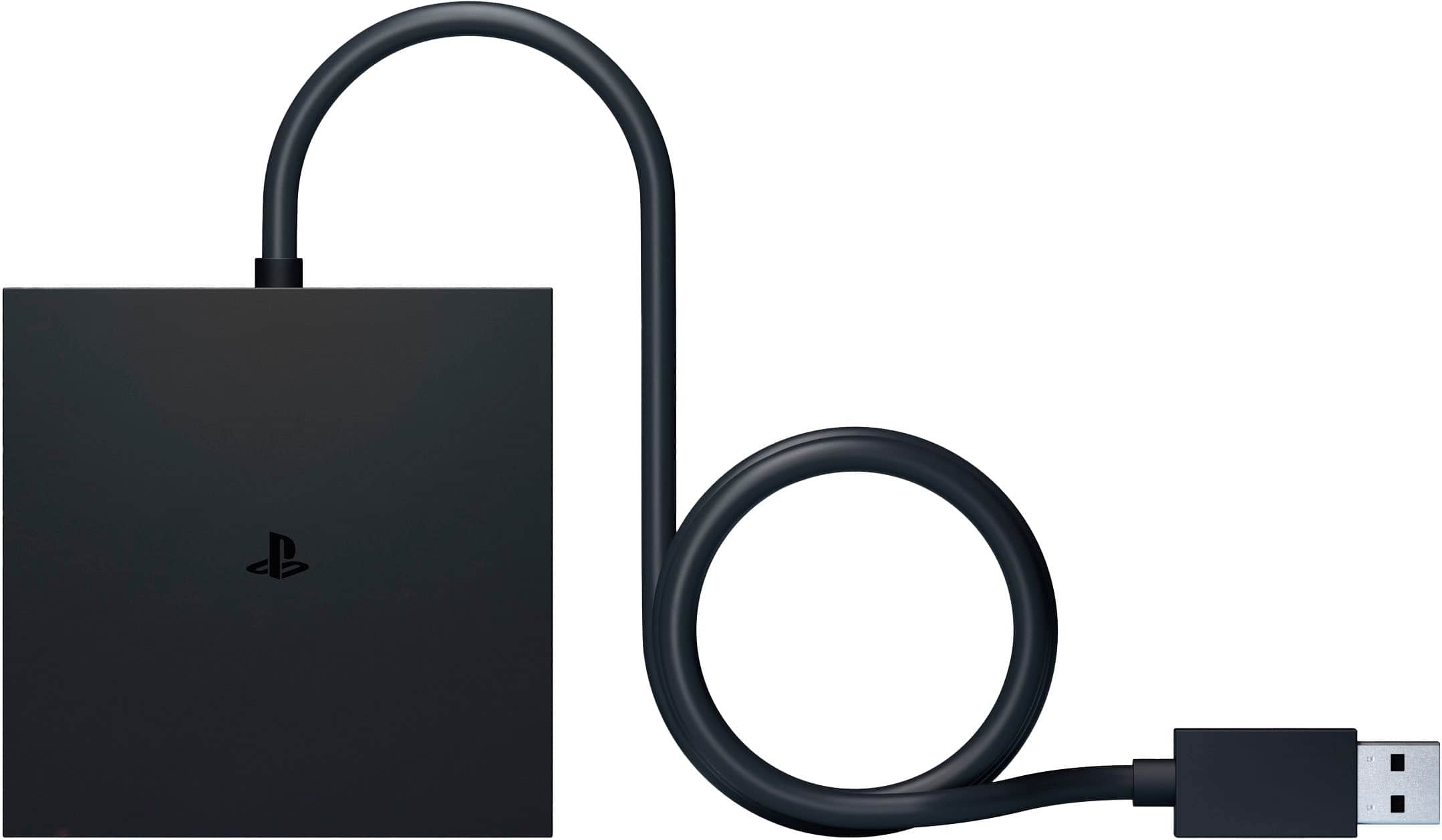
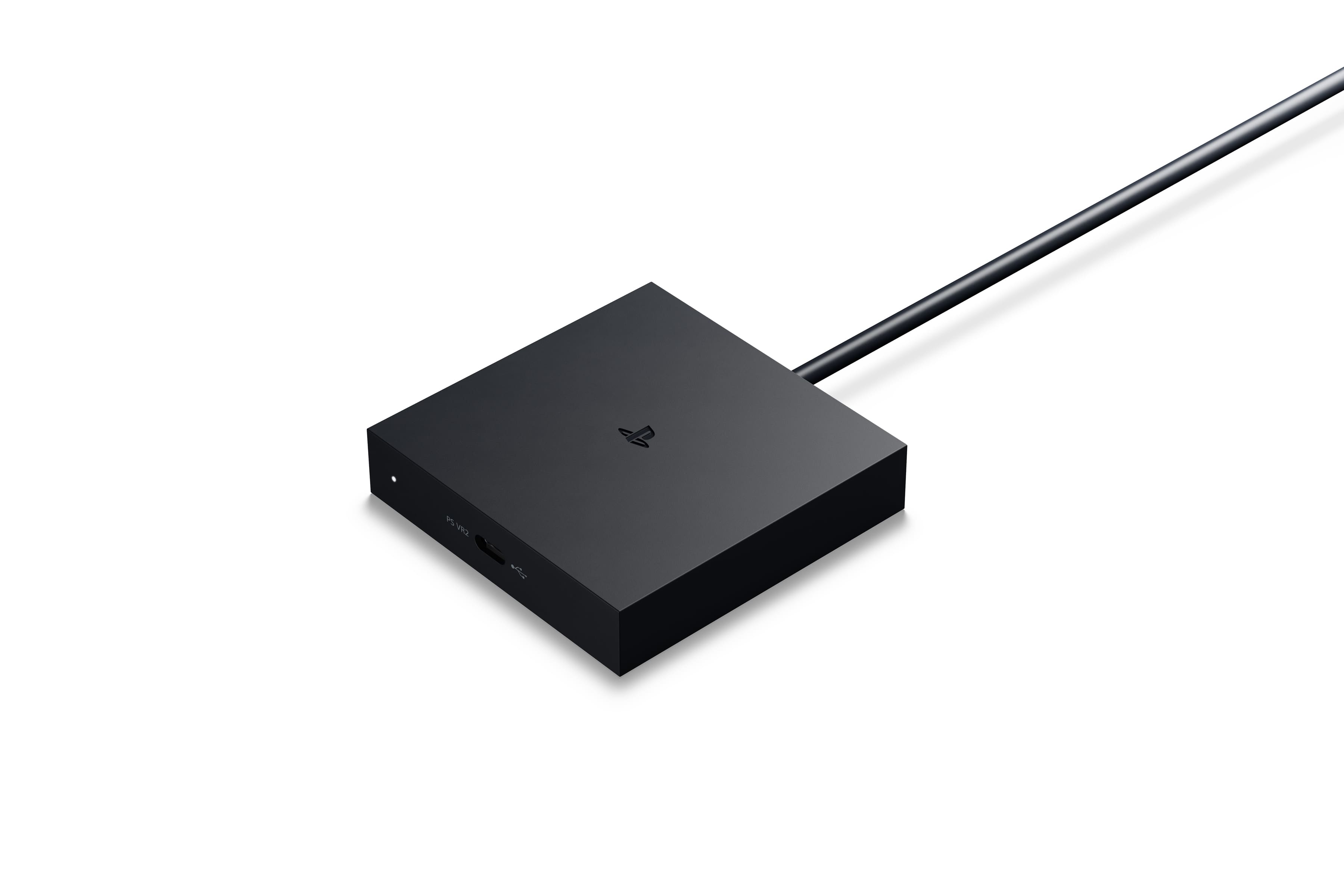
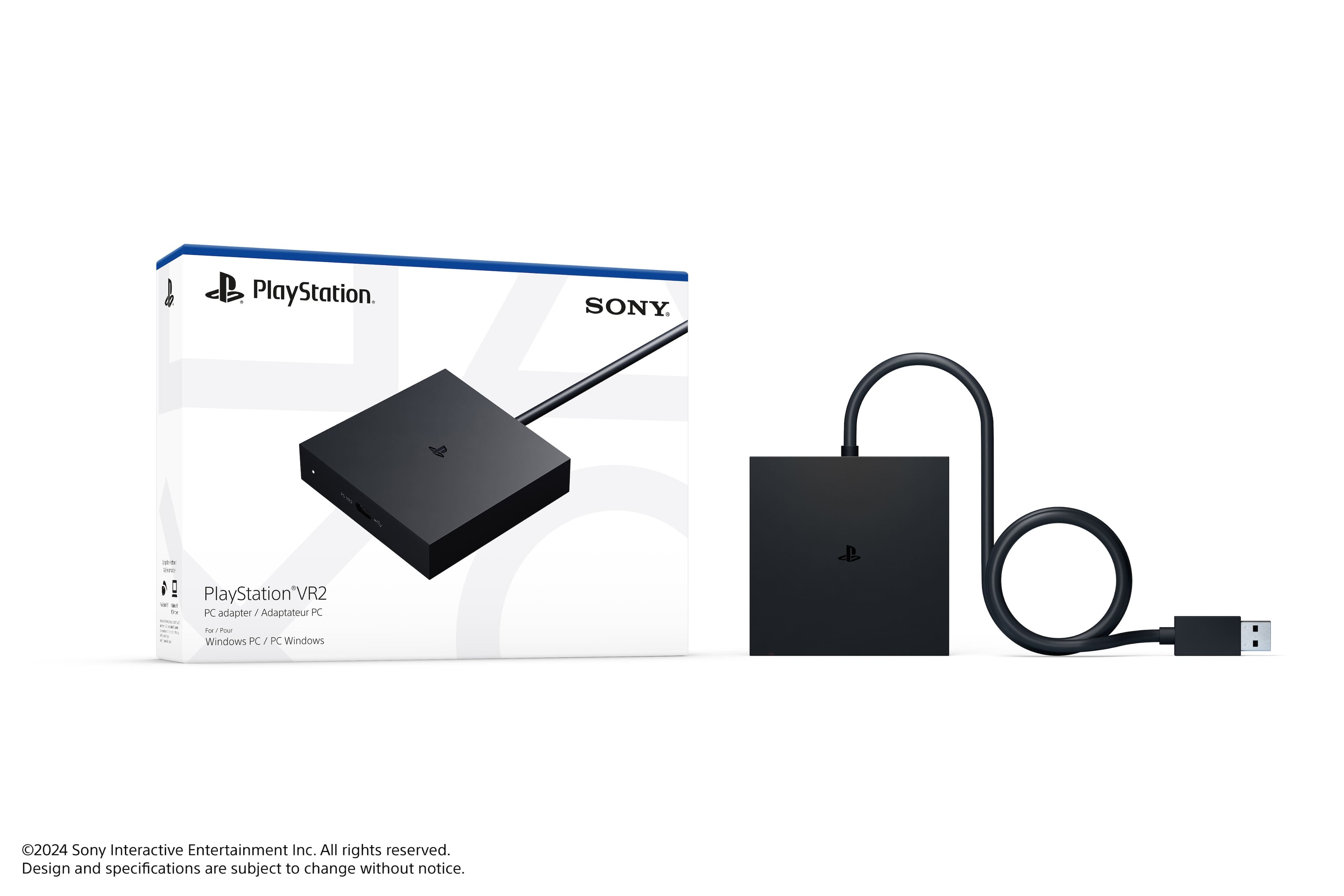
||Posted .This reviewer received promo considerations or sweepstakes entry for writing a review.If you are planning to use the PSVR2 with your PC then this adapter is required. If you are planning to use it with your PS5 then go no further as it is NOT needed. The adapter itself functions as you would expect and has a solid build quality. However the adapter DOES NOT include a display port cable, you have to provide your own.
I would recommend this to a friendGreat headset
||Posted . Owned for 1 month when reviewed.This reviewer received promo considerations or sweepstakes entry for writing a review.Great VR headset for the money. With the unlock of PC compatability and lots of community support, this has become an excellent option for PCVR. I definitely reccomend it if you’re looking to give VR a try.
I would recommend this to a friendQuick and easy to set-up, it just works
||Posted . Owned for 1 month when reviewed.This reviewer received promo considerations or sweepstakes entry for writing a review.Set-up was pretty simple and quick. It took only a couple of minutes to set up and it's worked flawless for me so far. It's pretty compact so it doesn't clutter up my desk either. A couple of things to keep in mind for anyone getting this. You already need your own PSVR2 Headset and Controllers. You'll need an HDMI cable of your own to plug into the Adapter and into your GPU's HDMI port. The controllers connect via Bluetooth so if your computer doesn't have that you'll need an external dongle to connect the controllers. You'll need Steam installed and to download the PSVR2 App on steam in order to use your PSVR2 Headset. That's really all you need to keep in mind. The adapter does its job and it's a must for anyone who has a decent PC and wants to get the most out of their PSVR2 headset.
I would recommend this to a friendGets it done
||Posted . Owned for 3 weeks when reviewed.This reviewer received promo considerations or sweepstakes entry for writing a review.I've recently had the opportunity to experience the PlayStation VR2 with a PC adapter, and I'm thoroughly impressed with the results. This powerful combination unlocks a vast library of PC VR games, providing a truly immersive and high-quality gaming experience. One of the biggest advantages of using the PlayStation VR2 with a PC adapter is the expanded access to a wide range of VR games. From popular titles like Half-Life: Alyx to indie gems and experimental experiences, there's something for everyone to enjoy. The setup process is relatively straightforward, although it may require some technical know-how. Once you've connected the adapter and configured your PC, you can dive into the world of PC VR. It should only get better and more stable with future updates. If you're looking to enhance your PlayStation VR2 experience and explore the vast library of PC VR games, the PC adapter is a worthwhile investment. It offers a powerful and versatile way to enjoy immersive gaming on your PlayStation console.
I would recommend this to a friendDoes what it says, with a little tweaking
||Posted .This reviewer received promo considerations or sweepstakes entry for writing a review.I had very few issues plugging this in and using a PSVR2 headset on my PC with Steam. The biggest problem I had was setting up my "room space". It was very laggy. I am thinking it is something to do with the high resolution of the display, and the pass-through video. I also had to reduce the scaling, or it would be very laggy in game. I have a 3070TI video card, which I had thought would be enough. Other than those initial things, I have had no issues since.
I would recommend this to a friendPSVR2 PC Adapter
||Posted .This reviewer received promo considerations or sweepstakes entry for writing a review.Was able to easily connect it to my PC in order to connect the PSVR2. Wish that it was a little longer so that I could keep it from dangling around. Otherwise works fine
I would recommend this to a friendIf you own a PSVR2, this is 100% worth it
||Posted .This reviewer received promo considerations or sweepstakes entry for writing a review.Overall works well. Using on a 5060 and it averages about 70-90fps and looks smooth at the 120hz refresh rate. The software and firmware do cause some issues on games (namely Half Life Alyx) but they can be resolved with a bit of research.
I would recommend this to a friendGreat on PS5, but limited and heavy for PC use
||Posted . Owned for 3 weeks when reviewed.This reviewer received promo considerations or sweepstakes entry for writing a review.The PSVR2 delivers excellent image quality and a very immersive experience on PS5. The controllers work great and games feel truly next-gen. However, when using it on PC there are some drawbacks: an additional adapter is required and there are compatibility and performance issues, so the experience is not as smooth. Also, the headset feels a bit heavy, which can be uncomfortable during long sessions. Overall, it’s a great product for PS5, but PC support could be better.
I would recommend this to a friendExcellent producr.
||Posted . Owned for 3 weeks when reviewed.This reviewer received promo considerations or sweepstakes entry for writing a review.Works great very simple to use letting me use my vr headset on my pc.
I would recommend this to a friendPSVR2 on your Laptop
||Posted . Owned for 3 weeks when reviewed.This reviewer received promo considerations or sweepstakes entry for writing a review.love it works great. Very easy setup. Very convenient.
I would recommend this to a friendWorks great!
||Posted . Owned for less than 1 week when reviewed.This reviewer received promo considerations or sweepstakes entry for writing a review.Had a hard time finding one of these after picking up the PSVR2 bundle over the holidays but they finally started showing up on the Best Buy website and I was able to grab one. I did read up and watch a few videos so I knew I had to also purchase a 1.4 Displayport cable for when it arrived since there is not one included. Shipping was fast and I luckily didn't have any troubles pairing the controllers to the bluetooth on my motherboard like I've read some have. Downloaded the PSVR and Steam VR apps off Steam, got them both setup, and I was up and running in no time. Nice to have the added option of playing PCVR games now! The graphics on the couple of games I checked out were great.
I would recommend this to a friendIt does what it needs to.
||Posted . Owned for 1 month when reviewed.This reviewer received promo considerations or sweepstakes entry for writing a review.This thing does as advertised but not without working with it for a bit. I got the controllers to work but some other computers may need a separate bluetooth dongle to pair them. It's honestly wild they didn't include their own bluetooth chip in the box. For $60 it's a really barebones adapter. You also need an extra DisplayPort cable as well cause they don't include one either. Yeah it works fine but it's too expensive for what it is. If you already have a PSVR2 and want it working with a PC it's cheaper than buying a whole other VR headset, but if you don't then I'd look into other options.
I would recommend this to a friendGood pc adapter
||Posted . Owned for 3 weeks when reviewed.This reviewer received promo considerations or sweepstakes entry for writing a review.Setup is super easy and straight forward, i had some issues with the adapter not recognizing my usb 3.0 port on my pc but a system reboot fixed that issue. The psvr 2 is a great vr headset and being able to use it on pc is a game changer, i just wish it wasnt so pricey and required an additional display port cable
I would recommend this to a friendBetter than psvr
||Posted .This reviewer received promo considerations or sweepstakes entry for writing a review.Has much improved over it’s predecessor and can be used on pc with the adapter which isn’t included and must be purchased separately
I would recommend this to a friendWorks Great
||Posted . Owned for 2 weeks when reviewed.This reviewer received promo considerations or sweepstakes entry for writing a review.Works perfectly fine as long as you got a good bluetooth adaptor.
I would recommend this to a friendGreat PC VR option
||Posted . Owned for 1 month when reviewed.This reviewer received promo considerations or sweepstakes entry for writing a review.I found set up for this to be relatively painless, I ran into some initial issues but I've already forgotten them. I use this headset all the time with my PC and I have no regrets, especially now that Microsoft killed WMR. I am using and AMD 7900 xt and while initially there was a settings issue (120hz only, no 90hz) that is now fixed. I have a wifi + Bluetooth PCI card and I attached a longer desk mounted antena from another card, and found no large issues with my controllers, though I only use them to get through menus as I'm primarily doing sim driving
I would recommend this to a friendGreat adapter!
||Posted .This reviewer received promo considerations or sweepstakes entry for writing a review.Works as expected. No issues. Sturdy built, easy to configure.
I would recommend this to a friend
works great easy setup
|Posted . Owned for 2 months when reviewed.This reviewer received promo considerations or sweepstakes entry for writing a review.works perfectly with my alienware r15 desktop with i9 and 4090. no issues whatsoever. setup was a breeze and much more power than ps5 has
I would recommend this to a friendNeeds better firmware support from Sony
||Posted . Owned for 5 months when reviewed.This reviewer received promo considerations or sweepstakes entry for writing a review.The hardware and software is pretty simple. What is not is finding the appropriate Bluetooth dongle for the controllers. I have 3 of the 4 recommended dongles and I still have lost tracking regularly on my controllers. I have also tried moving the dongles in different areas to provide better line-of-sight to my play area, still the same performance. The headset itself is fantastic: no screen door effect, amazing colors, and the most comfortable headset I've owned (compared to Quest 2, Quest 3, and HP Reverb G2).
I would recommend this to a friendMust buy for PC users!
||Posted . Owned for 2 weeks when reviewed.This reviewer received promo considerations or sweepstakes entry for writing a review.Get this product while its in stock! Easy set up to my PC, with great results!
I would recommend this to a friend