Customer Ratings & Reviews

- Model:
- 3810R
- SKU:
- 5948005
Rating by feature
- Value
Rating 4.7 out of 5 stars
- Quality
Rating 4.8 out of 5 stars
- Ease of Use
Rating 4.7 out of 5 stars
Customers are saying
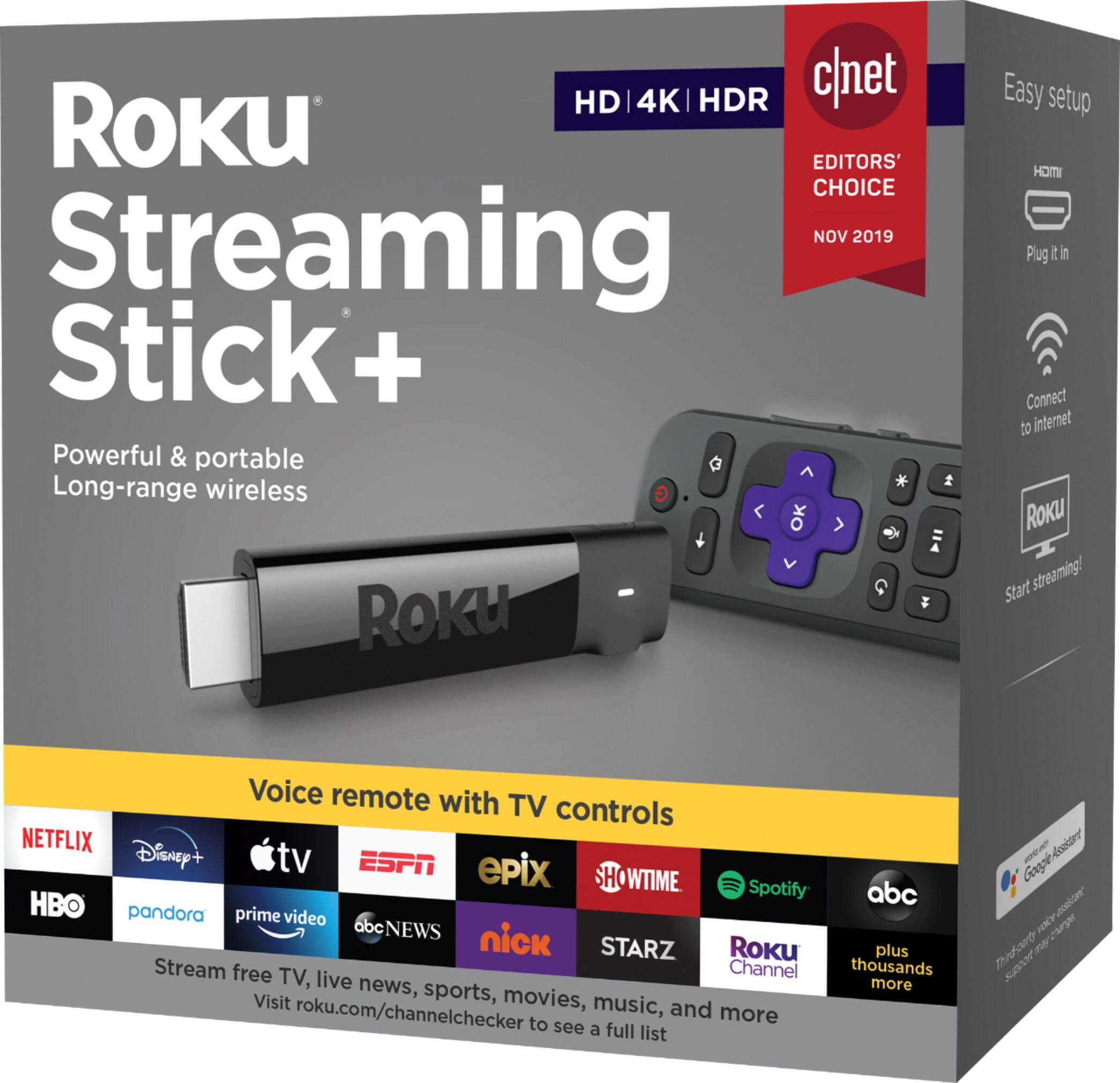
Customers are positive about the Roku Streaming Stick+'s ease of use, remote control, streaming quality, picture quality, and 4K capabilities, with many praising its simple setup and intuitive interface. However, some customers reported negative experiences with the device overheating and the remote's battery life. A few users also mentioned compatibility issues and occasional lag. Overall, the positive feedback on ease of use and performance outweighs the negative comments regarding specific issues.
This summary was generated by AI based on customer reviews.
Roku
||Posted . Owned for 3 weeks when reviewed.This reviewer received promo considerations or sweepstakes entry for writing a review.Works great for streaming apps. Controls TV power & volume
I would recommend this to a friendIt's simple and easy to use
||Posted . Owned for 1 month when reviewed.This reviewer received promo considerations or sweepstakes entry for writing a review.I have bought it and it work well so I can see lot of program now.
I would recommend this to a friendTerrible access to customer support
||Posted . Owned for 1 month when reviewed.This reviewer received promo considerations or sweepstakes entry for writing a review.I would not recommend this product to anyone. I have had nothing but issues with it since I purchased it. Most of the time I have to unplug it from the tv wait for it to reset (this is from their customer support - web only solution) then plug it back in. The remote will then sync and I can watch my shows. Until the next time I have to turn on the tv and I have to start the process all over again. The sales rep at Best Buy advises buying a power strip so the I don’t use the TV which could cause issues. Which I did and I have been using since day one. Forum groups say to disable the screen saver feature ( the issue I am having seems to be a very common one with Not what I thought it was going to be. Terrible customer support system
No, I would not recommend this to a friendThe Remote is Terrible!
||Posted . Owned for 2 months when reviewed.This reviewer received promo considerations or sweepstakes entry for writing a review.I had a Roku 3 for years. I lost the remote so I replaced it with this. My AV reciever is located in a closet and the old Roku 3 remote work perfectly. This one did not! I have gone to the trouble to rework my system so that the Roku stick is plugged directly into one of the hdmi ports on the tv in the same room and then used the HDMI ARC from the tv to get the sound back to my audio video reciever. Still having trouble... Every day sometimes two, I have to remove the batteries from the remote, unplug the power to the stick which is behind the wall mounted tv and then put it all back again to get it back working. Talk about a pain in the rear! I wish I had my old Roku 3 back!
No, I would not recommend this to a friendThe roku is great, cords are another story
||Posted .This reviewer received promo considerations or sweepstakes entry for writing a review.I love my roku!! However the connection cords are corroded and the quality is disappointing.
I would recommend this to a friend- Pros mentioned:4k, Picture quality
Impressive
||Posted .This reviewer received promo considerations or sweepstakes entry for writing a review.Have this attached to a 49" 4K Samsung. Plays standard definition to 1080P movies I have stored on a NAS over wireless. Picture quality is good. Sound is good. Runs off of USB power from t.v. Had no problems streaming from a MIMO wireless AC setup. 4K and HDR. Can move icons and add/remove them. Can change background. Same as the boxed versions, but smaller and without the outputs and Ethernet port. Remote can control my t.v.s on/off and volume. Recommend setting up a Roku account online prior to using. Will make entering data easier, otherwise you'll end up using the remote. You don't have to enter credit card information to set it up either, but you'll have to look at the bottom of the website to skip that part. Does not play the subtitles on movies I have on my server... whether remuxed in the file, or SRT and SUB/IDX files. Does not play alternate audio streams embedded either. My computer, XBox 1S and all of my very old WD media boxes can run subs and change audio streams. USB cable is a bit thick/short, but it doesn't weigh against the HDMI port. Hate having to register just to use it. It may be for streaming services, but it shouldn't be a requirement for basic functionality. Bought one for my guest bedroom and one for the parents as a gift to replace an older WD media player (and get rid of the clutter under the t.v.).
I would recommend this to a friend Broke Power Cable
||Posted . Owned for 2 months when reviewed.This reviewer received promo considerations or sweepstakes entry for writing a review.Do not buy this guys. The power cable broke with less than a few months while jus being in the TV. How is that possible ? It didn’t bring any use to my babies after it broke they were stuck with no TV and only WiFi. That really sucked after I spent a hard earned 40$.with Best Buy suck as return/ exchange policy you out of lock of getting anything fixed or exchanged since it didn’t break in 15 days or less wow.
No, I would not recommend this to a friendBrand response from Roku Team
Posted .Hi Meiya, we're sorry to hear about your experience and we're always here to help! Please reach out to our customer support team online at https://support.roku.com/contactus. Select the option that reads, "Questions about returning my Roku device or managing my order". The team will be able to determine if your device is eligible for a replacement.
If you'd like to learn more about warranty returns and replacements, please visit our helpful FAQ here: https://support.roku.com/article/208757058.
Thanks!
Roku Customer Advocate
- Pros mentioned:Remote control
New Roku Streaming Stick +
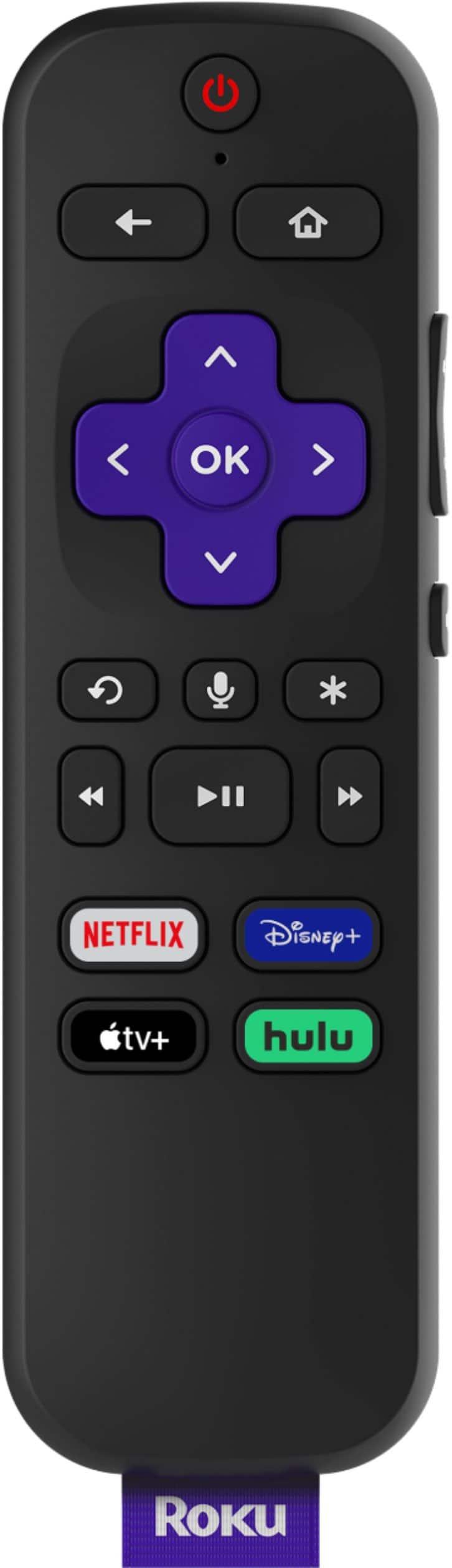
||Posted .This reviewer received promo considerations or sweepstakes entry for writing a review.In my house I have 3 TVs with a Roku streaming stick (2016 model) I’ve been very happy with the performance and ease of use. They are primarily for PlayStation Vue and Netflix since I am a cord cutter. I recently seen an advertisement for the new fall 2017 Roku lineup and the streaming stick+ caught my attention because of 4K and HDR compatibility along with increased WiFi reception. I’ve had it hooked up on our main tv for 2 day now and wow, what a difference. Everything loads so much faster. The reception of WiFi is better, and the best part is the remote now having control over my tv power and volume, it works flawlessly. I highly recommend it, well worth the $69
I would recommend this to a friend - Pros mentioned:Remote control, StreamingCons mentioned:Heat
Great device...my second one is funky
||Posted . Owned for 2 months when reviewed.This reviewer received promo considerations or sweepstakes entry for writing a review.The good: I am a Roku fan. Over time I have had Apple TV, Roku, and Amazon streaming devices. Over time I have also gotten rid of Apple TV and my Amazon Fire Sticks and Fire TV Cube, sold my older Roku devices, and moved pretty much all in on Roku+ 4K. In the Chicago area we're dominated by Xfinity, and because Roku allows you to download the Xfinity beta app and stream your cable subscription through your Roku device, this has really helped sell me on their devices and moving on from their competitors. I have one of these Roku+ 4K sticks in my basement hooked up to a 75" Samsung and Sonos Playbar, Sonos Sub and two Sonos Play 1, and it's lights out. Video is sick. Sound is off the charts. The one Roku+ remote allows me to operate my TV, the Sonos kit, and obviously the Roku+ 4K stick. Volume, mute, settings, etc. These devices are lightning fast, allow a vast amount of channels to download, don't go over the top in advertising and pushing their content on you, have an app if you hate remotes, and frankly, just provide a seamless user experience. Downsides: 1) I bought a second, exact same Roku+ 4K stick for our master bedroom. I thought "same device as in the basement - stream Xfinity in bedroom, Netflix, Disney+....have all the other channels on our Roku, control the TV, control the volume...so on". Well, for whatever reason, this second Roku+ 4K stick remote does not play ball with my Bose Solo 5 soundbar, which is also hooked up to our TV. I've messed with all the audio settings on my TV, the Bose remote, and the Roku+ remote. No dice. So, that whole "let's just use one Roku remote" thing for our bedroom, like we have in our basement, simply doesn't work. I ended up buying a Sideclick snap-on remote for the Roku+ remote in our bedroom. That kinda ticked me off (not that I am against Sideclick...I've bought them for Roku and Amazon Fire TV devices in the past...I just hate that they're like $25-$30), because I could have just gone with the less expensive Roku 4K Premiere, bought the Sideclick along with it, and saved myself the extra cost on the Roku+ versus the Roku 4K Premiere. 2) With this second Roku+ 4K stick in our bedroom, I've also experienced a few times where I've turned on the TV and received a "your device is overheating" message on the screen. So, you unhook it from the HDMI port, unplug the power, let it cool down for awhile, then re-install. Not the worst thing by any means, but I've had the first Roku 4K+ stick in our basement for two and a half years and never experienced a single hiccup, ever. In short: Samsung + Roku + Sonos = flawless Samsung + Roku + Bose = good
I would recommend this to a friend - Pros mentioned:Ease of use, Picture quality
As good as it gets
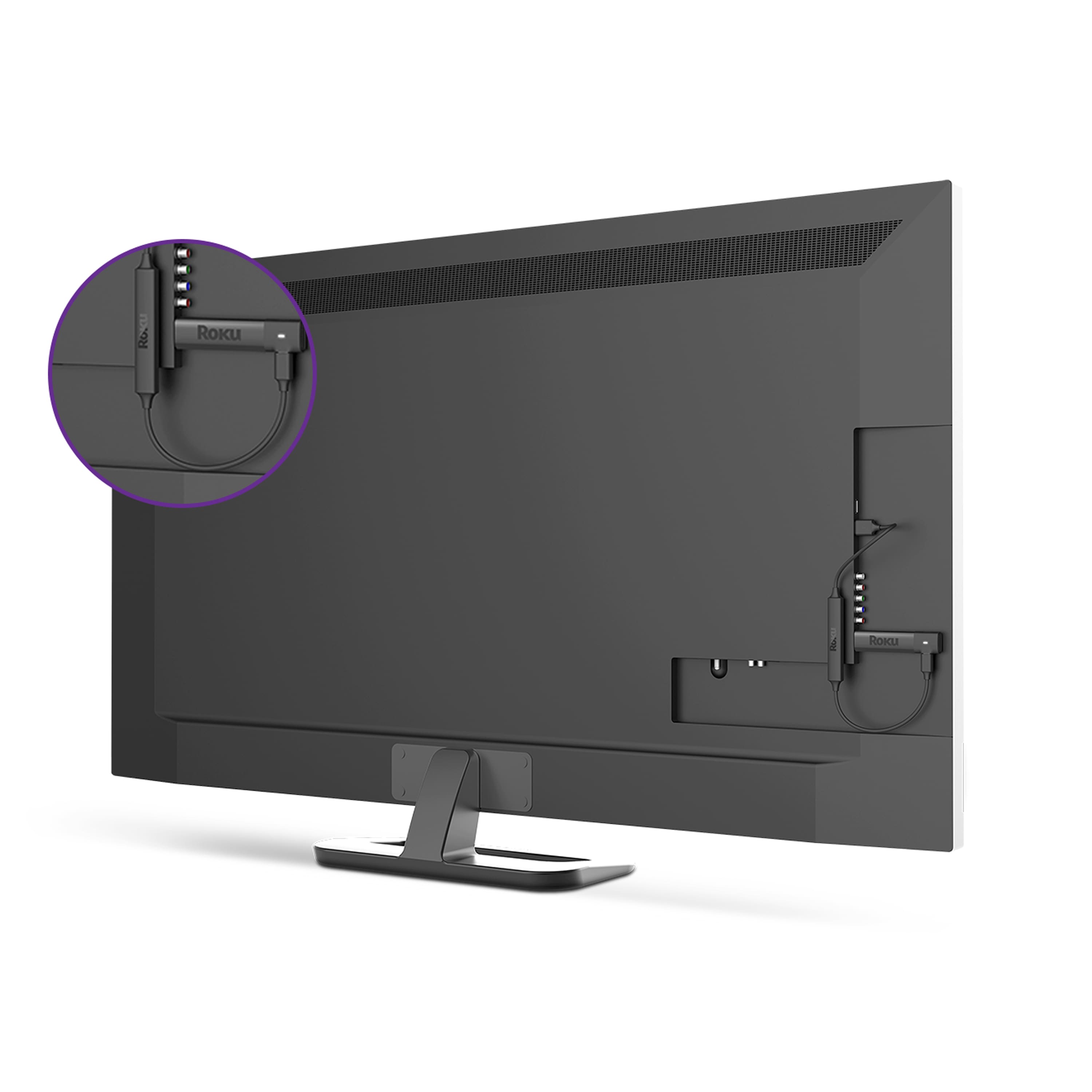
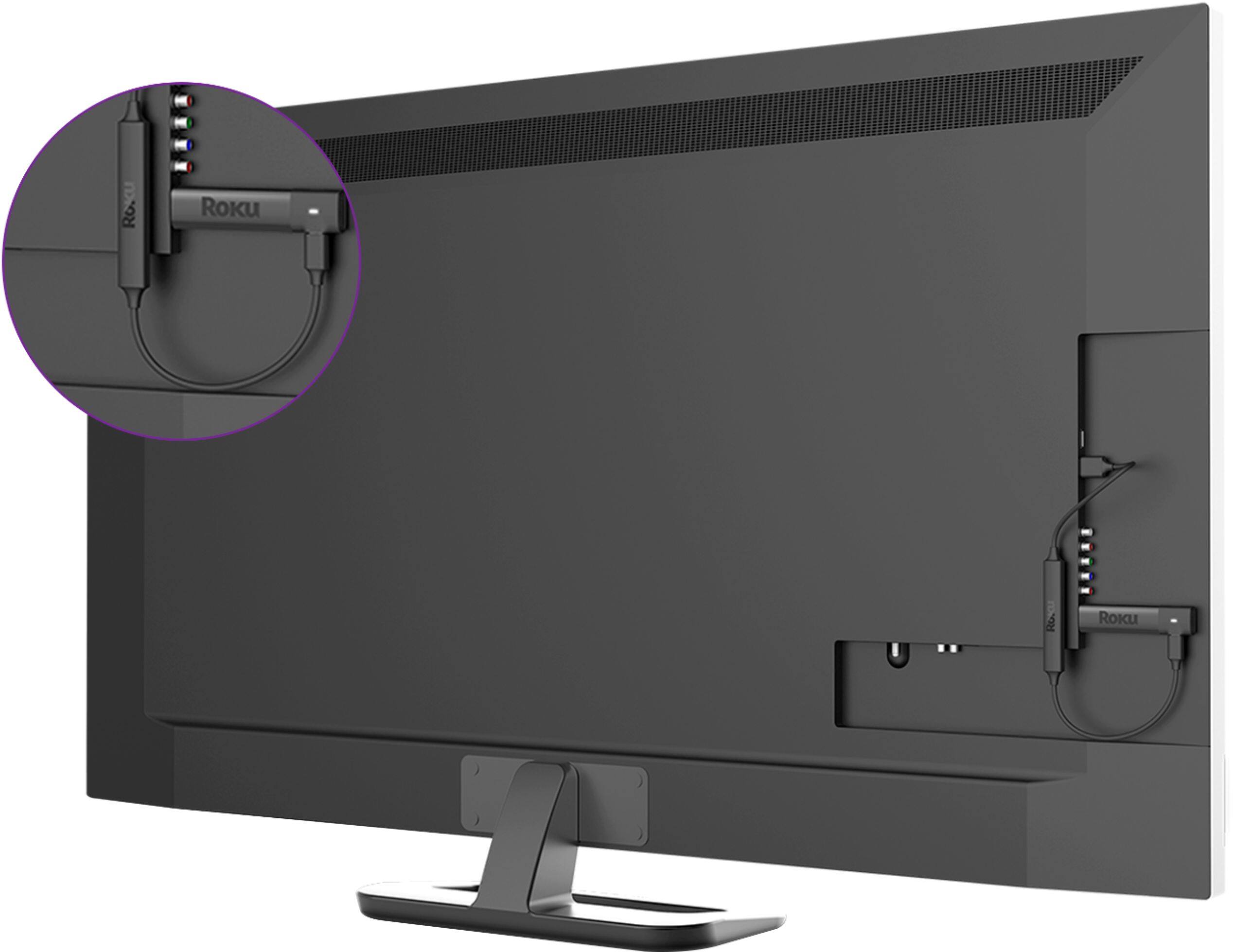
||Posted .This reviewer received promo considerations or sweepstakes entry for writing a review.This is my 3rd ROKU device, my main one is the ROKU Ultra, which I purchased for it's best Wi-Fi performance, picture and sound quality. This Streaming Stick + has the same Wi-Fi performance as the Ultra, with the best available speeds using the ac standards. It, like all ROKU's is really easy to set up and use, it couldn't be any easier to use, and it's available suite of apps is wide and deep. I feel it's performance is the equal to the Ultra, and with fast Wi-Fi, it's performance is as good as it gets. The really sweet thing about this little stick is it's not another box, but hides behind the diaplay, plugging directly into it's HDMI slot, even getting power from the USB port, if so equipped. We recently took it with us on a short trip to the Coast, and ROKU has made it so easy to set up, even on the Hotel's Wi-Fi, with it's extra passwords, ROKU thought of everything. We were able to watch Amazon Prime, Netflix just like at home, albeit with the caveat of the hotel's Wi-Fi connection, which was less than stellar, so a bit of buffering was experienced there. At home, the images and sound are superior to the Xfinity X1 cable box, when using the best quality apps, like Netflix, Amazon, etc. A solid recommendation!!!
I would recommend this to a friend - Pros mentioned:Ease of use, Picture quality, Remote control
Best streaming device, hands down.
||Posted . Owned for 7 months when reviewed.This reviewer received promo considerations or sweepstakes entry for writing a review.I had a Firestick, was not surprised when it died after a year. Constantly had to reconnect it to the network. The Roku 4K Streaming Stick is hands down far superior to any other streaming device I've ever used. 80% of the user experience on any streamer is the user interface, and this one has the easiest and most intuitive interface you'll ever use. This guy is super easy to set up and use and it just works well. It's a solid streamer and gives you fantastic picture quality. I am able to stream a wide variety of apps including Netflix, HBO Plus, Hulu, Discovery Plus, Peacock, and yes, even the Prime offering (gag). If you're used to pressing a button on your remote and speaking into it to locate what you want to watch, you won't be disappointed, this remote can do that. Not only can it do it, it does it well. You can search for a program throughout all the apps available! It has a lot of settings you can customize to your liking, and you can even choose different background themes that are fun and interesting. I can't stress enough how far ahead of the Amazon device this Streaming Stick is. You won't regret it.
I would recommend this to a friend - Pros mentioned:Ease of use, Remote control
A Notch Above
||Posted .This reviewer received promo considerations or sweepstakes entry for writing a review.Have owned a range of media streaming devices:Chrome cast, amazon fire stick, and several earlier model Rokus. This Roku Streaming Stick + is definitely a giant step up. -Easy setup and synching with Roku account -The “4x normal wireless range” allows Signal to be readily acquired in the far reaches of our interior brick-walled Victorian home with buffering at a minimum. -The included power and volume controls mean no more Remote juggling. -Voice search saves time and annoying character entry with remote. -Extreme portability – travels with you around your home or on vacation.
I would recommend this to a friend - Pros mentioned:4k, Ease of use
THE one to get!
||Posted .This reviewer received promo considerations or sweepstakes entry for writing a review.This streaming stick works very well! Easy to operate and set up, and easily eliminates need for volume control and on/off from any other remote. Roku has both public and private channels to add to your custom list as an FYI. There really isn't much need for cable/satellite TV if you have Roku. More importantly, don't waste money on a "smart" TV. First off, their apps and interfaces don't work as well as Roku stick. Second its an unnecessary technology that just drives up the cost on a TV. Get a "Dumb" tv and make it smart with a Roku stick. These sticks aren't that expensive and you can get a new one anytime but getting a new TV is a far less frequent occurrence. Love it!
I would recommend this to a friend - Pros mentioned:Ease of use, Streaming
Best Roku to date!
||Posted .This reviewer received promo considerations or sweepstakes entry for writing a review.I have owned many rokus starting from the first one as well as every FireTV to date. I gave up on Roku when the FireTv came out as it was much faster with better integration. Fortunately, I was forced to purchase a new Roku due to my cable provider as HBO is not supported under the FireTv. Needless to say after the first day of using this Roku, I have since been switching out all of my FireTV's to Roku's. The GUI kind of stinks. Looks like it hasn't changed since the first Roku years ago. But it streams UHD with no problem, no lag and perfect sound. I cannot say that about the new FireTV. Amazon continues to bloat up the GUI to the point it slows the entire product down. There is something to be said about keeping it simple. The Roku is not pretty, nor does it have a convoluted GUI, it just works! I would highly recommend this Roku streaming stick over the FireTV any day.
I would recommend this to a friend - Pros mentioned:4k, Ease of use, Remote control
Roku - One of the Best Streaming Sticks
||Posted . Owned for 1 month when reviewed.This reviewer received promo considerations or sweepstakes entry for writing a review.I cut the cord and decided to go with an alternative to cable. I chose the ROKU 4K streaming device. I don't have 4K on the tv I set it up with, but the ROKU 4K is backward compatible. So I knew it would work well. I launched all my streaming services from the ROKU platform. Crystal clear images and great sound help with the overall experience. Simply attach the ROKU 4K stick to a HDMI port on your TV, setup with your email and password and get started streaming. You can add or delete any apps that the ROKU stick finds through the internet. I am saving money and happy with the selection of paid and FREE movies and TV. I am happy I purchased this device. One of the best features is talking to the remote to find actors, movies or tv series. If its on ROKU you can bet it you'll find it!
I would recommend this to a friend - Pros mentioned:Ease of use, Remote control
Great Streaming Device!
||Posted .This reviewer received promo considerations or sweepstakes entry for writing a review.Plug it in and follow the prompts to set up. I had the original version of the Roku Stick and this device is a huge step up in performance and the setup is the easiest I have ever done with any streaming player. Plus the included remote will control tv power and volume too!
I would recommend this to a friend - Pros mentioned:4k, Streaming
Great streaming stick for the price
||Posted .This reviewer received promo considerations or sweepstakes entry for writing a review.I have a Chromecast as well as smart TVs that have streaming apps included. I purchased the Roku Streaming Stick + for a spare TV in a room that didn't have easy access to the physical cable connection to see what I can get off the Internet in terms of free content and was surprised by the number of apps that provided free shows and news. The movies were definitely older shows and there are quite a few free news apps. If you have a cable service, like Comcast, you can also use apps that allow you to sign in with your cable account and stream live content. This gives you a decent combination of capabilities and free content to get the basics before having to pay for additional apps like Netflix, Hulu and others. The video is very good and I didn't have streaming issues. My spare TV that I hooked this up to is a 1080 HD TV and not a full UHD 4K unit so I didn't get a chance to test the 4K capabilities.
I would recommend this to a friend - Pros mentioned:Ease of use, Remote control
Lots of power and versatility at a great price
||Posted . Owned for less than 1 week when reviewed.This reviewer received promo considerations or sweepstakes entry for writing a review.Works fast with a very small footprint. Love the fact that I can hide the whole thing behind my tv. The remote works well to change the volume and power to my tv as well, and the voice search function works smoothly. The roku ecosystem is solid, offering lots of different apps for streaming that work well with few bugs, and tons of personalization. Excellent price for such a powerful and versatile streaming stick. Get one for every room. It works well for a huge living room tv or a smaller bedroom or kitchen tv. Get one for every room with a tv, or just move it from room to room as needed. Very easy to plug and play. Software update makes it compatible with Airplay 2. Very easy to cast anything from your phone or tablet.
I would recommend this to a friend - Pros mentioned:Ease of use, Streaming
Had doubts
||Posted .This reviewer received promo considerations or sweepstakes entry for writing a review.I had my doubts with this stick streamer. I stopped using Roku years ago when the android boxes starting coming out. But this time I needed a box to stream live TV to a far 2nd floor bedroom in hd that wasn't wired for network. So only wanting to just use a stick so I can hide behind a wall mounted TV. Tried the firestick.was lagging and buffering. Ordered the Roku stick plus when they had a sale. Hooked it up and blown away. So easy to setup and get up and running. Grabbed Wi-Fi with strong signal. Streams xfinity stream. Plex server and Netflix all in hd without a hiccup. Look no farther. Great deal here. And the new remote with TV controls. Huge bonus.
I would recommend this to a friend Get the + stick for stronger wireless
||Posted .This reviewer received promo considerations or sweepstakes entry for writing a review.I bought the + stick because my TV is in a large cabinet and the + stick has 4 times the wireless strength. Setup was easy, though I wasn't pleased with being required to add a payment method during account setup on Roku website. I set up the payment method (Paypal) and PIN (to prevent purchases that I don't authorize). I then logged in later and chose "change payment method"--didn't fill anything out but found in really small letters at the bottom of the screen "Delete payment method". I clicked on that and now there are no payment methods on file. I have Directv and for most of the Roku apps that are TV related, when opening them and going to settings, they automatically figured out that I have Directv and they activated themselves. For a few, I had to go to the website listed and enter an activation number from the TV screen. I don't like applications using up data when not in use. I've read that if you go back to the home screen when you're finished watching for the evening that data won't be used. I don't trust it so when I'm finished I unplug both the stick and the power cord. If you have a newer wireless router, your router has a 2.4 GHz frequency and a 5GHz frequency. Use the 5GHz frequency since it is much faster--even though the 5GHz frequency has less range, the + stick has extended range so it should work fine (and give you much faster speeds with the Roku). So far very pleased with the vast amount of free channels that are available. I'm still looking online for new channels, and they seem to be endless.
I would recommend this to a friend