Customer Ratings & Reviews
- Model:
- RE-60012
- SKU:
- 6587862
Rating by feature
- Value
Rating 4.5 out of 5 stars
- Quality
Rating 4.6 out of 5 stars
- Ease of Use
Rating 4.6 out of 5 stars
Customers are saying
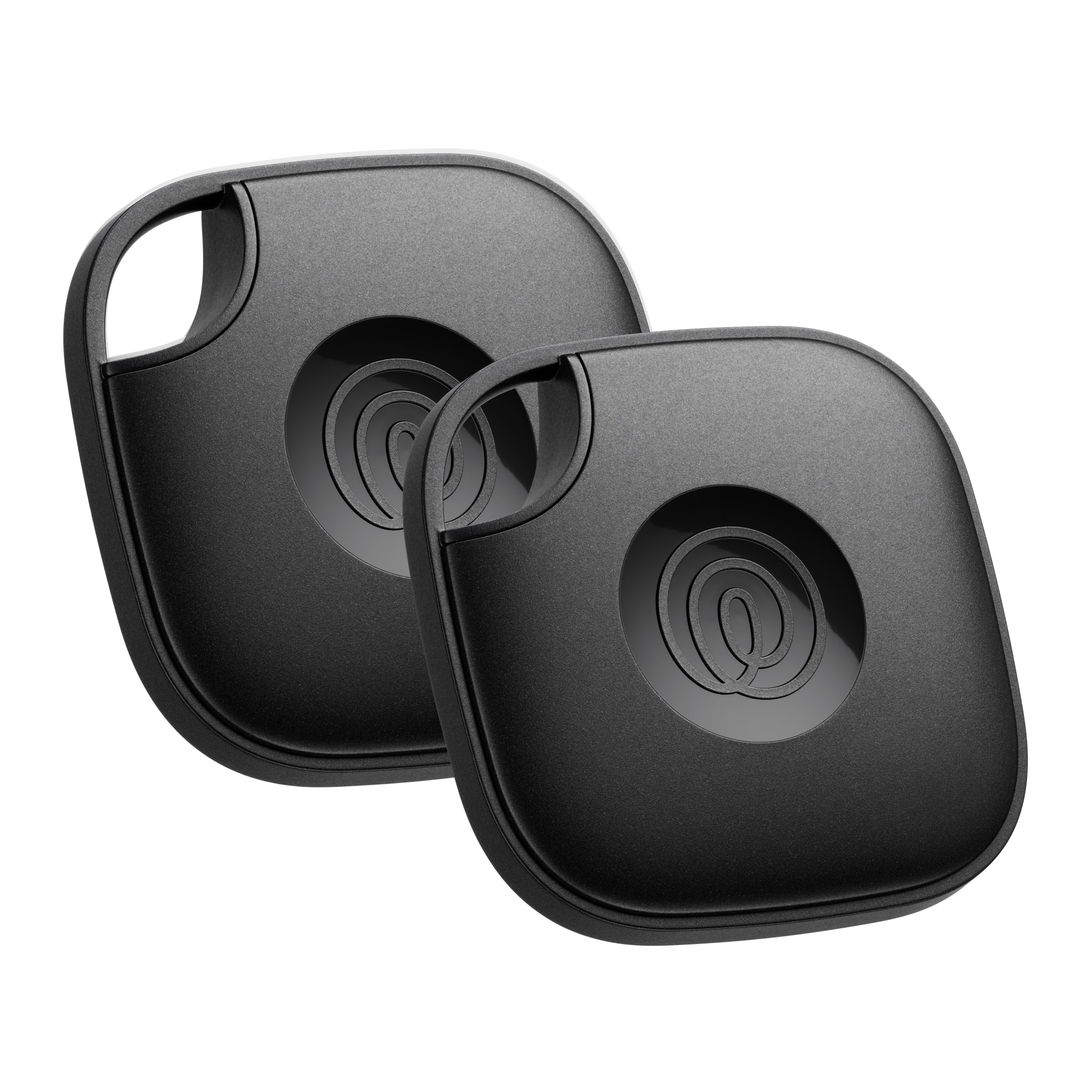
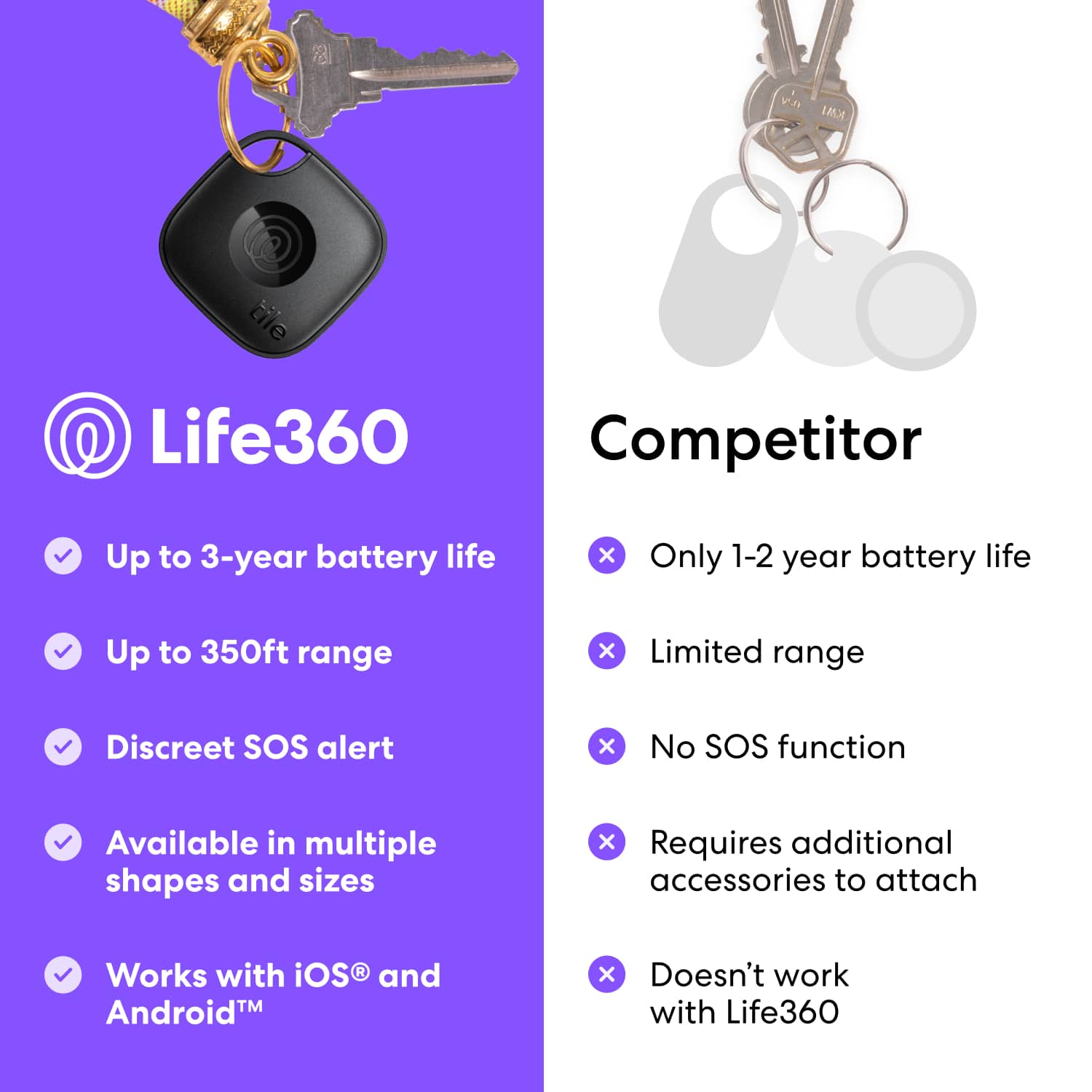
Customers frequently mention the overall performance, ease of use, and Bluetooth range as positive aspects of the Life360 Tile Mate. Users appreciate its convenient size, simple setup, compatibility, light weight, and water resistance. The location tracking feature is also valued by customers. However, some customers have expressed concerns about the battery life of the device.
This summary was generated by AI based on customer reviews.
- Pros mentioned:Ease of use

Attach. Track. Find. Alert. Recover. . . . Relief!
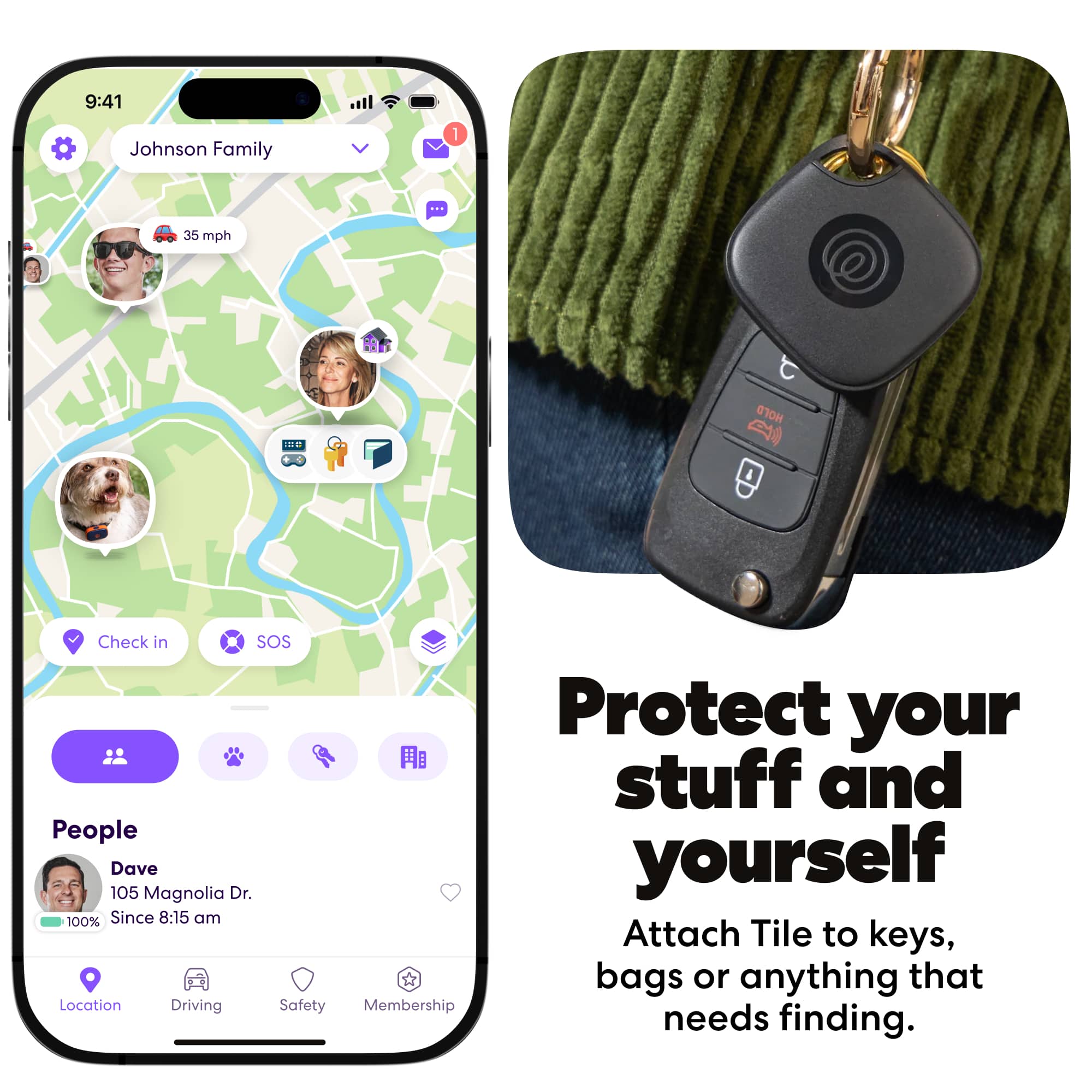
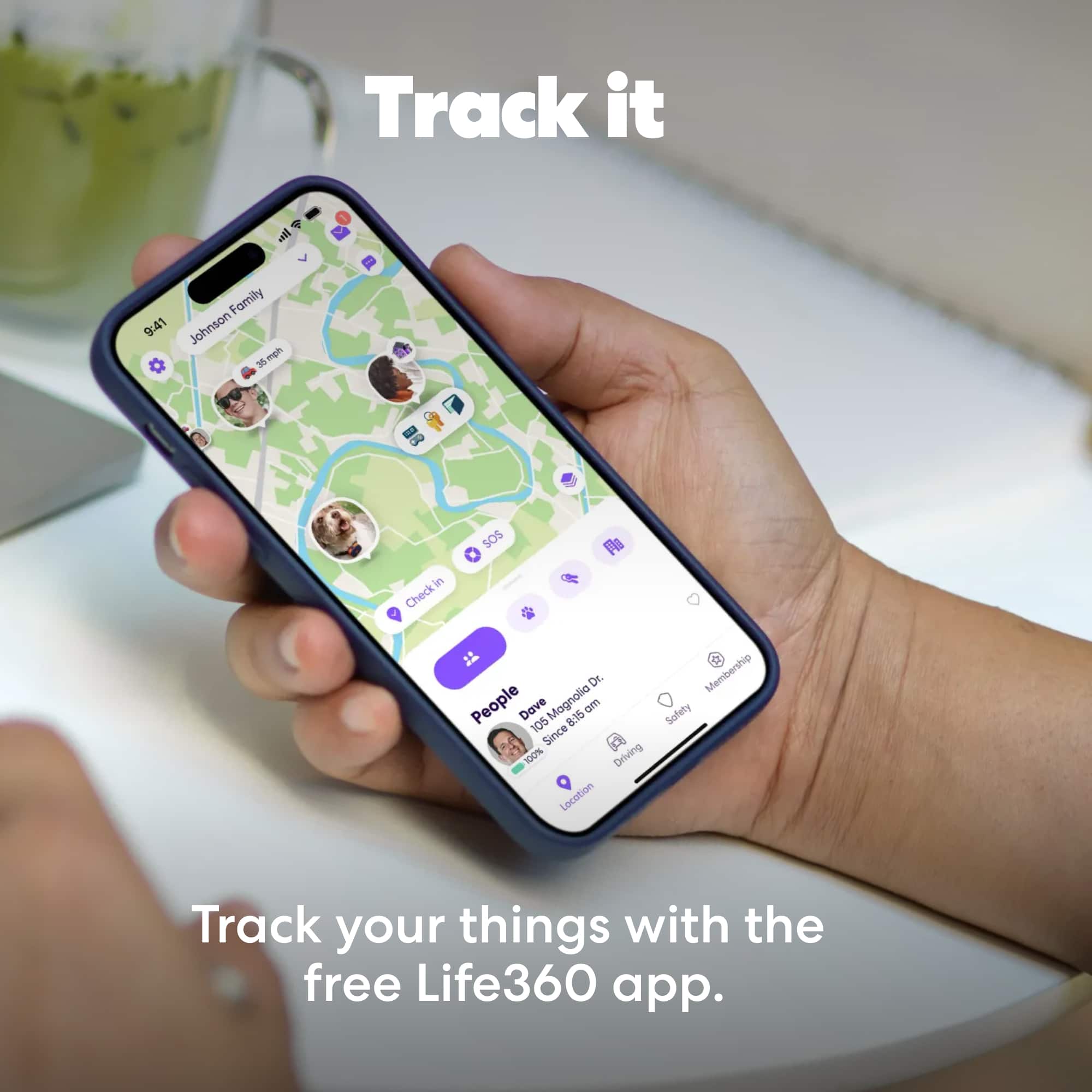
|Posted .This reviewer received promo considerations or sweepstakes entry for writing a review.Tile Mate by Life360 is simple to operate, but rich with useful features for locating the important things in my life. Although there is a premium service with advanced location history services available for a subscription fee, the free features offer everything I want right now. Tossed into a pocketbook or carry case, I can “remind myself” where I left my critical stuff. My phone’s Tile App uses the Bluetooth feature as a proximity sensor to detect the Tile attached to or stuffed inside my valued stuff. For a Tile associated with an item at a considerable distance, there is a map that can precisely locate the Tile. Searching for my phone which has far too often slipped between cushions, or under stuff, utilizes a neat reverse search feature of the Tile. The Tile can find the phone that initiated its operation. Just double click the Tile’s embedded button. There is a related Life360 App which, when installed, adds more features such as an SOS safety service. Triple click that same button and you’ve now sent yourself a notification of your location to your Life360 Circle. After setting up theTile, its App and the Life360 App I was surprised by the detailed tracking information provided as well the accuracy of the mapping. I must also admit I’m not sure which App and what technology is doing the heavy lifting in this tracking process. I've attached an edited screen capture. SETUP: The Tile has an App which exploits the Bluetooth technology built into our phones and the Tile. It also uses the cell/GPS technology that our phones rely on for communication services. Its focus is finding things and once installed, and the Tile is initialized and linked to your phone, it’s effortless and ready to go to work. You’re invited to add the Life360 App which links to the Tile App. This Life360 App enables friends and family members who have been added to your circle to also track these Tiles. Life360 adds people location to the network you’ve created. It’s a great way to track bicycles, backpacks, sporting equipment pets and kids. Admittedly, it doesn’t take much imagination or paranoia to feel uneasy about privacy concerns. Families need to sort out those issues for themselves. Users must give permission to be included and add their phones and many will feel the added security is valuable if done ethically. Of course, a Tile attached to you or your stuff can be done surreptitiously. Tile provides a Safety Tips support site which provides a thorough explanation on how to discover and disable a Tile tracker if you are being tracked without your approval. I can recommend the Tile tracker with reservations about the potential for abuse. But knowledge is important and the very reasonable price allows all of us to explore a technology which can be put to effective use on our behalf.
I would recommend this to a friend - Pros mentioned:Location tracking
Unique Tracking Features
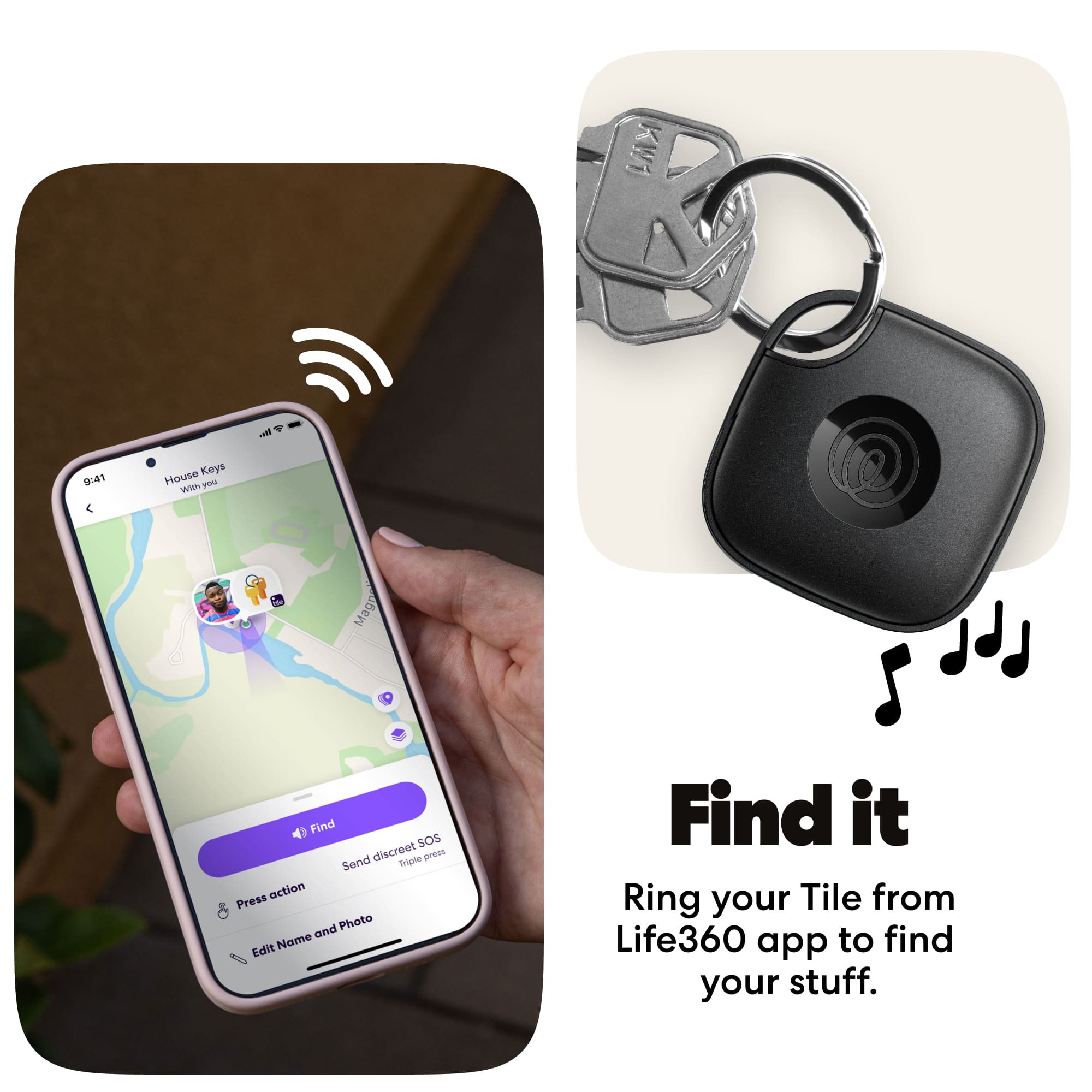
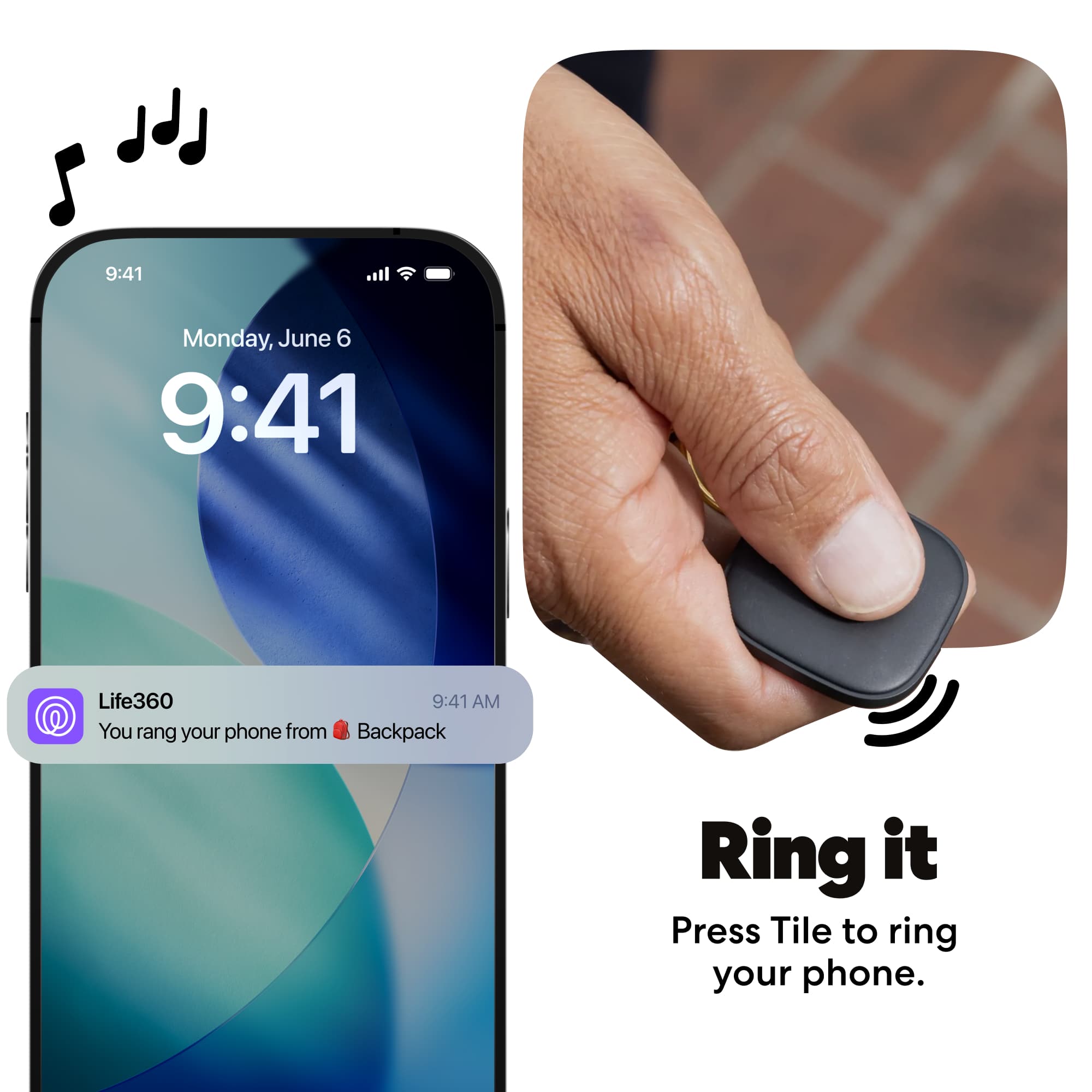
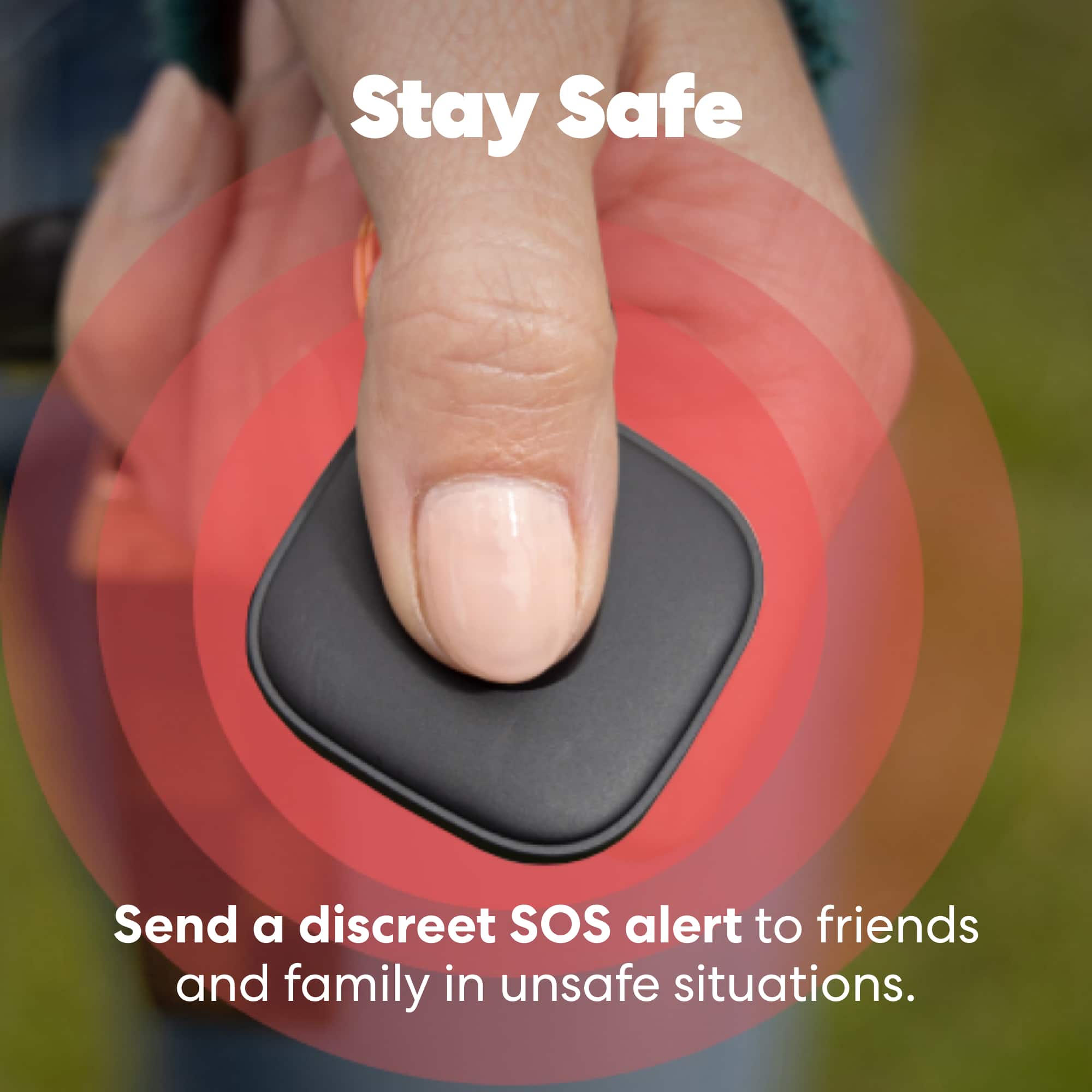
|Posted .This reviewer received promo considerations or sweepstakes entry for writing a review.This small location tracker works well and can be set up and controlled by a downloaded ios or android app, depending on the phone you are using. That differentiates it from its most well-known competitor, the Air Tag. Once set up and registered, the location of your tag shows up on a map which shows its current and recent history and you can use your phone to page your tile (which responds with a ringtone) from a distance of 350 feet. You can also double press the logo on the tile to ring the phone. After setting up the tile on the app, you will be invited the have other people joined into a circle, such as "Family" and they will be able to download the app and monitor the location of participating members with tile devices. The tile also offers an SOS feature that is activated when you hold the logo down for several seconds. This sends a signal to emergency personnel. You have to activate that feature and when you do, the application offers several seconds to cancel the SOS before it goes out so that you can test it. I am happy to report that I was not confronted with an emergency during my testing to find out how well that feature works. You can also upgrade the features with a paid subscription that costs $99 a year. The addtional fee offers a replacement warranty for all tile products for defects or accidental damage, unlimited sharing with friends and family, an expanded location history, text access to premium Customer Care, and Item reimbursement for lost items that cannot be located through the tile app. As well as smart alerts which proactively notify you if an item is left behind. The Tile performs its duties well, but I found the set up process a little confusing as to exactly what features came with the tile and what features were available only with the addtional premium. To use the full features, you have to install two apps: The Tile app, and then the Life360 app. At any rate, you are offered one month free on the premium services, and will be billed $99 a year thereafter. The historical tracking and automatic notification of authorities when the SOS button is pressed are unique to the Tile device and may be of the utmost importance to potential users looking for those features. Others may opt for the free features alone.
I would recommend this to a friend - Cons mentioned:Battery life
Great for finding phone and keys!
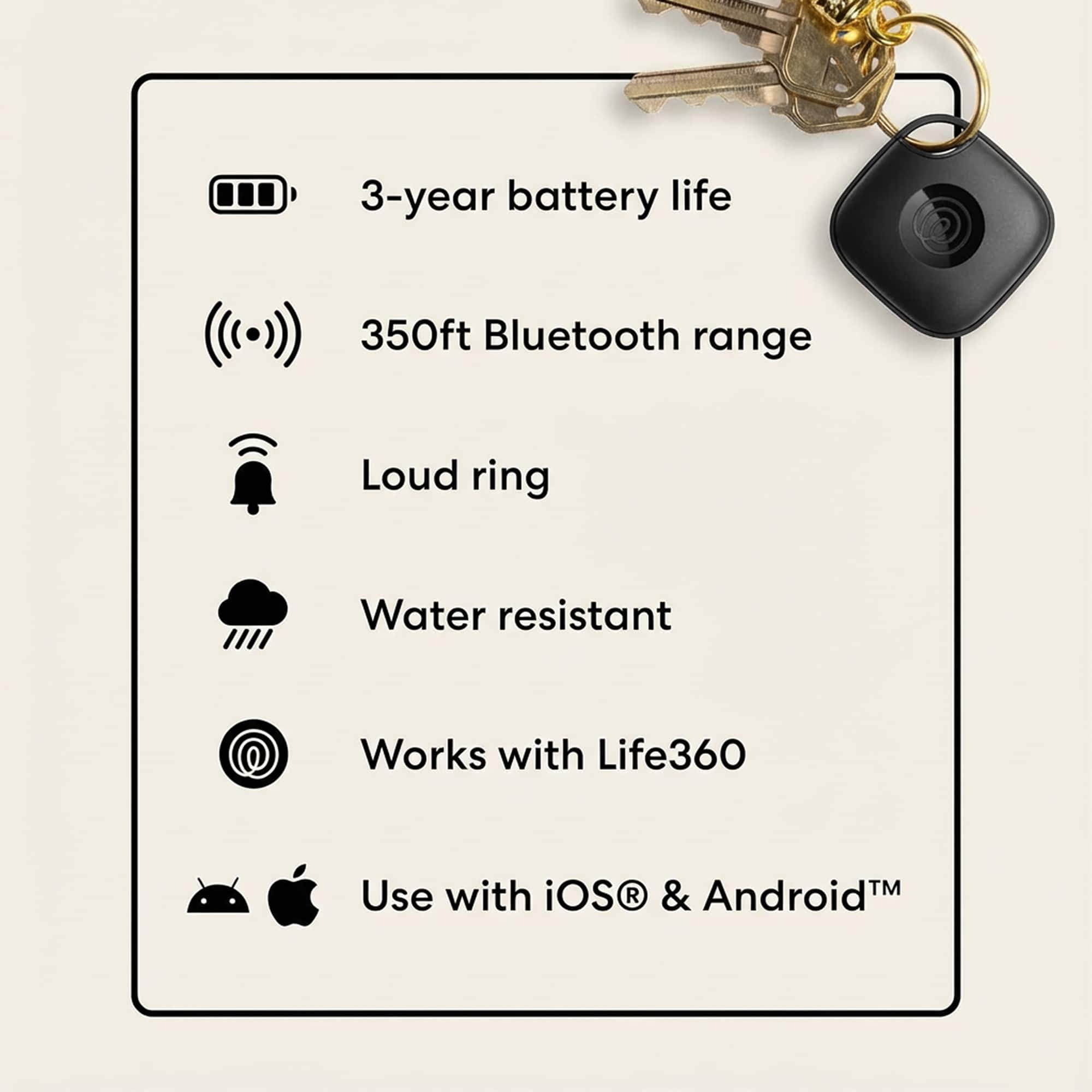
|Posted .This reviewer received promo considerations or sweepstakes entry for writing a review.I received the Tile by Life360 Tile Mate Life360 Bluetooth tracker about a week ago. I thought this would be great for me as I'm a Senior and constantly trying to find #1 glasses, #2 phone, and #3 keys. This is my daily struggle trying to get out of the house! Although I do have designated places for all three, they somehow find themselves elsewhere. I am very familiar with the Tile brand as I have an older Fitbit with Tile, and a Dell Pen with Tile. Setup was very easy, as I already had the app downloaded. I opened the Tile app and it detected the Life360 Tile Mate. I then attached the Life360 Tile Mate to my keys. I chose to put the Life360 Tile Mate on my keys so I could use it to find my phone, and use the app on my phone to find my keys! Two taps on the Life360 Tile Mate will ring my phone even if it's on silent. I did not have the Life360 app however, I was prompted to download. I connected my Tile account with the Life360 account. I can now manage and find all 3 of my Tile devices. You can also setup SOS button when you feel unsafe. The SOS button is activated when you hold down the button, it then sends a silent alert to your Life360 circle. Tile Life30 Tile Mate is called the everything tracker. You can use it almost anywhere. It is water resistant, and has a 3 year non-replaceable battery. (Hence 4star rating) Highly recommend.
I would recommend this to a friend - Pros mentioned:Ease of use, Location tracking
Simple, Reliable, and Surprisingly Powerful
||Posted . Owned for 3 months when reviewed.This reviewer received promo considerations or sweepstakes entry for writing a review.I’ve been using this personal belongings tracker for a little while now, and it has quickly become one of my favorite everyday tools. What stands out the most is how easy it is to set up and use—no complicated steps, no confusing menus. Within minutes, I had it connected and ready to go. The tracking accuracy is excellent. Whether I’m checking where I left my keys, bag, or wallet, the app shows the location clearly and updates quickly. The interface is clean and intuitive, making it easy to see all your items at a glance.
I would recommend this to a friend Works Great!
||Posted .This reviewer received promo considerations or sweepstakes entry for writing a review.These work well with an android phone. Pretty easy to set up and track on the app.
I would recommend this to a friend- Pros mentioned:Overall performance
Life360 tile trackers
||Posted .This reviewer received promo considerations or sweepstakes entry for writing a review.They are really easy to set up & they work great. My wife is always losing her phone around the house, so we tagged a tile to her phone. Now she can easily find her phone wherever she leaves it. We also put a tile on our dog's collar so we will know where she is at all times just in case she ever gets out of the yard..
I would recommend this to a friend - Pros mentioned:Overall performance
Works great
||Posted .This reviewer received promo considerations or sweepstakes entry for writing a review.Works great. Needs adjustable volume. I struggle to hear sometimes.
I would recommend this to a friend - Pros mentioned:Overall performance
Tile
||Posted . Owned for 1 month when reviewed.This reviewer received promo considerations or sweepstakes entry for writing a review.The Tile is great the only reason that i didnt give it 5 stars is due to not being real time tracking or speeds. It does what i need it to do and since i know the limitations of its use i will buy one again.
I would recommend this to a friend decent
||Posted . Owned for 1 month when reviewed.This reviewer received promo considerations or sweepstakes entry for writing a review.1. Cross platform is great so both iOS and Android phones can help you locate it. However you are banking on there is a large enough pool of people that installed Life360 app on their phone to help you out and they happened to pass by. So far it seems there are plenty of Life360 user around where my tracker has been. It may become an issue when it gets to area with scarce Life360 user. 2. Its detection range appears to be superior, however it has the drawback of larger location delta. 3. Haven't use it long enough to tell the battery life, the tile pro with easy battery replacement option probably would fare better in the long run.
I would recommend this to a friend- Pros mentioned:Ease of use

Lightweight and easy to use
|Posted . Owned for 3 months when reviewed.This reviewer received promo considerations or sweepstakes entry for writing a review.I attached it to my cat to help me find her if she gets out and it's great. Very lightweight and easy to attach. Only downside I can see is when she's bored, she can bite the button and my phone will start ringing. (Not exactly a downside if you ask me)
I would recommend this to a friend - Pros mentioned:Overall performance
Amazing product
||Posted .This reviewer received promo considerations or sweepstakes entry for writing a review.Awesome product will never lose my keys again also has an alarm on them if you don’t know exactly where they are
I would recommend this to a friend - Pros mentioned:Ease of use, Overall performance
good for lost keys
||Posted . Owned for 1 week when reviewed.This reviewer received promo considerations or sweepstakes entry for writing a review.great, easy to use product. Will buy again. Works great!
I would recommend this to a friend - Pros mentioned:Size
review
||Posted .This reviewer received promo considerations or sweepstakes entry for writing a review.good product does its job, very nice alarm, super small unnoticeable on keychain
I would recommend this to a friend - Pros mentioned:Location tracking
Great Trackers
||Posted .This reviewer received promo considerations or sweepstakes entry for writing a review.These are great trackers! We use them to track our luggage when we fly. It gives us peace of mind.
I would recommend this to a friend - Pros mentioned:Overall performance
Great Find
||Posted . Owned for 1 month when reviewed.This reviewer received promo considerations or sweepstakes entry for writing a review.Excellent product ! Would recommend this product to anyone!
I would recommend this to a friend Amazing Product
||Posted .This reviewer received promo considerations or sweepstakes entry for writing a review.This is works very well with Android and IPhone! Great gift for older kids
I would recommend this to a friend- Pros mentioned:Location tracking
nice devise
||Posted . Owned for 3 weeks when reviewed.This reviewer received promo considerations or sweepstakes entry for writing a review.nice devise works well for a tracker for your lugage
I would recommend this to a friend - Pros mentioned:Ease of use
The tile
||Posted . Owned for 2 weeks when reviewed.This reviewer received promo considerations or sweepstakes entry for writing a review.Love the way the device works. The item was very easy to download and is accurate
I would recommend this to a friend - Pros mentioned:Location tracking
Nice Tracker for luggage
||Posted .This reviewer received promo considerations or sweepstakes entry for writing a review.Pretty nice tracker. Needs to find another bluetooth to connect so not always in real time.
I would recommend this to a friend - Pros mentioned:Size
Get 1
||Posted . Owned for 2 weeks when reviewed.This reviewer received promo considerations or sweepstakes entry for writing a review.These are super nice and compact. They are built well and look like they’ll last
I would recommend this to a friend