Customer Ratings & Reviews
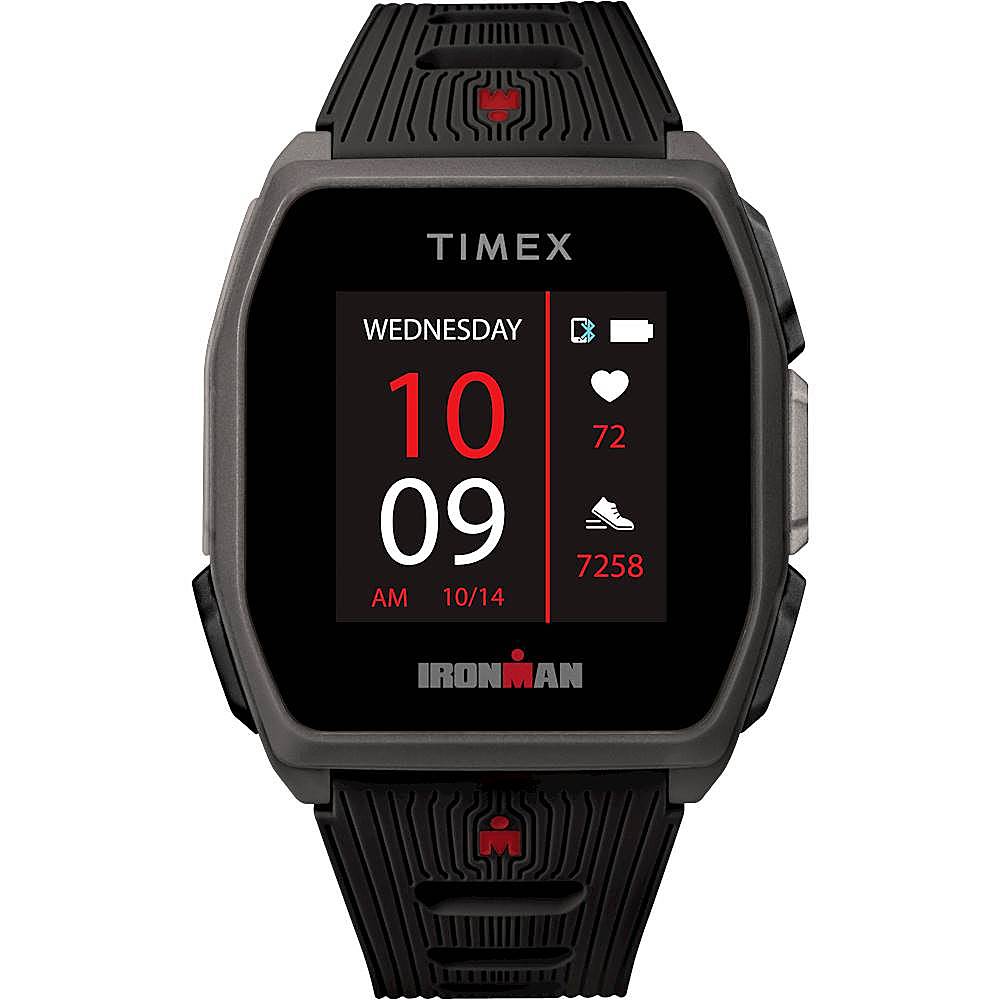
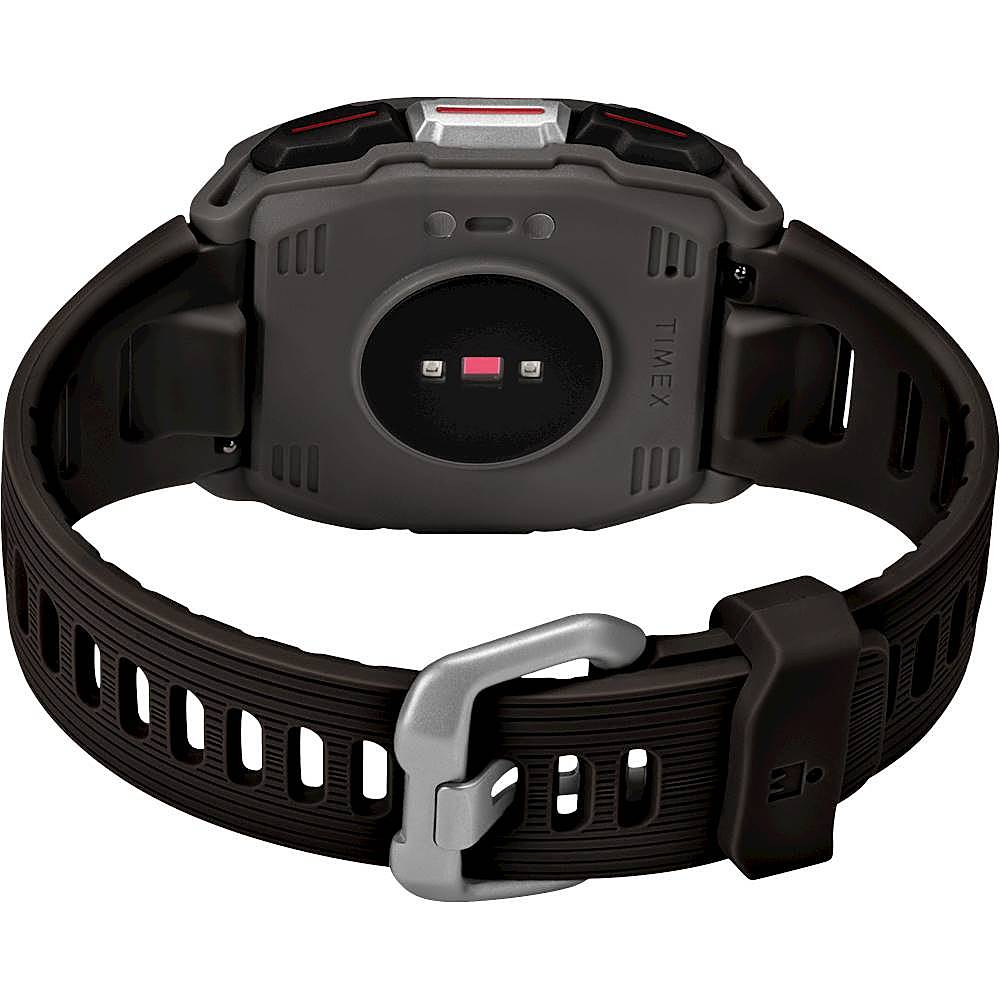
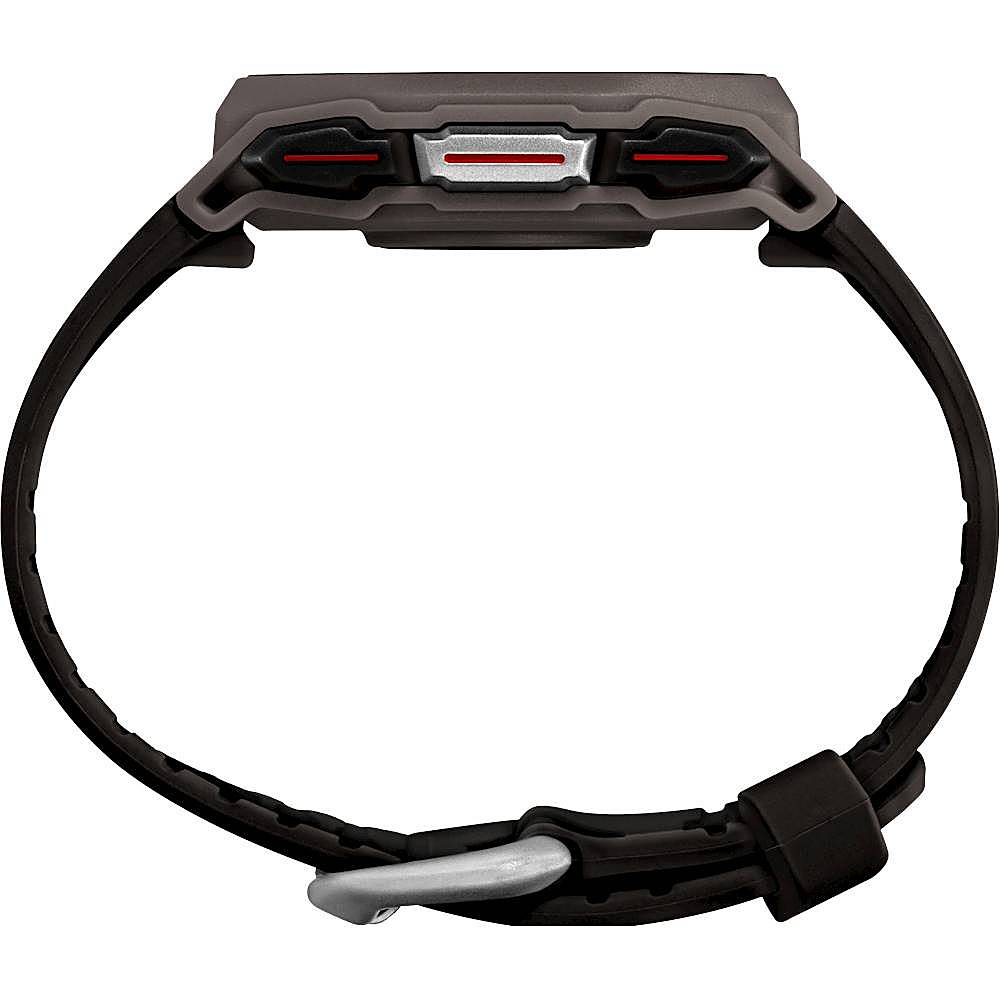
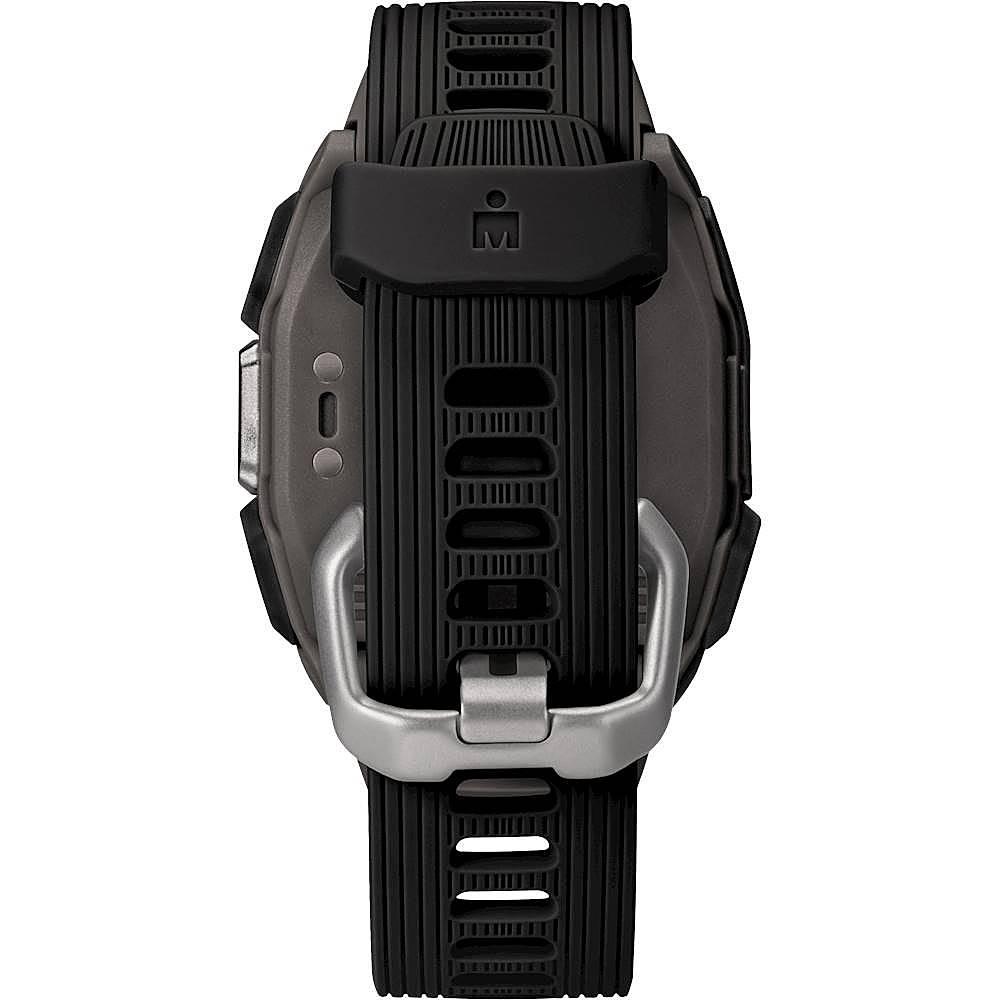
- Model:
- TW5M40300IQ
- SKU:
- 6405523
to a friend
- Cons mentioned:Heart rate accuracy
Watch okay for price.
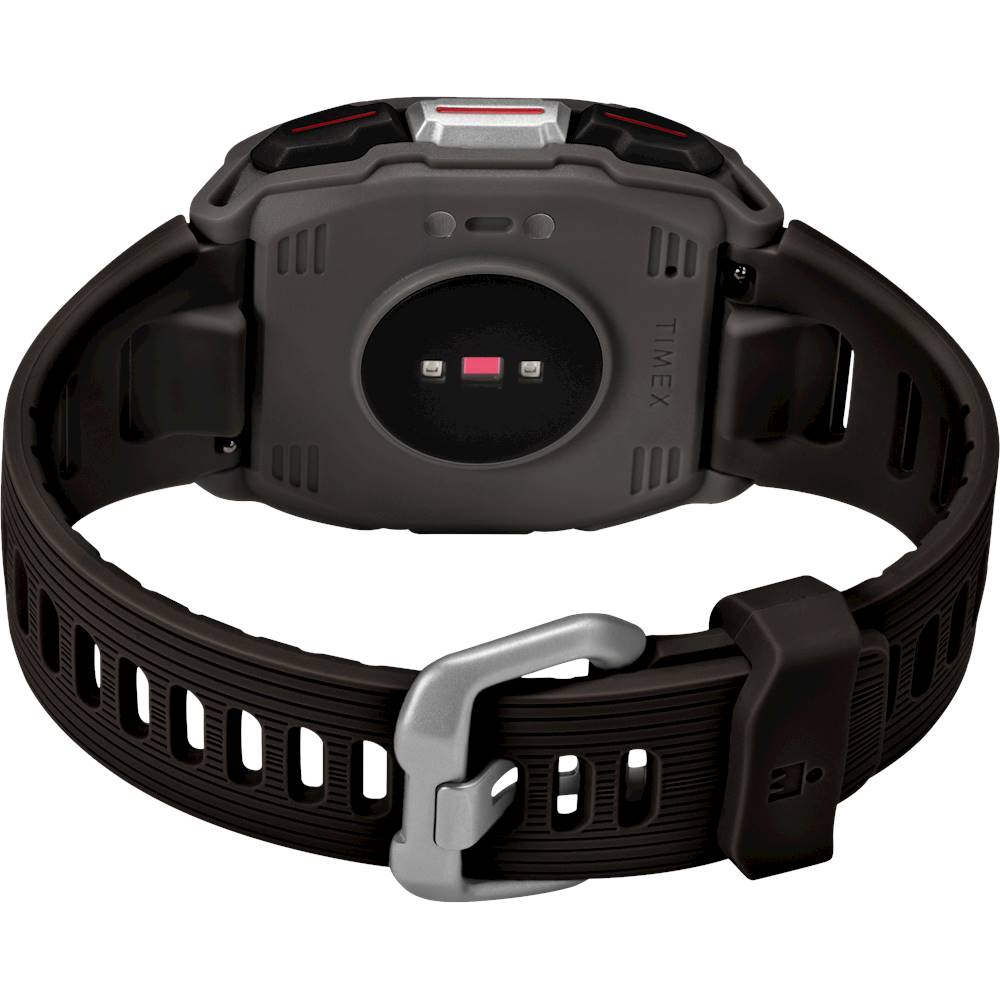
||Posted . Owned for 1 month when reviewed.This reviewer received promo considerations or sweepstakes entry for writing a review.Watch does not always accurately record heart rate when compared to reading from finger oxymeter at same time. Have to adjust wristband to uncomfortably tight to get more accurate heart rate reading, and then it is not always accurate.
No, I would not recommend this to a friendBrand response from Timex Customer Support
Posted .Hello, we are sorry to hear of your dissatisfaction. It is important for all wrist based heart rate monitors that they be worn properly for accurate heart rate measurement. The user guide describes the optimal wearing position of the watch. Also, the continuous heart rate measurement interval can be configured for various sampling rates down to 1 minutes for having the all-day heart rate data shown.

- Cons mentioned:Dim display
Numbers on face
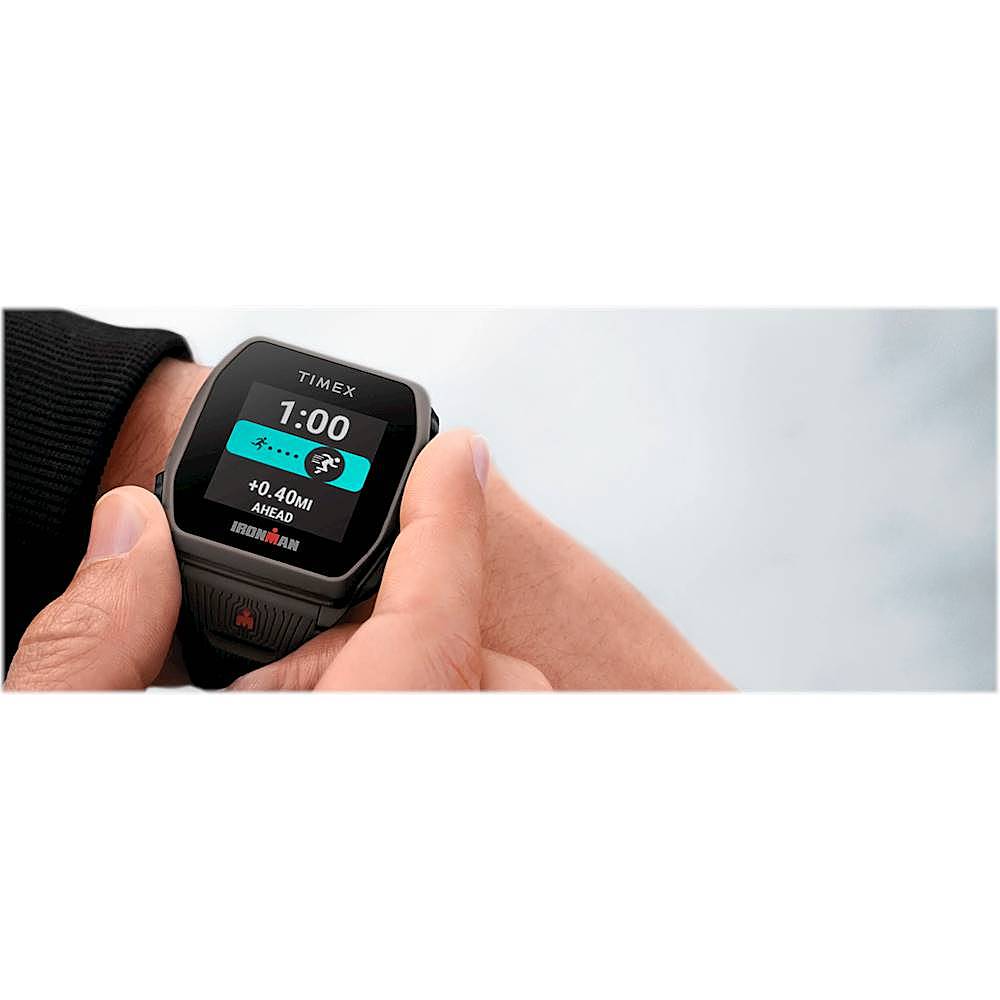
||Posted . Owned for 1 month when reviewed.This reviewer received promo considerations or sweepstakes entry for writing a review.Face number's at night are not bright enough . I need to push for the face light every time
No, I would not recommend this to a friendBrand response from Timex Customer Support
Posted .Hello, We are sorry to hear of your dissatisfaction. The watch has a feature in the Timex Smart App that would allow you to set illumination "tilt to wake" for you to read time without even touching any button to activate the display. You may also set the brightness of the screen by going to Settings > Device > Brightness.