Customer Ratings & Reviews

- Model:
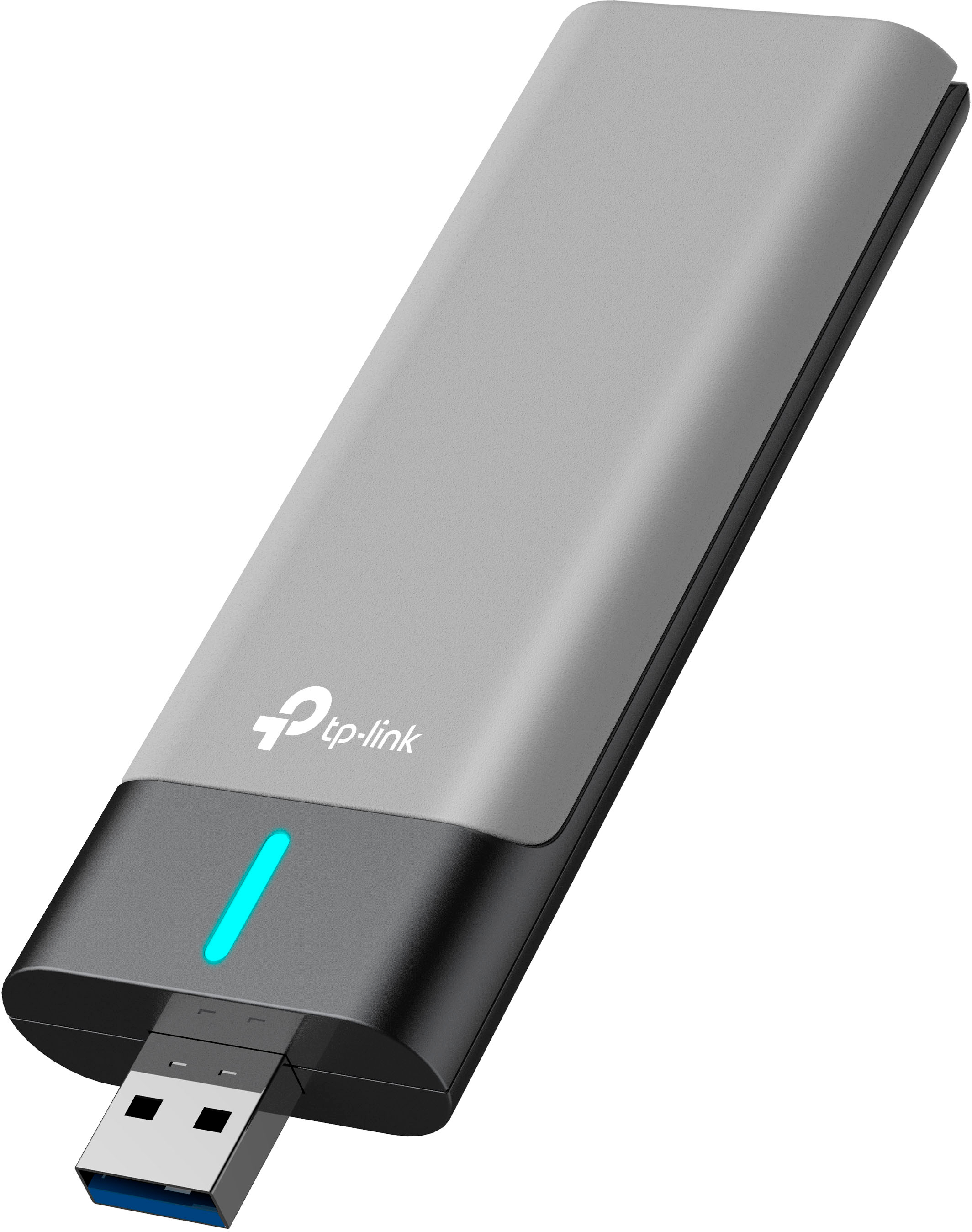
- Archer TX20UH
- SKU:
- 6522468
Rating by feature
- Value
Rating 4.5 out of 5 stars
- Quality
Rating 4.5 out of 5 stars
- Ease of Use
Rating 4.6 out of 5 stars
Customers are saying
Customers often highlight the Archer TX20UH AX1800 Dual-Band Wi-Fi 6 USB 3.0 Adapter's ease of use, strong performance, and reliable signal strength. Many appreciate its improved range and convenient USB connectivity, enabling seamless use with various devices. However, some users experienced occasional connectivity issues and minor lag. The adapter's compact design and compatibility with multiple operating systems are also frequently praised.
This summary was generated by AI based on customer reviews.
- Cons mentioned:Connection
Don’t get it’s a ticking time bomb
||Posted . Owned for 1 month when reviewed.This reviewer received promo considerations or sweepstakes entry for writing a review.I just recently unplugged this thing cause it doesn’t connect to my asus gaming router or main WiFi but ya had good connection at the time
No, I would not recommend this to a friendBrand response from TPLinkSupport
Posted .Hi,
Thank you for your review. In your case, we would first recommend installing the latest driver for the Archer TX20UH from our official TP-Link website: https://www.tp-link.com/us/support/download/archer-tx20uh/
It may also be worthwhile to ensure your router's firmware is fully up-to-date.
If you would like assistance with your TP-Link Wi-Fi adapter, please reach out to our support team using any of the resources included with the product, or from our official website, and we'll gladly have a Support Agent follow up with you directly.
Thank you,
TP-Link Support
Does the job
||Posted . Owned for less than 1 week when reviewed.This reviewer received promo considerations or sweepstakes entry for writing a review.Should be stated speeds severely suffer for non usb 3.0 devices, as well as non wifi 6 devices suffer dramatically, does increase wifi performance for these devices but will drop signal constantly!
I would recommend this to a friendBrand response from TPLinkSupport
Posted .Hi,
Thank you for your review. The USB 3.0 standard is utilized in this case because USB 3.0 is an interface that offers up to 5 Gbps of bandwidth. USB 2.0 only offers up to 480 Mbps, which is drastically lower. If this adapter is used in a slower interface, then its performance will be affected.
For optimal speed, please ensure the adapter is plugged into a USB 3.0 port and is connecting via the 5 GHz Wi-Fi band.
Our support team is always happy to help answer any questions you may have about our products. Please feel free to reach out using any of the resources included with the product, or from our official website, and we'll gladly have a Support Agent follow up with you directly.
Thank you,
TP-Link Support
Works great
||Posted . Owned for 2 weeks when reviewed.This reviewer received promo considerations or sweepstakes entry for writing a review.Real wifi6 adapter. Works great. Way better than the asus wifi6 that false advertised.
I would recommend this to a friendRandomly stopped working
||Posted . Owned for 4 months when reviewed.This reviewer received promo considerations or sweepstakes entry for writing a review.Only giving it 3 stars because it has randomly stopped working and i bought the device almost 5 months ago. It was completely fine and working prior and now im not sure what's happened.
I would recommend this to a friendIts alright
||Posted . Owned for 7 months when reviewed.This reviewer received promo considerations or sweepstakes entry for writing a review.Did not work for what we needed, and was much laggier and did not end up with us connected to the internet
No, I would not recommend this to a friend- Cons mentioned:Connection
Unreliable connection
||Posted . Owned for 3 weeks when reviewed.This reviewer received promo considerations or sweepstakes entry for writing a review.I paired this with a TP link deco wifi6 mesh router thinking it would get give me better bandwidth and connection than my old tp link archer ac1200. While i did getvmore bandwidth, for some reason the connection was far less stable. Frequent disconnects and total connectivity failures requiring reboots. Also on boot it was taking an unusual amount of time to connect. Was using USB3.0 port, updated drivers on a windows 11 pc. Very disappointing.
No, I would not recommend this to a friendBrand response from TPLinkSupport
Posted .Hi,
Thank you for your review. In your case, we would first recommend ensuring your PC's Power Plan is not currently configured to allow the System to turn off the adapter to save power, as this is commonly the default setting in modern Operating Systems, and is set by the OS; not the driver.
Our support team is always happy to help answer any questions you may have about our products. Please feel free to reach out using any of the resources included with the product, or from our official website, and we'll gladly have a Support Agent follow up with you directly.
Thank you,
TP-Link Support
- Cons mentioned:Connection
Disaster
||Posted . Owned for 2 weeks when reviewed.This reviewer received promo considerations or sweepstakes entry for writing a review.It keeps on disconnecting and reconnecting. I would not reccommend it
No, I would not recommend this to a friendBrand response from TPLinkSupport
Posted .Hi,
Thank you for your review. For the best experience with your Archer TX20UH USB Wi-Fi Adapter, please ensure the latest driver is installed. You can find the latest driver on our official TP-Link website: https://www.tp-link.com/us/support/download/archer-tx20uh/#Driver
Our support team is always happy to help answer any questions about our products. Please feel free to reach out using any of the resources included with the product or from our official website, and we'll gladly have a Support Agent follow up with you directly.
Thank you,
TP-Link Support
Won’t connect at all.
||Posted . Owned for less than 1 week when reviewed.This reviewer received promo considerations or sweepstakes entry for writing a review.It’s literally not connecting, I’ve downloaded it from the actual website and through my pc, still not popping up. I downloaded it again and restarted everything, still not popping up. It says it’s compatible with windows 10 and 11, but isn’t working at all. Such a waste of money, I’m so upset.
No, I would not recommend this to a friendBrand response from TPLinkSupport
Posted .Hi,
Thank you for your review. Please ensure you have downloaded the correct driver for your adapter's hardware version (e.g., V1 or V1.6), which you can locate by selecting the appropriate version from the drop-down box on our official website here: https://www.tp-link.com/us/support/download/archer-tx20uh/#Driver
Once the driver for the Archer TX20UH is installed, please check your Windows System Tray (bottom-right) for a Wi-Fi icon, from which you can detect and connect to nearby networks.
If your computer has an existing Wi-Fi adapter already installed, please uninstall it or disable it via the Control Panel or Device Manager.
Our support team is always happy to answer any questions you might have about our products. Please feel free to reach out using any of the resources included with the product, or from our official website, and we'll gladly have a Support Agent follow up with you directly.
Thank you,
TP-Link Support
Nope
||Posted . Owned for less than 1 week when reviewed.This reviewer received promo considerations or sweepstakes entry for writing a review.I thought by "upgrading" my WiFi 5 adapter to WiFi 6, I would receive faster speeds. In this case, my download speeds went from over 700 mbps to around 500 mbps. Who would pay for that? Returning this device.
No, I would not recommend this to a friendBrand response from TPLinkSupport
Posted .Hi,
Thank you for your review. In your case, we first recommend ensuring you have installed the latest driver from our official TP-Link website here: https://www.tp-link.com/us/support/download/archer-tx20u-plus/#Driver
Our support team is always happy to help answer any questions you may have about our products. Please feel free to reach out using any of the resources included with the product, or from our official website, and we'll gladly have a Support Agent follow up with you directly.
Thank you,
TP-Link Support
Review
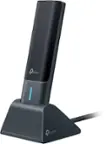
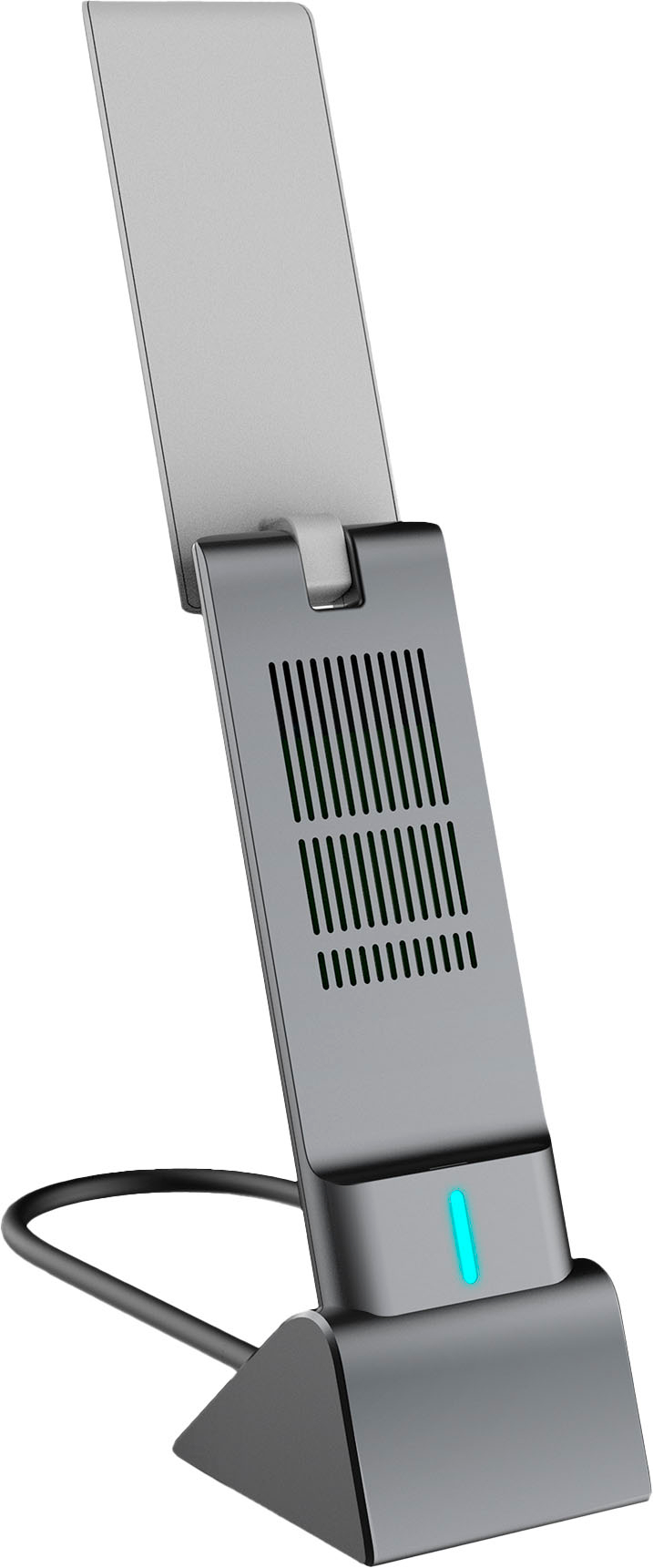
||Posted . Owned for 1 month when reviewed.This reviewer received promo considerations or sweepstakes entry for writing a review.Without the dock this thing is basically useless. Would not have bought because have no where to dock it
No, I would not recommend this to a friendBrand response from TPLinkSupport
Posted .Hi,
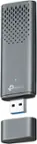
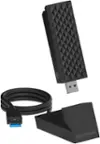
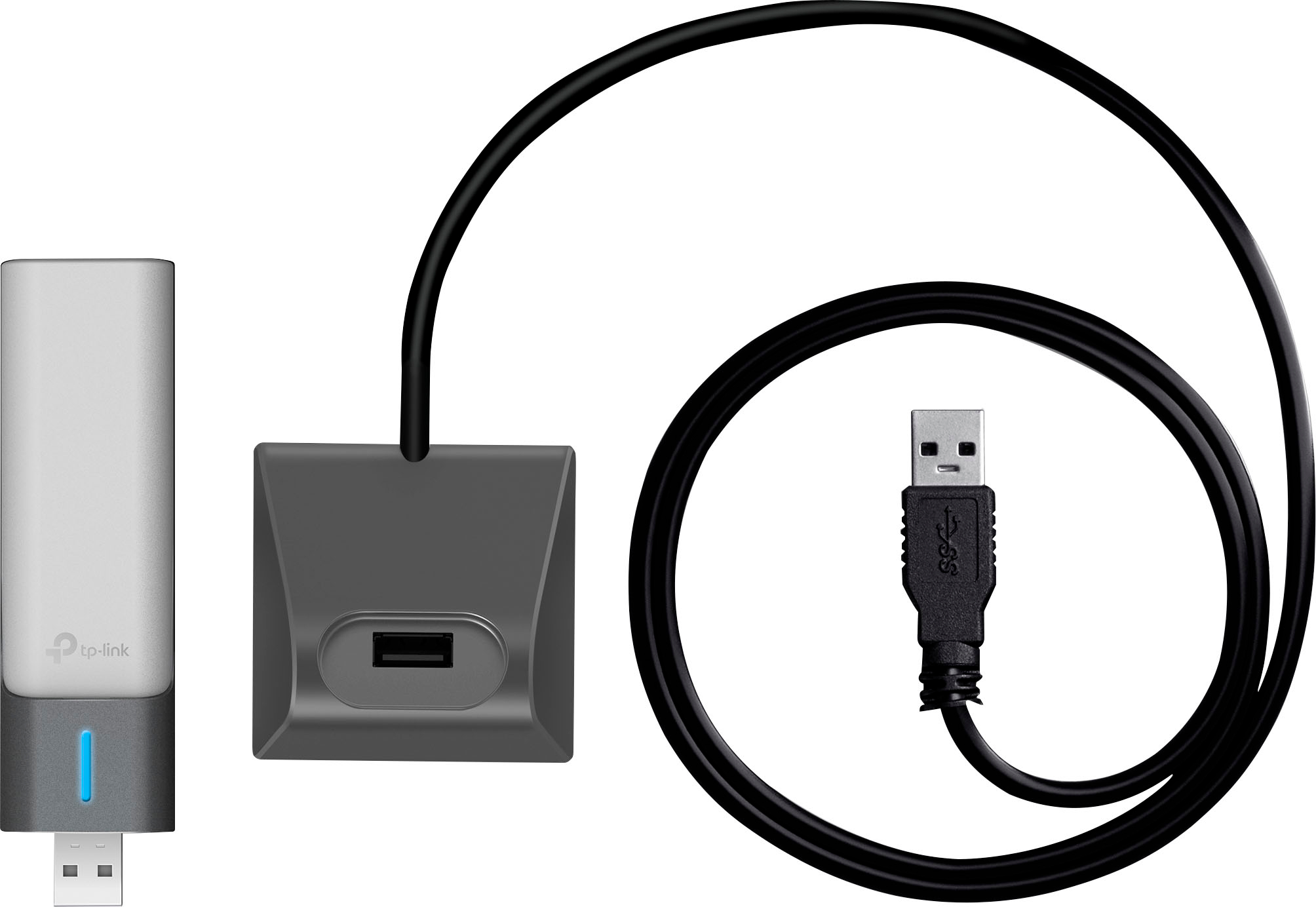
Thank you for your review. The Archer TX20UH can be plugged directly into an available USB 3.0 port on your PC, without the included USB dock. However, we designed the included dock with an intentionally small footprint for ease of use and placement, for your convenience.
Our support team is always happy to help answer any questions you may have about our products. Please feel free to reach out using any of the resources included with the product, or from our official website, and we'll gladly have a Support Agent follow up with you directly.
Thank you,
TP-Link Support
Not Worth it….
||Posted . Owned for 1 month when reviewed.This reviewer received promo considerations or sweepstakes entry for writing a review.It didn’t work for me unfortunately. This product needs to be discontinued
No, I would not recommend this to a friendBrand response from TPLinkSupport
Posted .Hi,
Thank you for your review. The Archer TX20UH is designed to provide robust, reliable, high gain Wi-Fi 6 connectivity for your PC. If you are encountering difficulty with the adapter, please first ensure it is plugged into a USB 3.0 port, and the latest driver is installed, which you can find on our official website here: https://www.tp-link.com/us/support/download/archer-tx20uh/
Our support team is always happy to help answer any questions you may have about our products. Please feel free to reach out using any of the resources included with the product, or from our official website, and we'll gladly have a Support Agent follow up with you directly.
Thank you,
TP-Link Support
Not good
||Posted . Owned for 1 week when reviewed.This reviewer received promo considerations or sweepstakes entry for writing a review.Unfortunately absolutely useless. Does not pick up wifi signal at all.
No, I would not recommend this to a friendBrand response from TPLinkSupport
Posted .Hi,
Thank you for your review. In your case, we recommend ensuring the adapter's USB connection is fully seated in the PC's USB port. We also suggest making sure its driver is fully up-to-date, which you can find on our website here: https://www.tp-link.com/us/support/download/archer-tx20uh/#Driver
Our support team is always happy to help answer any questions you may have about our products. Please feel free to reach out using any of the resources included with the product, or from our official website, and we'll gladly have a Support Agent follow up with you directly.
Thank you,
TP-Link Support
- Pros mentioned:Signal strength, Speed
Easy install and easily hits 1Gbps speeds.
Posted .This reviewer received promo considerations or sweepstakes entry for writing a review.Just bought this and installed it. I pay for Cox gigabit internet and I have a WiFi 6 router. My previous WiFi adapter was dying and disconnecting randomly and barely eeking out 100Mbps. I got connected to my 5Ghz band and instantly I'm doing speed tests and hitting 800 to 850Mbps down and 120Mbps up. I'm in a 1800 sqft sized single story house. The router is about 30 feet away with 3 walls in between. I get full signal and full speeds now. So far so far good.
I would recommend this to a friend - Pros mentioned:Performance, Speed
Recommend for a temporary fix
Posted .This reviewer received promo considerations or sweepstakes entry for writing a review.To be honest, its iffy, For regular use its perfect but if your a gamer like myself its not the greatest, im very competitive so it has lag spots every now and then but it’s frequently. For everyday use its perfect download is fine upload speeds are quick as well. For the price I’d get it every time, until you can connect wired or get an extender. Other than that it works perfectly
I would recommend this to a friend - Pros mentioned:Ease of use, Signal strength
tp link wifi adapter review
Posted .This reviewer received promo considerations or sweepstakes entry for writing a review.this wifi adapter was easy to install and use. i basically live in a basement and have a hard time getting any kind of signal but this did the trick and works well so far.
I would recommend this to a friend - Pros mentioned:Ease of use, Performance
Good
Posted .This reviewer received promo considerations or sweepstakes entry for writing a review.It works very well, a lot better than my previous one. No issues so far. Very easy installation too.
I would recommend this to a friend - Pros mentioned:Ease of use
Best Purchase Ever!
Posted .This reviewer received promo considerations or sweepstakes entry for writing a review.Easy to install, no muss no fuss, works like a charm on an old Dell Desk Top that was purchased before Wi Fi was installed on all computers, I think I bought this in 2005 and always had cable routers. Cancelled cable and bought a hot spot, and didn't realize this PC did not have Wi Fi built in! Love this adapter!
I would recommend this to a friend - Pros mentioned:Speed
Best adapter ive had
Posted .This reviewer received promo considerations or sweepstakes entry for writing a review.Absolutely amazing, used to get less than 5 mbps with my old adapter. With this i got over 150mbps!
I would recommend this to a friend - Pros mentioned:Ease of use
WiFi adapter
Posted .This reviewer received promo considerations or sweepstakes entry for writing a review.I was surprised by how well this works and its ease of install and use.
I would recommend this to a friend - Pros mentioned:Performance
Great product for the price.
Posted .This reviewer received promo considerations or sweepstakes entry for writing a review.Working great for everything we need. I highly recommend.
I would recommend this to a friend