Customer Ratings & Reviews
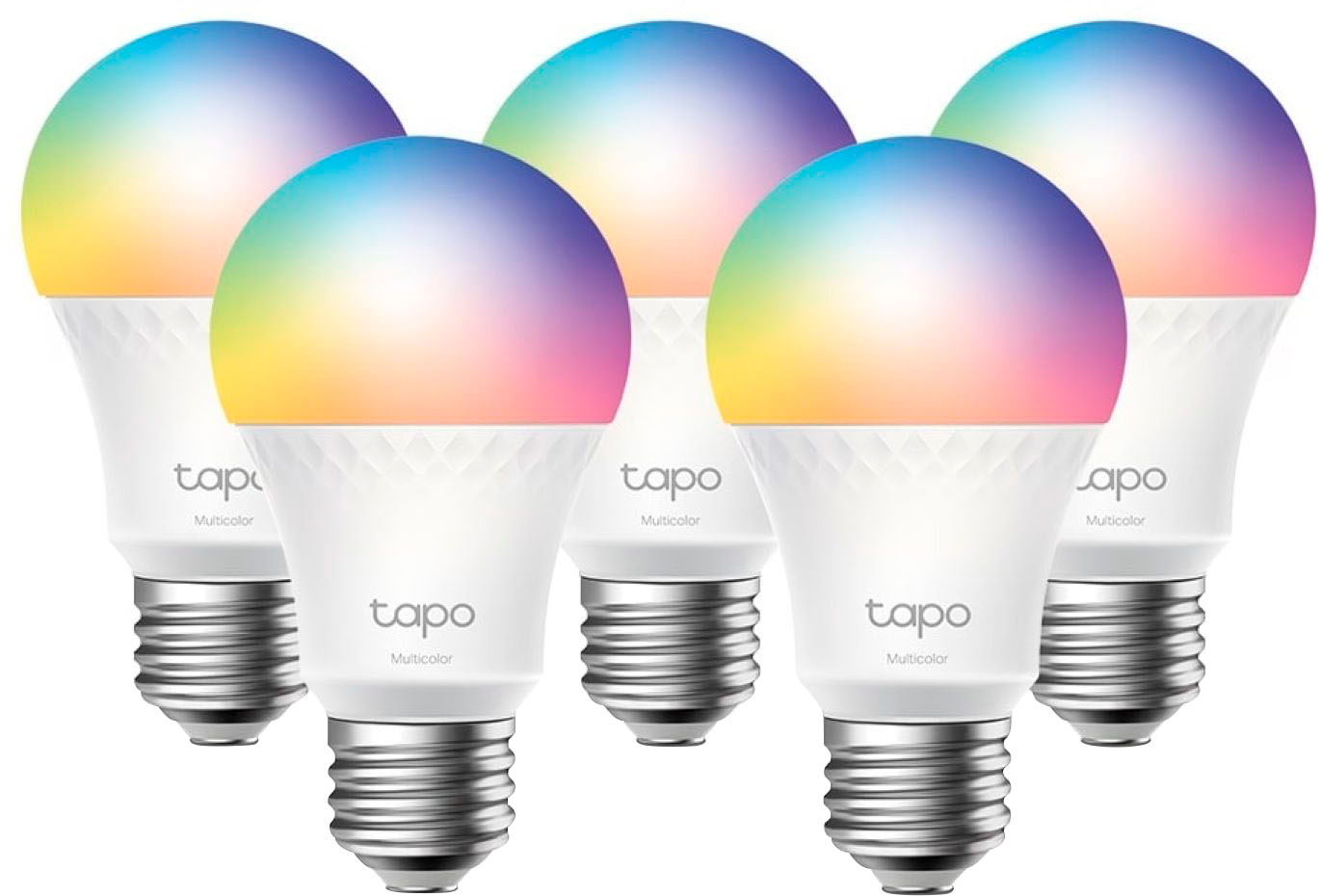
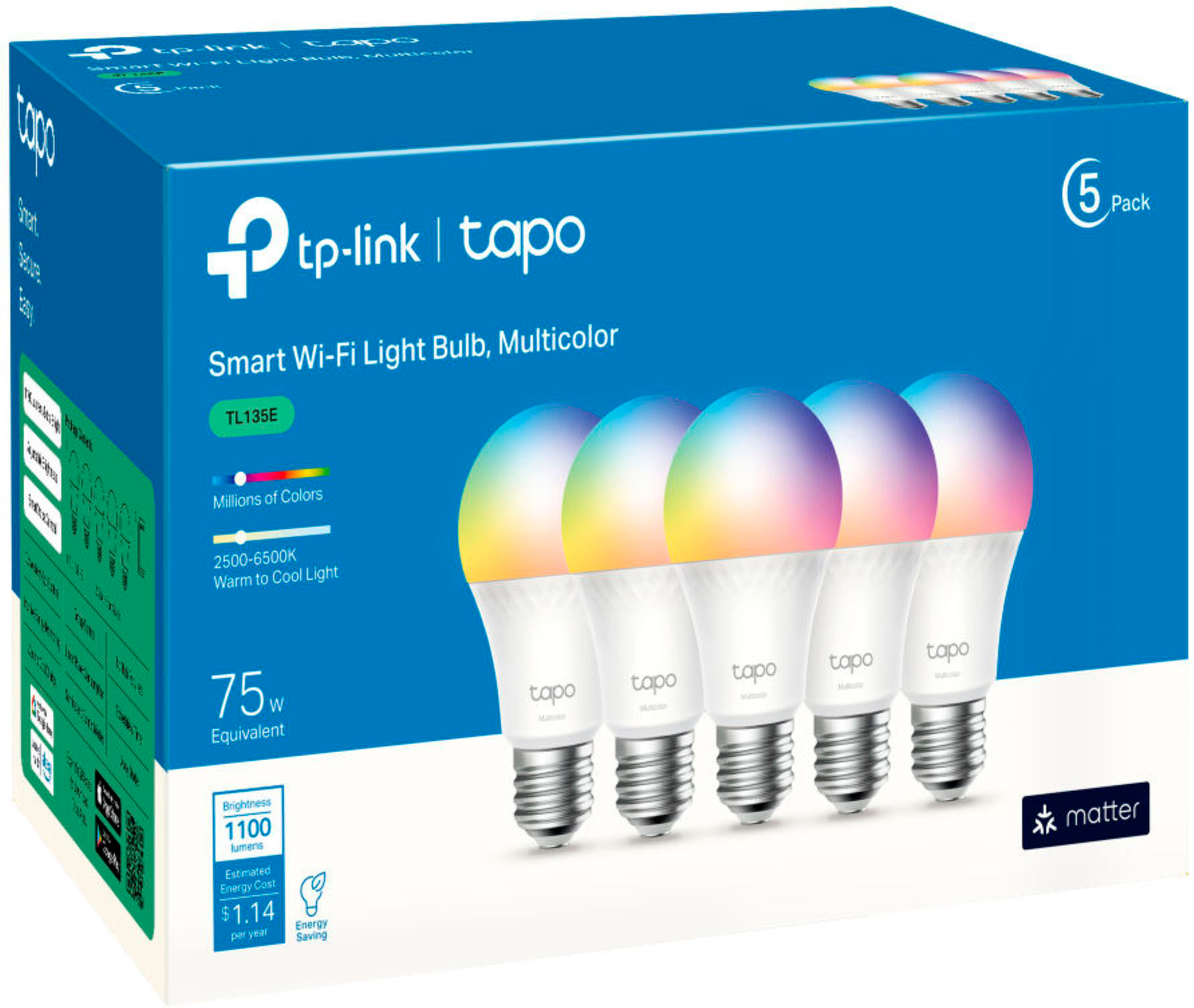


- Model:
- TL135E(5-pack)
- SKU:
- 6559365
Rating by feature
- Value
Rating 4.6 out of 5 stars
- Quality
Rating 4.5 out of 5 stars
- Ease of Use
Rating 4.5 out of 5 stars
Customers are saying
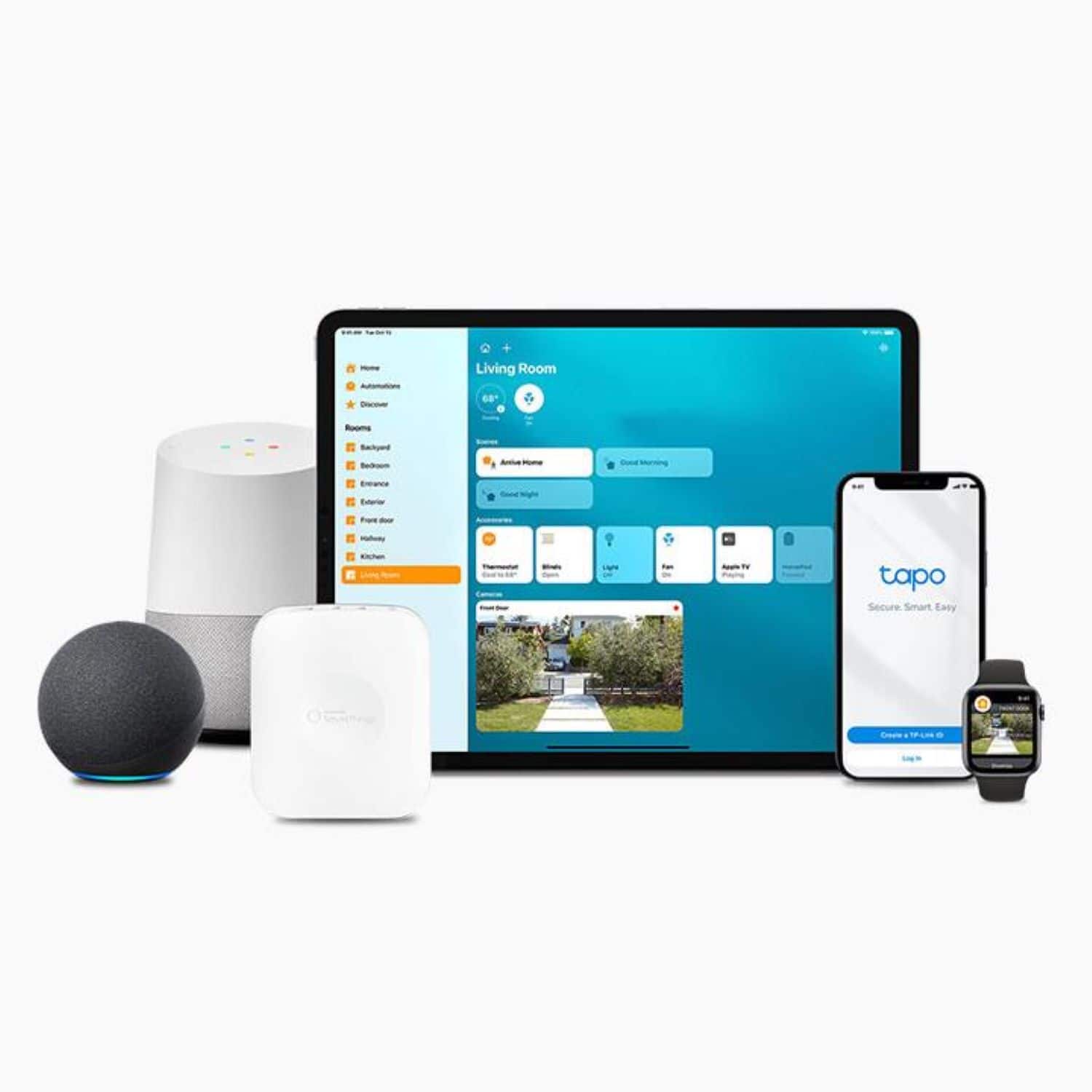
Customers are satisfied with the product's adjustable brightness, ease of use, and overall good performance. They also appreciate its seamless connectivity with smart home systems like Google Home and HomeKit, straightforward setup, and affordable price.
This summary was generated by AI based on customer reviews.
Awesome smart light bulb
||Posted .This reviewer received promo considerations or sweepstakes entry for writing a review.Works great with my home pod and all colors are really nice
I would recommend this to a friend- Pros mentioned:Overall performance
Nice
||Posted . Owned for 1 month when reviewed.This reviewer received promo considerations or sweepstakes entry for writing a review.Works perfectly with google. Numerous options and good quality.
I would recommend this to a friend - Pros mentioned:Ease of use
Simple and Easy
||Posted . Owned for 3 weeks when reviewed.This reviewer received promo considerations or sweepstakes entry for writing a review.TP Bulbs are very simple and easy to setup and use.
I would recommend this to a friend Works well and cheap
||Posted . Owned for 2 months when reviewed.This reviewer received promo considerations or sweepstakes entry for writing a review.Bought these on a whim when I needed new bulbs for the bathroom, way better than I was expecting. It uses the same app I have for my cameras so using them was easy. I have them set up on a pink light so it doesn't kill my eyes at 3am
I would recommend this to a friendHomeassistant with matter
||Posted . Owned for 2 weeks when reviewed.This reviewer received promo considerations or sweepstakes entry for writing a review.I bought this thinking itvwoukd work with thee HACs tapo infegration. It doesnt. But it does work with matter right out the box. So you can ontegrate these directly into homeassisyant using matter. If you were on the fence about them. They are 1100 lumens and offer the full color spectrum.
I would recommend this to a friendGreat Value
||Posted .This reviewer received promo considerations or sweepstakes entry for writing a review.Great lights. Very responsive and easy to use. Love it
I would recommend this to a friend- Pros mentioned:Brightness

Not great white light
|Posted . Owned for 1 month when reviewed.This reviewer received promo considerations or sweepstakes entry for writing a review.[Employee of bestbuy] Boasts a higher brightness than alot of other smart lightbulbs but if you like white light instead of yellow its darker than the ones i currently have rated 400 nitts less
No, I would not recommend this to a friendBrand response from TPLinkSupport
Posted .For Tapo and Kasa Bulbs, the White light is measured in temperature. The higher the temperature, the cooler the white light. For the L535, the maximum temperature is 6,500 Kelvin. If that is not as cool as you would like we do have a bulb in our Kasa line, the KL135 that has a maximum temperature of 9,000 Kelvin. That bulb might meet your requirements a bit more than the L535 does.

Solid
||Posted . Owned for 8 months when reviewed.This reviewer received promo considerations or sweepstakes entry for writing a review.Solid product. Works well with the app and the app has a lot of customizable options
I would recommend this to a friendI agree with Consumer Reports review!
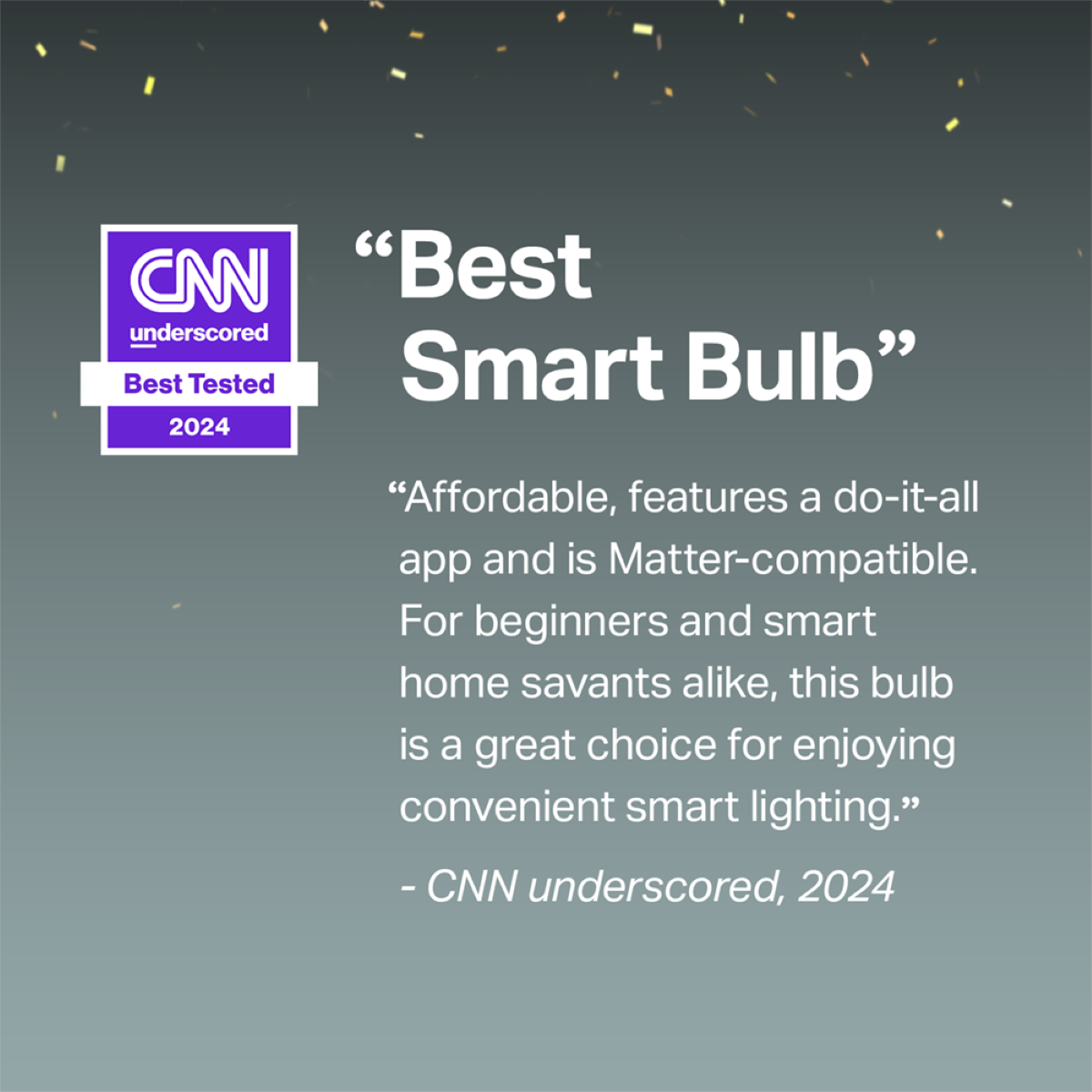
||Posted . Owned for 1 month when reviewed.This reviewer received promo considerations or sweepstakes entry for writing a review.These smart bulbs received a great review from Consumer Reports magazine, and after installing them, I would agree 100%.
I would recommend this to a friendGood quality Smart light bulbs
||Posted .This reviewer received promo considerations or sweepstakes entry for writing a review.Good quality Smart light bulbs. Very responsive and practical.
I would recommend this to a friendIndoors and outside - yes!
||Posted . Owned for 2 months when reviewed.This reviewer received promo considerations or sweepstakes entry for writing a review.Putting my outside lights on virtual timers that have them automatically shut off is cool, but having them color match our home is ridiculously cool. And they never fail.
I would recommend this to a friendGood but not perfect
||Posted . Owned for 3 weeks when reviewed.This reviewer received promo considerations or sweepstakes entry for writing a review.I really like being able to turn the lights on and off with my phone but i’ve had times where one or two bulbs at a time go unresponsive.
I would recommend this to a friendTP link winner
||Posted . Owned for 1 month when reviewed.This reviewer received promo considerations or sweepstakes entry for writing a review.So many to replace with these and it’s so great. Just need to add some door sensors so they can work as nightlights without having to do anything but open a door and save money from doing so.
I would recommend this to a friendAdapting to SMART
||Posted . Owned for 1 month when reviewed.This reviewer received promo considerations or sweepstakes entry for writing a review.First smart bulb and like the concept and the reality. Only problem is it takes some getting used to but that will come eventually/
I would recommend this to a friend- Pros mentioned:Brightness
poor connection
||Posted . Owned for 1 month when reviewed.This reviewer received promo considerations or sweepstakes entry for writing a review.the bulbs color is good but the connection is very bad because when you turn it off it lost connection and it have to be turn on manually.
I would recommend this to a friendBrand response from TPLinkSupport
Posted .Hi,
Thank you for your review. We always recommend ensuring your router's 2.4 GHz Wi-Fi signal is adequately strong in the smart device's location.
If the signal is within the ideal range, and you're still experiencing these symptoms, please ensure your Tapo app is up to date, then update your smart device's firmware by selecting Me → Firmware Update within the app.
If you'd like assistance with any of these steps, please reach out to our free support team using any of the resources included with the product, or from our official website, and we'll gladly have a Support Agent follow up with you directly.
Thank you,
TP-Link Support
Wifi friendly.
||Posted . Owned for less than 1 week when reviewed.This reviewer received promo considerations or sweepstakes entry for writing a review.It’s easy to set up and works with my ring/ alexa. Not so bright light but has multi colored options. It’s lightweight and a good quality product.
I would recommend this to a friendThe best smart bulbs
||Posted . Owned for 1 week when reviewed.This reviewer received promo considerations or sweepstakes entry for writing a review.These are the best! Fully programmable for ever-changing sunset to sunrise or any other times/days you wish to add. I bought more!
I would recommend this to a friendUnintentional connection reset
||Posted . Owned for 1 month when reviewed.This reviewer received promo considerations or sweepstakes entry for writing a review.Can unintentionally reset the connection just by turning on and off quickly
I would recommend this to a friendSmart home novice.
||Posted . Owned for 3 weeks when reviewed.This reviewer received promo considerations or sweepstakes entry for writing a review.It’s a fun bulb. Use it as a regular white light which is dimmable from home or away. Choosing different colors is fun also.
I would recommend this to a friendWorks great.
||Posted . Owned for 1 month when reviewed.This reviewer received promo considerations or sweepstakes entry for writing a review.Works well with HomeKit. Great for adjusting color palette of room.
I would recommend this to a friend