Customer Ratings & Reviews


- Model:
- WDBVBZ0040JCH-NESN
- |
- SKU:
- 5061400
Customer reviews
Rating 4.1 out of 5 stars with 63 reviews
(63 customer reviews)Rating by feature
- Value4.4
Rating 4.4 out of 5 stars
- Quality4.5
Rating 4.5 out of 5 stars
- Ease of Use4.3
Rating 4.3 out of 5 stars
Customers are saying
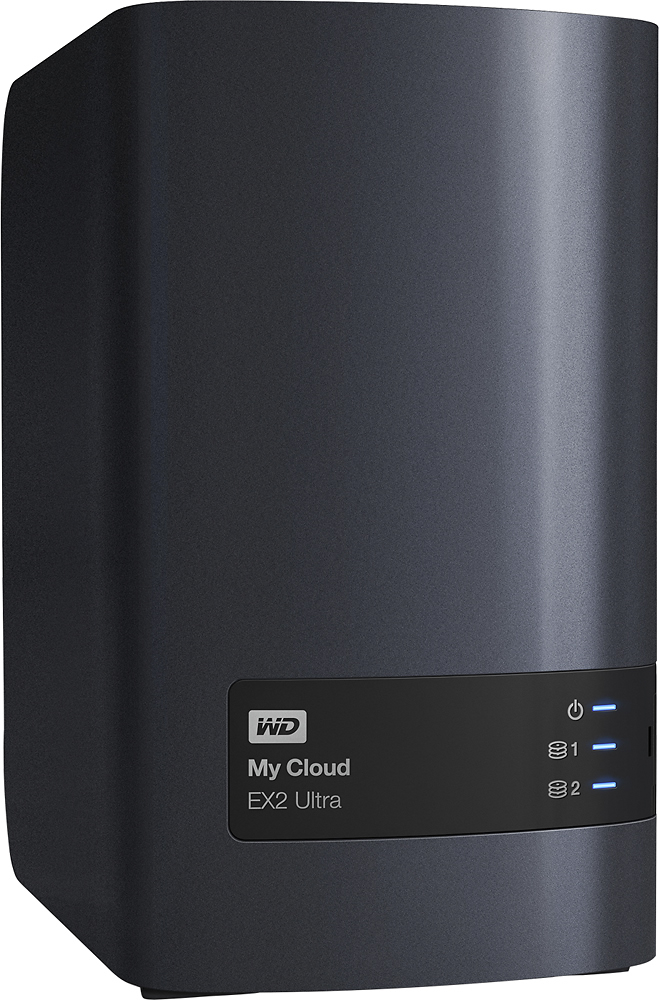
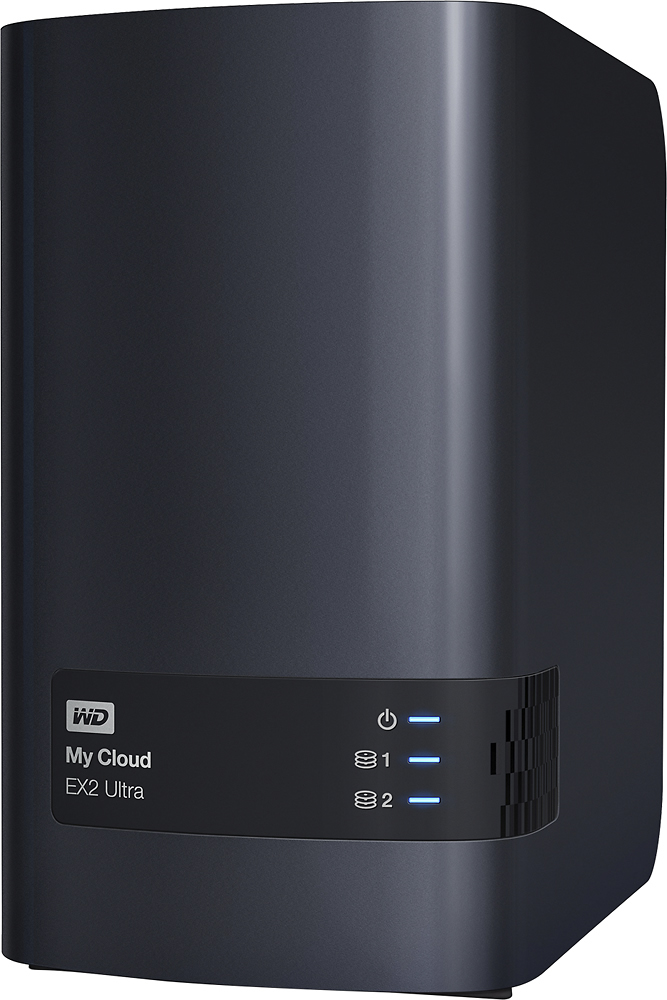
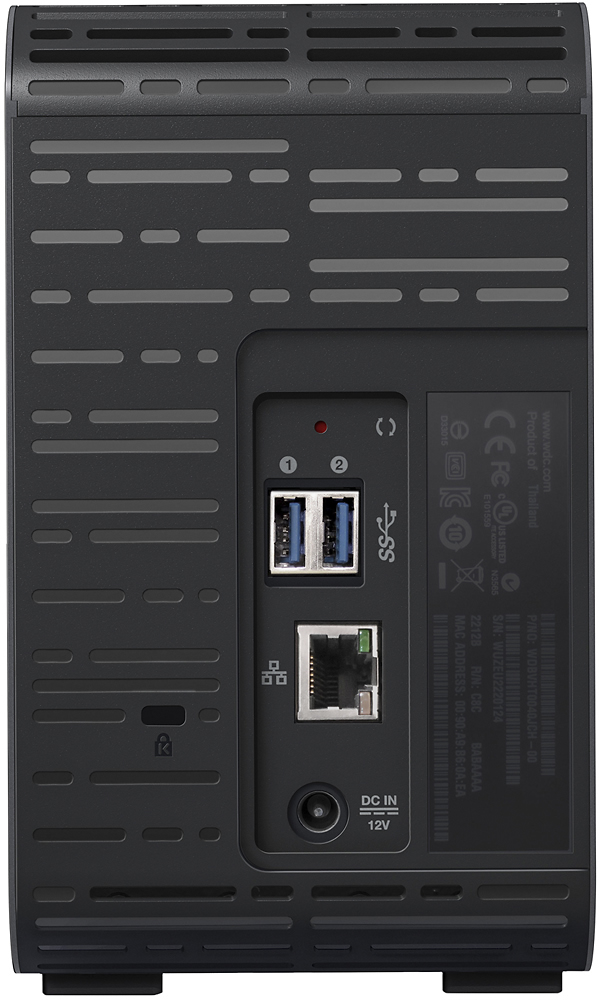
Customers are pleased with the My Cloud Expert EX2 Ultra 2-Bay 4TB External Network Attached Storage (NAS) for its easy setup process and reliable performance. Many users find it simple to set up and use, making it a great option for home storage. Customers also appreciate the storage capacity of the device, allowing them to store a significant amount of data.
This summary was generated by AI based on customer reviews.
Rated 4 out of 5 stars
Great Dual Drive Backup with RAID!
||Posted . Owned for 1 month when reviewed.This reviewer received promo considerations or sweepstakes entry for writing a review.I needed this for our business to backup our Design folders and emails.. I have used My Cloud previously but it was not a NAS version. My old MyCloud was almost 8 years old so I figured it was time to upgrade to a NAS for extra security in the event the drive was to fail. I went with the WD MyCloud since I was already in the ecosystem and had zero problems with my odler version. It was easy enough to setup online and it copied over my old drive with no problem setting up RAID was a breeze also. It does get loud when copying over a bunch of files as the temps rise but I have not heard the fans once since completing the migration of files! The drives are of course swappable so in the event one does fail you can replace it and also rest easy that your files are backed up if you are using the appropriate RAID config and not "more storage".
I would recommend this to a friend- Pros mentioned:Ease of use
Rated 4 out of 5 stars
Great Network Storage Solution
||Posted .This reviewer received promo considerations or sweepstakes entry for writing a review.Installation and setup in RAID 1 was really simple with the EX2 4TB NAS. I setup a static IP for ease of use and establish a few share folders in less than ten minutes and it was ready to go. I have since migrated all of my pictures and documents to the NAS and now they're available from all of my devices. My only gripe (if I'm being picky) is that the UPS Slave feature only works if the UPS that you're using is connected to the network. In my experience, native network connectivity is usually reserved for enterprise grade UPS's and not all that common for a home or small office applications.
I would recommend this to a friend - Pros mentioned:Setup
Rated 3 out of 5 stars
Some annoying features -- Synology better
||Posted . Owned for 1 year when reviewed.This reviewer received promo considerations or sweepstakes entry for writing a review.The Ex2 Ultra is a good entry level NAS. It is relatively easy to set up and use. But after a while I found some things about it to be annoying so I replaced it with a Synology 2 bay NAS DiskStation DS218j + 2 WD 3TB 3.5" drives. The Synoogy NAS is also relatively easy to set up but the terminology is a bit different to that used by WD so a bit of a learning curve. The two things that annoyed me the most about the WD NAS was its UI startup time and lack of scheuled back-up (which a Linux geek could probably get around). The WD NAS seemed to want to caculate the disk compacity every time you started the UI and it took a minute or so to do that (the more stuff on the disk the more time it took to start). The WD UI compared to the Synology UI is klunky. The latter acts more like a standard desktop the former more like a web site. If you have an extra bit of dosh the Synology, IMO, is a better product.
No, I would not recommend this to a friend - Pros mentioned:Ease of use
Rated 5 out of 5 stars
Good product. Was almost bamboozled though
||Posted .This reviewer received promo considerations or sweepstakes entry for writing a review.I love this cute little home NAS. I needed a storage solution as an alternative to using cloud storage, and this was a very easy way to set it up. BEWARE: The instructions will try to force you to use their proprietary software to access the drive. You absolutely DO NOT have to use their proprietary software. If you did have to, I would give this product zero stars. The whole point of this for me is to have my own private data in a place that I own and don't give large corporations access to. Why would I allow their software to read and write to my data. Please just do a little research, I had this guy set up in 2 hours. Remember that half of the storage space will be used for backup, so 2tb for storage and 2tb for backup.
I would recommend this to a friend Rated 4 out of 5 stars
Works good & easy to use
||Posted .This reviewer received promo considerations or sweepstakes entry for writing a review.I bought this to use primarily as a backup device. I have found it to work flawlessly in this regard. Upload can be a little slow, but this applies mainly to the initial backup. Subsequent backups go rather quickly. The iOS app works well. Files can be downloaded, uploaded, & attached to messages or emails using my phone. I am able to access my data anywhere from my phone. It streams quite nicely to my TV's. My entire network is mostly wireless and all is well. The only problem I have experienced is that the drive will not stream .mov files to the TV's. I have to use a USB drive either connected to the TV or router, strange. I am quite happy with my purchase as it has made getting all of my files organized in a central location.
I would recommend this to a friend- Pros mentioned:Storage
Rated 4 out of 5 stars
EXCELLENT BACKUP
||Posted .This reviewer received promo considerations or sweepstakes entry for writing a review.This product is fantastic. I love that I can upload anything from my computer, phone, ipad, etc. from anywhere. Love the ability to upgrade storage, love that it saves my data on two different drives, etc. Upload speeds over wifi seem excellent, given the bad internet speeds in my area. The only downfall so far is the app - crashes all the time. Wish you could power down the drive remotely.
I would recommend this to a friend - Pros mentioned:Ease of use, Performance
Rated 5 out of 5 stars
BEST CHOICE
||Posted . Owned for 2 months when reviewed.This reviewer received promo considerations or sweepstakes entry for writing a review.This product deserves a high recommendation. Simple setup and the best home and business storage solution. The interface is the same as that of the home My Cloud device. You can upload anything from any device. It is very easy to upgrade, and it saves my data across multiple drives. It is significantly faster than its predecessor. Fantastic performance.
I would recommend this to a friend Rated 4 out of 5 stars
Good but not perfect
||Posted .This reviewer received promo considerations or sweepstakes entry for writing a review.Running on an Apple with Sierra. Over my standard AT&T wifi router the drive is somewhat fast. I can transfer about 100mb in about 30 seconds. Plug in through a gig lan connection and this thing is smoking fast, I almost couldn't believe it its so fast. So I know for basic file transfers i'll just use wifi, anything larger and i'll plug in at my desk. The bad: on my Mac and on my wife's new PC the drive won't stay connected or recognized as a net drive after a shutdown/restart. I had to assign a static IP (standard practice anyway) and then create a shortcut on my desktop to the IP address. Using this method and the drive connects just fine. The drive seems to work better with a PC but then again I like Windows file explorer over Apple's Finder and I'm an Apple Fanboy. Haven't tried the cloud service so i can't comment on that. The drive is very quiet and the fan, when it actually runs is quiet for a fan. I'm running this in Mirror mode (default setup) so I only get 2TB. Would i buy this again? anyway and I'm telling anyone who will listen and needs a net solution that this is a great drive.
I would recommend this to a friend- Pros mentioned:Setup, Storage
Rated 5 out of 5 stars
Great Low Maintenance Backups
||Posted .This reviewer received promo considerations or sweepstakes entry for writing a review.I got this based on a friend's recommendation and after reading reviews. It's lived up to my expectations. My main uses for it are backing up my computers at home while also using my own personal cloud to access documents while I am away from home. It's great having peace of mind knowing my computers are being backed up and the convenience of my own cloud is great. Setup was ok, I got hung up on a few things but all in all I recommend it.
I would recommend this to a friend Rated 4 out of 5 stars
Superb quality
||Posted .This reviewer received promo considerations or sweepstakes entry for writing a review.This nas is great! What I like most is, that its configurable WD software. Once you've set it up right, this thing is great! You can access your files even from you phone remotely! The only downside that I find to be a flaw is that on Macs, while away, you cannot access your files as easily as other drives as you would in the Finder. It appears the only way to access is via WD software. Perhaps there is with a few adjustments in the configuration. Overall I like the drive, however I thing my next investment would be to purchase one that allows remote accessibility via the Finder.
I would recommend this to a friend- Pros mentioned:Speed
Rated 5 out of 5 stars
Much better than My Cloud Personal Cloud Storage
||Posted .This reviewer received promo considerations or sweepstakes entry for writing a review.I original bought the "WD - My Cloud Mirror 4TB Personal Cloud Storage" and to me that should be taken off the shelves and have this one replace it. The other one did not have nearly enough memory/processing power for the features that were supported. So far this one is much snappier and I've had no issues. To be fair this is my first experience with personal cloud storage but it has everything I wanted supported with minimal configuration.
I would recommend this to a friend - Pros mentioned:Setup
Rated 5 out of 5 stars
Steppped it up!
||Posted .This reviewer received promo considerations or sweepstakes entry for writing a review.I'm coming from owning two my cloud drives, I've had then now for almost 4years, and they work great but interface and downloads were getting slow. I was looking at other alternatives but at the price this can't be beat since it includes the drives and comes ready to go out of the box with very little else required on your part.
I would recommend this to a friend - Pros mentioned:Speed
Rated 4 out of 5 stars
Good so far
||Posted . Owned for 11 months when reviewed.This reviewer received promo considerations or sweepstakes entry for writing a review.So far it’s been really good. Fast, quiet, always connects quickly
I would recommend this to a friend - Pros mentioned:Storage
Rated 4 out of 5 stars
Large Extra Storage
||Posted .This reviewer received promo considerations or sweepstakes entry for writing a review.I bought this unit to suppliment some other extrenal units I have. It works well remotely when I am in the house on a tablet or another computer. I have a little trouble connecting remotely on another network because I have another unit already in My Cloud. Purchased just so I could have a larger storage space for the video work I do.Happy so far.
I would recommend this to a friend Rated 4 out of 5 stars
Awesome gadget
||Posted .This reviewer received promo considerations or sweepstakes entry for writing a review.My husband and I bought this for our Canada trip to sync up our wireless headphones and share electronic devices! It worked like a charm!!
I would recommend this to a friend- Pros mentioned:Ease of use
Rated 5 out of 5 stars
Home NAS
||Posted . Owned for 4 months when reviewed.This reviewer received promo considerations or sweepstakes entry for writing a review.Absolutely like this item. I actually have two of them now and use them for separate ways. One is use for data and photos, the other is used for music and videos. The plex app is perfect for my entertainment center and being able to share the videos with family via the cloud service portion of the device. Was very easy to setup and use.
I would recommend this to a friend - Pros mentioned:Ease of use
Rated 4 out of 5 stars
Great for plex
||Posted .This reviewer received promo considerations or sweepstakes entry for writing a review.This is a nice piece of electronics that is easy to setup and use. Many RAID modes available including JBOD (Just a bunch of drives) for the most storage space. On setup everything worked and it was easy to access from most anywhere.
I would recommend this to a friend - Pros mentioned:Speed
Rated 5 out of 5 stars
Great NAS drive
||Posted .This reviewer received promo considerations or sweepstakes entry for writing a review.Works well for backup. Fast and easy to install. Remember depending on raid setup, you will only see half the capacity.
I would recommend this to a friend - Pros mentioned:Performance
Rated 5 out of 5 stars
Excellent product
||Posted .This reviewer received promo considerations or sweepstakes entry for writing a review.This thing is excellent. No lag, works great even with multiple people locally and remotely connected to it and does not overheat.
I would recommend this to a friend - Pros mentioned:Ease of use
Rated 5 out of 5 stars
Good network storage device
||Posted .This reviewer received promo considerations or sweepstakes entry for writing a review.Product was easy to install and works as advertised. Although it can backup USB drive/memory sticks by plugging them in directly to the device, it can't backup a pc over the network. WD does have a sync application that can/will mirror all pc's that you install the sync software on, this software runs 24/7 in the background. It works well but I would still like to have a standard backup solution from the pc over the network to the storage device.
I would recommend this to a friend