Customer Ratings & Reviews


- Model:
- 992-00014/8880001041
- SKU:
- 6588209
Rating by feature
- Value
Rating 4.5 out of 5 stars
- Quality
Rating 4.6 out of 5 stars
- Ease of Use
Rating 4.3 out of 5 stars
Customers are saying
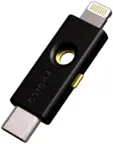
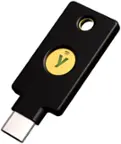
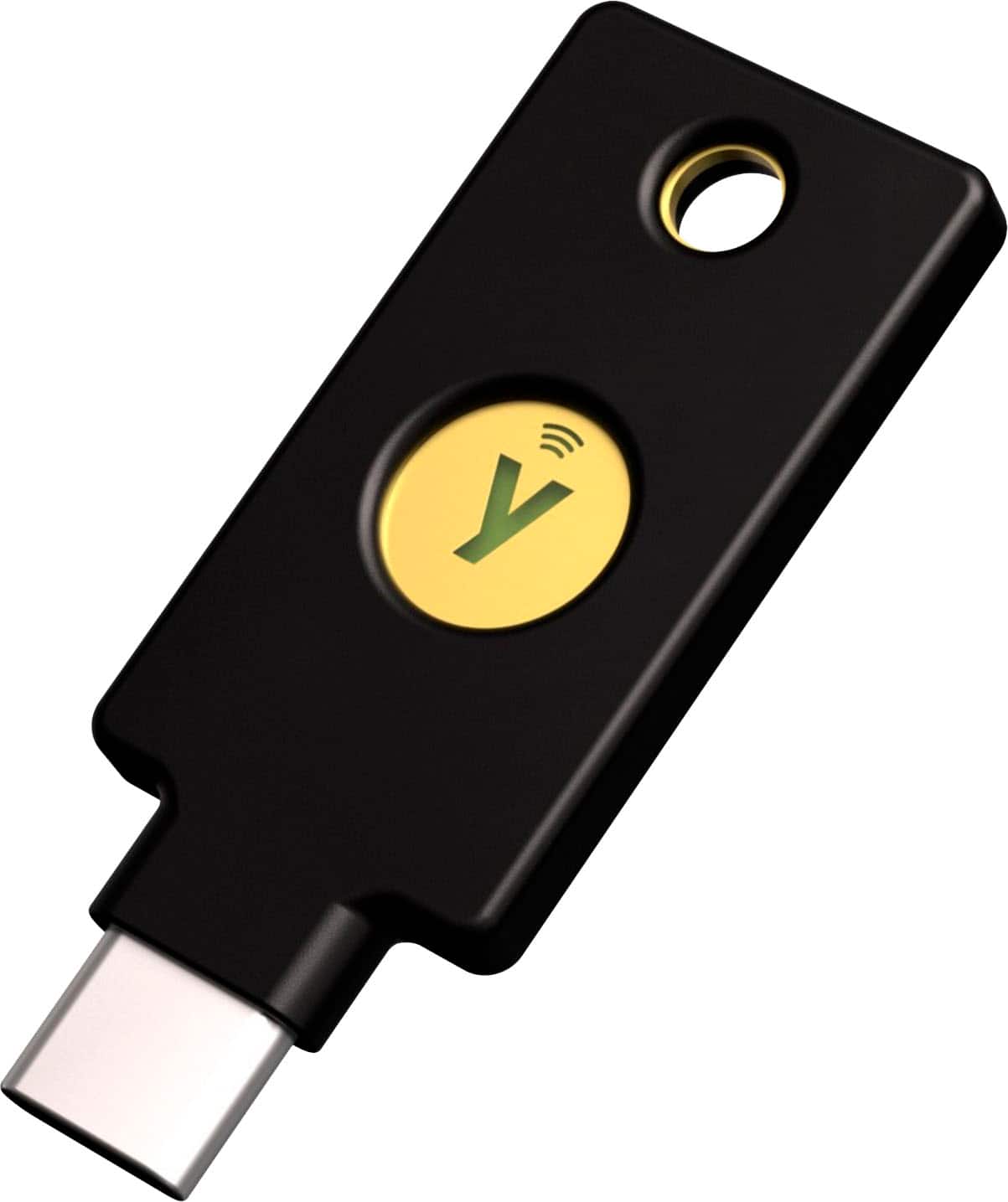
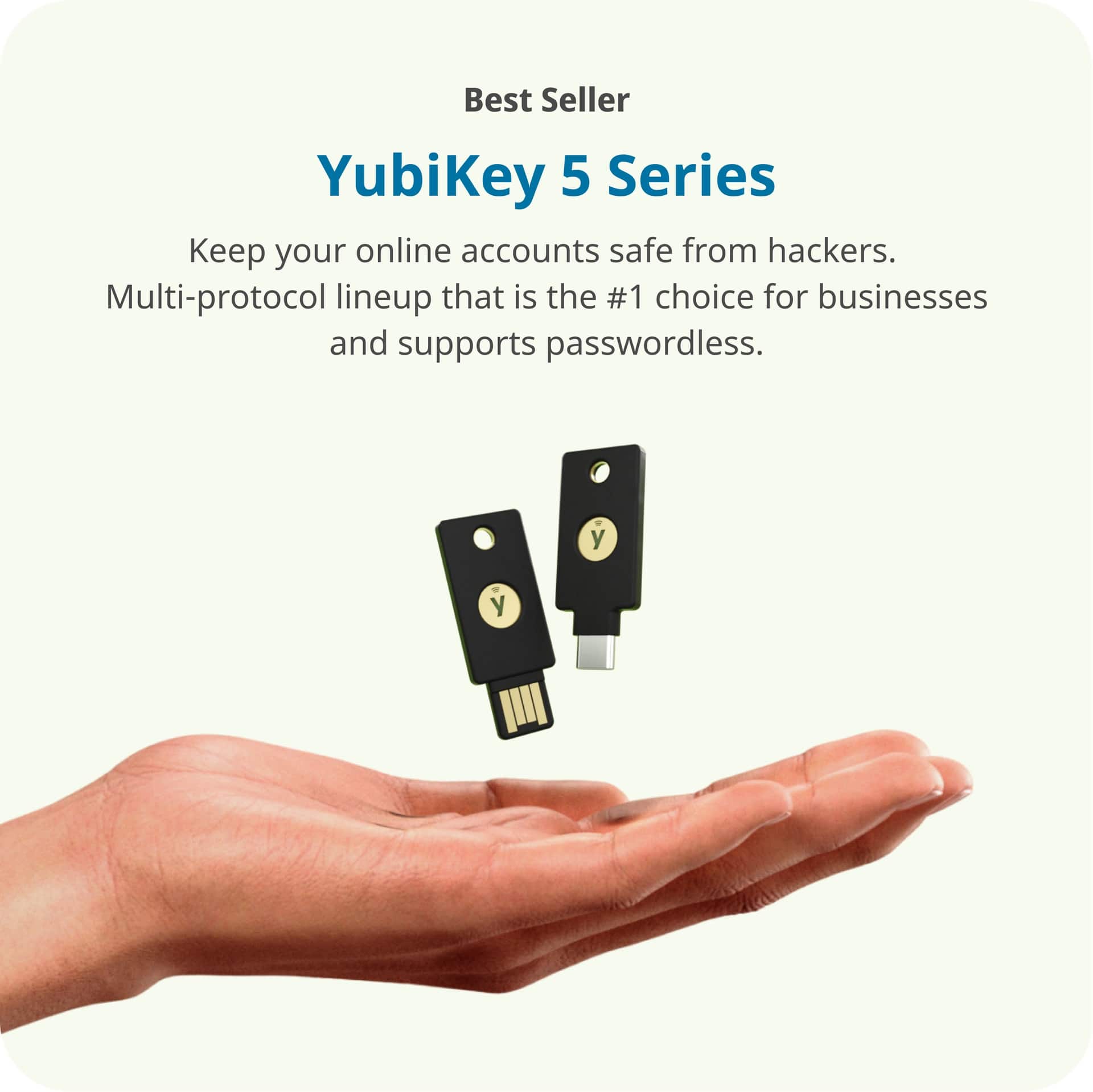
Customers often highlight the YubiKey 5C NFC's ease of use and overall performance in enhancing online security. The device's security features are praised for improving digital safety, while its connectivity and compatibility with both USB-C and NFC are also appreciated. Finally, the compact size of the key is a plus for users who want to carry it conveniently.
This summary was generated by AI based on customer reviews.
- Pros mentioned:Compatibility, Connectivity, Ease of use

Super handy!
|Posted .This reviewer received promo considerations or sweepstakes entry for writing a review.I've been wanting to try a device like this for some time now. With internet thieves working overtime to steal any information they can get, an extra layer of security never hurts. The YubiKey 5C NFC is incredibly small. Smaller than your average house or car key. This is good and bad. Great for carrying it around, bad because it could be easy to lose. In fact, during the set up process it is recommended to set up two YubiKey's at the same time so as to have a backup. I haven't done this, but I can see why it would be a good idea. The YubiKey 5C NFC works very well. Being able to use it as an NFC device or being able to use USB-C is great. There are a ton of compatibility. It has been really thought out in this regards. Once you have it connected to whatever it is you are securing, it works just fine and gives a great piece of mind that you have the added security. So why not give it 5 stars? Well, it can be a bit troublesome to set up. I don't really blame this on the YubiKey itself. It is really more of an issue with there being so many different websites you will want to connect it to and each has it's own set of protocols. Most are easy to set up, others not so much. If you are a very tech savvy person (or better yet an I.T. person) you shouldn't have much trouble. But for the average home user it might feel overwhelming. But don't get me wrong, the extra piece of mind is worth the hassle.
I would recommend this to a friend You were right!
||Posted .This reviewer received promo considerations or sweepstakes entry for writing a review.I should have bought the second one! I'll be back.
I would recommend this to a friendMFA
||Posted . Owned for 1 week when reviewed.This reviewer received promo considerations or sweepstakes entry for writing a review.Excellent MFA device, the app is simple and effective
I would recommend this to a friendWorks ok
||Posted . Owned for 1 week when reviewed.This reviewer received promo considerations or sweepstakes entry for writing a review.Works ok for the most part, people are still able to bypass and hack my phone
No, I would not recommend this to a friendNice product
||Posted . Owned for 1 week when reviewed.This reviewer received promo considerations or sweepstakes entry for writing a review.It’s a nice device to keep secure your authenticity
I would recommend this to a friendAwesome!
||Posted . Owned for 3 weeks when reviewed.This reviewer received promo considerations or sweepstakes entry for writing a review.Privacy! If you don't have one, two, or even three, it's never too late!
I would recommend this to a friendLacking User Friendly Features
||Posted . Owned for 1 month when reviewed.This reviewer received promo considerations or sweepstakes entry for writing a review.Very difficult to figure out how to use. Its a good idea, however they aren't very user friendly.
No, I would not recommend this to a friendBrand response from Yubico Official Support
Posted .We appreciate your feedback! For instructions on setting up your key, please see our page here, https://www.yubico.com/setup/
If further guidance is needed, please don't hesitate to reach out to our Support team! support.yubico.com/hc/en-us/requests/new
Digital security
||Posted . Owned for 1 week when reviewed.This reviewer received promo considerations or sweepstakes entry for writing a review.I’ve had difficulty getting it set up with Coinbase.
No, I would not recommend this to a friendAverage
||Posted . Owned for less than 1 week when reviewed.This reviewer received promo considerations or sweepstakes entry for writing a review.Not as-friendly as I anticipated. Even the app installed, my phone and do not it a passkey. Additionally, it cannot be used to sign into a Windows PC.
No, I would not recommend this to a friend- Pros mentioned:Compatibility, Ease of use, Overall performance
The perfect hardware security key for consumers
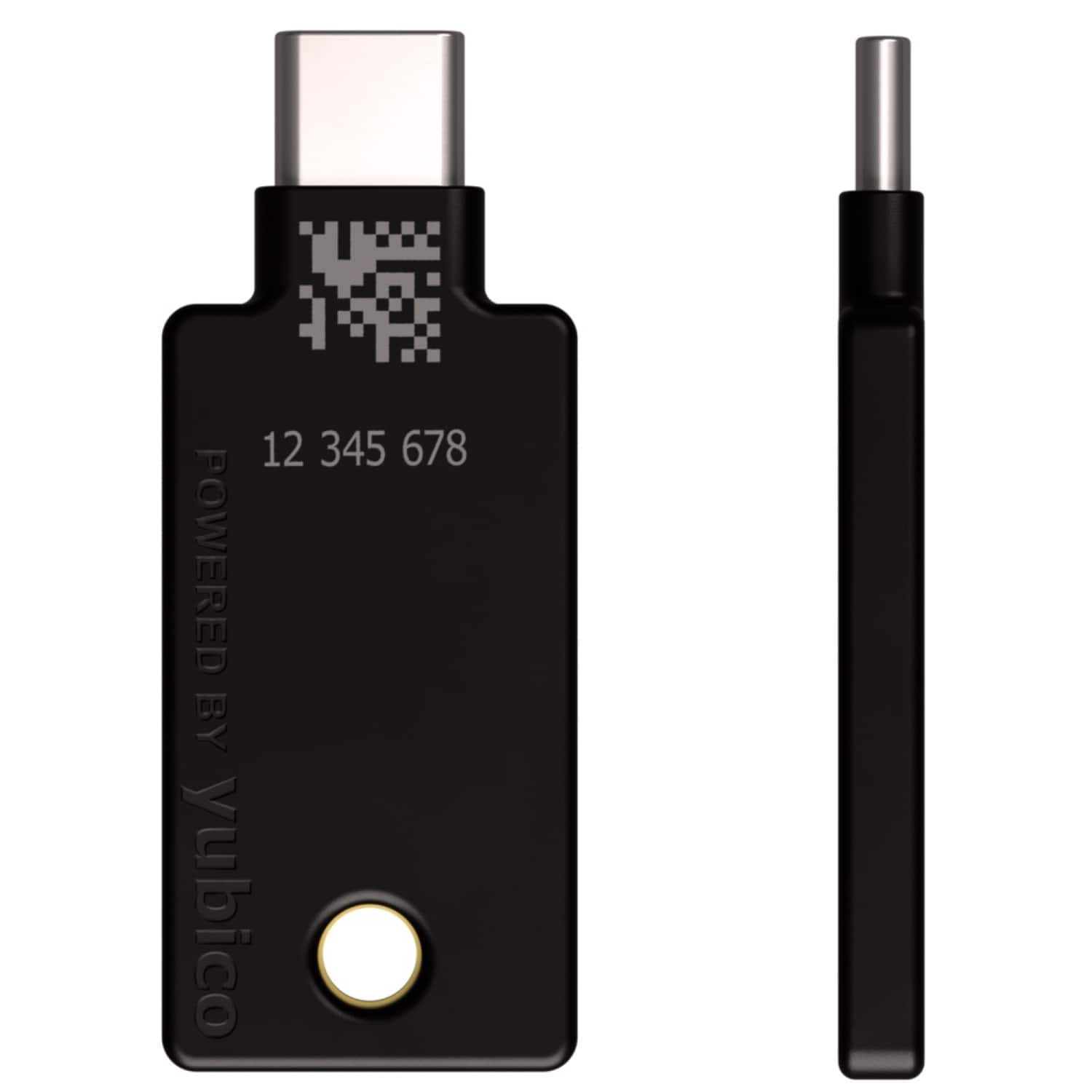
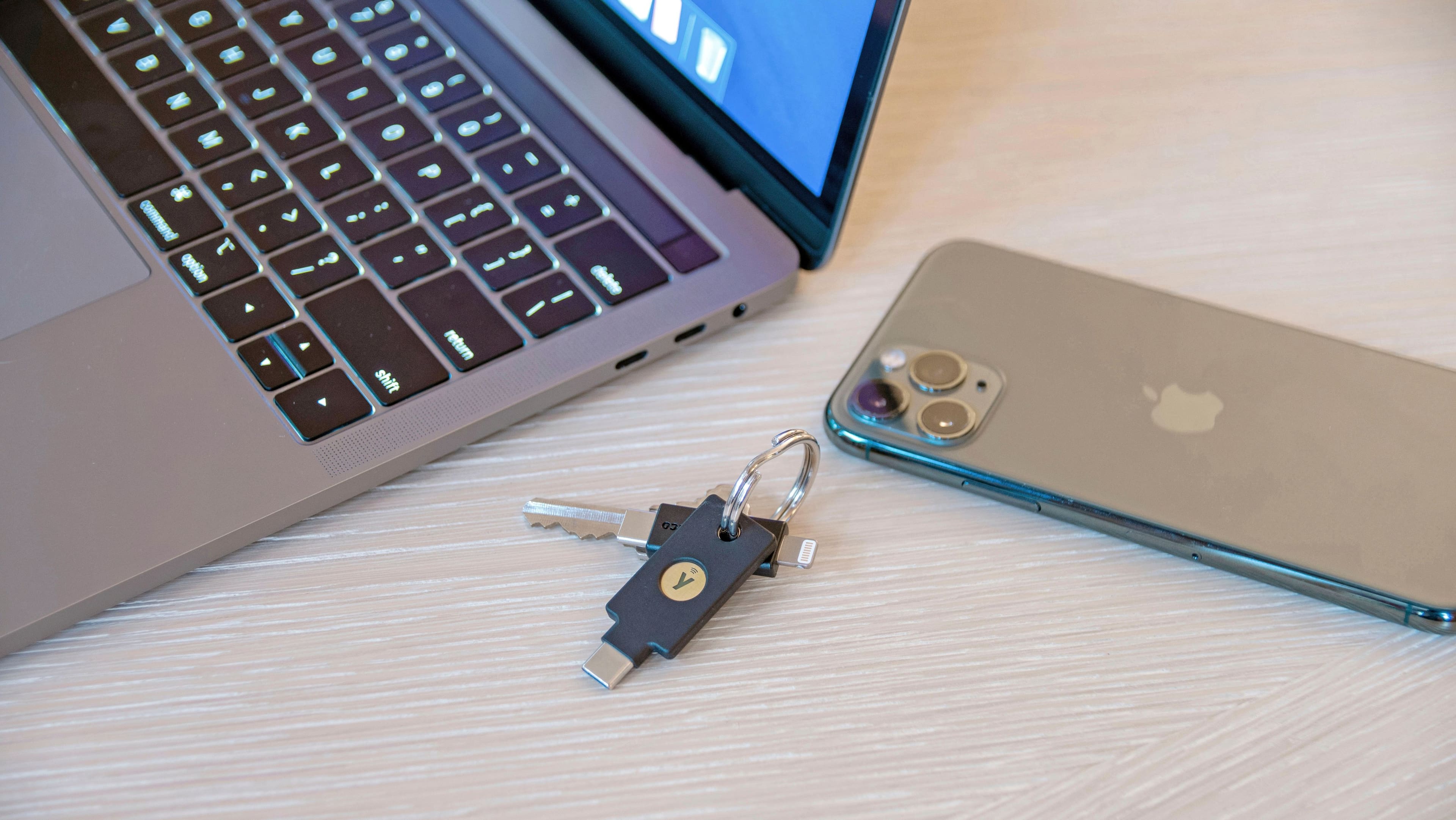
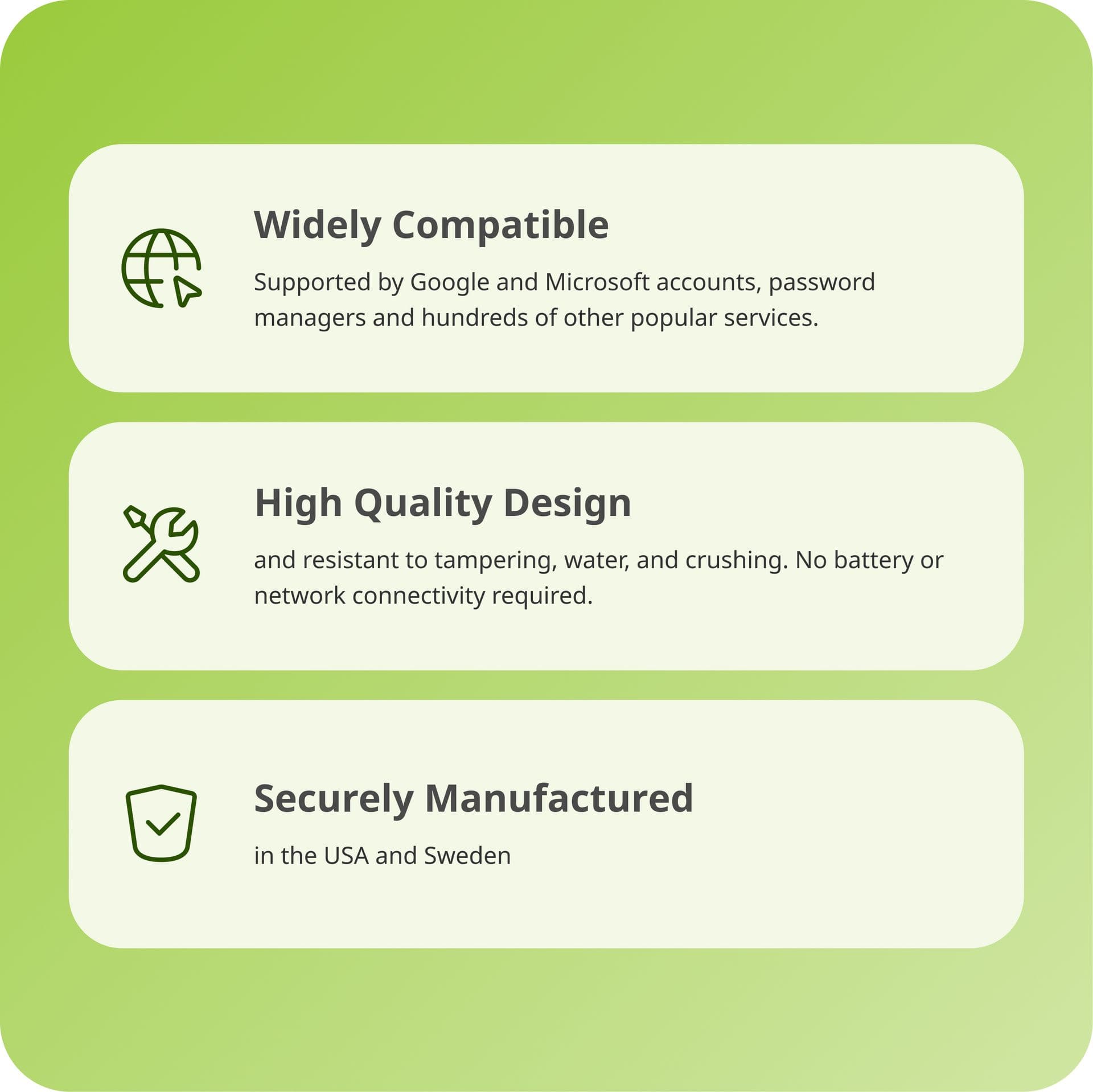
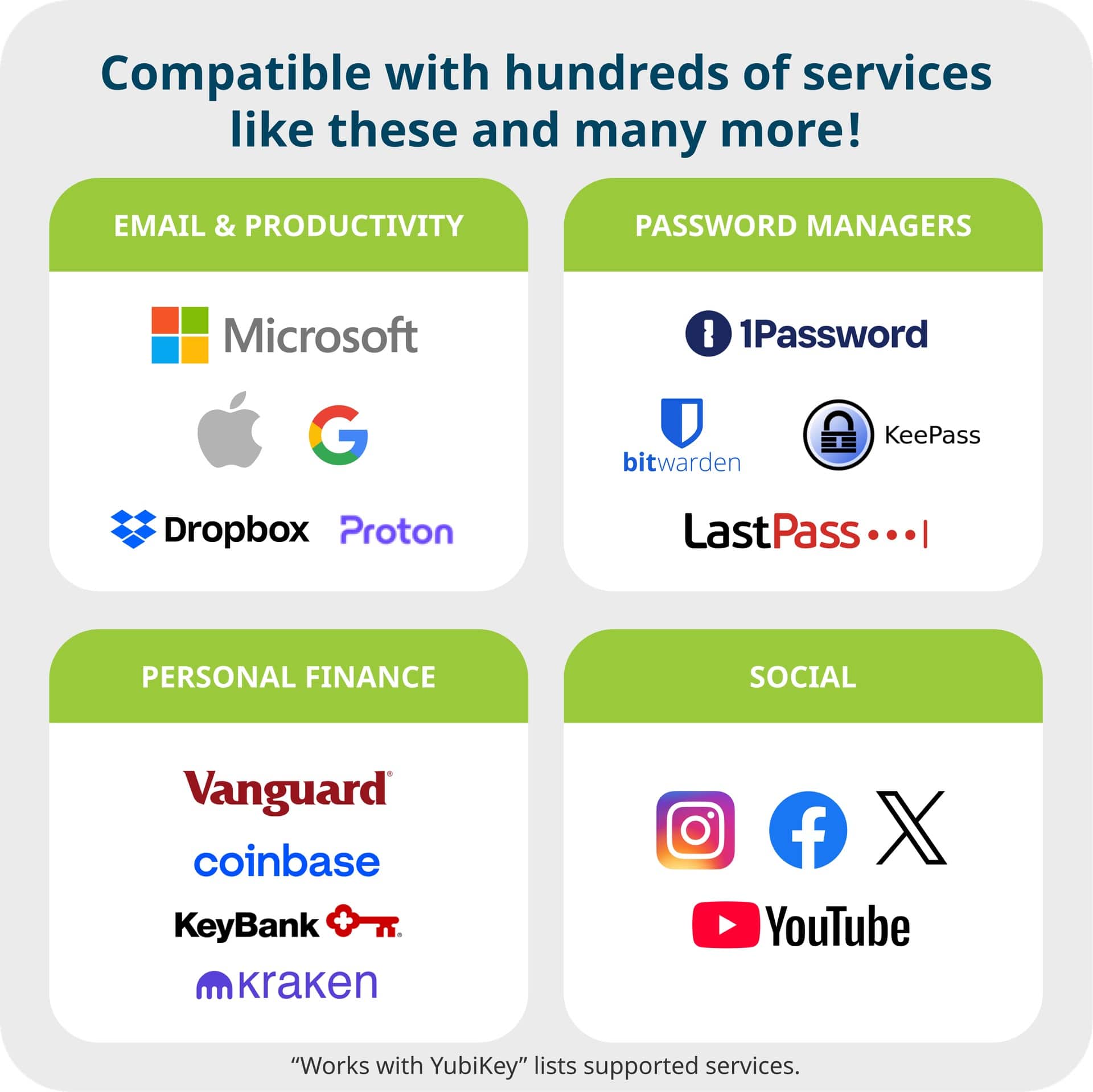
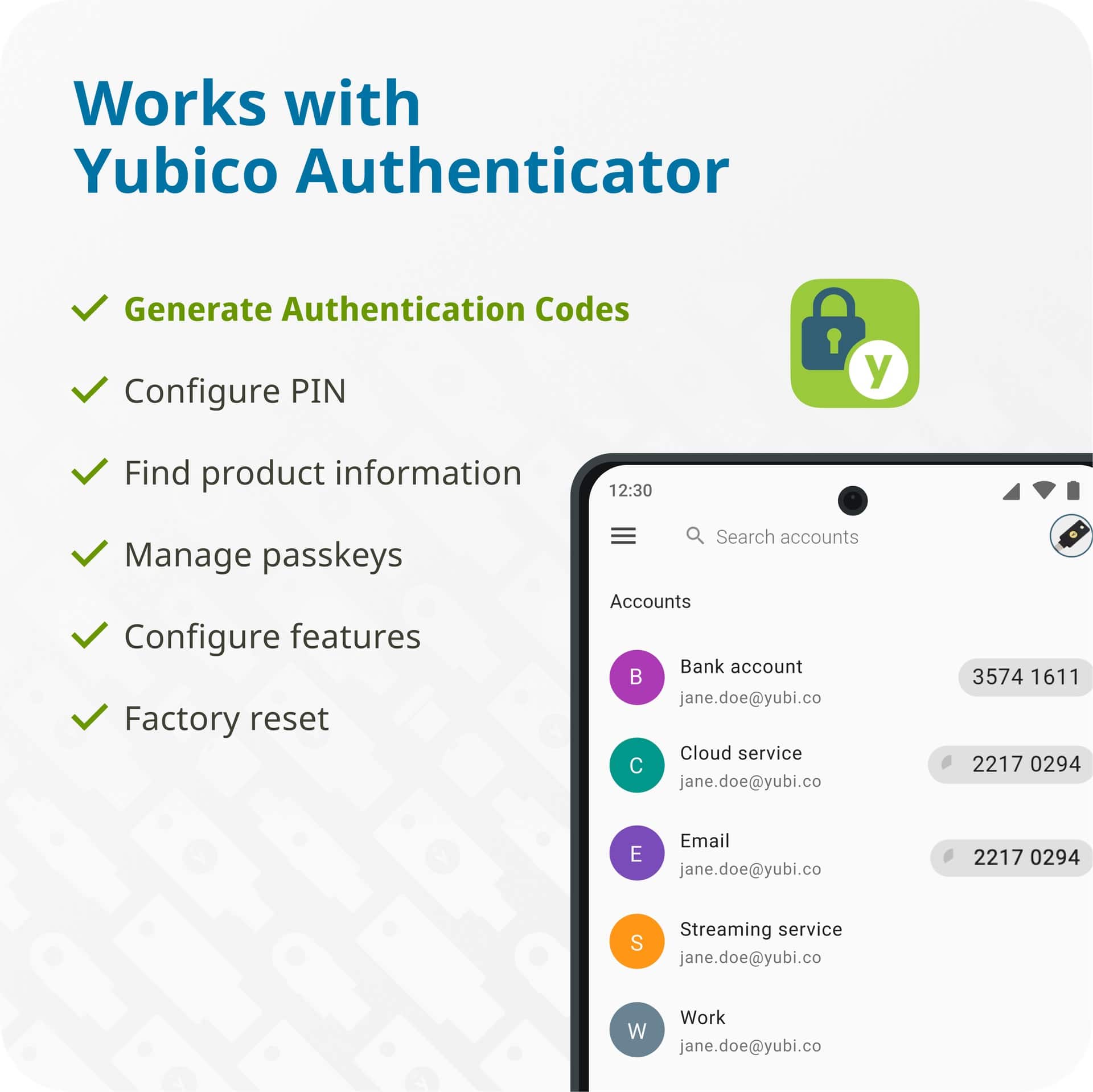
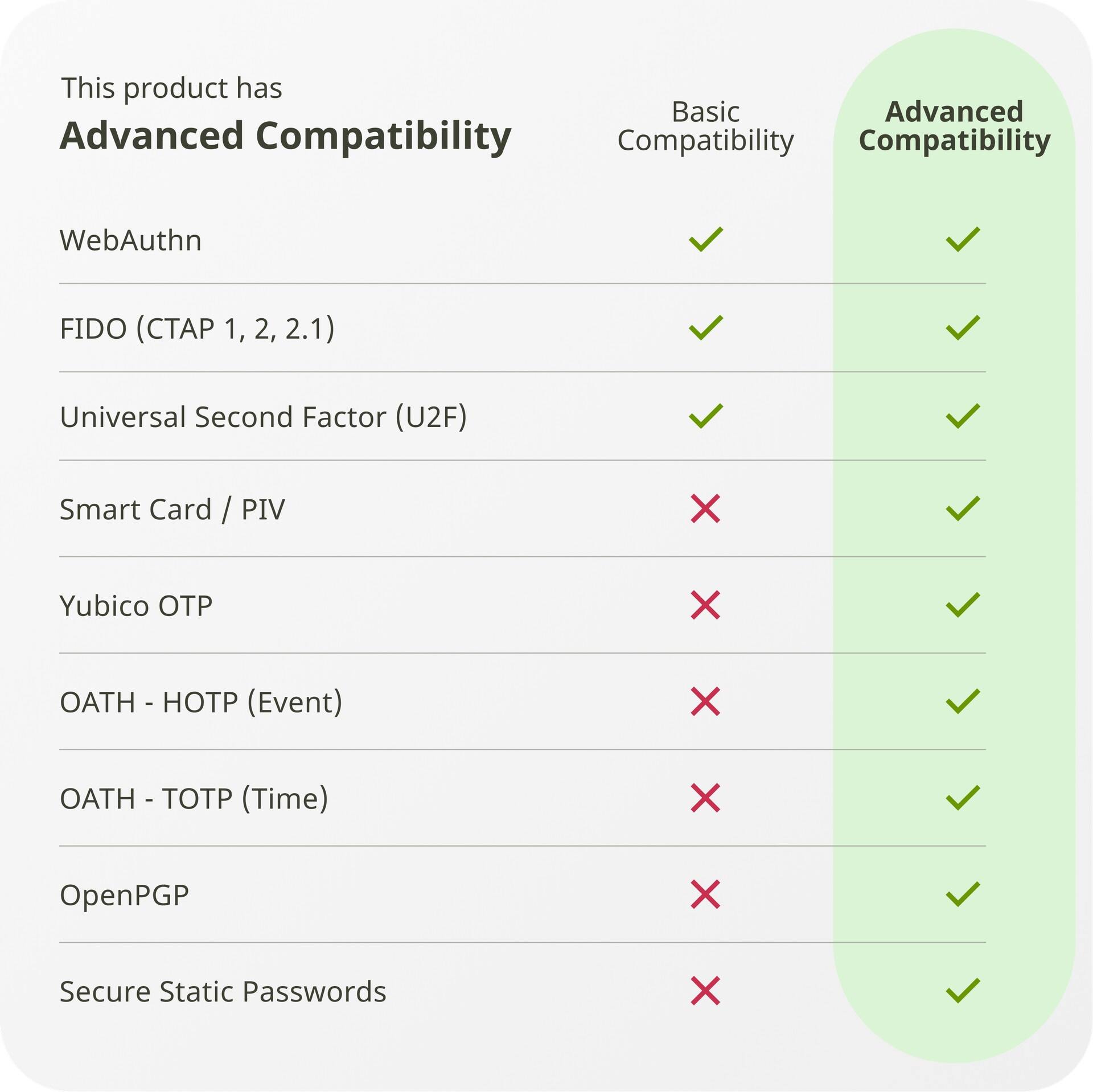
|Posted .This reviewer received promo considerations or sweepstakes entry for writing a review.The requirements for a hardware-based security key are simple: it needs to be secure, it should be easy to set up and use, it should be well-built, and finally it should be convenient. And the Yubikey 5C NFC checks all the boxes. In terms of security, it supports all the latest cryptographic standards out there. Not being a security expert, I rely on information from other experts and websites, and from what I could understand the Yubikey 5C seems to have no issues at the moment. One really good aspect of Yubikey is that it supports most of the systems out there: WebAuthn, FIDO2 Universal 2nd Factor, Smart card (PIV-compatible), Yubico OTP, OATH – HOTP/TOTP, OpenPGP, and Secure Static Passwords. What it means is most of the webservices I commonly use everyday are covered by one protocol or the other (especially since most services support WebAuthn, FIDO2 or OATH. Also, Yubikey provides specific set up guides for a lot of services, and I haven’t found one that is missing for me (YMMV). And using it is just a charm - for my PC I use the USB-C connector, and for my Android smartphone I use the NFC (with the fall-back to USB-C if needed). This makes the key extremely useful and versatile, making security convenient without being a roadblock. The make is durable - it is IP68 rated so it’s water and dust resistant. It didn’t feel flimsy and I was comfortable enough to keep it with my keychain - no need for babying. A convenient hole makes adding a loop-insert easy. The Yubikey 5C NFC is a true universal device and supports Windows, macOS, ChromeOS and Linux. As for services, a “work with Yubikey” page guides all the supported platforms. There 2 accompanying apps that can work with the 5C NFC - the Yubico authenticator app which is a multi-platform authenticator app (surprisingly supporting Windows desktop - a rarity), and a Yubikey Manager that helps do some configuration stuff. In summary, I don’t think there’s any other hardware security key that’s available to consumers with such a broad array of features. It’s worth the price due to NFC capability. For security conscious user I think this is a must have.
I would recommend this to a friend Save you money and mind
||Posted . Owned for 1 month when reviewed.This reviewer received promo considerations or sweepstakes entry for writing a review.This might work elsewhere but I was attempting to use it as an easier and still safe way to access my password vault. It fails to provide any benefit. The instructions simply do not match facts on the ground Period Many wasted hours!!!
No, I would not recommend this to a friendGood product but maybe a bit pricey
||Posted . Owned for 1 week when reviewed.This reviewer received promo considerations or sweepstakes entry for writing a review.It is a good product but a bit hard to pair with ios
I would recommend this to a friendGood product
||Posted . Owned for 3 weeks when reviewed.This reviewer received promo considerations or sweepstakes entry for writing a review.Good product but doesn’t work for government certificates. Have to buy at yubico website for that.
I would recommend this to a friendDifficult to install
||Posted . Owned for 1 month when reviewed.This reviewer received promo considerations or sweepstakes entry for writing a review.Great idea especially for someone who’s been dealing with compromised account just difficult to install.
I would recommend this to a friendNo instructions
||Posted . Owned for 1 week when reviewed.This reviewer received promo considerations or sweepstakes entry for writing a review.No instructions, can’t find help on line on how to get it to work.
No, I would not recommend this to a friendperplexed
||Posted . Owned for 1 month when reviewed.This reviewer received promo considerations or sweepstakes entry for writing a review.I downloaded the instructions and was unsuccessful in figuring out how to use it. I have tried multiple times and still unsuccessful. I purchased two as that was the recommendation to have a back-up. Waste of my money.
No, I would not recommend this to a friendBreaks easily, didn't work half the time
||Posted .This reviewer received promo considerations or sweepstakes entry for writing a review.It's easy to set up bit of didn't work half the time. It bent pretty easily and now I'm locked out of all my accounts.
No, I would not recommend this to a friendBrand response from Yubico Official Support
Posted .Hi Daniel,
We're sorry to hear about your experience here! To have our Support team look into this further, please contact us directly, support.yubico.com/hc/en-us/requests/new. We'll be on the lookout!
- Pros mentioned:Connectivity, Ease of use, Security
The Best Security With Just a Little Effort
|Posted .This reviewer received promo considerations or sweepstakes entry for writing a review.You may have noticed that many sites and Internet apps now support Passkeys. Many are starting to encourage/prompt for their use more and more. The reason is security. The YubiKey 5C NFC provides a physical layer of security that is much harder to compromise than traditional passwords or Instant Message type two-factor authentication. Phishing attacks will fail since a hacker will not have the required passkey to gain access. Passkeys are your accounts best defense these days. The sooner you can start using them, the safer your accounts containing data, money, and credit become. If you have never used a passkey before, there is a bit of a learning curve. There is no documentation that comes with the key. But manuals and videos are available on the Yubico web site. You will find some guides to get started including Best Practices Guide that is useful. There are also helpful videos. Each service is a bit different in how you enroll a key, and how many keys you can have. The Yubico web site has directions and/or videos on registering and using the Yubico Key on every site and app I use. Like most things, after you do one or two it becomes easier. If you are using a Mac PC, you will need two Yubico Keys to get started. This is force you to have a backup, so you don’t get locked out. It’s a good step regardless of your platform, you should always have at least two keys, a primary and a backup you can access easily if needed. I bought a third to place one in my bank safe deposit box for a secure off-site backup in case something ever happens to my home. The Yubico key is thin and very light, easy to carry on your keyring. You may need to use a thin intermediate ring as the hole on the 5FC is very small. The USB end is open with no cover included. Sand, dirt, pocket lint and other debris can easily find their way in the plug end. Silicone and plastic covers can be found easy enough, and I bought some. But these are bound to work off in a pocket or otherwise get lost, so get some extra ones. It would be nice to see Yubico make an integrated cover where the USB end is covered and protected from pocket lint and other debris but can be easily slide or rotate out when needed. There are several USB thumb drives that do this. The YubiKey 5C NFC’s ability to work with both USB-C and NFC means you can use it across different devices without the need to carry multiple keys or adapters. I use a Mac Boor Air, an iPhone, Windows tower, an a few Window Laptops. Going between them all is seamless. Once you authenticate with the YubiKey, your authentication is saved so you don’t need to use the hardware key each time you log in. The Yubico YubiKey 5C supports 25 accounts. If you need more than this, you could use a second set of keys. Or maybe it makes more sense to secure your most valuable accounts; banking, medical, work, shopping sites with your payment info saved, and your email accounts, especially email accounts that can be used to reset account passwords. If you want to keep access to your accounts secure, using the YubiKey to add a physical security layer that takes advantage the latest security protocols is not only easy after a small learning curve, but a wise move.
I would recommend this to a friend - Pros mentioned:Connectivity, Ease of use, Security
Easily Enhance Your Online Security
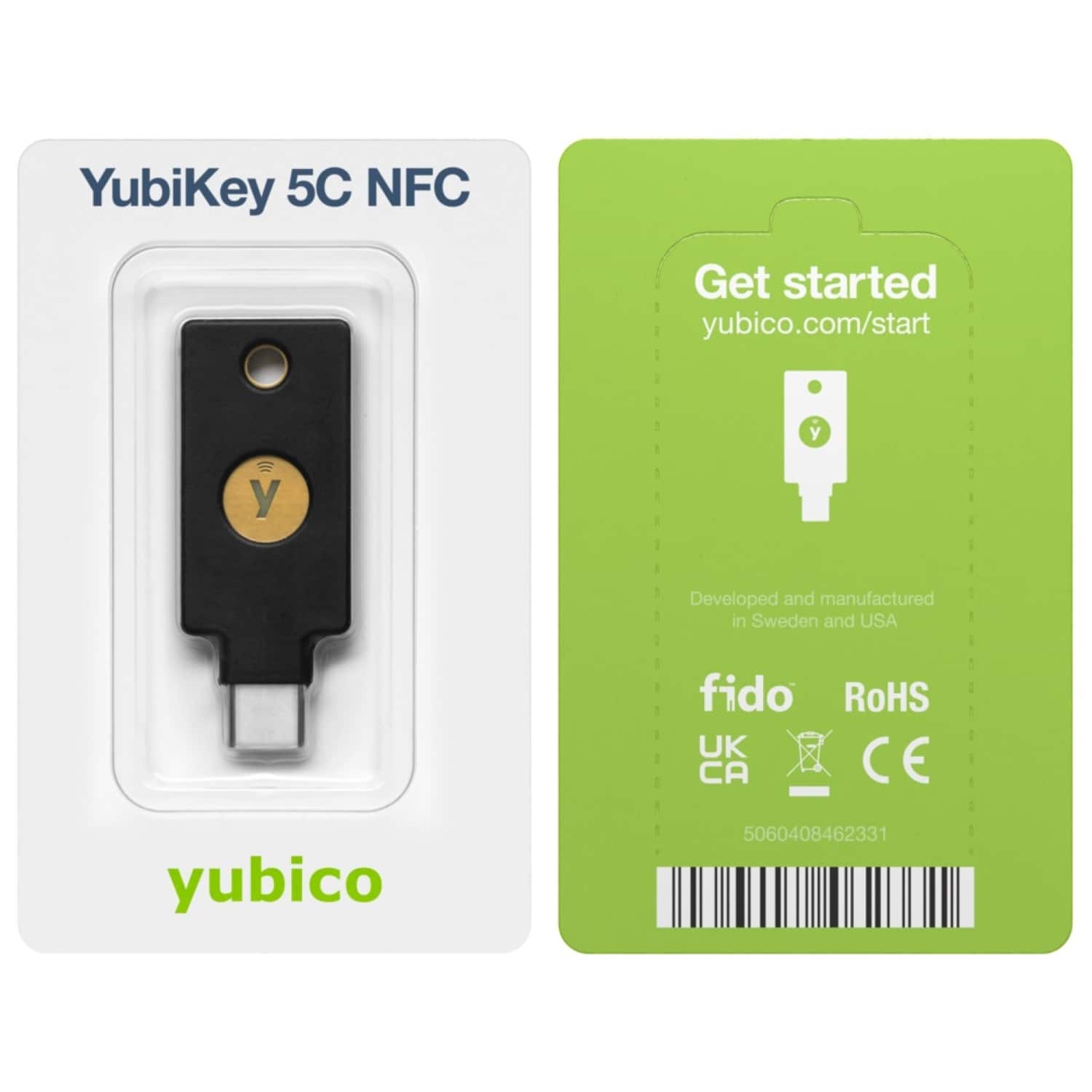
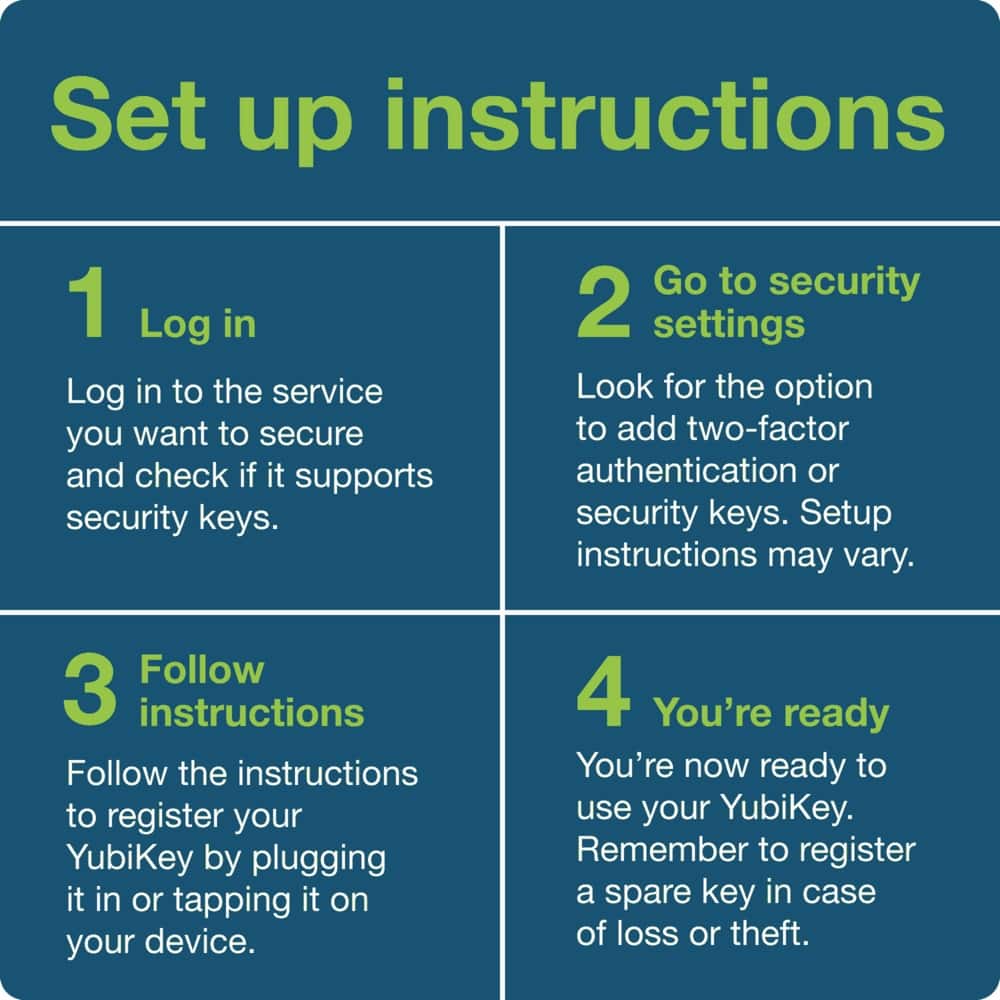
|Posted .This reviewer received promo considerations or sweepstakes entry for writing a review.Physical security keys are a great way to protect online accounts, and the YubiKey 5C NFC does the job well. This sort of thing has been around for a while in business/corporate and government settings but has really been expanding into the personal consumer market lately. By now, most of us have logged into a website using a one-time code that arrived via text, email, or was generated by an authenticator app. The idea behind the YubiKey is that instead of entering a code, you present a physical device that stores your credentials for multiple services and/or websites. One benefit to this approach is that it eliminates the possibility someone intercepts a code while it’s on its way to you. Another is that the YubiKey, when properly configured, will only present credentials to the *correct* service/website, not a fake. The “5C NFC” isn’t the smallest security key in Yubico’s lineup, but it’s still rather compact, and I found it fit nicely on my keychain. It could also attach to a lanyard. The fact that this model supports both USB-C and NFC means that I can plug it into a desktop computer or laptop or tap to use it with my mobile phone. The packaging was simple and tamper evident (need to tear it open to access the device). The only documentation was the address for a “Let’s get started” site, but that turned out to be a fantastic resource. There’s an intro video followed by a catalog of the many services that support YubiKey for authentication, each with links to step-by-step instructions. Less than 15 minutes after opening the package, I had already set up my YubiKey to work with my email service, my cloud backup provider, and most importantly (to me, at least) my password manager. Overall, I’m excited to have the YubiKey 5C NFC in my online security toolbox.
I would recommend this to a friend terrible experience
||Posted . Owned for less than 1 week when reviewed.This reviewer received promo considerations or sweepstakes entry for writing a review.best buy sent me an empty package, then scheduled pickup for a replacement, that never arrived to the store on the first day it was supposed to be there. then not for another week. still waiting for it, terrible experience.
I would recommend this to a friend